Data Engines
150 Available Generators

Knowledge
23 generators

Abstraction
33 generators
Spatiality
20 generators

Transformation
29 generators
Perception
45 generators
symbol_reordering
GitHub
Prompt
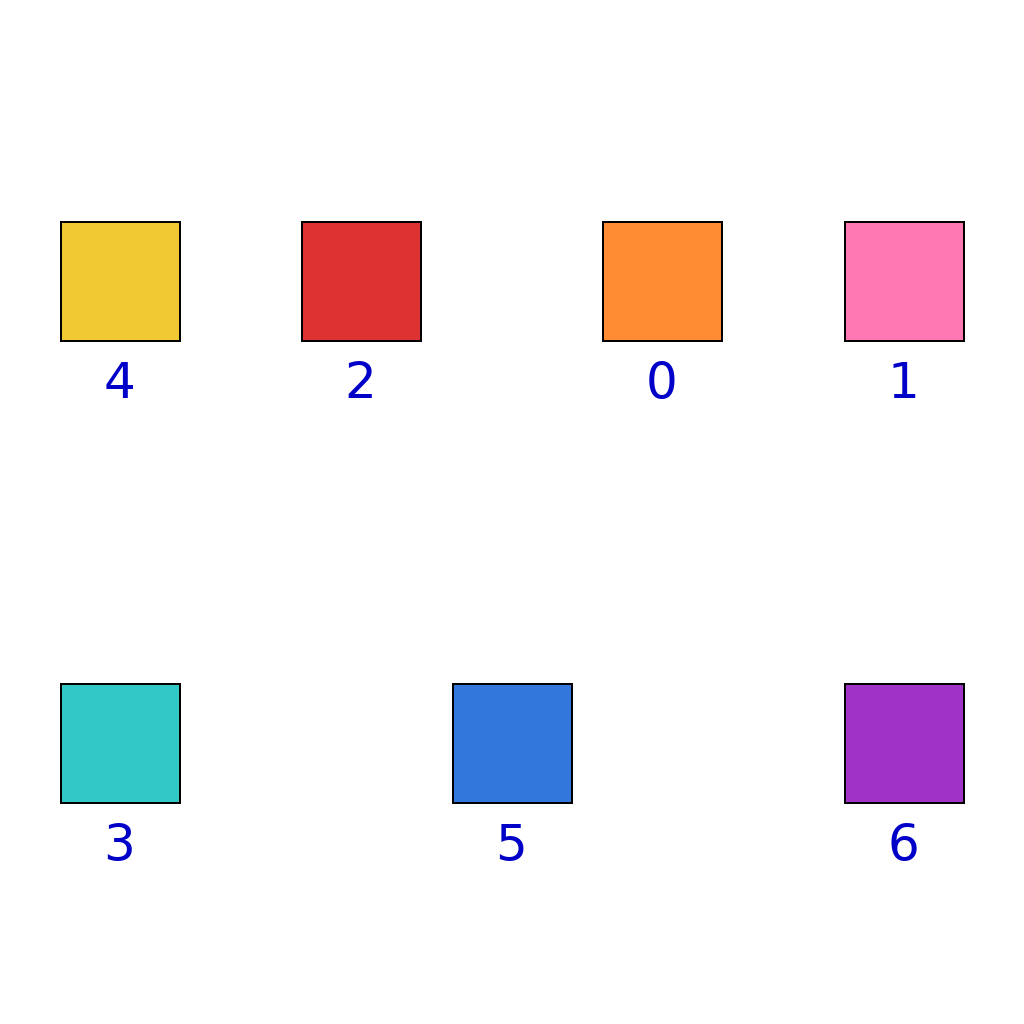
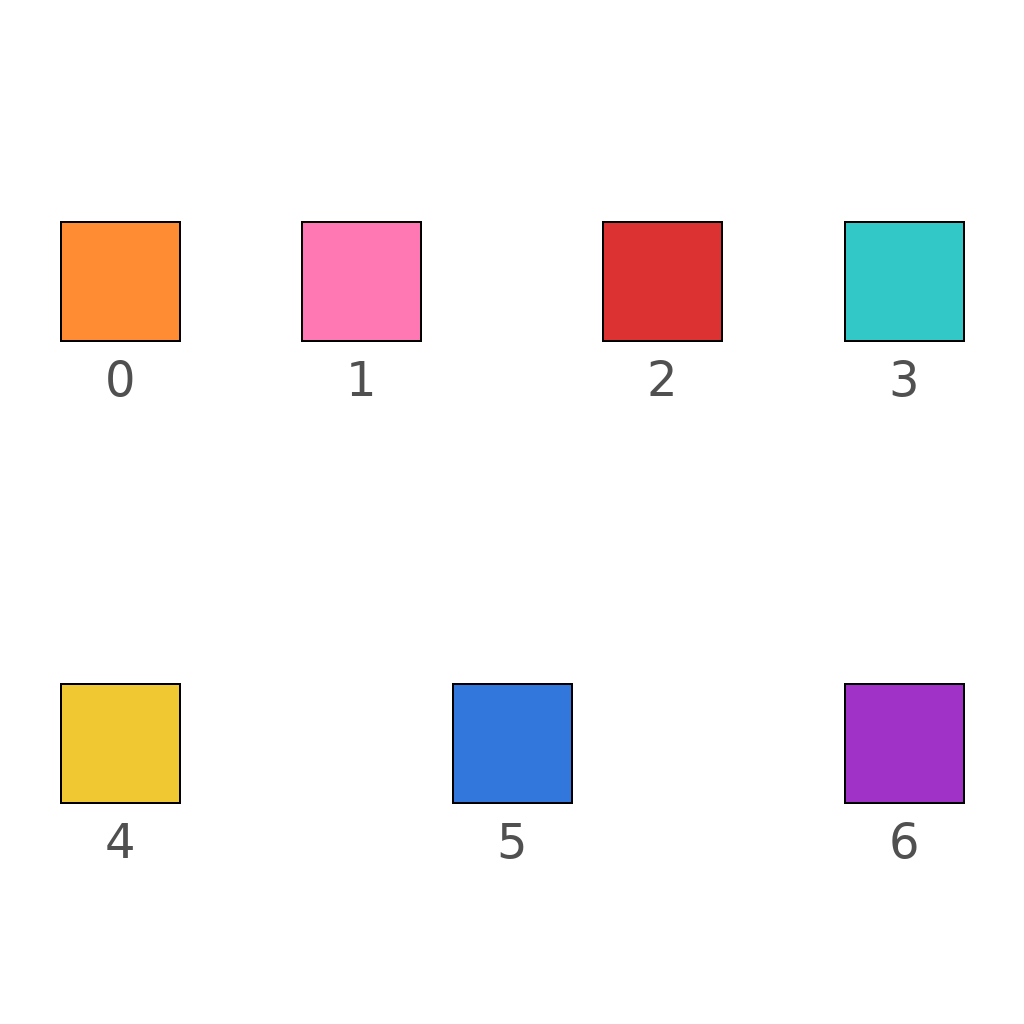
The scene shows a sequence of 7 colored squares arranged horizontally from left to right. Position labels (0 to 6) are shown below each symbol, indicating the target position where each symbol should move to. In symbol reordering tasks, each symbol must move from its current position to its target position indicated by the position label shown below it. The reordering rule is: first identify each symbol's current position in the sequence (from left to right, starting at position 0), then read the target position label below the symbol to determine where it should move, then move the symbol horizontally to that target position. Observe the initial sequence and read the position labels to determine where each symbol should move. Animate each symbol moving smoothly from its current position to its target position, ensuring all symbols reach their exact final locations as specified by the position labels.
First Frame
Last Frame
Video
ball_bounces_given_time
GitHub
Prompt
A ball is placed at the initial position with a direction arrow indicating its movement direction. Simulate the ball bouncing 5 times off the boundary walls following elastic collision physics (angle of incidence equals angle of reflection). The ball stops after the 5th bounce, with its final position at the wall where the last collision occurs.
First Frame
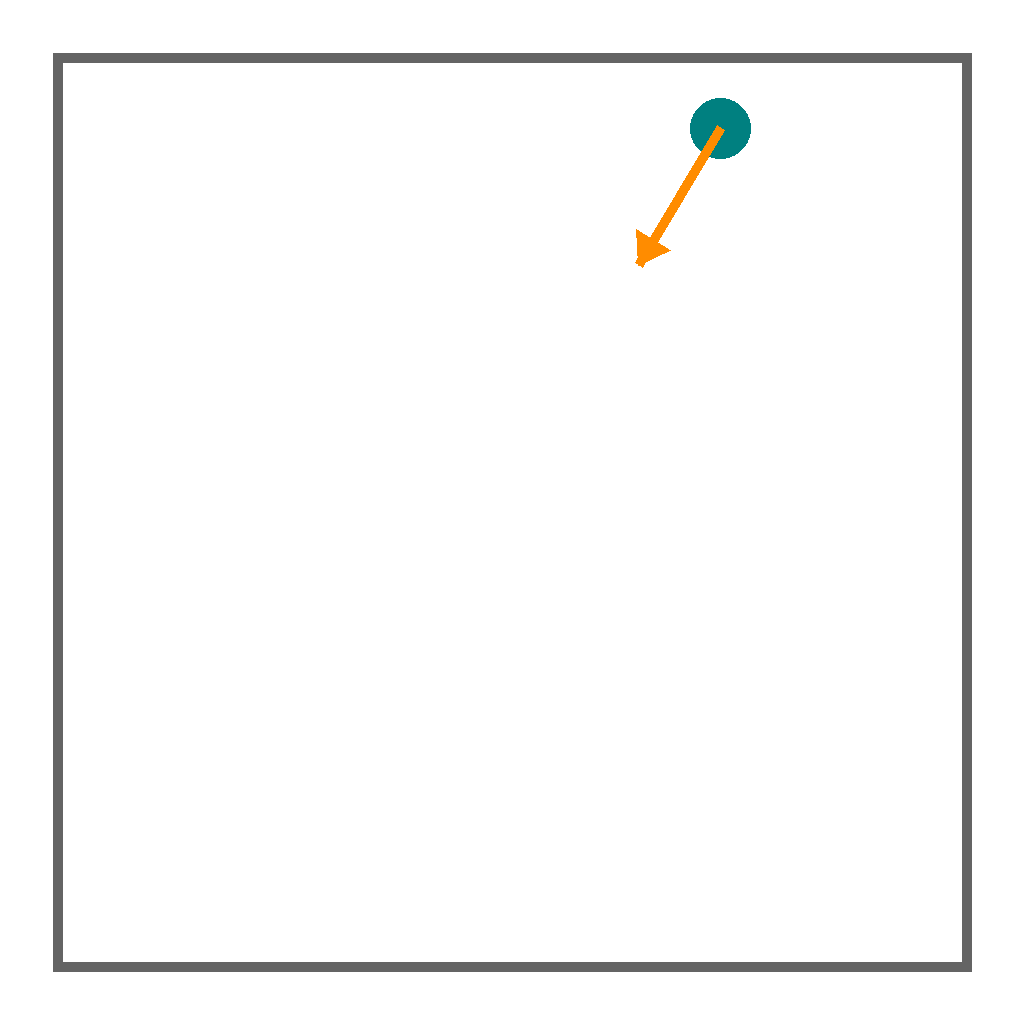
Last Frame
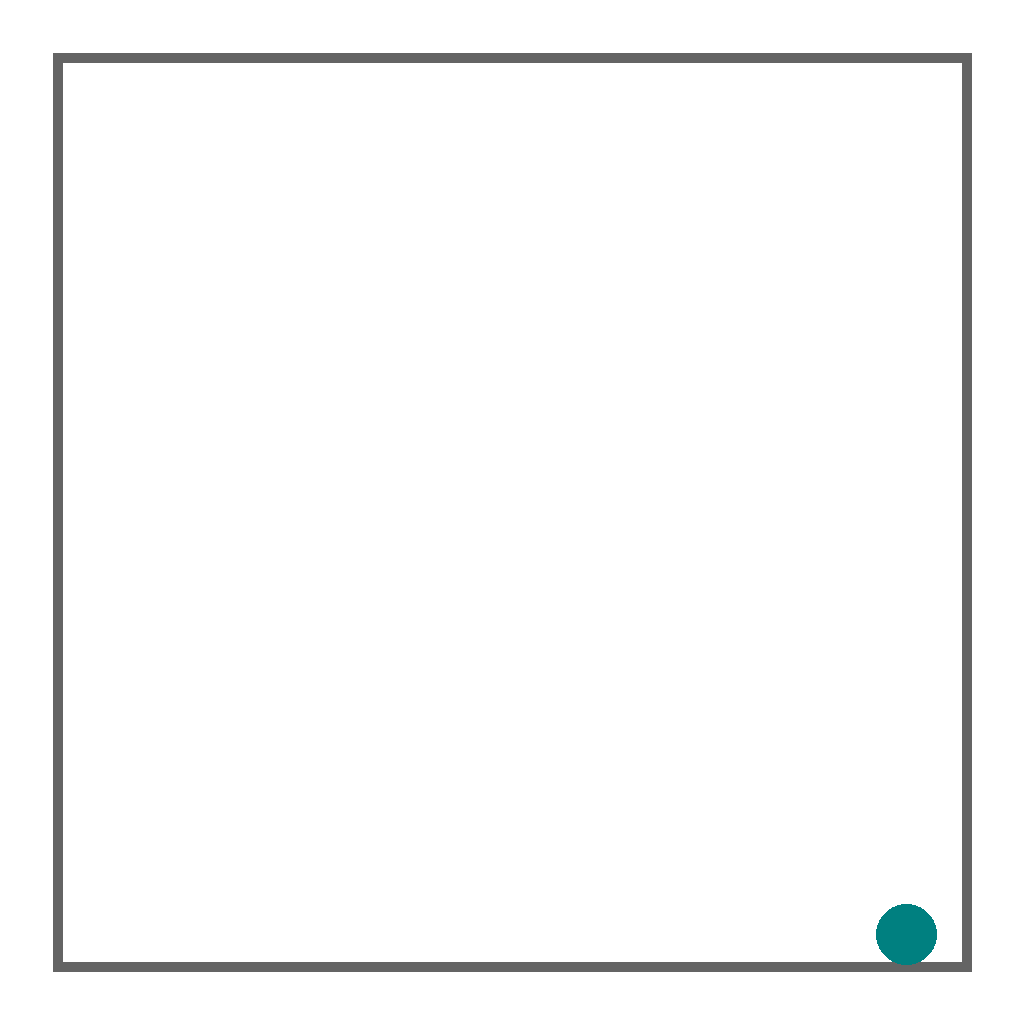
Video
glass_refraction
GitHub
Prompt
A light ray enters glass from air. The glass refractive index is 1.89, and the incident angle is 71.1 degrees. Using Snell's law, predict how the light ray refracts as it enters the glass. Draw the refracted ray from the point where the incident ray hits the glass surface, extending to the image edge. Show the complete refracted ray path inside the glass.
First Frame
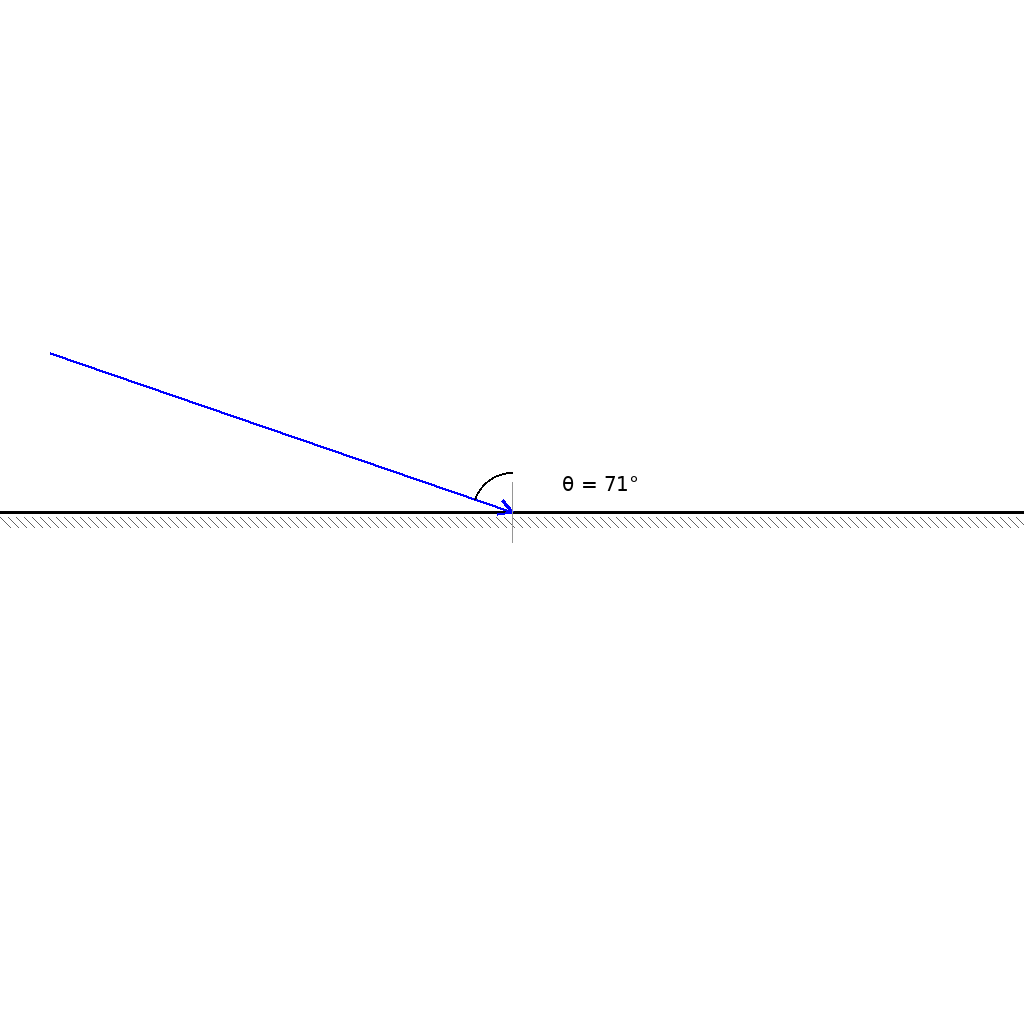
Last Frame
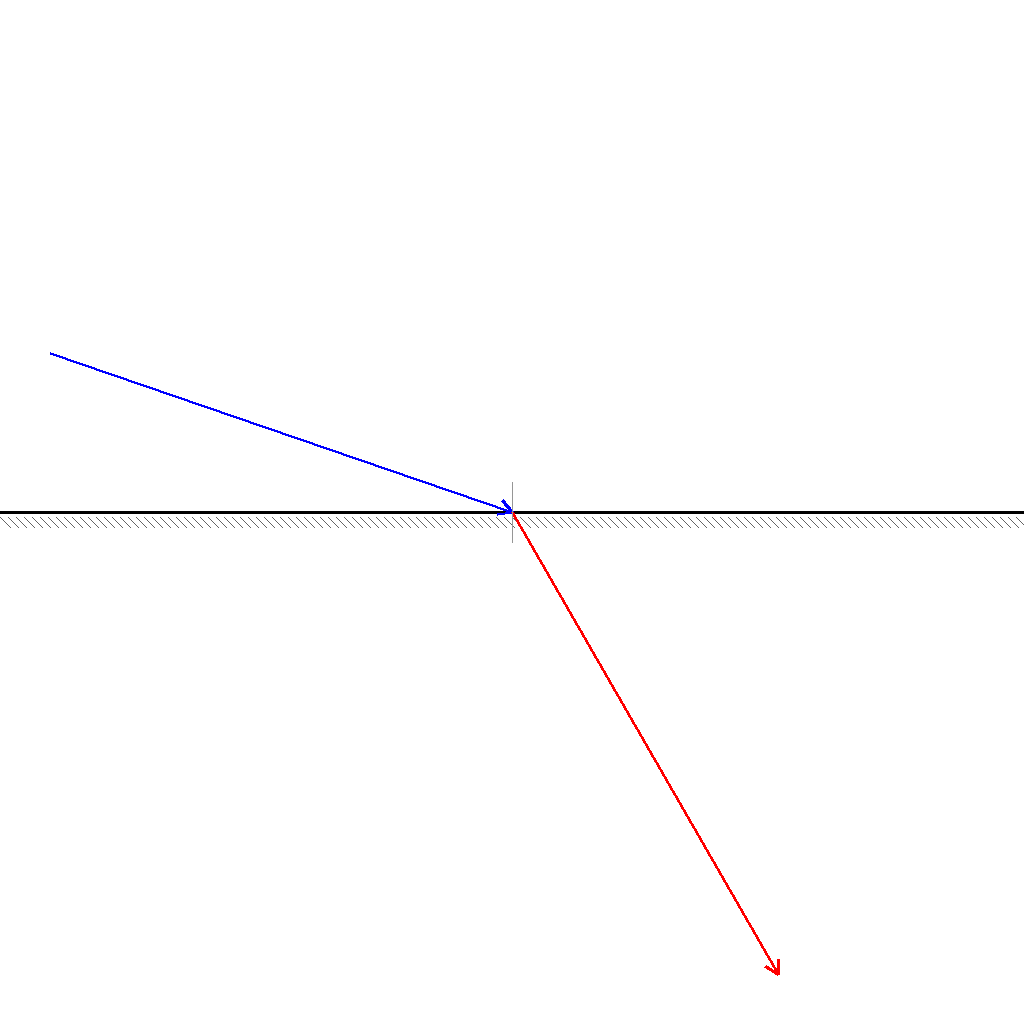
Video
mirror_reflection
GitHub
Prompt
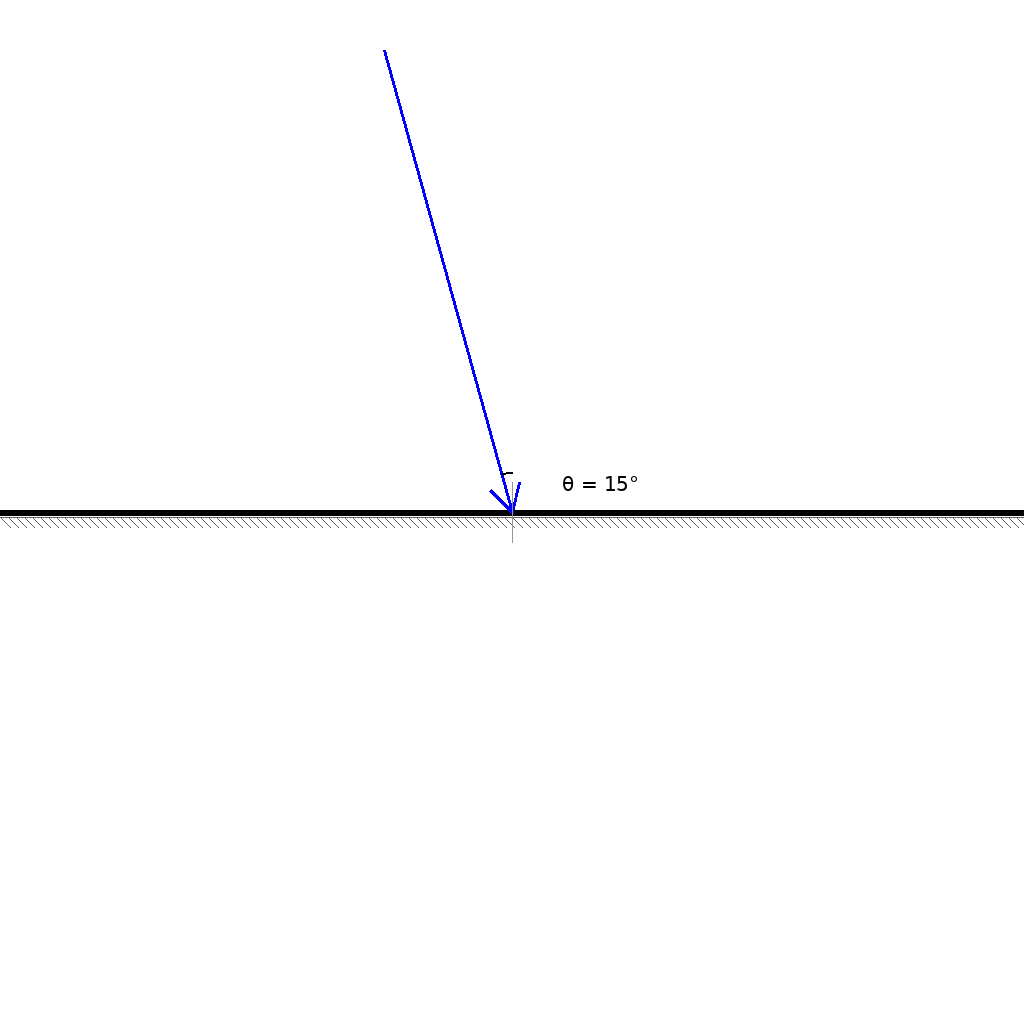
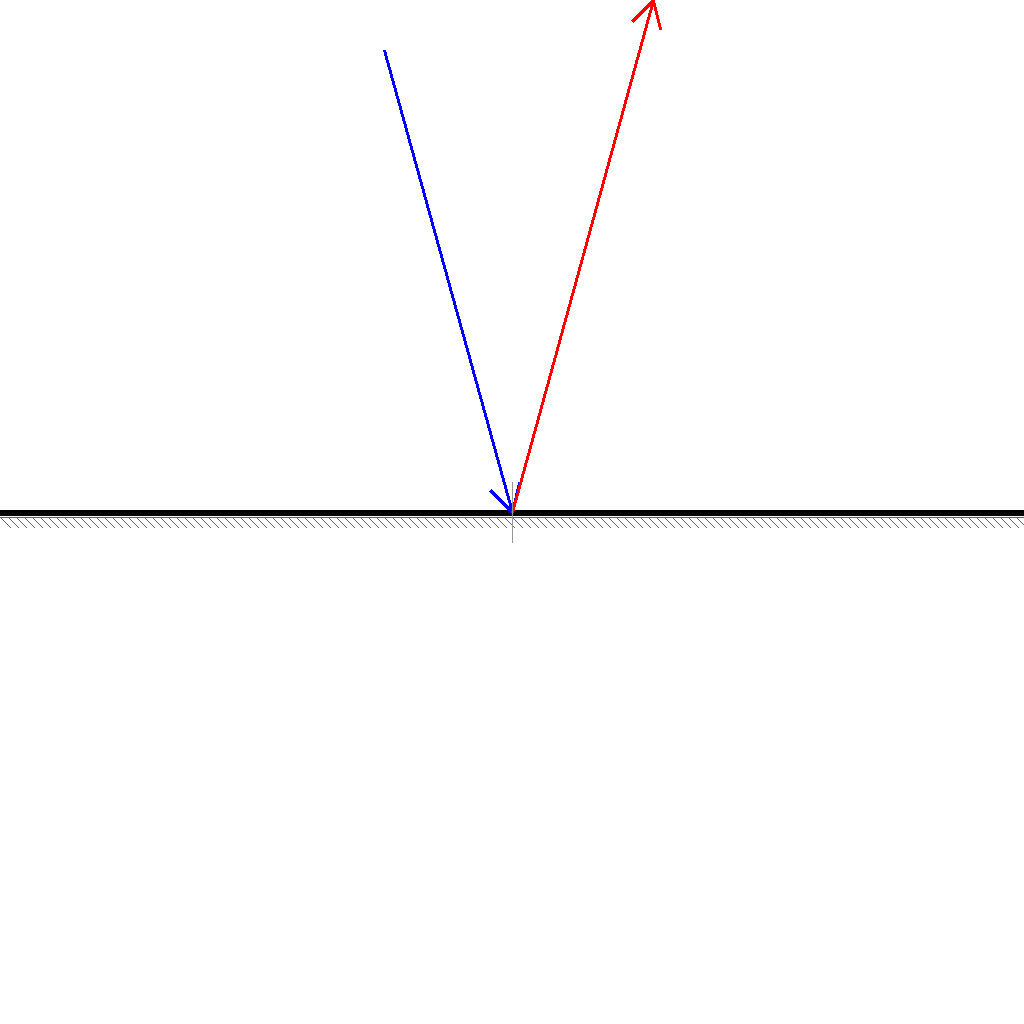
Given the mirror reflectivity = 0.34, predict the light reflection from the mirror surface. The reflected ray must extend all the way to the edge of the image.
First Frame
Last Frame
Video
domino_chain_branch_path_prediction
GitHub
Prompt
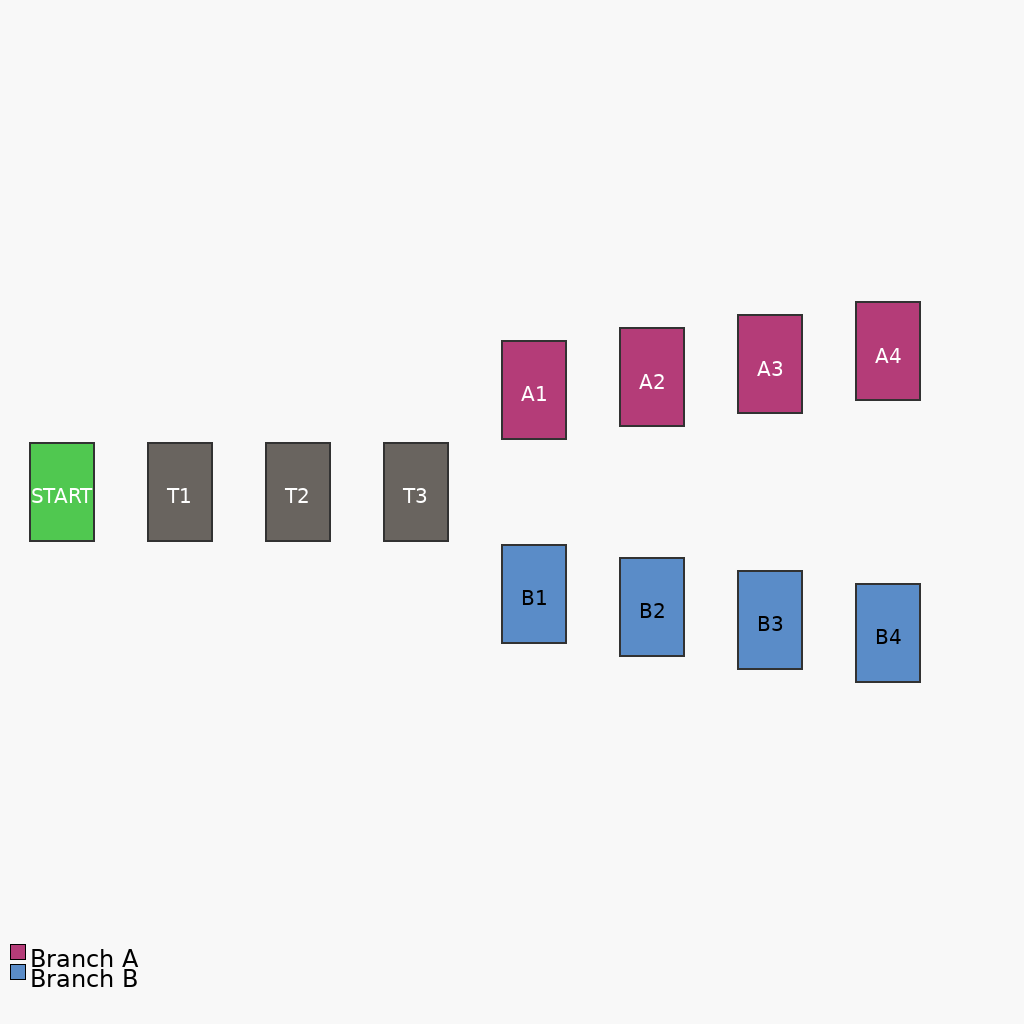
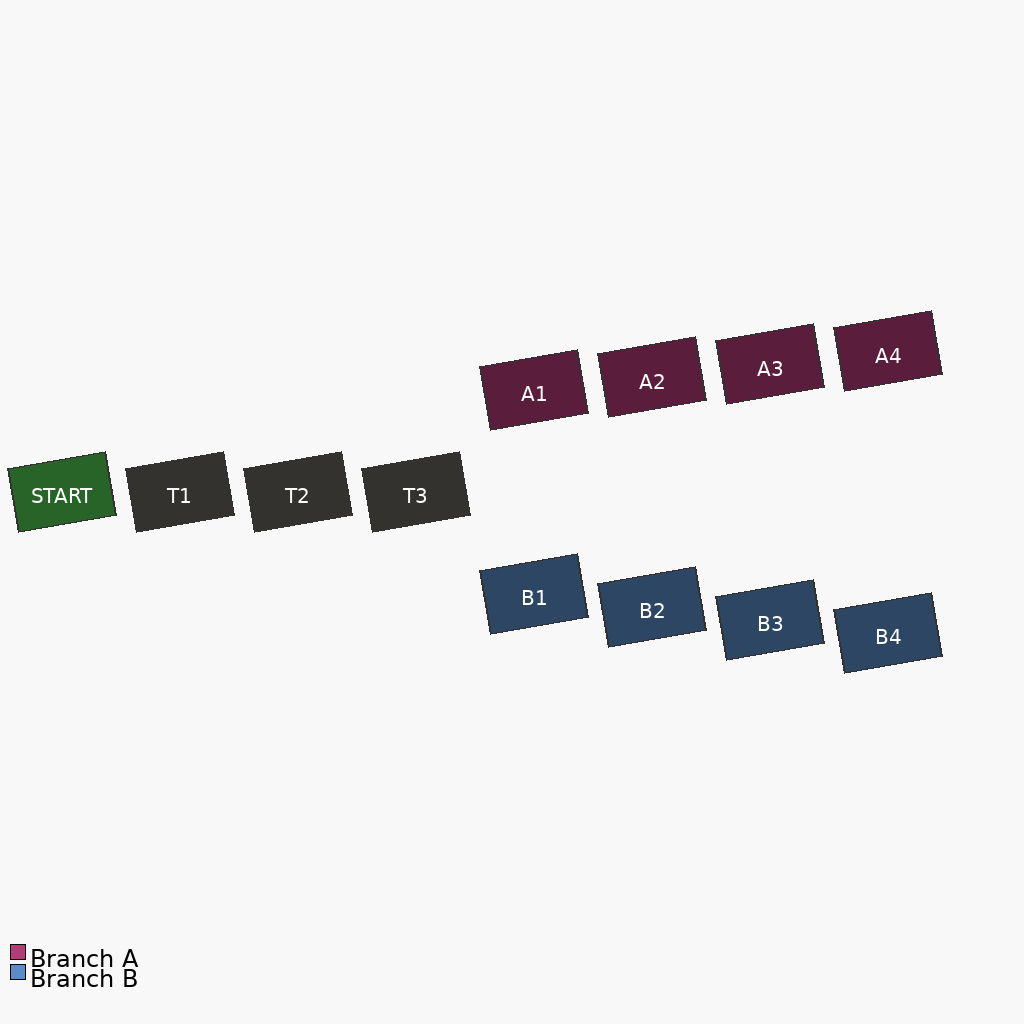
Push the green START domino to begin the chain reaction. Show the complete domino falling process. The dominos fall step by step from left to right, turning darker as they fall. The light gray trunk falls first, then splits into the red Branch A (upward) and blue Branch B (downward). Both branches complete successfully The final state shows all dominos fallen and tilted right.
First Frame
Last Frame
Video
domino_chain_gap_analysis
GitHub
Prompt
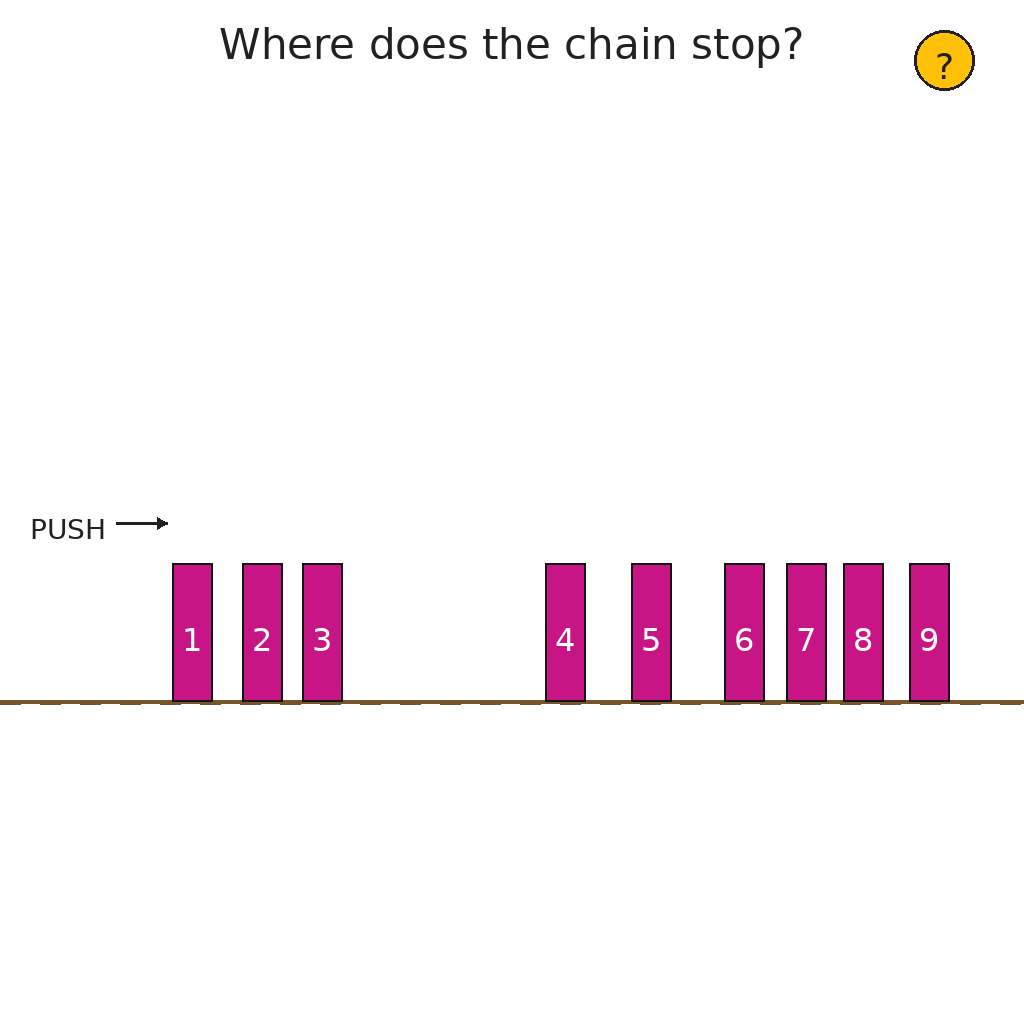
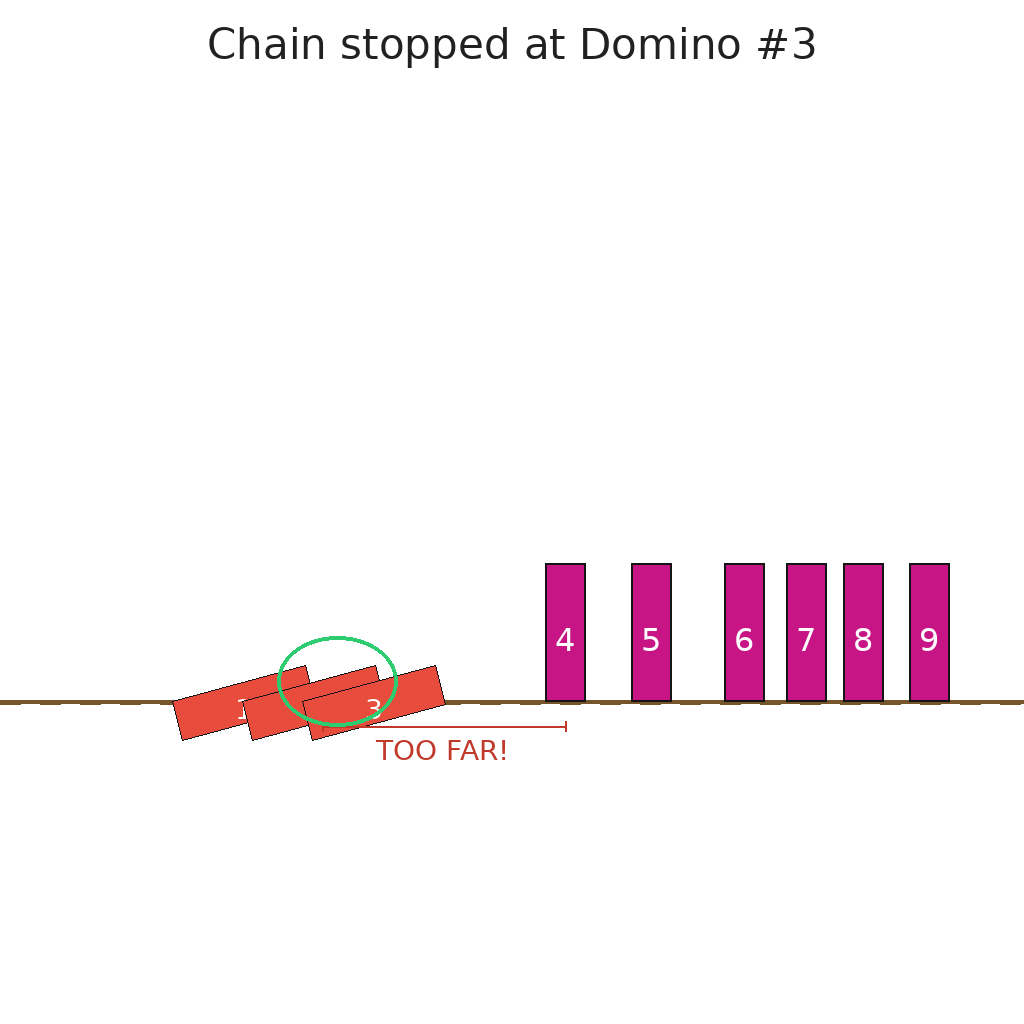
Analyze the domino chain to find which domino is the last to fall. Push the first domino and watch as each domino falls and turns red. The chain will stop when it reaches a gap that is too wide. This gap will be marked "TOO FAR!" in red. The last fallen domino will be circled in green as the answer.
First Frame
Last Frame
Video
dot_to_dot_task
GitHub
Prompt
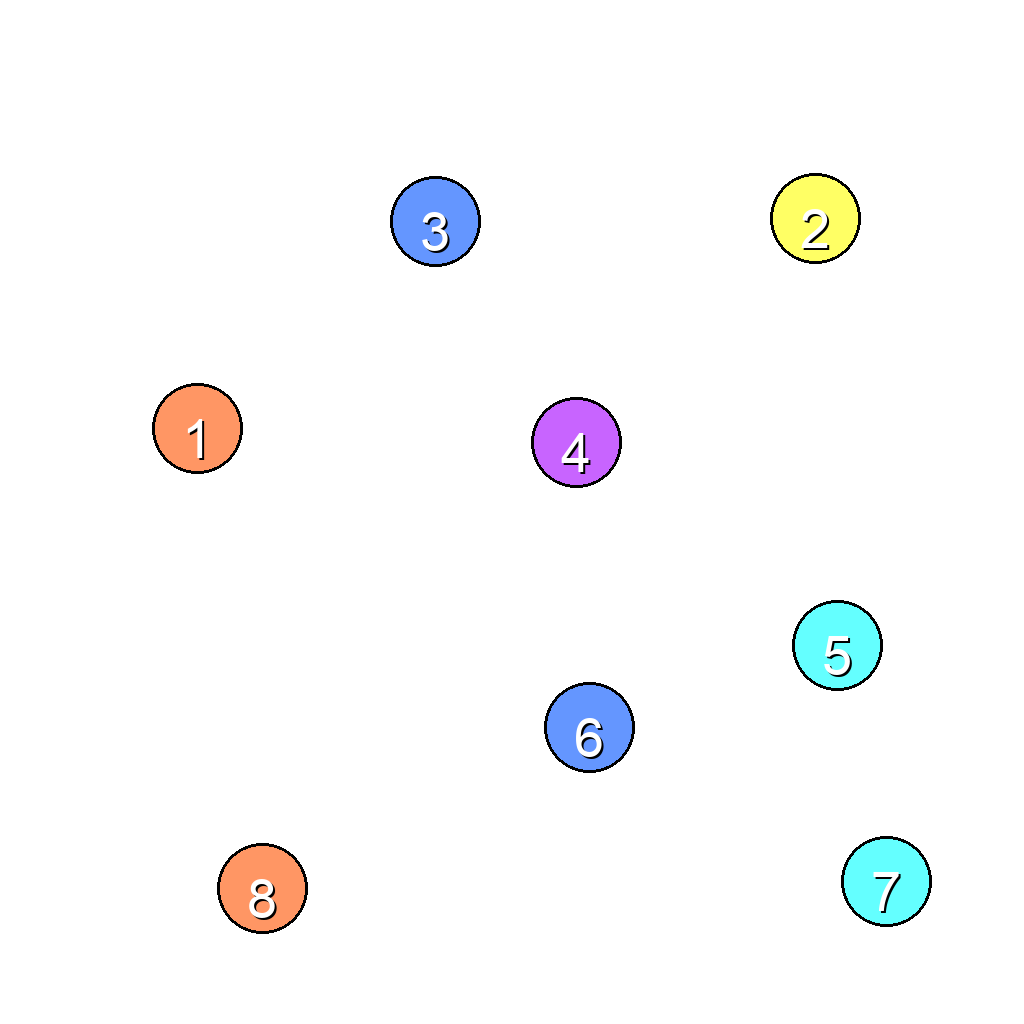
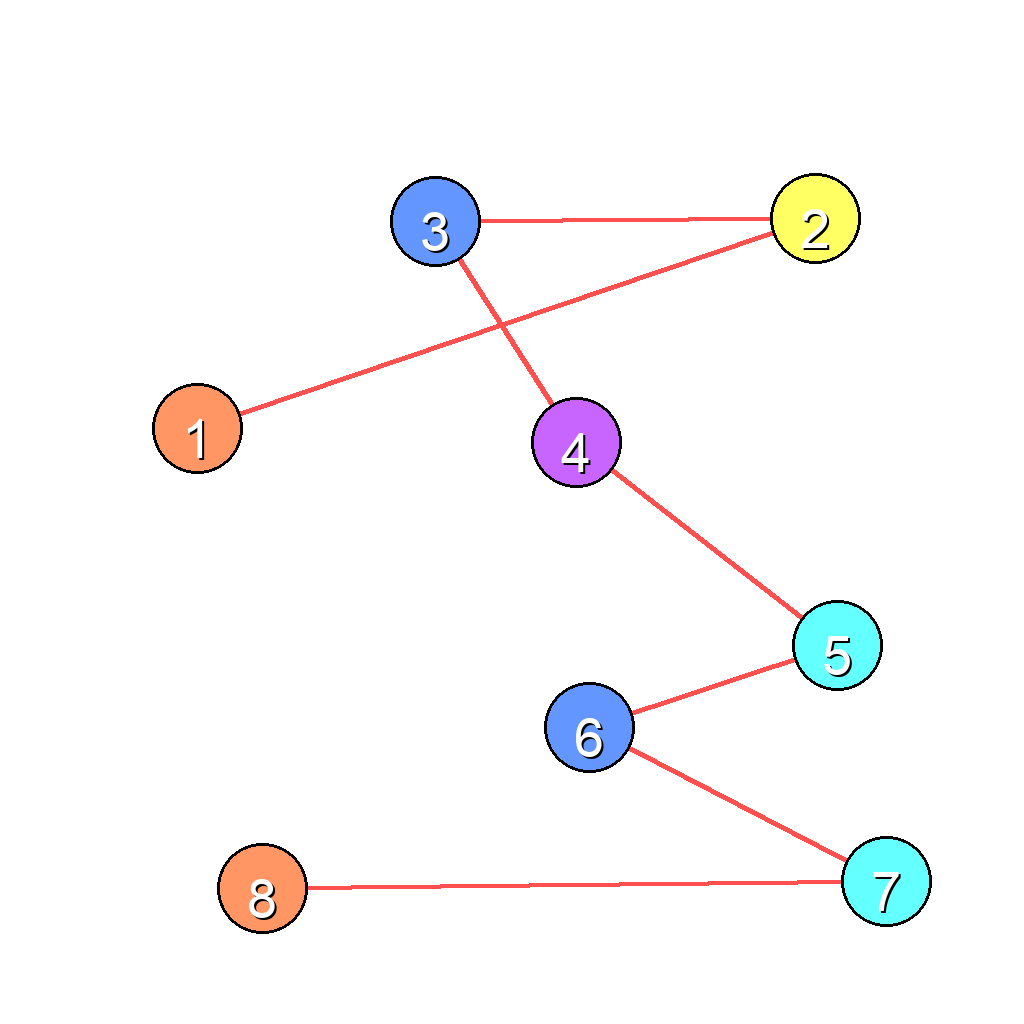
The scene shows 8 numbered dots scattered across the image. Connect the dots in numerical order (1→2→3→...→8) by drawing red straight lines between them, one line at a time in sequence.
First Frame
Last Frame
Video
traffic_light
GitHub
Prompt
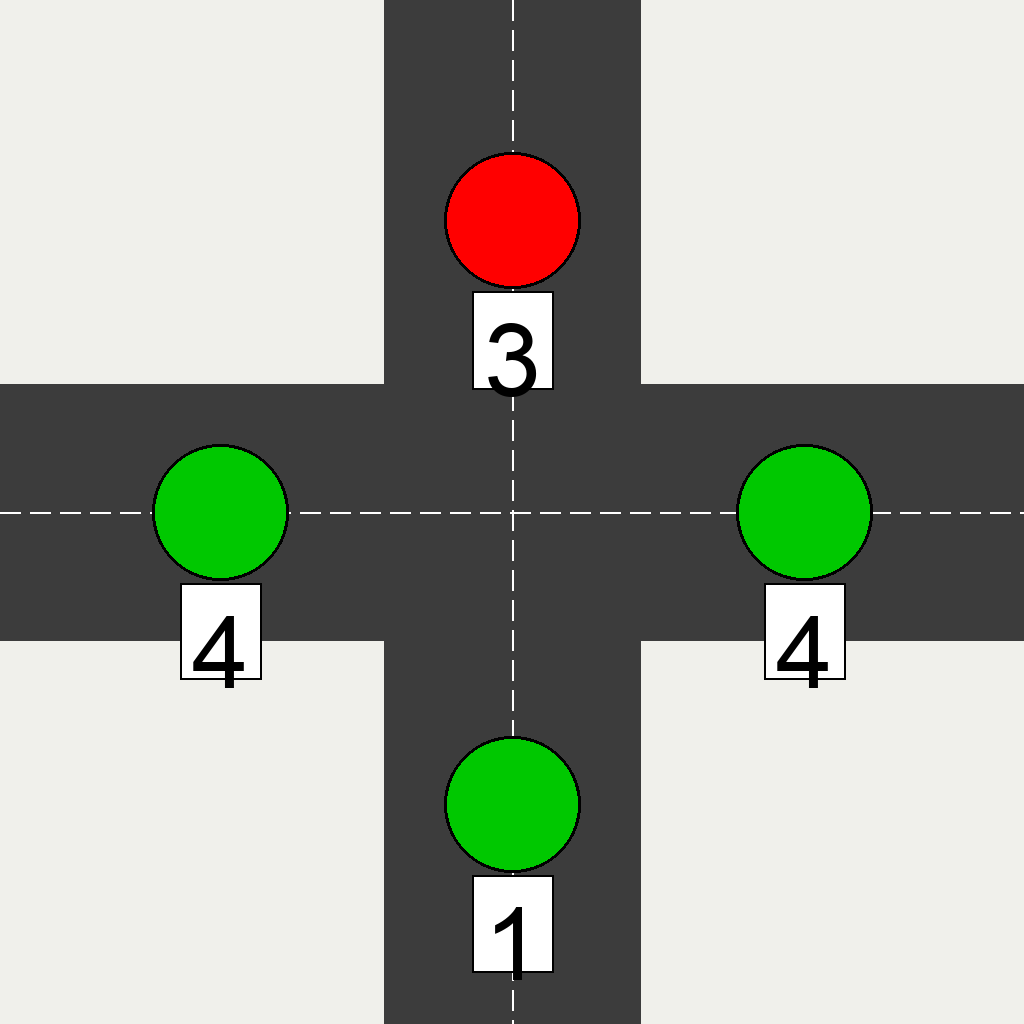
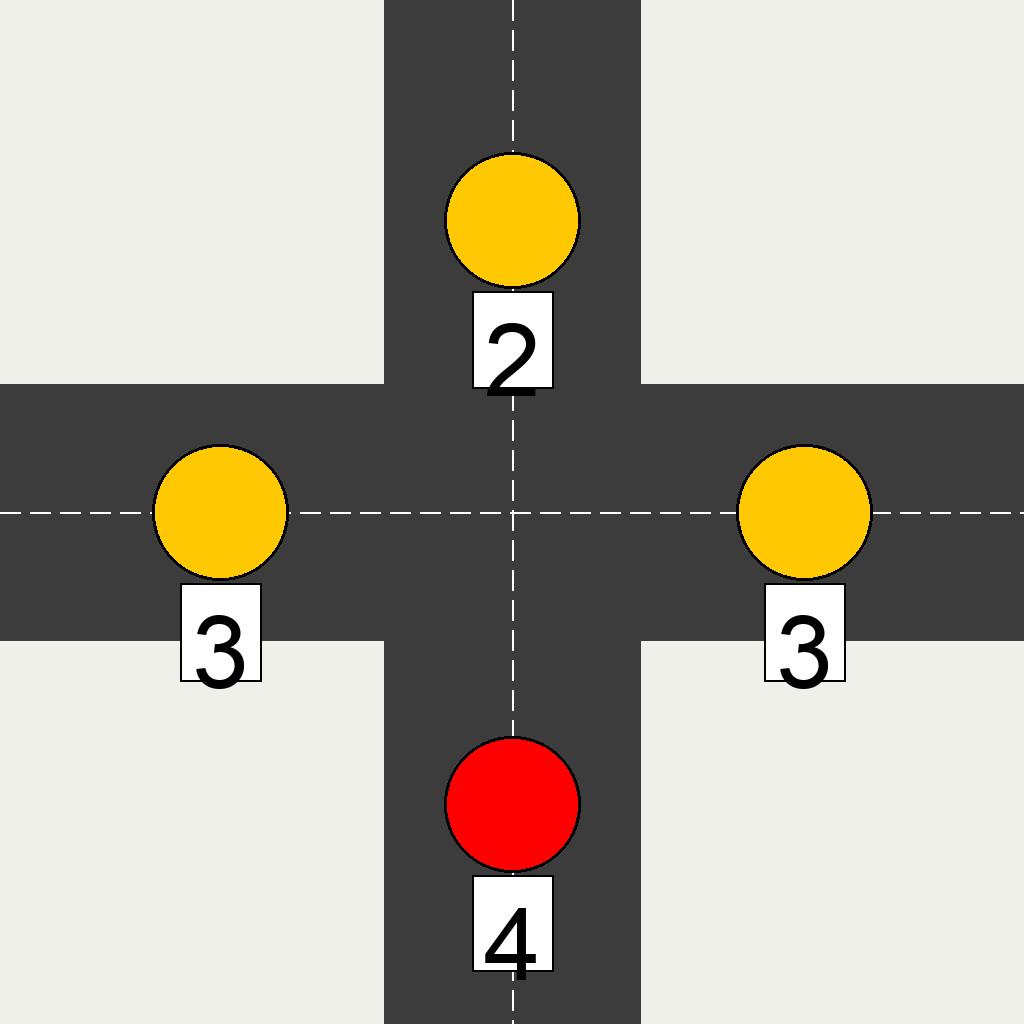
This scene shows a crossroad with four traffic lights (North, South, East, West). Each light independently follows a 3-color cycle: Red (4s) → Yellow (4s) → Green (4s) → Yellow (4s) → Red. Currently: North light is red with 3s countdown, South light is green with 1s countdown, East light is green with 4s countdown, West light is green with 4s countdown. Simulate 5 seconds and show the final state of all four traffic lights.
First Frame
Last Frame
Video
clock
GitHub
Prompt
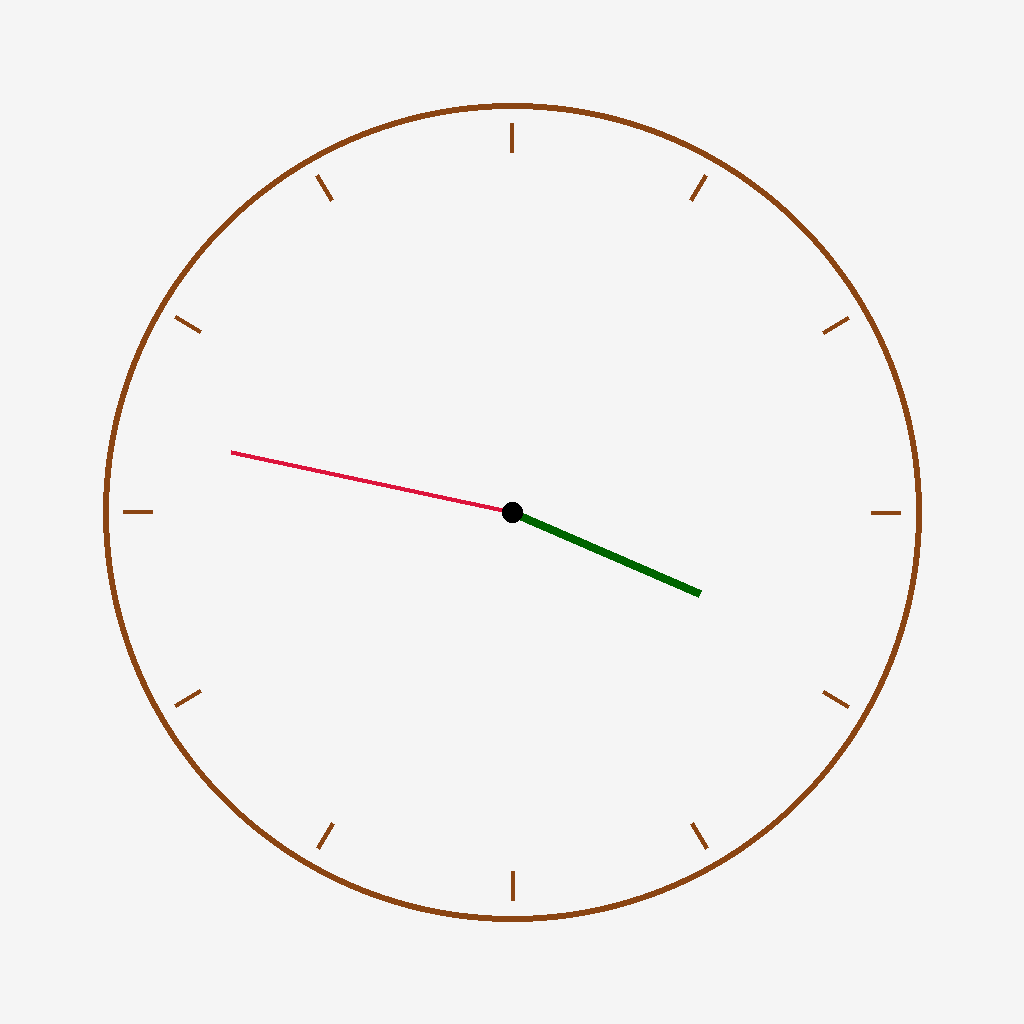
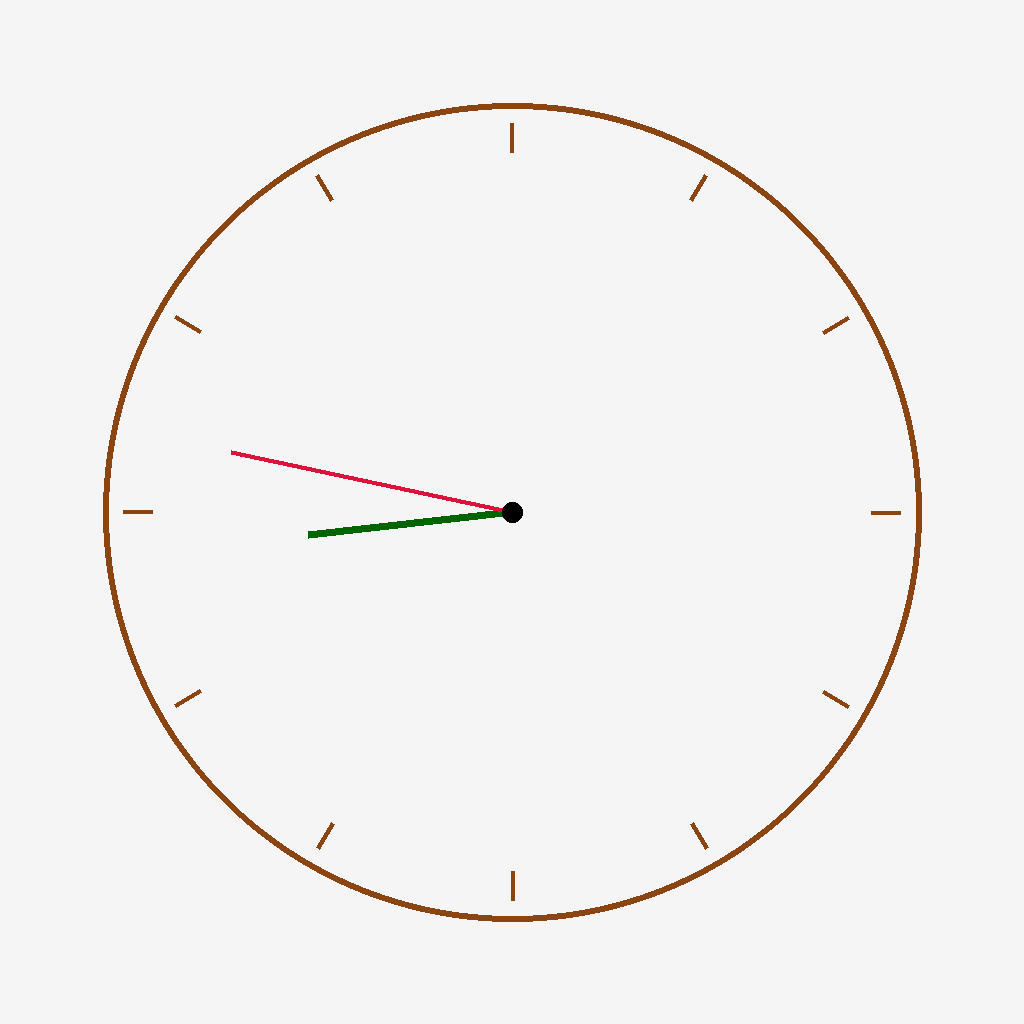
The clock shows 3:47. Show what the clock will look like after 5 hours.
First Frame
Last Frame
Video
gravity_physics
GitHub
Prompt
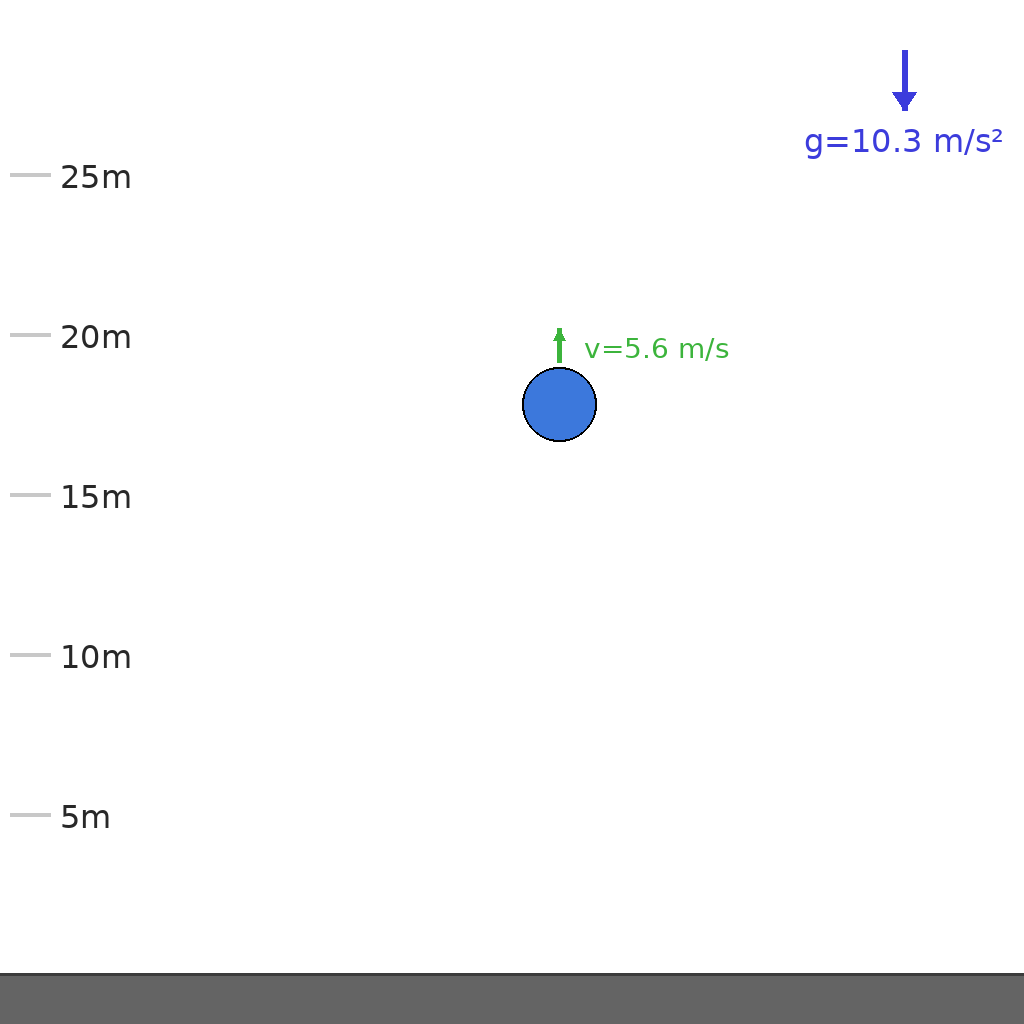
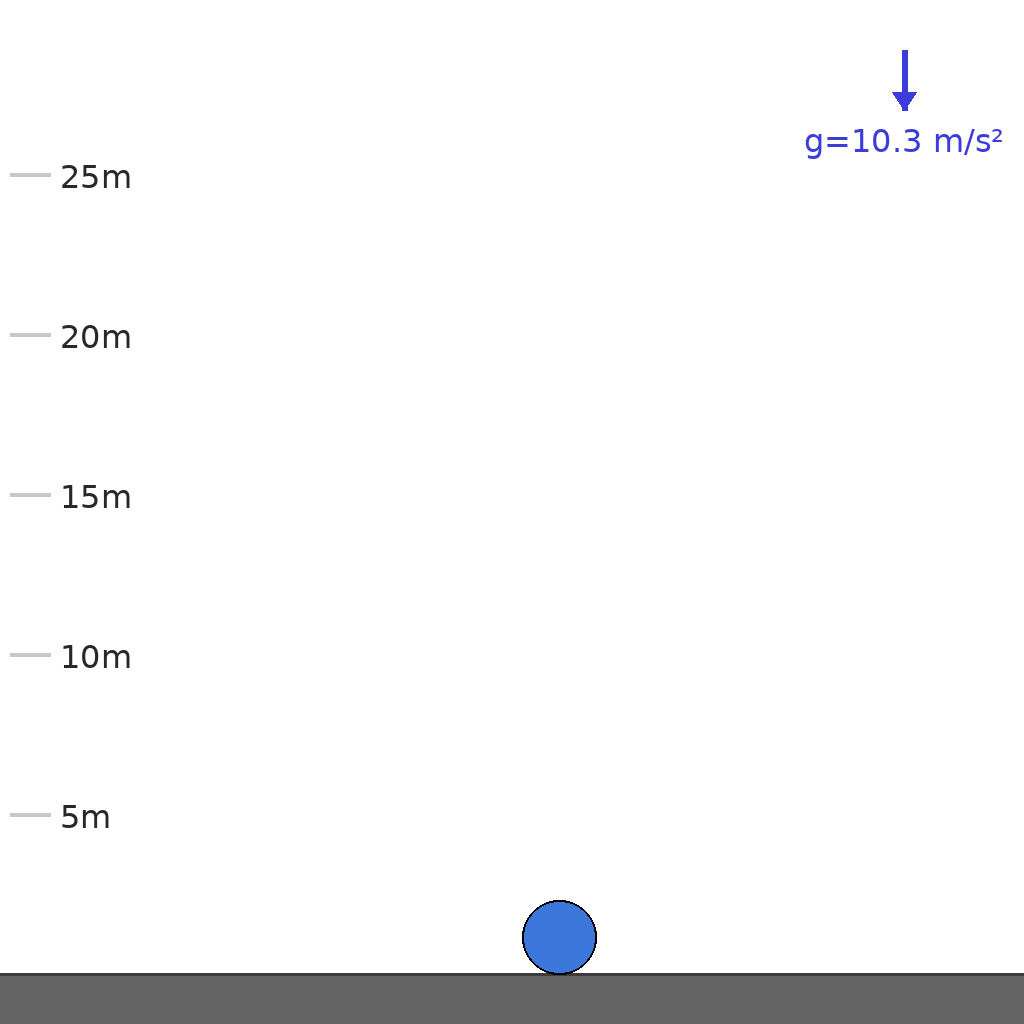
A ball at height 17.8m with initial upward velocity 5.6 m/s falls under gravity 10.3 m/s² and bounces on ground with elasticity 0.80. Show the full trajectory with velocity arrows (direction and magnitude) updating throughout until the ball stops.
First Frame
Last Frame
Video
communicating_vessels
GitHub
Prompt
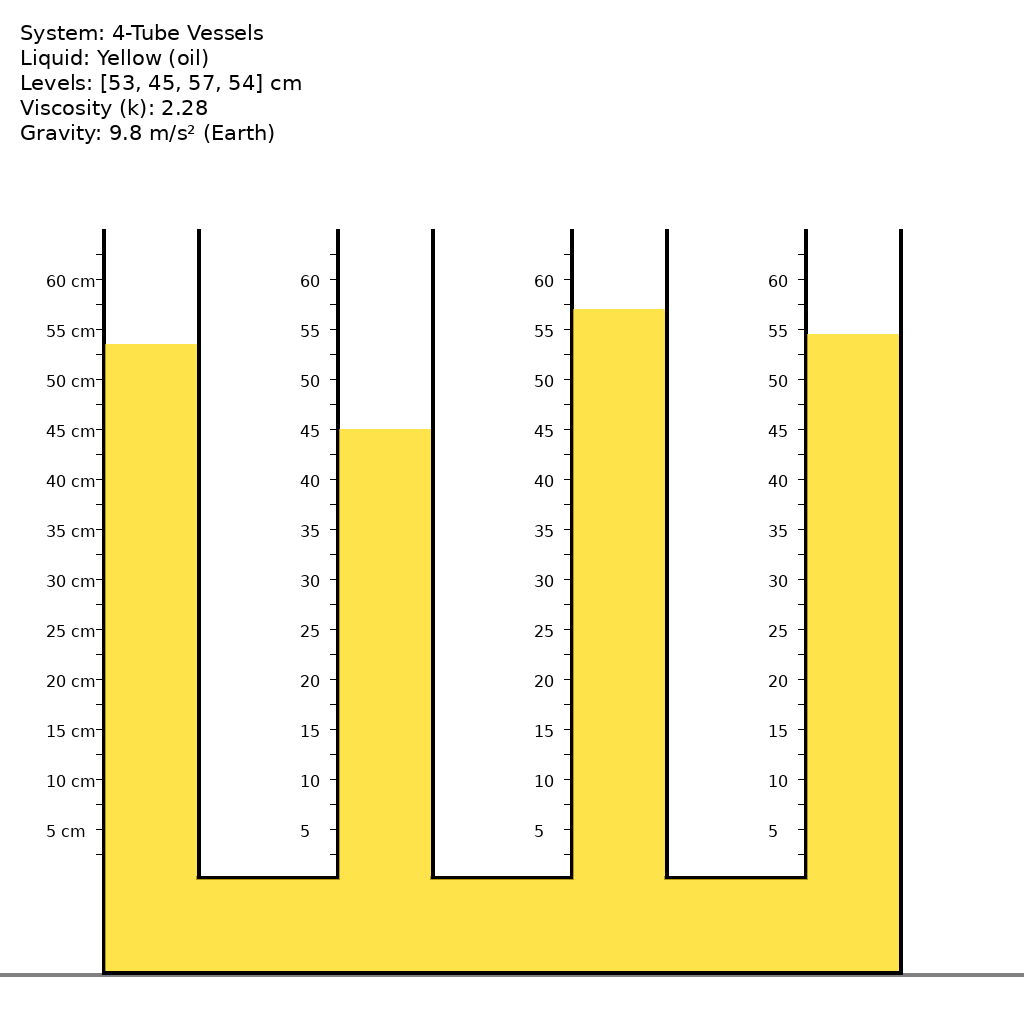
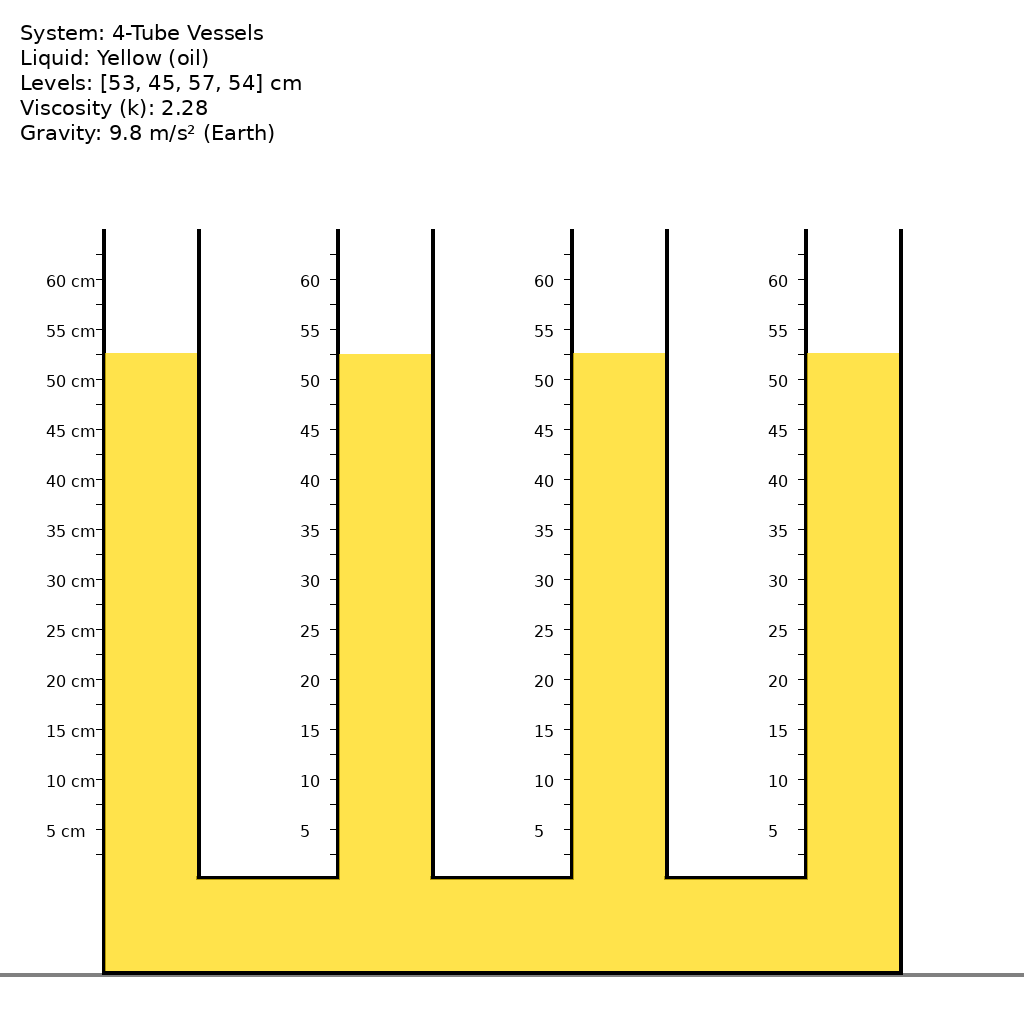
A system of 4 communicating vessels with equal-diameter vertical tubes is filled with oil (oil-like (medium viscosity)), which appears yellow in color. As shown in the initial frame, the liquid levels in the tubes are [53, 45, 57, 54] cm respectively. Due to pressure differences between the tubes, the liquid begins to flow through the connecting channels at the bottom. The flow is governed by hydrostatic pressure equalization and damped by viscous resistance with coefficient k=2.28. As the liquid redistributes, the height differences gradually decrease, and the system evolves toward equilibrium. Eventually, through conservation of volume, all tubes reach the same final liquid level, which equals the average of the initial heights. Simulate this settling process from the initial unbalanced state to the final stable equilibrium.
First Frame
Last Frame
Video
fluid_diffusion_reasoning
GitHub
Prompt
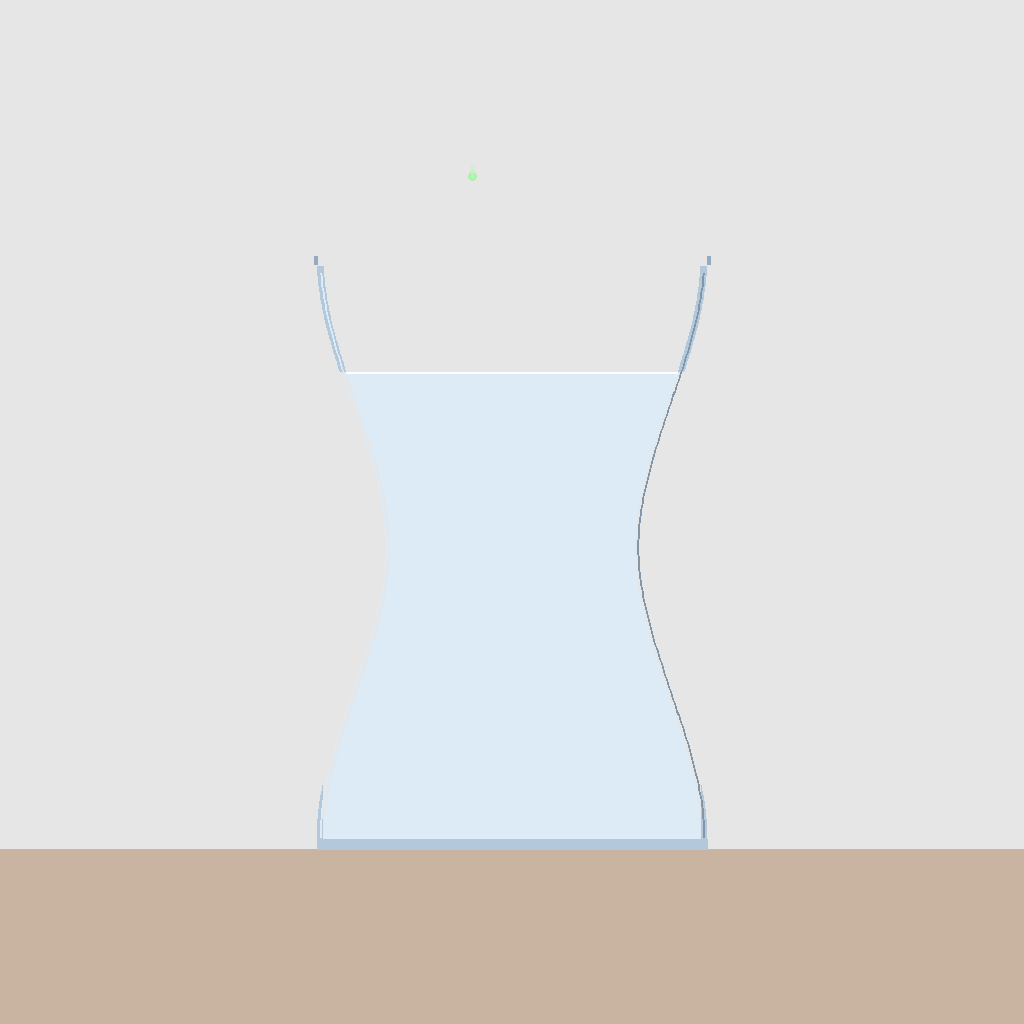
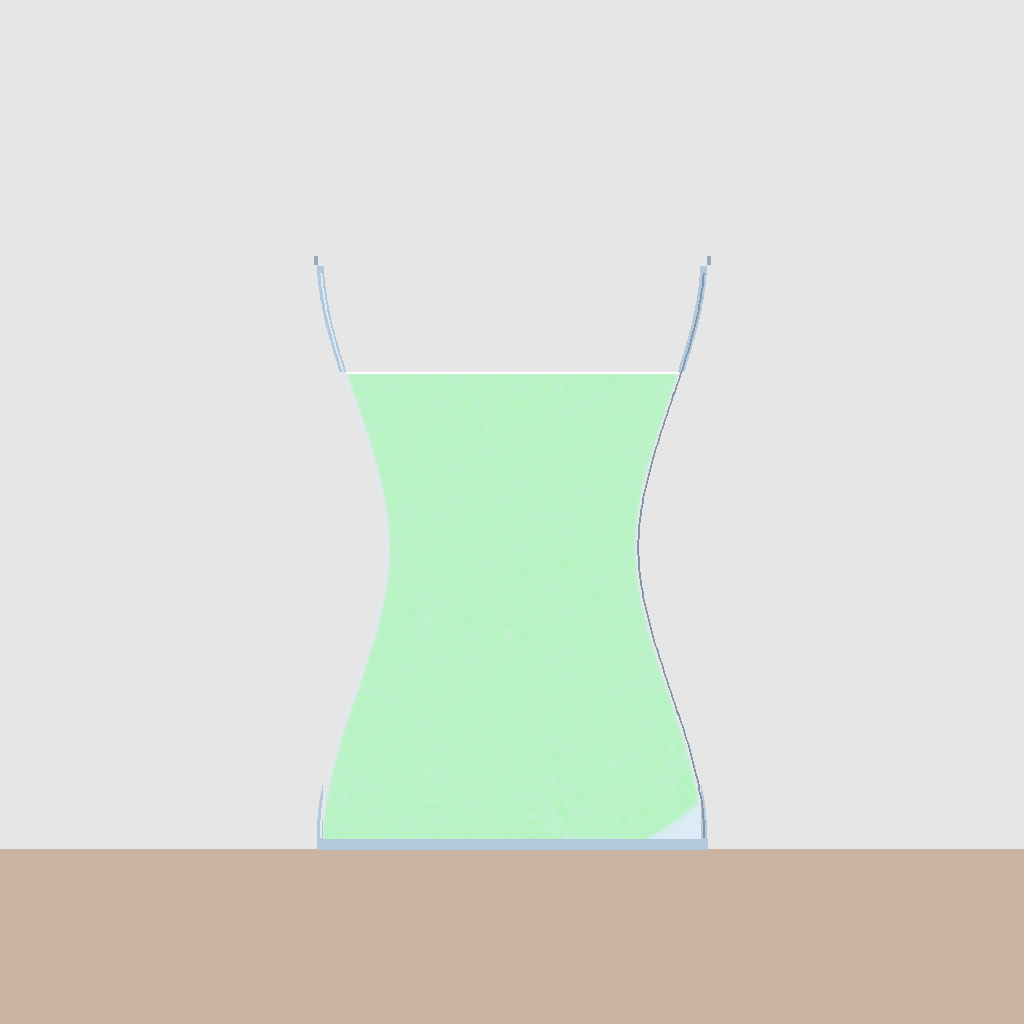
An ink droplet falls from above the center of a glass beaker filled with water. Upon entering the water, the ink forms irregular downward-extending tendrils due to gravity and initial impact. The ink then diffuses through the water, creating swirling patterns and eddies, until it reaches a stable state of uniform color distribution throughout the entire volume of water.
First Frame
Last Frame
Video
read_the_chart_data_semantic_comprehension
GitHub
Prompt
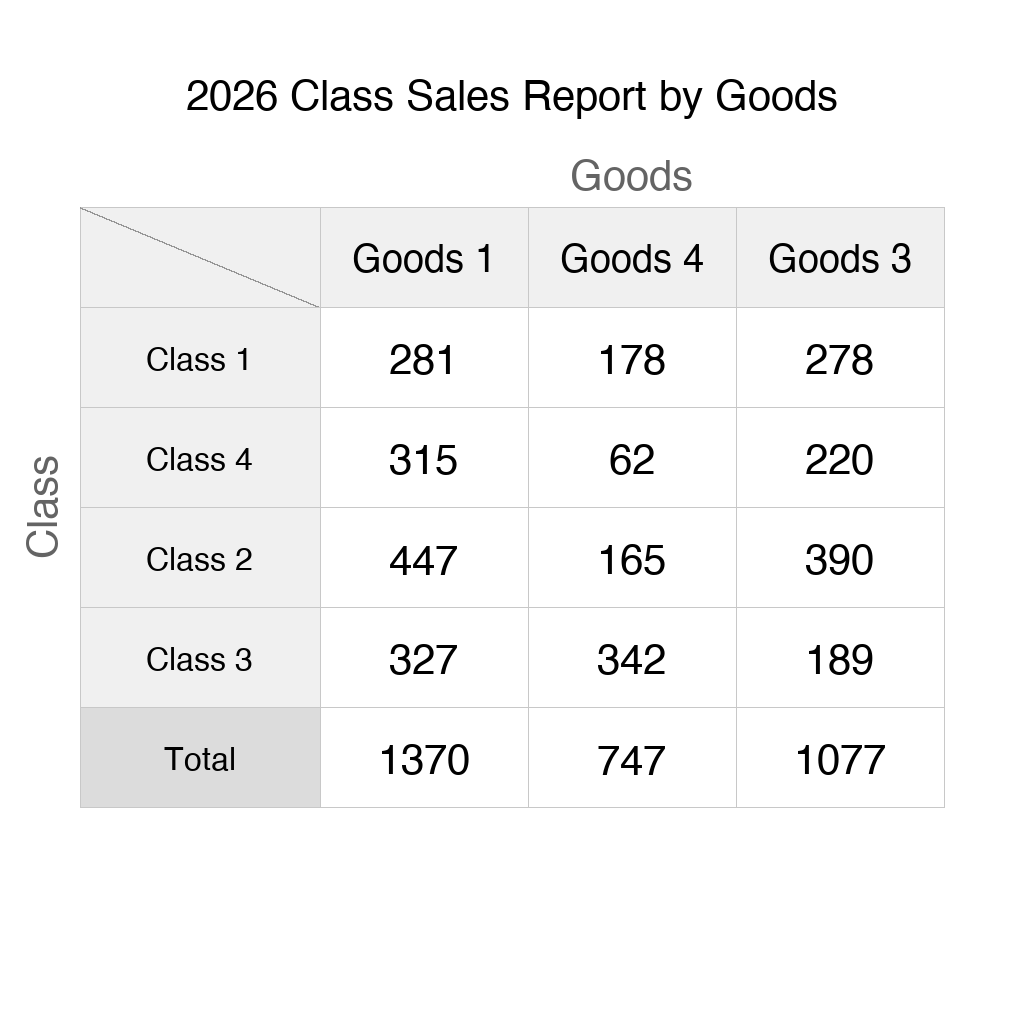
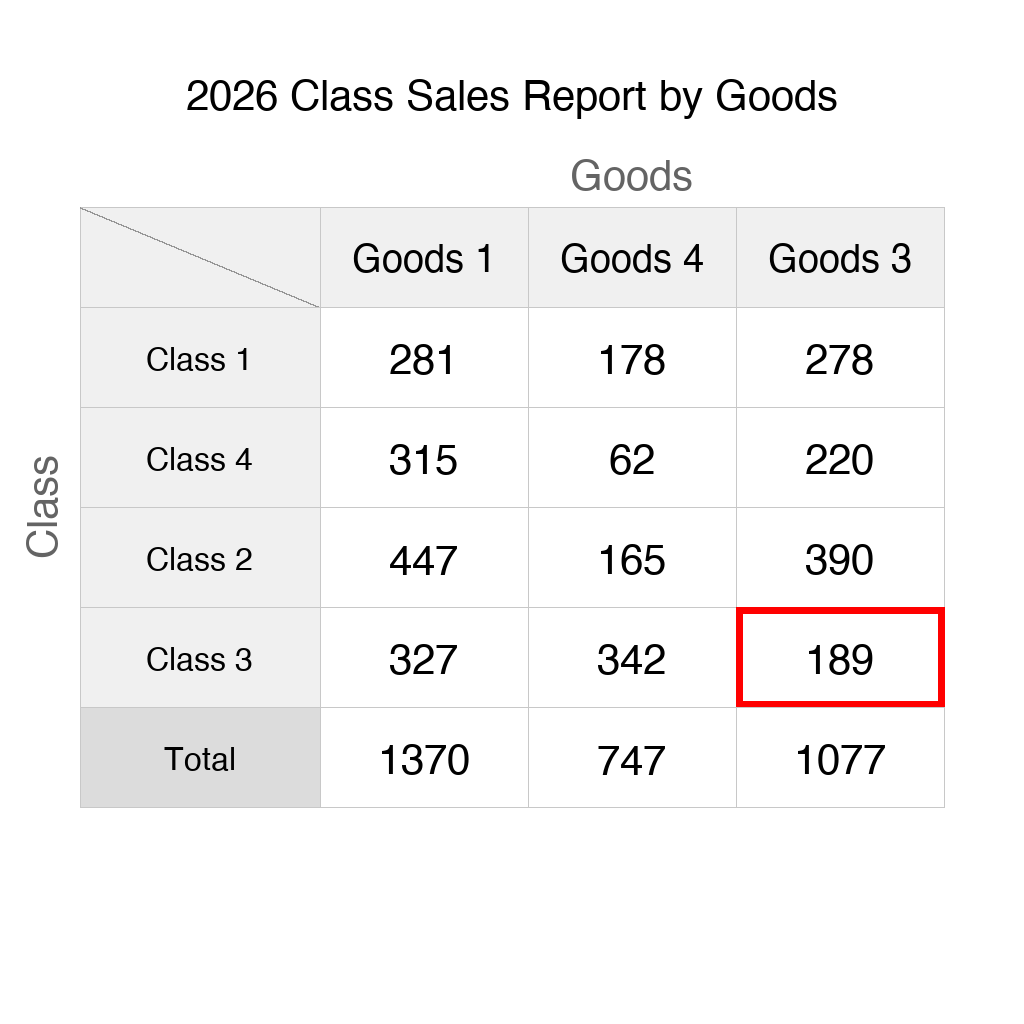
The scene shows a sales table with Class as rows and Goods as columns. Find the minimum value within the row corresponding to the Class 'Class 3' and draw a red rectangular border around the corresponding cell to highlight it.
First Frame
Last Frame
Video
chart_extreme_without_data
GitHub
Prompt
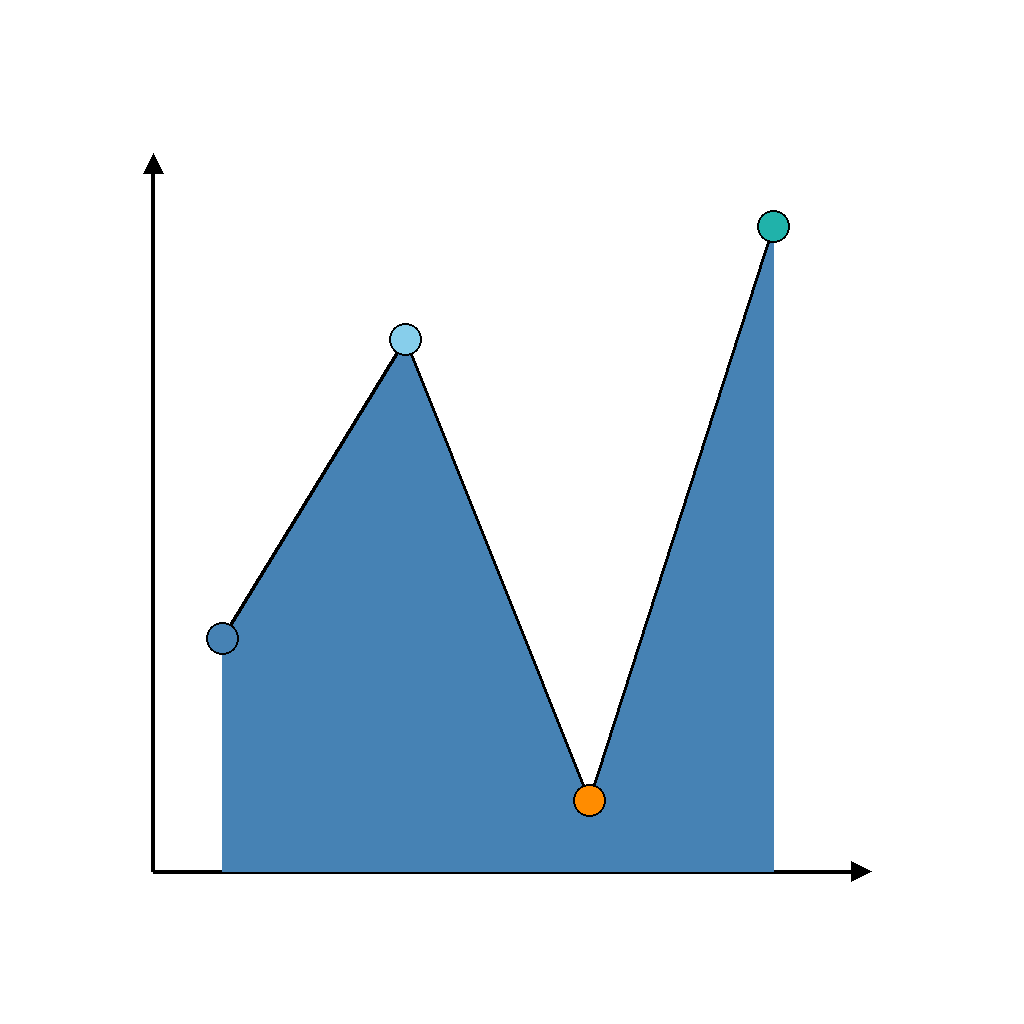
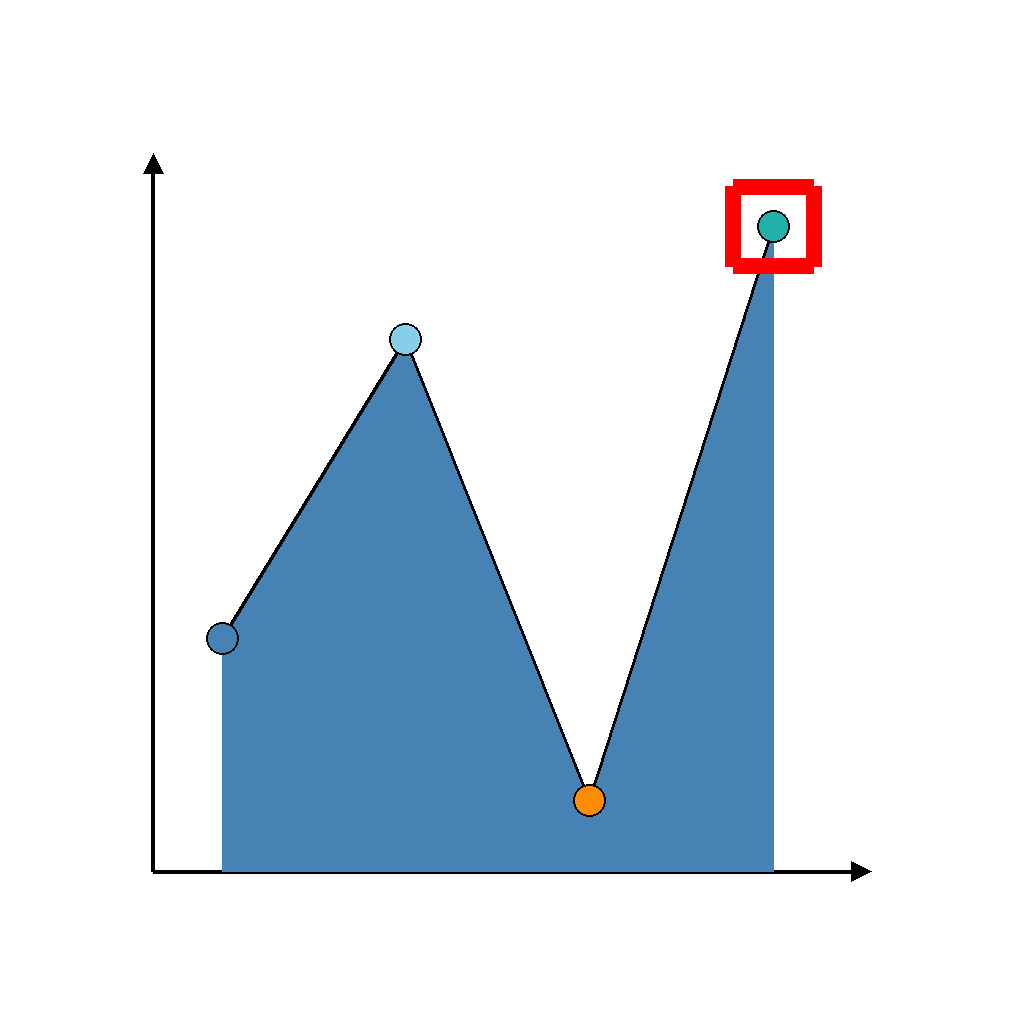
The scene shows a area chart. Find the maximum value point and draw a red rectangular border around the corresponding point to highlight it.
First Frame
Last Frame
Video
hit_target_after_bounce
GitHub
Prompt
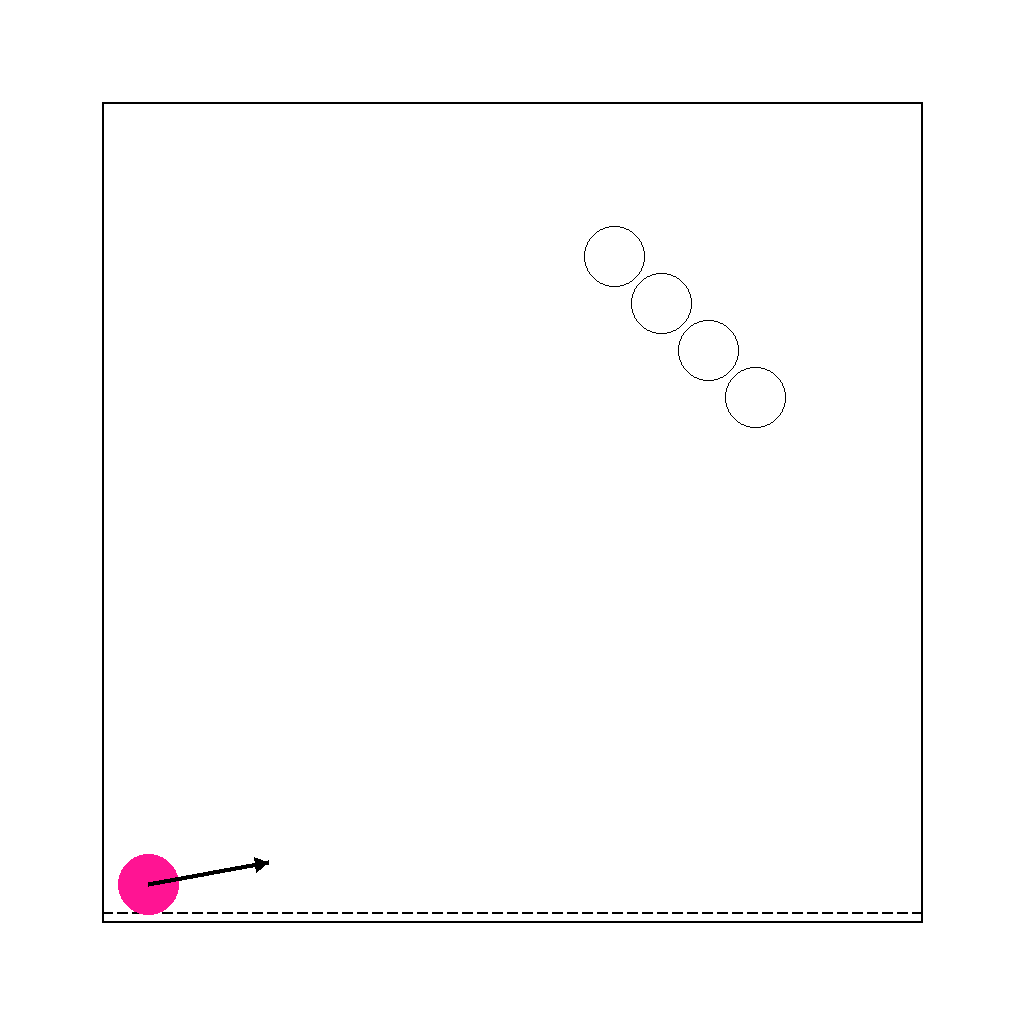
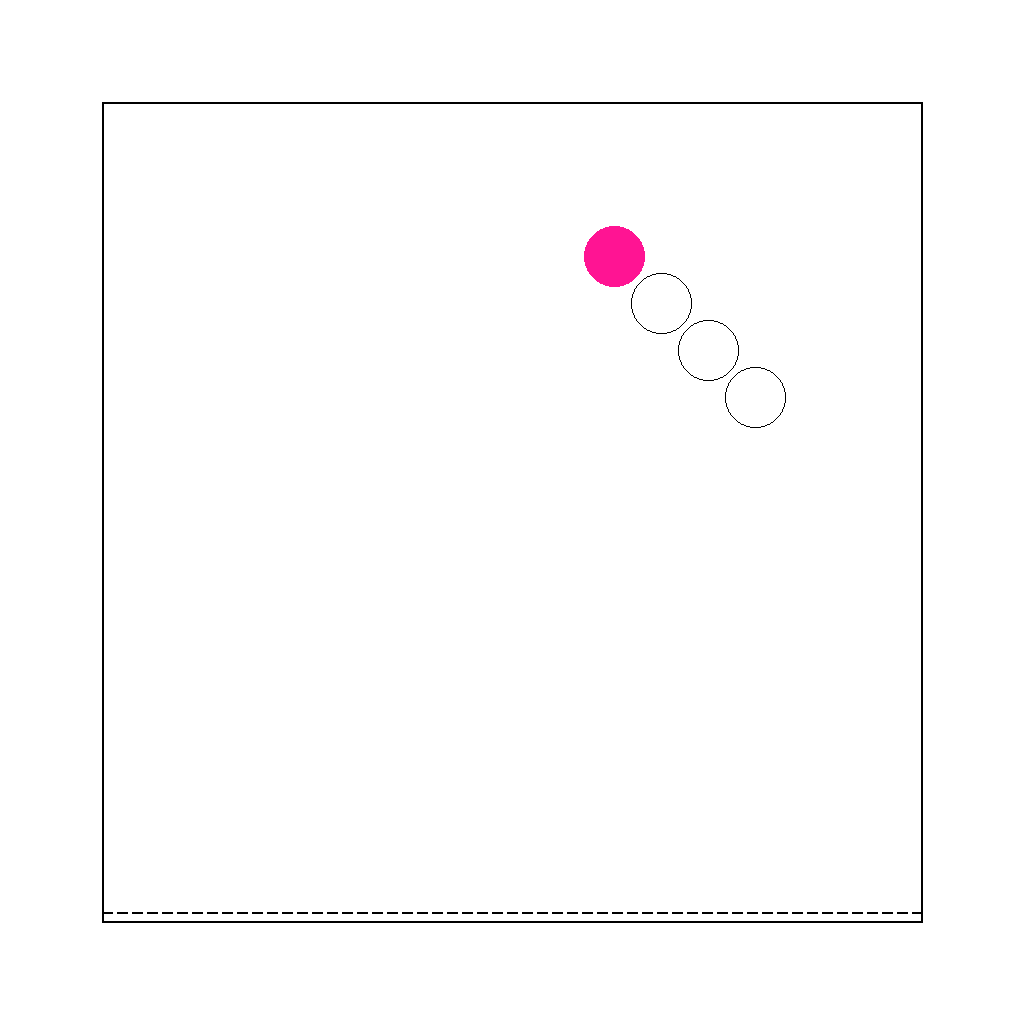
The scene shows a ball with an arrow indicating its initial direction, and several empty target positions (hollow circles) on the right side. Simulate the ball moving along this direction and bouncing off walls following the law of reflection (the angle of reflection equals the angle of incidence). The ball will follow a complete trajectory and eventually align exactly with and completely overlap one of the target positions.
First Frame
Last Frame
Video
multiple_bounces
GitHub
Prompt
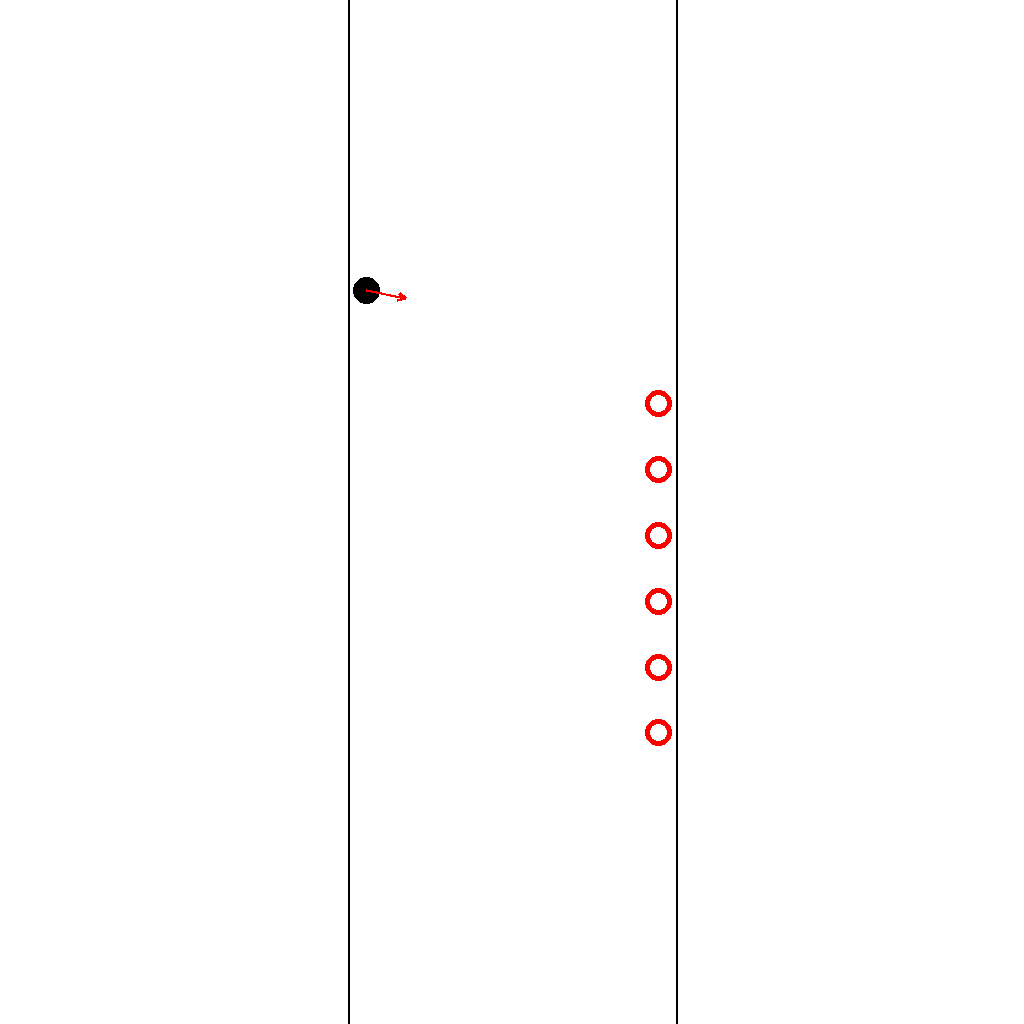
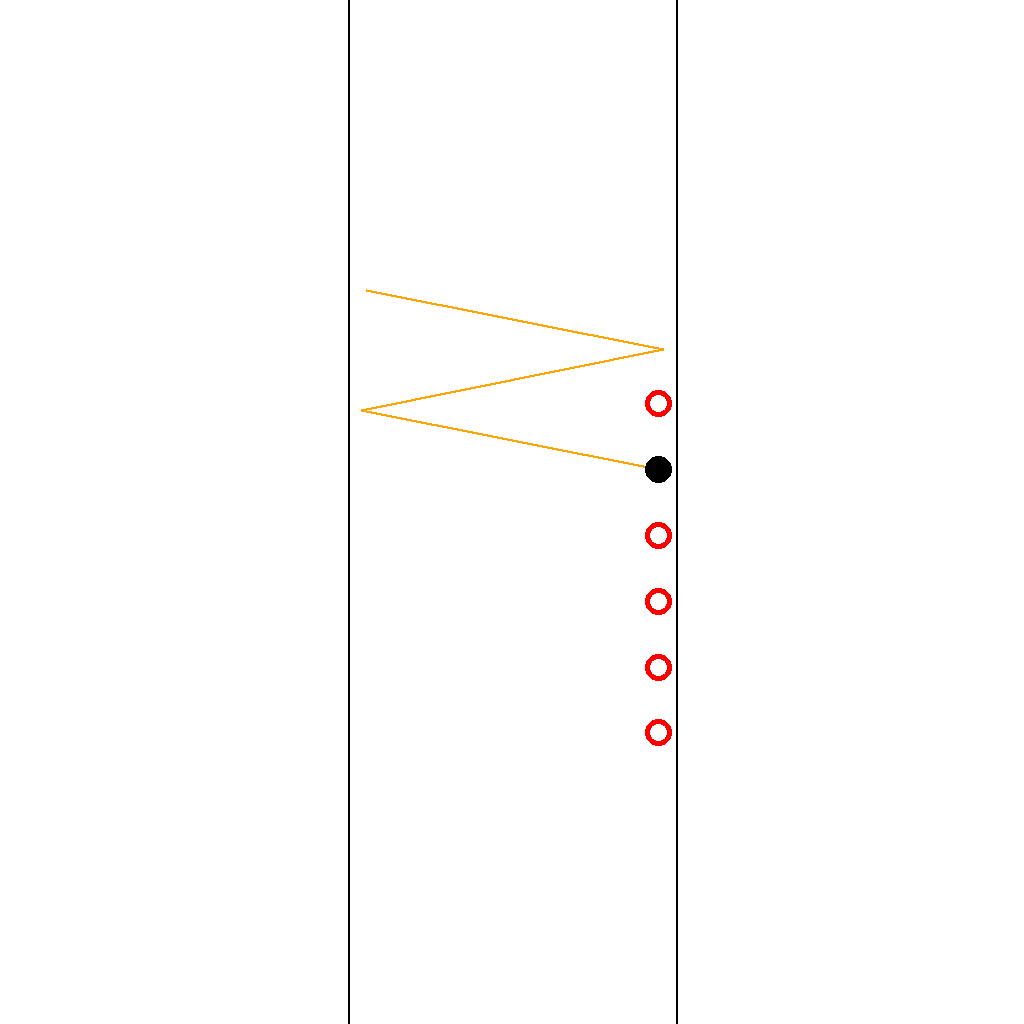
A black ball starts with the shown initial direction arrow. It moves in straight lines and reflects off the two vertical walls following the law of reflection (the angle of reflection equals the angle of incidence). Follow this unique trajectory until the ball hits one of the red hollow circle targets in the lower-right area. Identify which target circle is hit and show the full trajectory step by step.
First Frame
Last Frame
Video
circle_largest_numerical_value
GitHub
Prompt
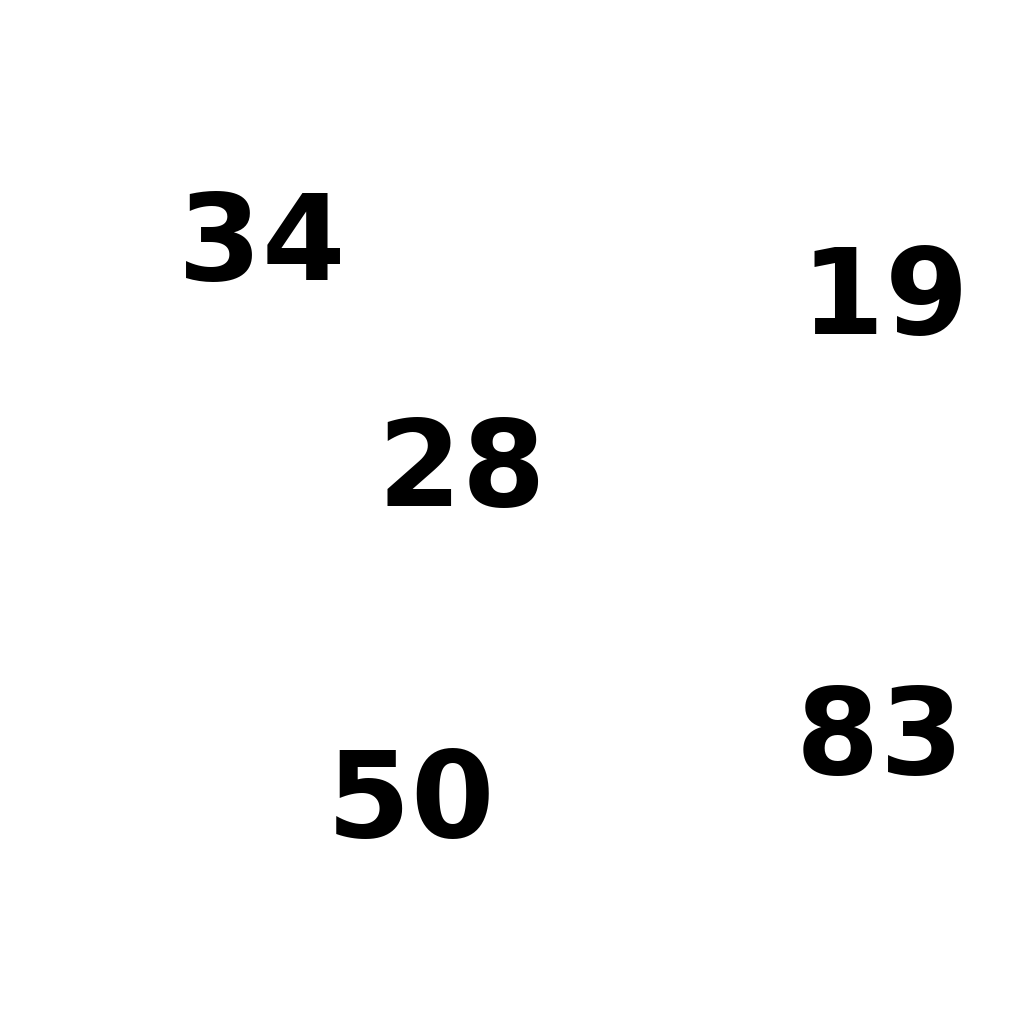
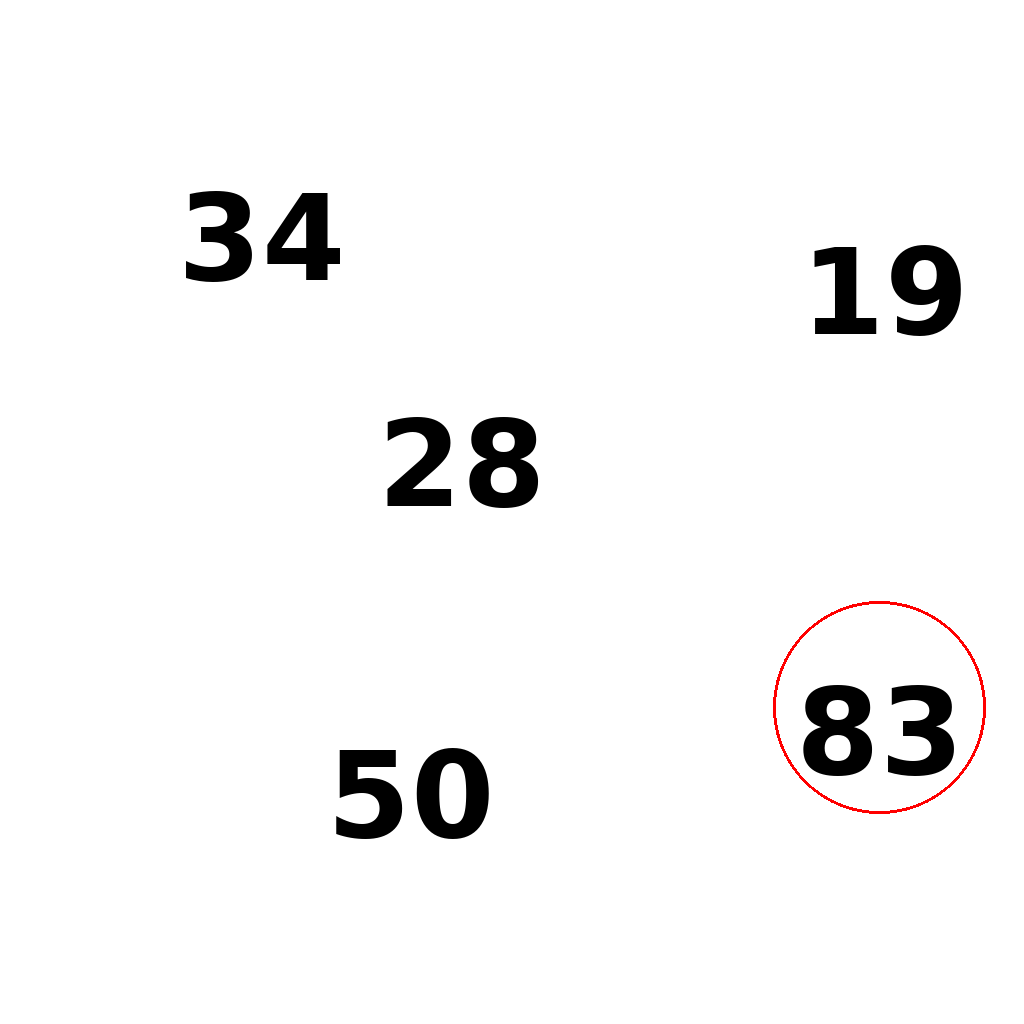
The scene shows 5 numbers on a white canvas. First compare the numerical values of all numbers, then draw one red circle around the single largest number. Do not circle any other numbers. Show the complete circling process step by step.
First Frame
Last Frame
Video
locate_twelve_o_clock_arrows
GitHub
Prompt
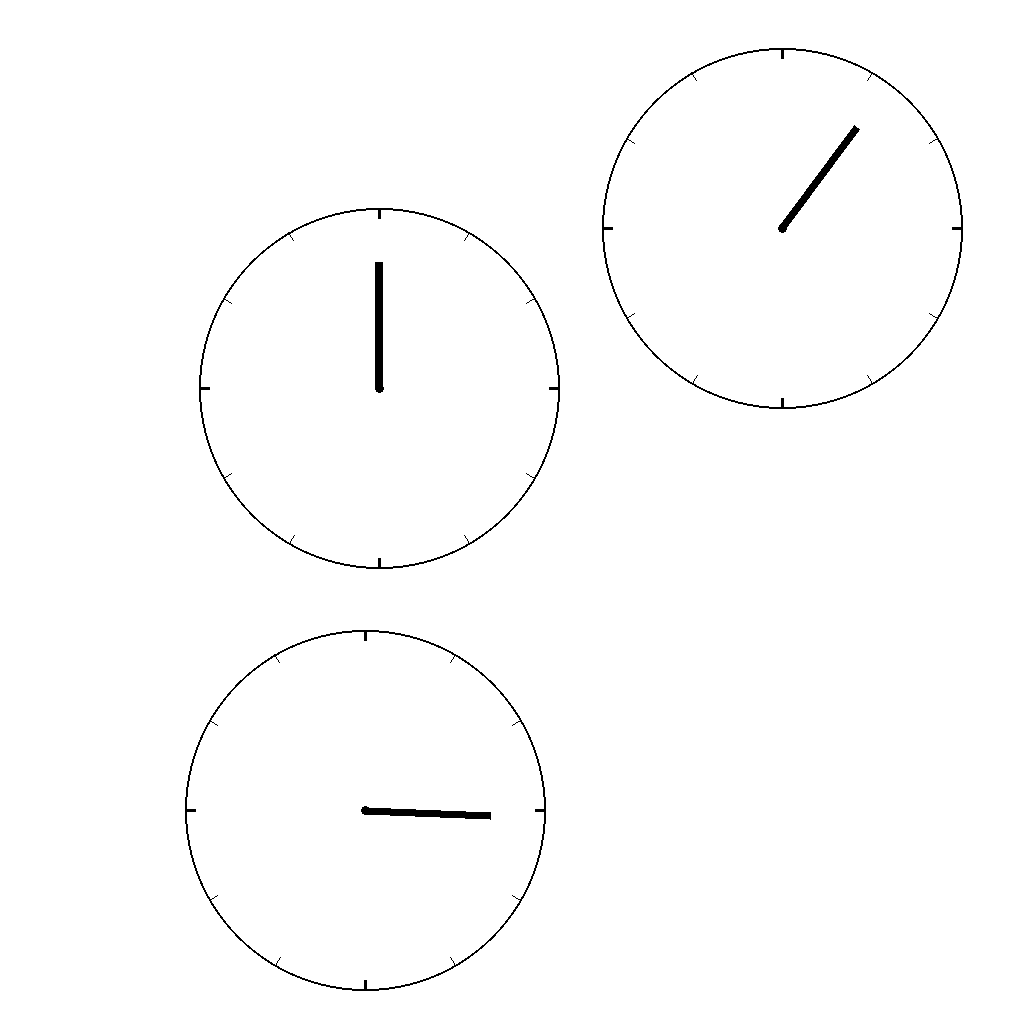
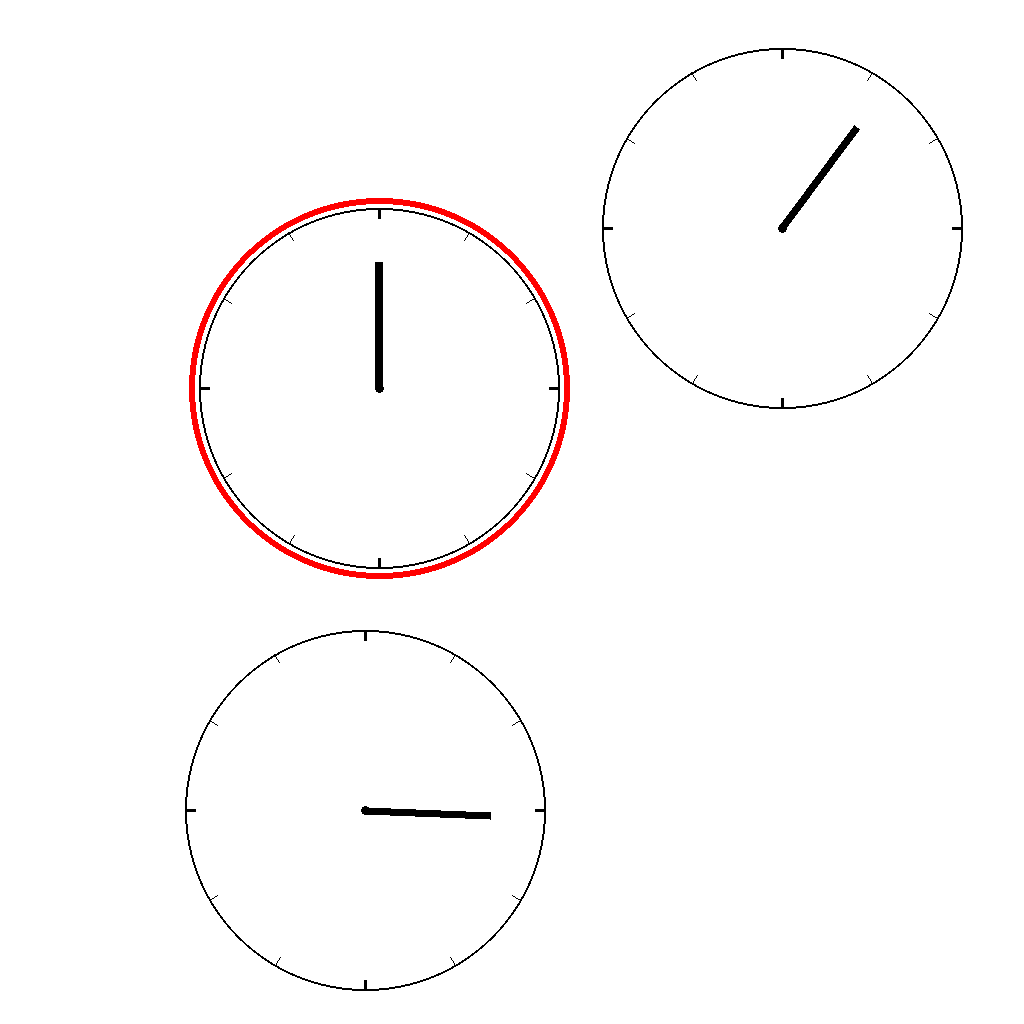
The image contains 3 clocks, each with only an hour hand. Exactly one clock has its hour hand pointing to 12 o'clock. First find the single clock pointing to 12 o'clock, then draw a red circle around it. Do not change anything else. Show the complete solution step by step.
First Frame
Last Frame
Video
identify_one_and_nine
GitHub
Prompt
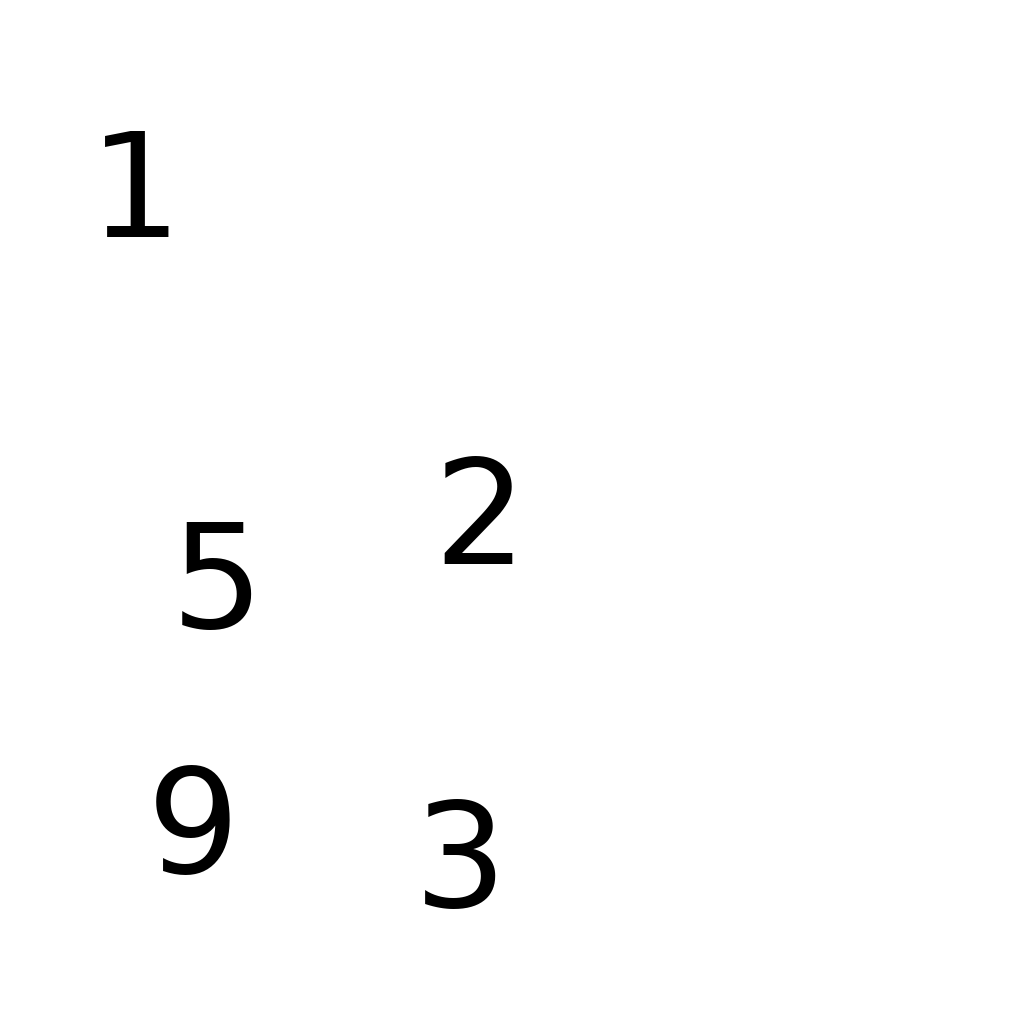
The image shows a subset of digits chosen from 1 to 9 placed in different positions.
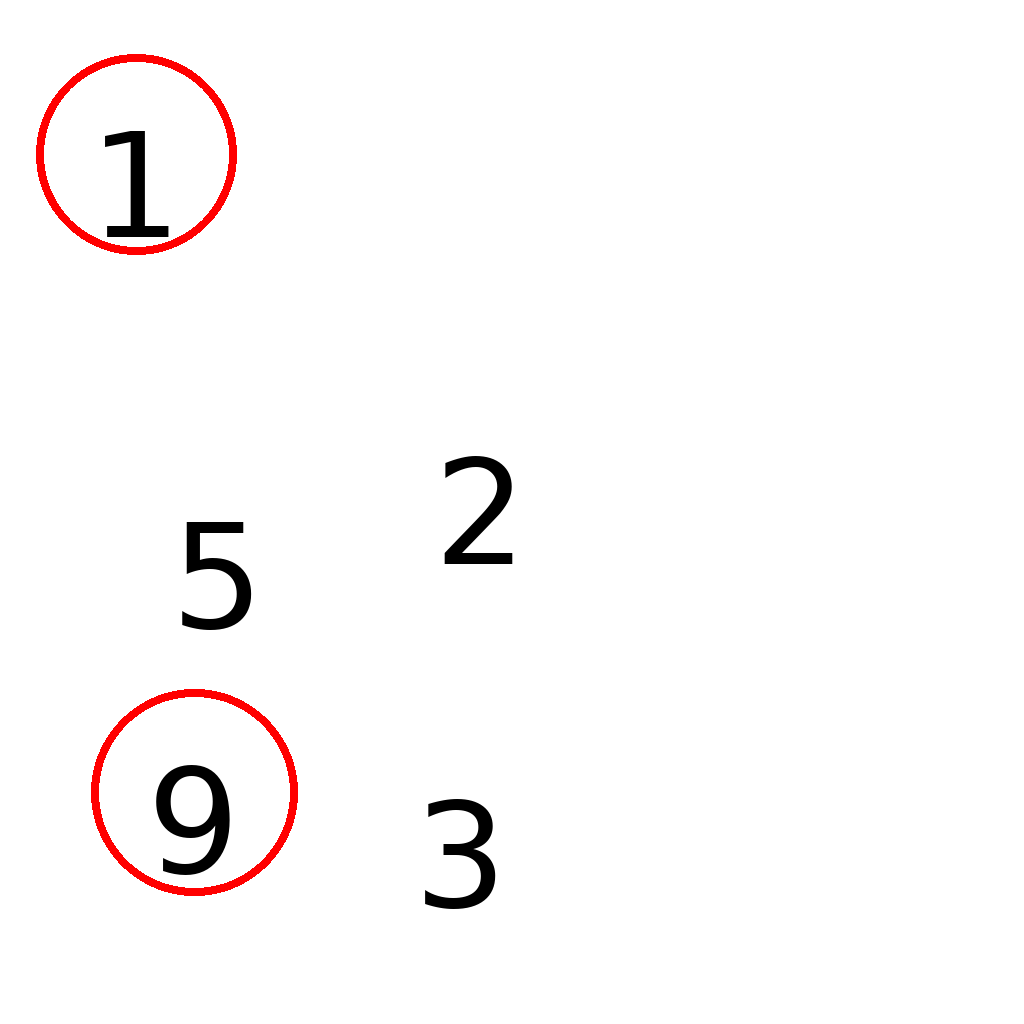
Find digit 1 and digit 9.
Only circle digits '1' and '9'. Do not circle other digits.
Draw a red circle around each target digit.
First Frame
Last Frame
Video
circle_maximum_value
GitHub
Prompt
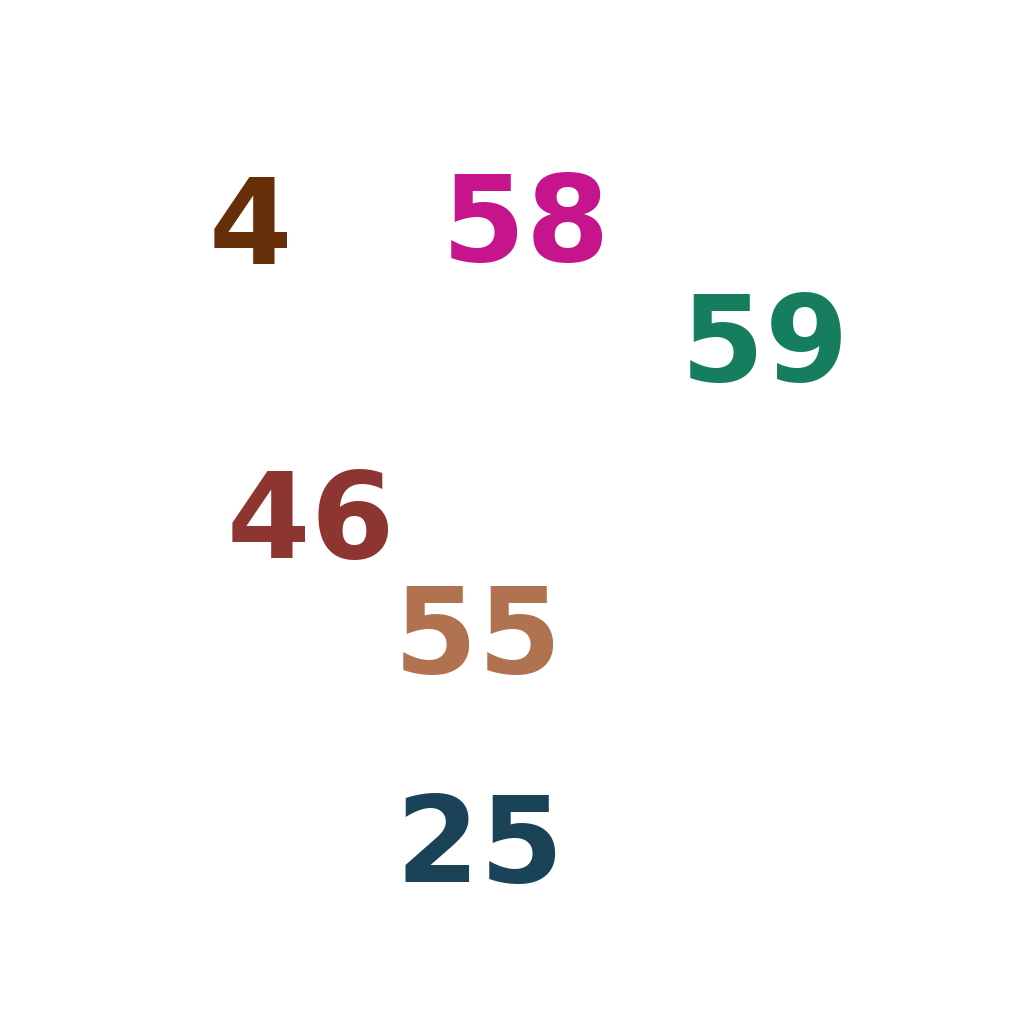
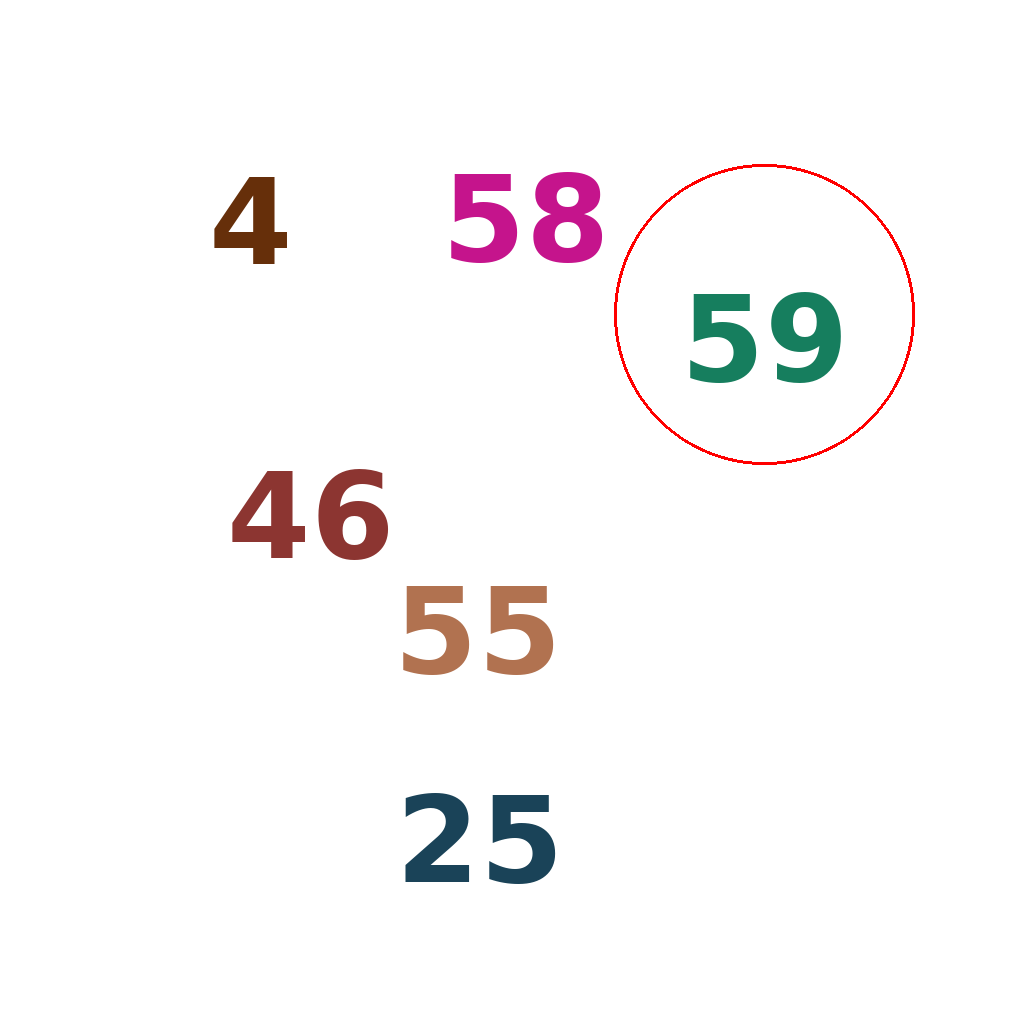
There are multiple numbers on the screen, circle the one with the largest value
First Frame
Last Frame
Video
circle_central_dot
GitHub
Prompt
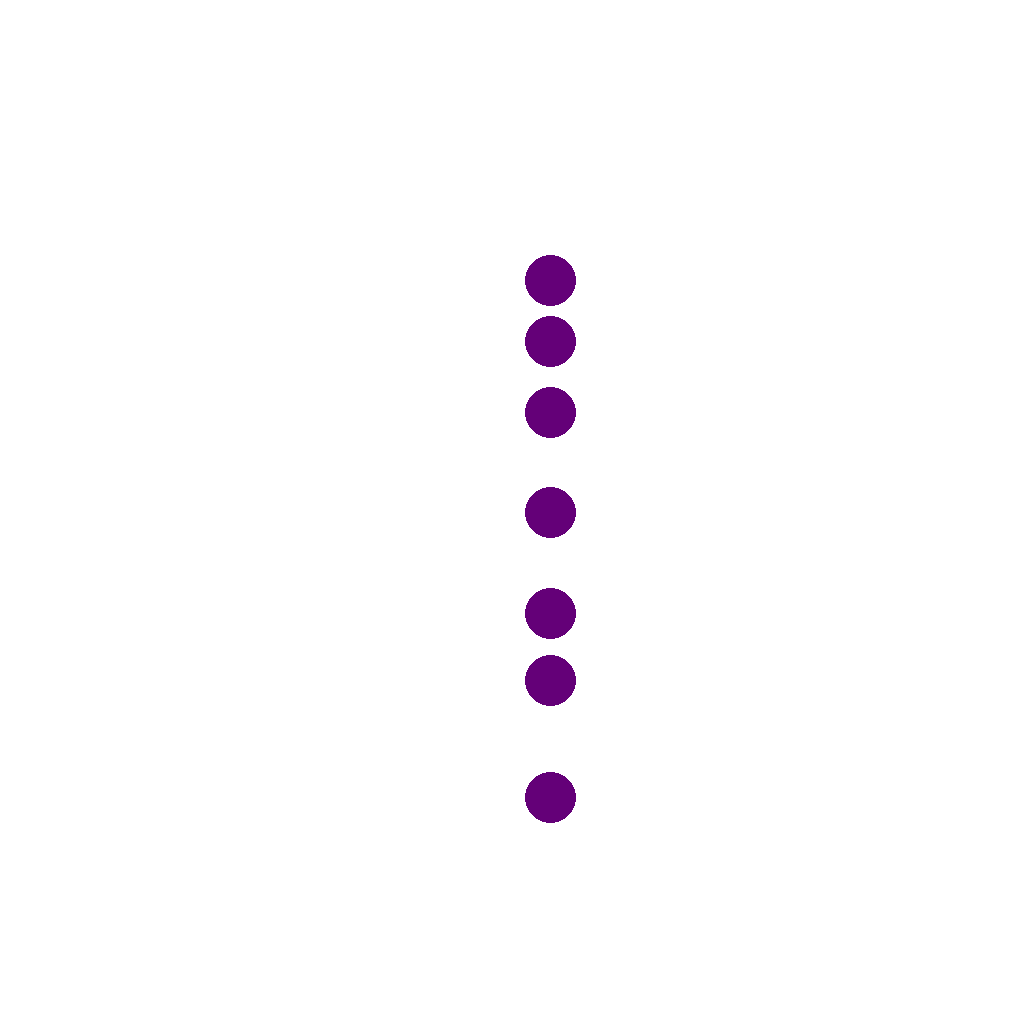
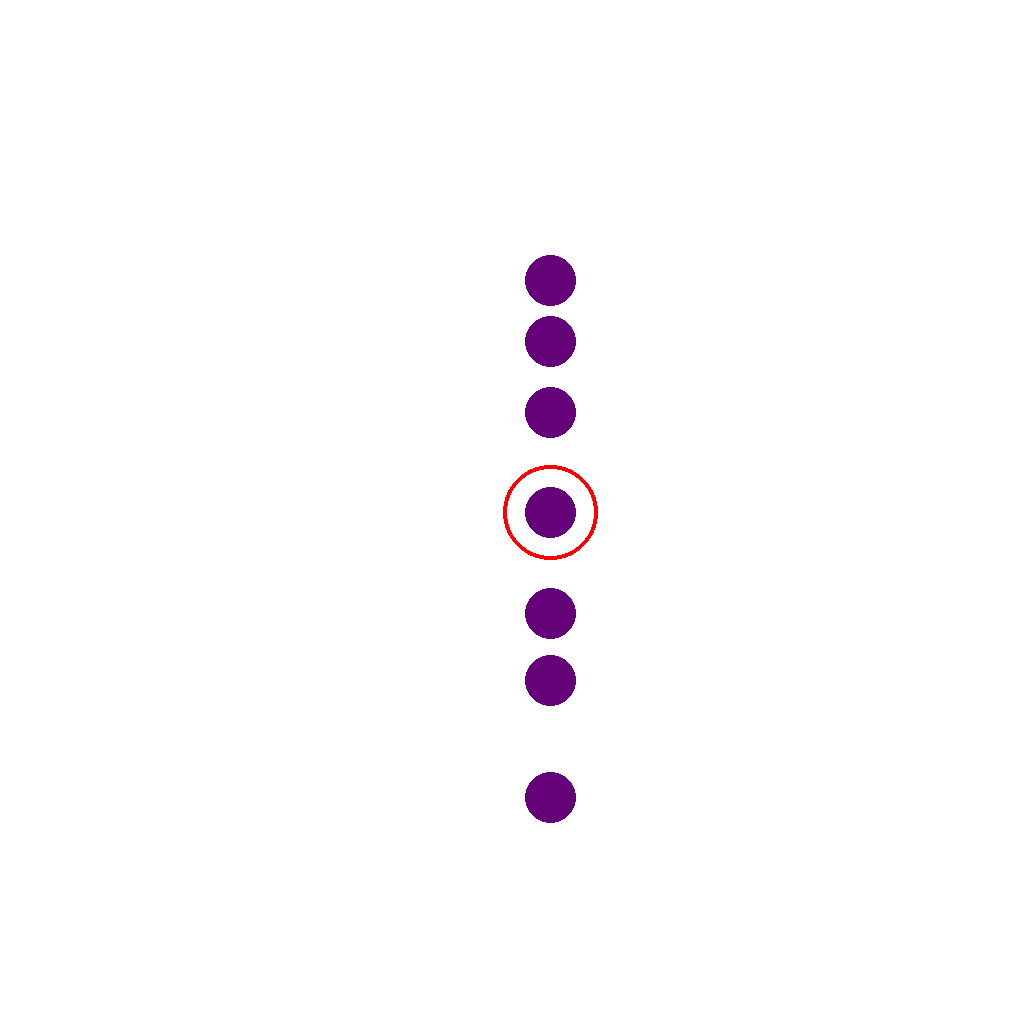
A row of dots is shown. Circle the dot that is in the middle by count (the one with an equal number of dots on each side).
First Frame
Last Frame
Video
identify_chinese_character
GitHub
Prompt
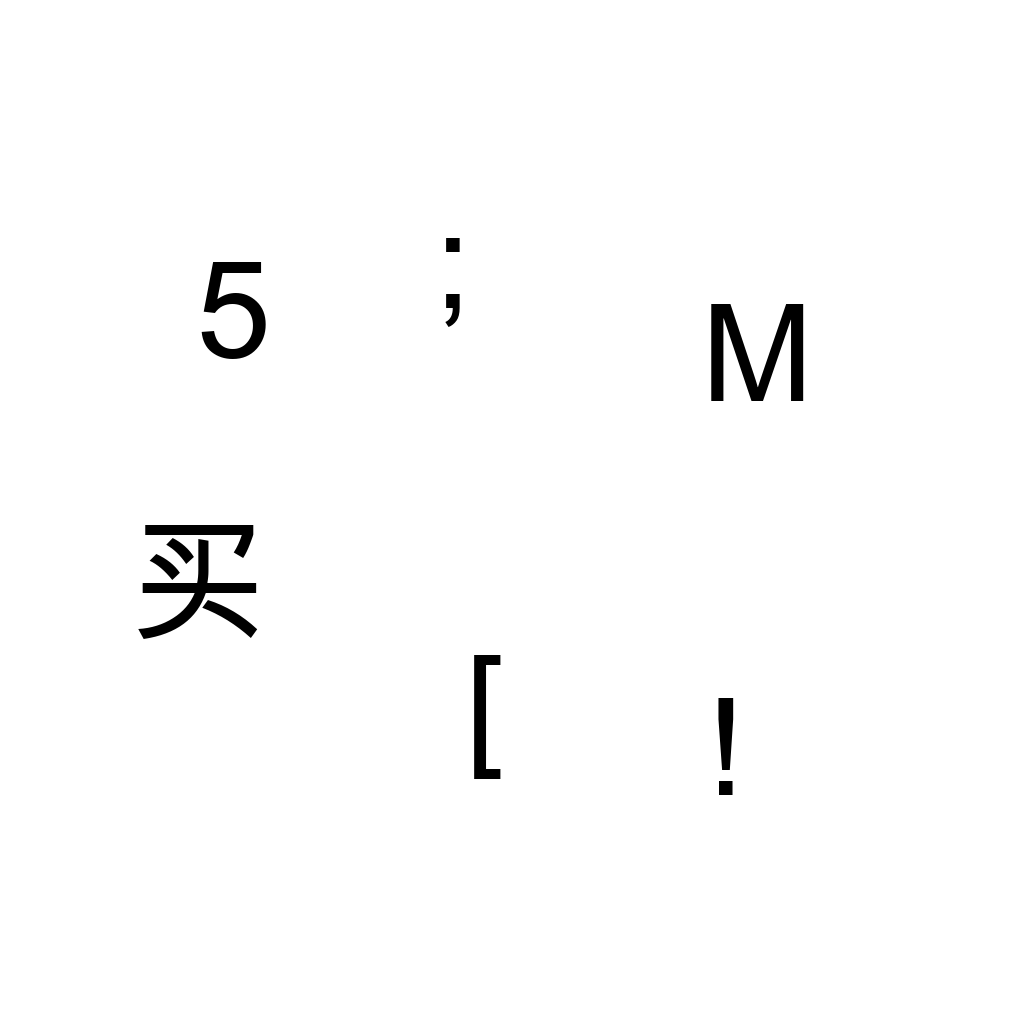
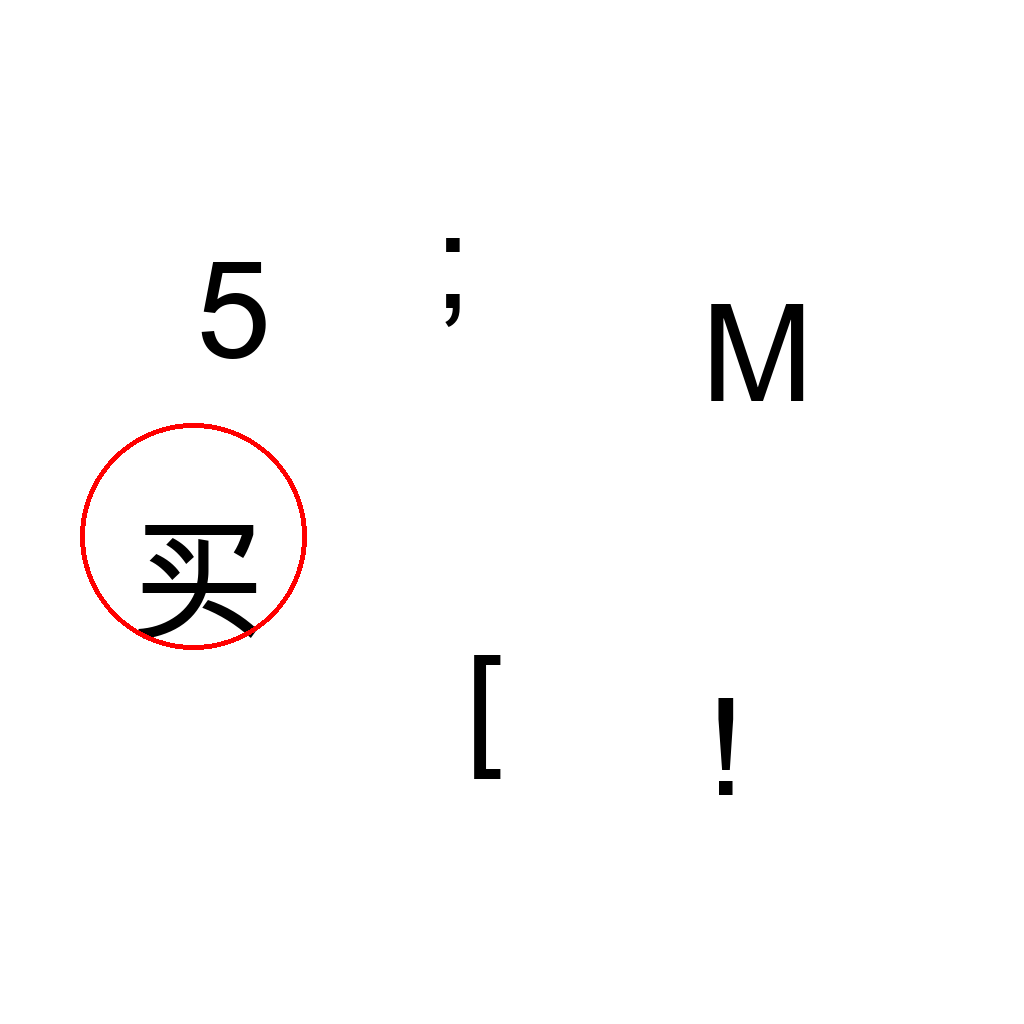
Find and circle the Chinese character among the displayed characters. Only one character is Chinese. Draw a red circle around it.
First Frame
Last Frame
Video
high_density_liquid
GitHub
Prompt
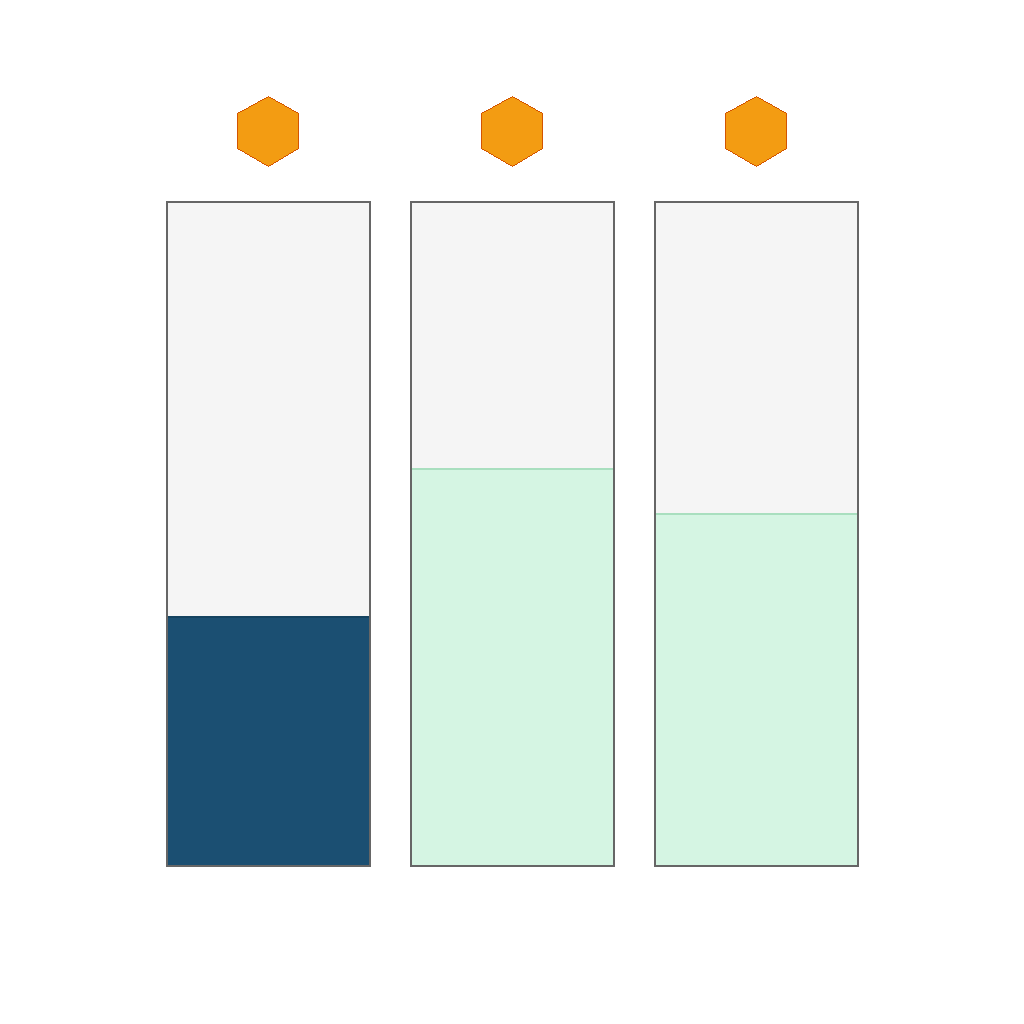
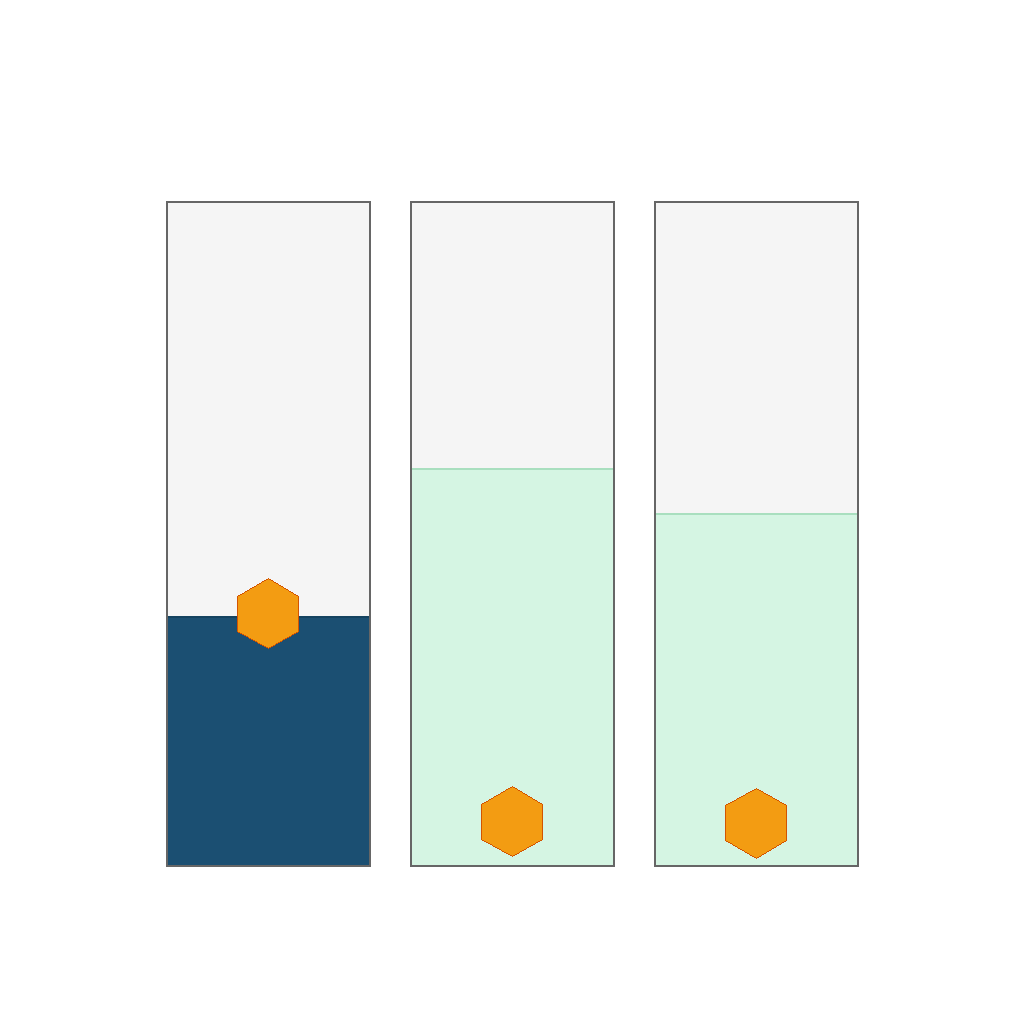
There are 3 cups of liquid; above each cup is one identical object (same mass and density), which will fall into the corresponding cup. One cup has a different liquid color from the others, and that cup's liquid color is darker; that cup's liquid density is higher than the object, and the others are lower. By buoyancy: when the liquid density is higher than the object, the object floats; when lower, it sinks. Show where each object should be in each cup and the final floating or sunk state.
First Frame
Last Frame
Video
shape_color_change
GitHub
Prompt
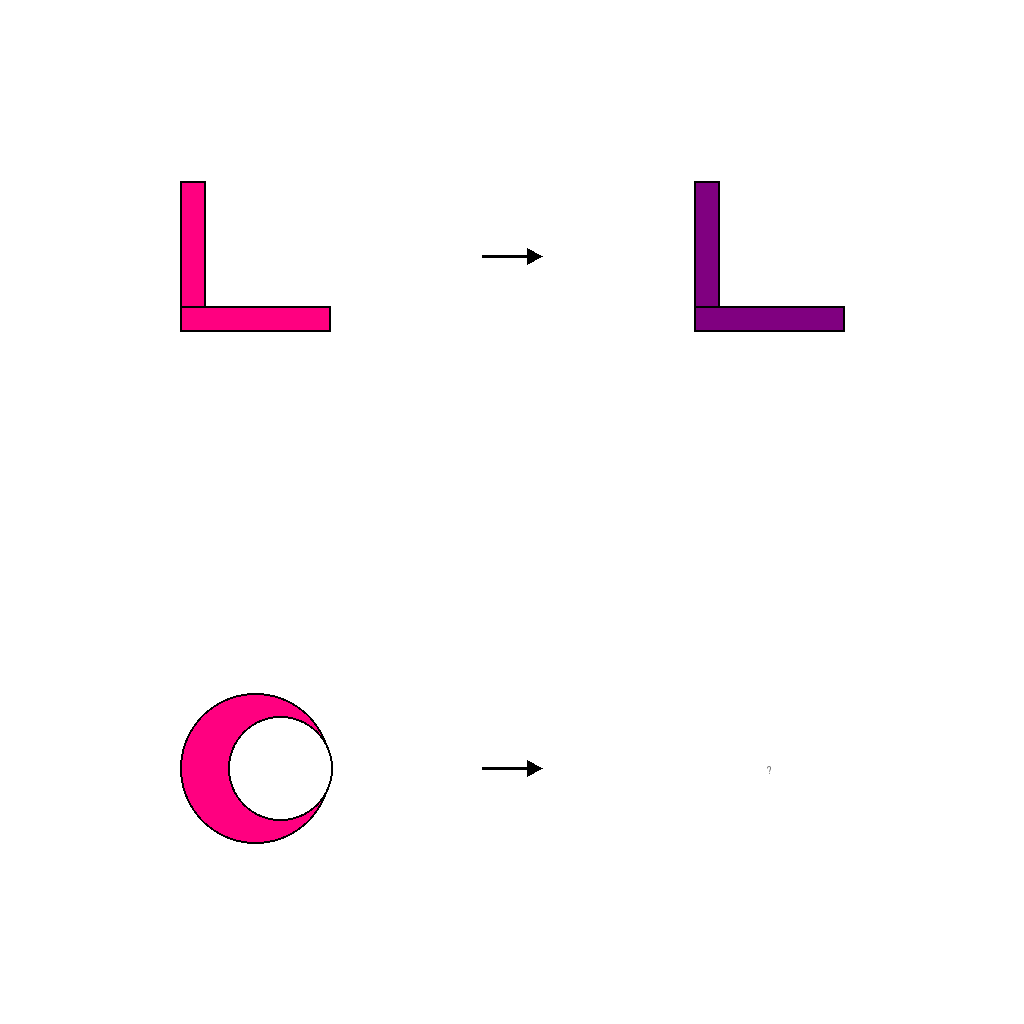
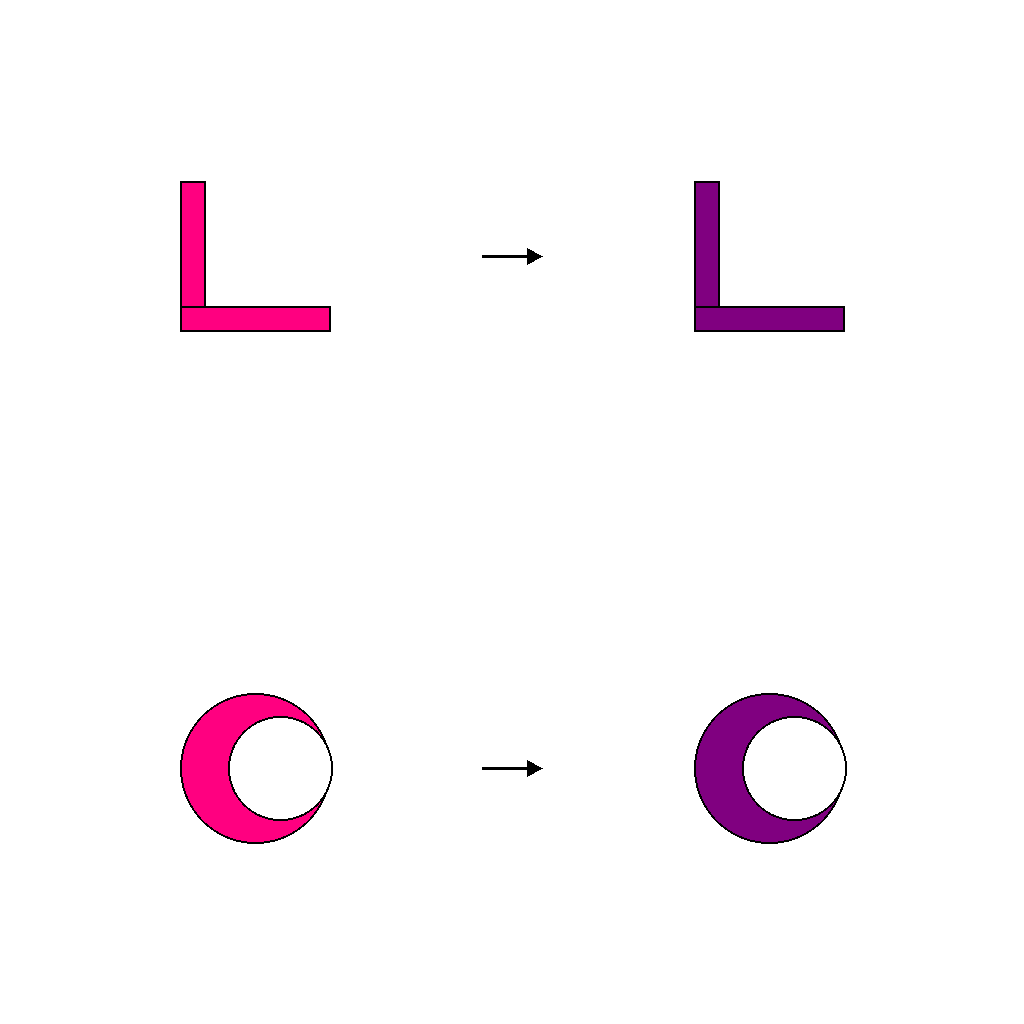
The scene shows an analogy A:B :: C:? with two rows of shapes and arrows. On the top row, a unknown L_shape becomes a purple L_shape; treat this as the color rule from unknown to purple. On the bottom row, the crescent starts with the same source color. Apply the same color change so the answer shape on the right is a purple crescent, keeping its shape, size, and position the same while only the color changes.
First Frame
Last Frame
Video
shape_rotation
GitHub
Prompt
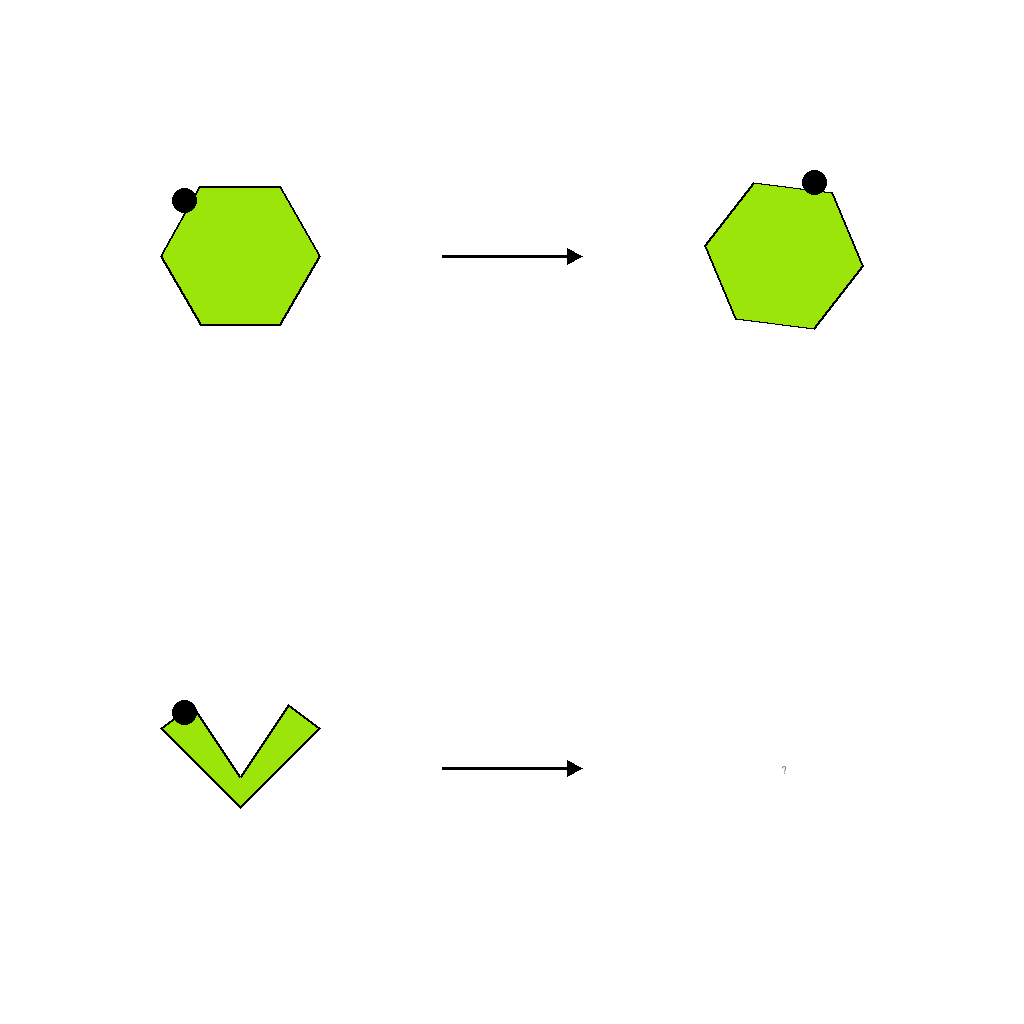
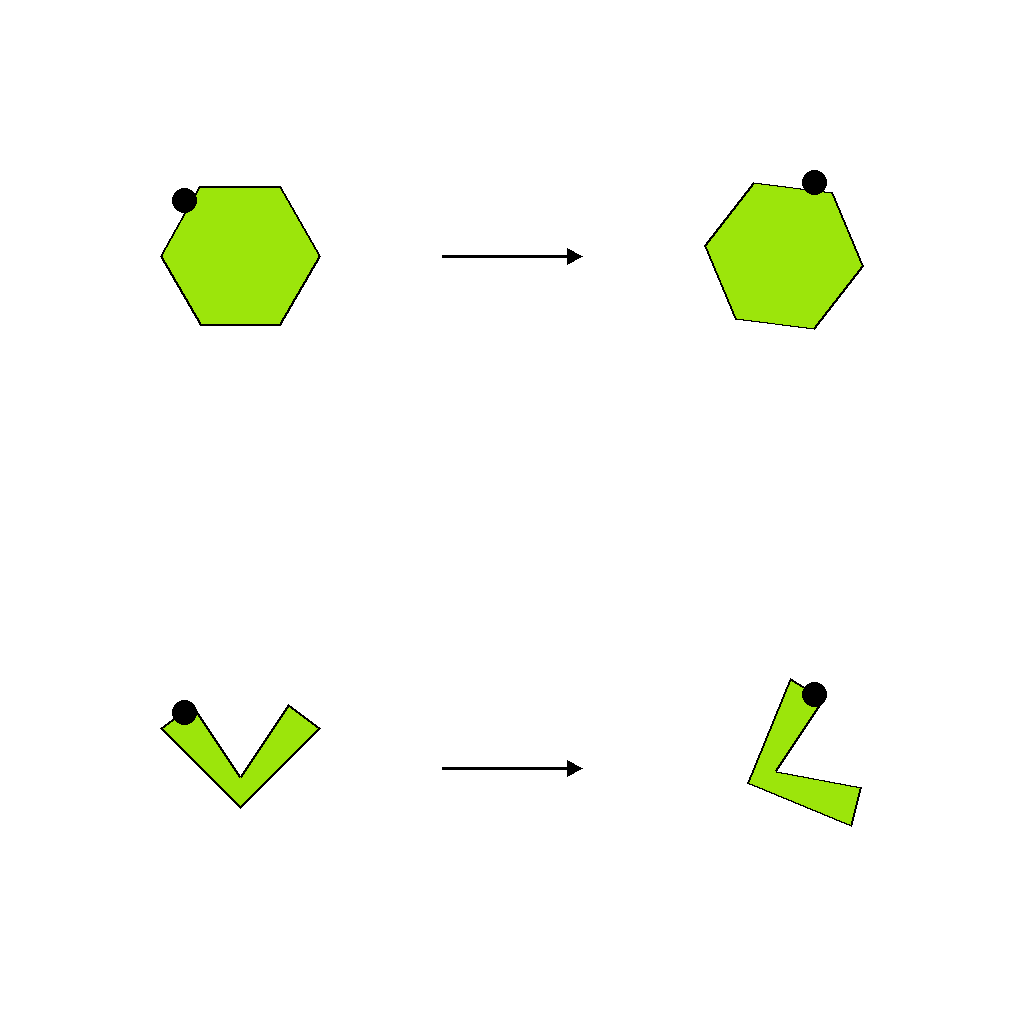
The image shows a visual analogy A:B :: C:? using simple shapes. A and C are the original shapes, B shows shape A after a rotation, and ? is the unknown result. Each shape has a small black marker dot to indicate its orientation. Your task is to infer the single rotation that maps A (hexagon) to B, then apply the same rotation to C (chevron) around its geometric center. The answer at ? must be shape C rotated by this angle, with size and position unchanged, so that the rotational relationship between A and B is mirrored between C and ?.
First Frame
Last Frame
Video
shape_scaling
GitHub
Prompt
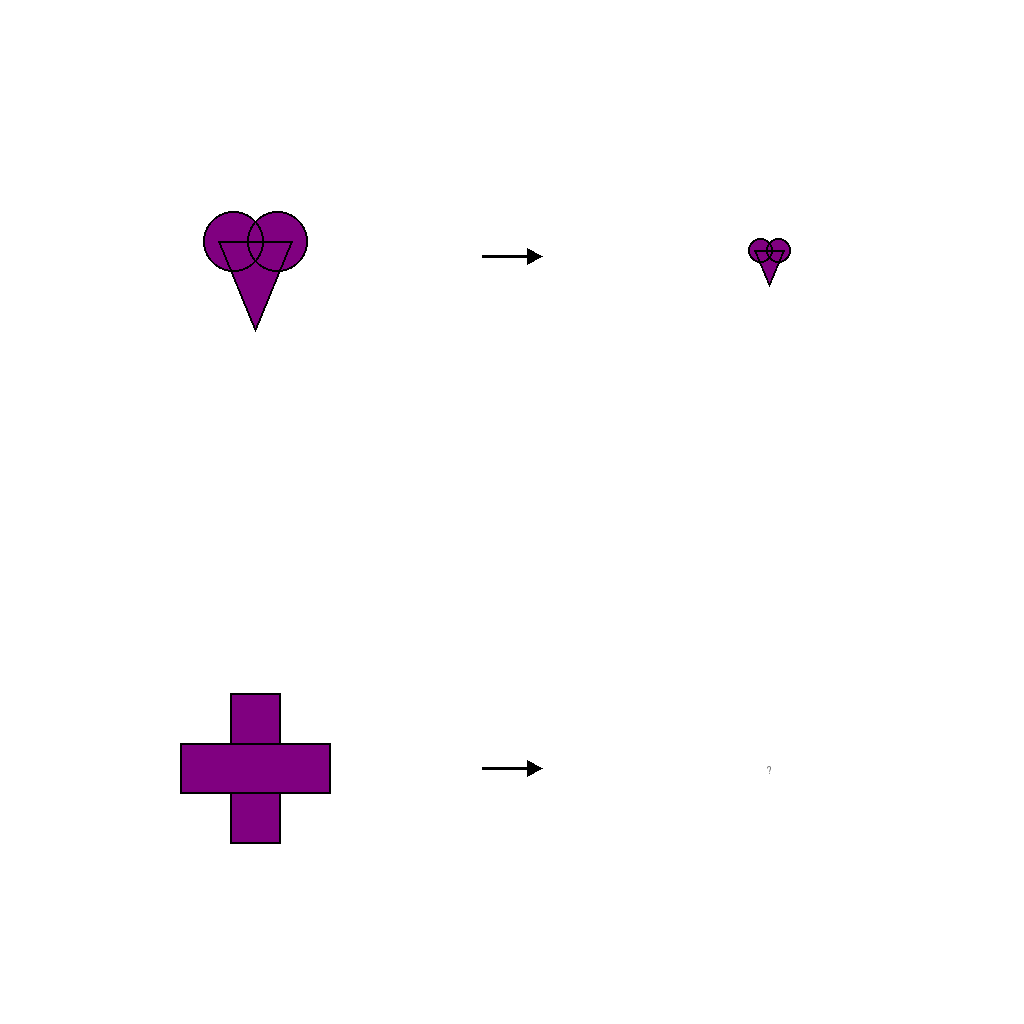
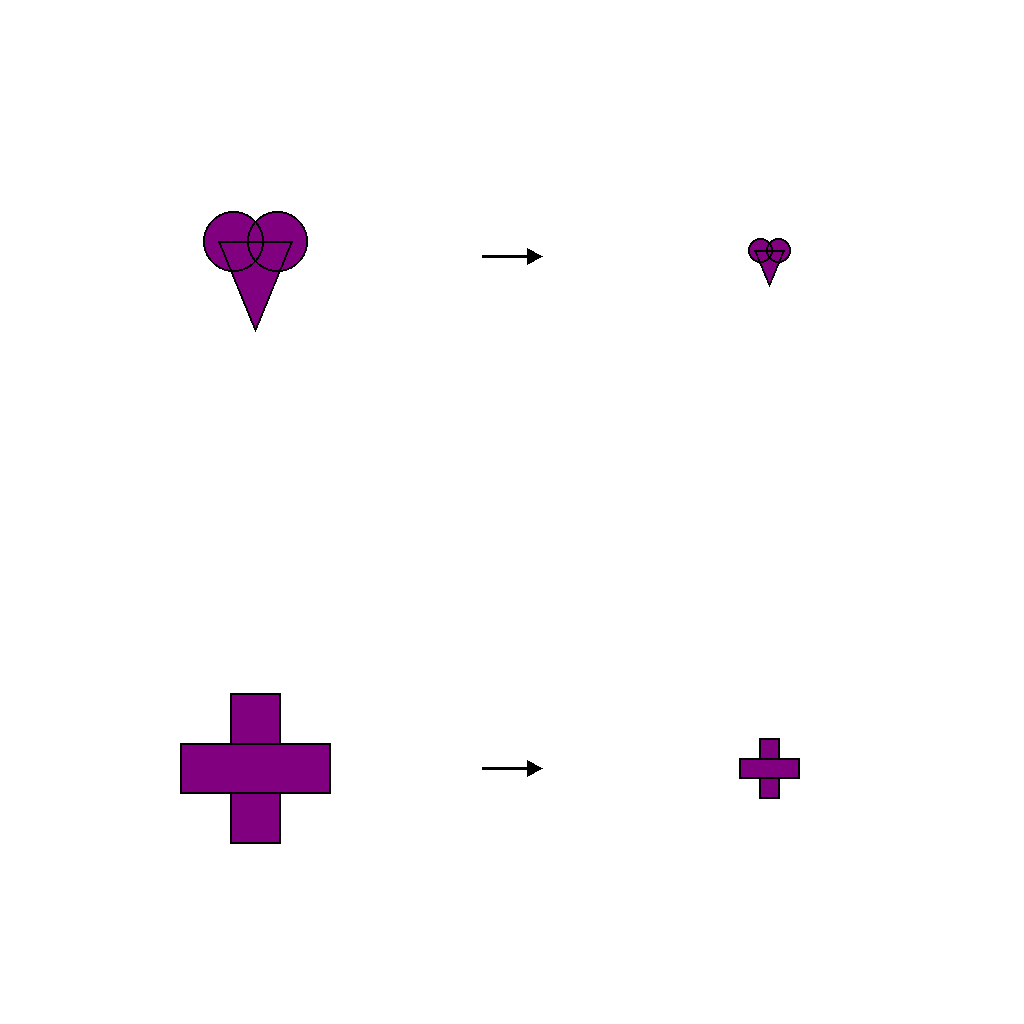
The image shows an analogy A:B :: C:?. A and C are shapes in their original sizes, B is the scaled version of A, and ? is the missing scaled version of C. In the example A → B, the heart is reduced to 40% of its original size (scaling factor 0.40). Infer this scaling factor by comparing A and B, then apply the same factor to C (the plus) to decide what ? should look like as the correctly scaled version of C.
First Frame
Last Frame
Video
shape_outline_fill
GitHub
Prompt
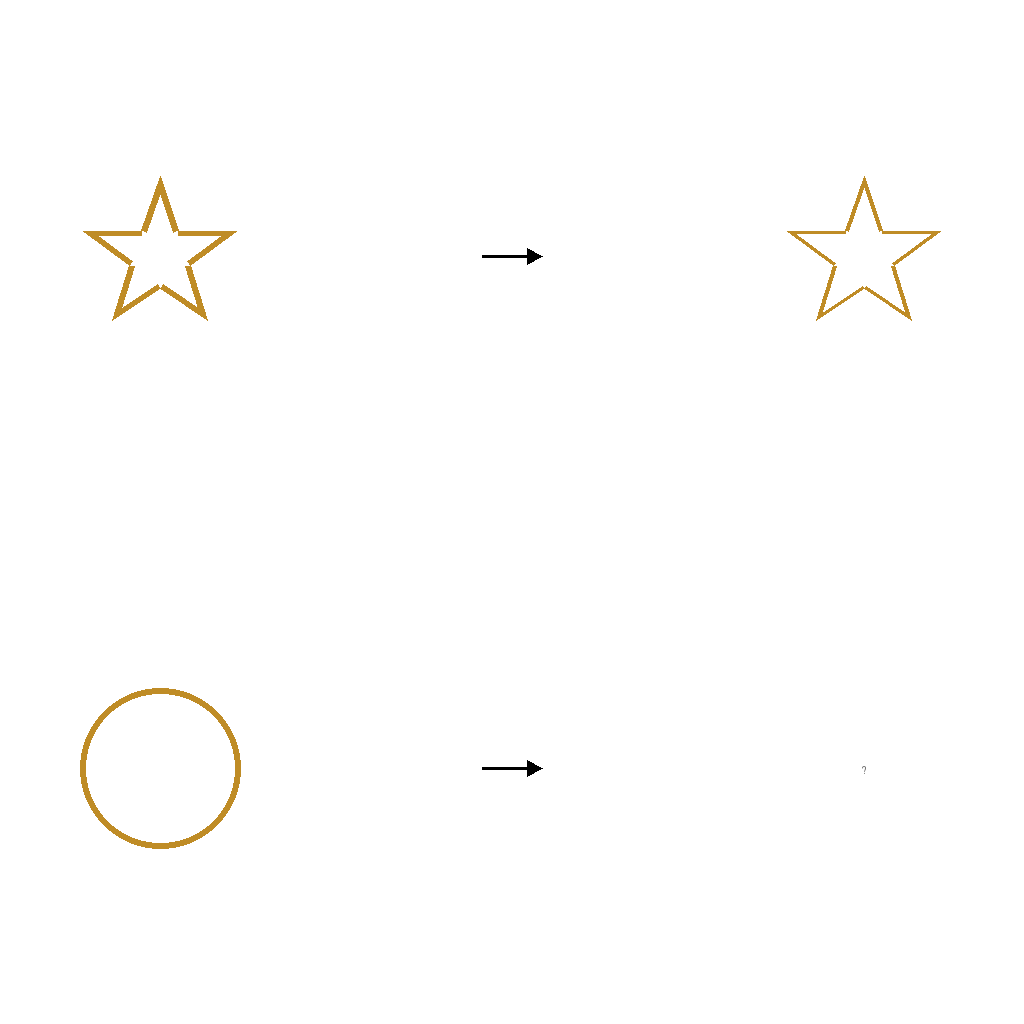
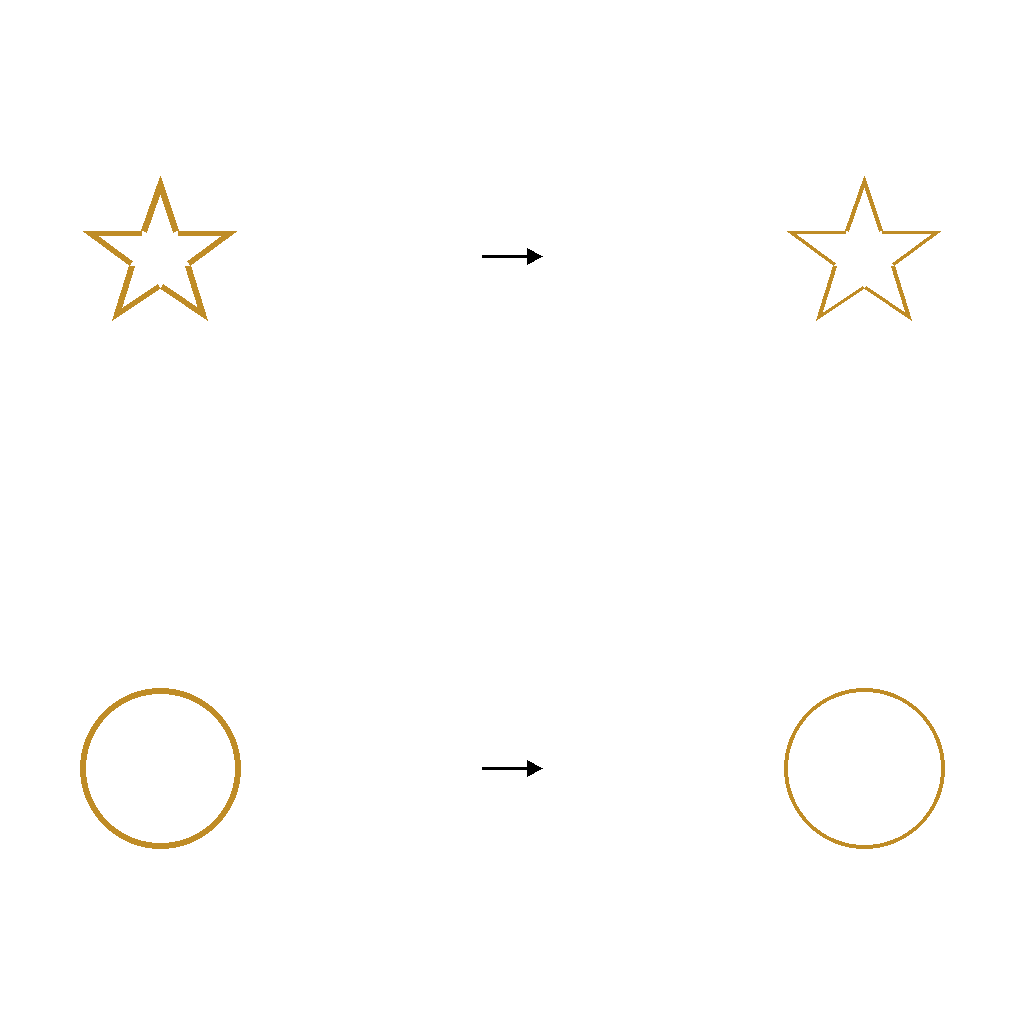
In this A:B :: C:? analogy, apply the same style change to the second-row shape as in the first row. The video should clearly show the filled or outlined style of the right shape in the second row matching the pattern.
First Frame
Last Frame
Video
shape_color_then_move
GitHub
Prompt
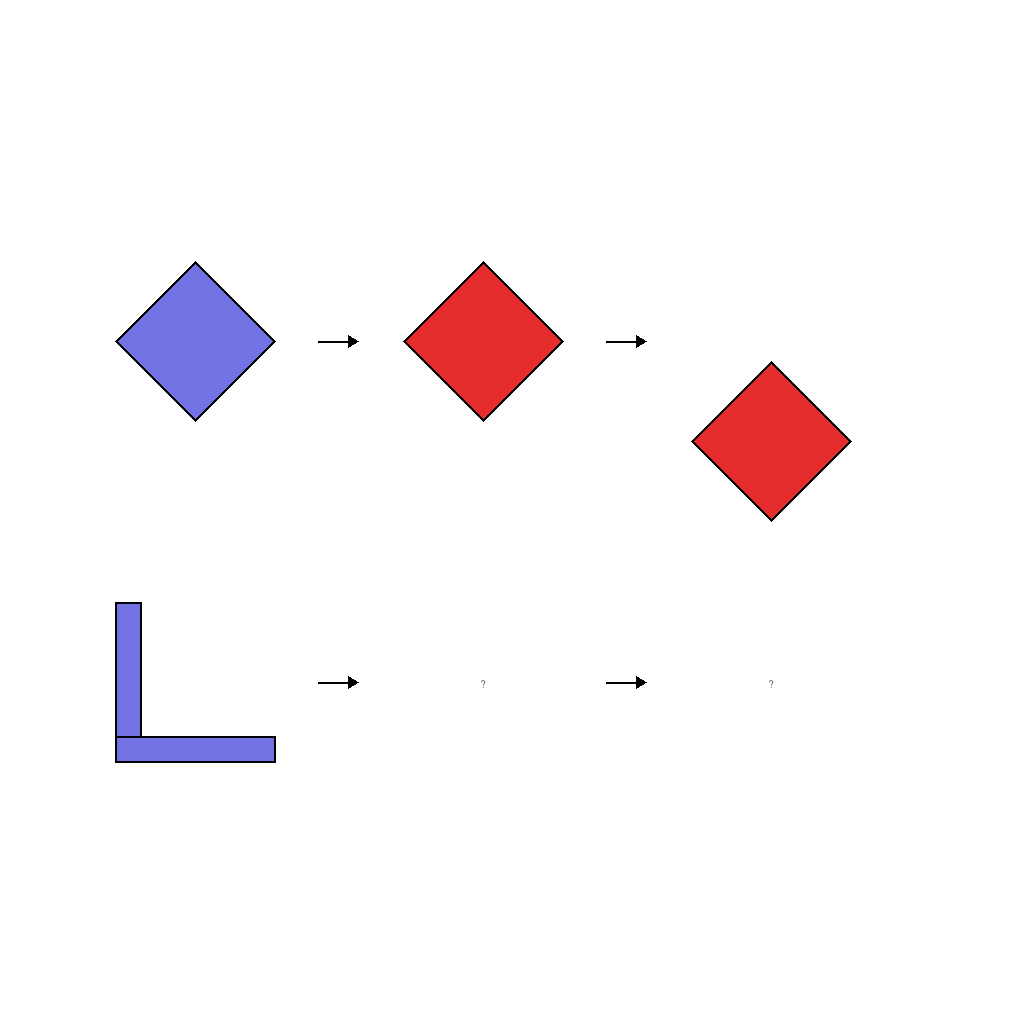
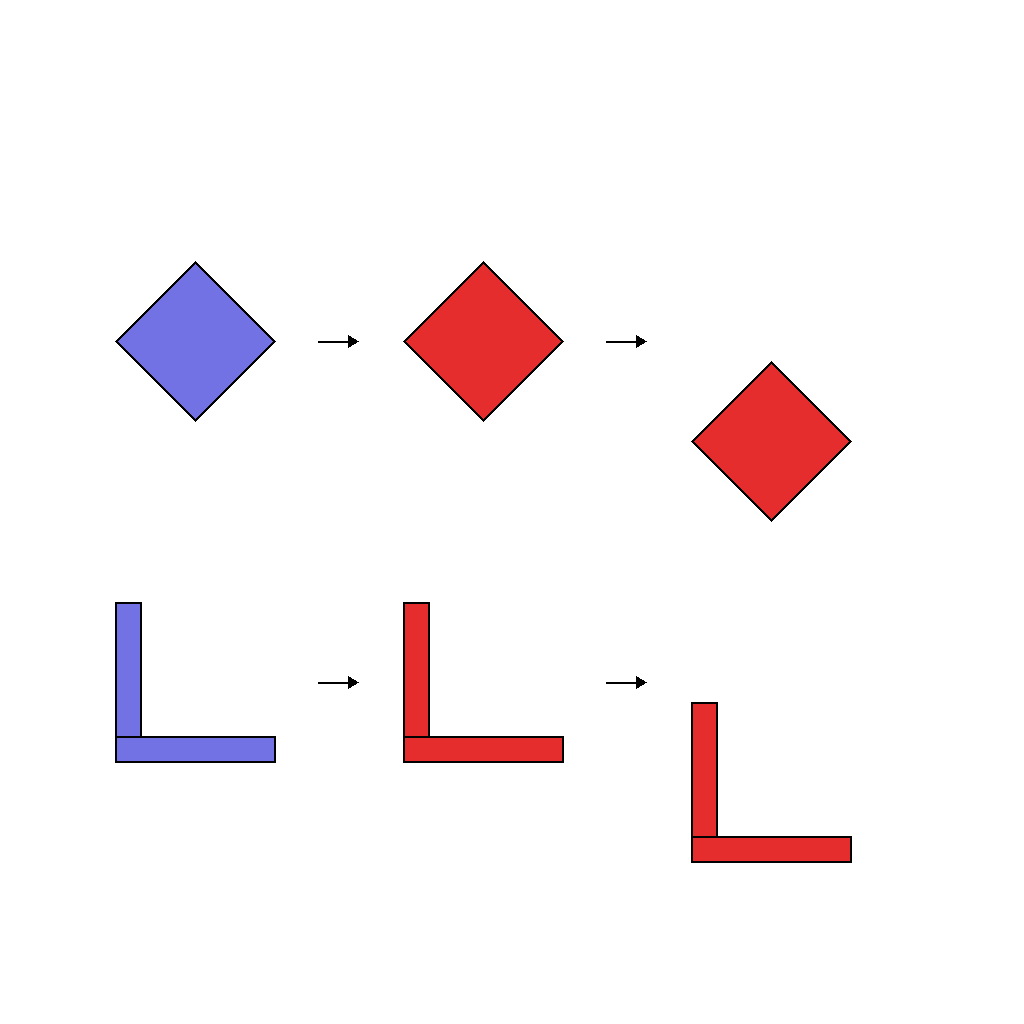
The scene shows a sequential analogy A→B→C :: D→?→? with three shapes per row. On the top row, a color_330 diamond becomes color_048, then moves down. On the bottom row, apply the same two-step transformation to the L_shape: first change color from color_330 to color_048, then move down. Show both transformations sequentially in the video.
First Frame
Last Frame
Video
shape_color_then_scale
GitHub
Prompt
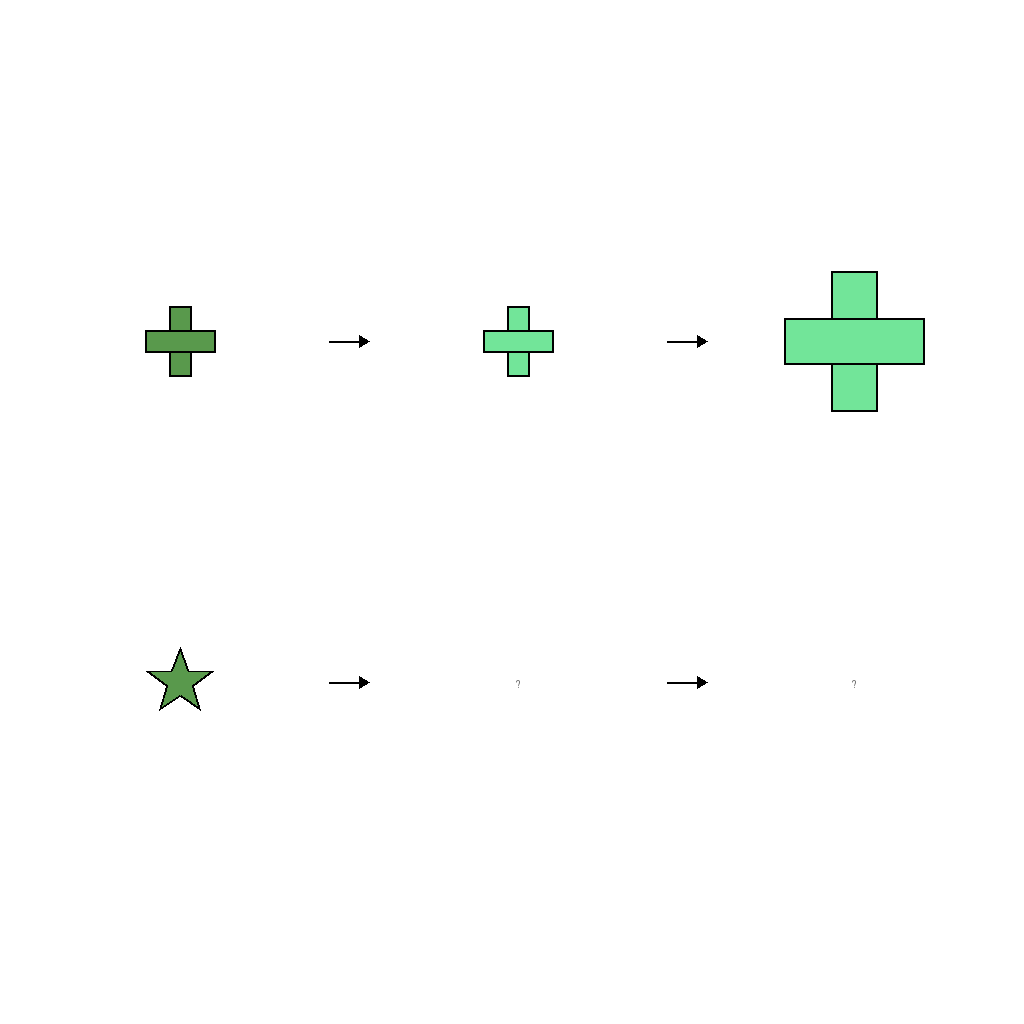
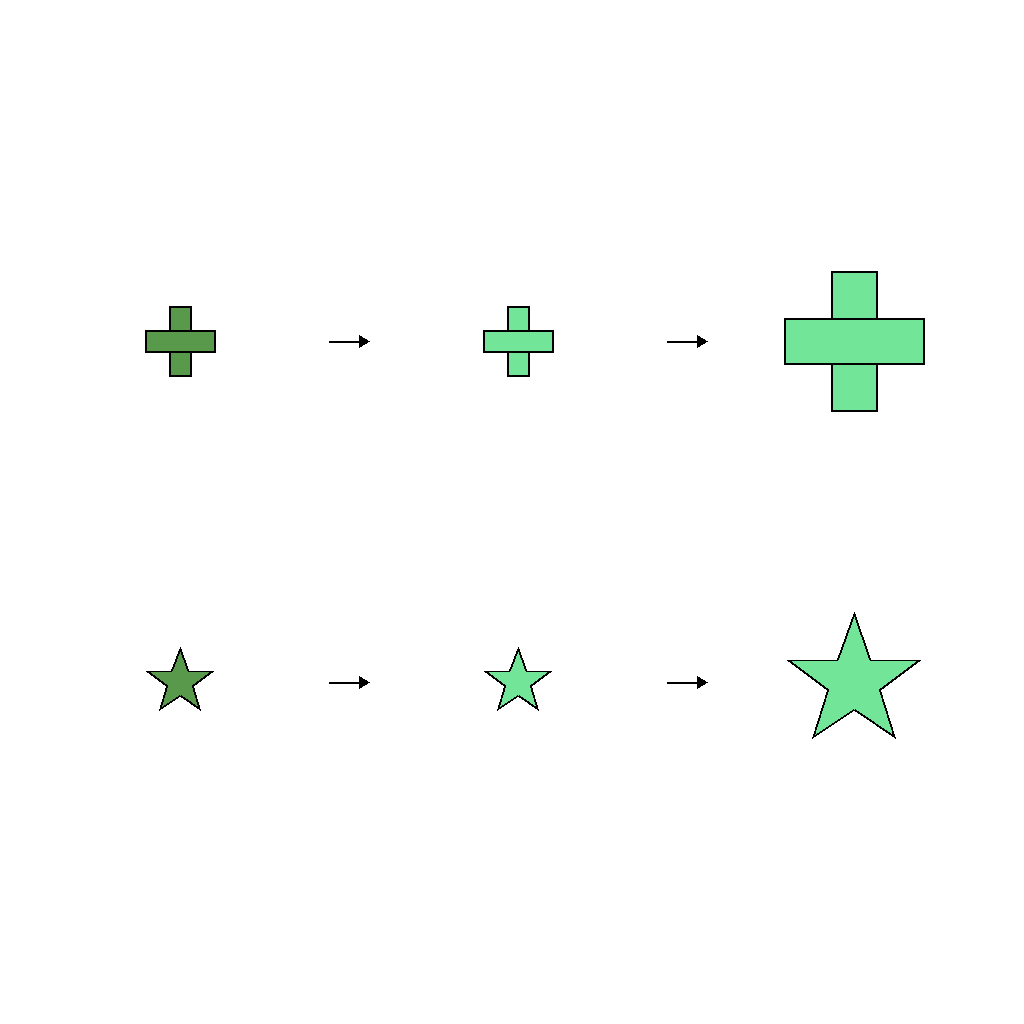
The scene shows an analogy A→B→C :: D→?→? with two rows of shapes. Top row: color_172 plus at small becomes color_210 plus at small, then color_210 plus at large. This shows two rules: first change color from color_172 to color_210, then change size from small to large. Bottom row: star starts with color_172 and small. Apply the same transformation: first change color to color_210, then change size to large.
First Frame
Last Frame
Video
shape_outline_then_move
GitHub
Prompt
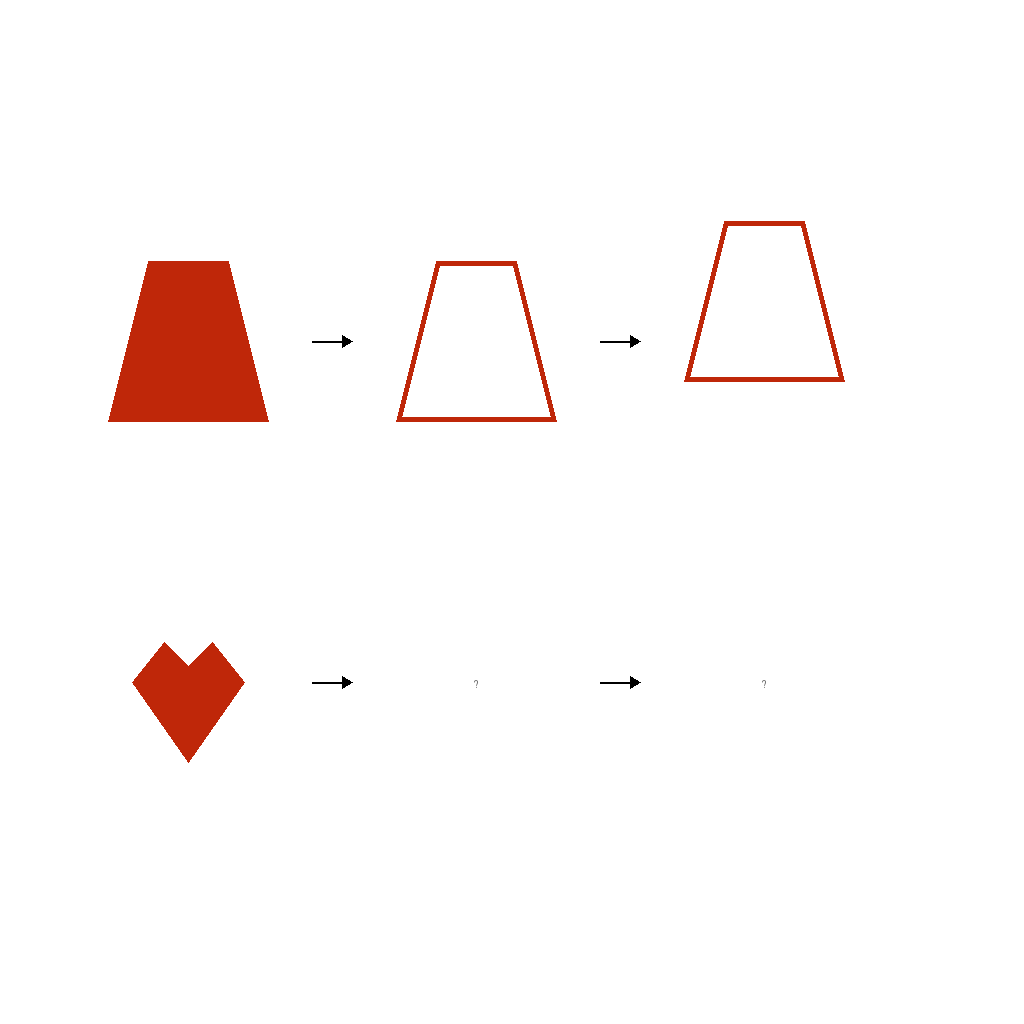
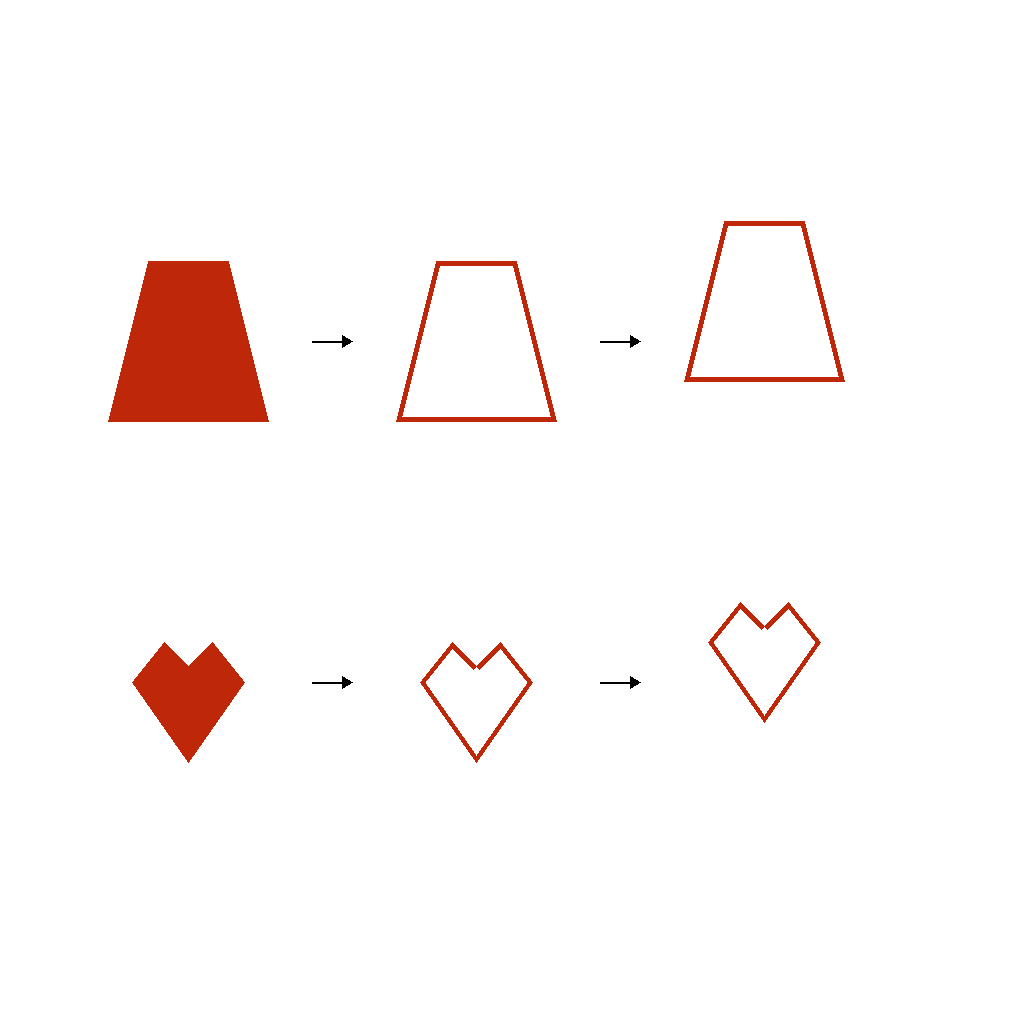
The scene shows an analogy A→B→C :: D→?→? with two rows of shapes and arrows. On the top row, a filled trapezoid first becomes an outline-only trapezoid (step 1), then moves up by a small amount (step 2). On the bottom row, the heart starts filled. Apply the same two-step transformation: first convert it to outline-only style, then move it up by a small amount, keeping its shape and size the same while only the style and position change.
First Frame
Last Frame
Video
shape_scale_then_outline
GitHub
Prompt
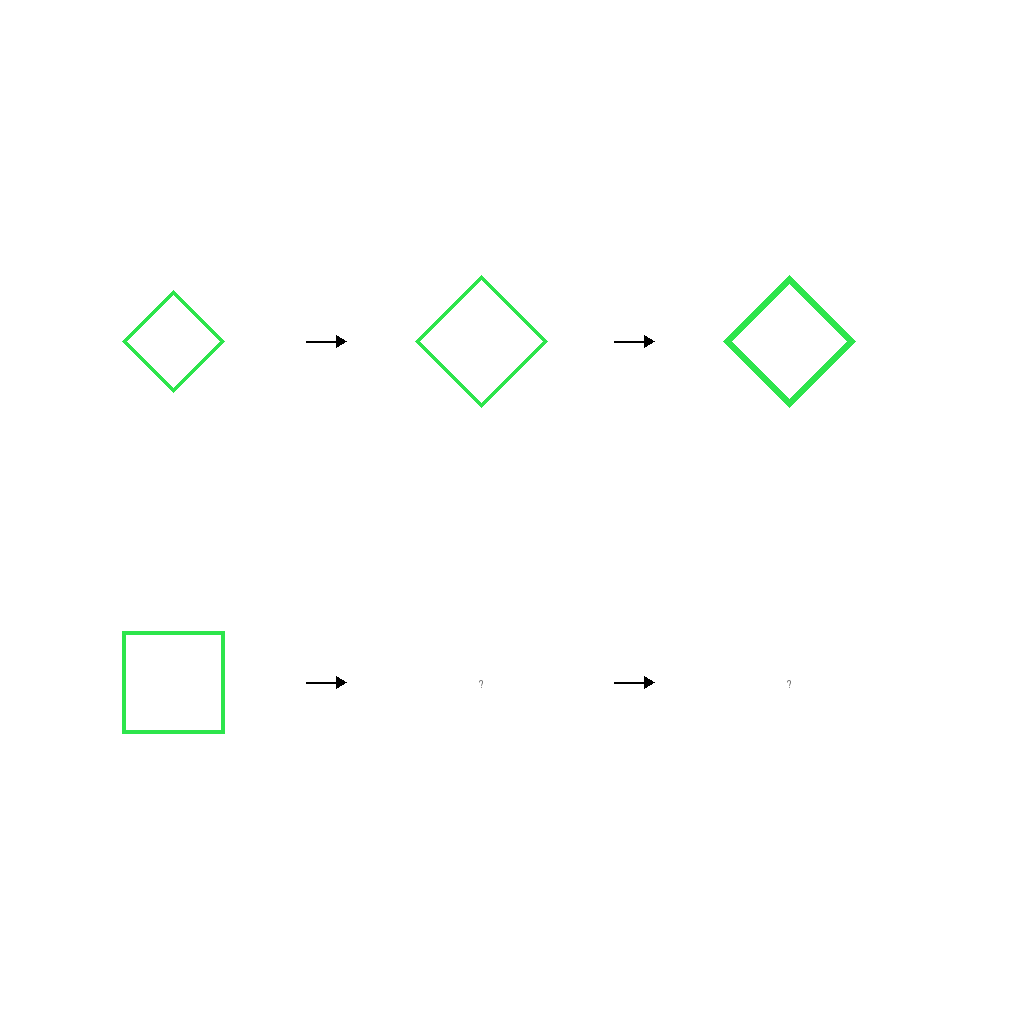
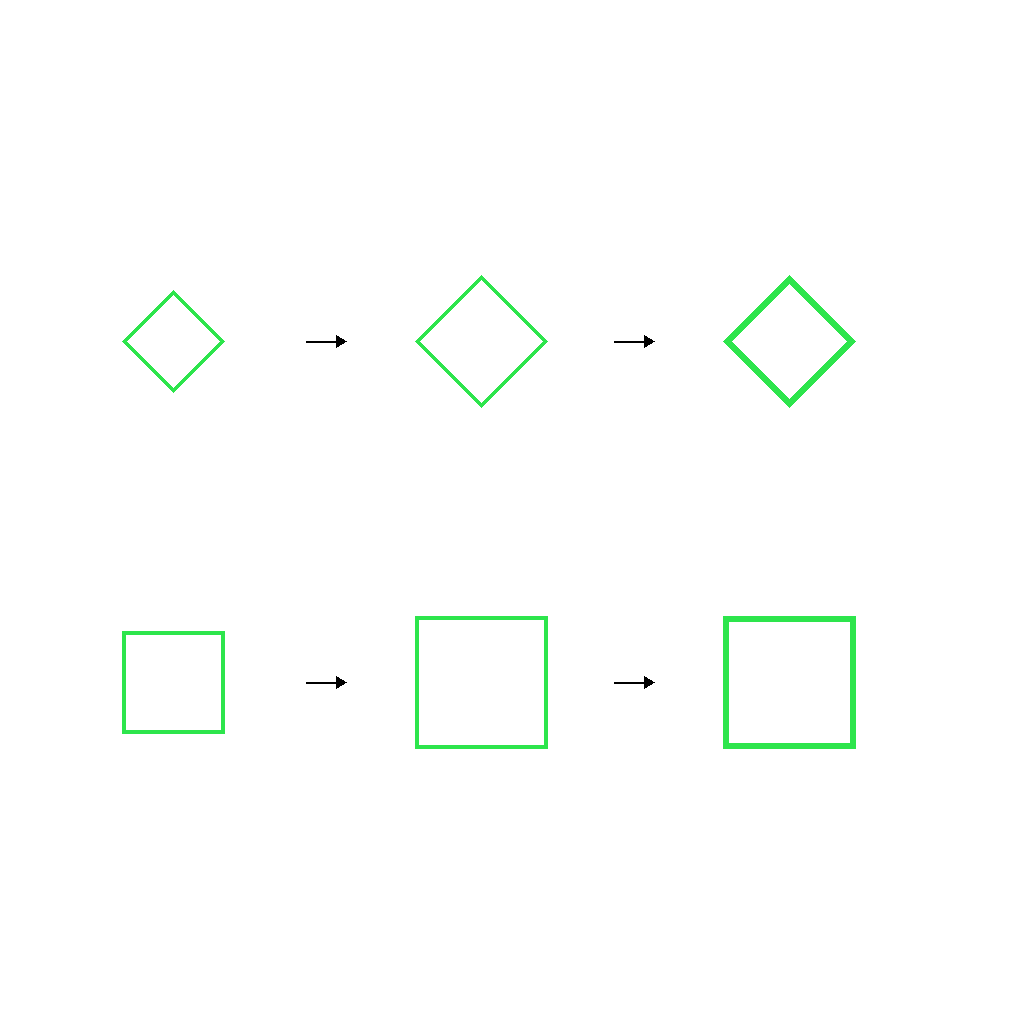
Animate the two-step transformation: scale change followed by fill-to-outline conversion.
First Frame
Last Frame
Video
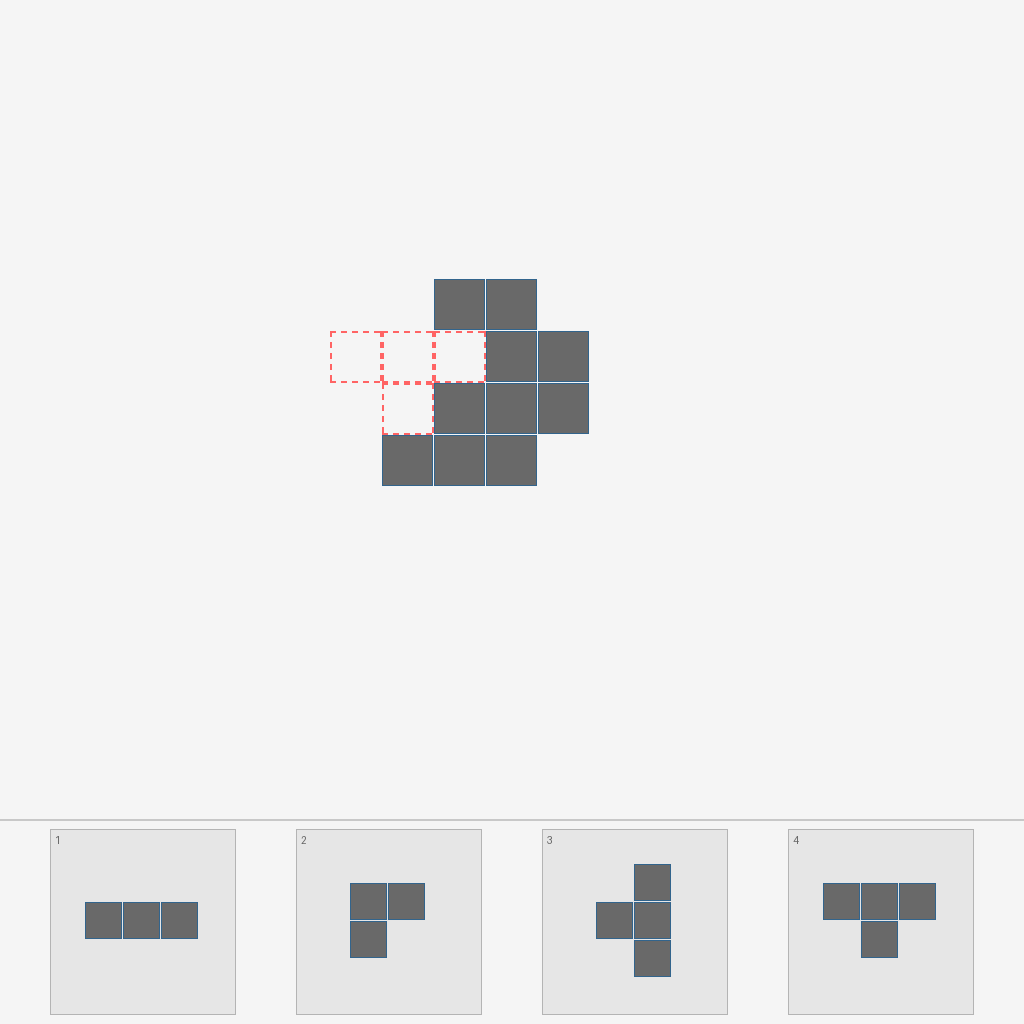
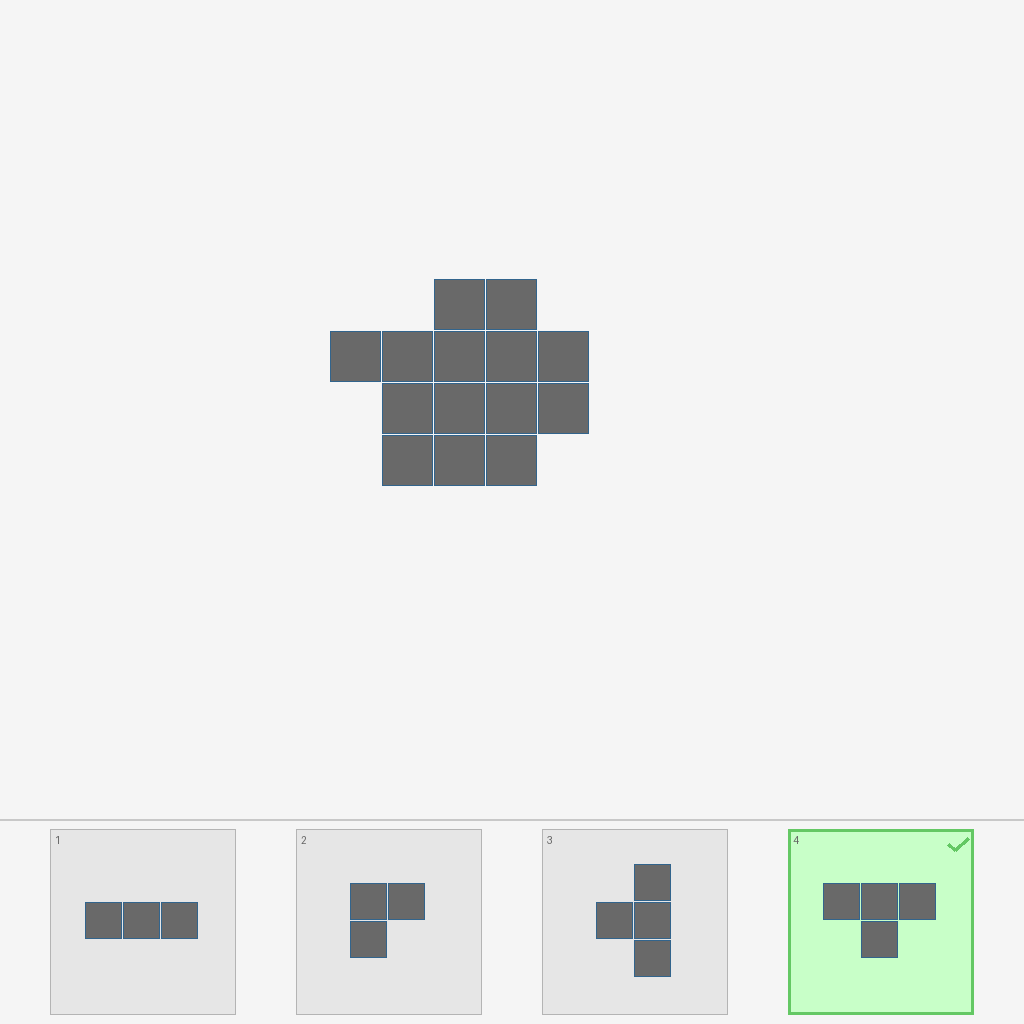
construction_blueprint
GitHub
Prompt
In the scene, the upper structure has a missing piece outlined with a dashed line. There are 4 candidate pieces below. The video sequentially checks each candidate from left to right: highlights the current candidate being examined with a frame, previews how the piece fits in the gap, marks it with ✓ if the shape matches or ✗ if it doesn't, then moves to the next candidate. Once the matching piece is found, an animation demonstrates it moving into the gap to complete the structure.
First Frame
Last Frame
Video
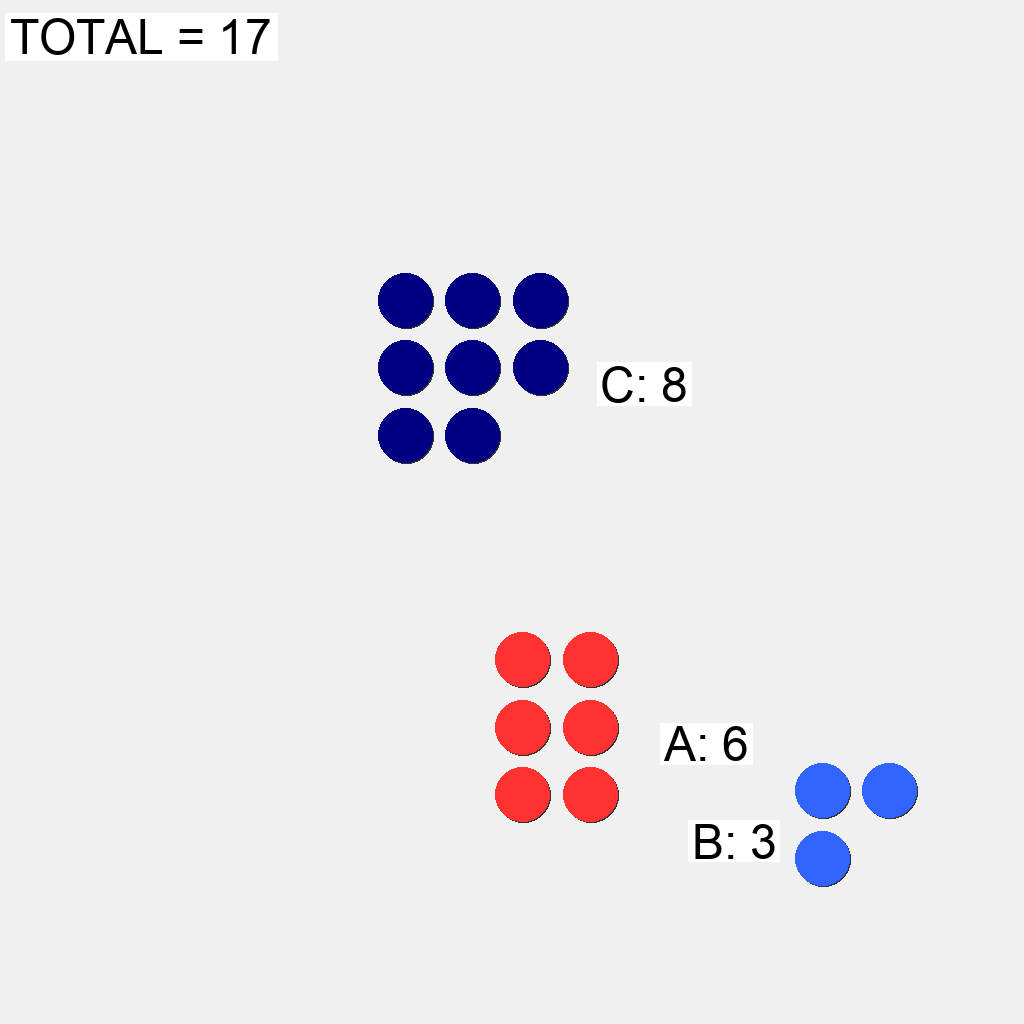
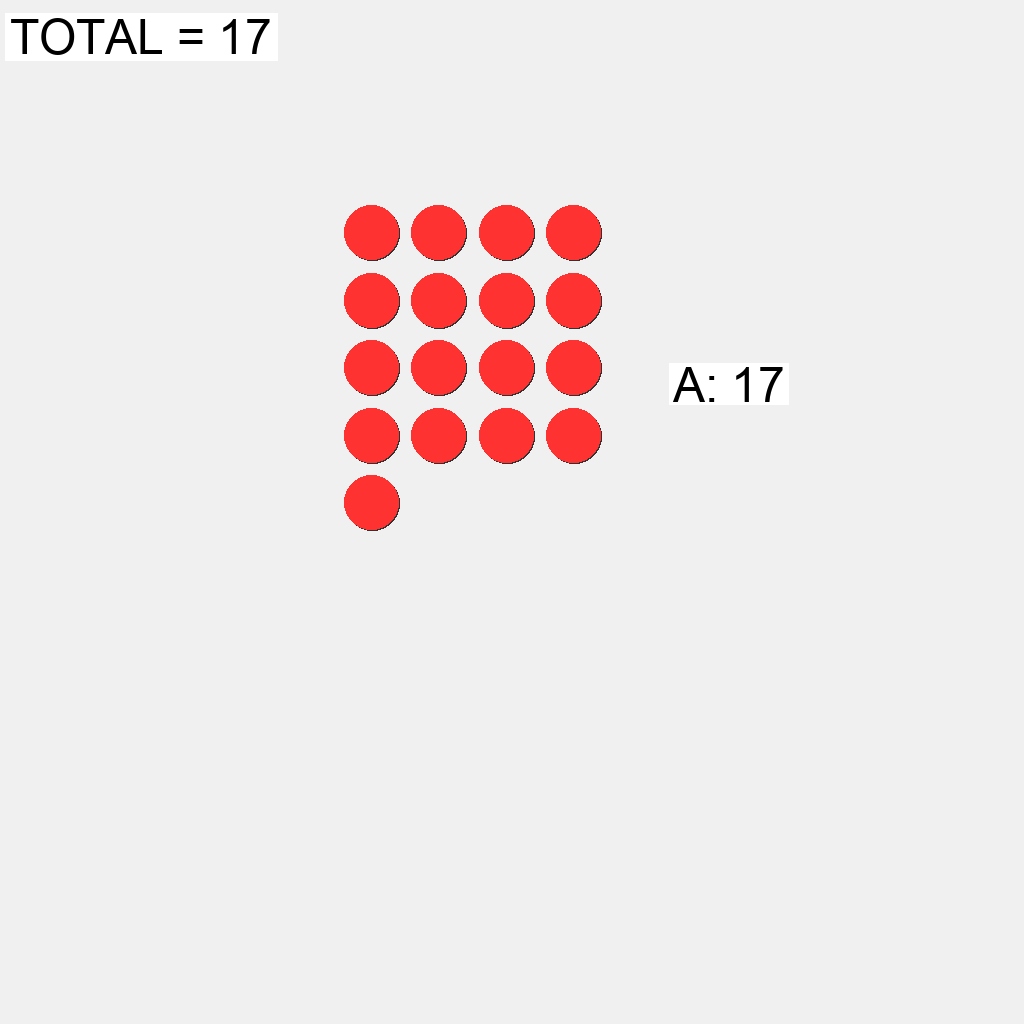
ballcolor
GitHub
Prompt
In the scene, there are 3 ball clusters: red cluster A has 6 balls, and there are other clusters with different numbers of balls. The global TOTAL label shows the sum 17. Control the red cluster A to absorb other clusters. You can only absorb clusters that are smaller than the red cluster. Find the correct sequence to absorb all clusters step by step until all balls become red.
First Frame
Last Frame
Video
bookshelf
GitHub
Prompt
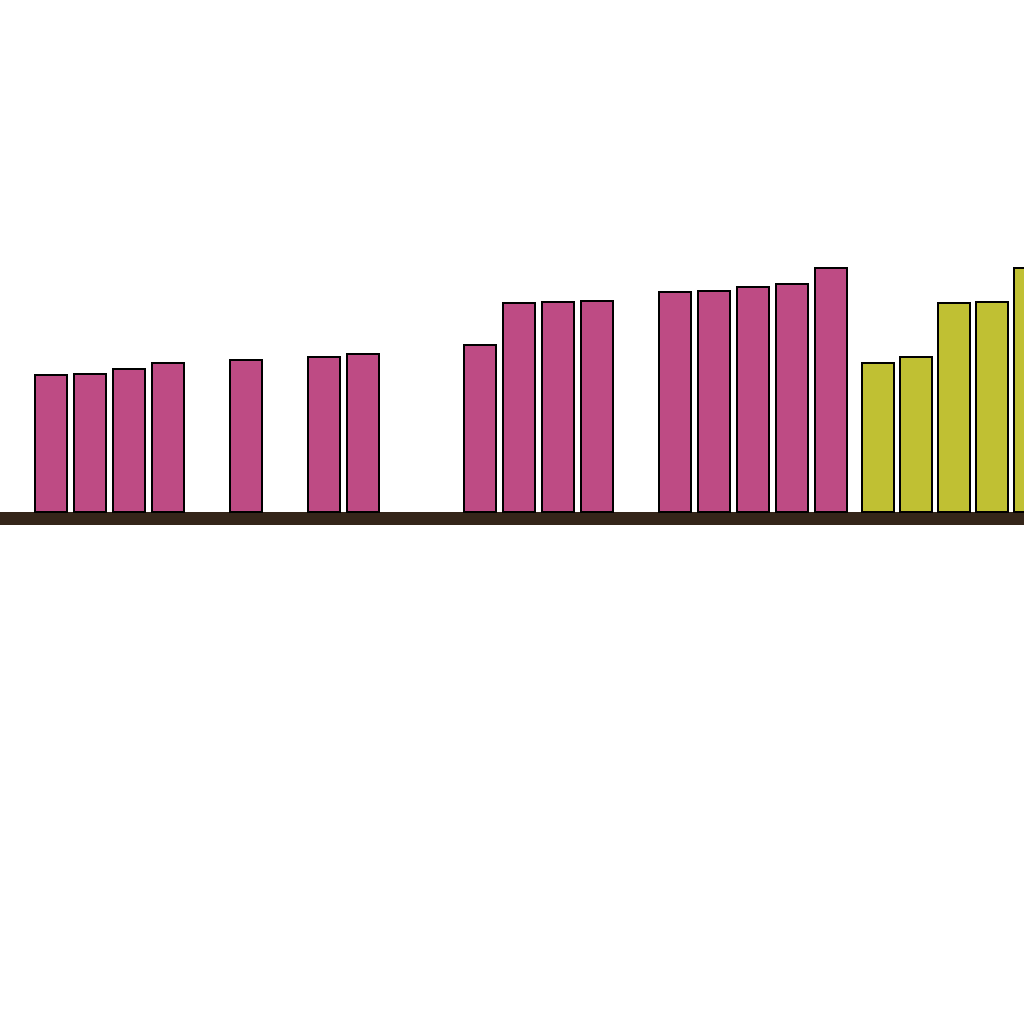
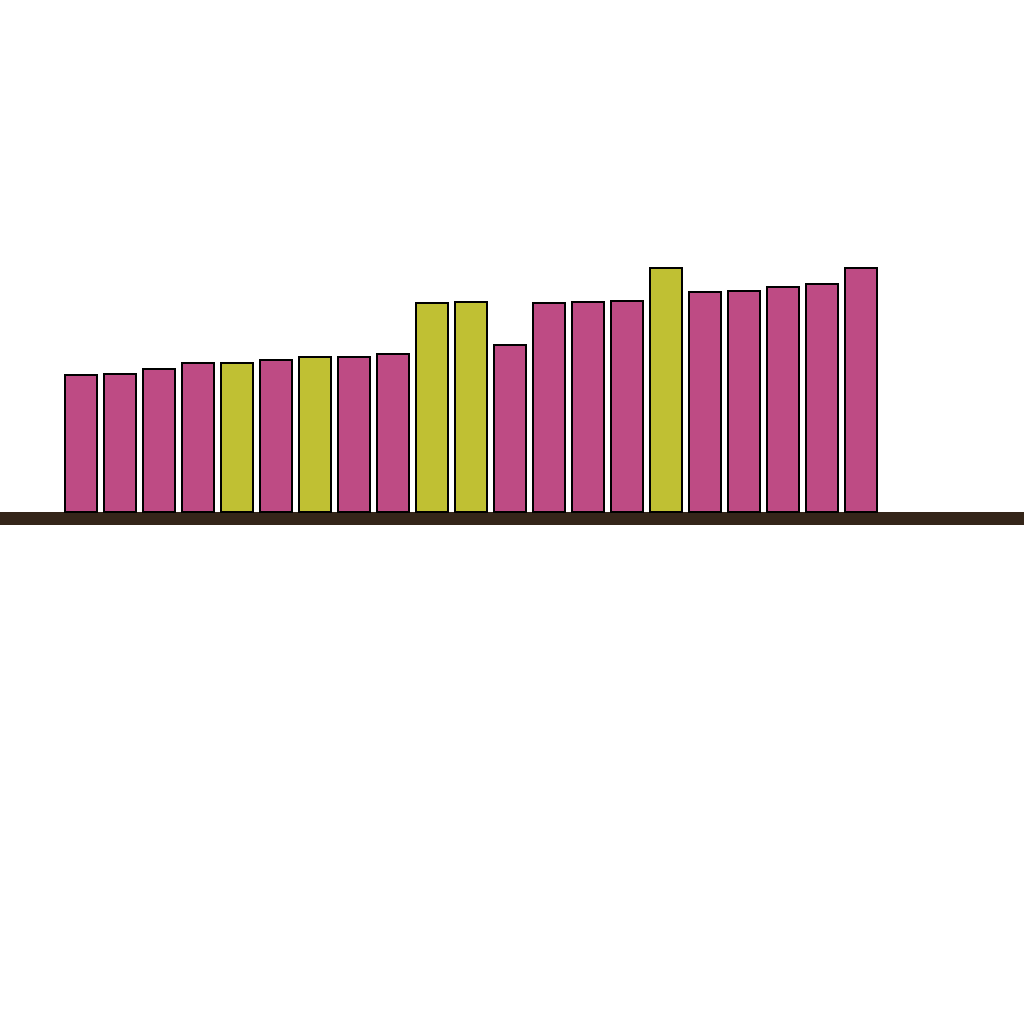
In the scene, there is a bookshelf with a set of books already placed, and a few yellow books waiting on the right. There are gaps between the books on the shelf. Place each yellow book into a gap where its height is closest to the surrounding books. Show the insertion process step by step.
First Frame
Last Frame
Video
light_sequence
GitHub
Prompt
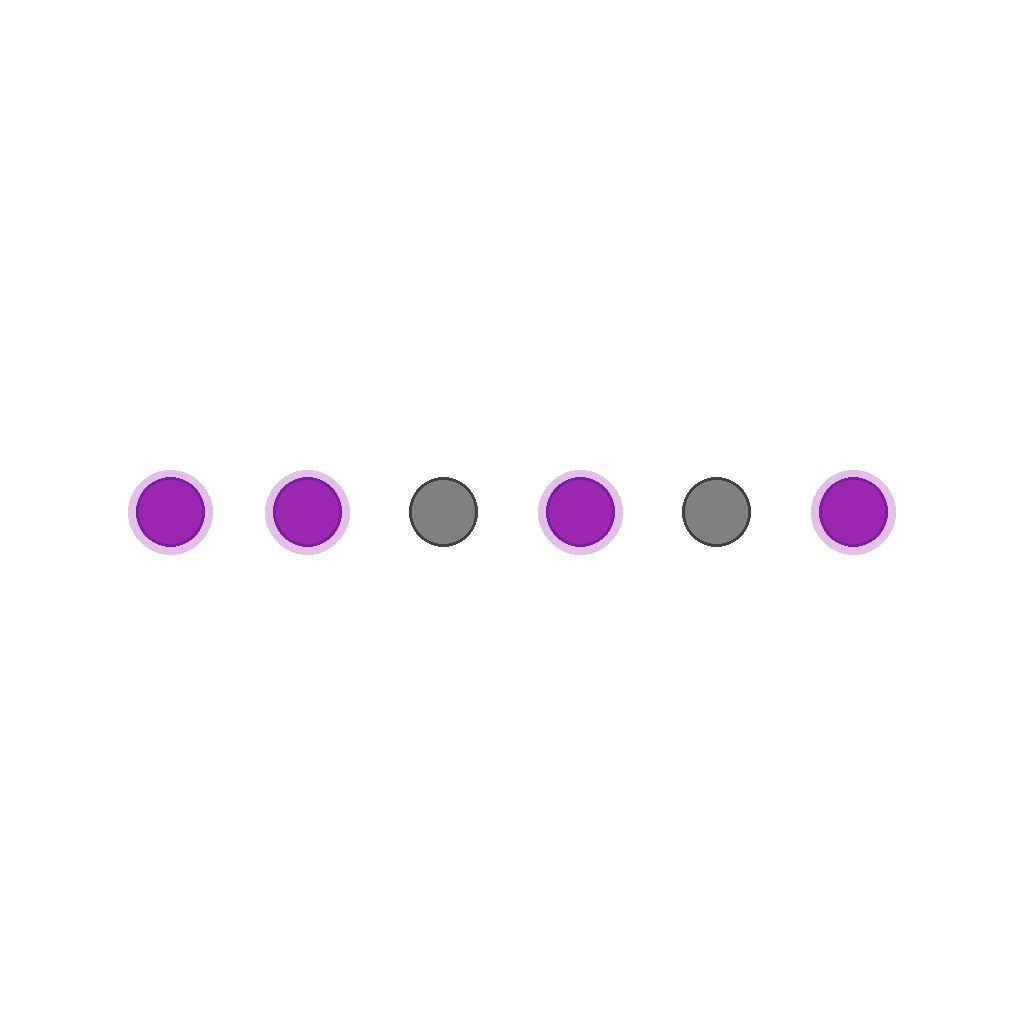
The scene shows 6 circular lights in a horizontal row on a white background. Lights on are purple with glow; lights off are gray. Initially, some lights are on and some are off.
Your task: Modify the light states so that the leftmost 3 lights (counting from left to right) are on (purple with glow), and all other lights are off (gray). Turn lights on/off as needed. Lights change from gray to purple (with glow) when turned on, and from purple to gray (glow disappears) when turned off. Lights stay in fixed positions; only their states change.
First Frame
Last Frame

Video
object_subtraction
GitHub
Prompt
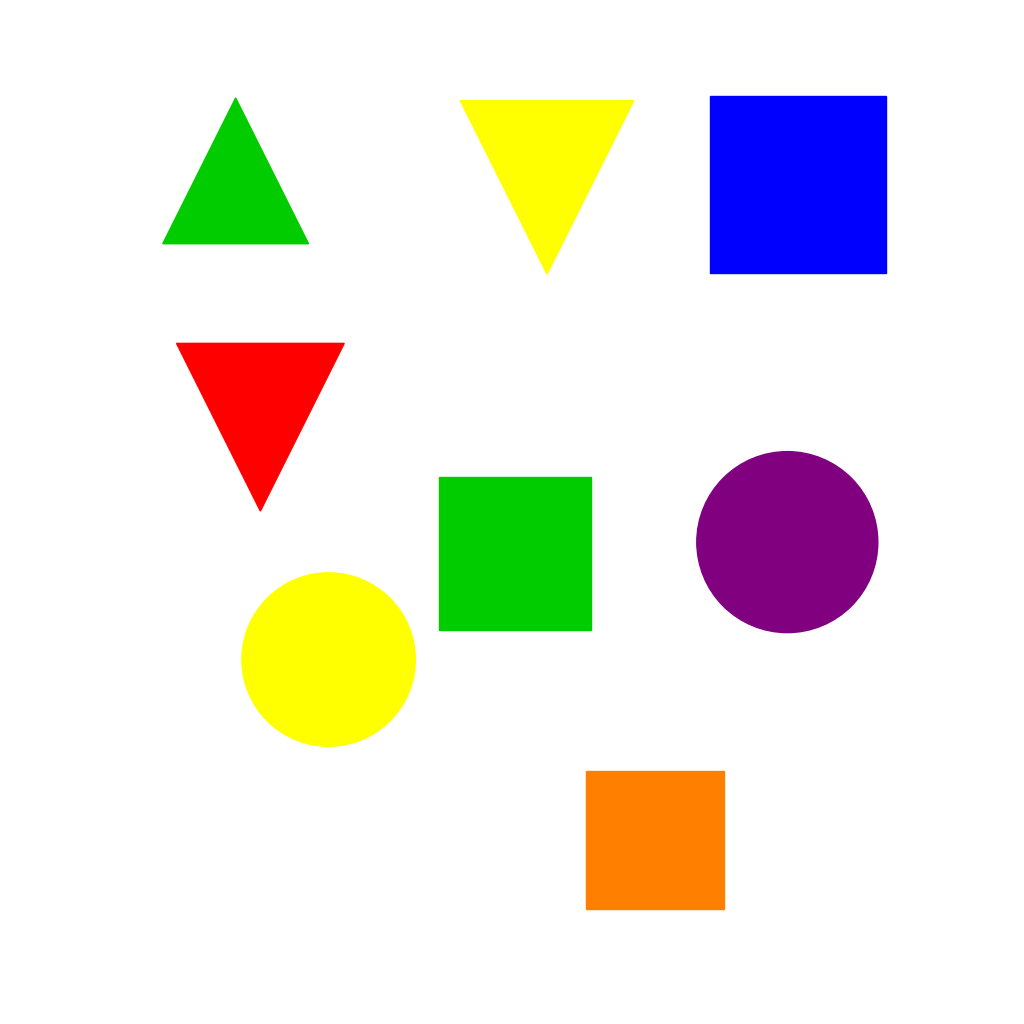
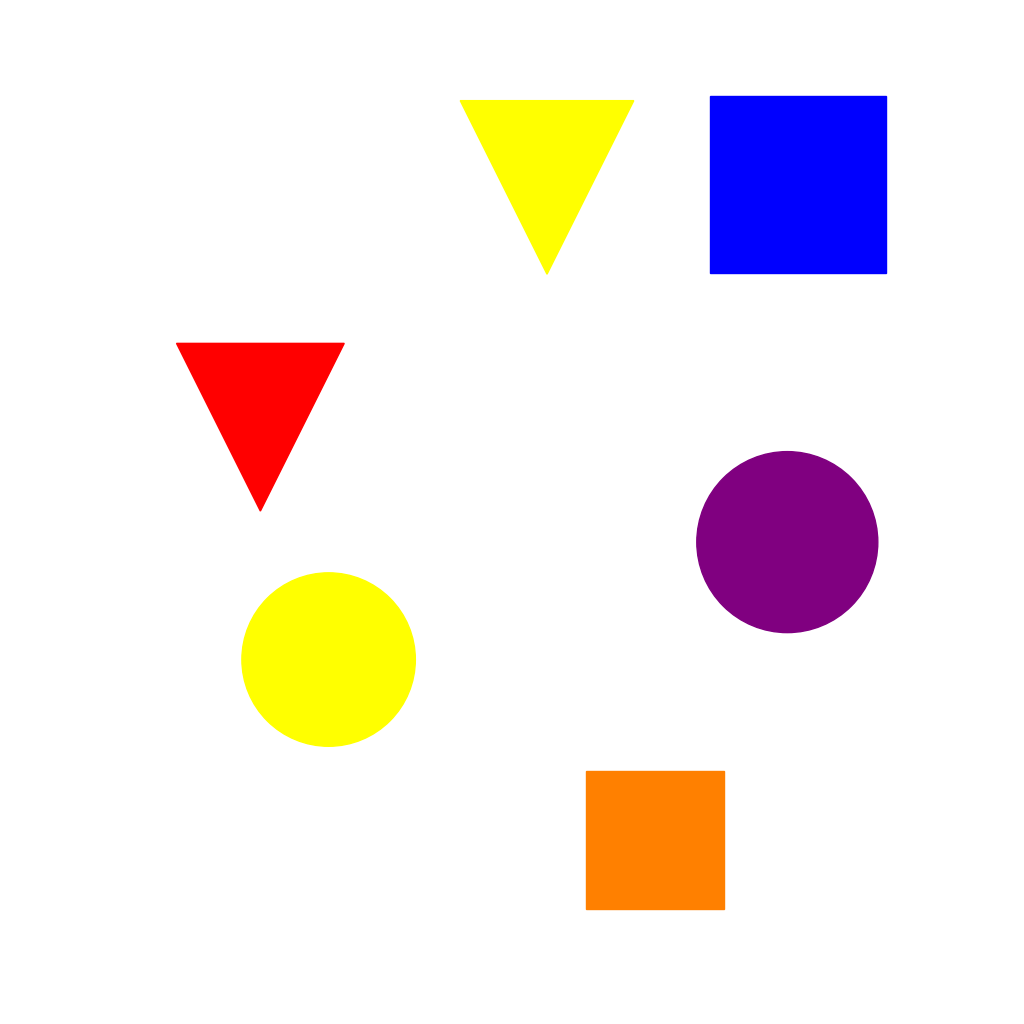
Remove all green objects from the scene. Keep all other objects unchanged.
First Frame
Last Frame
Video
sequence_completion
GitHub
Prompt
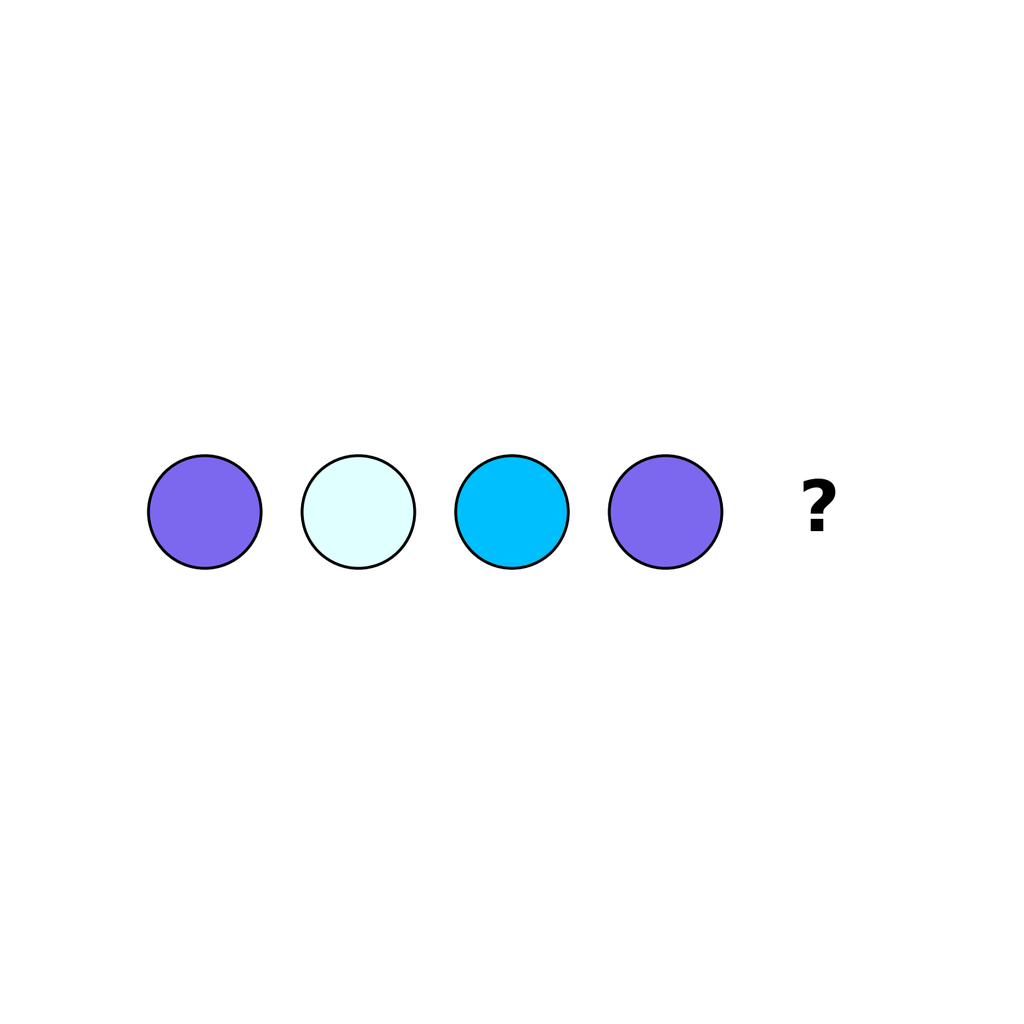
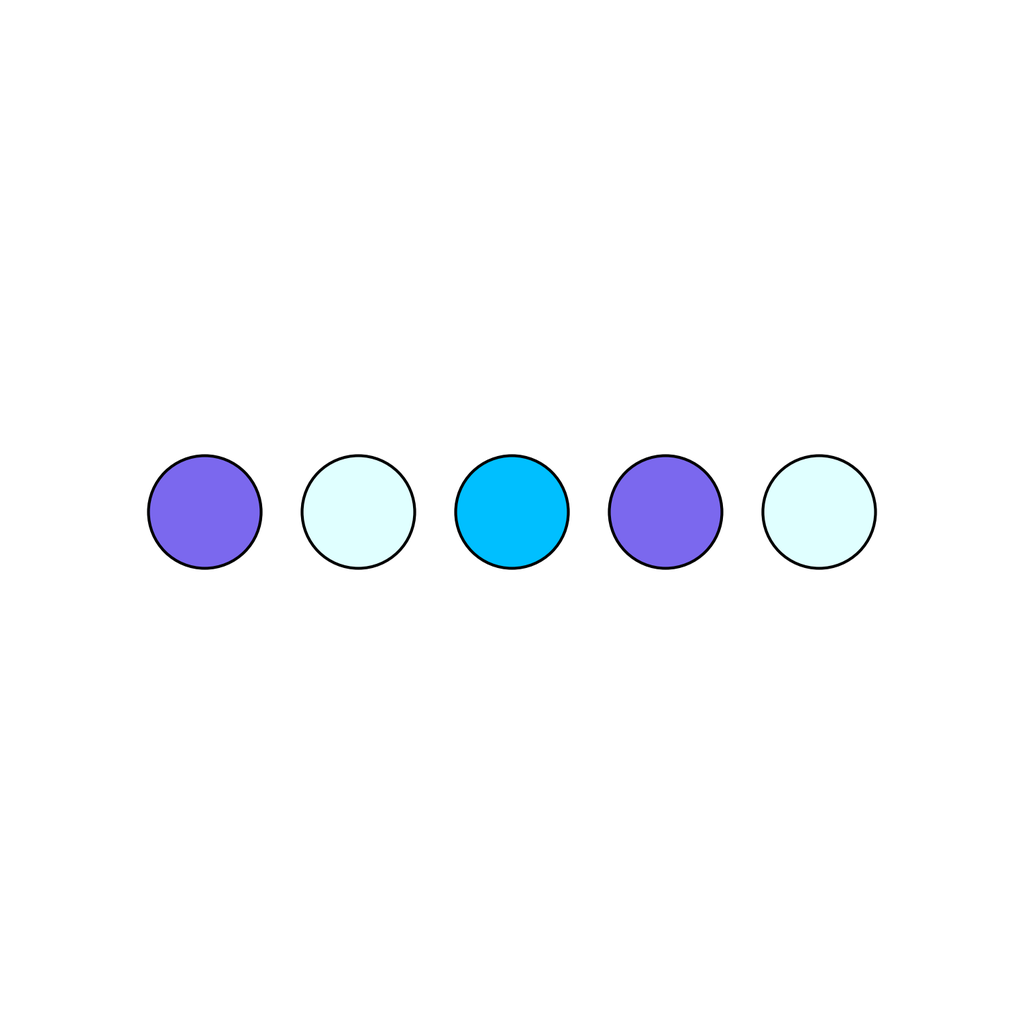
The scene shows a color_cycle sequence. Elements are arranged horizontally from left to right. The last position contains a question mark (?) indicating a missing element. Observe the pattern: the colors follow a cyclic order that repeats after a certain number of elements. Determine the element that should replace the question mark to complete the sequence according to the established pattern.
First Frame
Last Frame
Video
sliding_puzzle
GitHub
Prompt
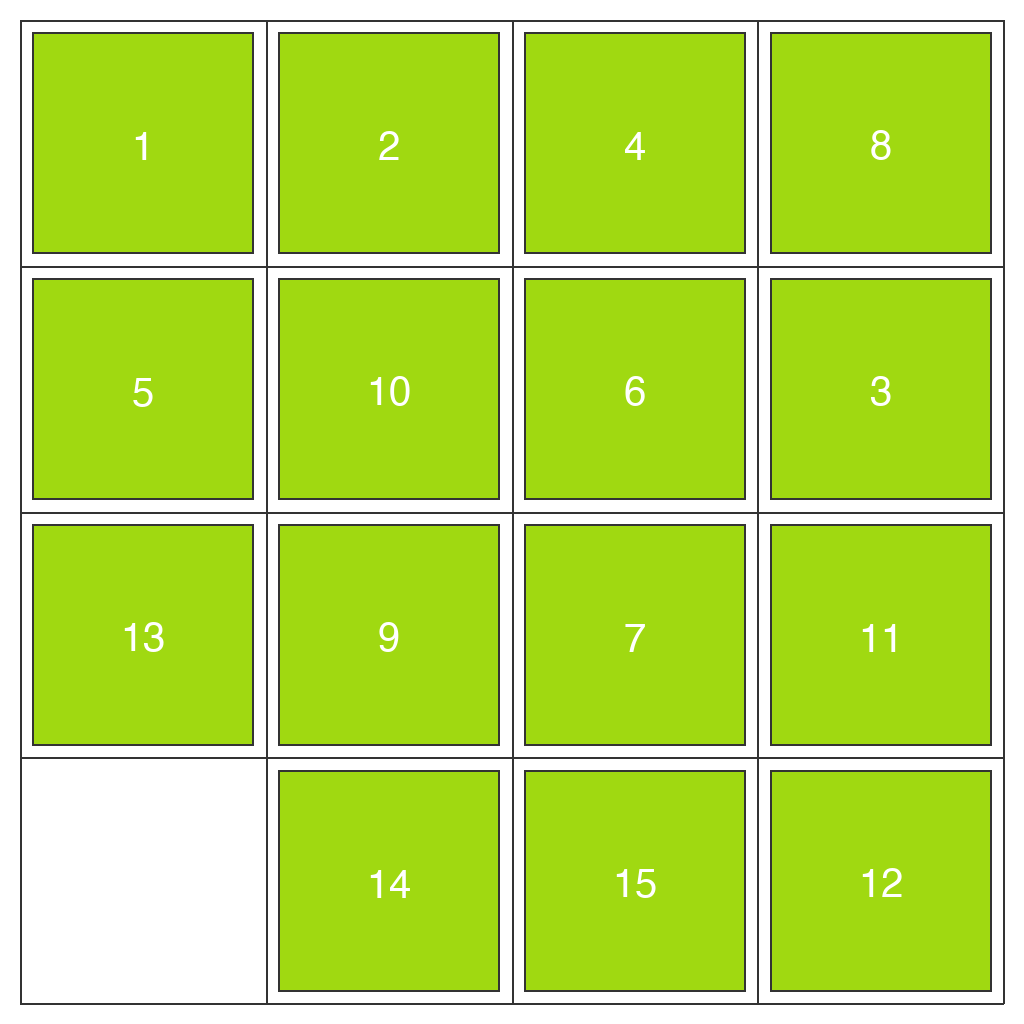
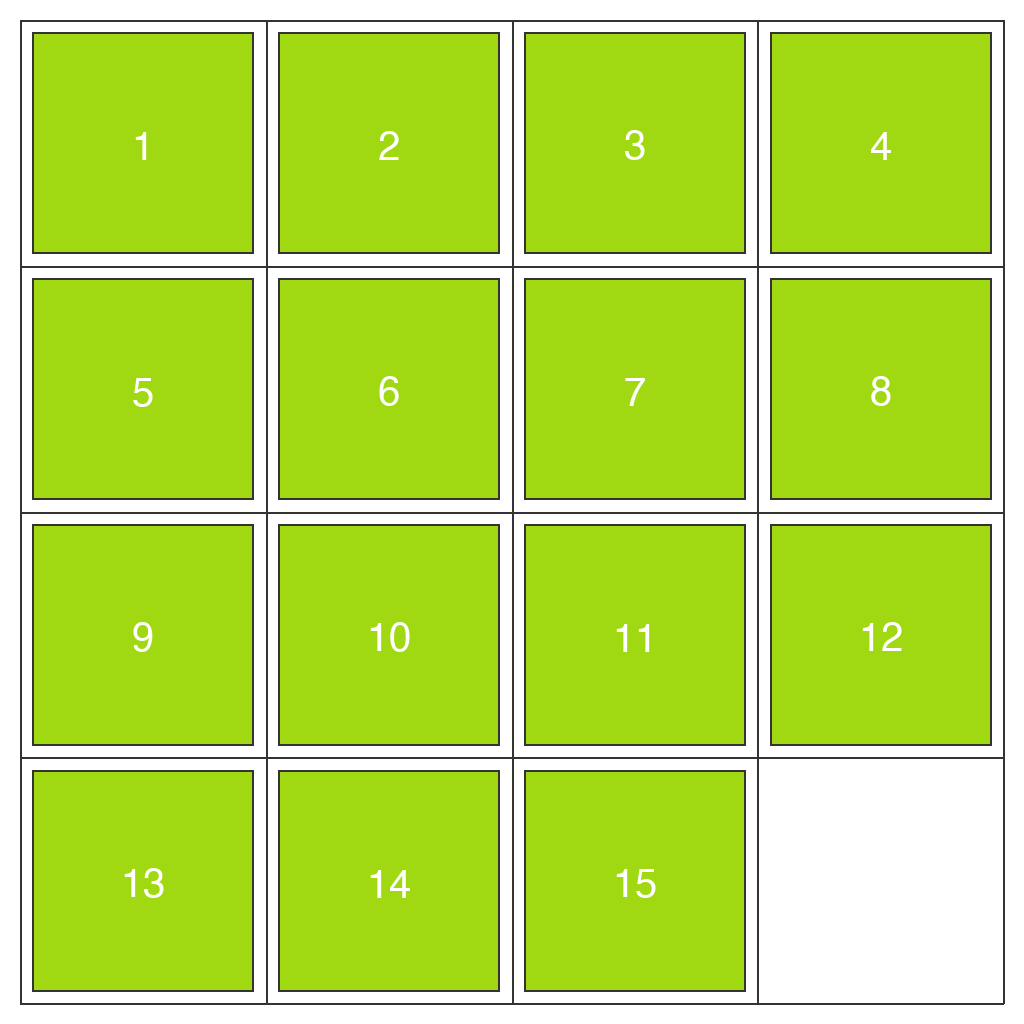
Complete this sliding puzzle. The goal is to arrange the numbered tiles in sequential order (filling each row from left to right, with rows from top to bottom), with the blank space at the bottom-right corner.
Rules: Only tiles adjacent to the blank space can be moved. Slide one tile per move into the blank space.
Complete in exactly 11 moves.
Do not make extra moves. Keep the camera view fixed and maintain the grid structure unchanged.
First Frame
Last Frame
Video
symmetry_completion
GitHub
Prompt
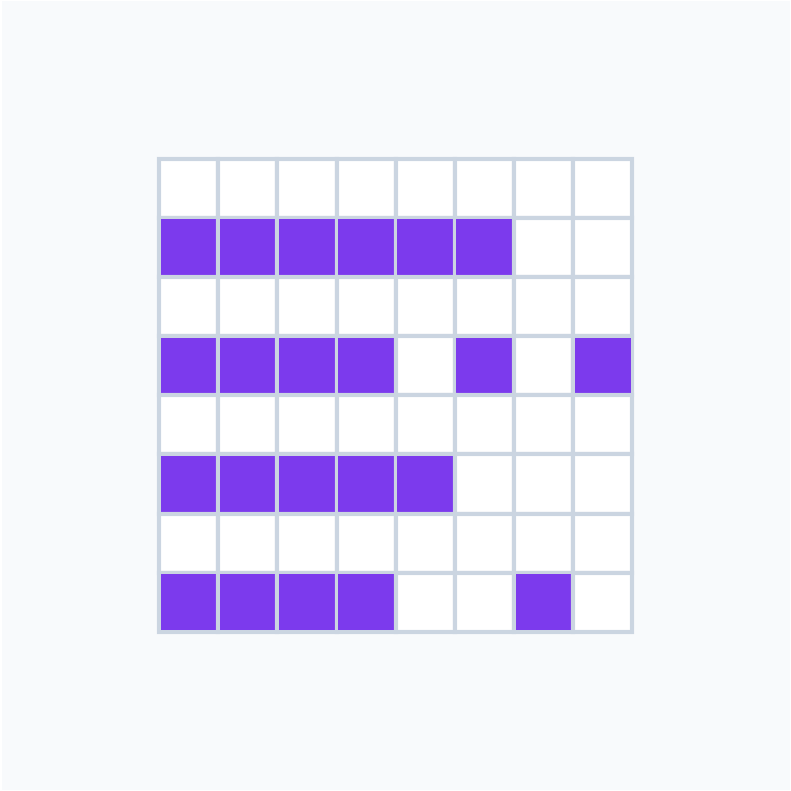
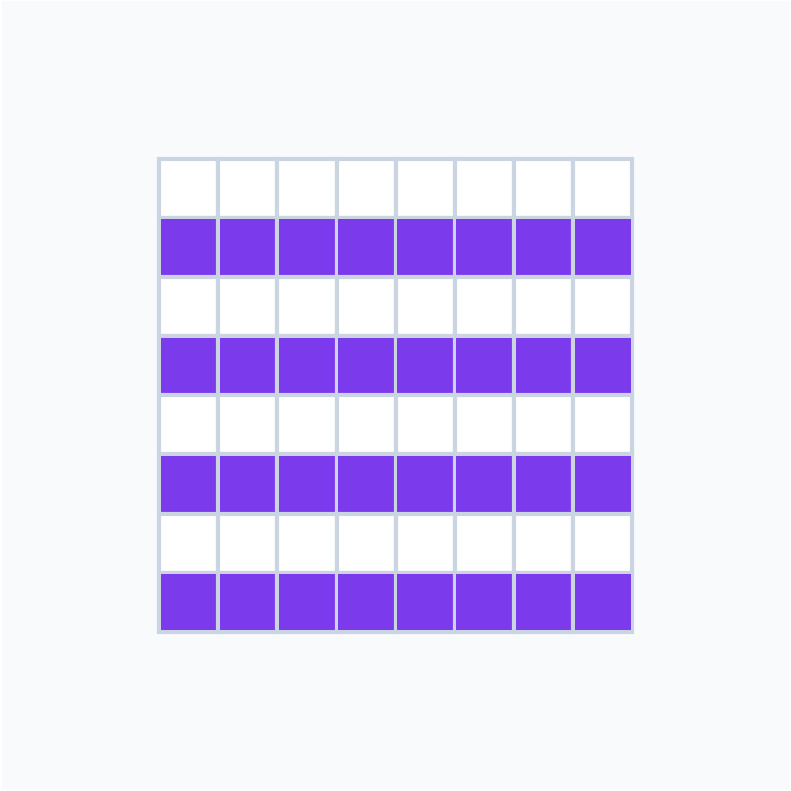
Complete this striped pattern by filling in the missing cells on the right side. The left half shows horizontal stripes where entire rows are either filled or empty. Mirror the left half across the vertical center line to complete the symmetric striped pattern. Keep the camera view fixed in the top-down perspective and maintain all existing cells unchanged. Stop the video when the pattern is complete.
First Frame
Last Frame
Video
control_panel
GitHub
Prompt
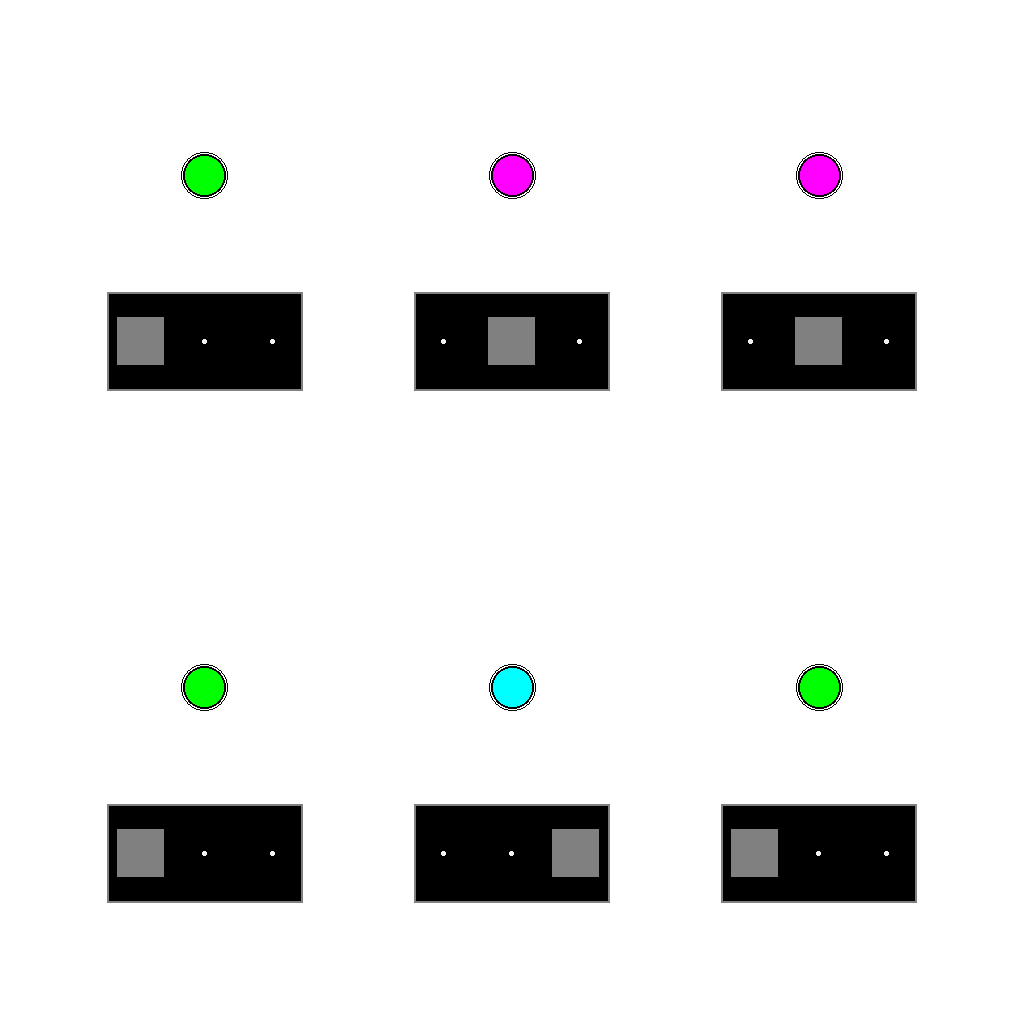
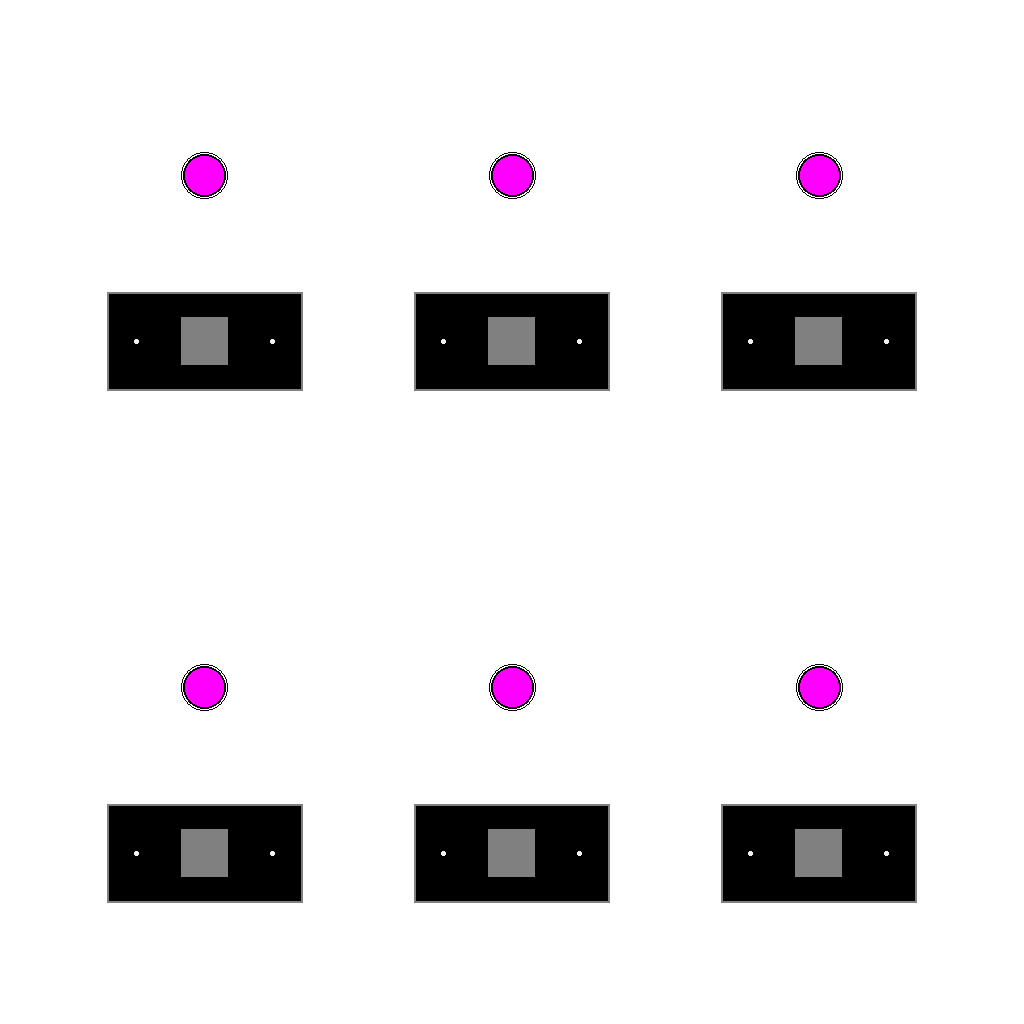
The image shows a control panel with six identical control units. Each unit has a colored indicator light at the top and a control lever at the bottom that can be moved to three positions (left, middle, or right).
Observe the current control panel to infer the relationship between lever positions and light colors. Based on this inferred relationship, adjust the levers that need to be changed to make all indicator lights show magenta color.
First Frame
Last Frame
Video
raven
GitHub
Prompt
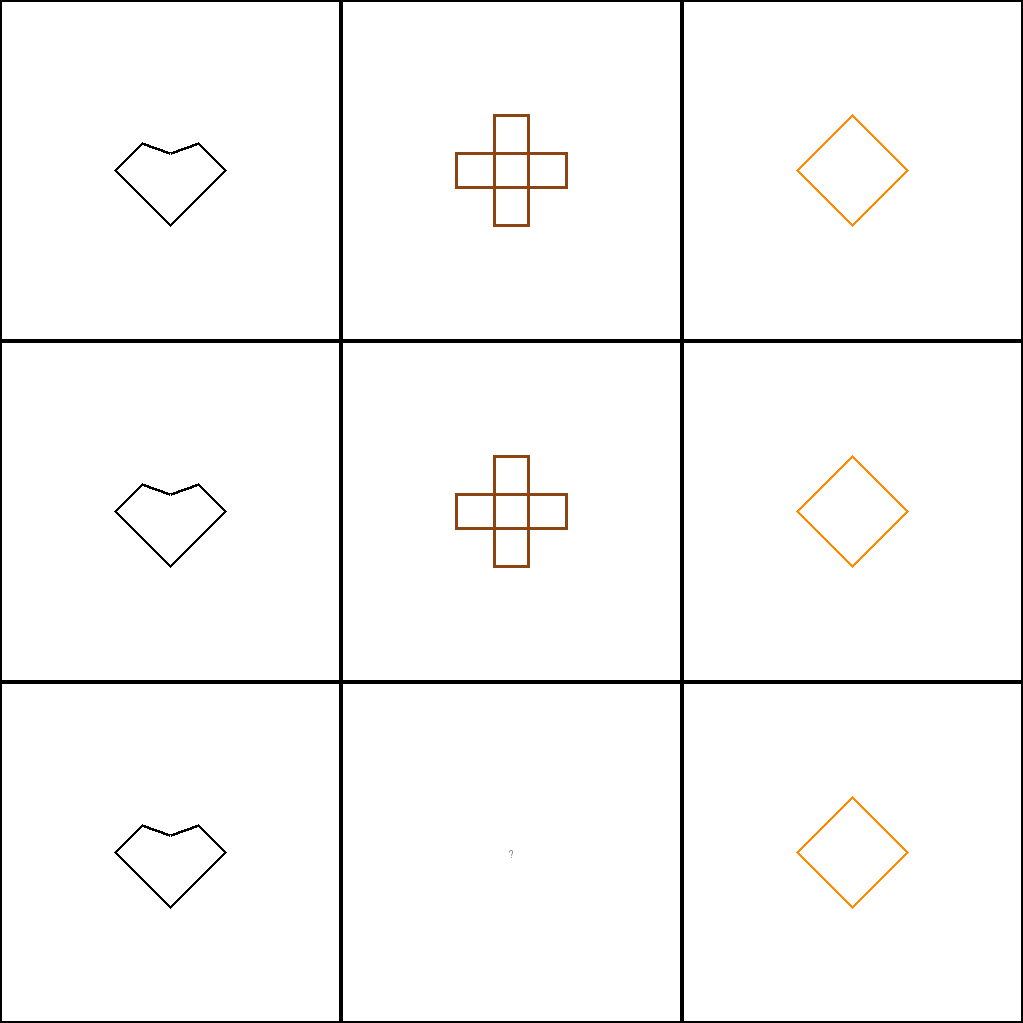
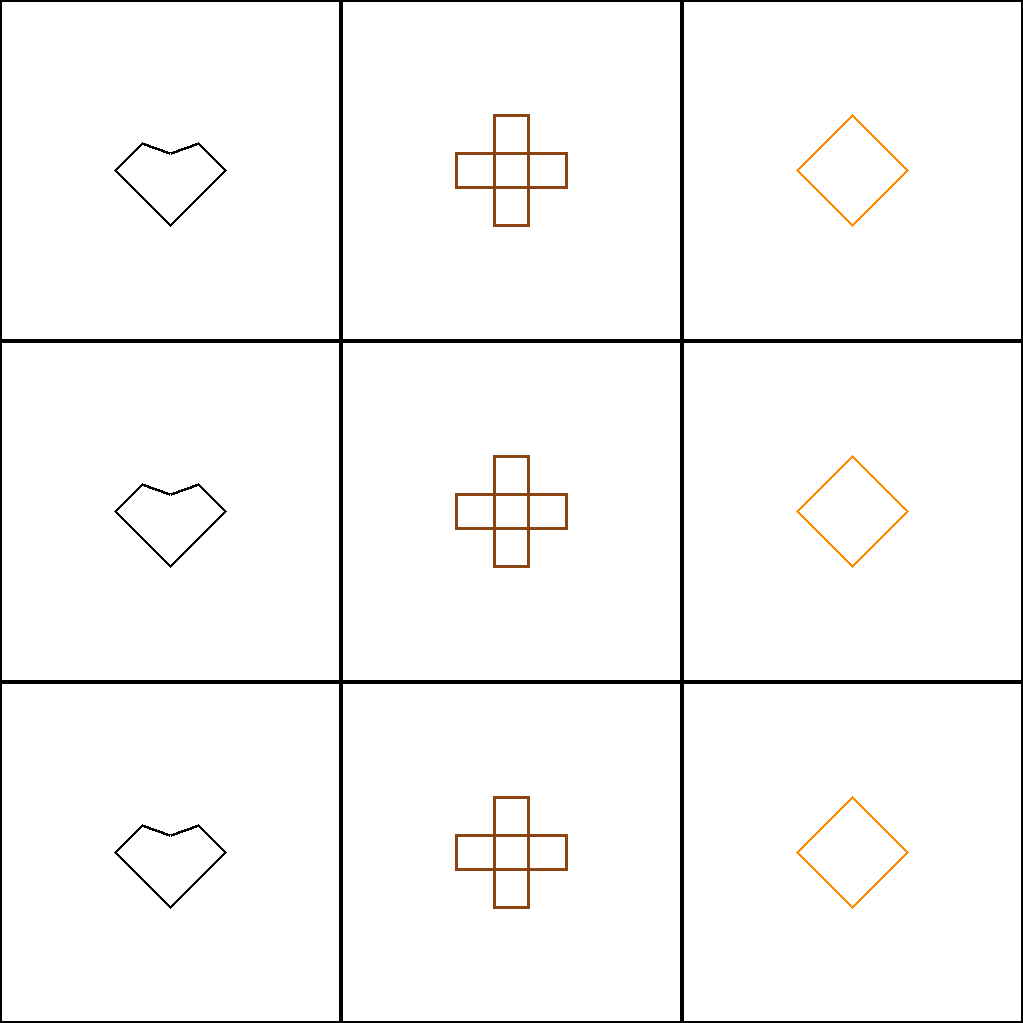
This is Raven's Progressive Matrices like task. Complete the missing pattern in this 3x3 matrix.
First Frame
Last Frame
Video
animal_color_sorting
GitHub
Prompt
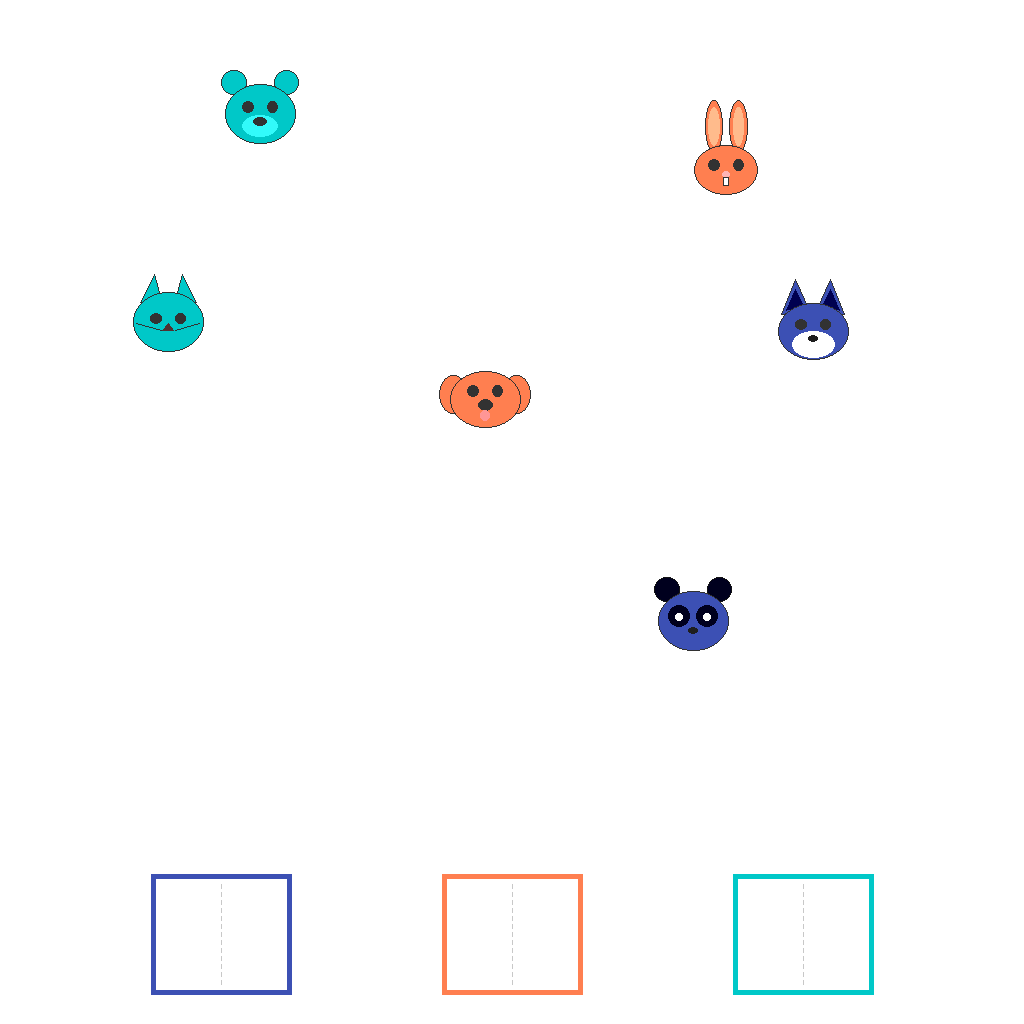
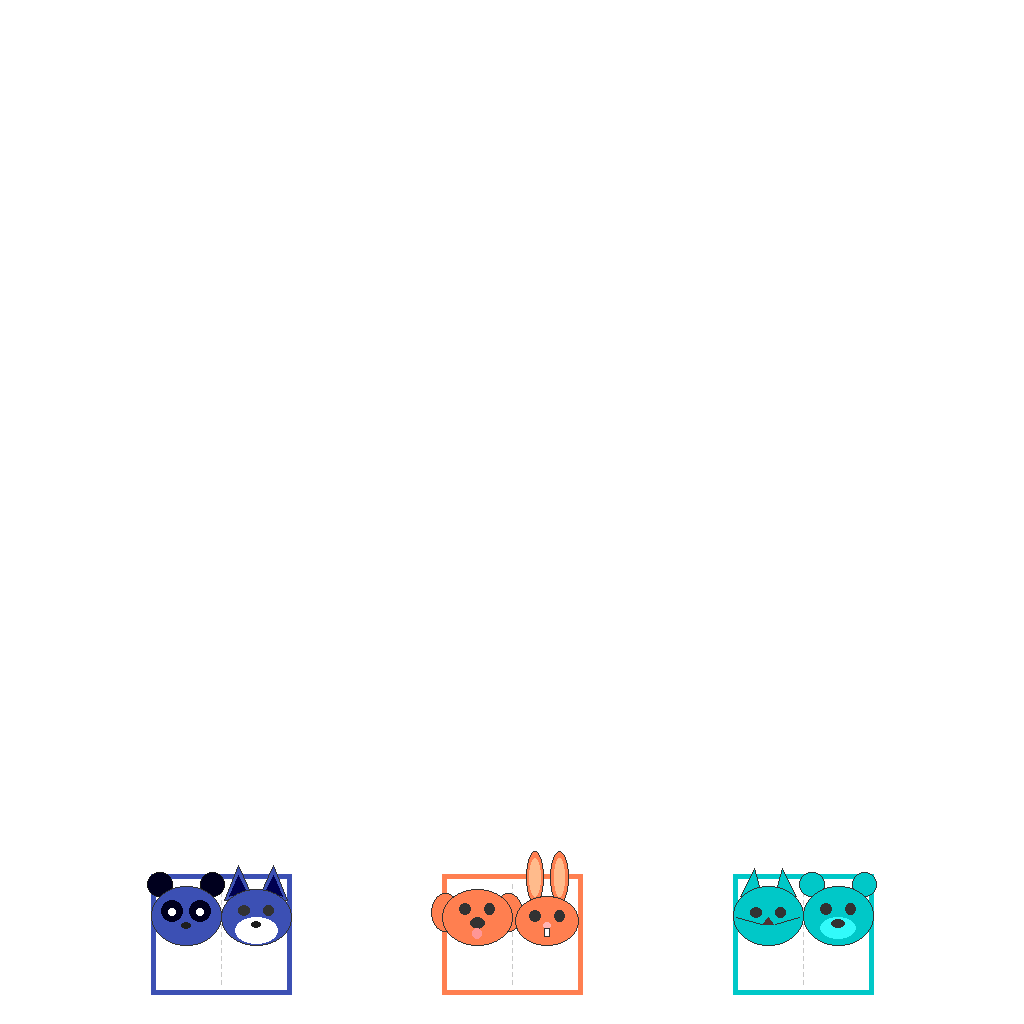
Colored animal faces are scattered at the top of the canvas, and containers with colored borders are at the bottom. Sort each animal into the container with the matching border color.
First Frame
Last Frame
Video
return_to_correct_bin
GitHub
Prompt
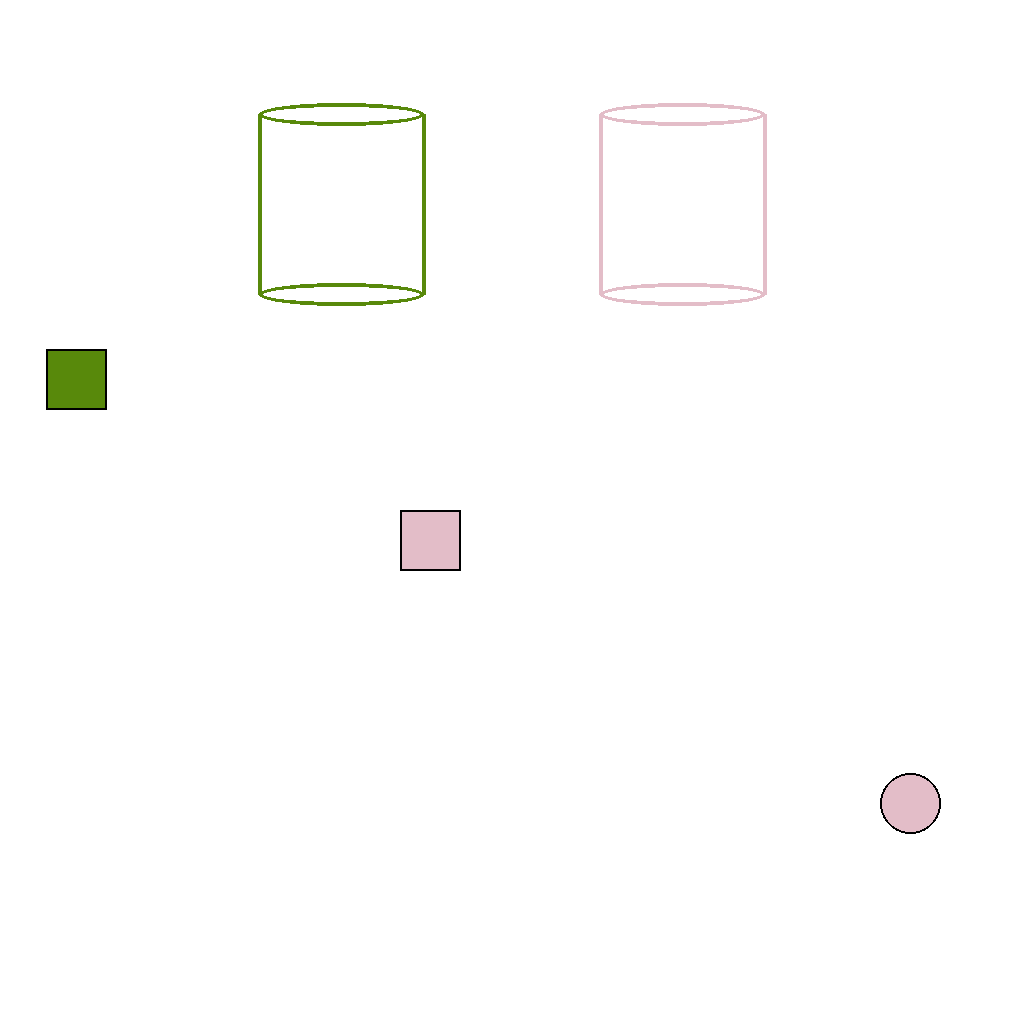
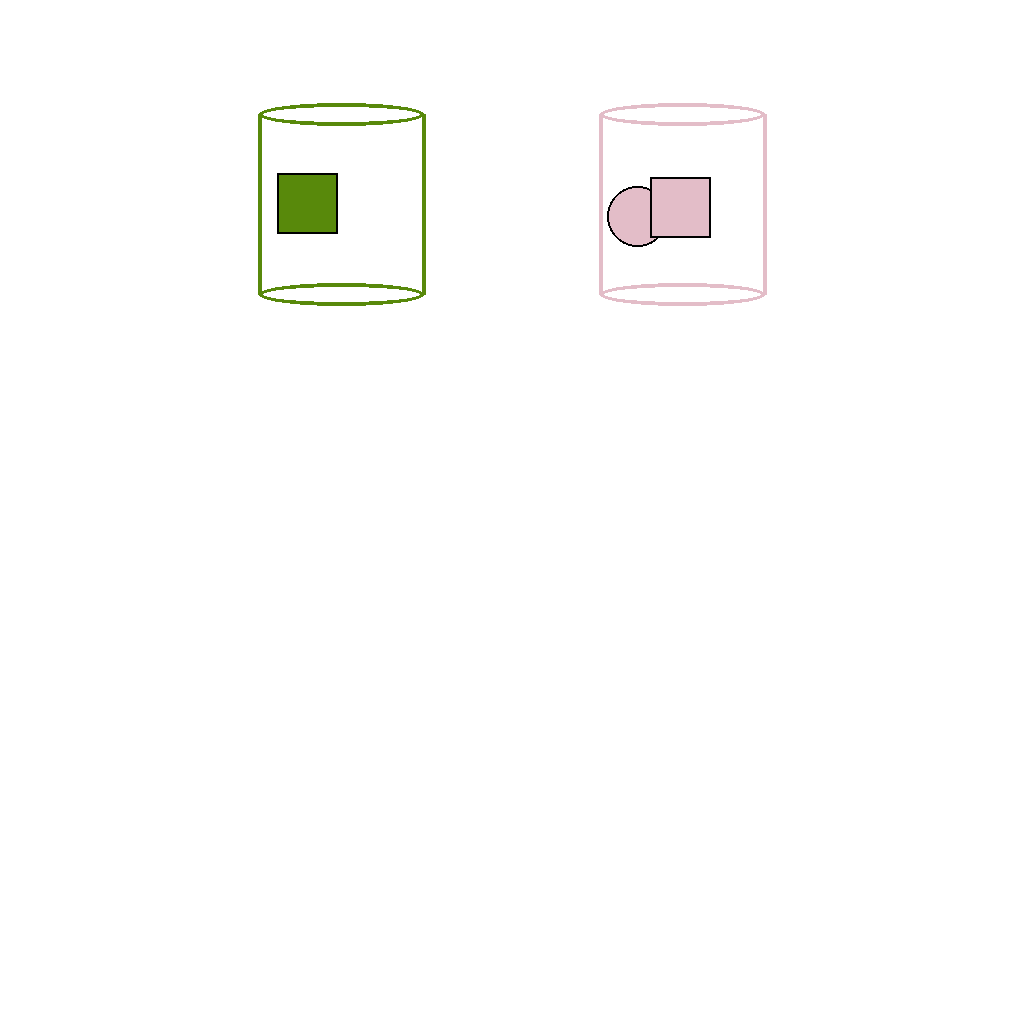
Move each item into the bin that matches its color. Only move items, do not change anything else.
First Frame
Last Frame
Video
maintain_object_identity_different_objects
GitHub
Prompt
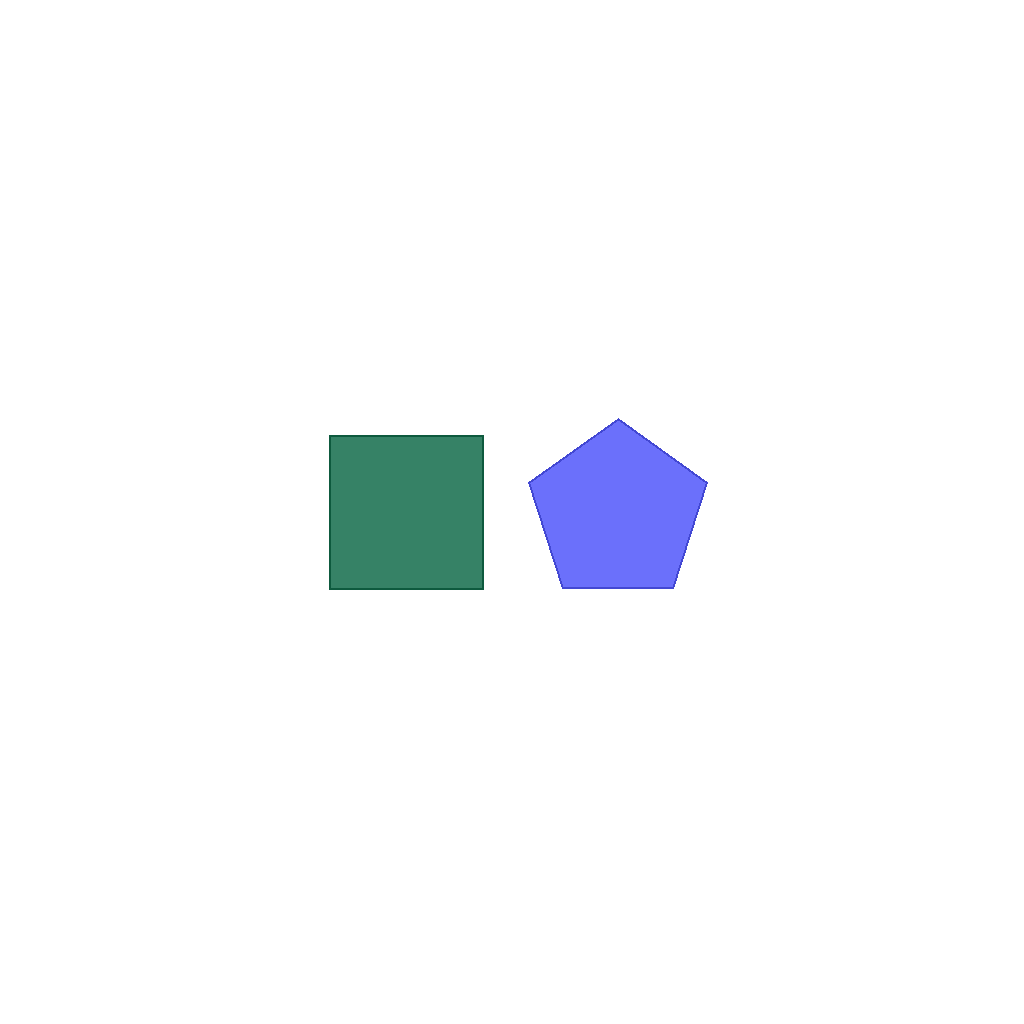
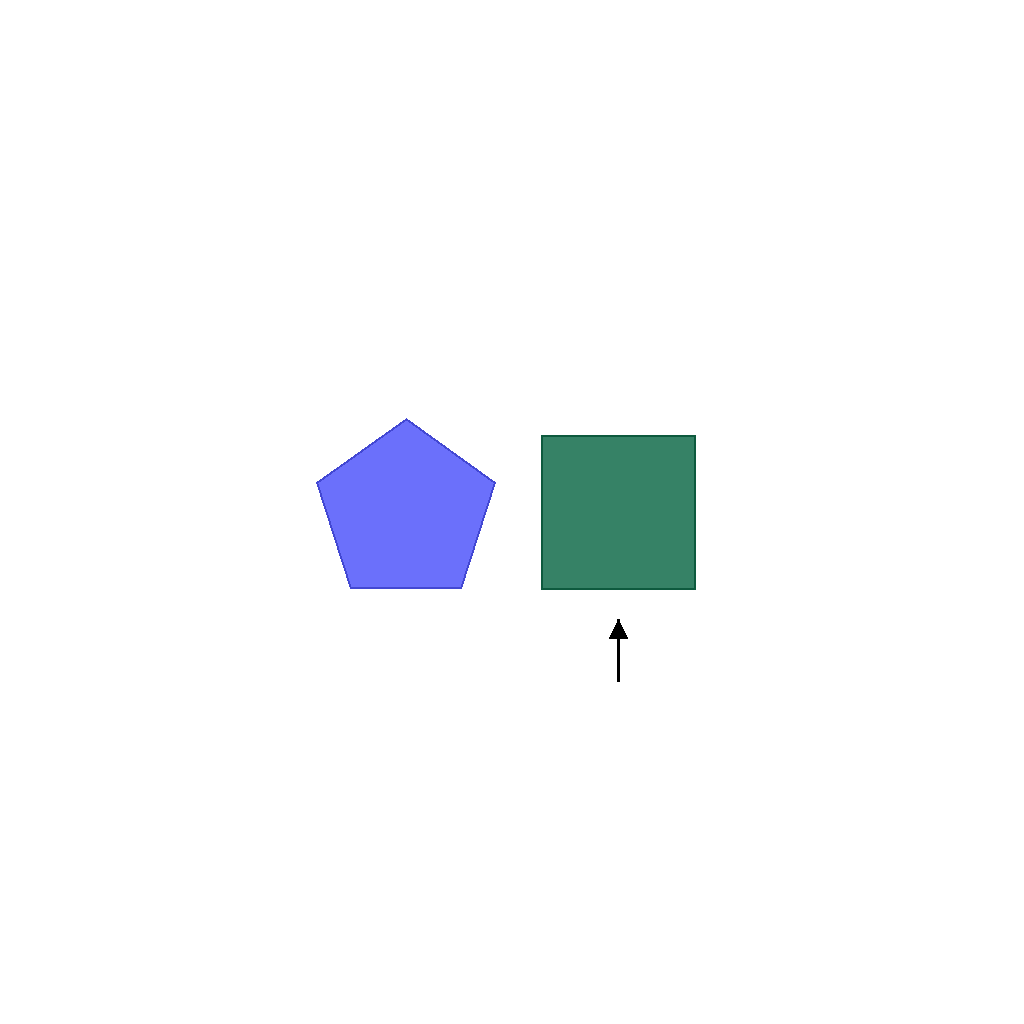
The left object is green and the right object is blue. The scene shows two objects, one on the left and one on the right. Swap the positions of the left and right objects. After the swap, draw an arrow below the object that was originally on the left, pointing up at it.
First Frame
Last Frame
Video
chart_extreme_with_data
GitHub
Prompt
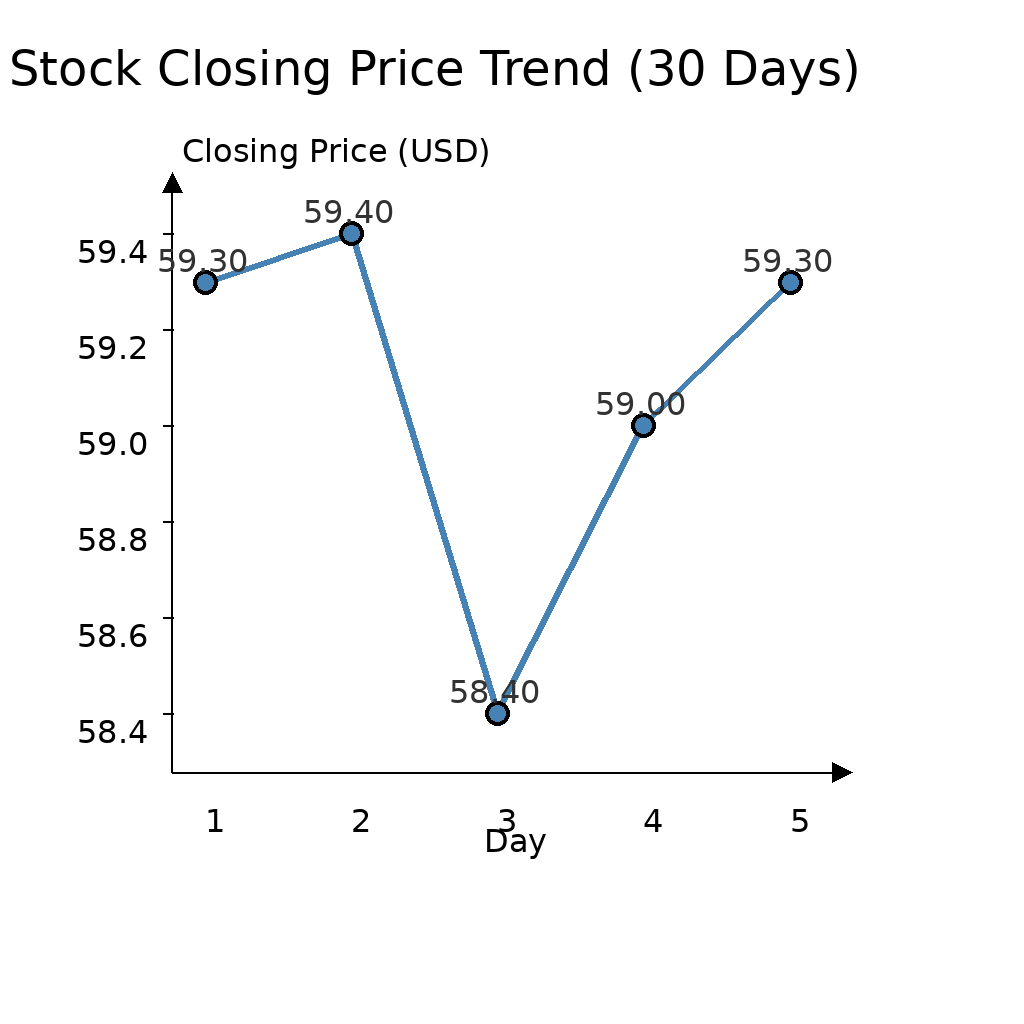
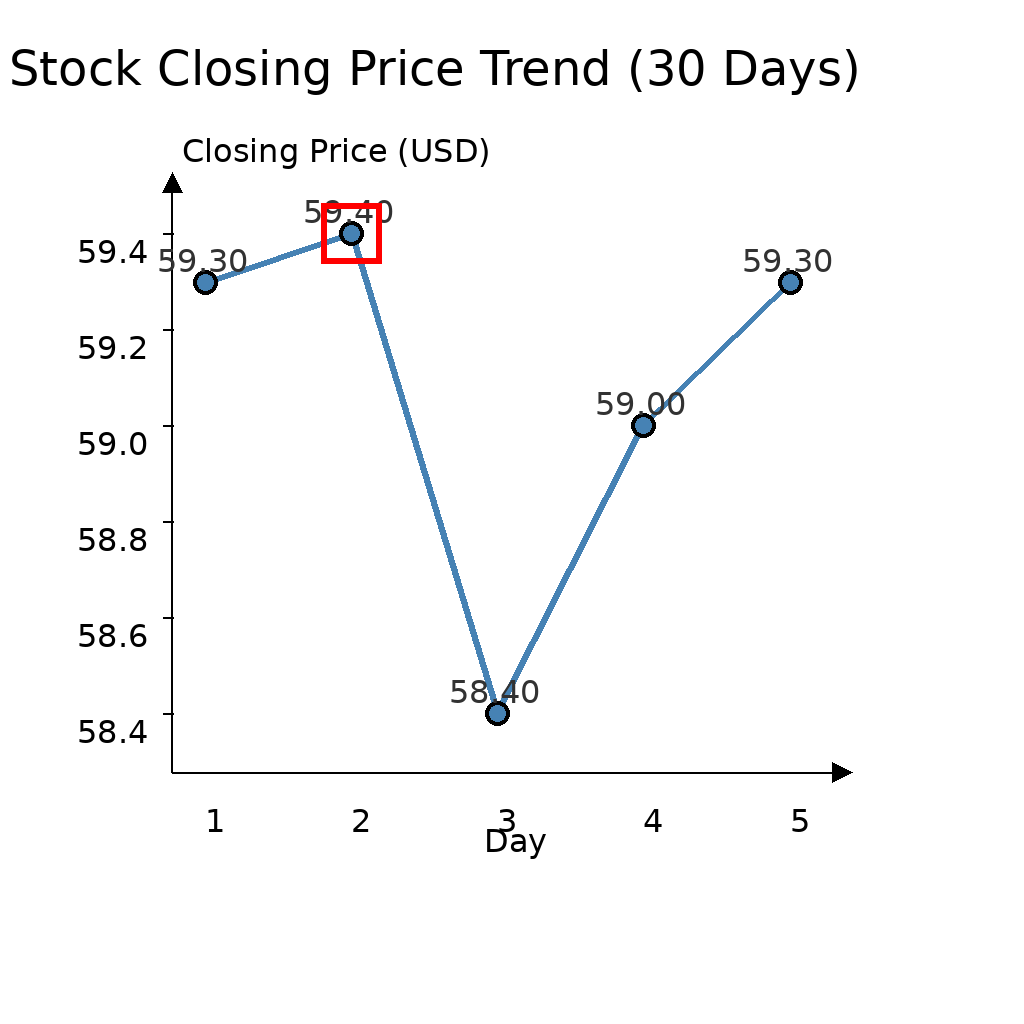
The scene shows a line chart titled 'Stock Closing Price Trend (30 Days)' with Day on the x-axis and Closing Price on the y-axis. Find the point with the highest closing price and draw a red rectangular border around the corresponding point to highlight it.
First Frame
Last Frame
Video
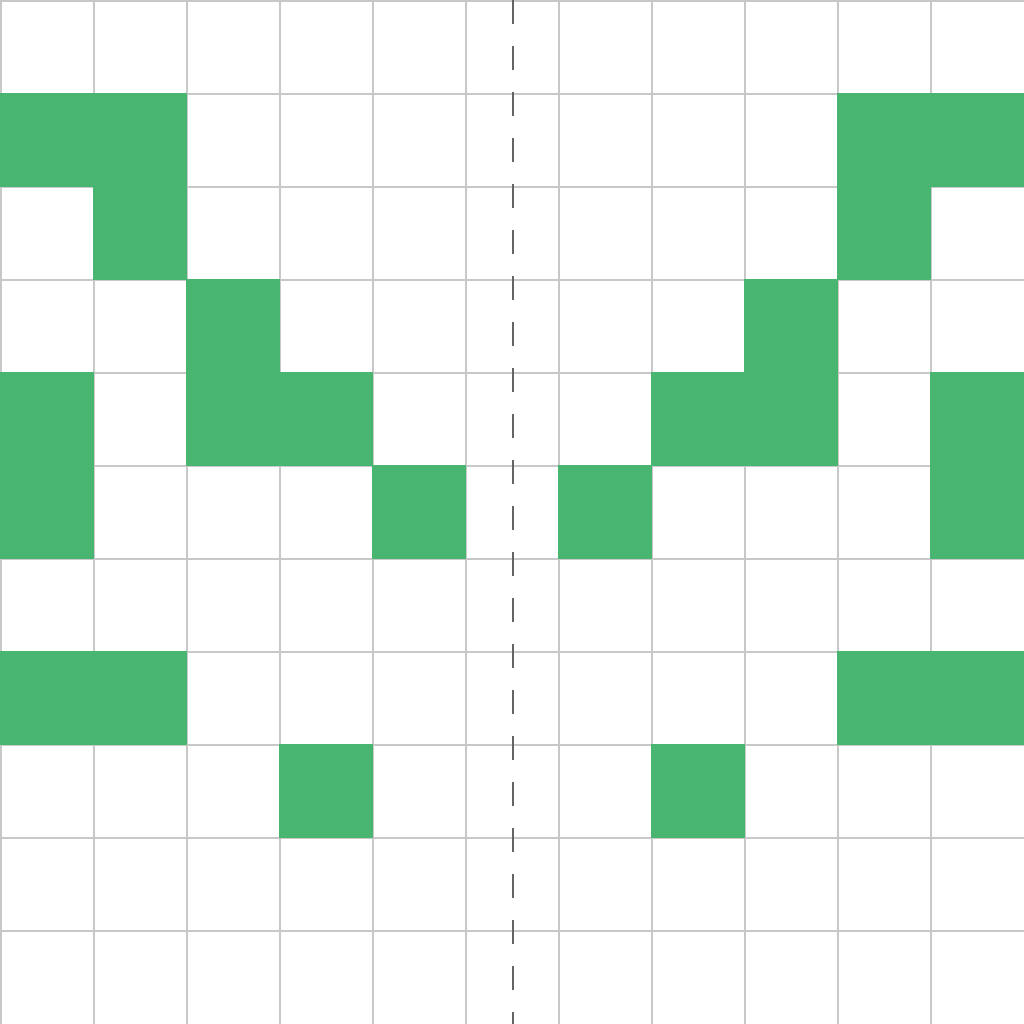
symmetry_random
GitHub
Prompt
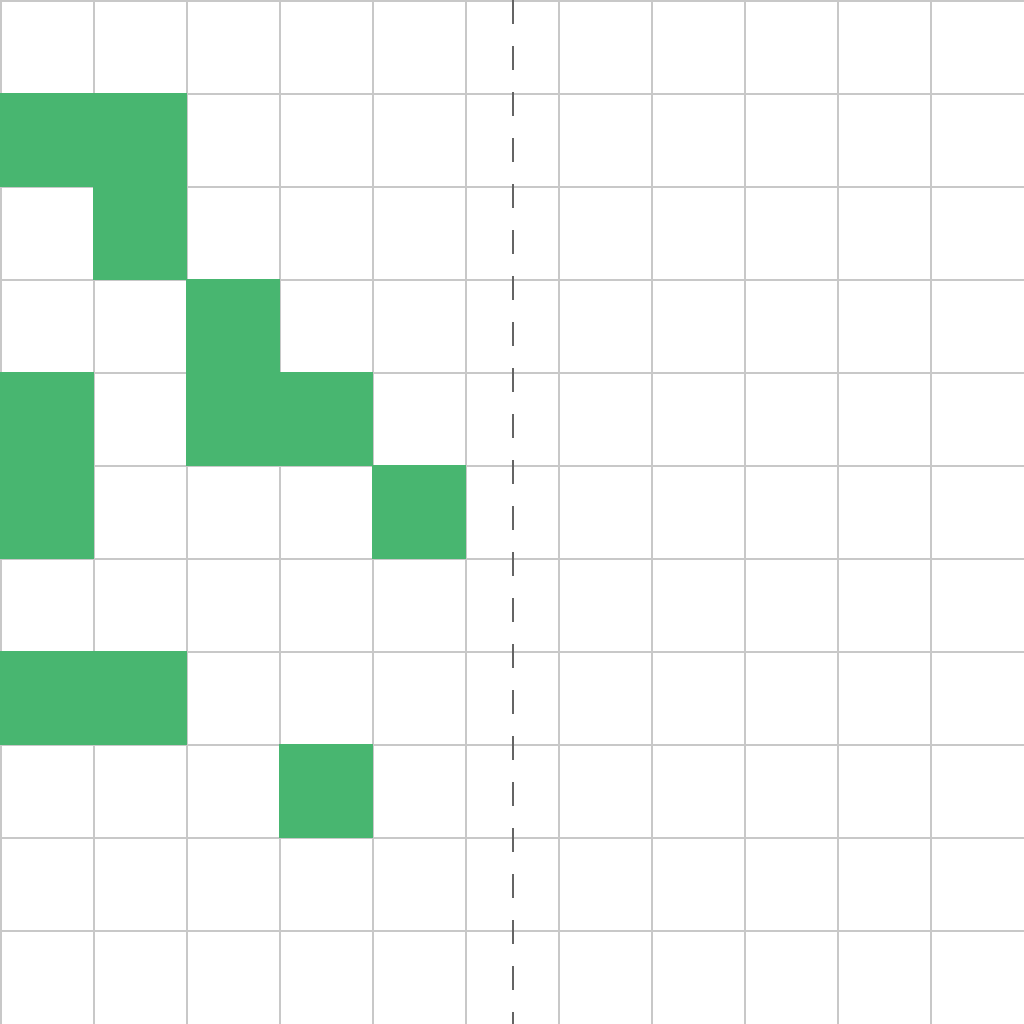
The scene shows a grid with a random scatter pattern on the left half. Expand the scatter pattern symmetrically to the right half by mirroring it across the vertical axis, creating a complete symmetric pattern.
First Frame
Last Frame
Video
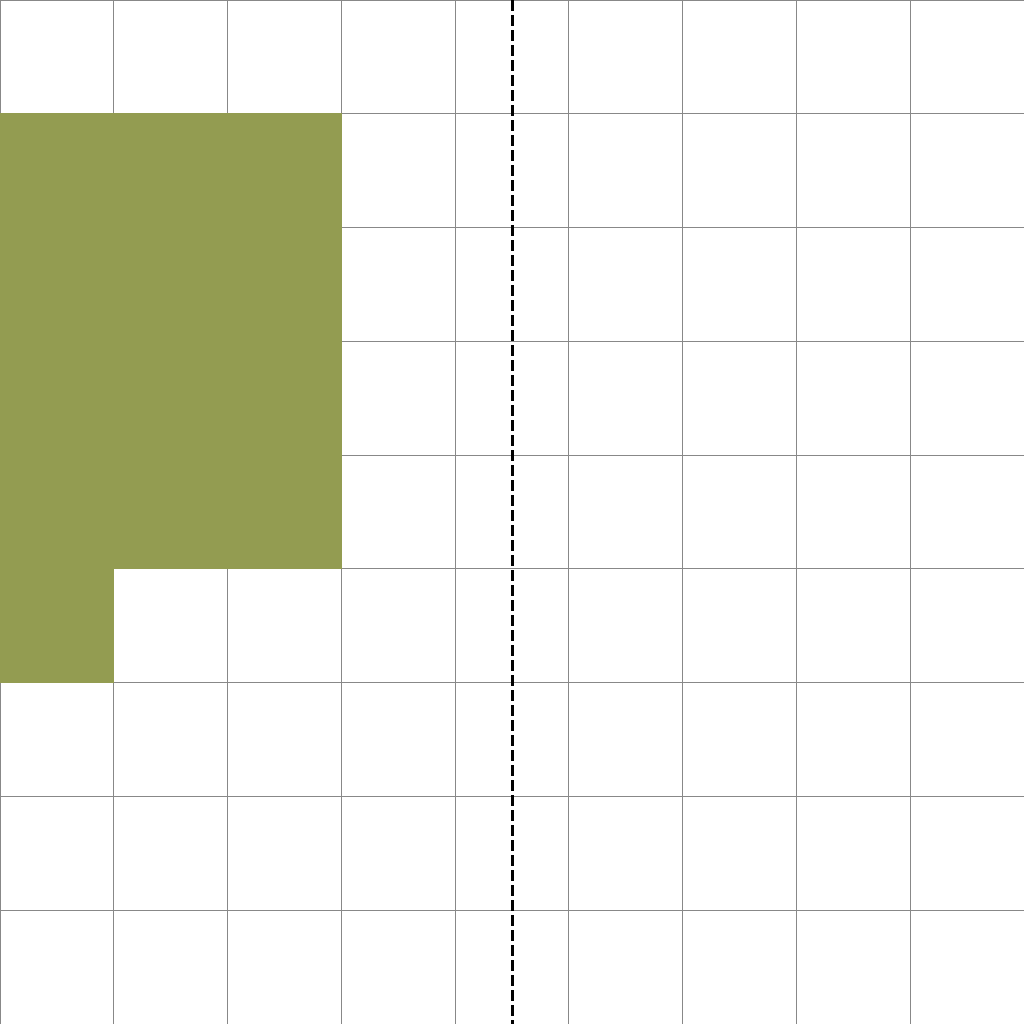
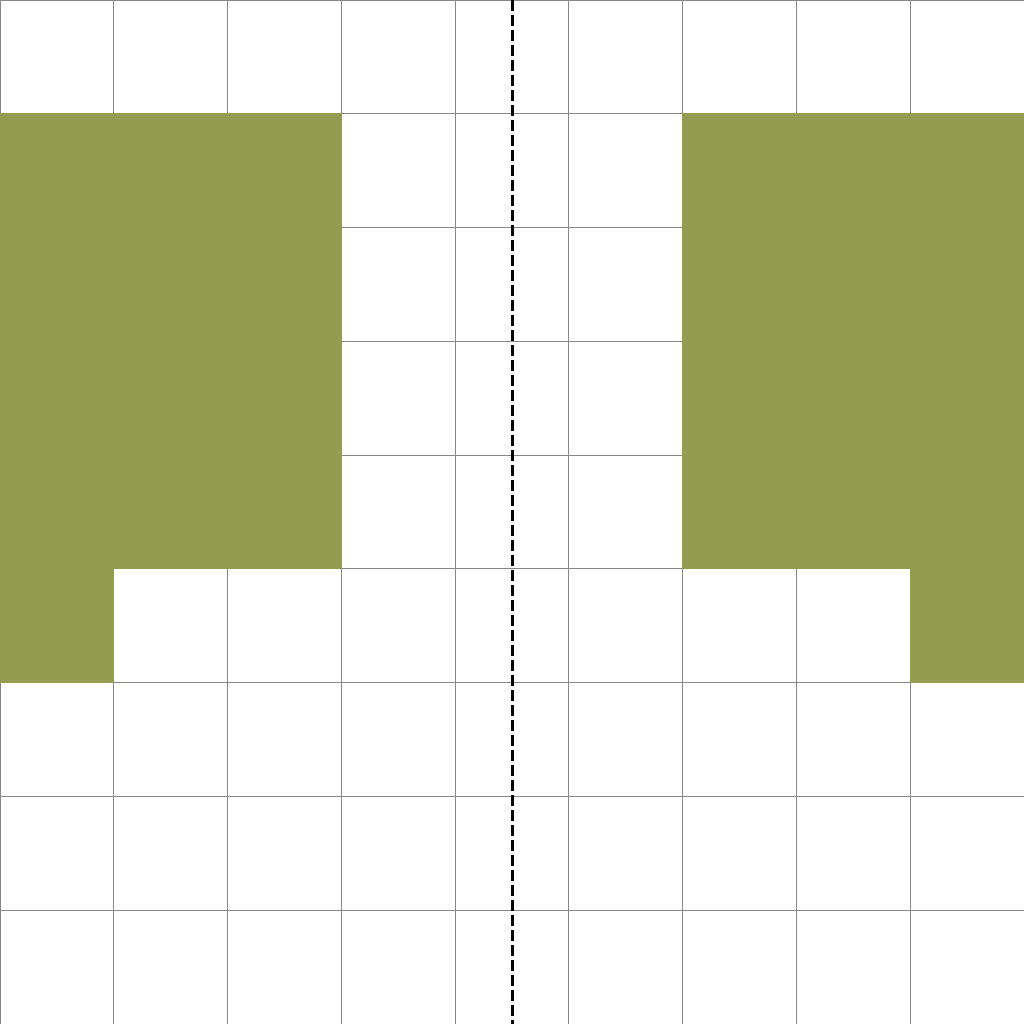
symmetry_shape
GitHub
Prompt
The scene shows a grid with a continuous shape on the left half. Expand the shape symmetrically to the right half by mirroring it across the vertical axis, creating a complete symmetric shape.
First Frame
Last Frame
Video
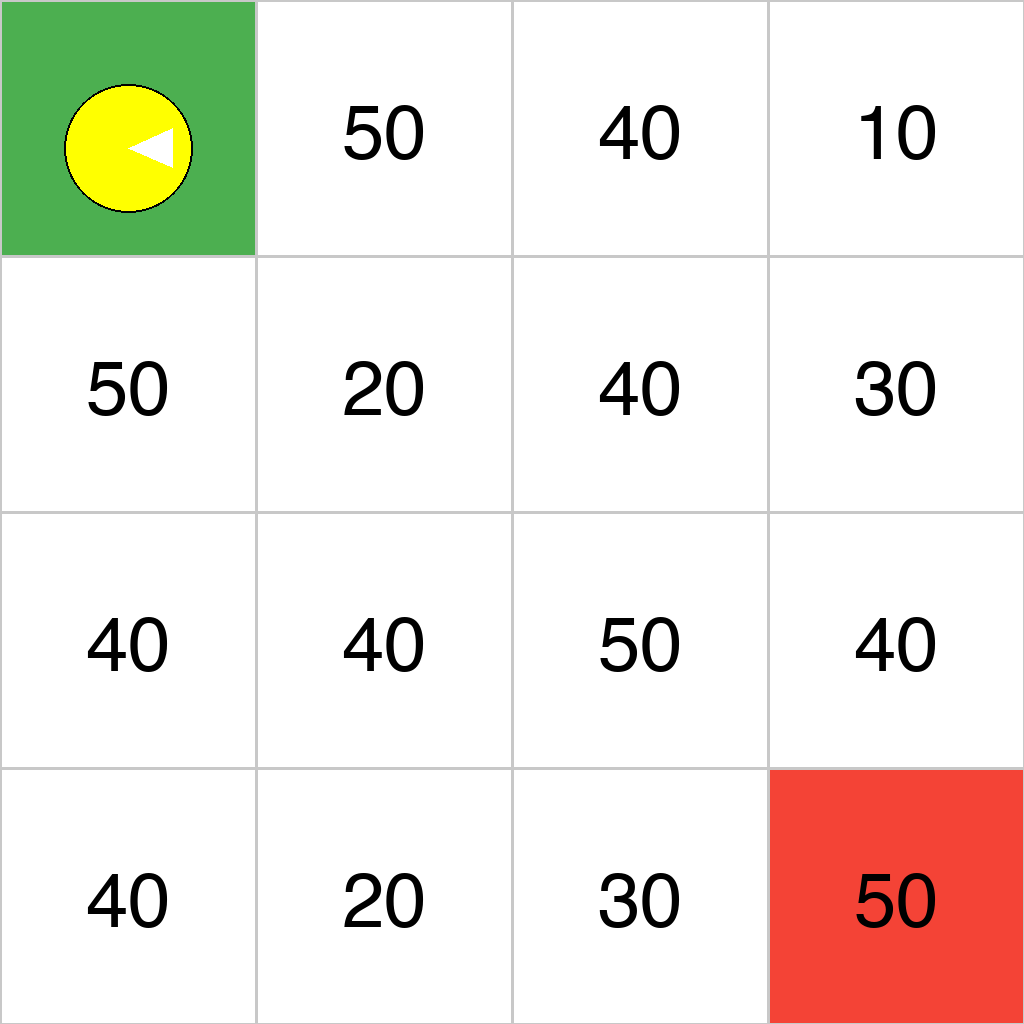
grid_highest_cost
GitHub
Prompt
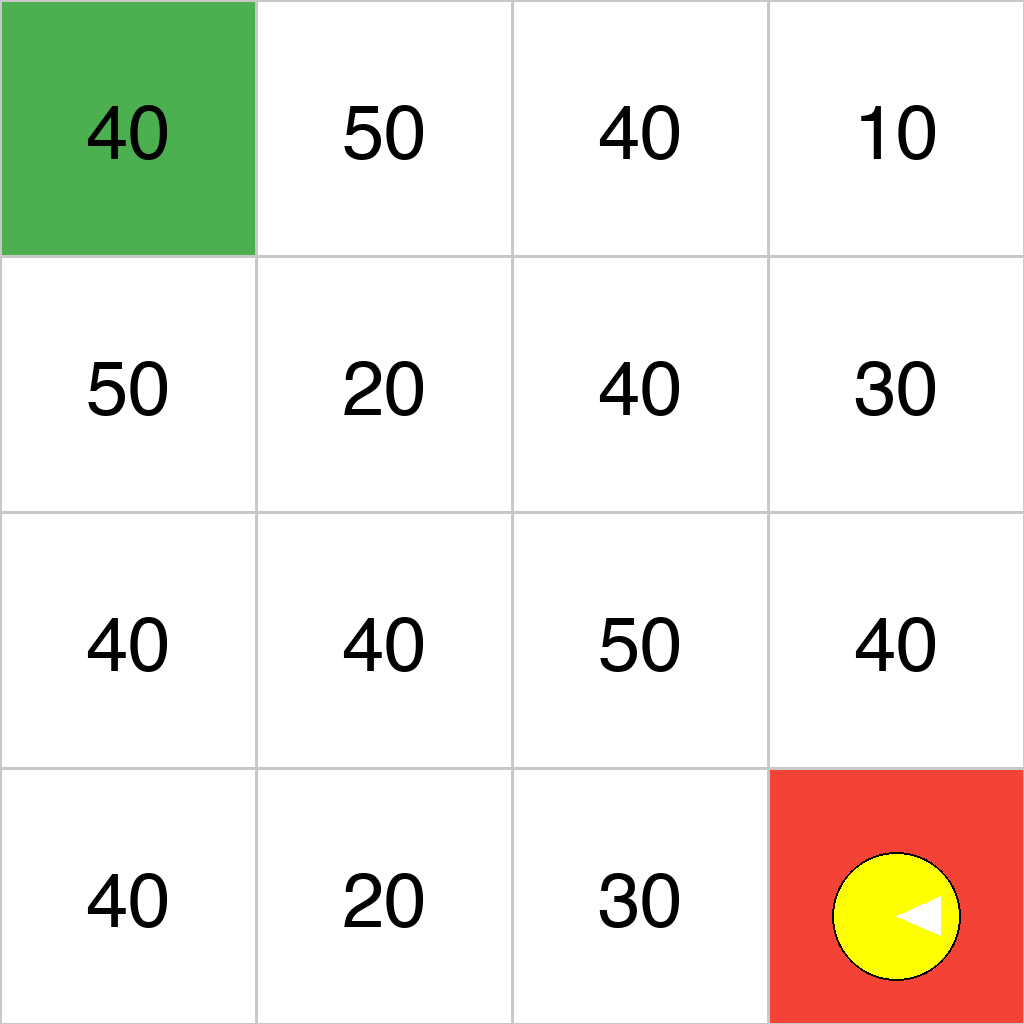
The scene shows a 4x4 grid with cost values displayed in each cell, a green start cell (containing a yellow Pac-Man agent) at the top-left, and a red goal cell at the bottom-right. Starting from the green start cell, the agent can move to adjacent cells (up, down, left, right) one step at a time. Move the agent to the red goal cell along the path with the highest total cost (the sum of all cost values of cells visited along the path), showing the complete movement process step by step.
First Frame
Last Frame
Video
bfs
GitHub
Prompt
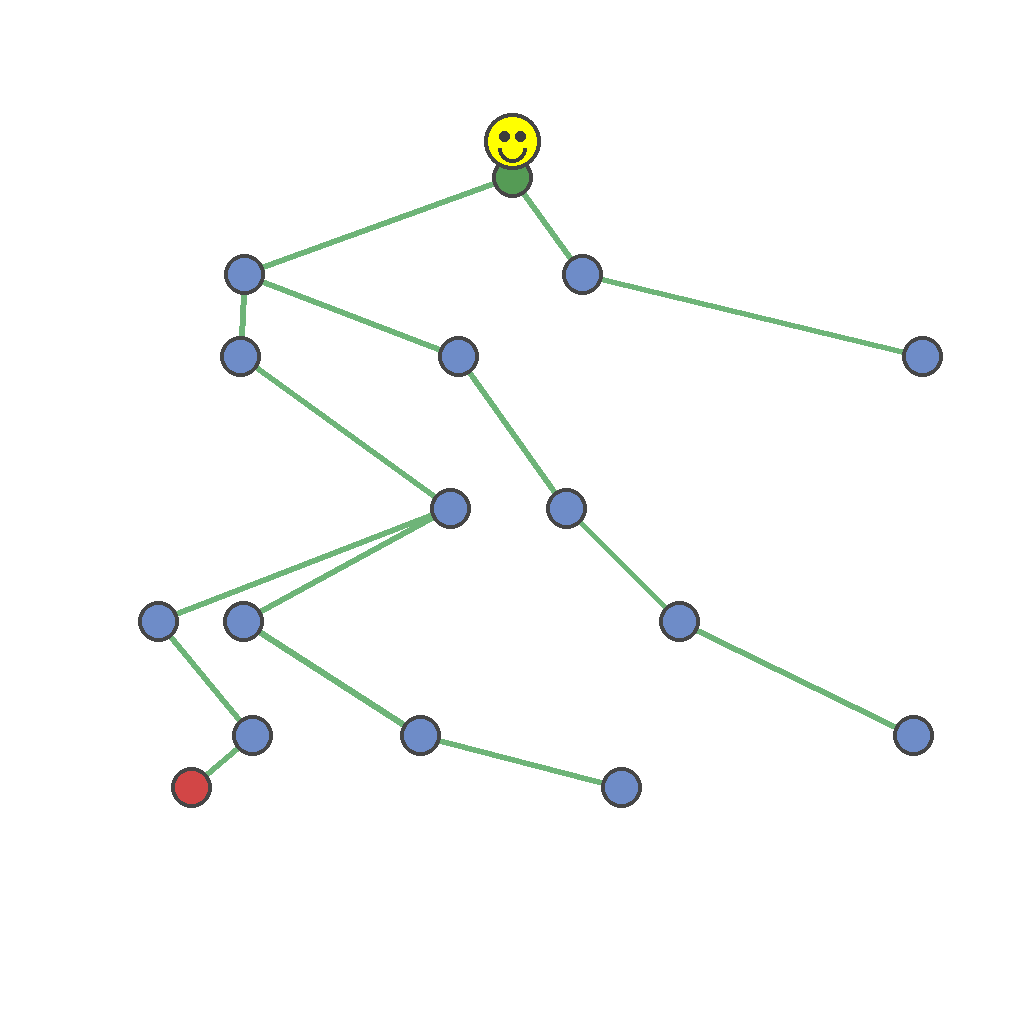
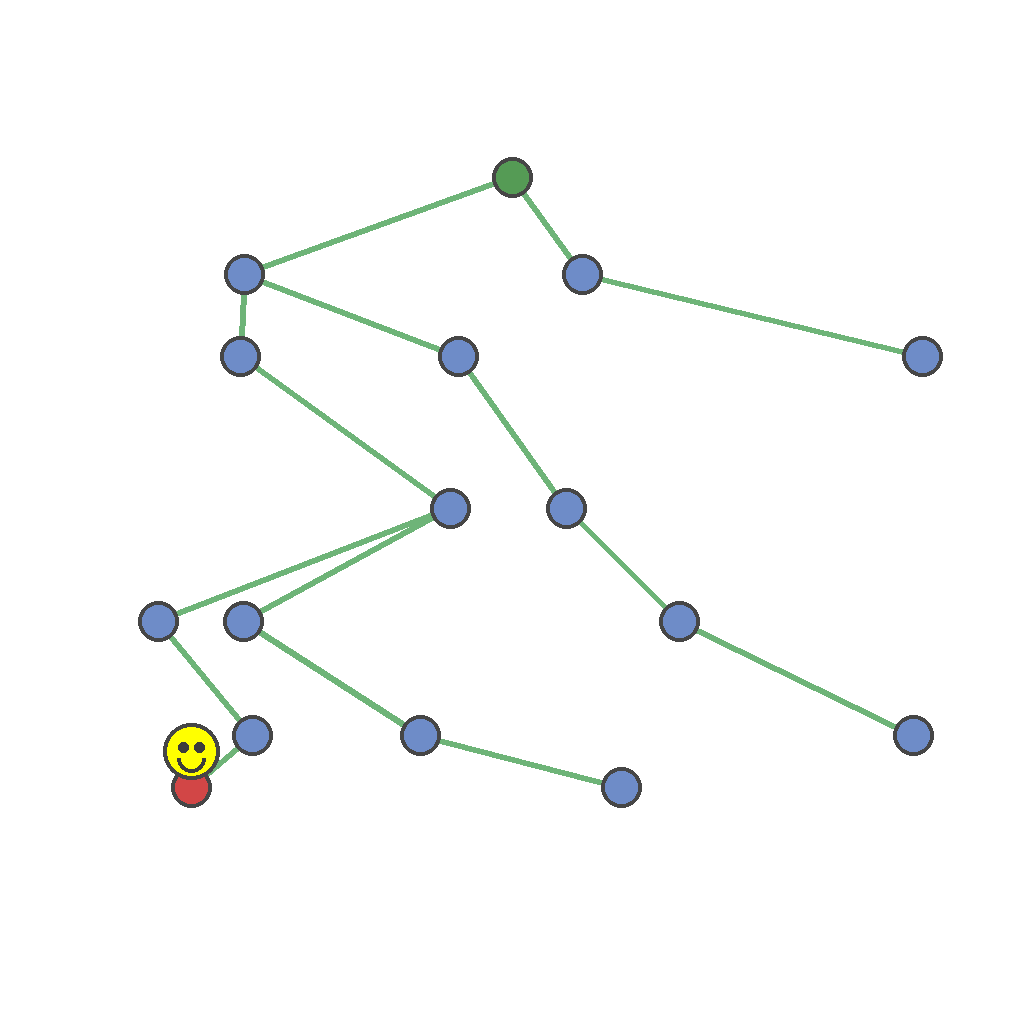
The scene shows a tree structure with nodes connected by edges, a green starting node at the top, a red ending node at the bottom, and a yellow smiley agent positioned at the green starting node. The agent can move along edges, visiting one node per step. Move the yellow smiley agent from the green starting node to the red ending node along the unique tree path, showing the complete movement process step by step.
First Frame
Last Frame
Video
complete_missing_contour_segments
GitHub
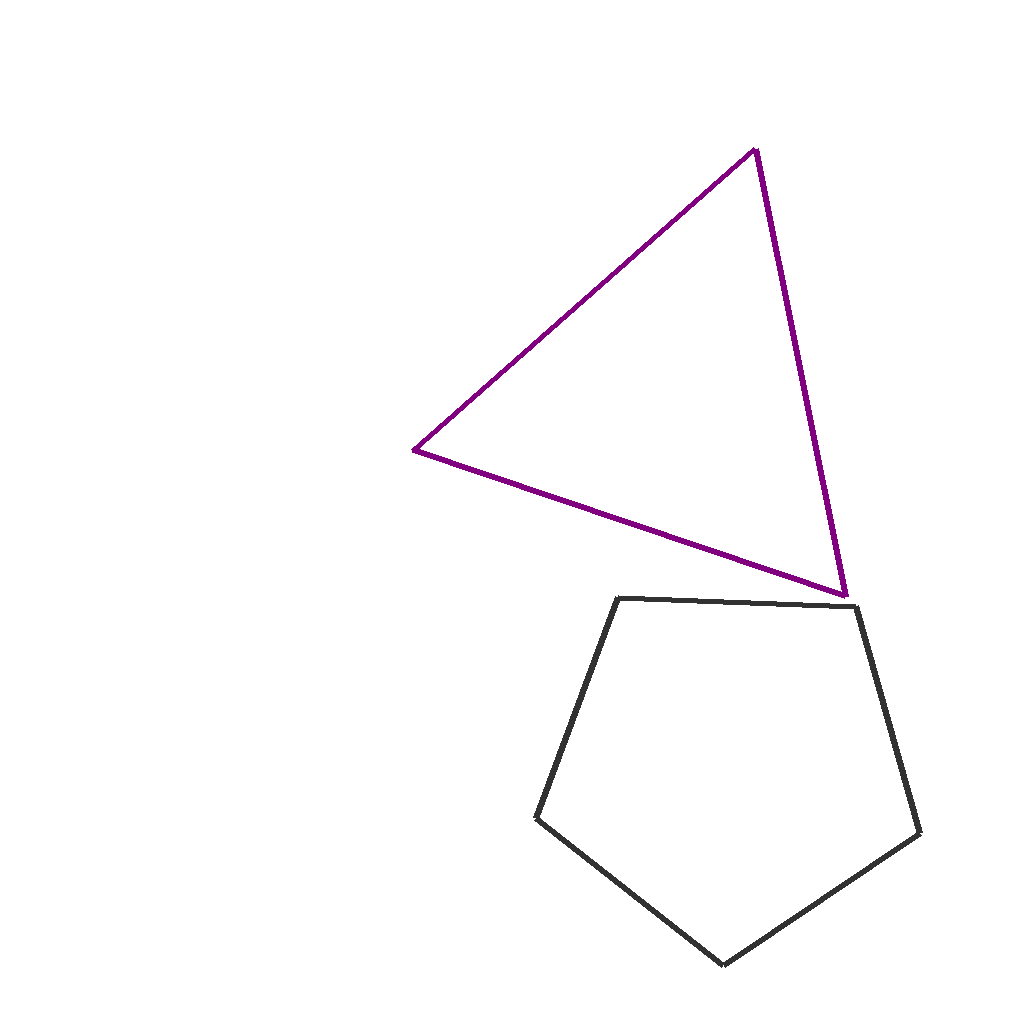
Prompt
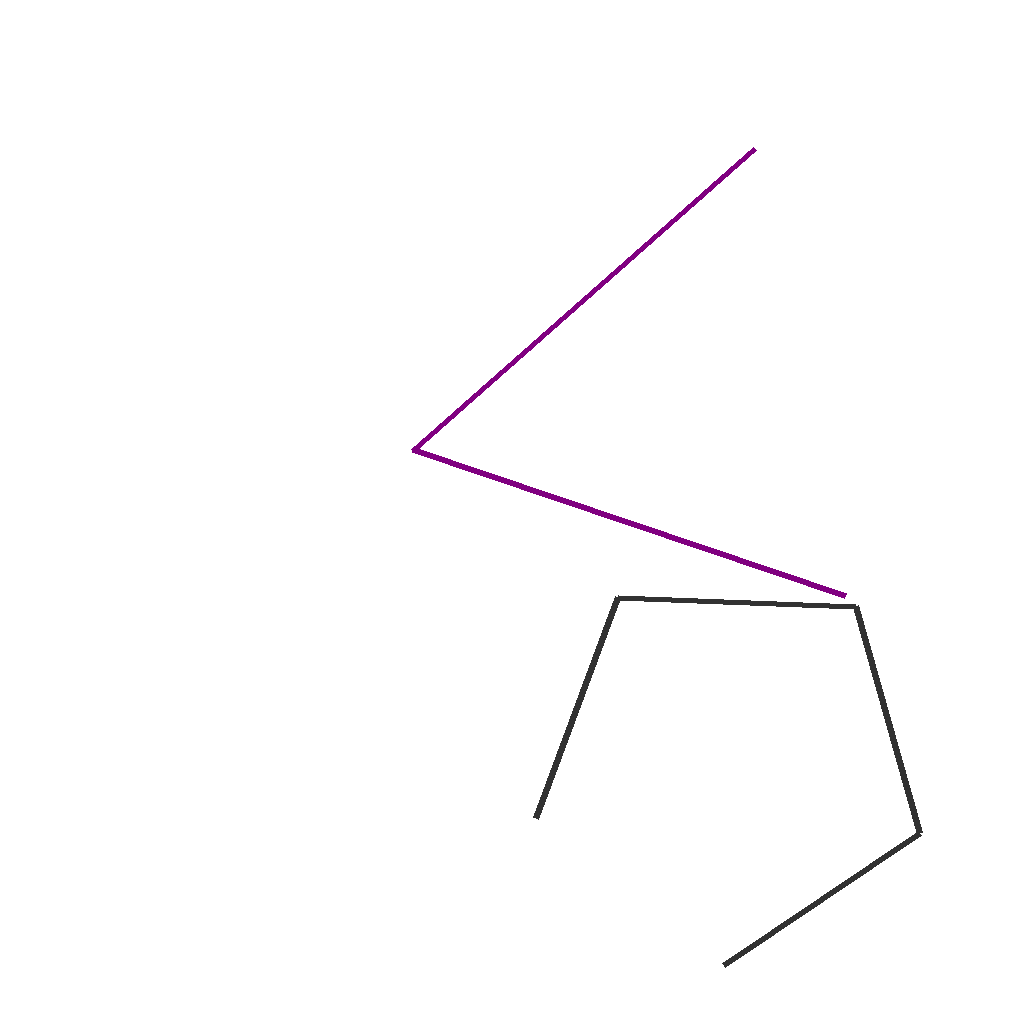
The scene shows 2 geometric shapes. Each shape has exactly one missing edge (a gap between two visible endpoints where an edge is not drawn). First locate the two endpoints of each missing edge, then draw a single straight line segment connecting them to complete the shape. Do not redraw existing edges or add any extra lines. Show the drawing process step by step.
First Frame
Last Frame
Video
predict_next_color
GitHub
Prompt
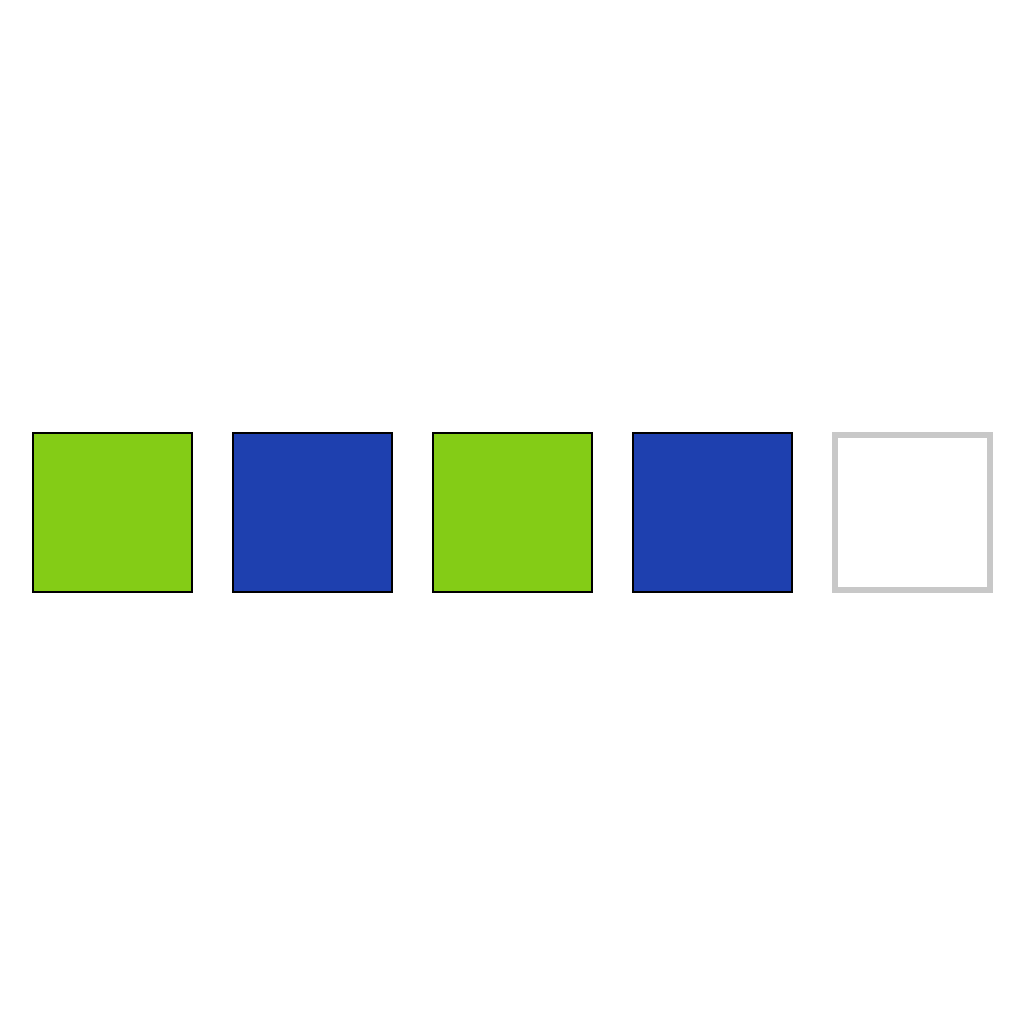
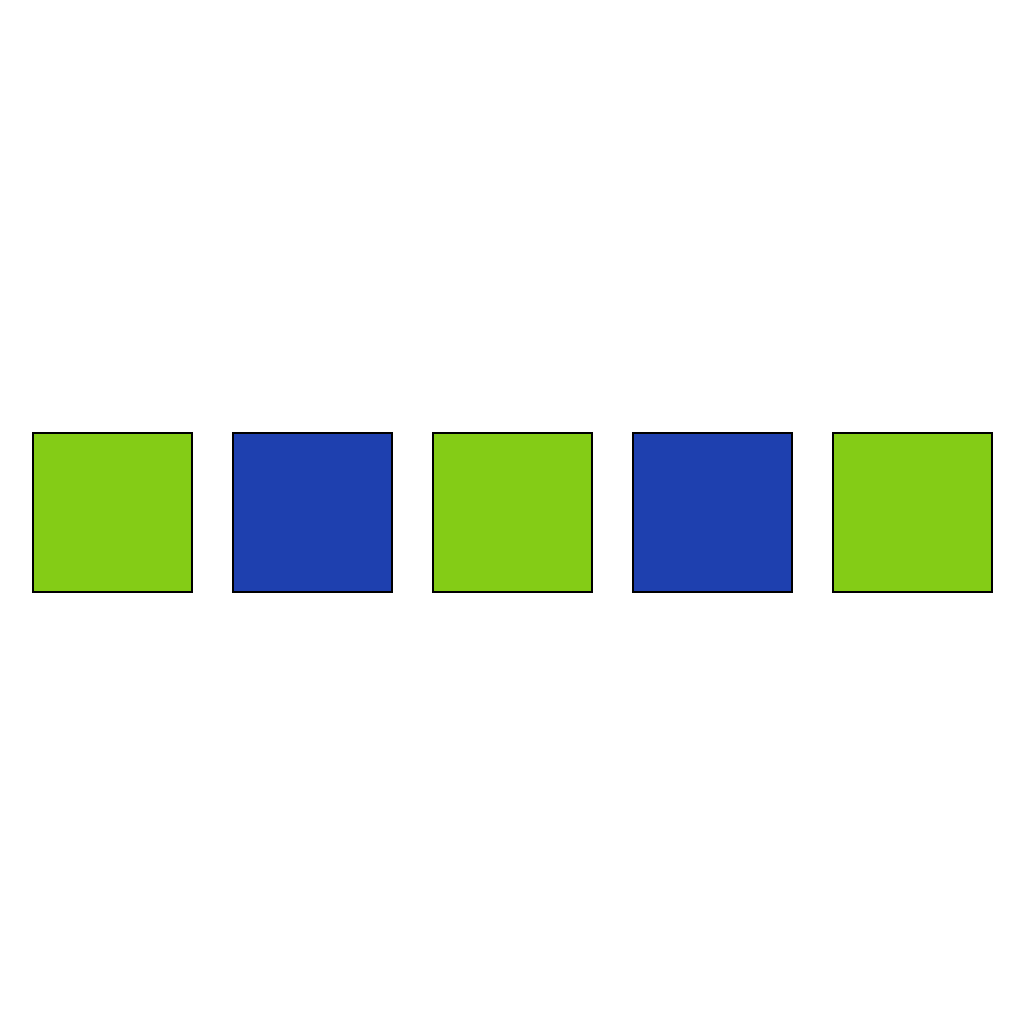
Predict the next color in the sequence.
First Frame
Last Frame
Video
select_next_figure_increasing_size_sequence
GitHub
Prompt
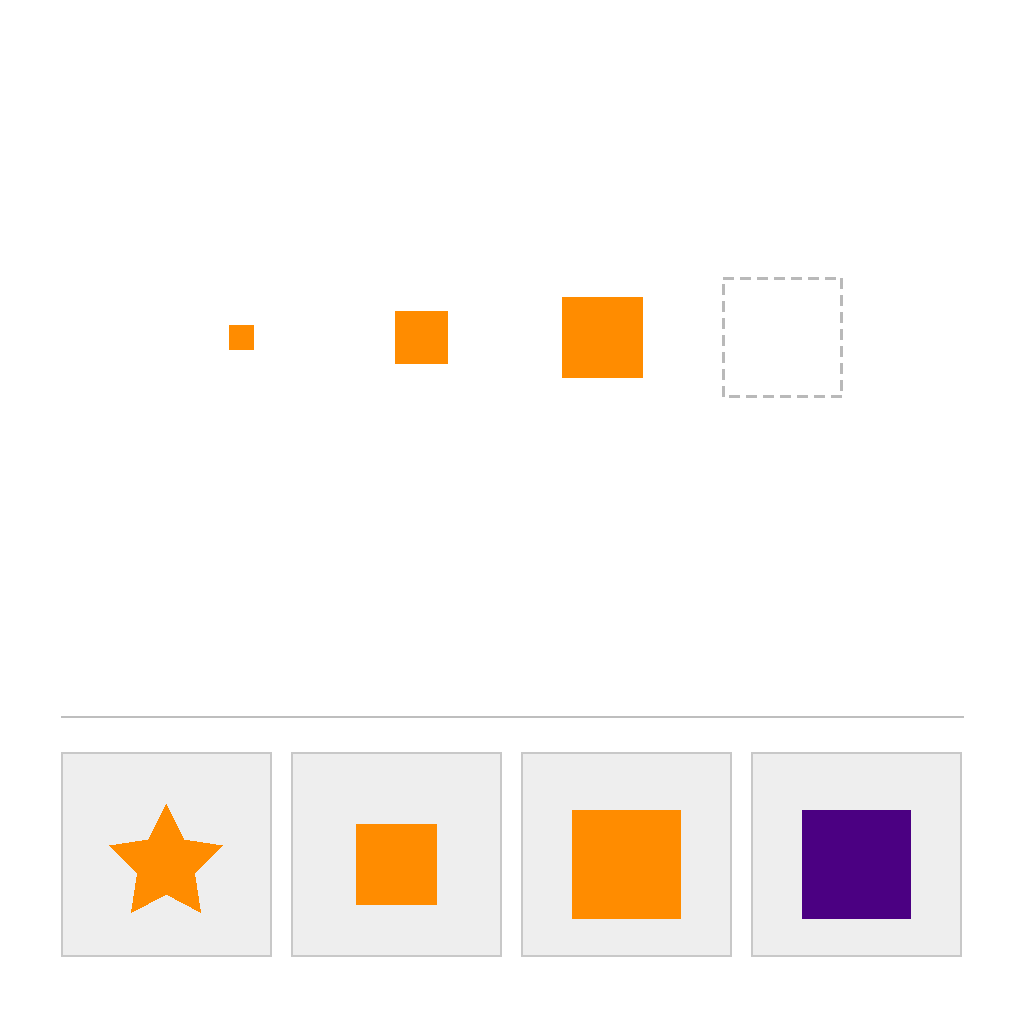
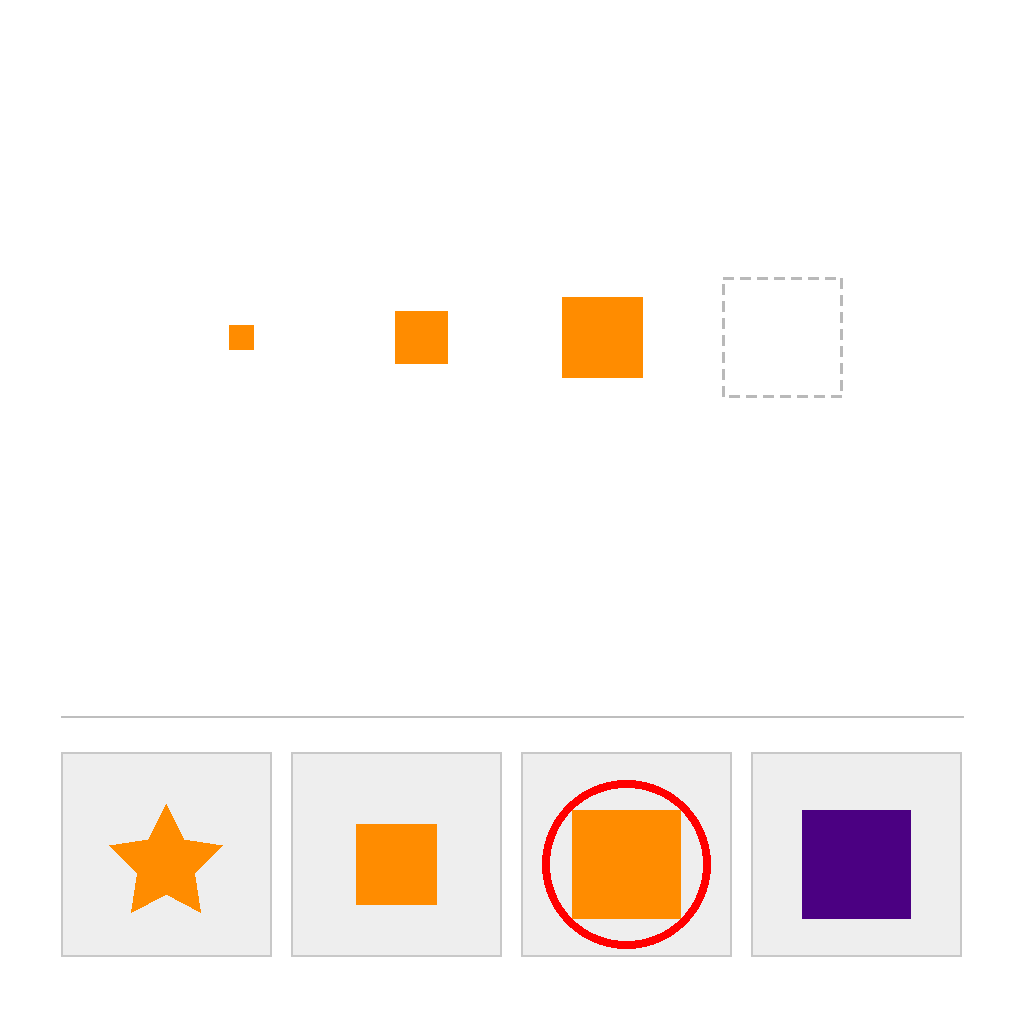
The scene has two separated areas: a top SEQUENCE area and a bottom CHOICES area. In the SEQUENCE area, the shapes are the same shape and the same color, and their sizes strictly increase from left to right. First identify the constant size step between consecutive sequence shapes, then select the one correct option (out of 4) in the CHOICES area that continues the same shape, color, and size-increase pattern. Circle the correct option and show the full process step by step.
First Frame
Last Frame
Video
select_next_figure_decreasing_size_sequence
GitHub
Prompt
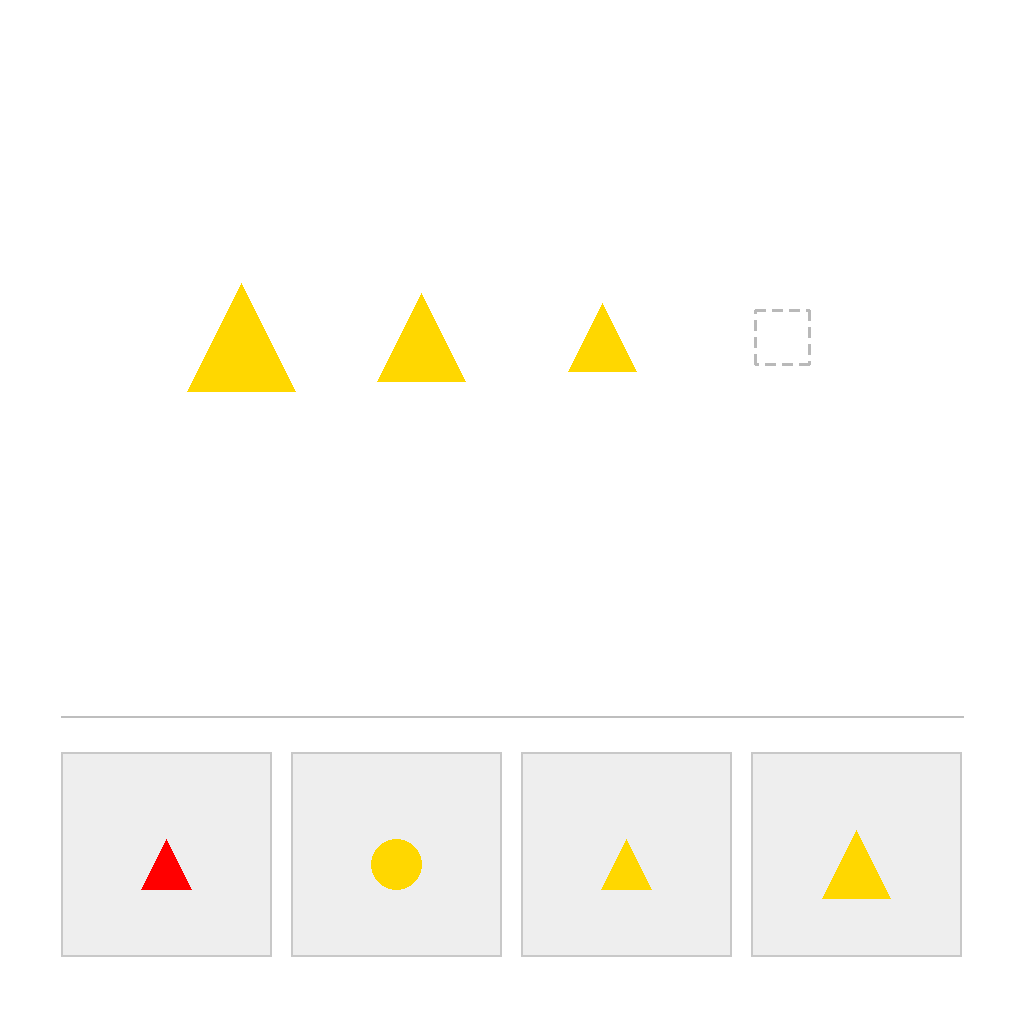
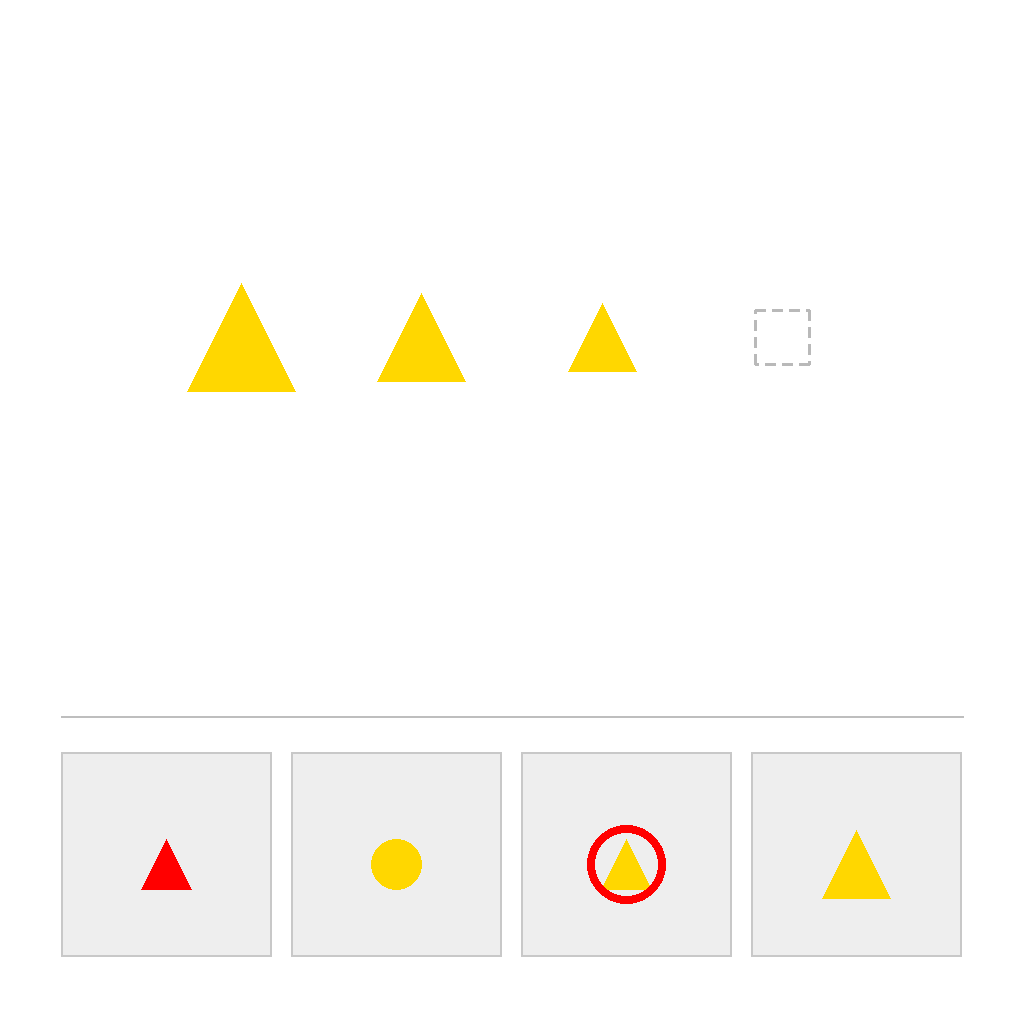
The scene has two separated areas: a top SEQUENCE area and a bottom CHOICES area. In the SEQUENCE area, the shapes are the same shape and the same color, and their sizes strictly decrease from left to right. First identify the constant size step between consecutive sequence shapes, then select the one correct option (out of 4) in the CHOICES area that continues the same shape, color, and size-decrease pattern. Circle the correct option and show the full process step by step.
First Frame
Last Frame
Video
select_next_figure_large_small_alternating_sequence
GitHub
Prompt
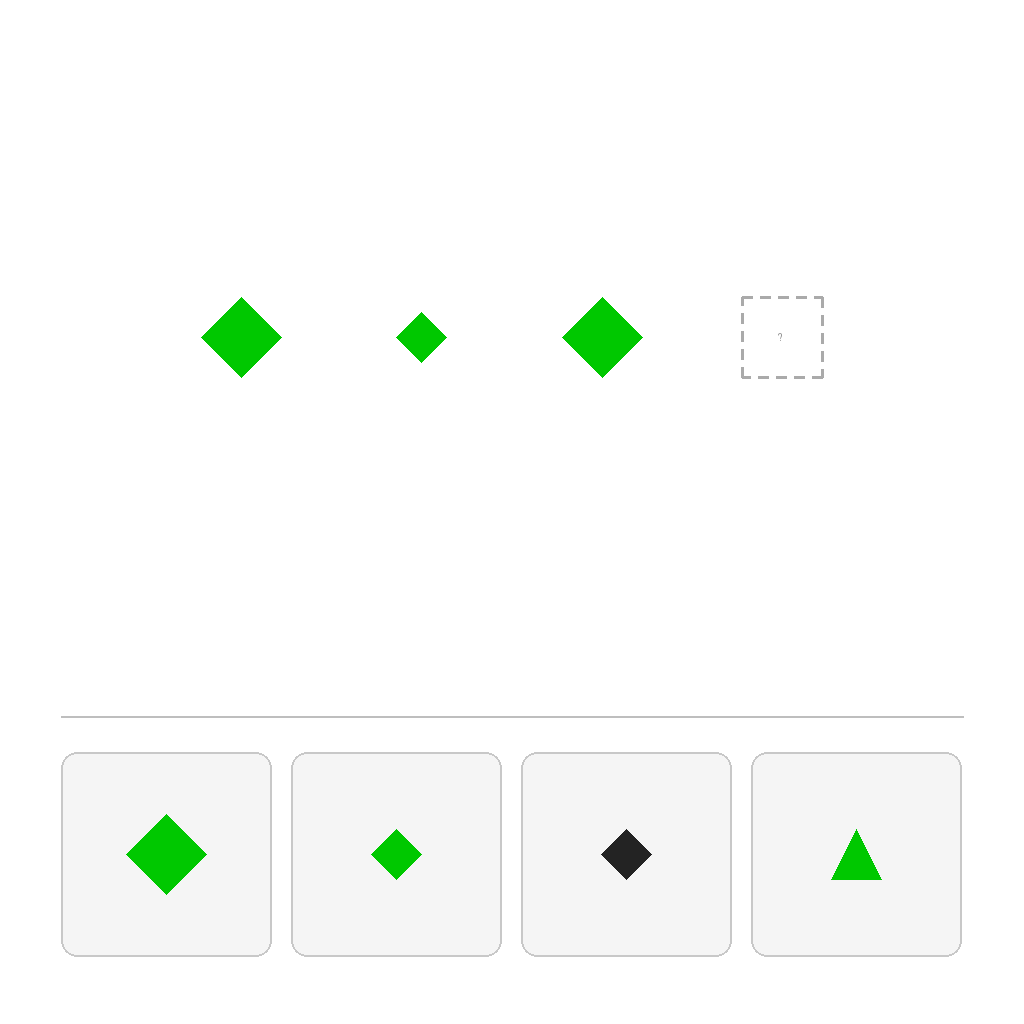
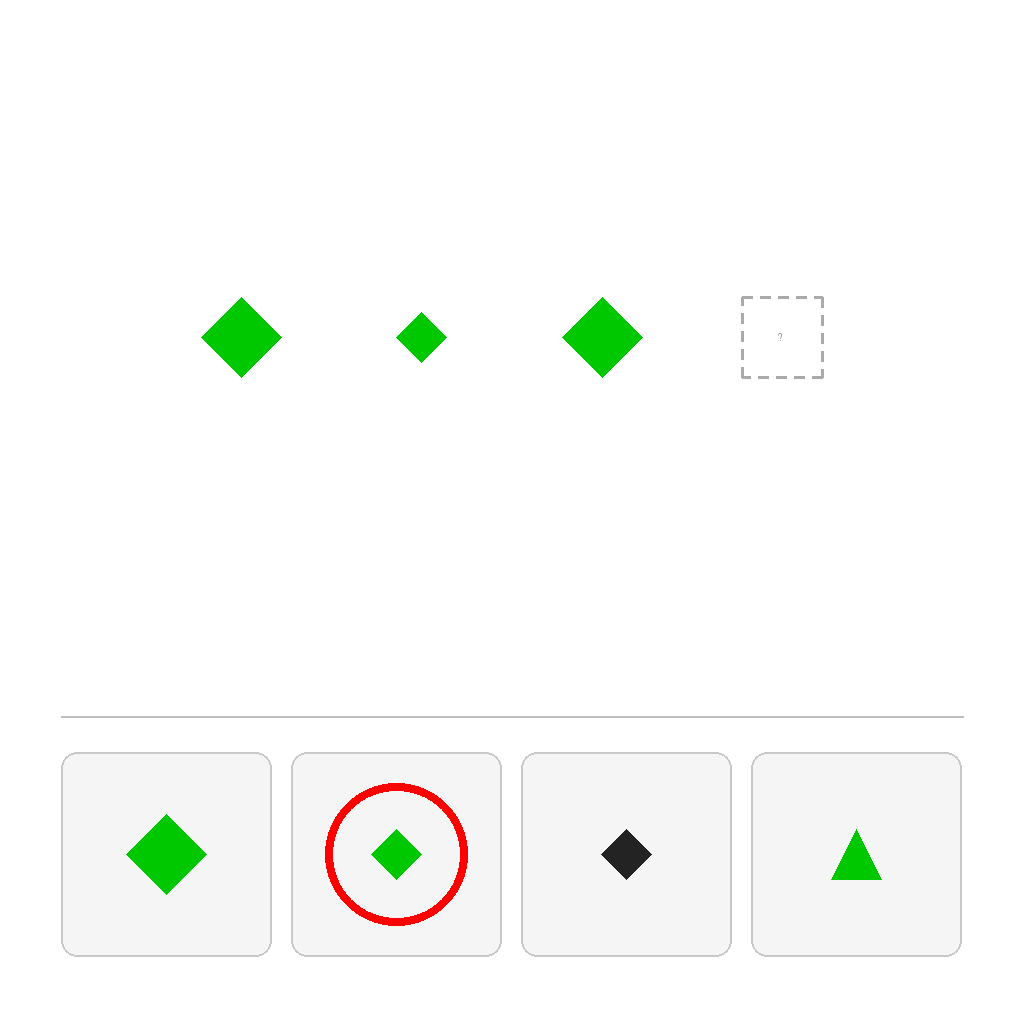
The scene has two separated areas: a top SEQUENCE area and a bottom CHOICES area. In the SEQUENCE area, the shapes are the same shape and the same color, and their sizes strictly alternate between LARGE and SMALL from left to right. First observe the size-alternation pattern and determine whether the next item should be LARGE or SMALL, then select the one correct option (out of 4) in the CHOICES area that continues the same shape, color, and large/small alternation pattern. Circle the correct option and show the full process step by step.
First Frame
Last Frame
Video
select_next_figure_small_large_alternating_sequence
GitHub
Prompt
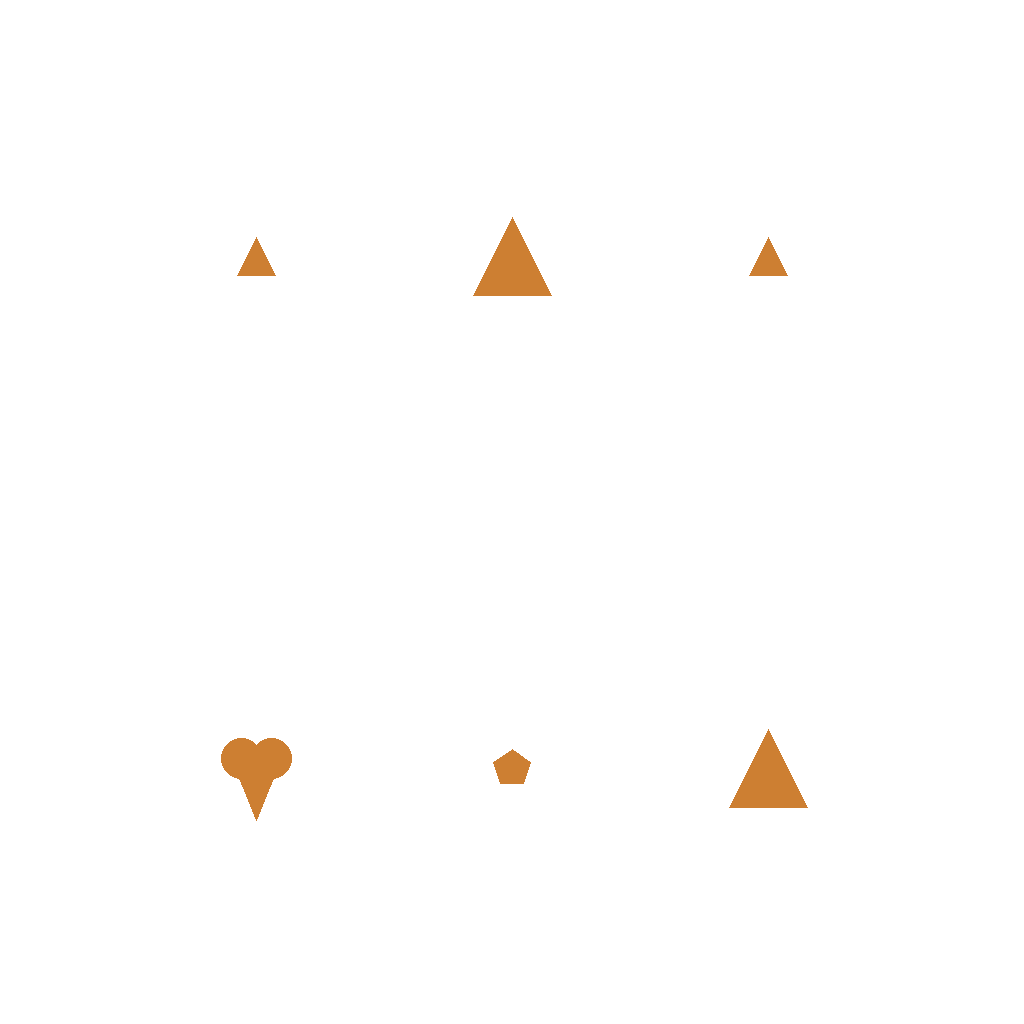
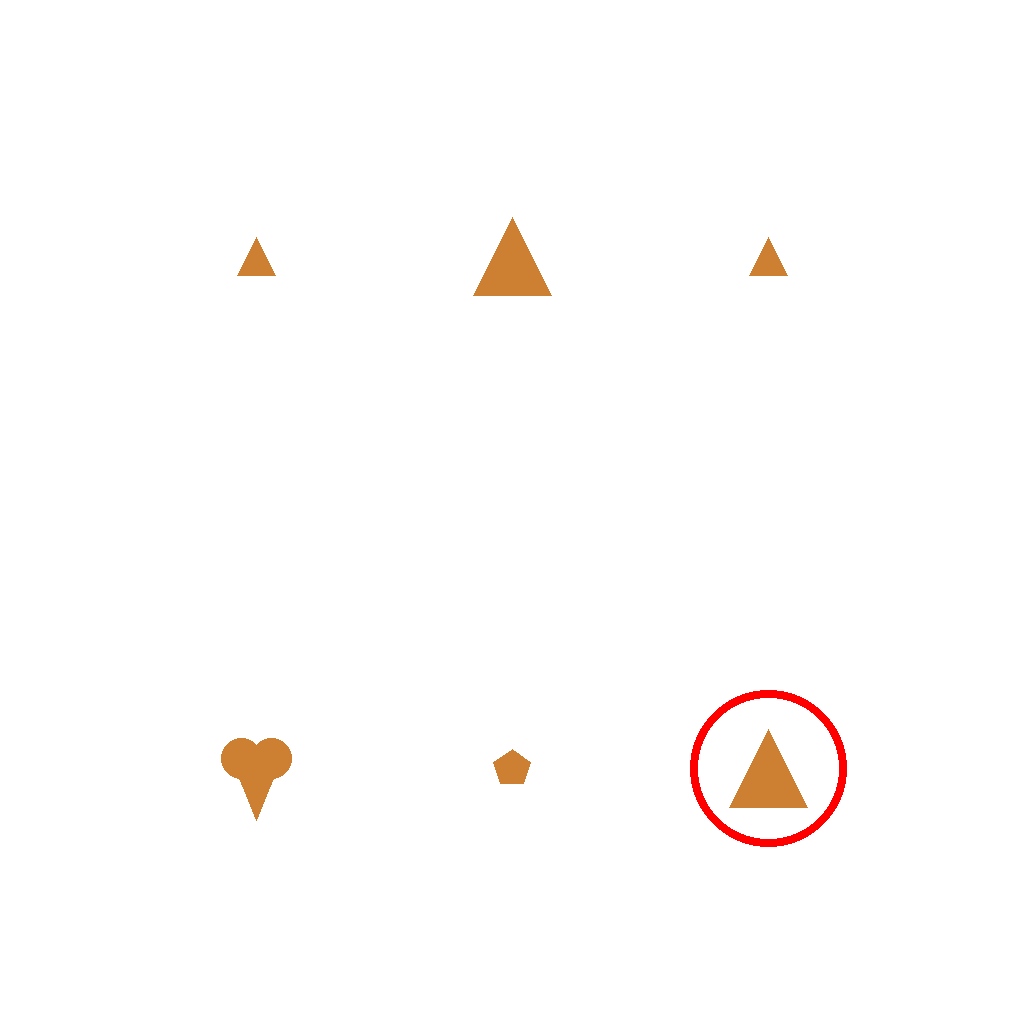
A sequence of shapes arranged in a 'small-big-small' pattern. Circle the next shape in the candidate area that continues this 'small-big-small-big' pattern.
First Frame
Last Frame
Video
draw_next_sized_shape
GitHub
Prompt
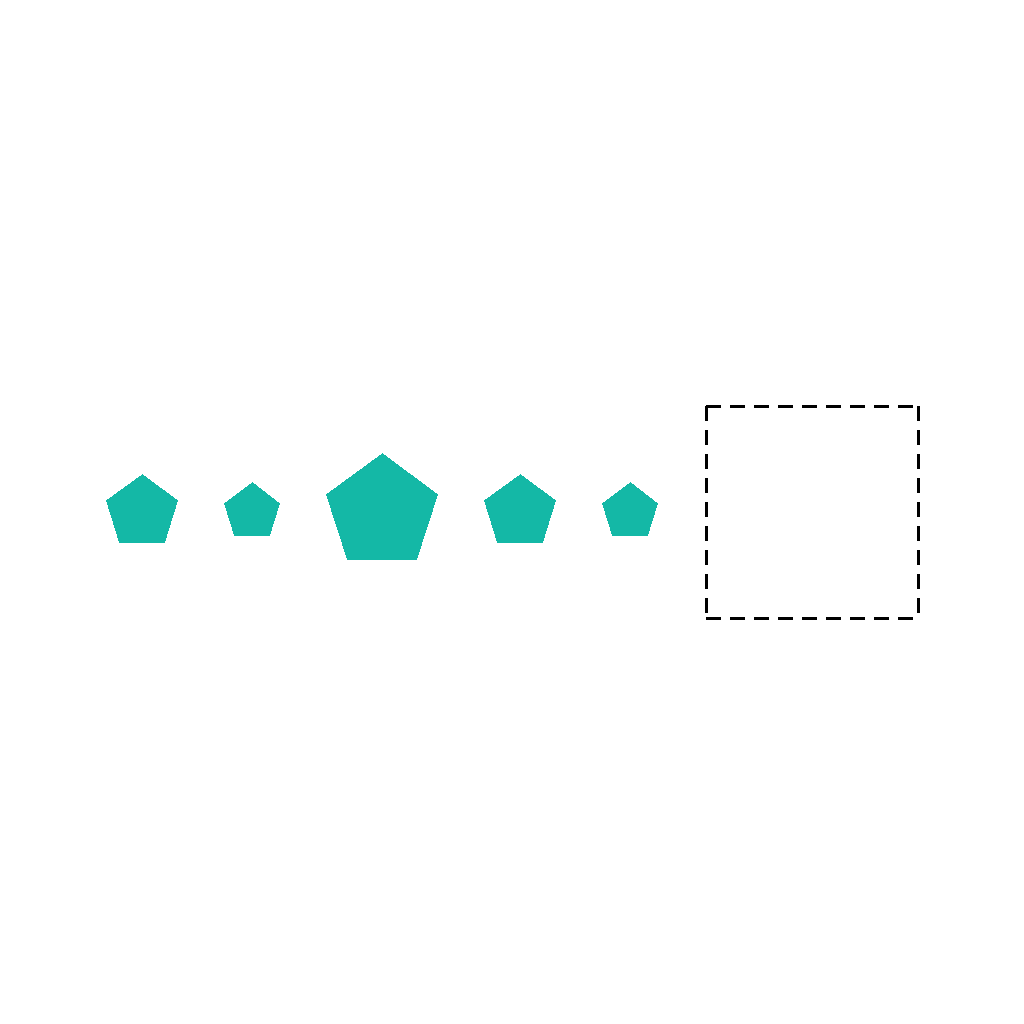
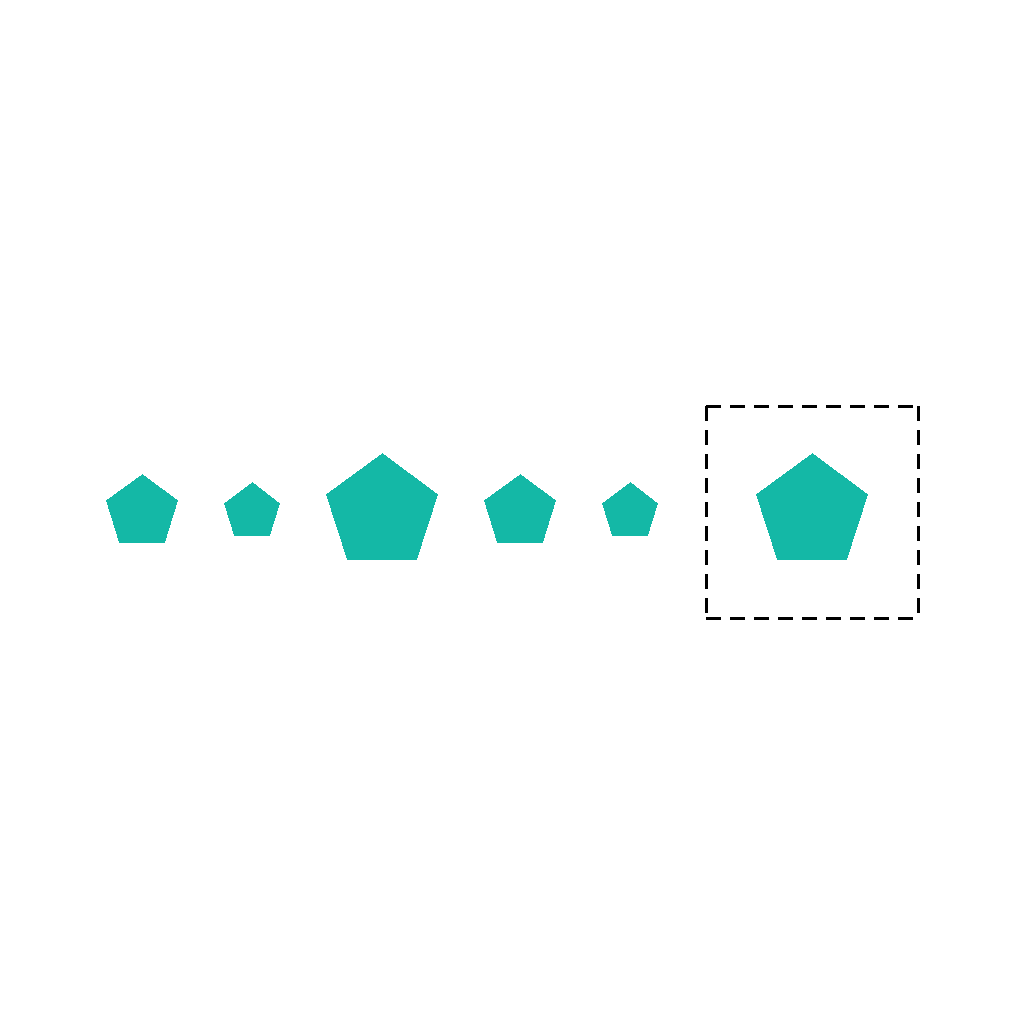
A row of shapes of the same type follows a repeating size cycle. The last box is empty. First determine which size should come next in the cycle, then draw the next shape inside the empty box. Do not change anything else. Show the complete solution step by step.
First Frame
Last Frame
Video
LEGO_construction_assembly
GitHub
Prompt
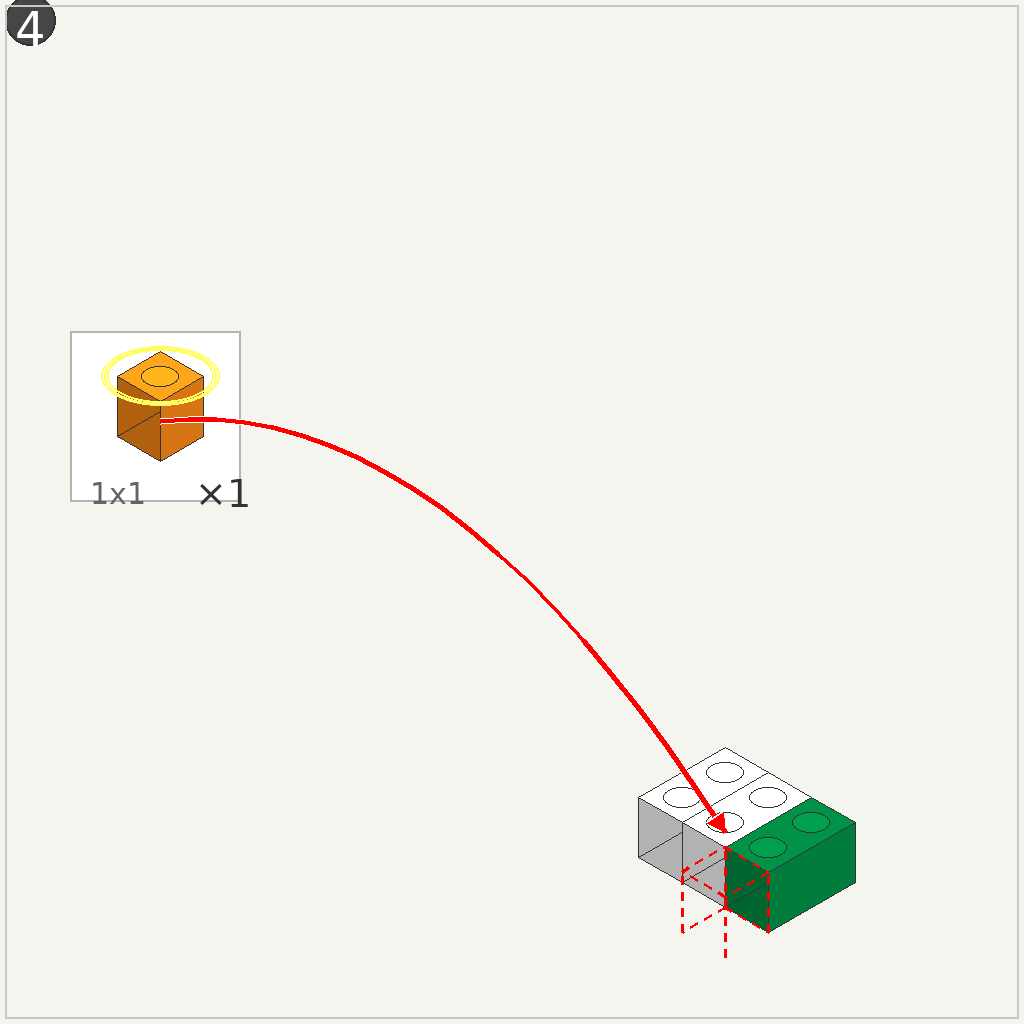
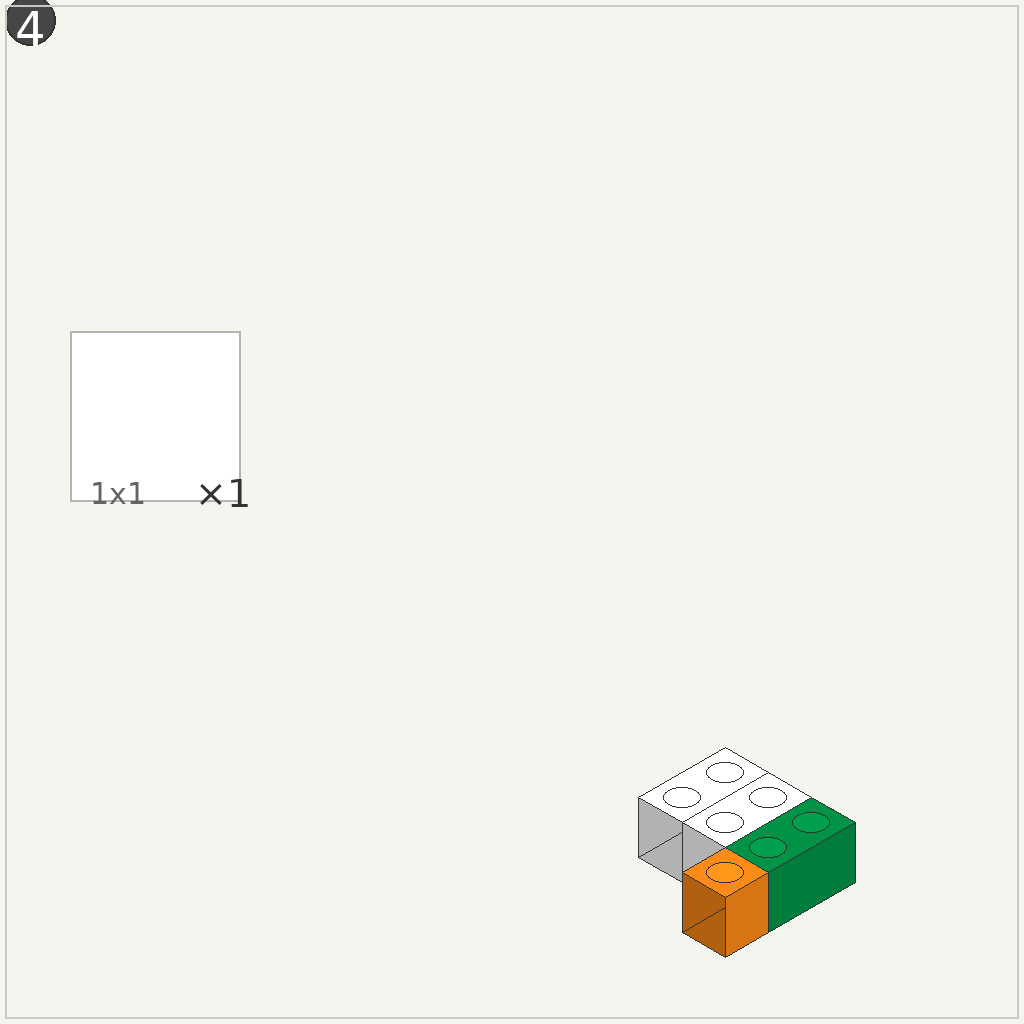
This is LEGO assembly step 4. The scene shows a partial model on the right and a 1x1 orange brick on the left in a callout box. Take the orange brick and attach it to the model at the position indicated by the red arrow. Move the brick smoothly from the callout to its destination, align it correctly, and snap it into place.
First Frame
Last Frame
Video
maze
GitHub
Prompt
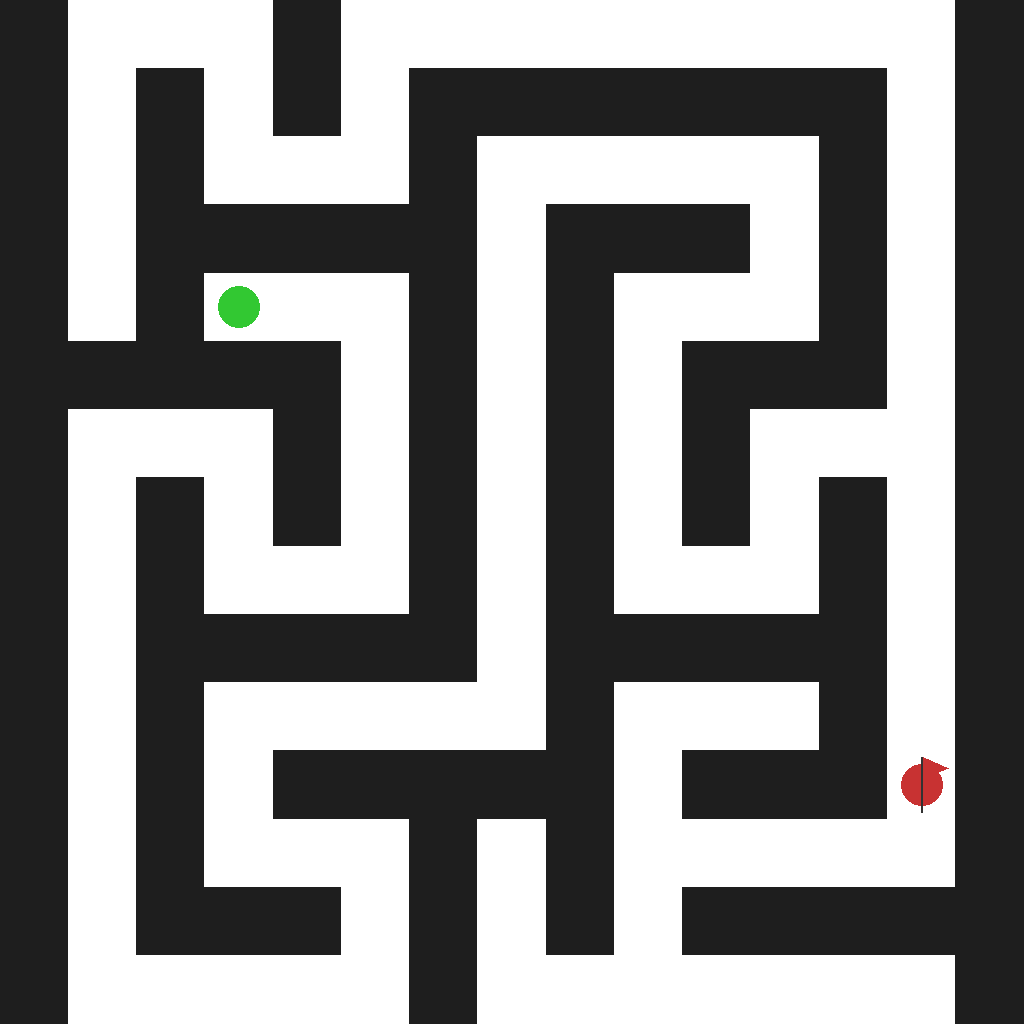
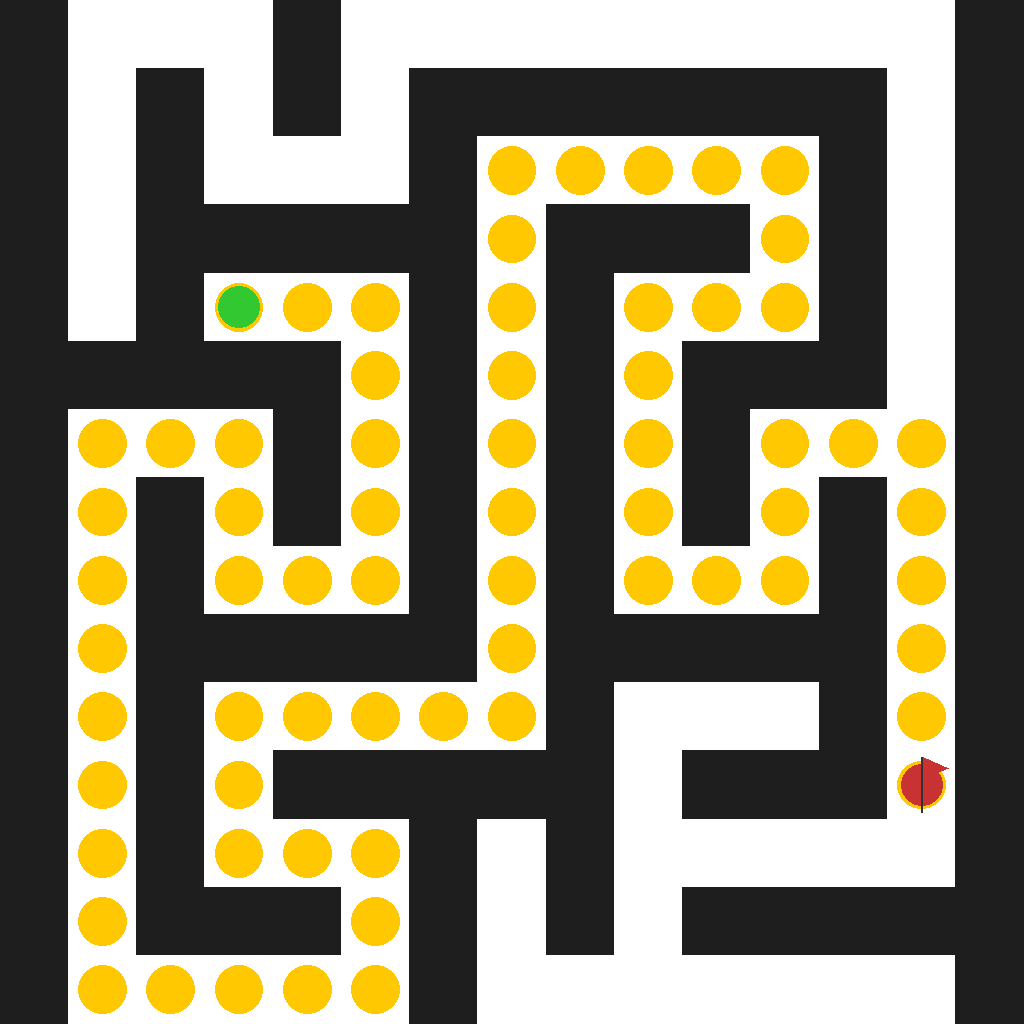
The scene shows a 15×15 grid maze with dark walls and white pathways. A green circular marker indicates the starting position, and a red flag marks the end position. Starting from the green start position, navigate through the maze by moving along the white pathways. You can move to adjacent cells (up, down, left, right) but cannot pass through the dark walls. The goal is to find and demonstrate the complete path from the green start to the red flag end position, showing each step of the journey through the maze.
First Frame
Last Frame
Video
rotation
GitHub
Prompt
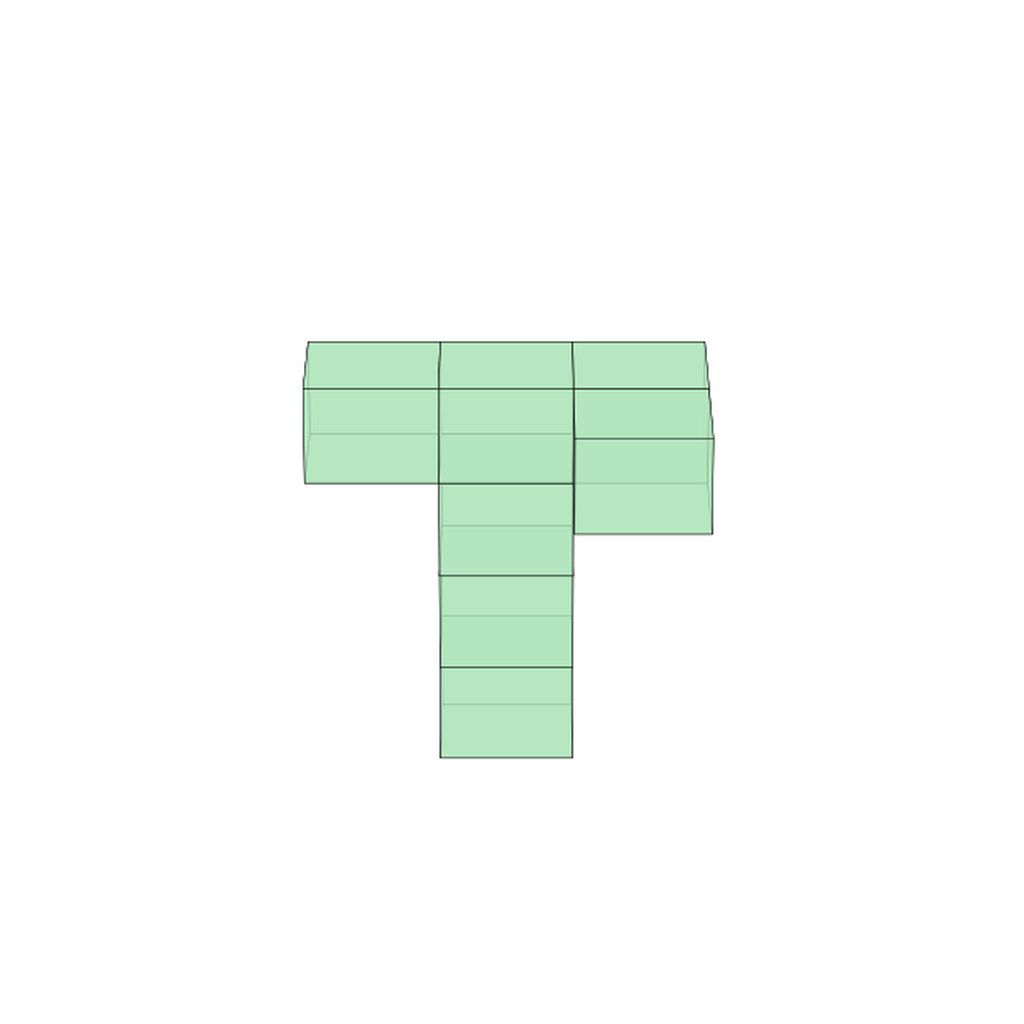
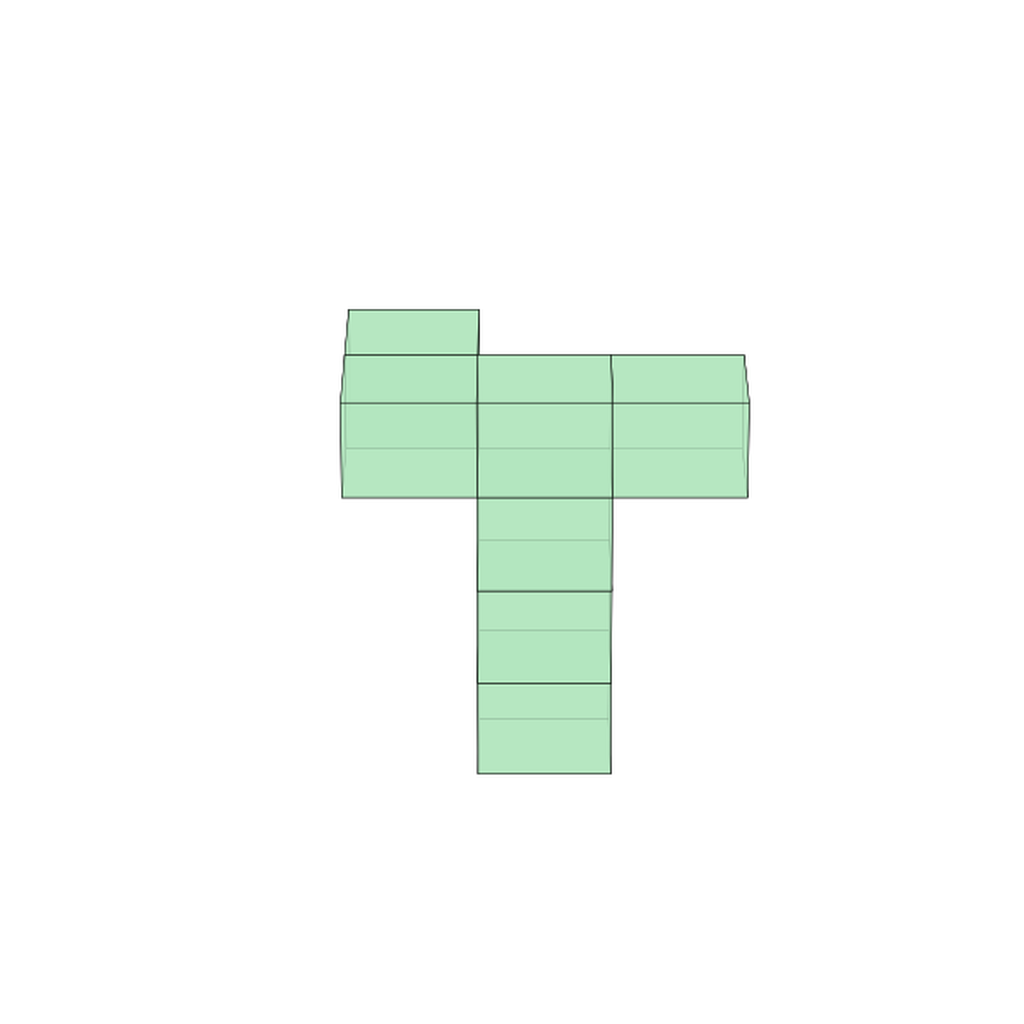
A 7-block sculpture sits fixed on a table. First frame: Your camera is tilted at 22° elevation, viewing from 180° azimuth. Final frame: Your camera remains at 22° elevation, but rotates horizontally to 0° azimuth. This is a 180-degree rotation Create a smooth video showing the camera's horizontal rotation around the sculpture, and try to maintain the tilted viewing angle throughout.
First Frame
Last Frame
Video
planar_warp_verification
GitHub
Prompt
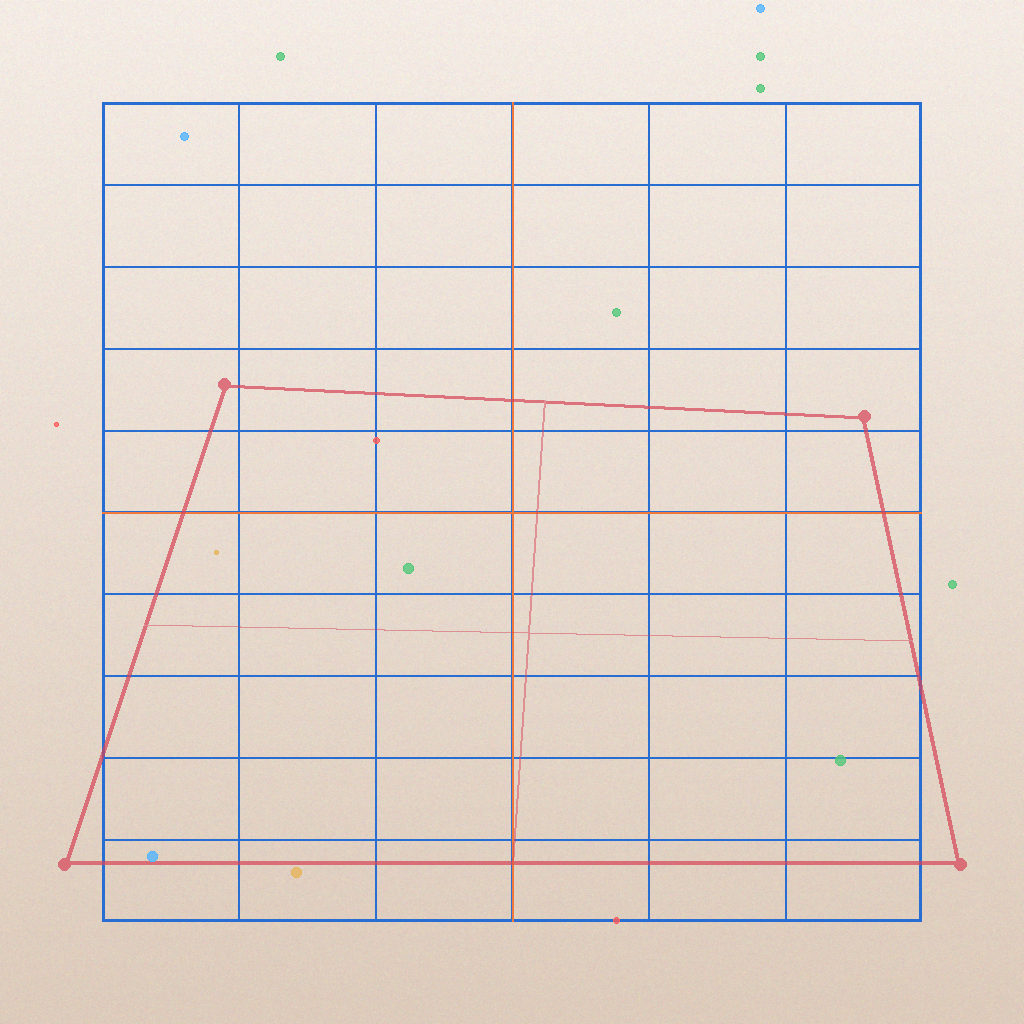
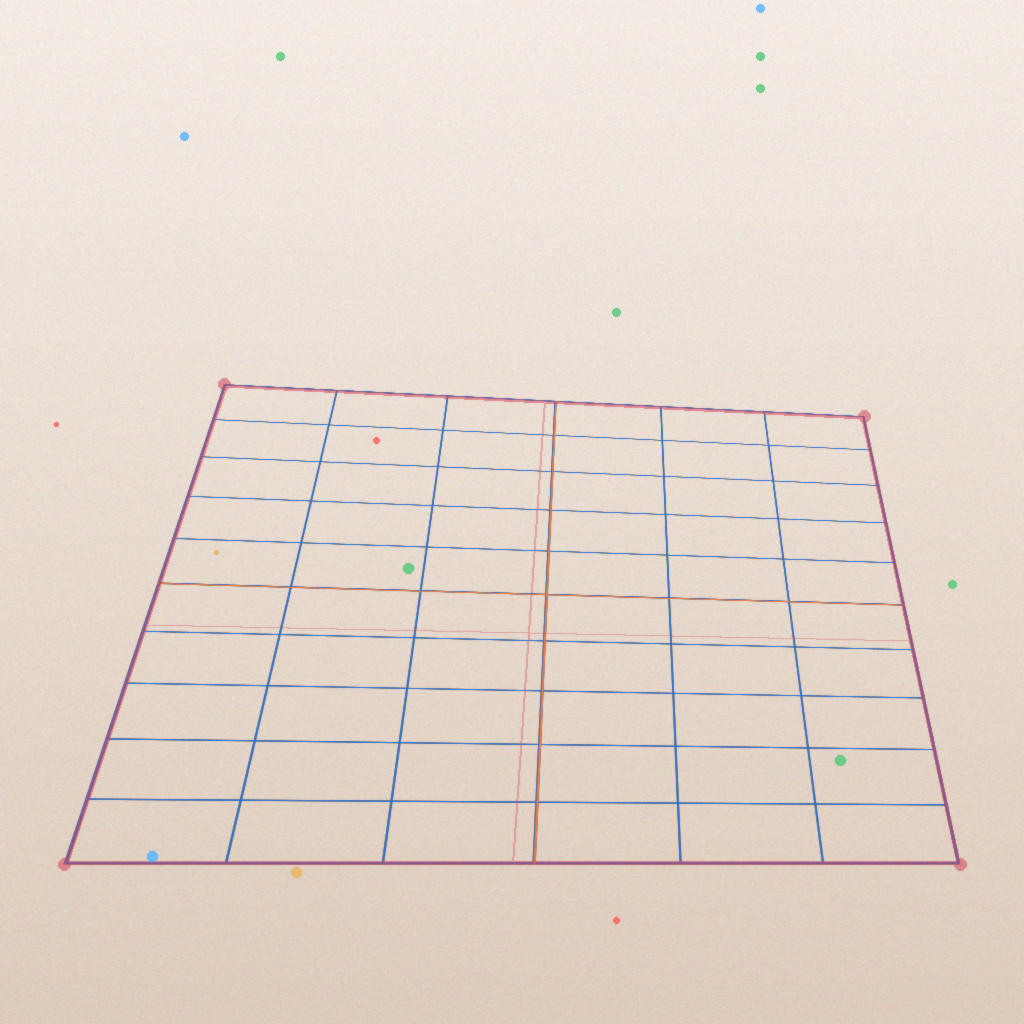
Transform the blue grid by aligning its four corners to the four corners of the red quadrilateral. Apply a perspective transformation so the grid matches the red outline. Keep all background elements, colored dots, and gray patches unchanged. Output the transformed grid.
First Frame
Last Frame
Video
grid_obtaining_award
GitHub
Prompt
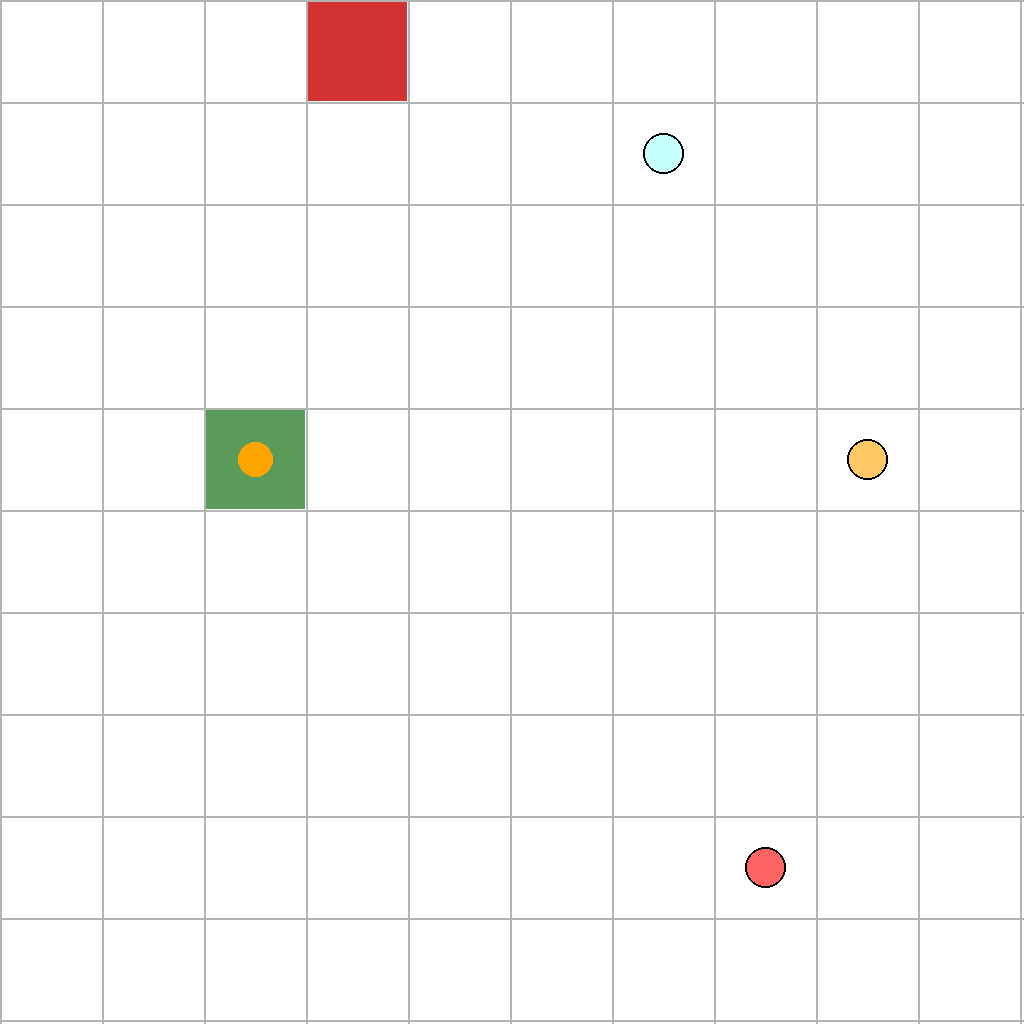
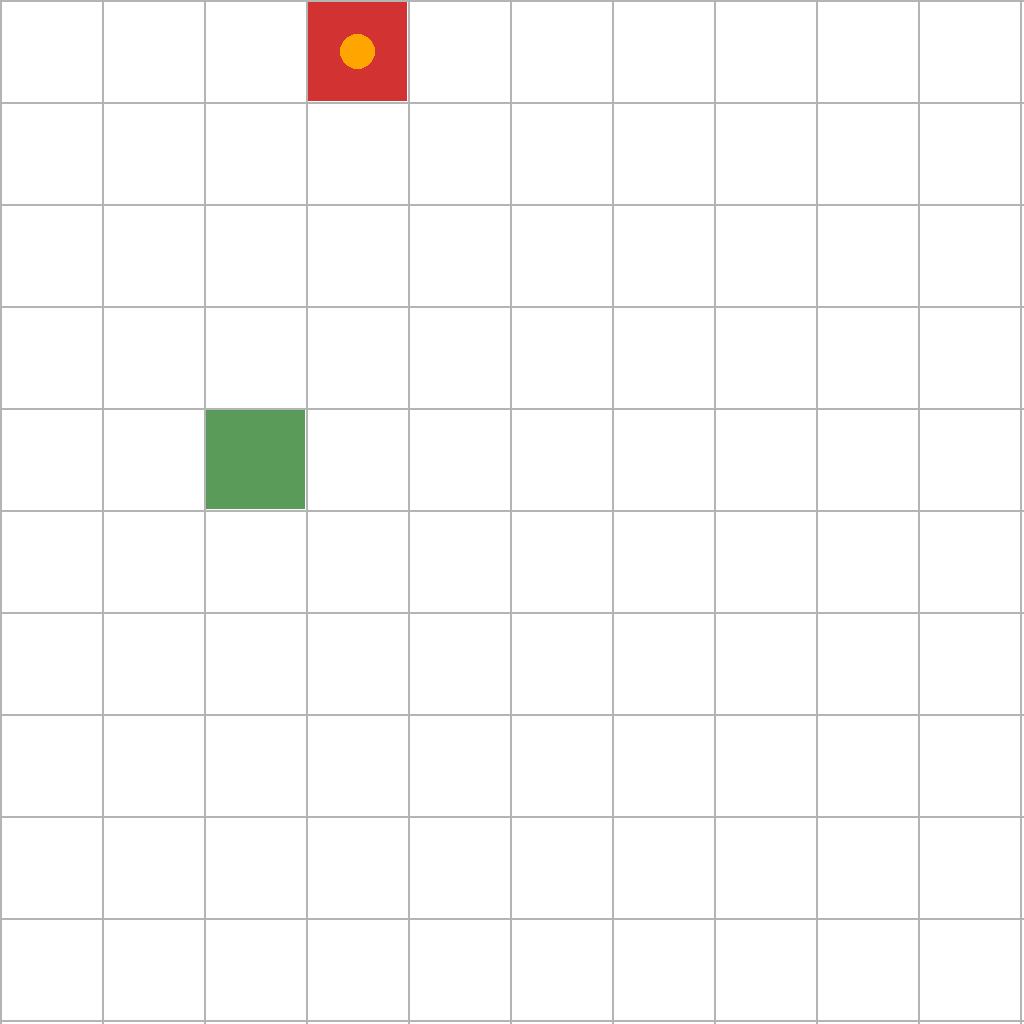
The scene shows a 10x10 grid with a green start point, a red end point, and 3 circle reward items scattered across it. A circular agent starts at the green start point and can move to adjacent cells (up, down, left, right). The agent collects a reward by moving to its cell, and once collected, the reward disappears. Find the shortest path that collects all 3 circle rewards before reaching the red end point.
First Frame
Last Frame
Video
grid_number_sequence
GitHub
Prompt
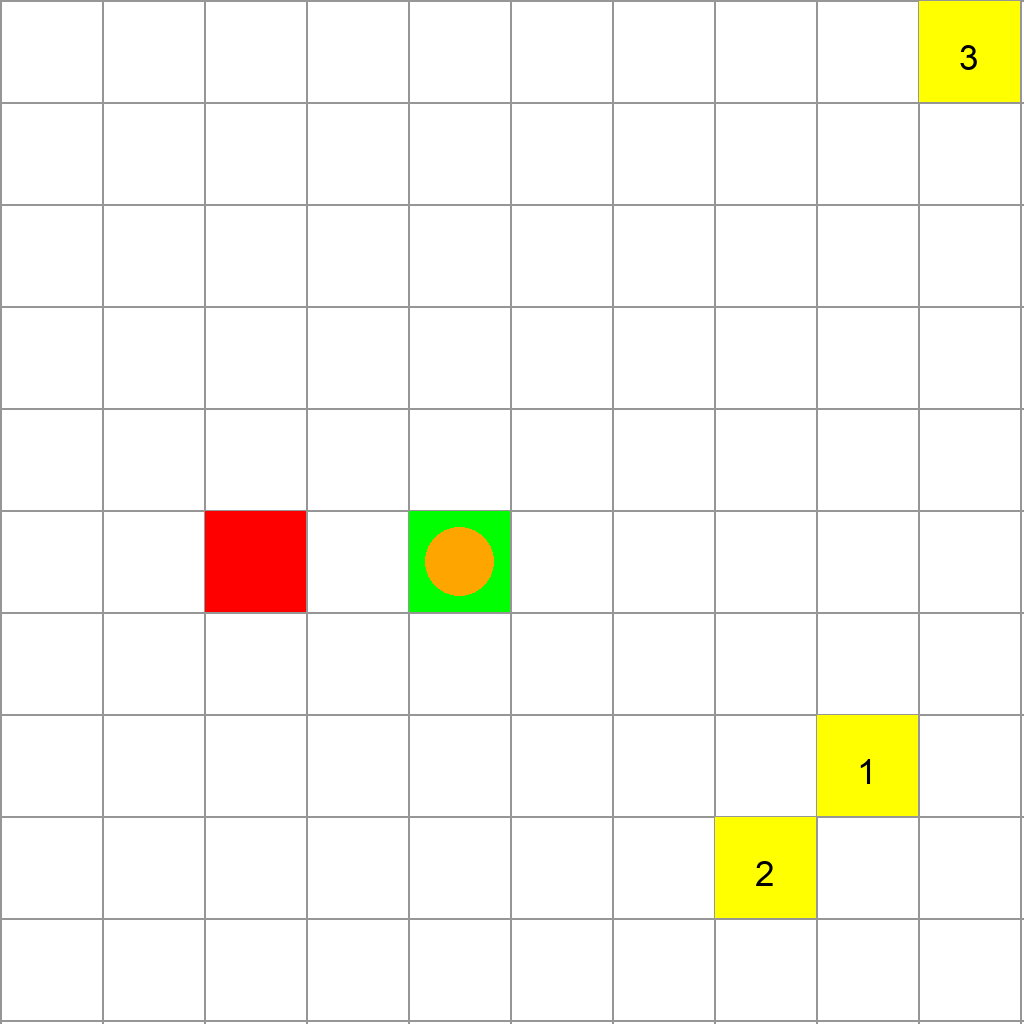
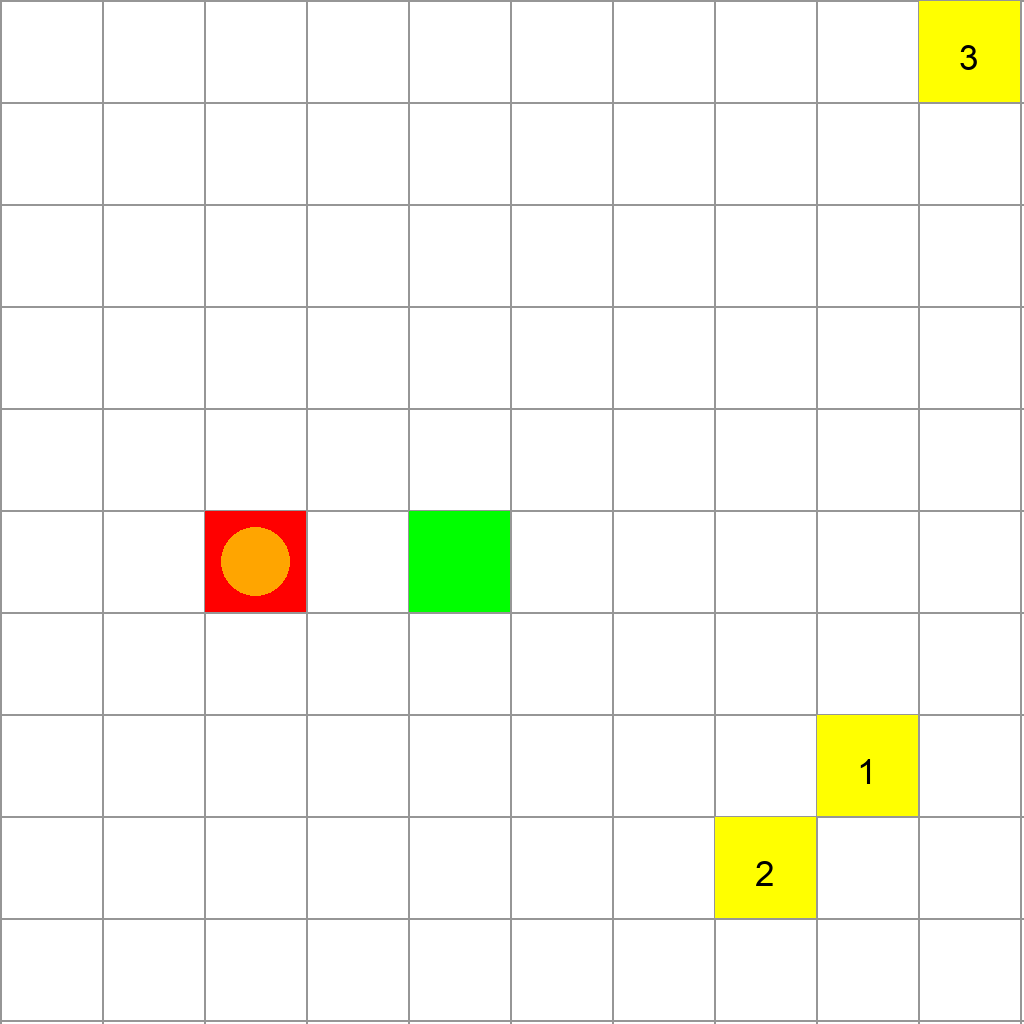
The scene shows a 10x10 grid with a green start point, a red end point, and yellow cells marked with numbers 1, 2, and 3. An orange circular agent is positioned at the green start point. The agent can move to adjacent cells (up, down, left, right). Starting from the green start point, the agent must visit the numbered yellow cells in numerical order (1, then 2, then 3), taking the shortest path between each consecutive pair of numbered cells. The agent is allowed to pass through the red end point when visiting the numbered cells if needed. After visiting all numbered cells in sequence, the agent must reach the red end point, also following the shortest path.
First Frame
Last Frame
Video
grid_color_sequence
GitHub
Prompt
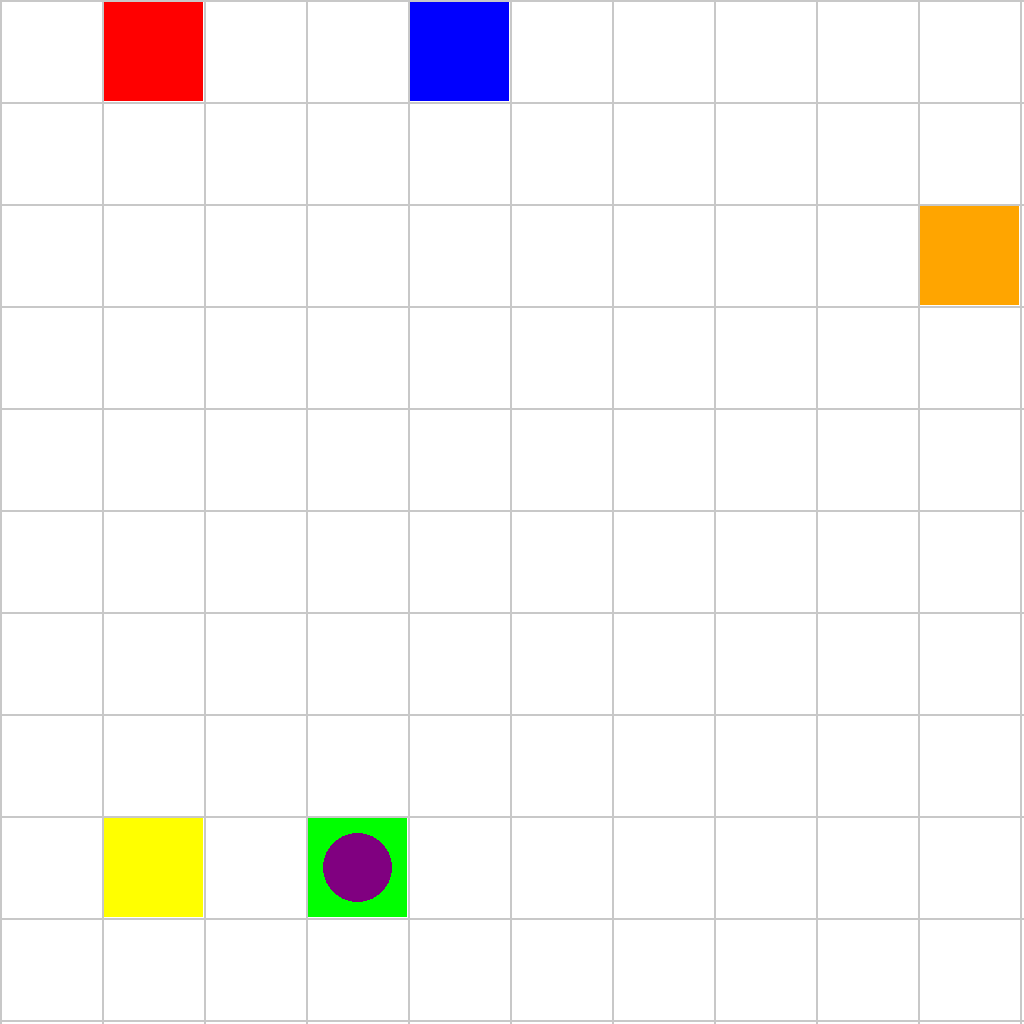
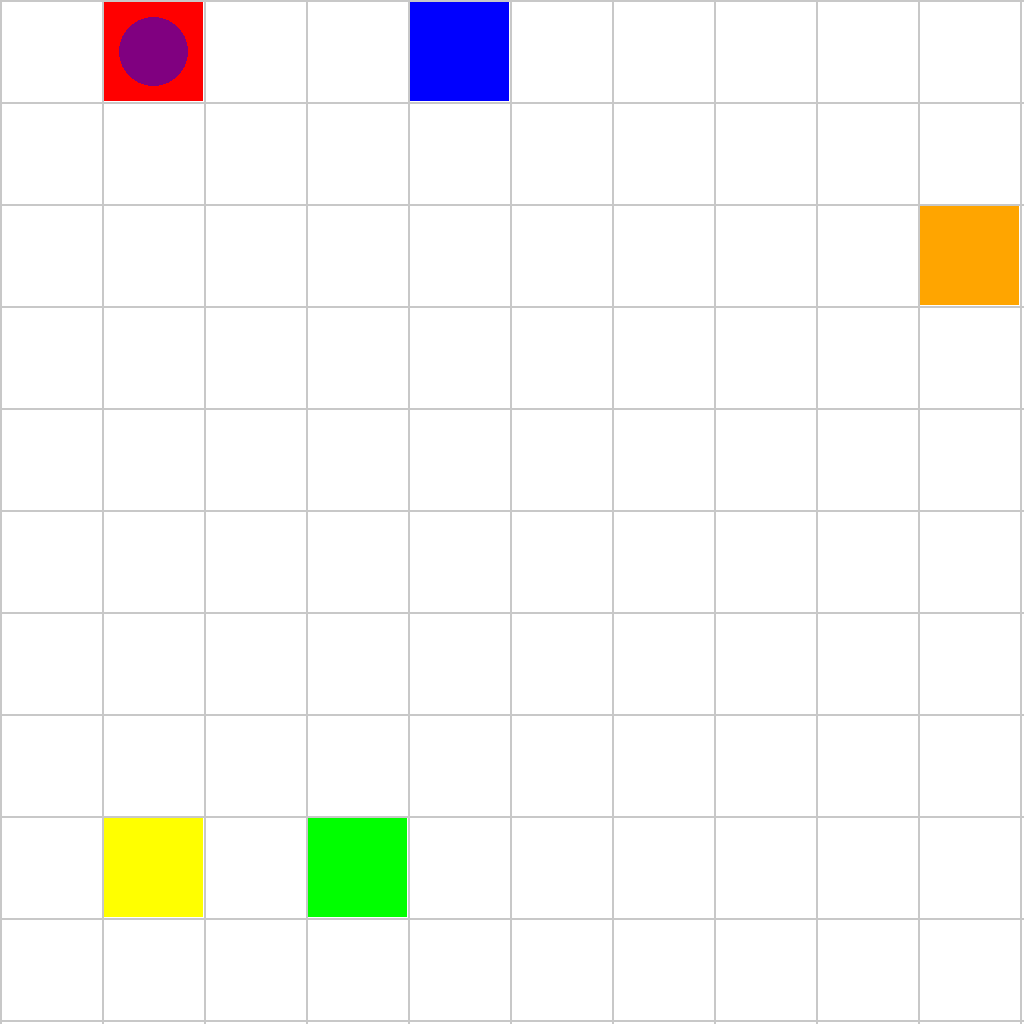
The scene shows a 10x10 grid with a green start point, a red end point, and colored cells (blue, yellow, and orange). A purple circular agent is positioned at the green start point. The agent can move to adjacent cells (up, down, left, right). Starting from the green start point, the agent must visit the colored cells in order (blue, then yellow, then orange), taking the shortest path between each consecutive pair of colored cells. The agent is allowed to pass through the red end point when visiting the colored cells if needed. After visiting all colored cells in sequence, the agent must reach the red end point, also following the shortest path.
First Frame
Last Frame
Video
grid_avoid_obstacles
GitHub
Prompt
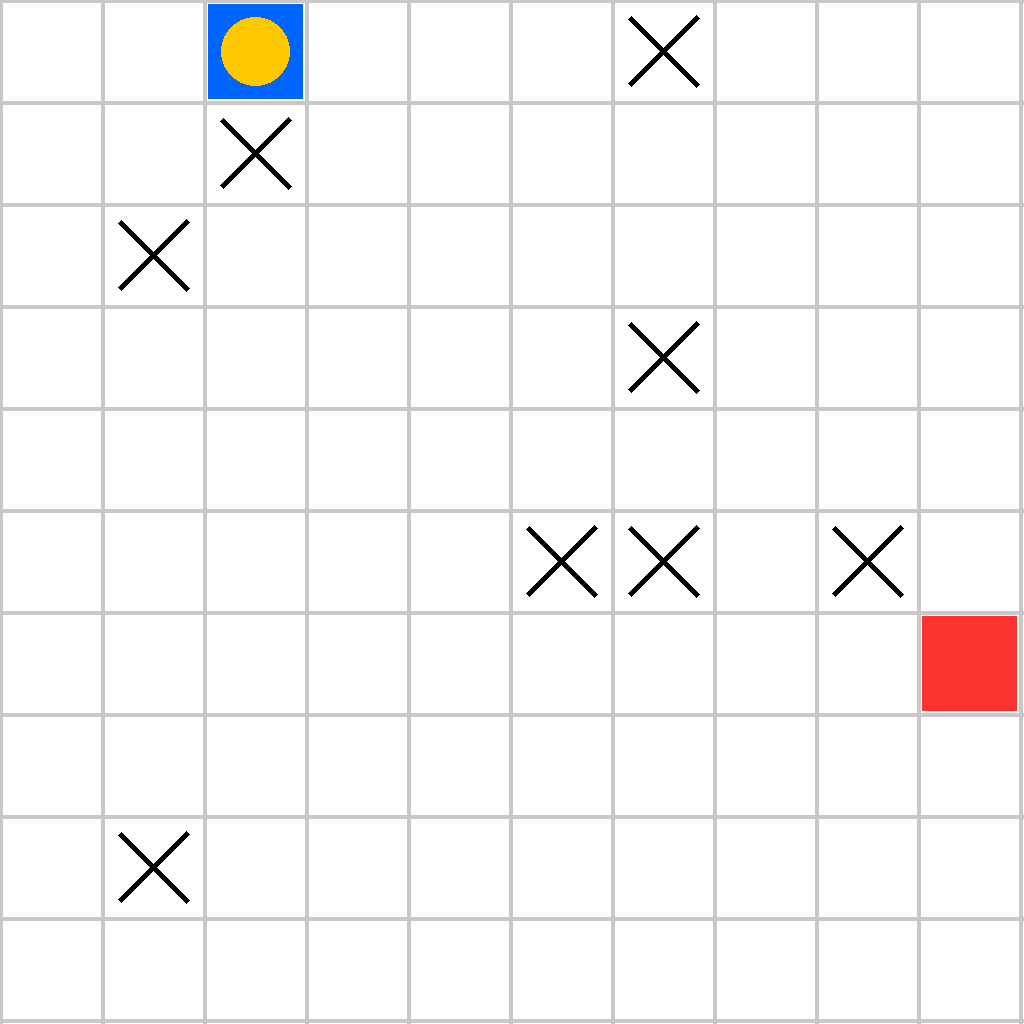
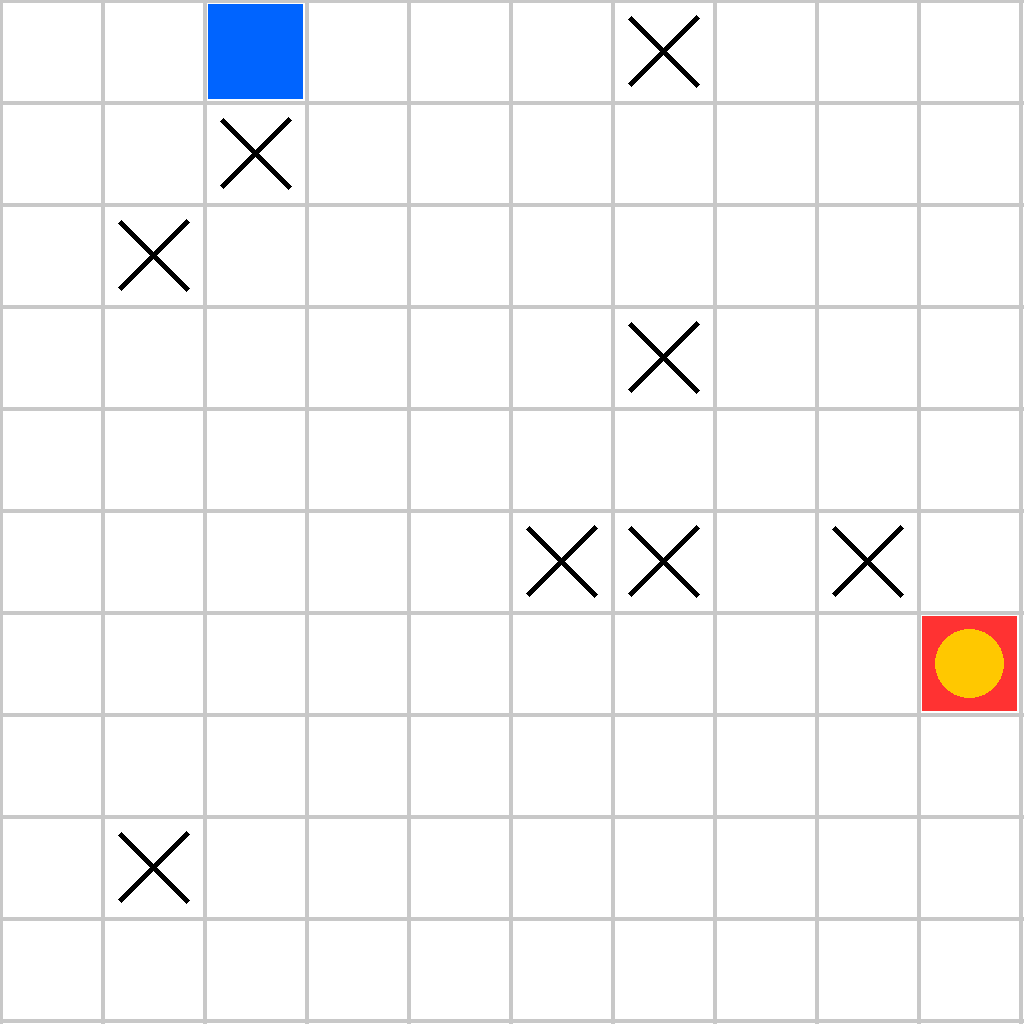
The scene shows a 10x10 grid with a blue start square (containing a yellow circular agent), a red end square, and multiple black X marks indicating obstacles. Starting from the blue start square, the agent can move to adjacent cells (up, down, left, right). The goal is to move the agent to the red end square along the shortest path without entering any cells marked with black X obstacles.
First Frame
Last Frame
Video
grid_go_through_block
GitHub
Prompt
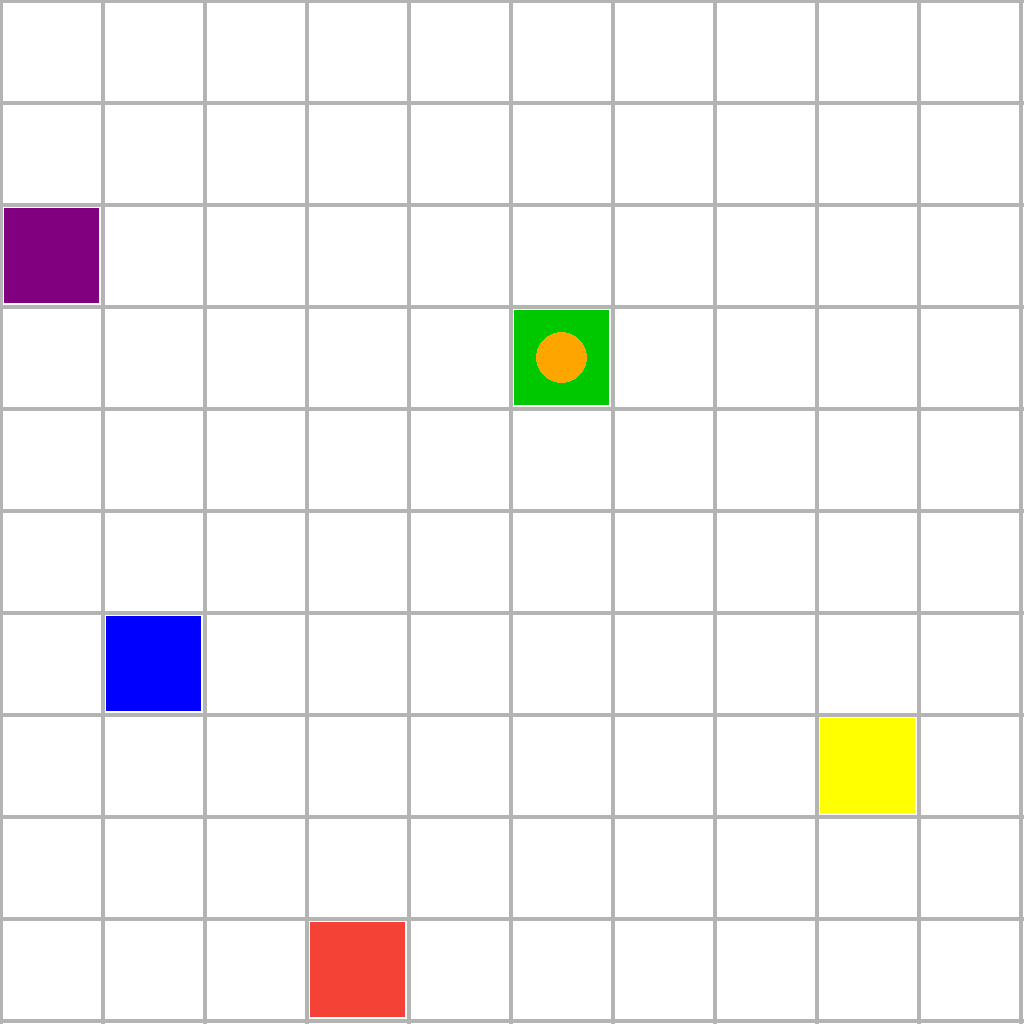
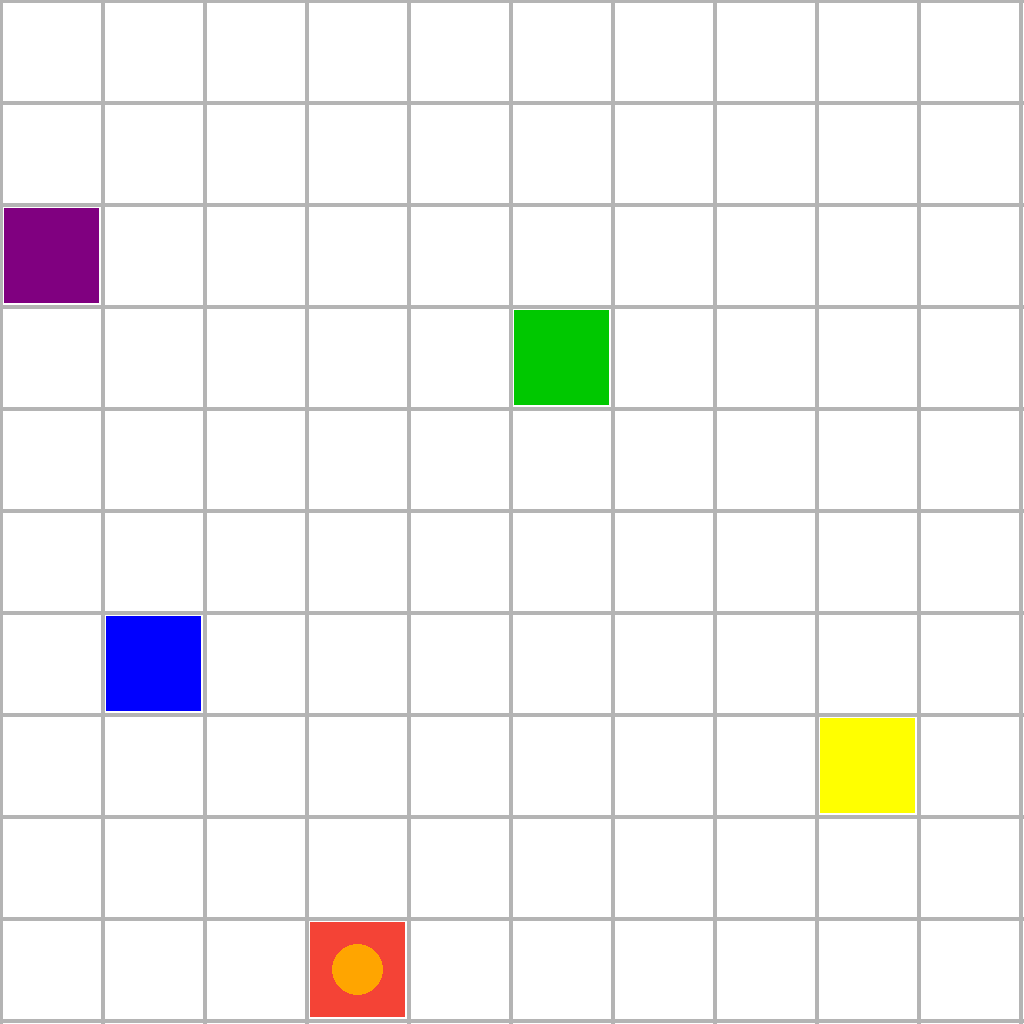
The scene shows a 10x10 grid with a green start square (containing an orange circular agent), a red end square, and multiple purple, yellow and blue rectangular blocks. Starting from the green start square, the agent can move to adjacent cells (up, down, left, right). The goal is to move the agent to the red end square along the shortest path that passes through all purple, yellow and blue blocks (the agent must visit every purple, yellow and blue block before reaching the red end square).
First Frame
Last Frame
Video
grid_avoid_red_block
GitHub
Prompt
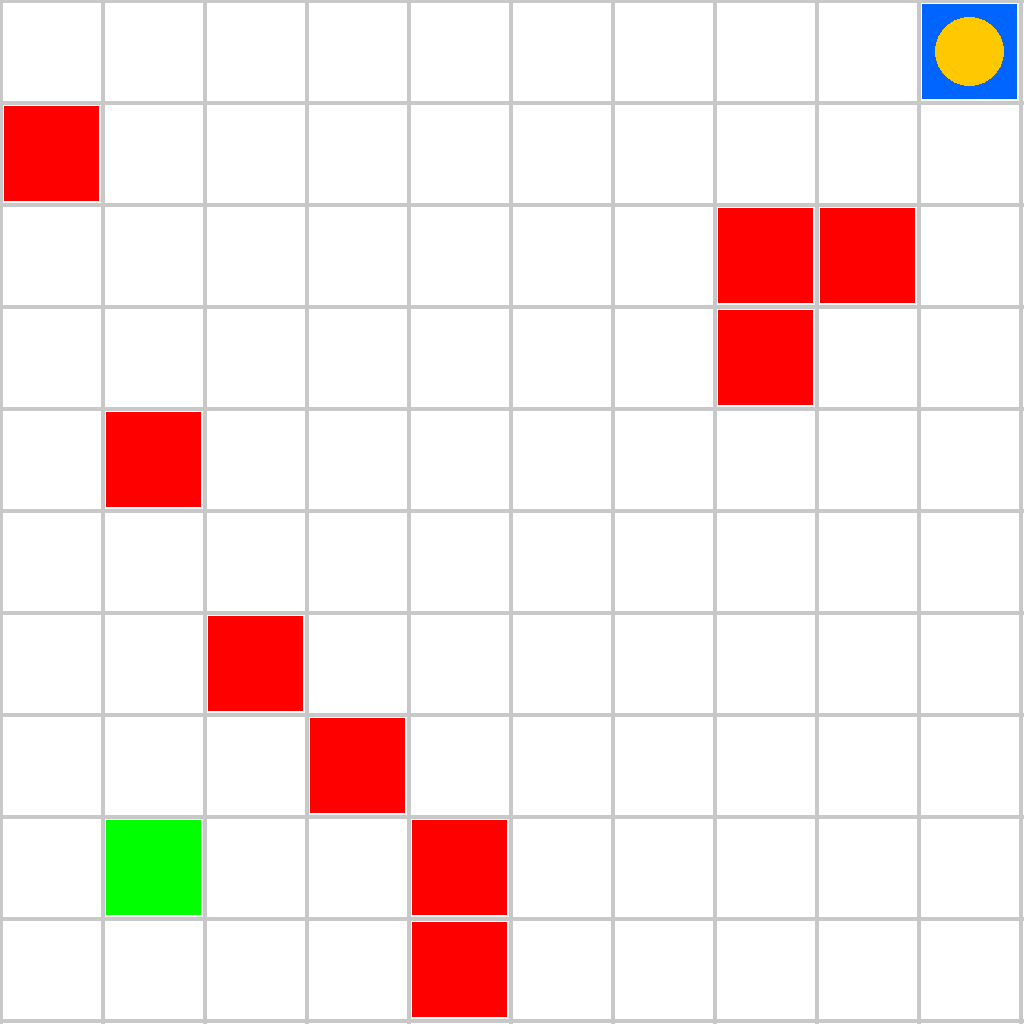
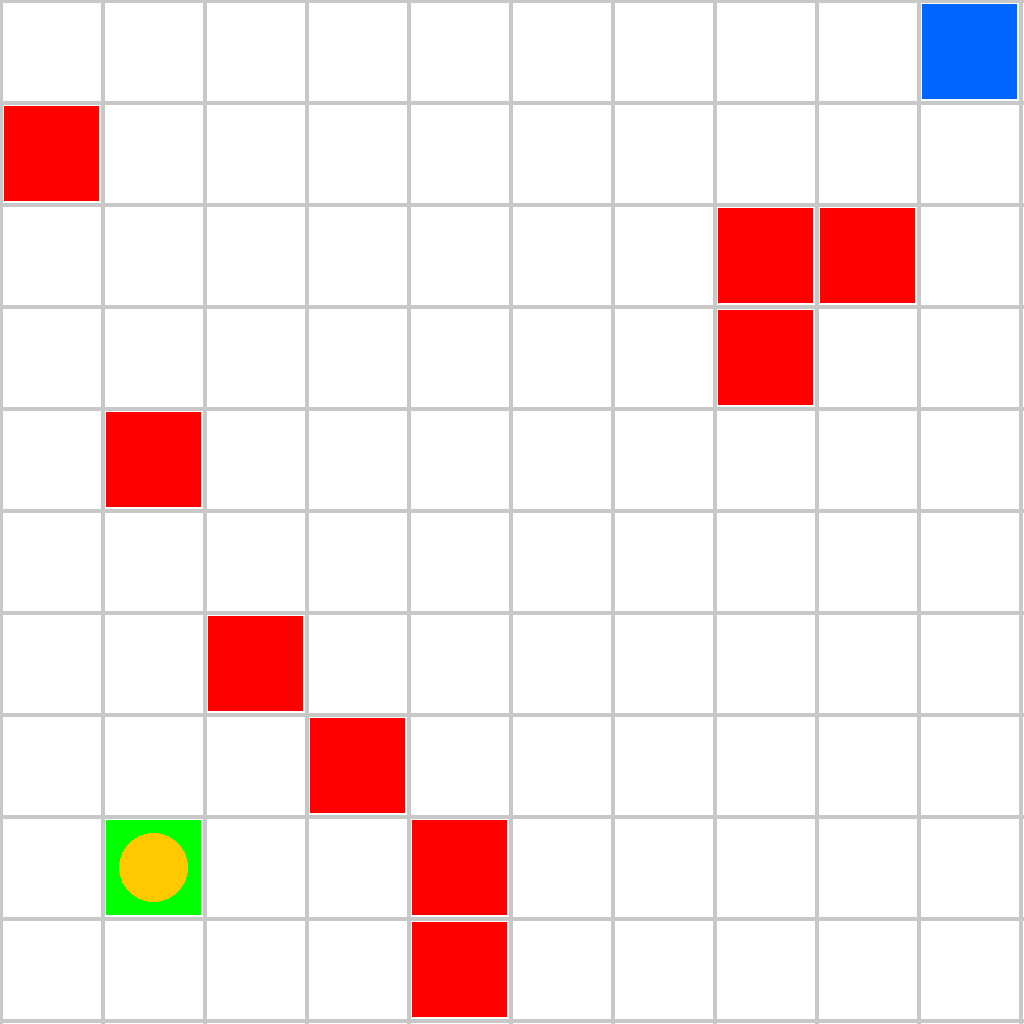
The scene shows a 10x10 grid with a blue start square (containing a yellow circular agent), a green end square, and multiple red filled rectangles indicating obstacles. Starting from the blue start square, the agent can move to adjacent cells (up, down, left, right). The goal is to move the agent to the green end square along the shortest path without entering any cells containing red filled rectangles.
First Frame
Last Frame
Video
grid_shortest_path
GitHub
Prompt
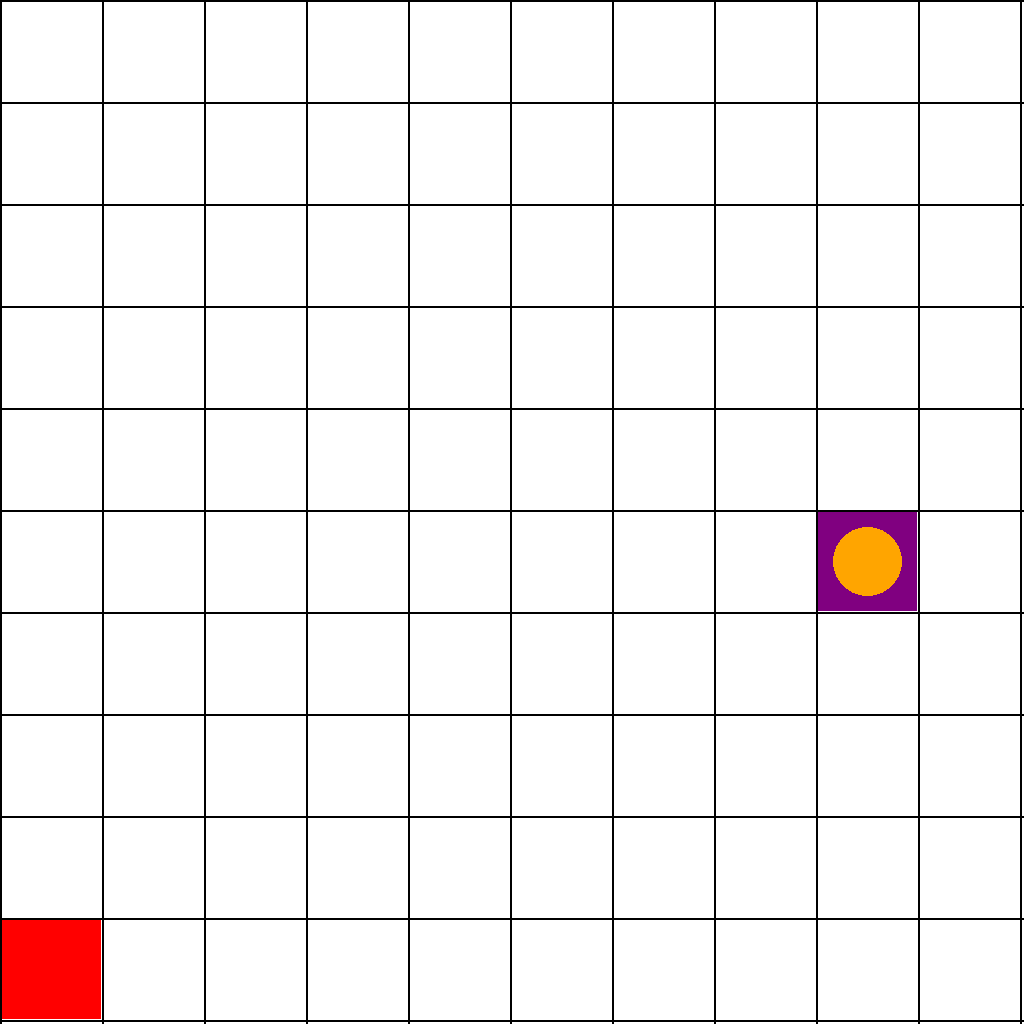
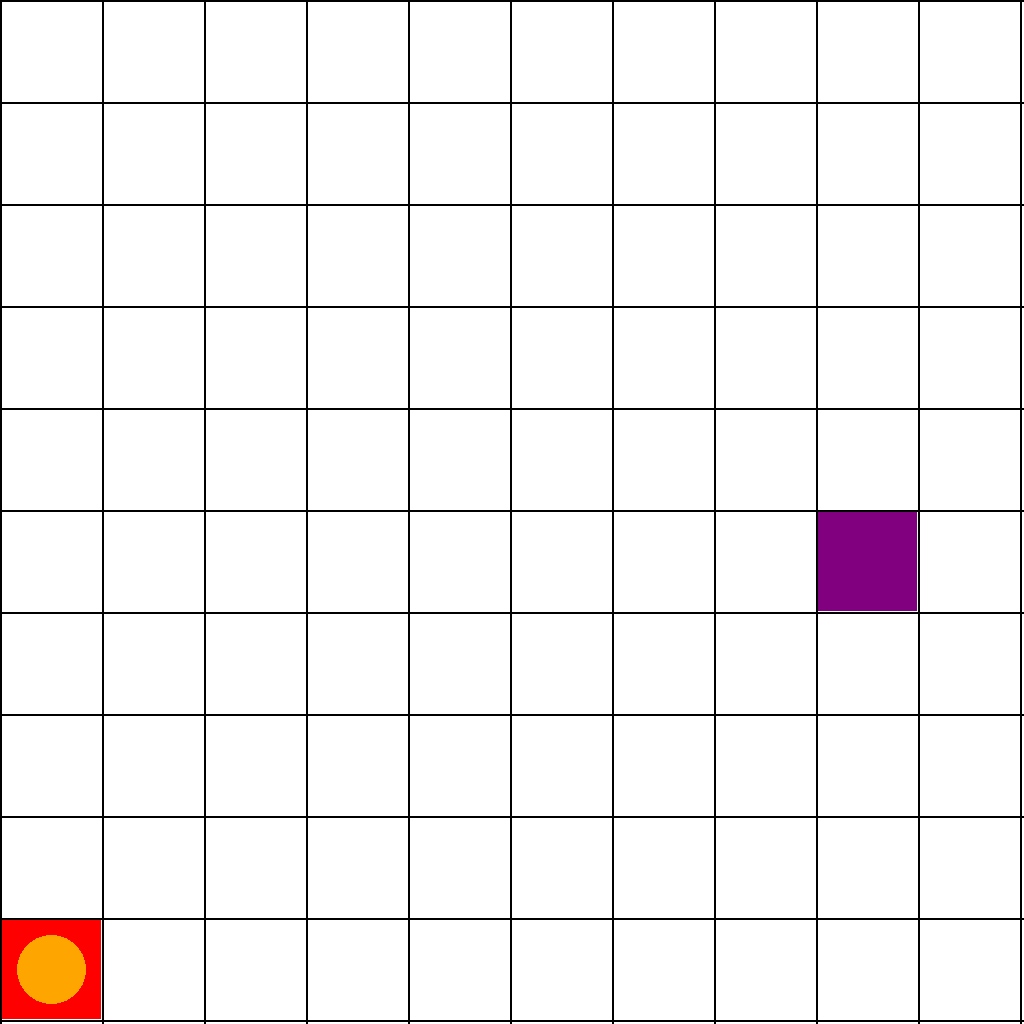
The scene shows a 10x10 grid with a purple start square (containing a orange circular agent) and a red end square. Starting from the purple start square, the agent can move to adjacent cells (up, down, left, right). The goal is to move the agent to the red end square along the shortest path.
First Frame
Last Frame
Video
directed_graph_navigation
GitHub
Prompt
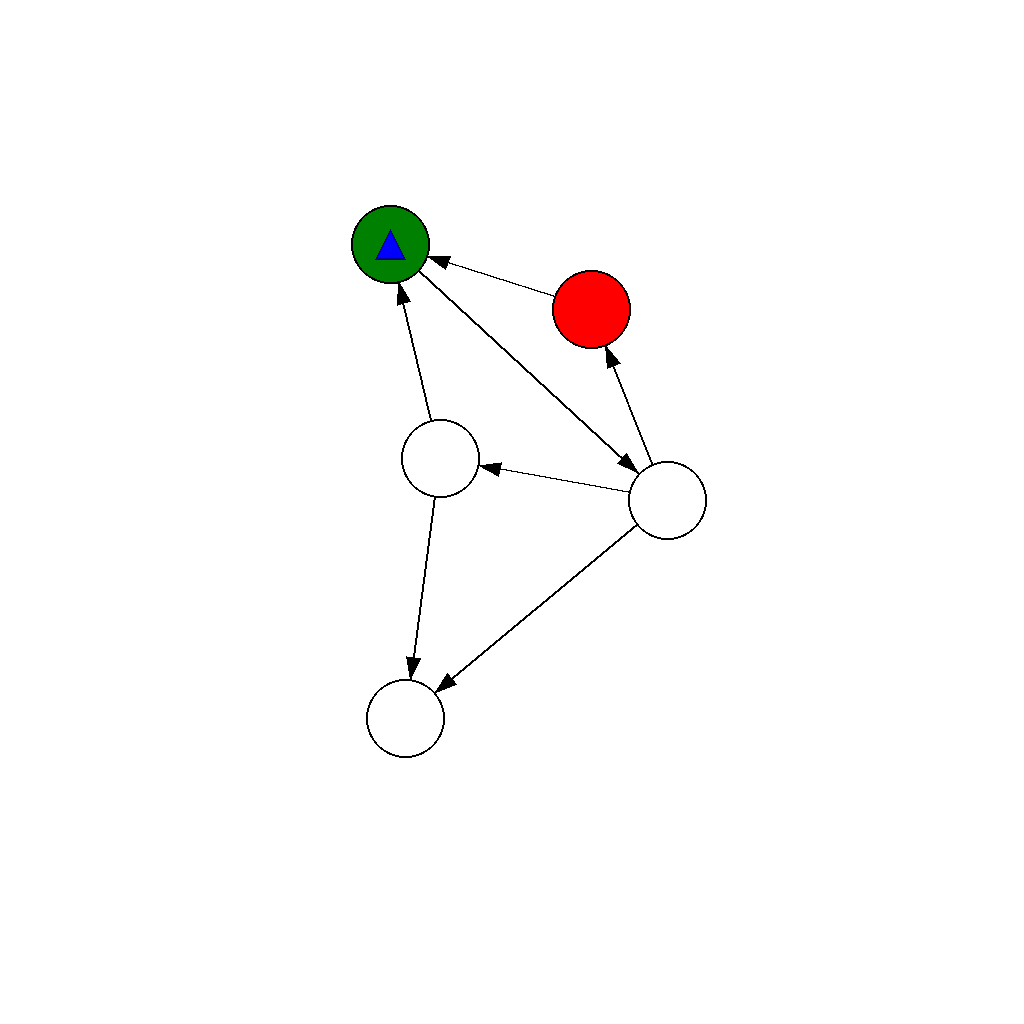
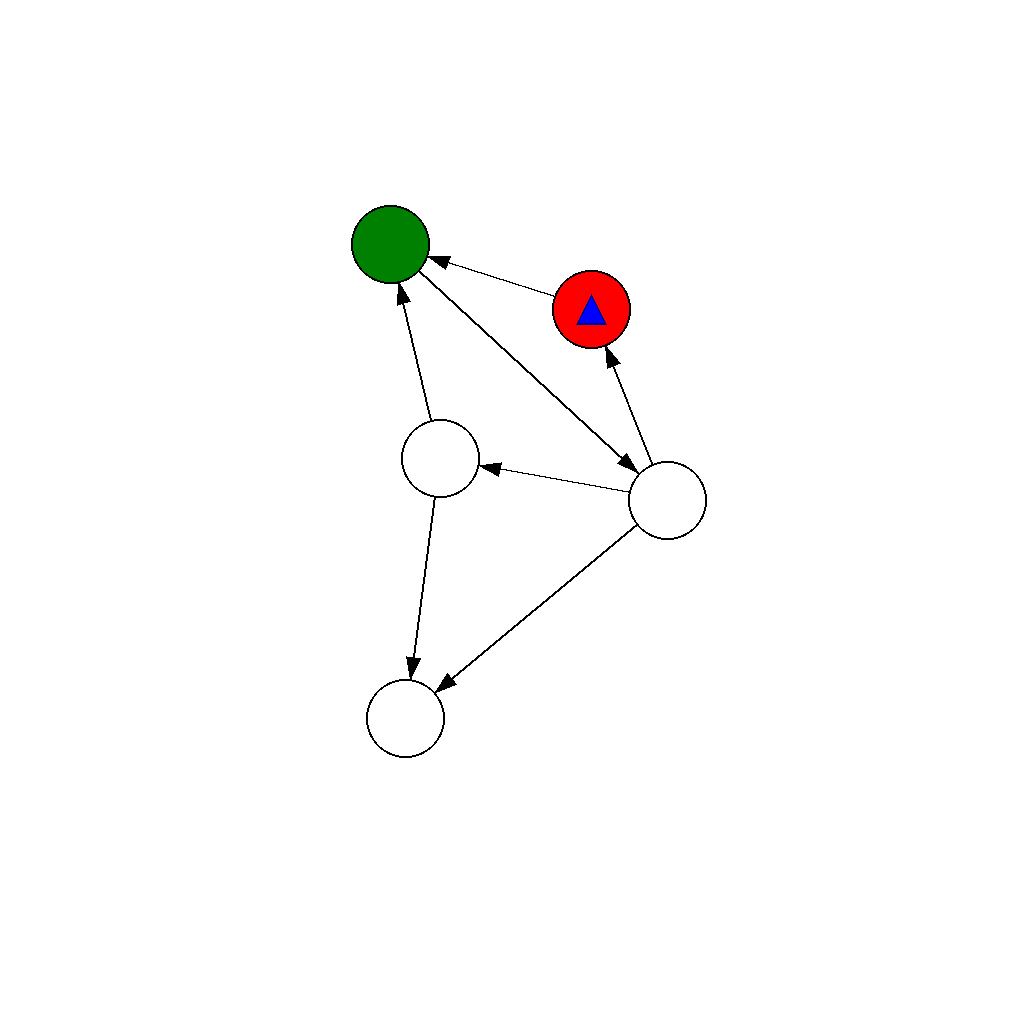
The scene shows a network of nodes connected by directed edges (edges with arrows indicating direction) with a green starting node, a red ending node, and a blue triangular agent positioned at the green starting node. The agent can only move along edges in the direction they point (from the source node to the target node, cannot move backwards), moving from one node to an adjacent node each step. Move the blue triangular agent from the green starting node to the red ending node along the path with the minimum number of steps.
First Frame
Last Frame
Video
undirected_graph_navigation
GitHub
Prompt
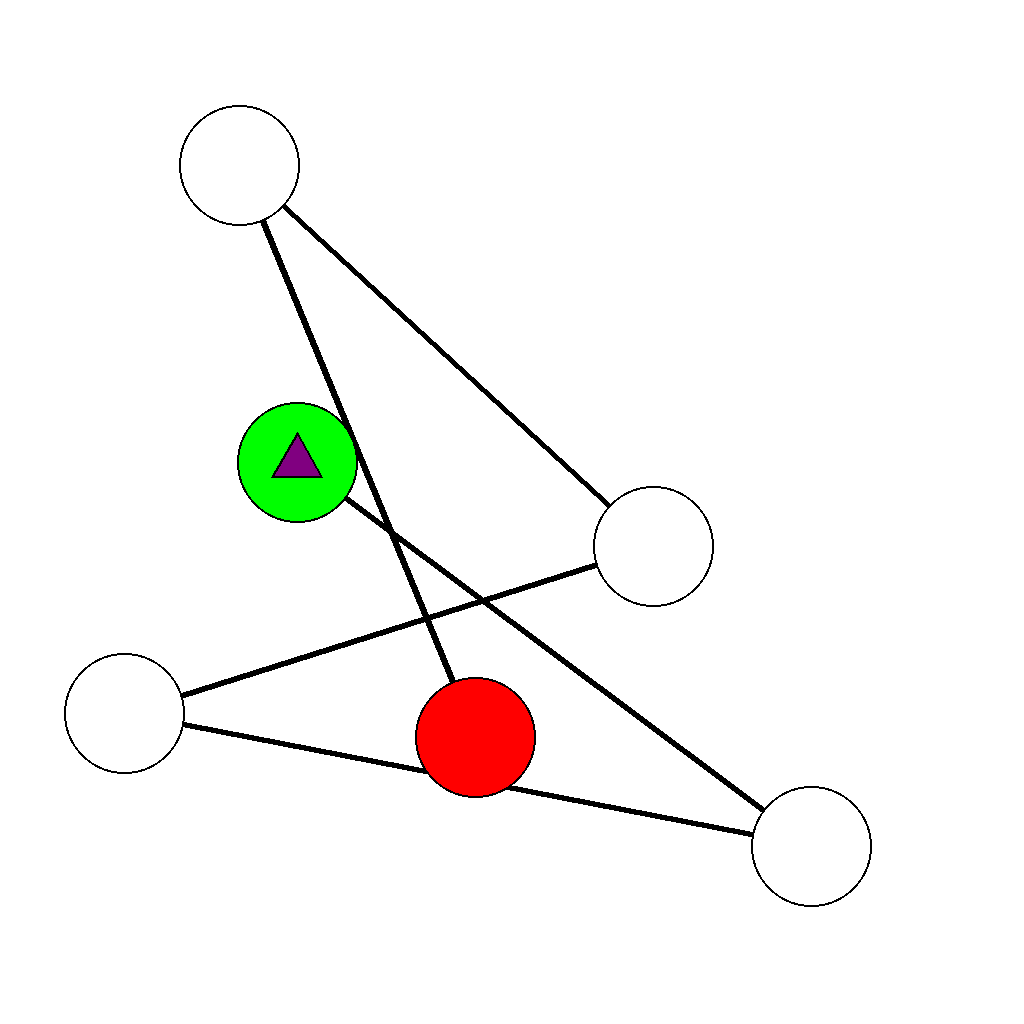
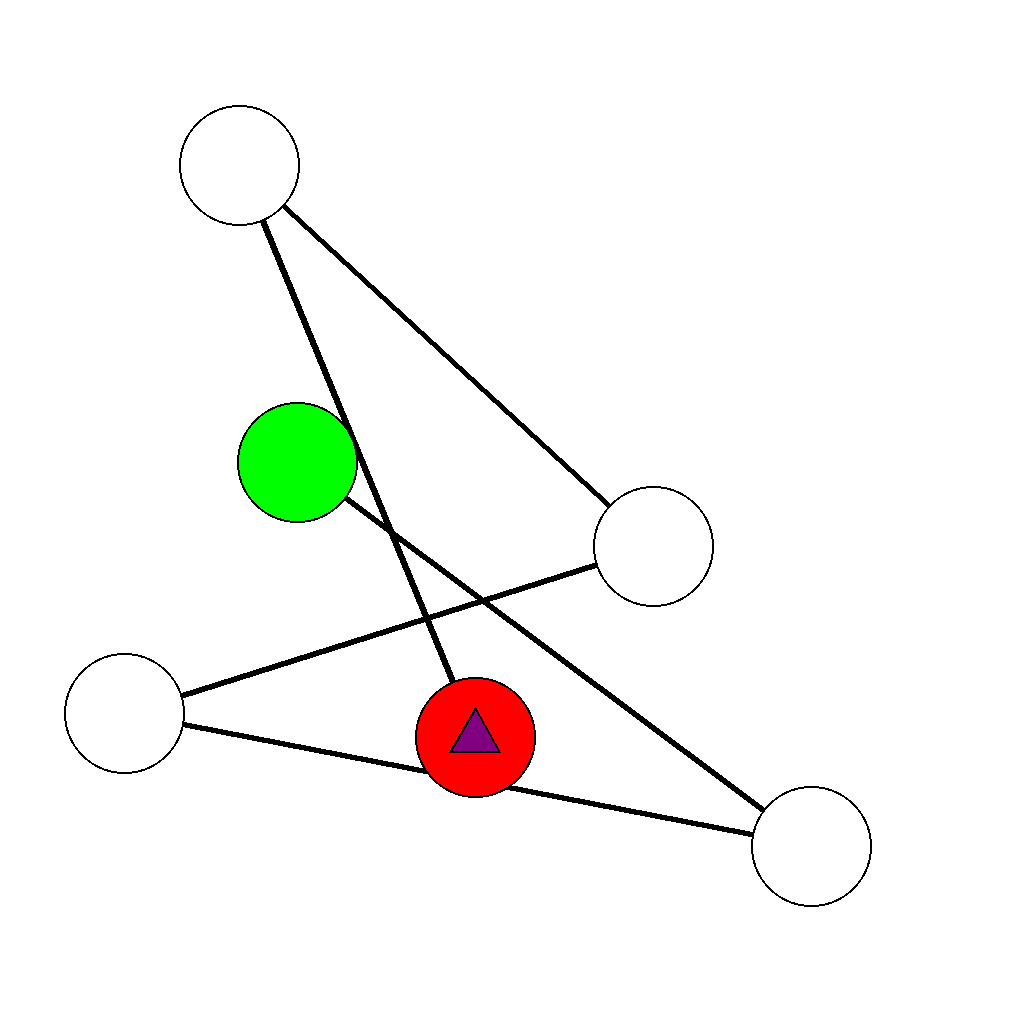
The scene shows a network of nodes connected by undirected edges (edges without arrows) with a green starting node, a red ending node, and a purple triangular agent positioned at the green starting node. The agent can move along any edge, traversing it from one end to the other in either direction, moving from one node to an adjacent node each step. Move the purple triangular agent from the green starting node to the red ending node along the path with the minimum number of steps.
First Frame
Last Frame
Video
visual_jenga
GitHub
Prompt
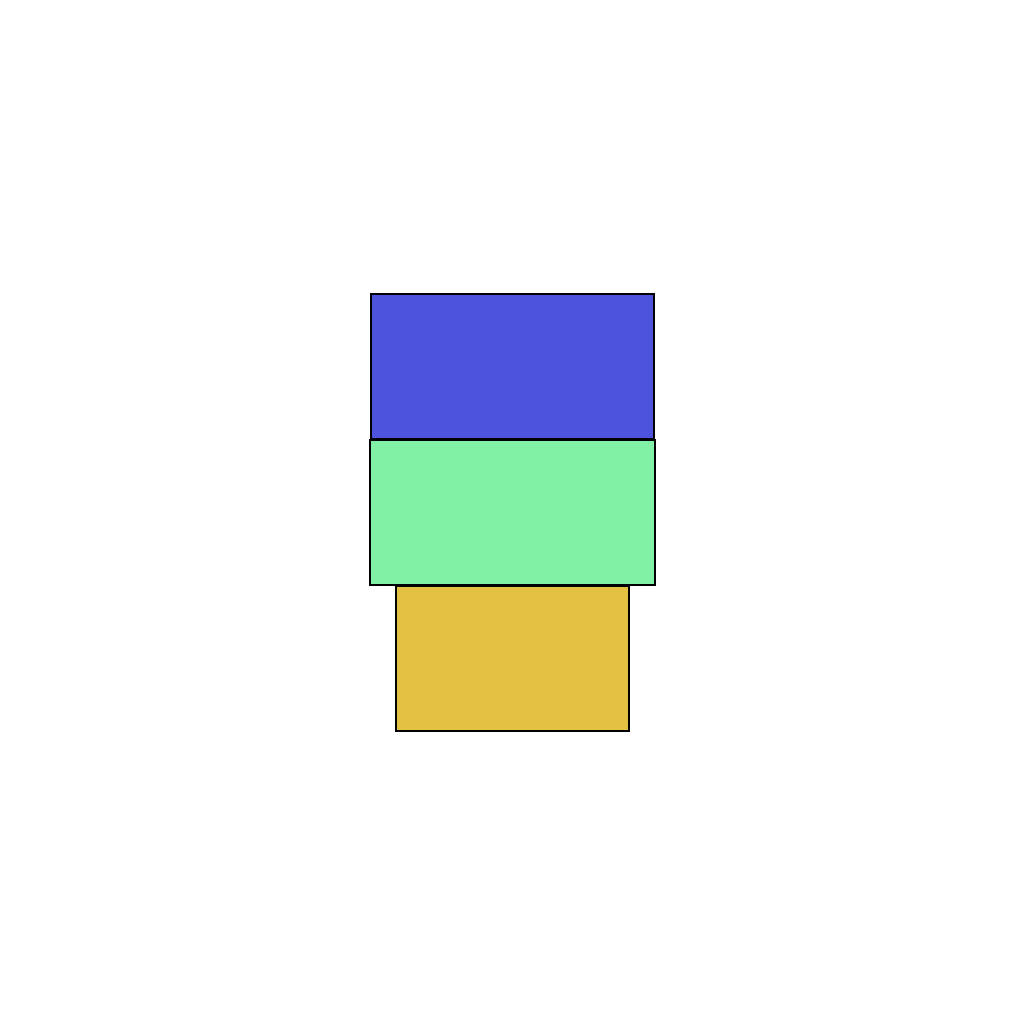
The scene shows objects stacked vertically. Extract the objects one by one from top to bottom in order, moving each object out of the frame before extracting the next one. Continue until all objects have been removed from the frame.
First Frame
Last Frame

Video
key_door_matching
GitHub
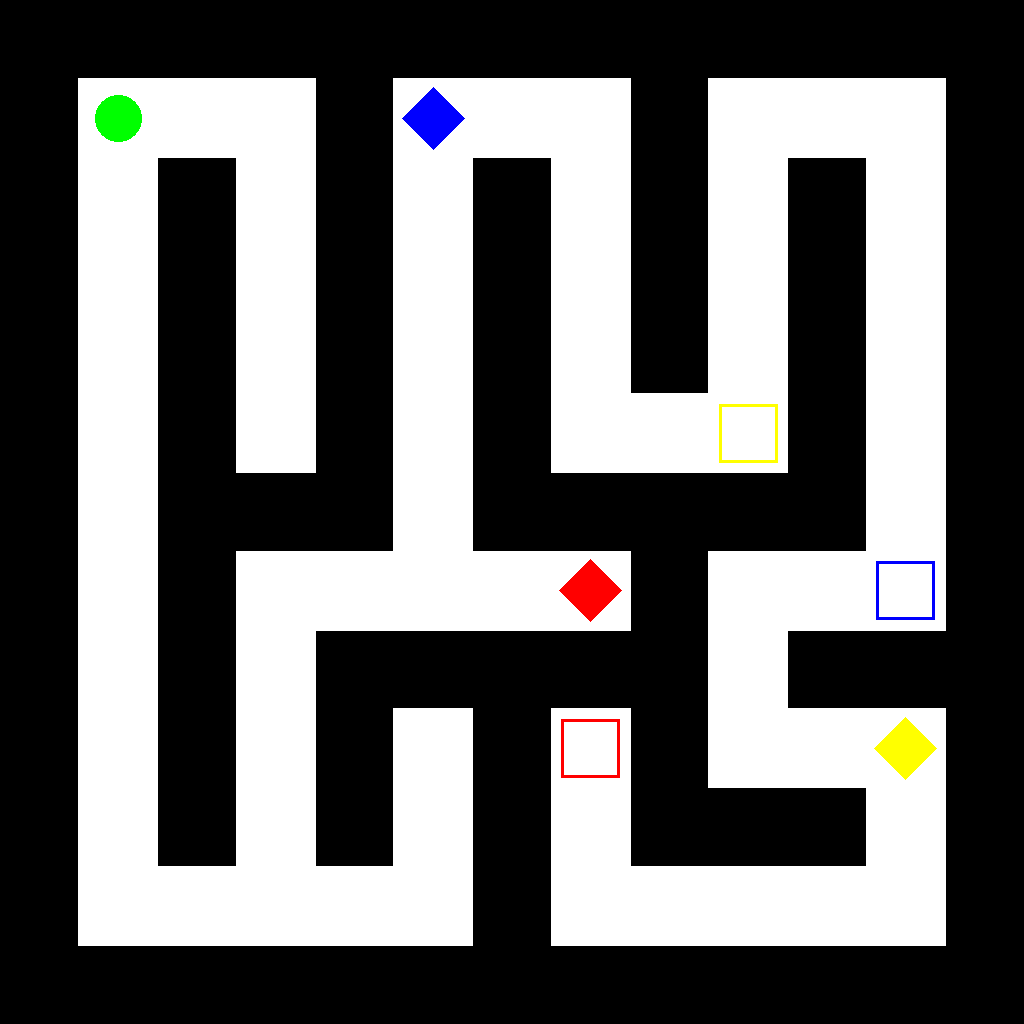
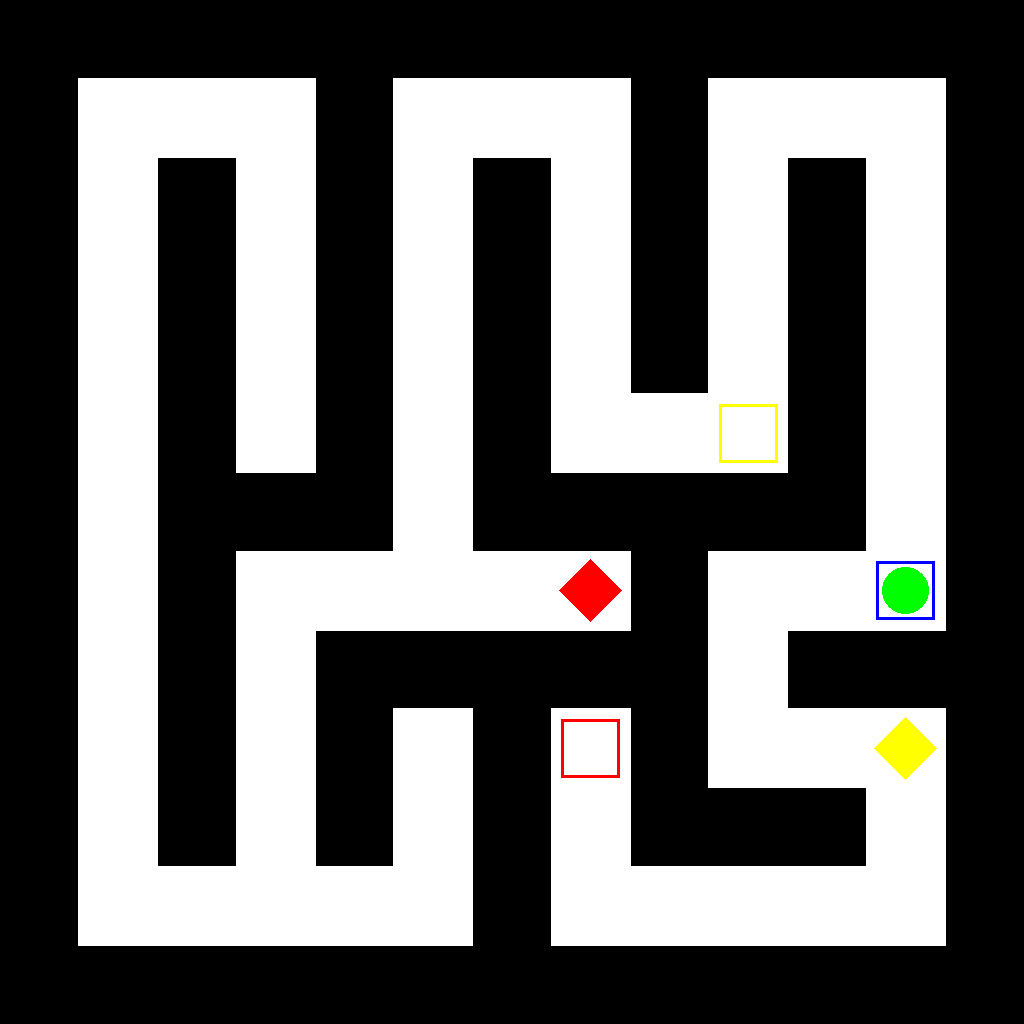
Prompt
The scene shows a maze with a green circular agent, colored diamond-shaped keys, and colored hollow rectangular doors. Find the Blue key and then navigate to the matching Blue door, showing the complete movement process step by step.
First Frame
Last Frame
Video
find_keys_and_open_doors
GitHub
Prompt
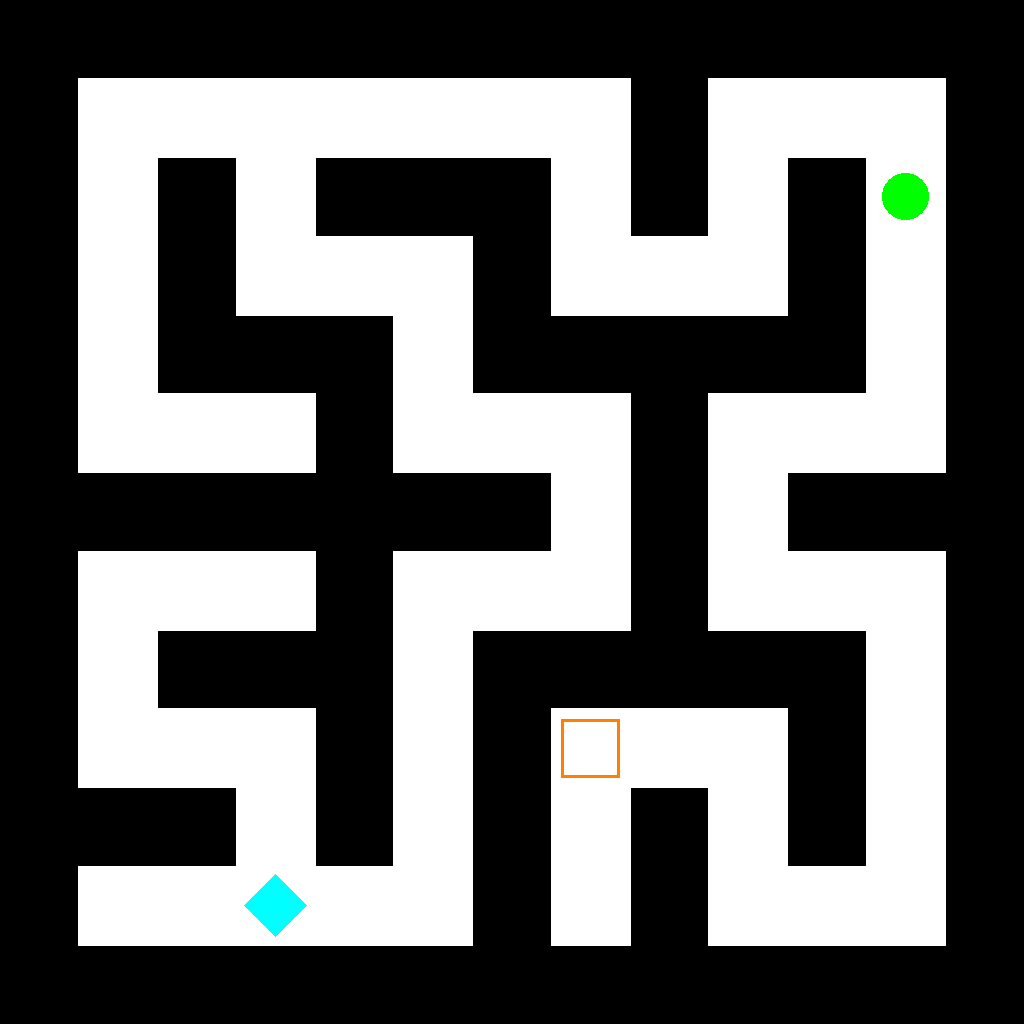
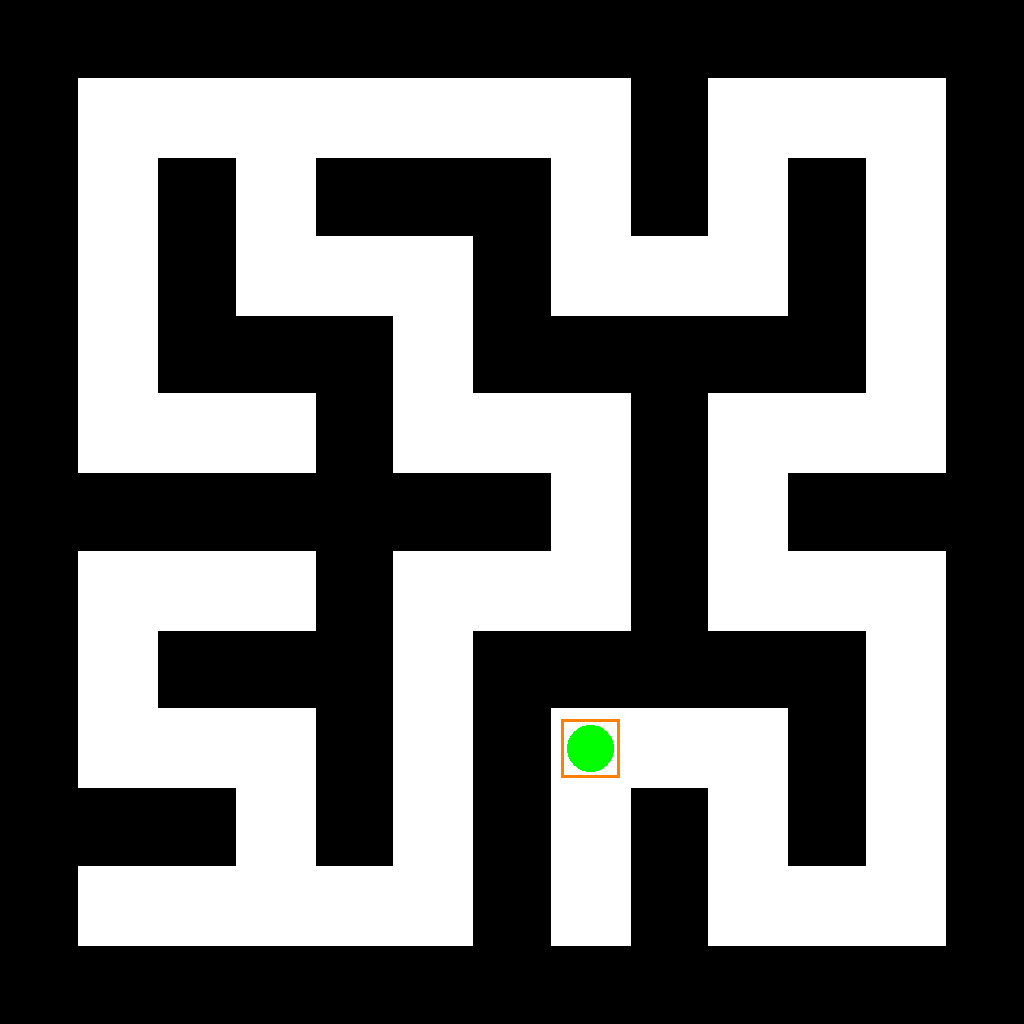
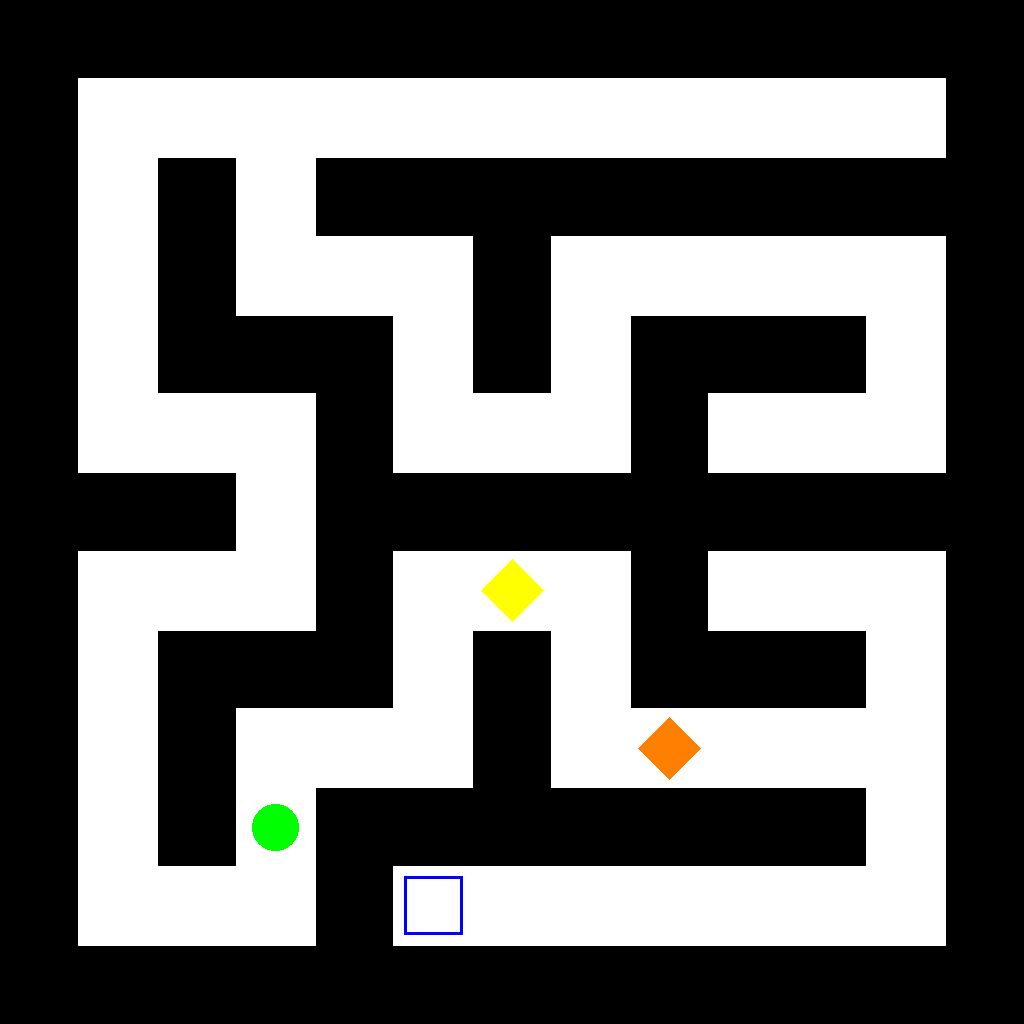
In the maze, the agent is the green circle. First move the agent to collect the key (diamond shape), then move the agent to the door (hollow rectangle). Use the shortest path for each movement. Show the complete movement step by step.
First Frame
Last Frame
Video
multiple_keys_for_one_door
GitHub
Prompt
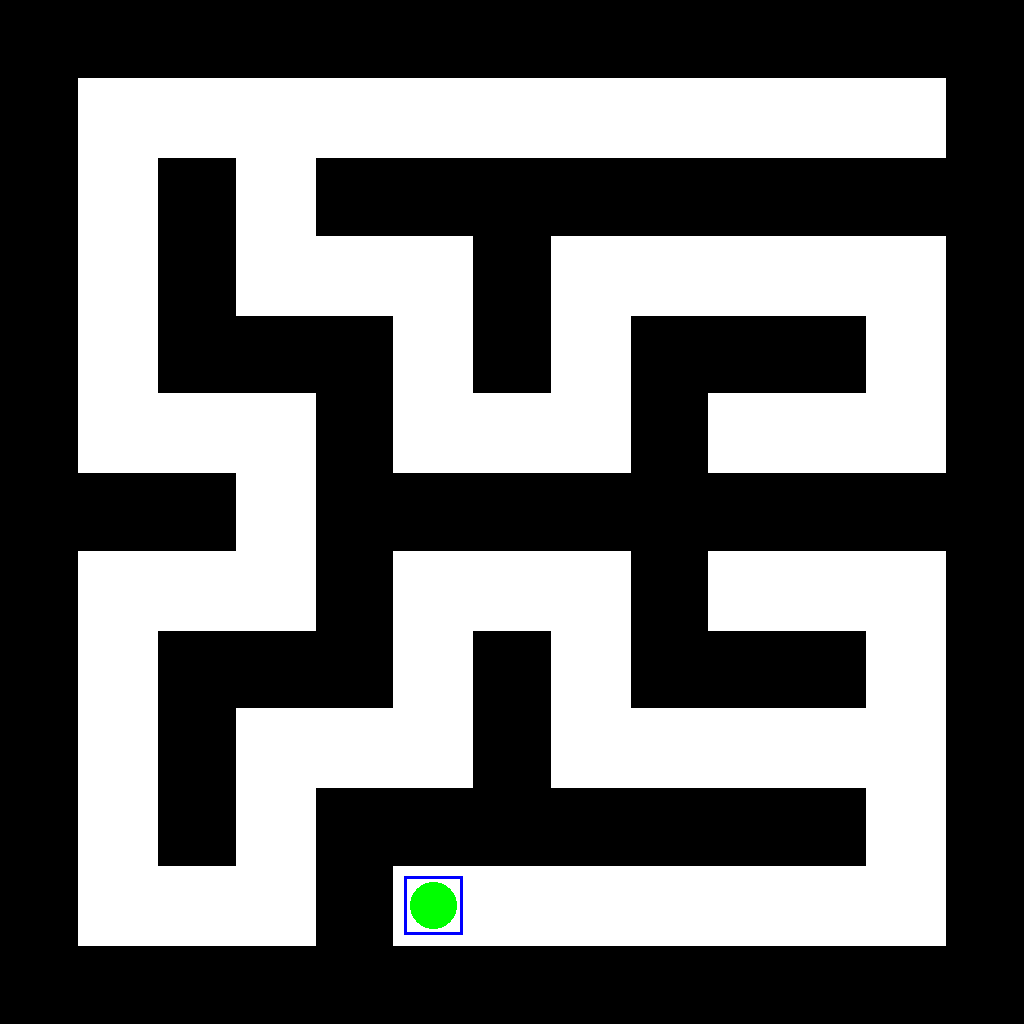
In the maze, the agent is the green circle. There are two keys (diamond shapes) and one door (hollow rectangle). First move the agent to collect both keys, then move the agent to the door. Use the shortest path for each movement, and collect the two keys in the order that minimizes the total travel distance. Show the complete movement step by step.
First Frame
Last Frame
Video
locate_topmost_unobscured_figure
GitHub
Prompt
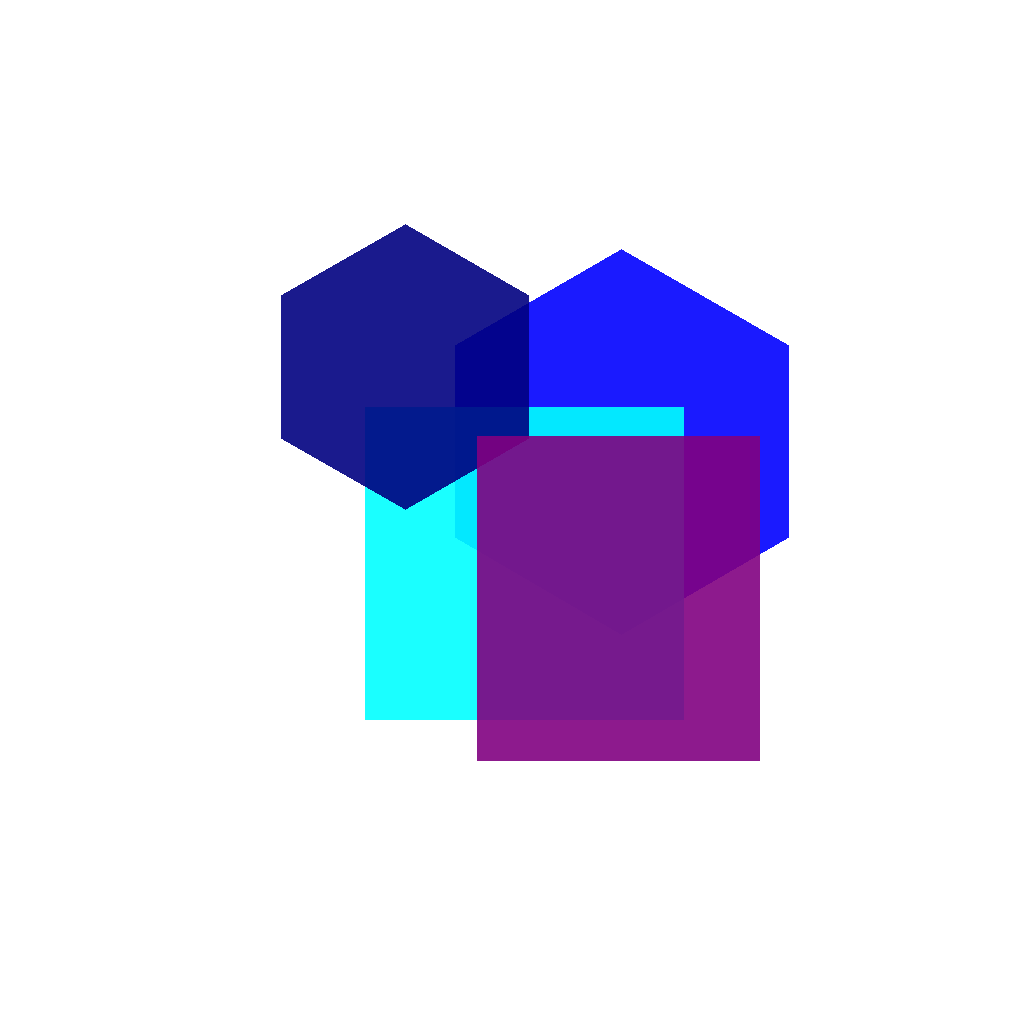
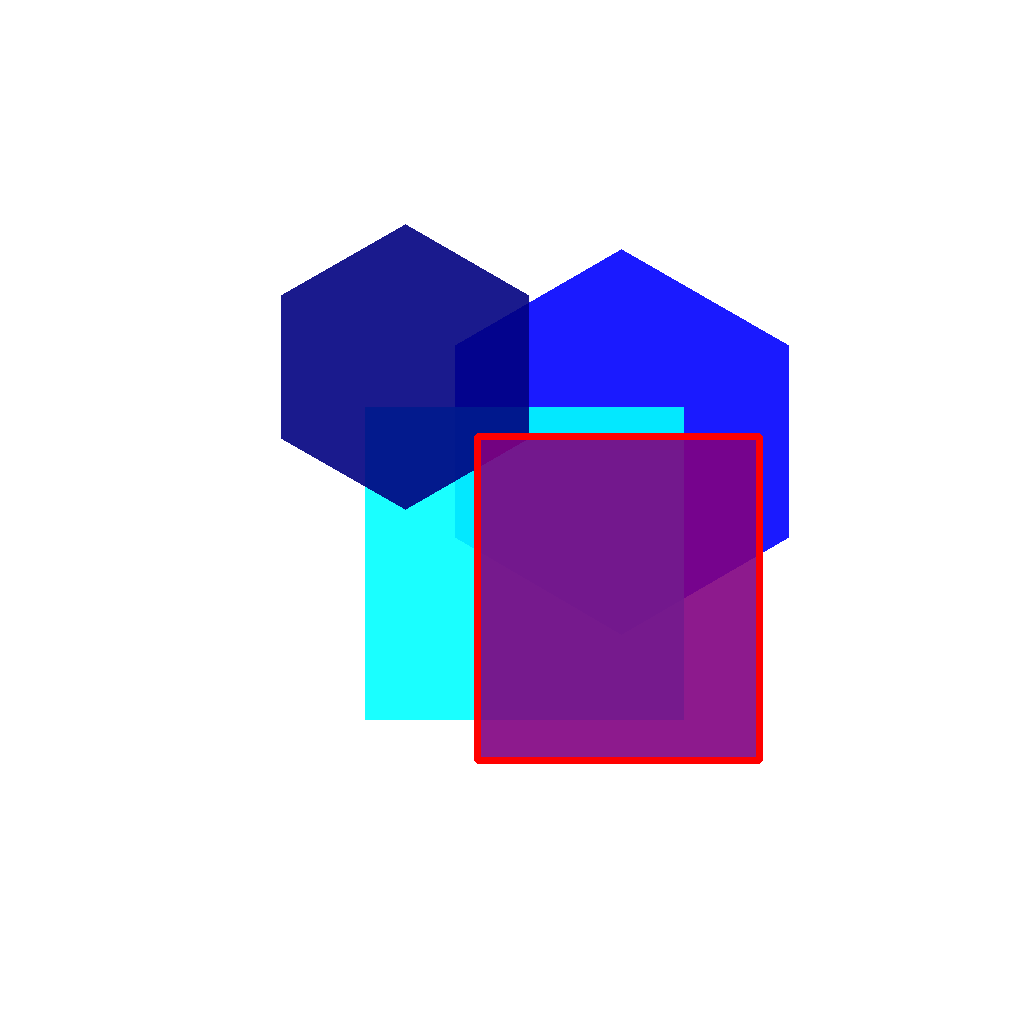
Multiple shapes partially overlap. Outline the topmost (unobscured) shape.
First Frame
Last Frame
Video
select_leftmost_shape
GitHub
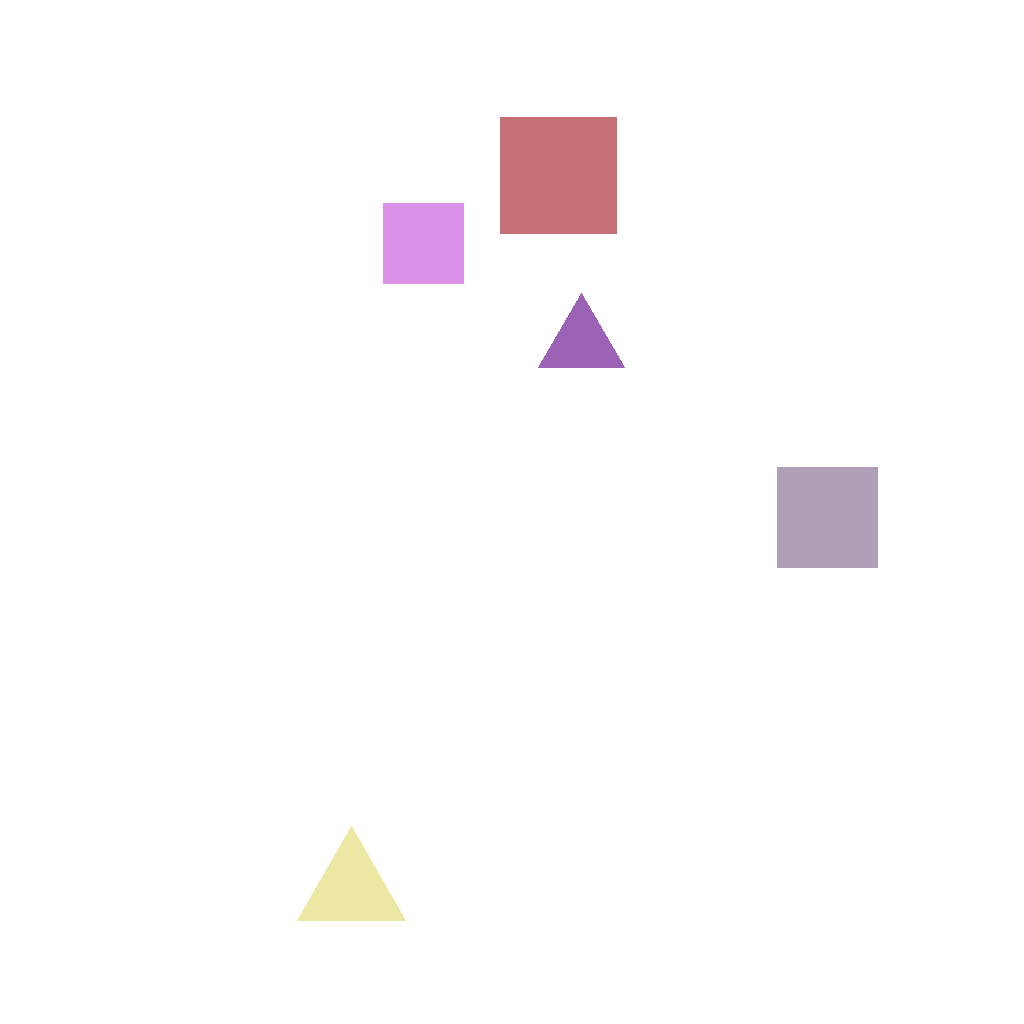
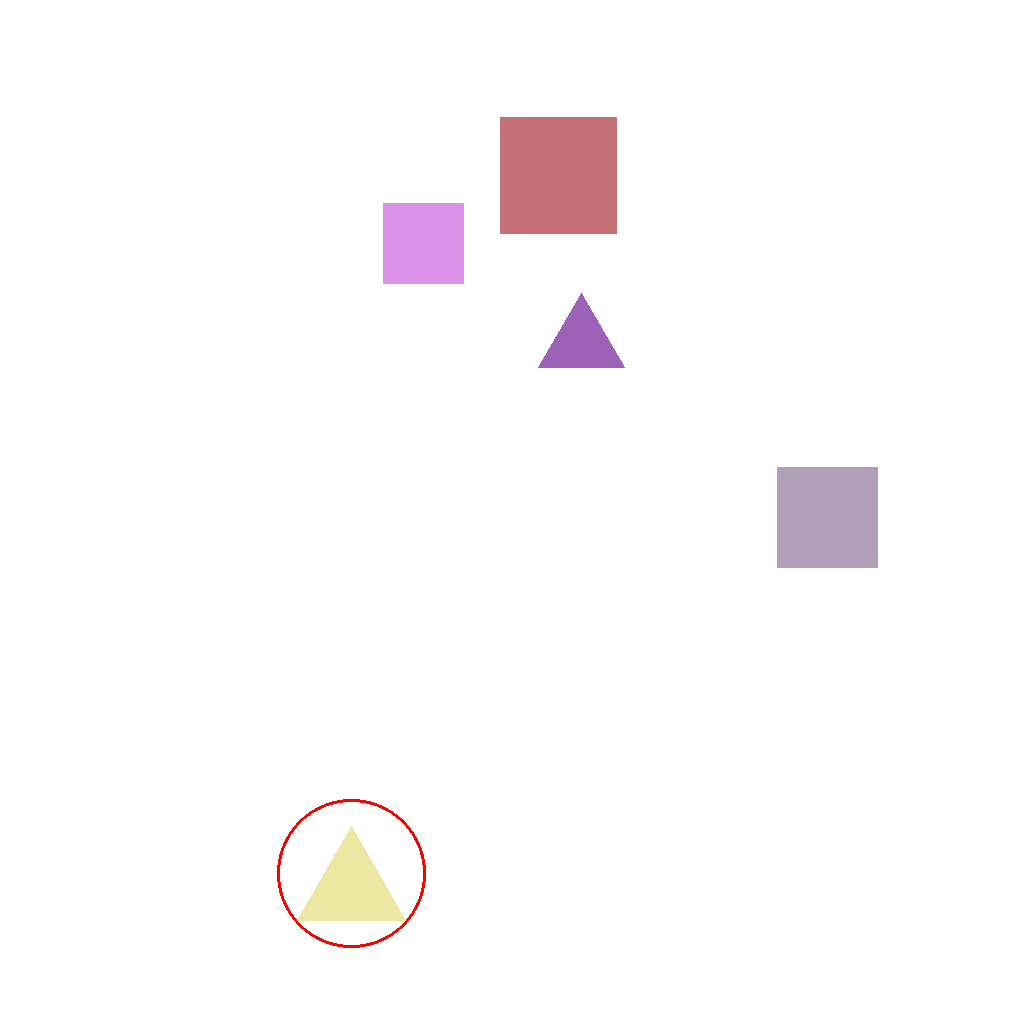
Prompt
Multiple shapes are shown. Circle the leftmost one. Do not change anything else.
First Frame
Last Frame
Video
outline_innermost_square
GitHub
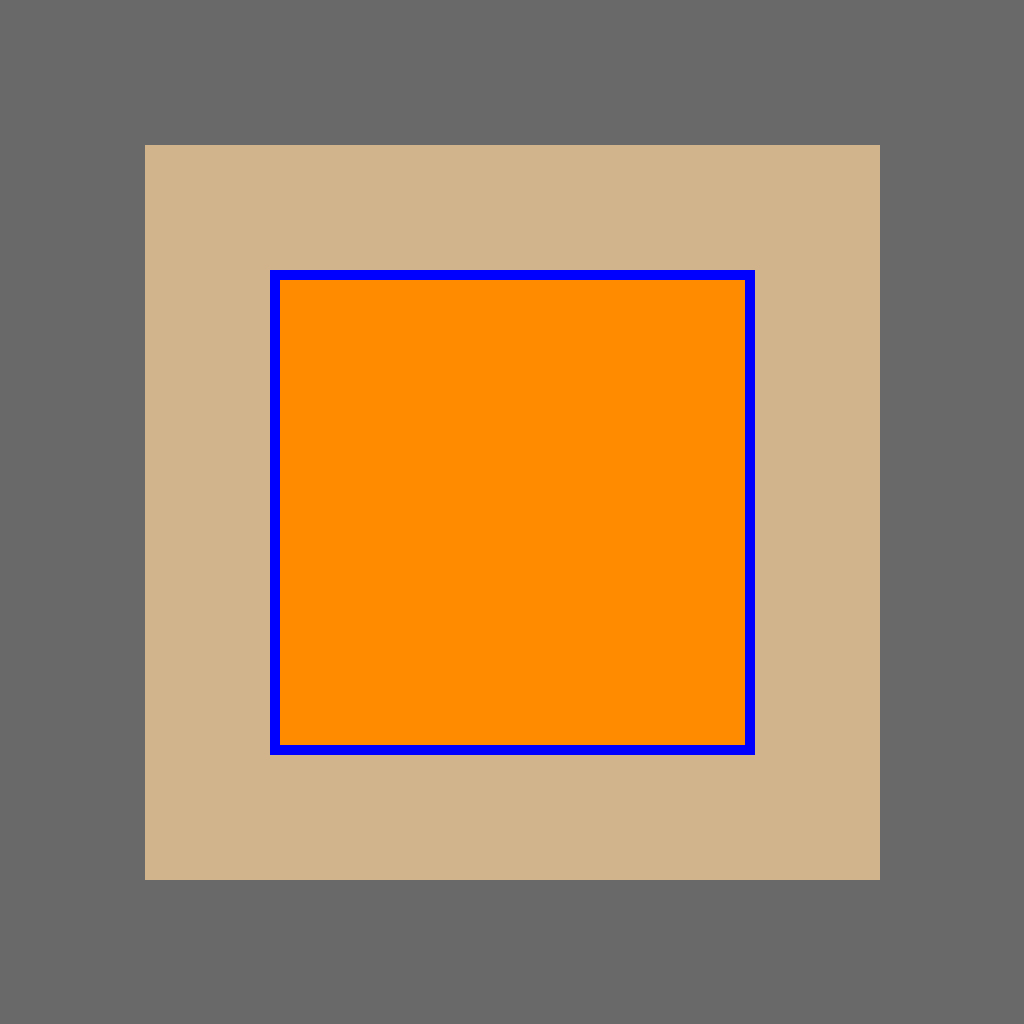
Prompt
The scene shows multiple concentric squares (same center, from largest to smallest). Identify the innermost square and outline it with a blue square outline. Show the solution step by step.
First Frame

Last Frame
Video
symbol_substitution
GitHub
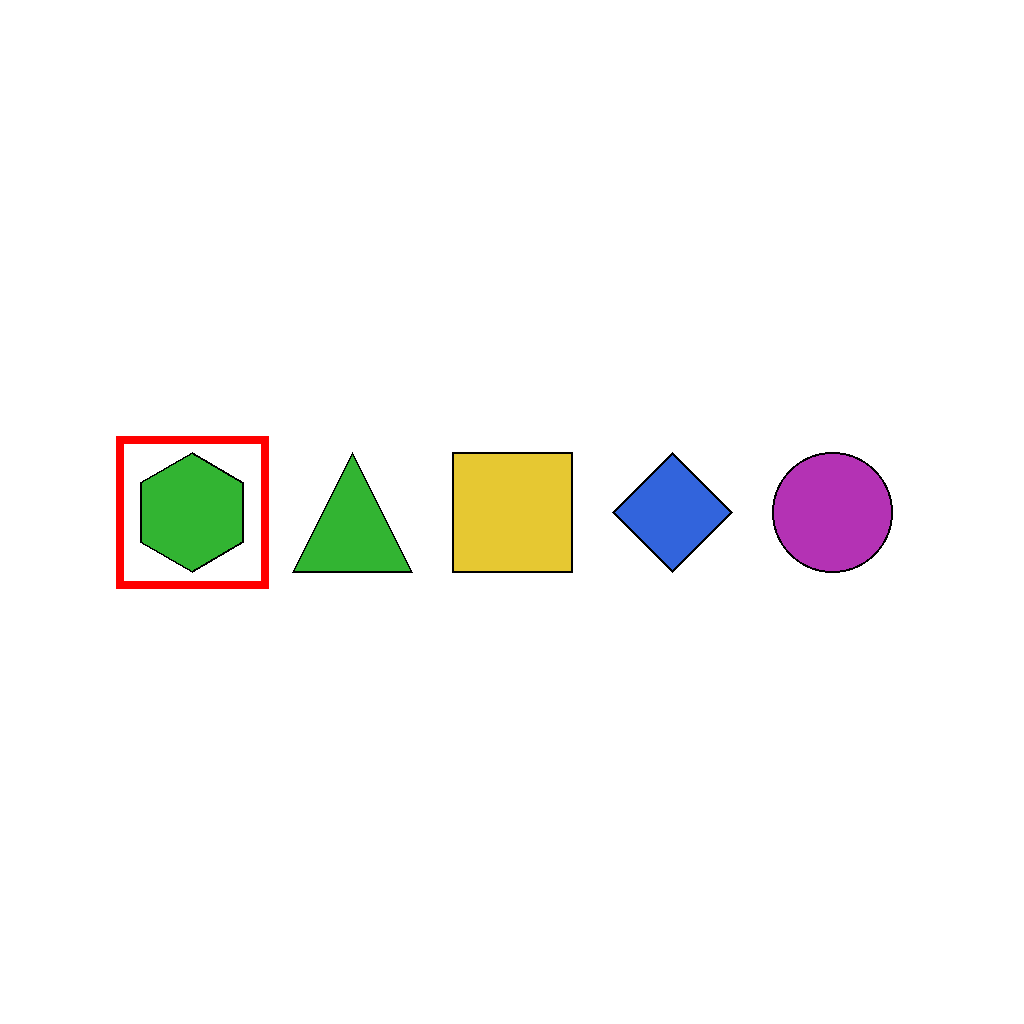
Prompt
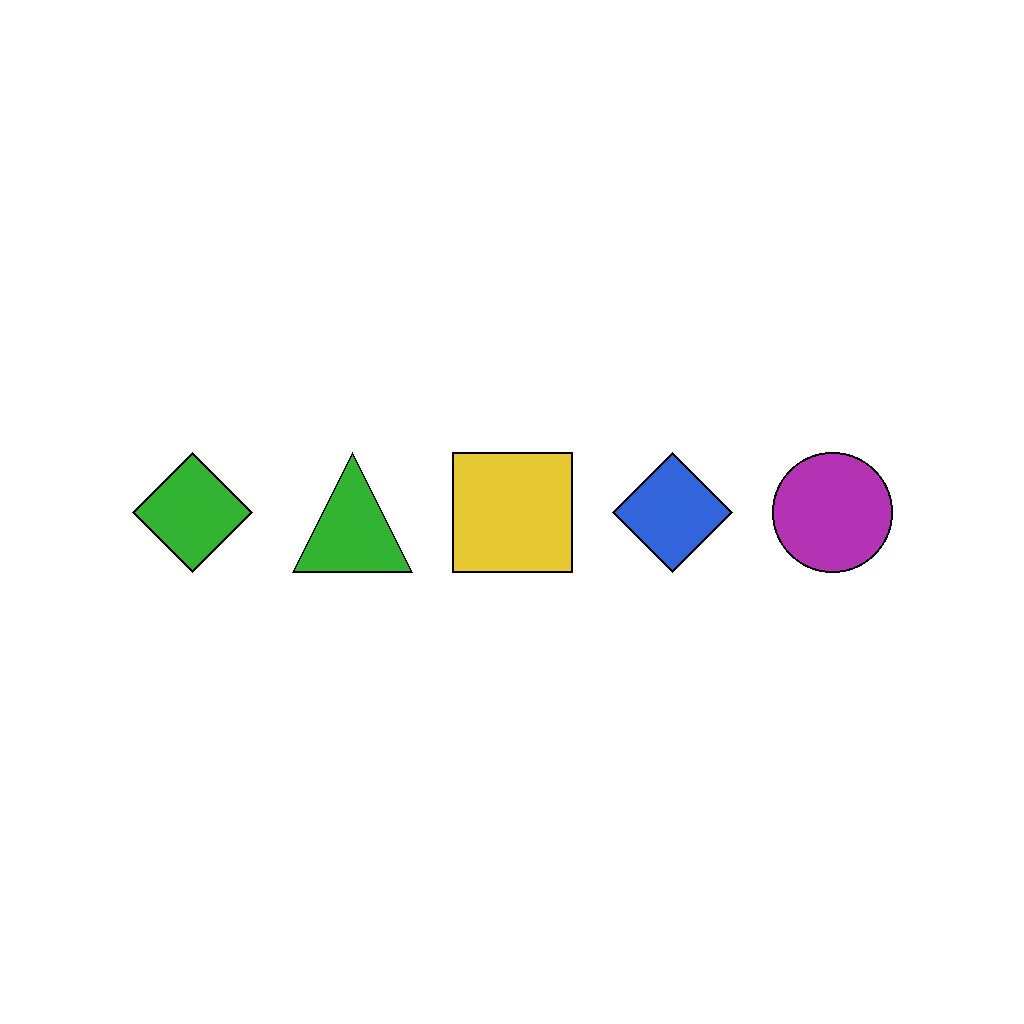
The scene shows a horizontal sequence of colored geometric symbols arranged from left to right. Each symbol is a distinct geometric shape with a specific color, and exactly one symbol is marked as the substitution target by a red rectangular border surrounding it. In symbol substitution tasks, the target symbol identified by the red border must be replaced with a new symbol while all other symbols remain unchanged in their original positions. First identify the symbol marked with the red border, then replace it with a green diamond. The final state must show the sequence with the target symbol substituted by the green diamond at the same position, while all other symbols retain their original shapes, colors, and sequential positions. The substitution operation affects only the single marked symbol, replacing it with the green diamond.
First Frame
Last Frame
Video
symbol_deletion
GitHub
Prompt
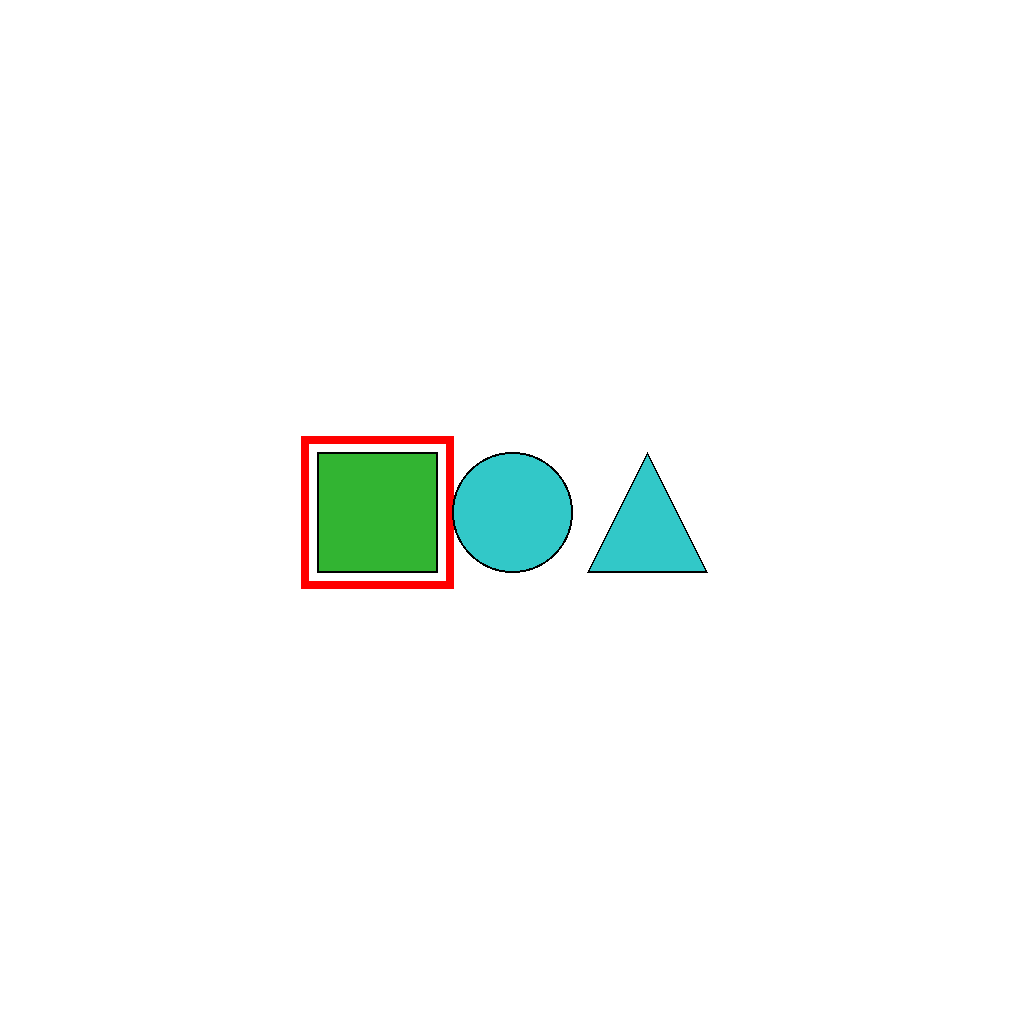
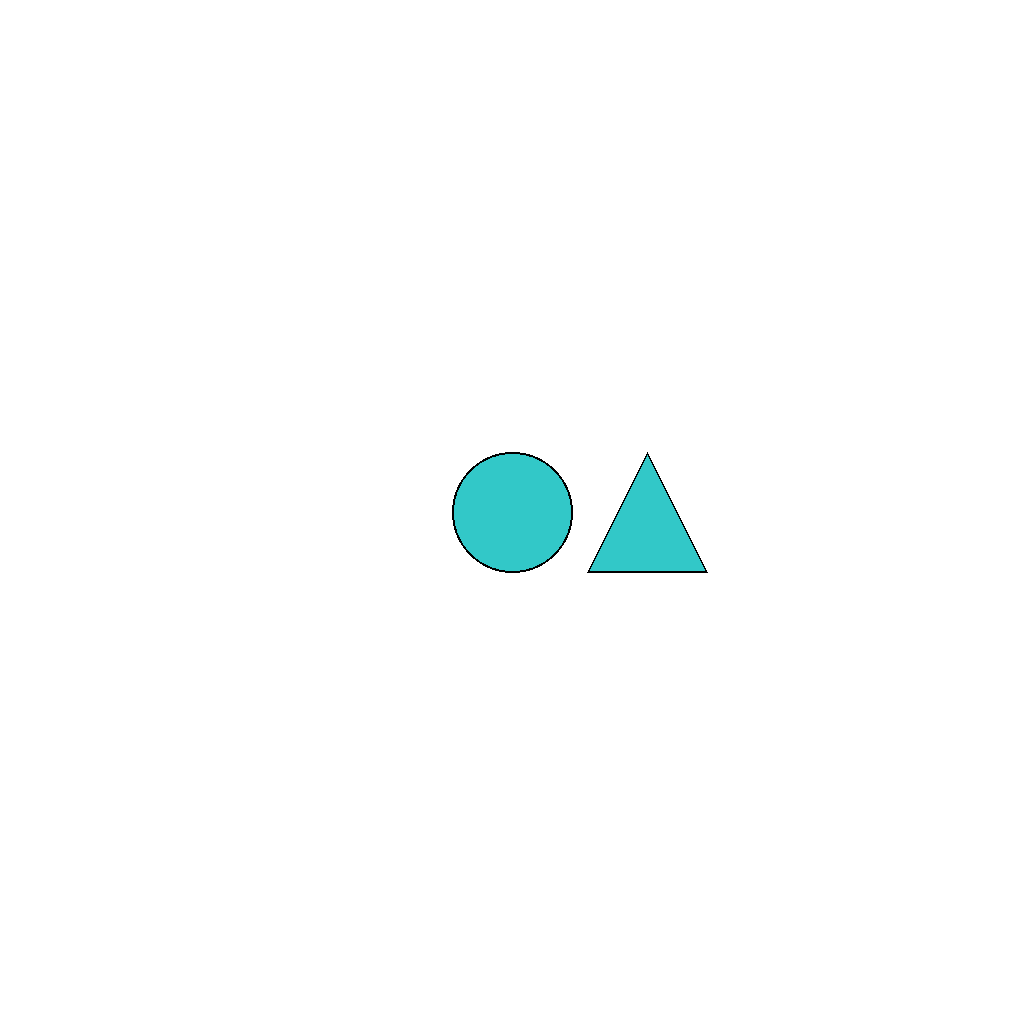
The scene shows a horizontal sequence of colored geometric symbols arranged from left to right. Each symbol is a distinct geometric shape with a specific color, and exactly one symbol is marked as the deletion target by a red rectangular border surrounding it. In symbol deletion tasks, the target symbol identified by the red border must be deleted from the sequence while all remaining symbols maintain their original sequential order. First identify the symbol marked with the red border, then delete it from the sequence. The final state must show the remaining symbols in their original order, with the target symbol completely removed. The deletion operation affects only the single marked symbol, leaving all other symbols unchanged in their shapes, colors, and sequential positions.
First Frame
Last Frame
Video
2d_geometric_transformation
GitHub
Prompt
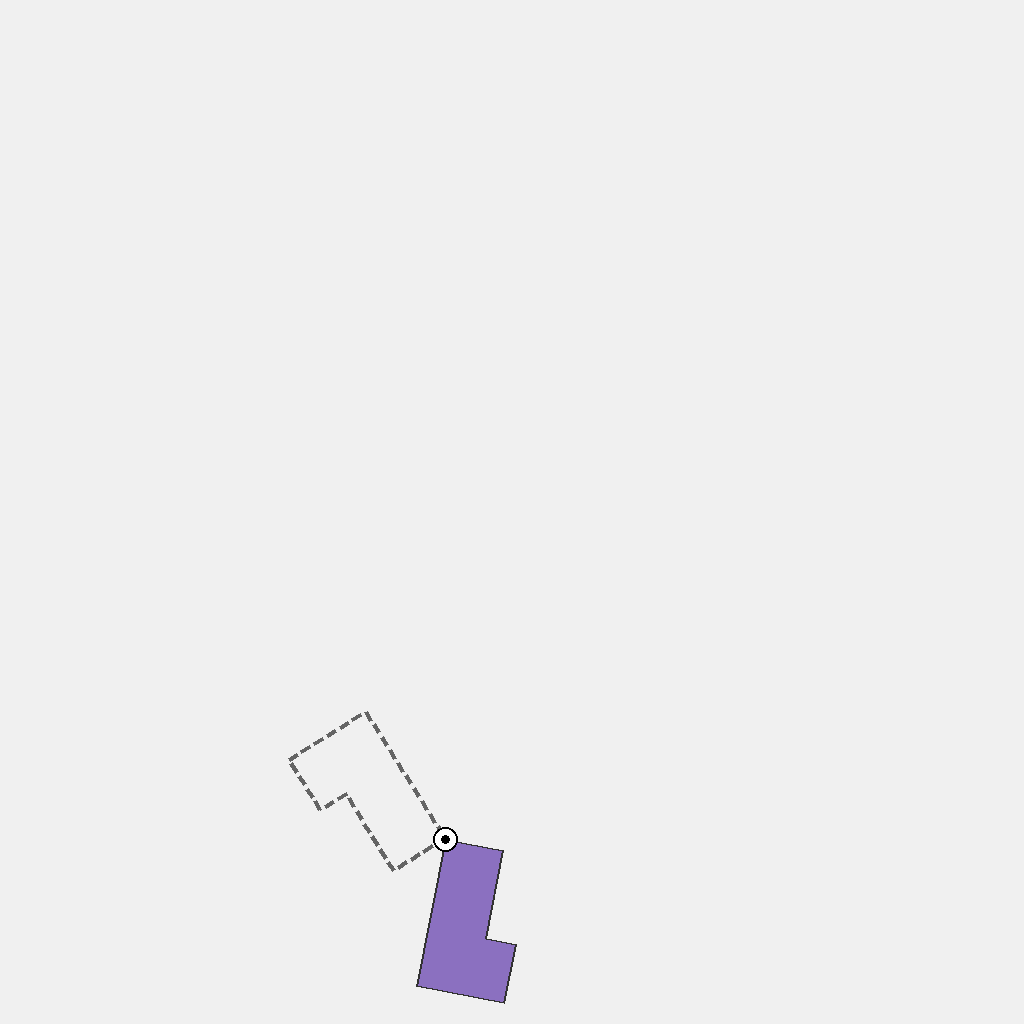
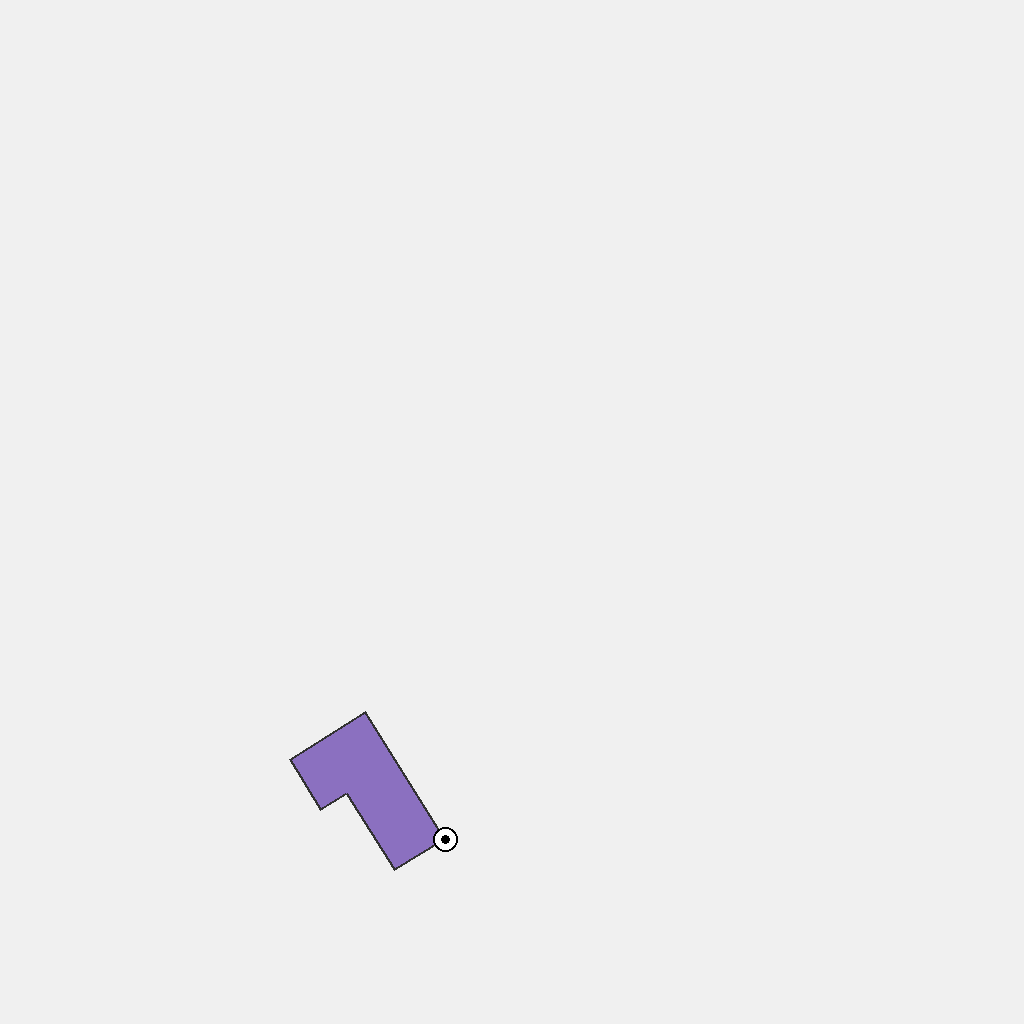
The scene shows a colored 2D polygon, a rotation center marked by a small circular marker, and a dashed target outline indicating the final orientation. Only orientation changes. Rotate the polygon in the counterclockwise direction. First note the polygon’s initial orientation and the marked center, then read the dashed outline to know the target orientation. Rotate the polygon counterclockwise around the center until it completely overlaps the dashed outline with no offset. Keep size unchanged, keep a line to the center, and end with the polygon exactly matching the dashed outline.
First Frame
Last Frame
Video
construction_stack
GitHub
Prompt
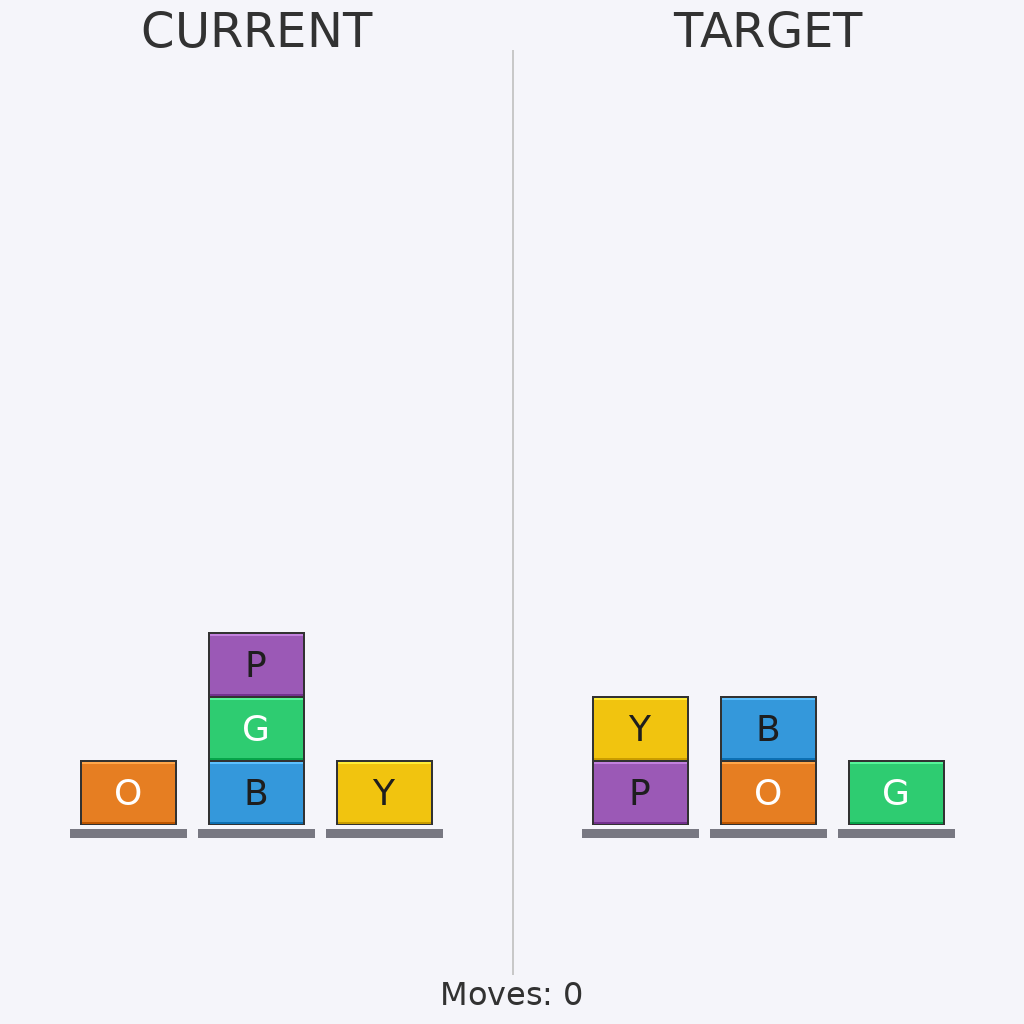
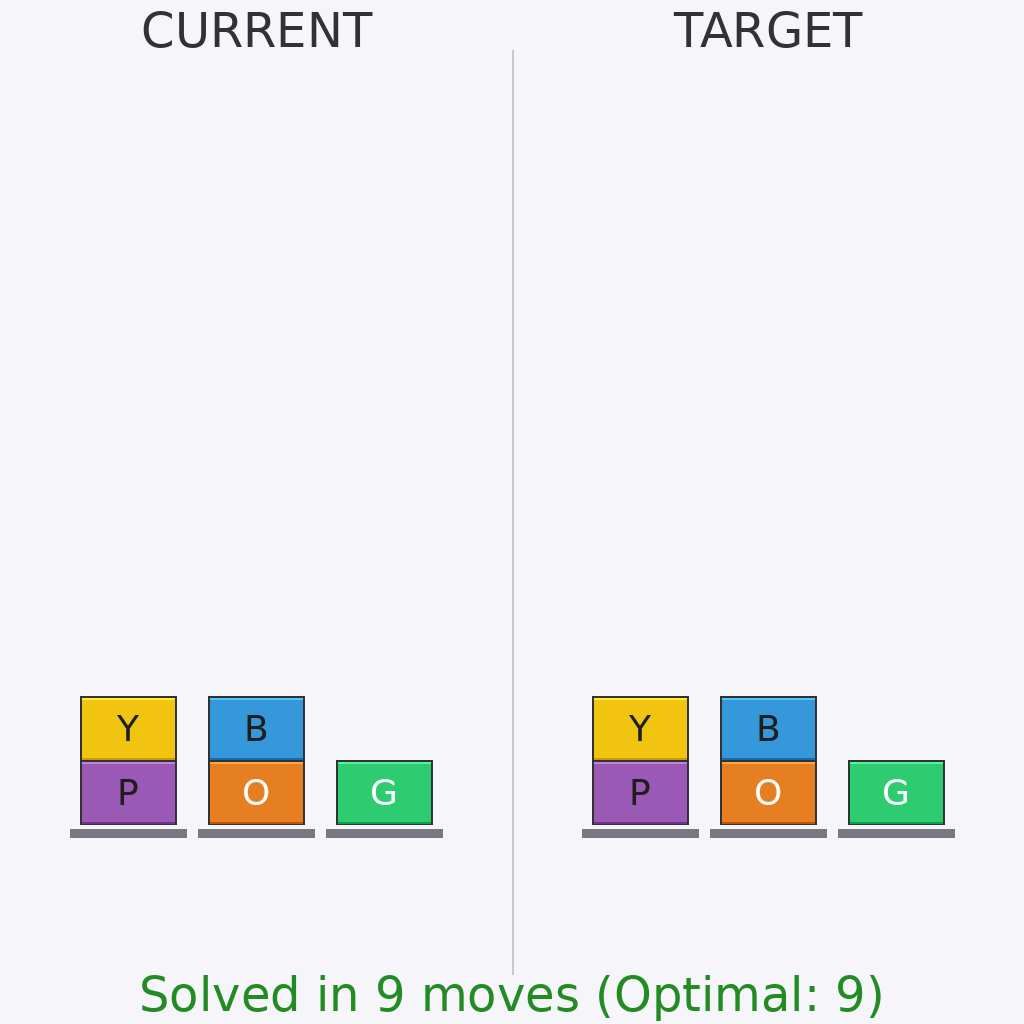
Solve this challenging block rearrangement puzzle. The current state must be transformed to match the target exactly. Only top blocks can be moved, one at a time. Optimal solving requires careful planning and minimal moves.
First Frame
Last Frame
Video
move_2_object_to_2_target
GitHub
Prompt
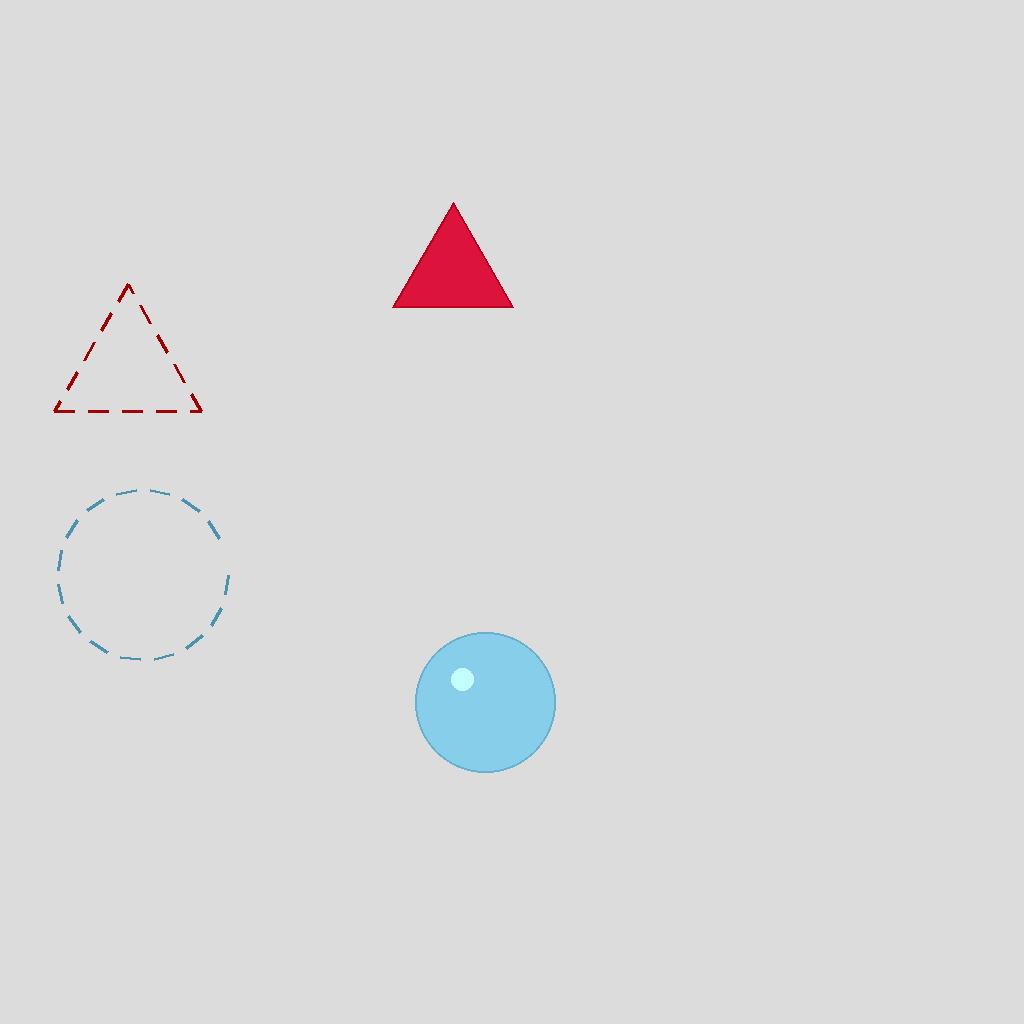
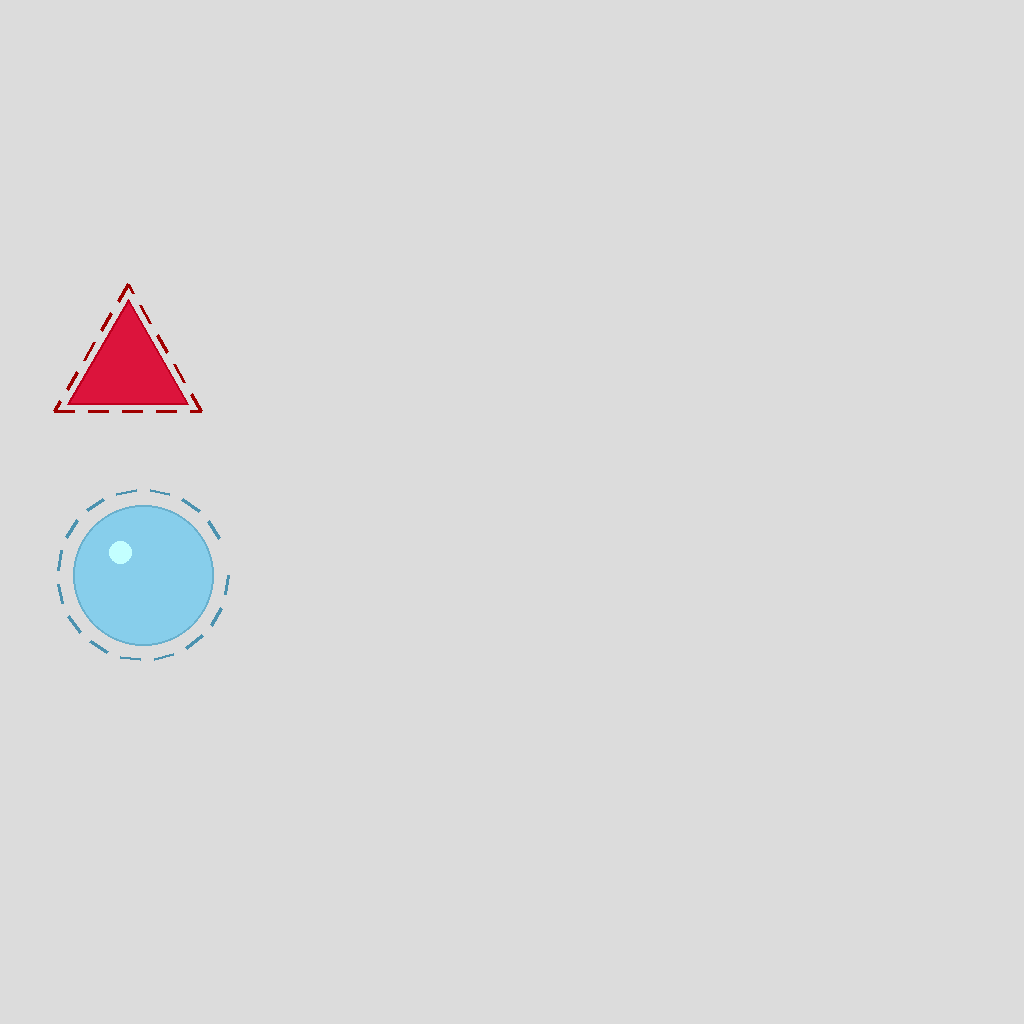
In the scene there are two objects and their corresponding target outlines; each outline matches its object in color and shape. Move each object to its matching outline via shortest path. Show the movement step by step.
First Frame
Last Frame
Video
rolling_ball
GitHub
Prompt
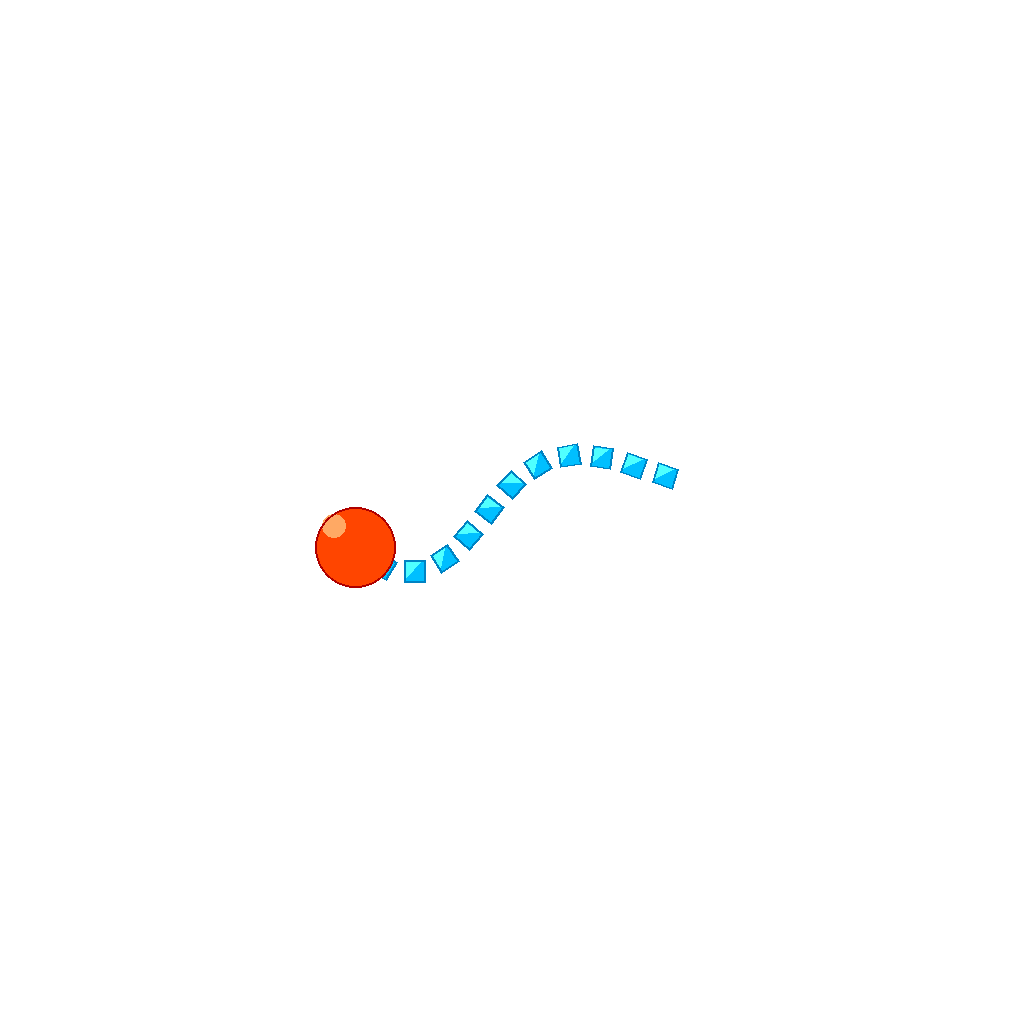
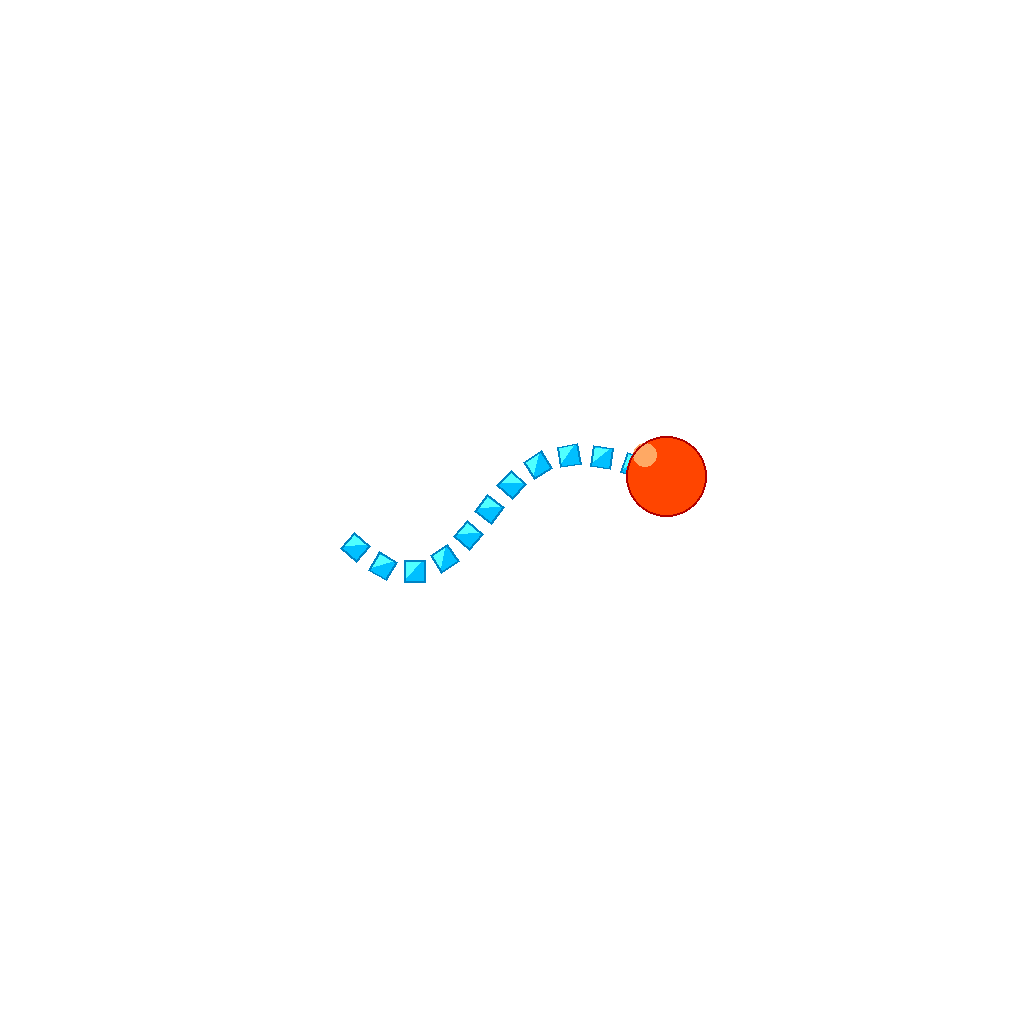
The scene shows a ball and a series of platforms arranged along a curved path. Animate the ball rolling along the trajectory path, smoothly transitioning from one platform to the next, landing on each platform in sequence, and coming to rest on the final platform.
First Frame
Last Frame
Video
grid_shift
GitHub
Prompt
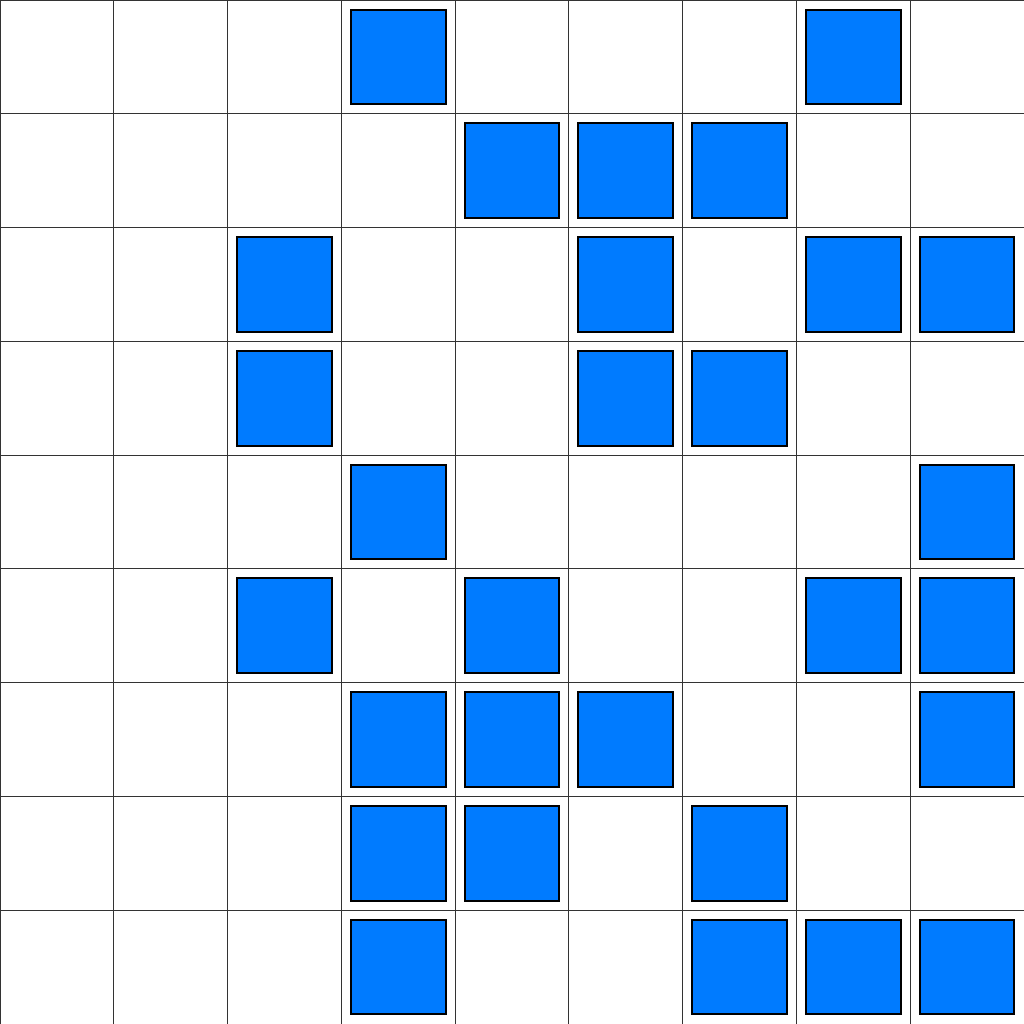
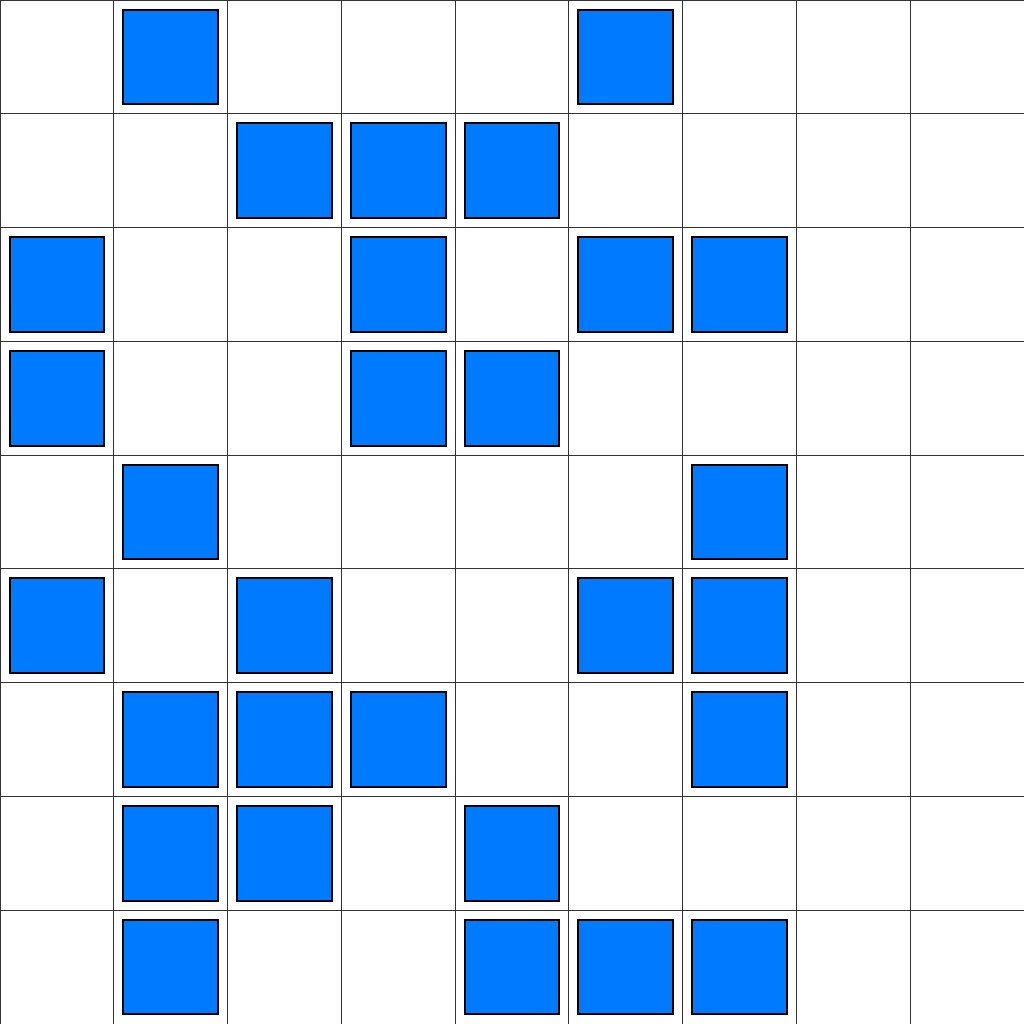
In the scene, there is a 9x9 grid with 29 blue square blocks, each outlined in black, placed at different positions. Translate all blocks leftward by exactly 2 steps, moving simultaneously and uniformly. Each block shifts 2 cells toward the left direction, and all blocks must remain completely within the grid boundaries. The goal is to achieve a configuration where every block has been moved exactly 2 steps leftward to reach its final position.
First Frame
Last Frame
Video
rotation_puzzle
GitHub
Prompt
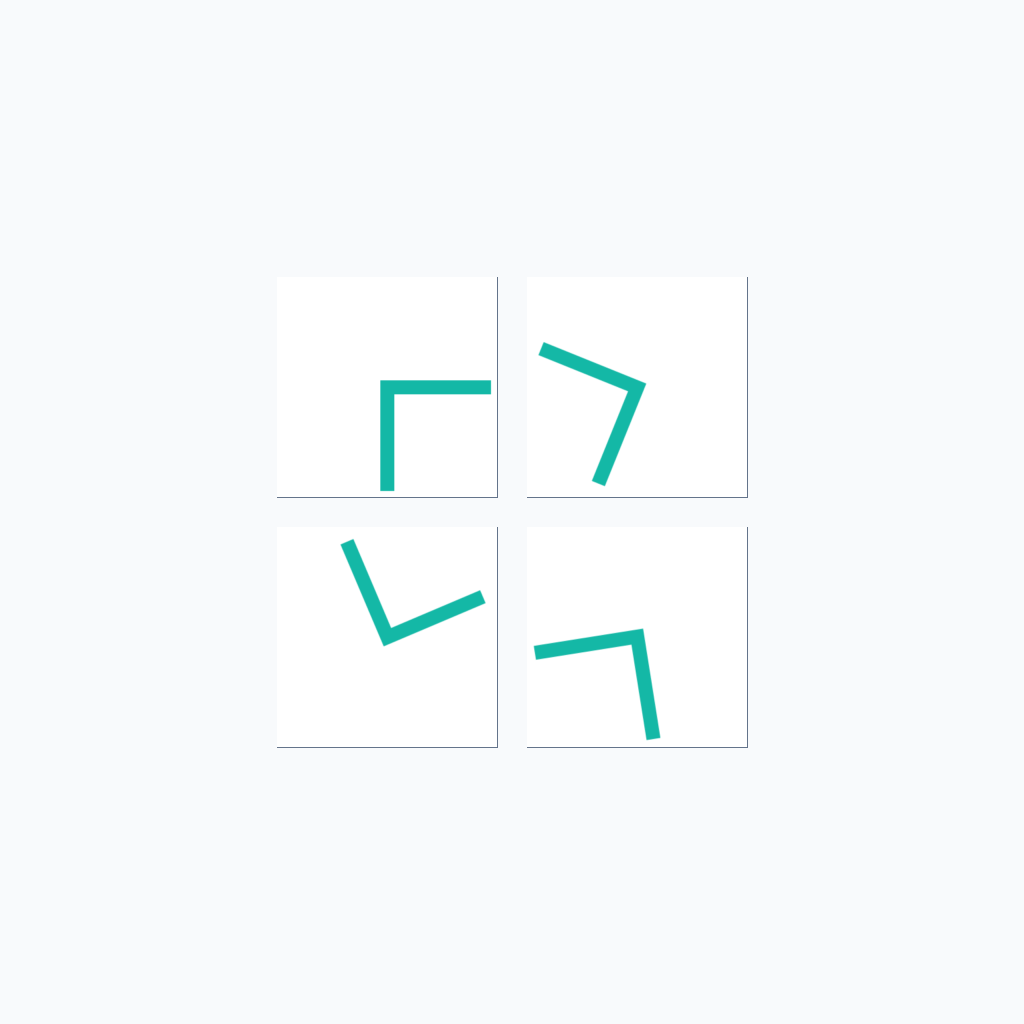
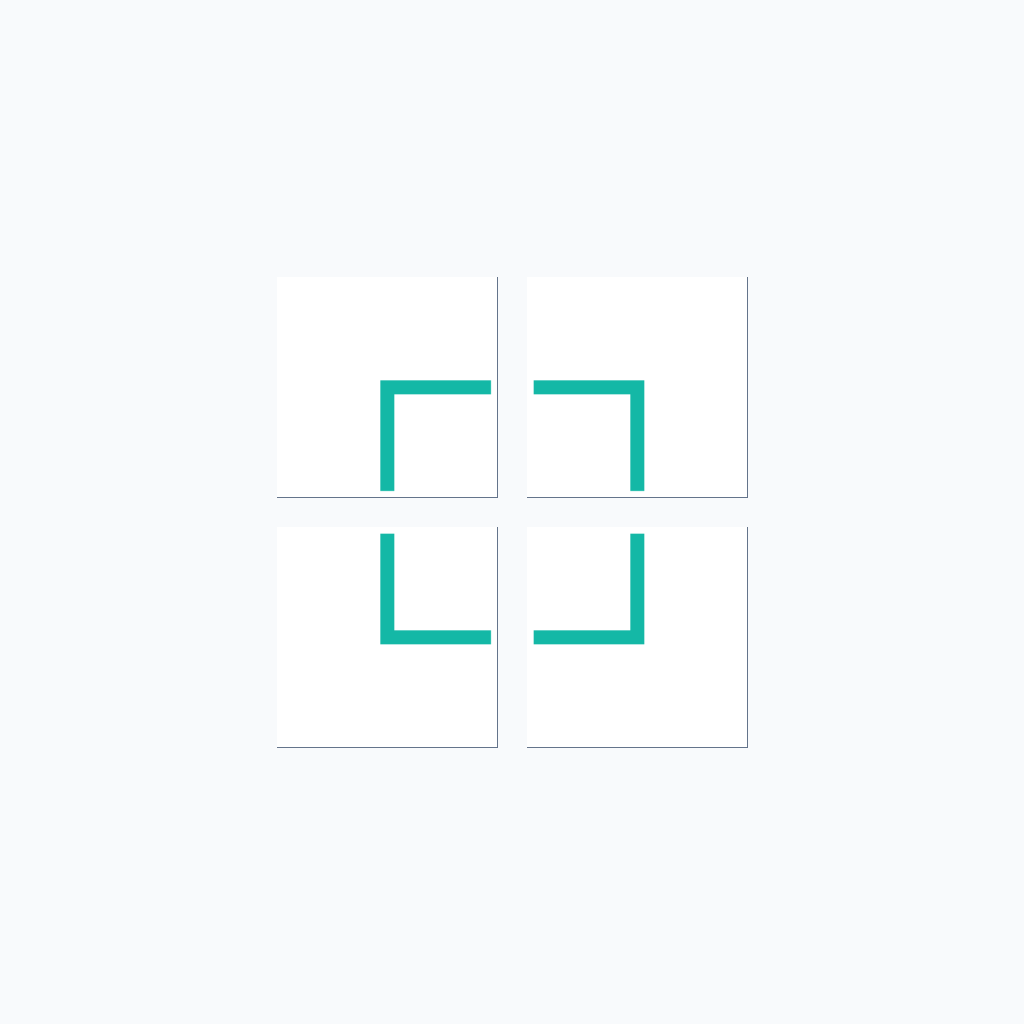
Solve this rotation puzzle by rotating the four squares to connect the pipe paths. Each square can be rotated 90 degrees clockwise or counterclockwise. Rotate the squares so that all pipe paths connect to form a continuous path. Keep the camera view fixed in the top-down perspective and maintain all square positions unchanged. Stop the video when all pipes are connected and the puzzle is solved.
First Frame
Last Frame
Video
shape_sorter
GitHub
Prompt
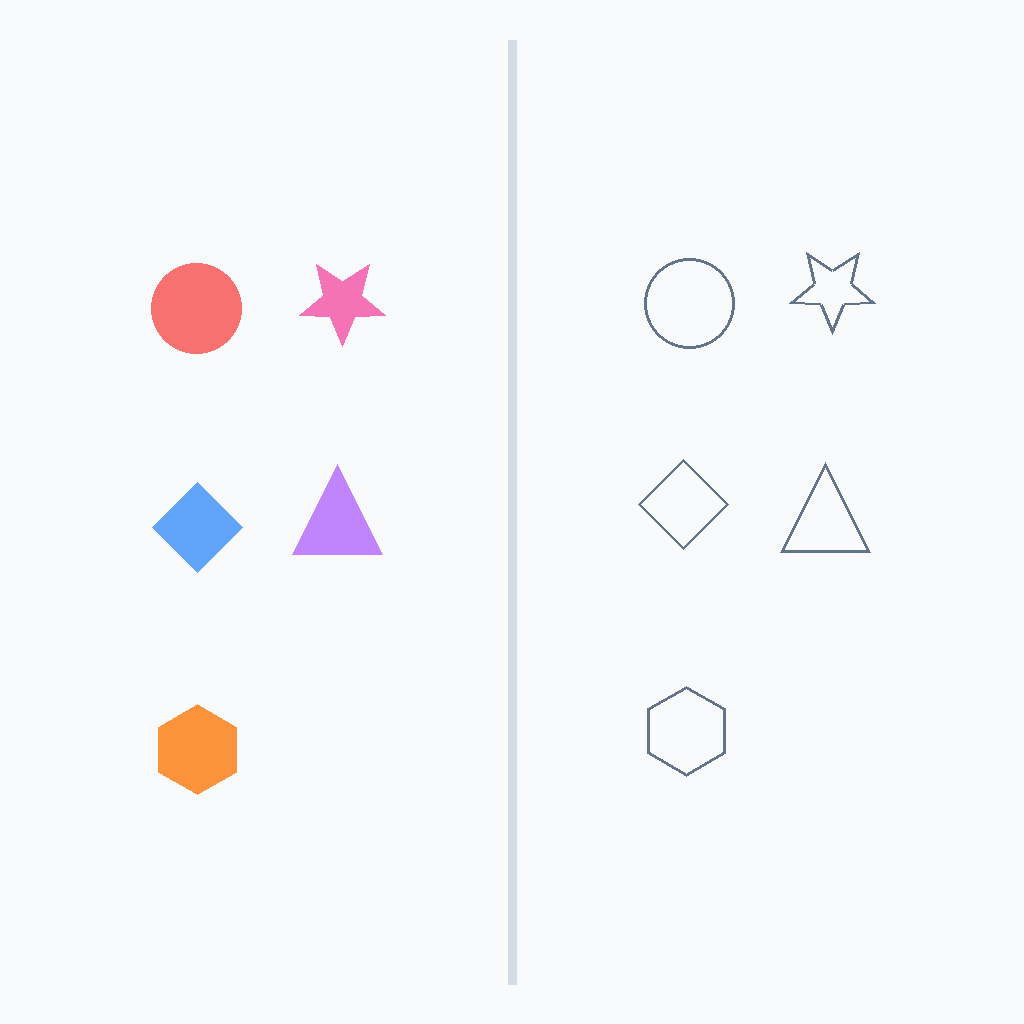
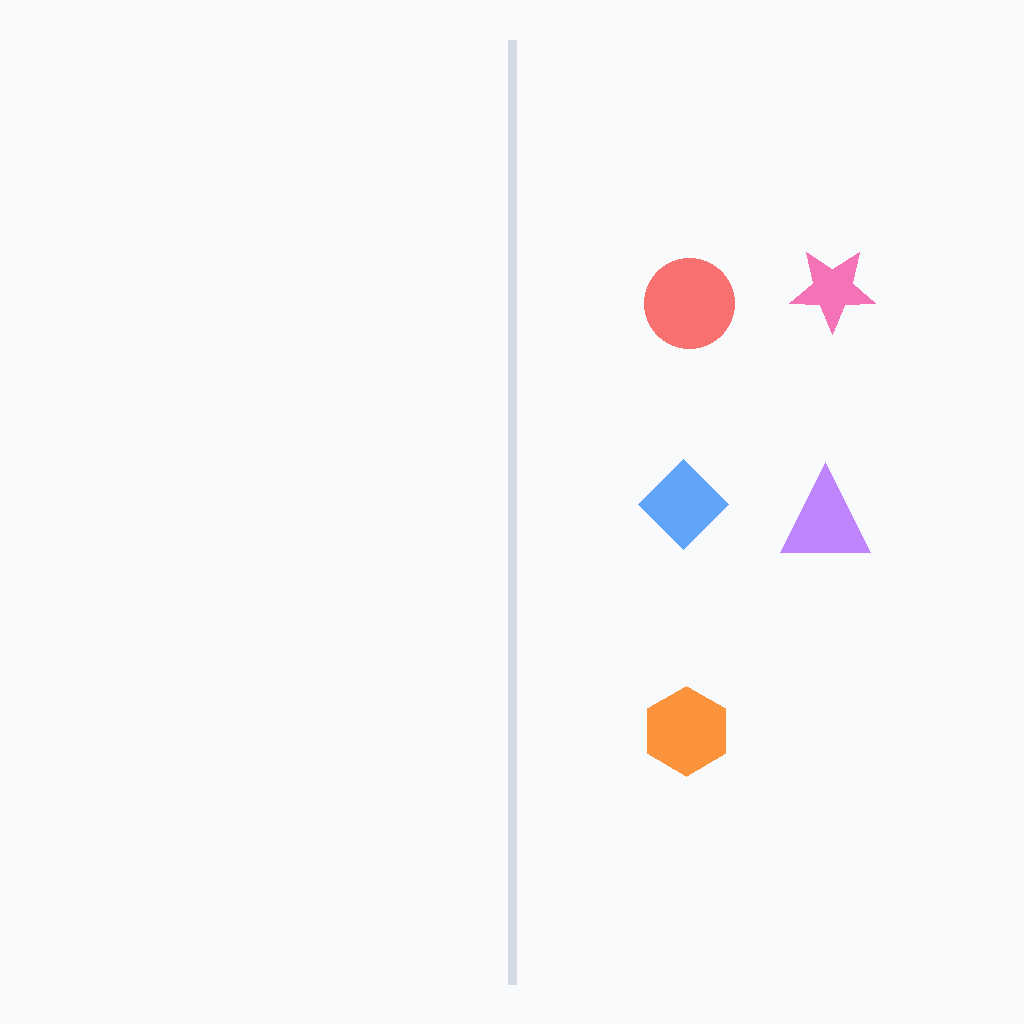
Solve the shape sorter puzzle exactly as shown. Move each colored shape card from the left staging area into its matching outline on the right. Keep the camera fixed in a top-down view throughout. Move only one card at a time, sliding each card smoothly without teleportation. Match the red circle, pink star, blue diamond, purple triangle, and finally the orange hexagon card. Continue until every outline is filled with its matching colored shape.
First Frame
Last Frame
Video
symbol_delete
GitHub
Prompt
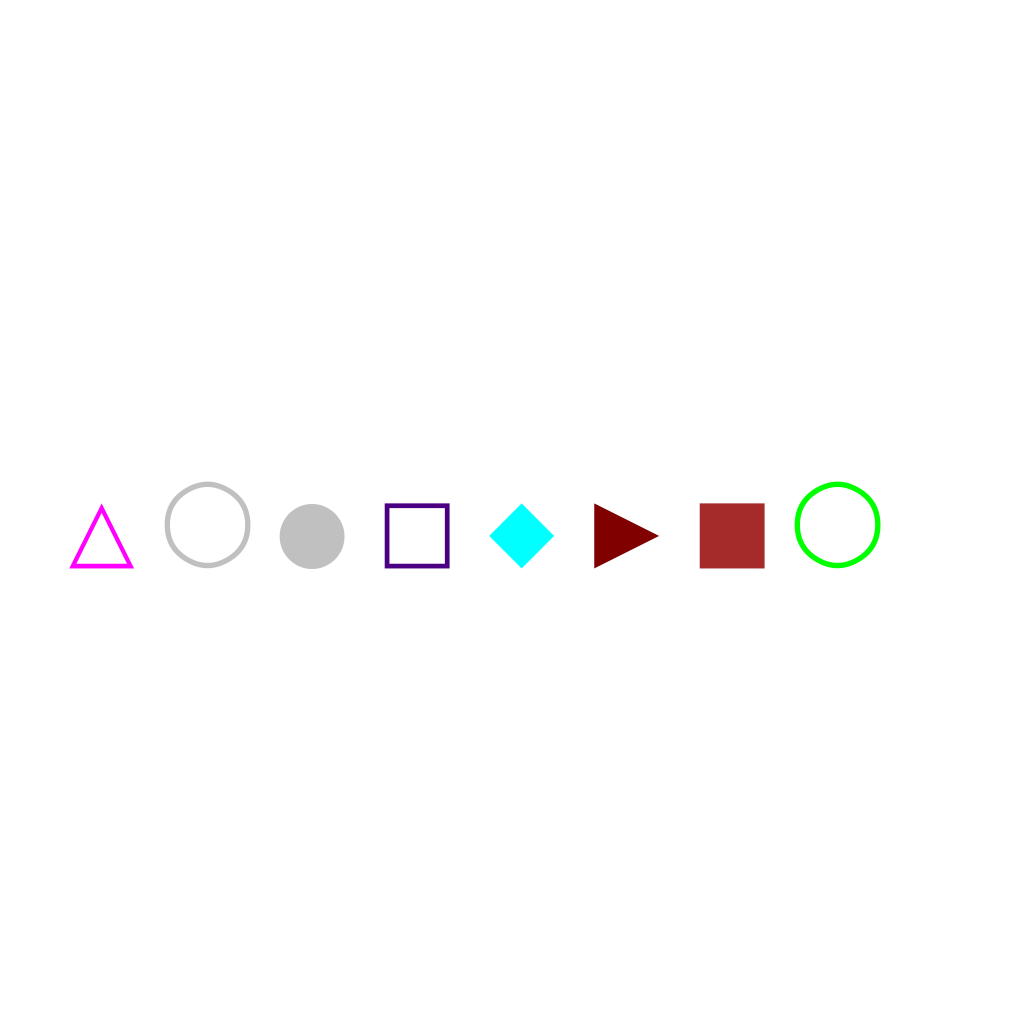
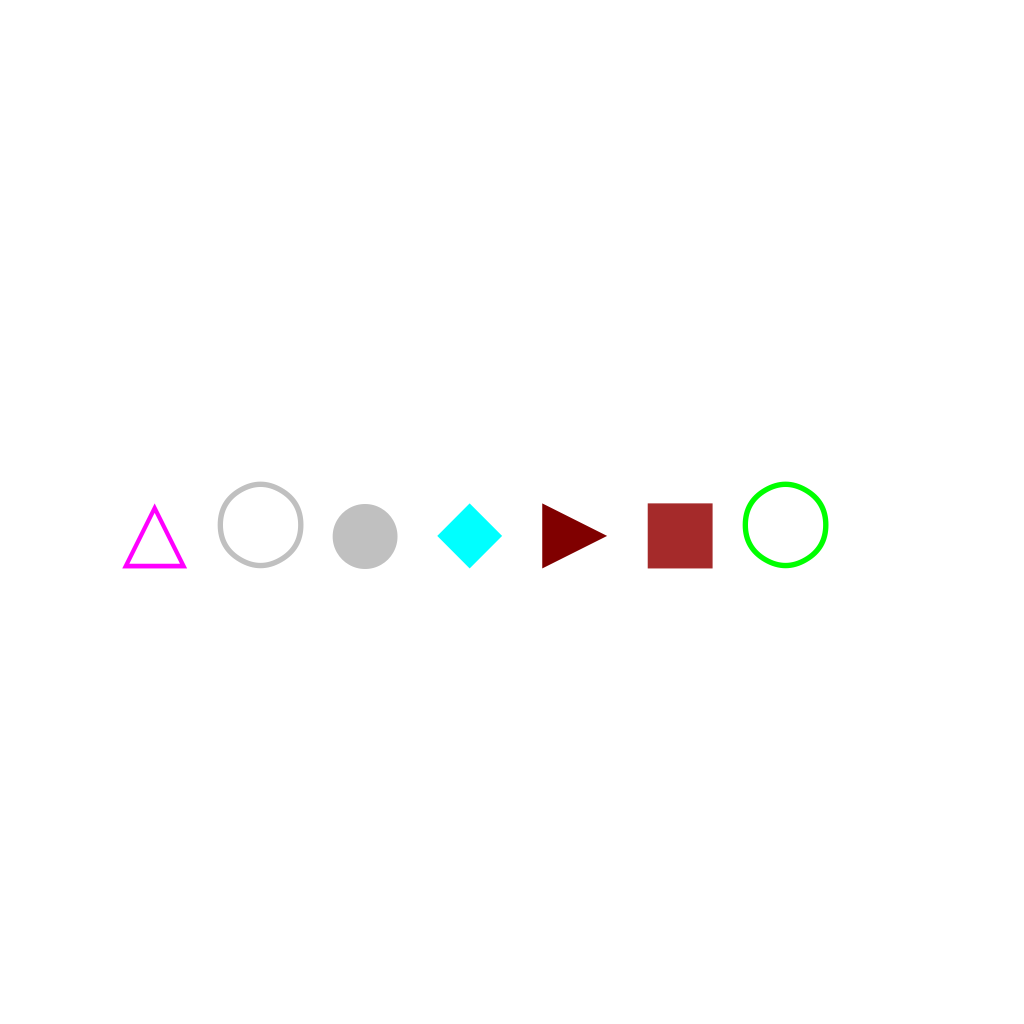
Delete indigo □ at position 4. The animation shows the target symbol fading out, then the remaining symbols shifting left to close the gap.
First Frame
Last Frame
Video
symbol_insert
GitHub
Prompt
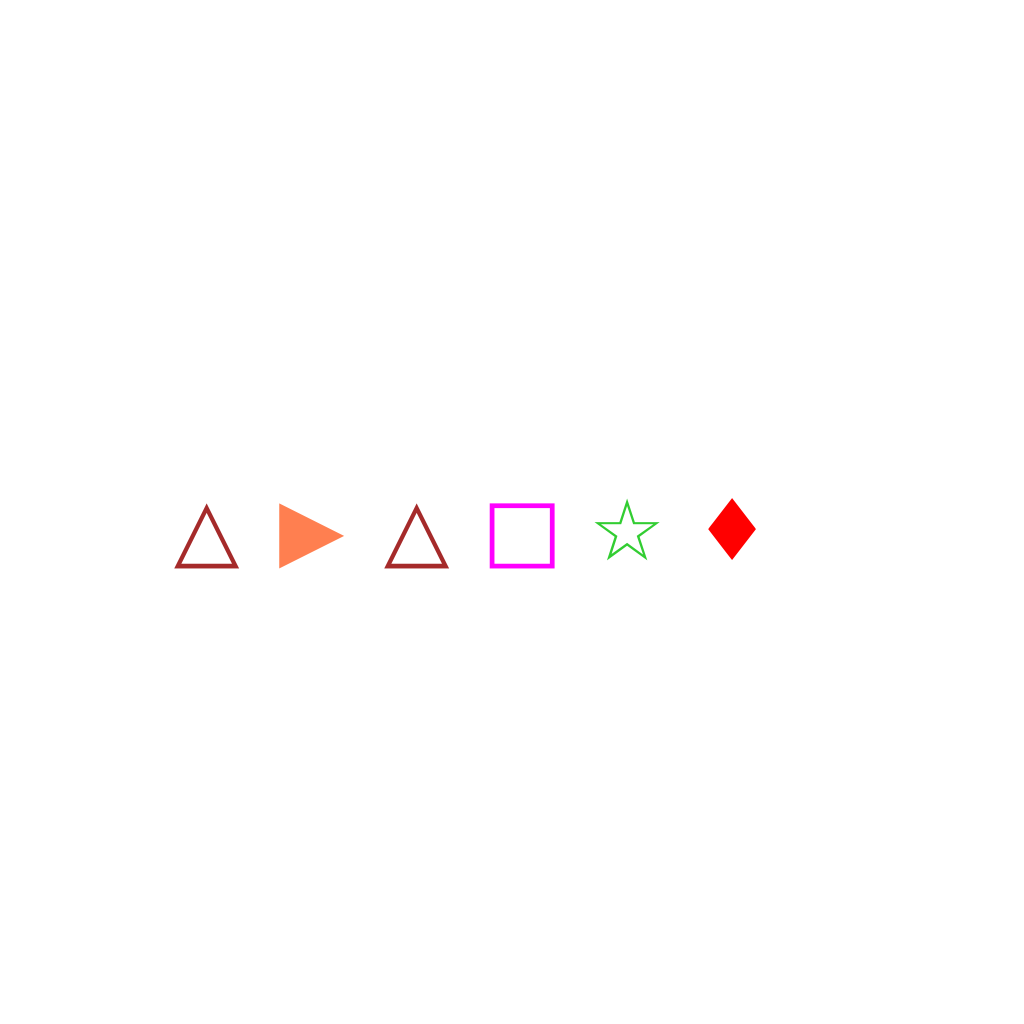
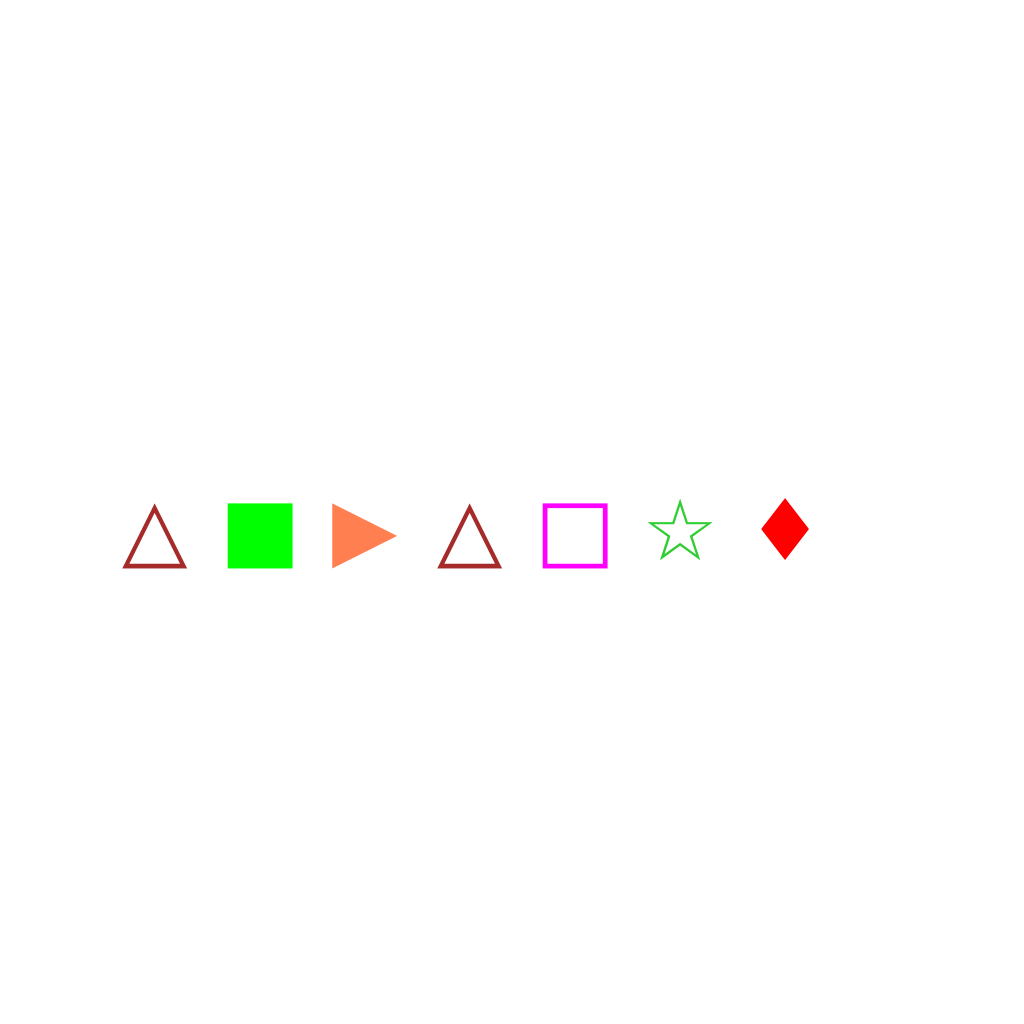
Insert a green ■ at position 2. The animation shows the new symbol fading in above the target position, then sliding down while other symbols shift to make room.
First Frame
Last Frame
Video
symbol_substitute
GitHub
Prompt
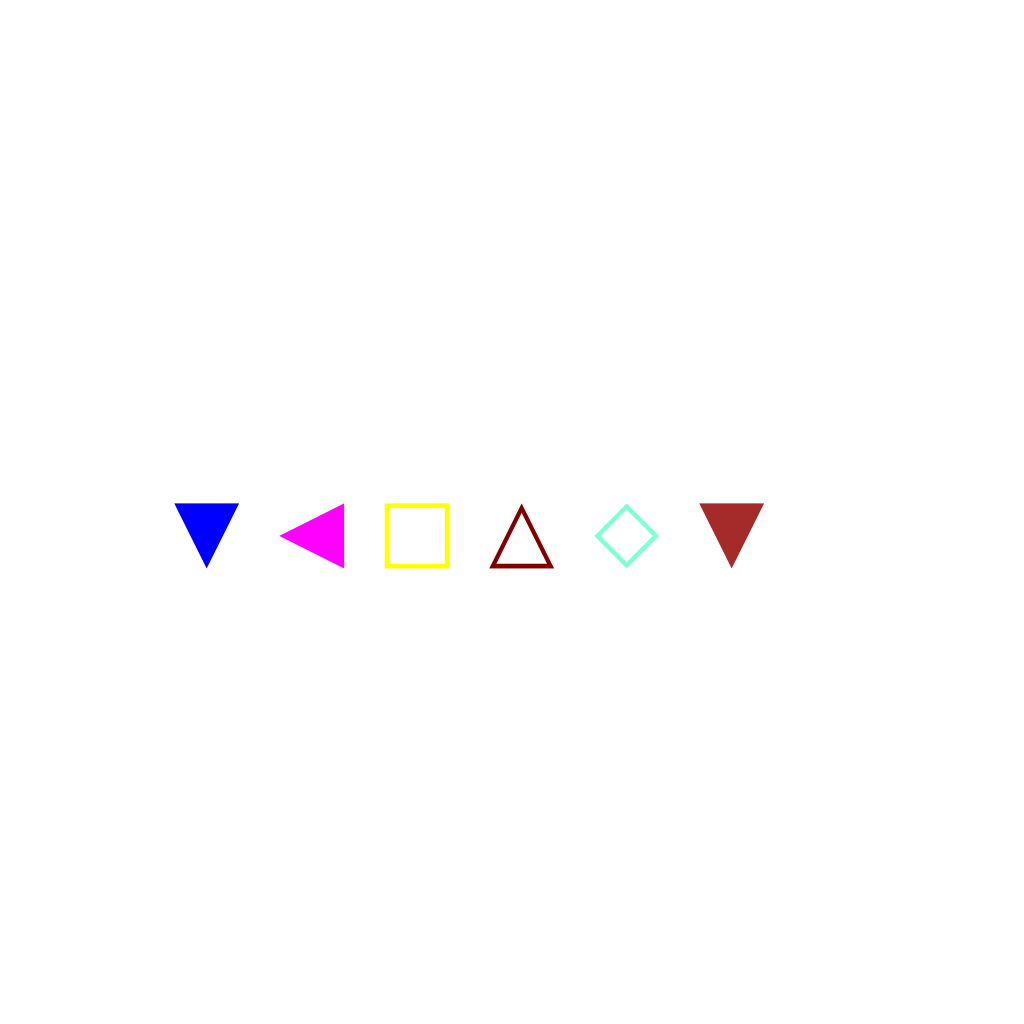
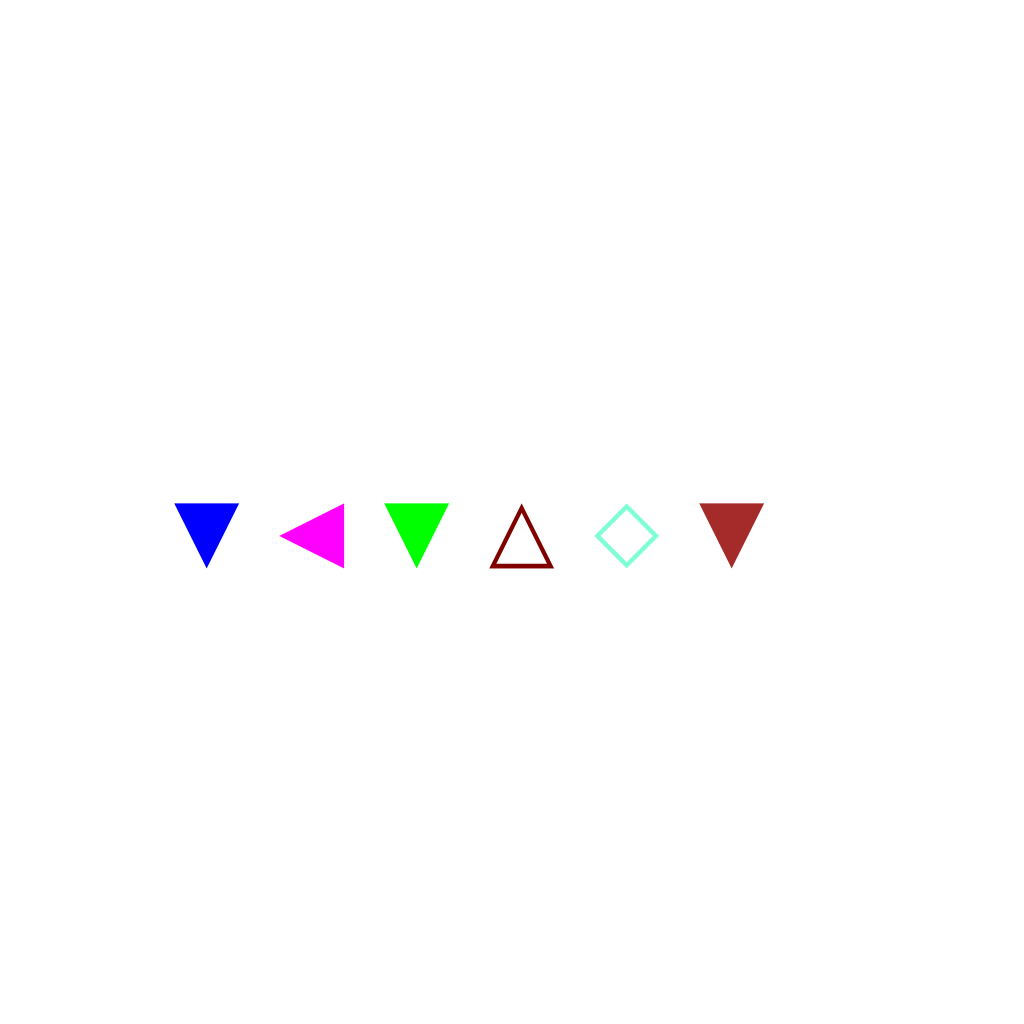
Substitute □ at position 3 with a green ▼. The animation shows the old symbol fading out completely, then the new symbol gradually fading in at the same position.
First Frame
Last Frame
Video
symbol_edit
GitHub
Prompt
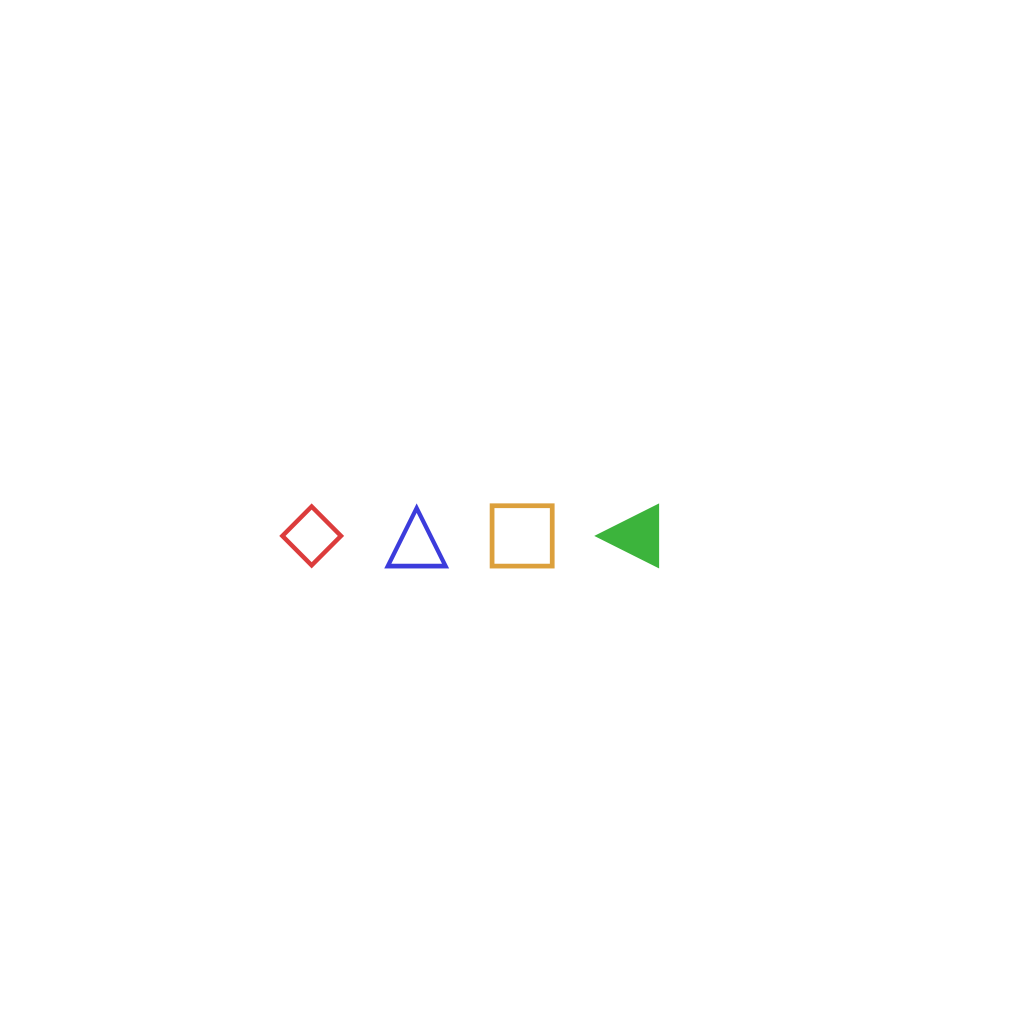
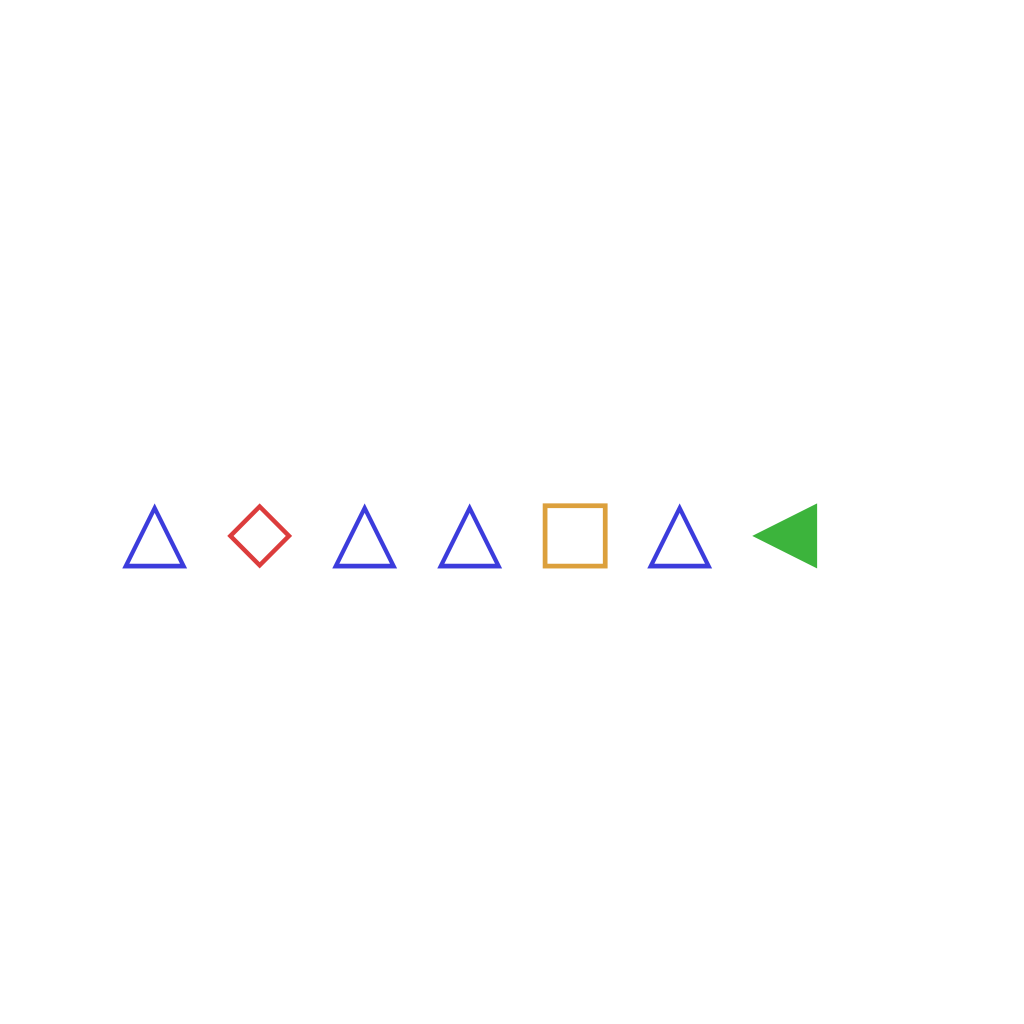
The sequence currently has 1 of symbol △. Constraint: at least 4 of symbol △. Insert 3 △ symbols at positions 1, 3, and 6 to satisfy the constraint.
First Frame
Last Frame
Video
animal_matching
GitHub
Prompt
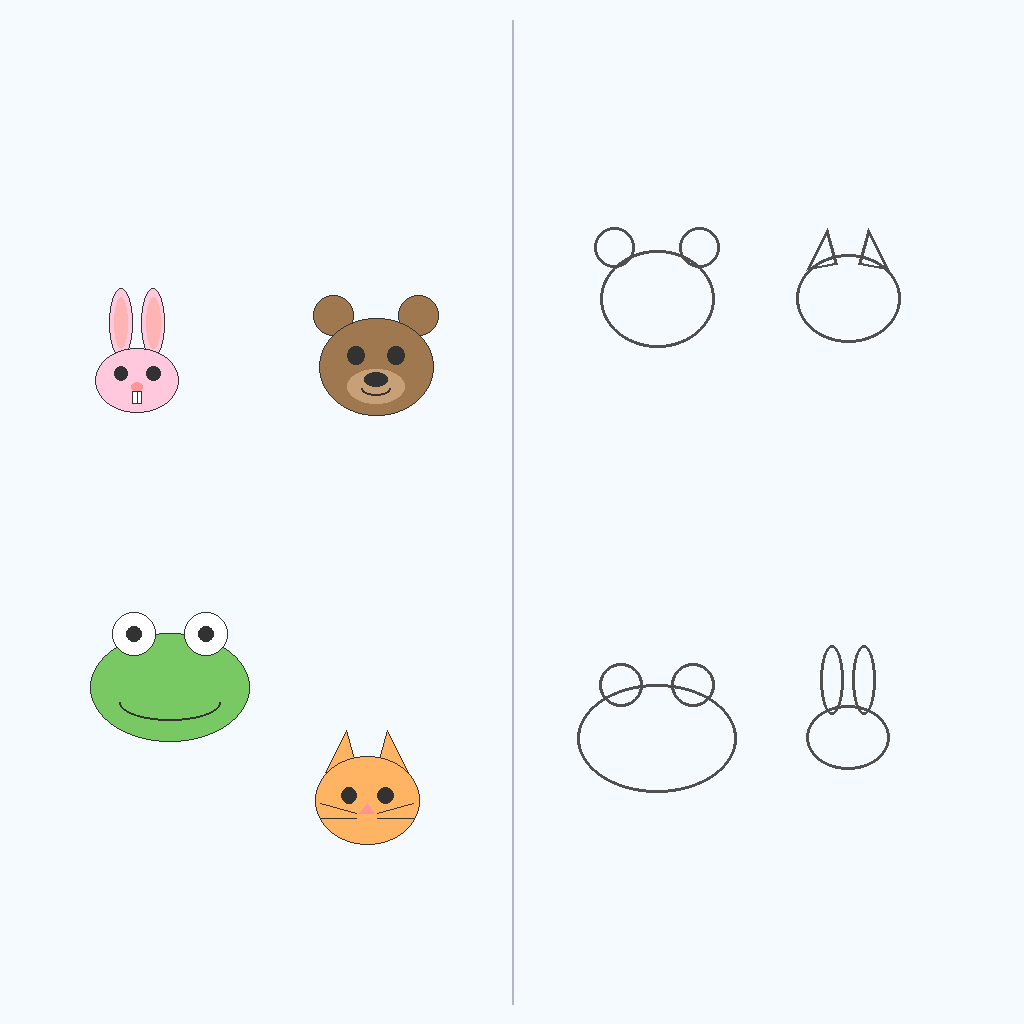
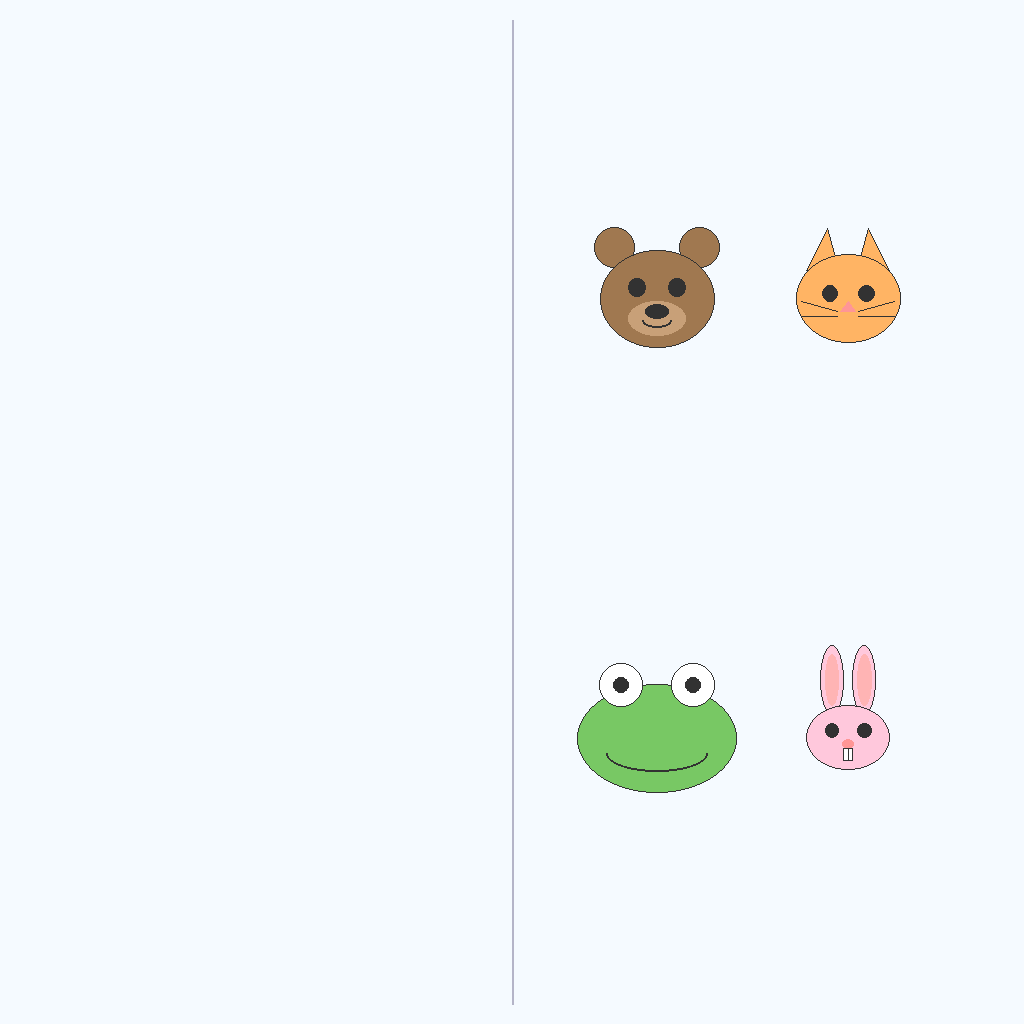
Colored animal faces are on the left side of the canvas, and dark outlines of animals are on the right side. Move each colored animal face to its matching outline via the shortest path.
First Frame
Last Frame
Video
2d_object_rotation
GitHub
Prompt
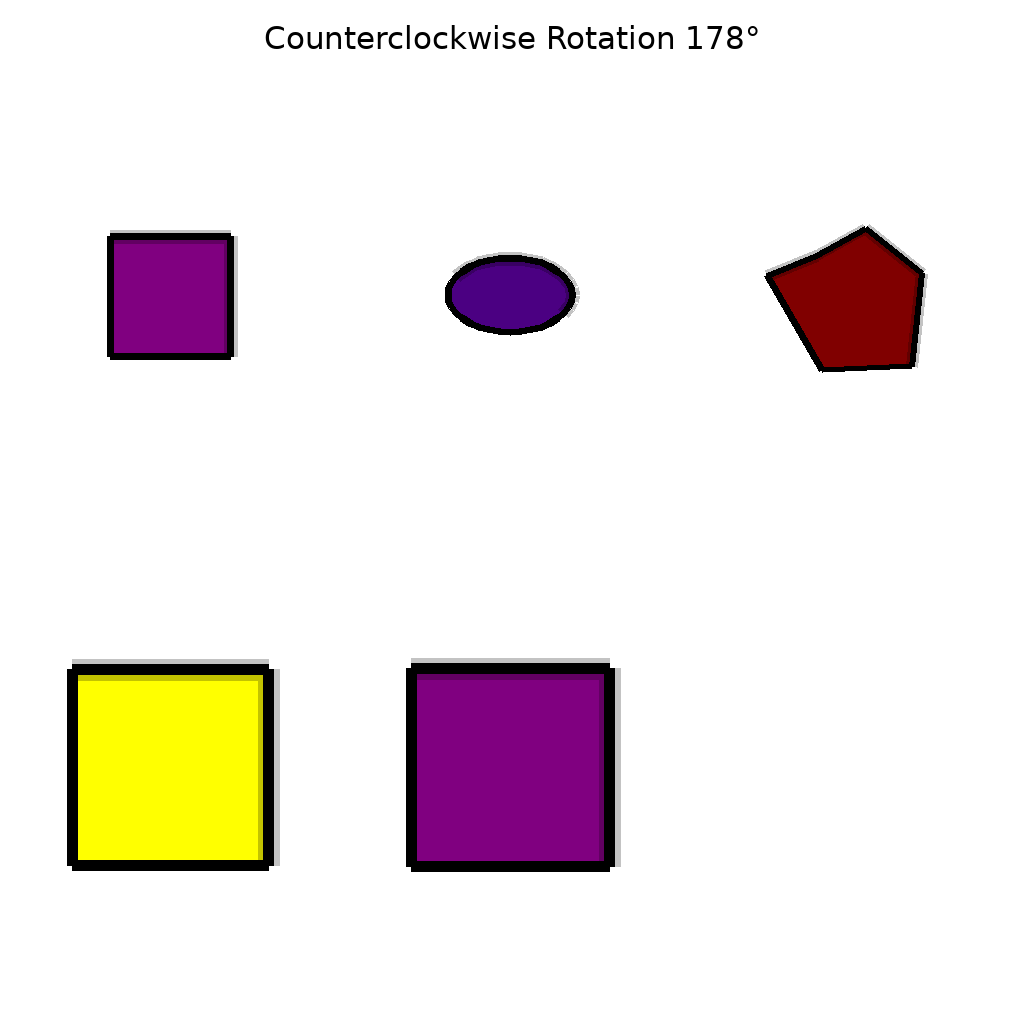
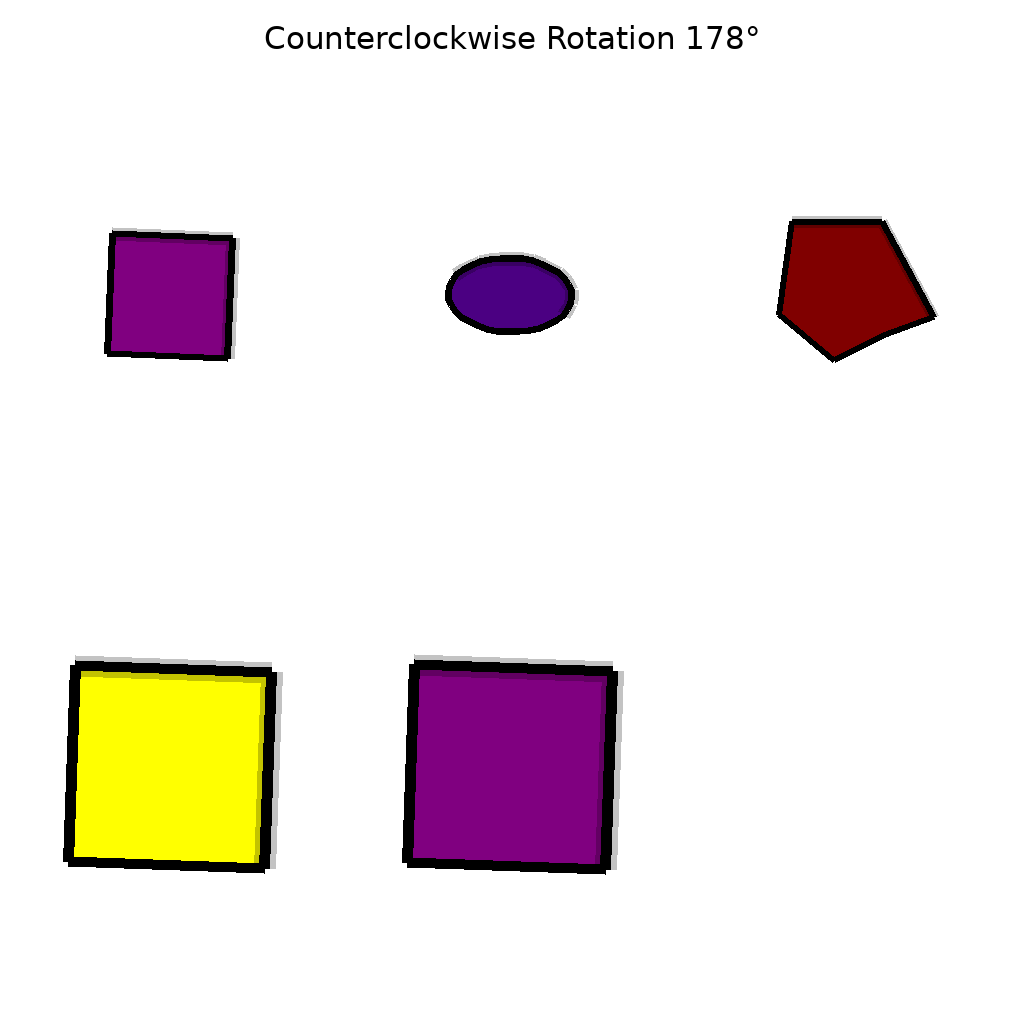
The scene contains 5 2D object(s). Show them rotating counterclockwise by 178 degrees around their respective centroids.
First Frame
Last Frame
Video
object_trajectory
GitHub
Prompt
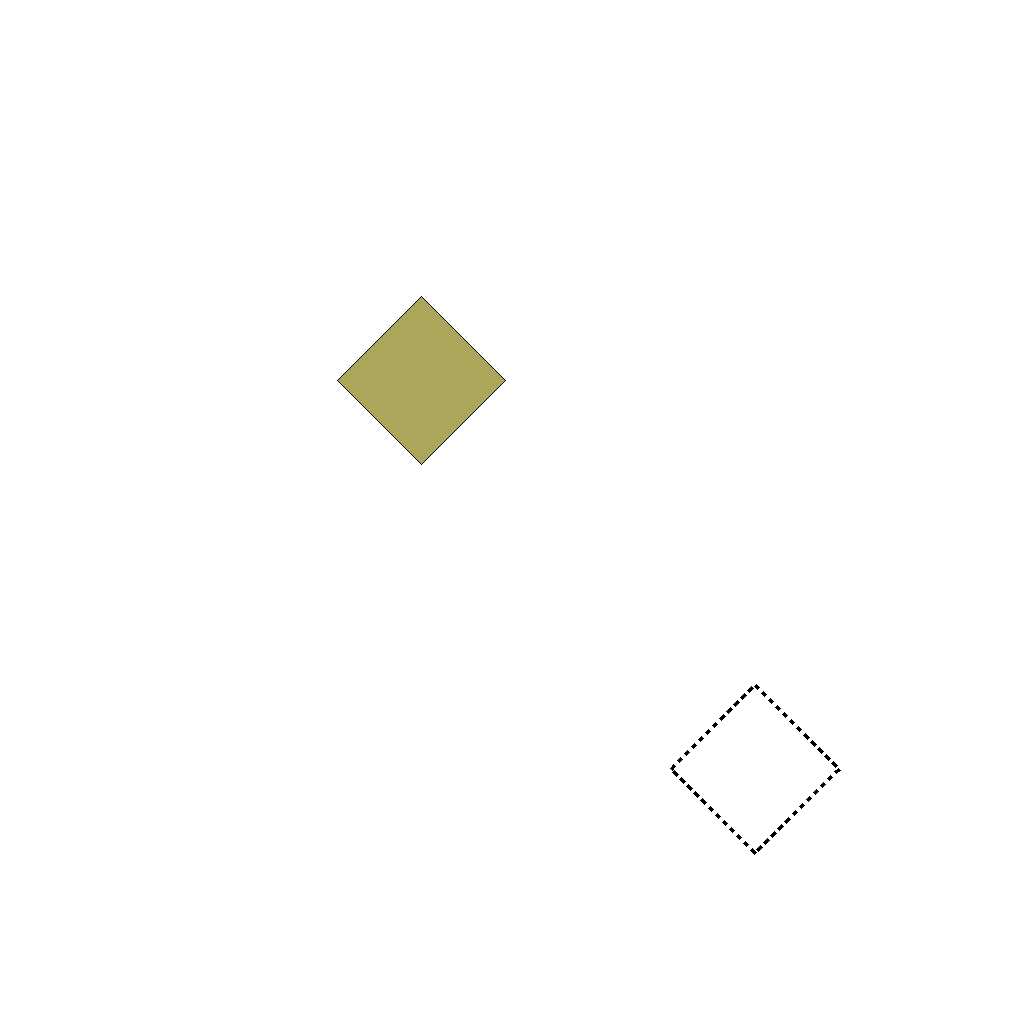
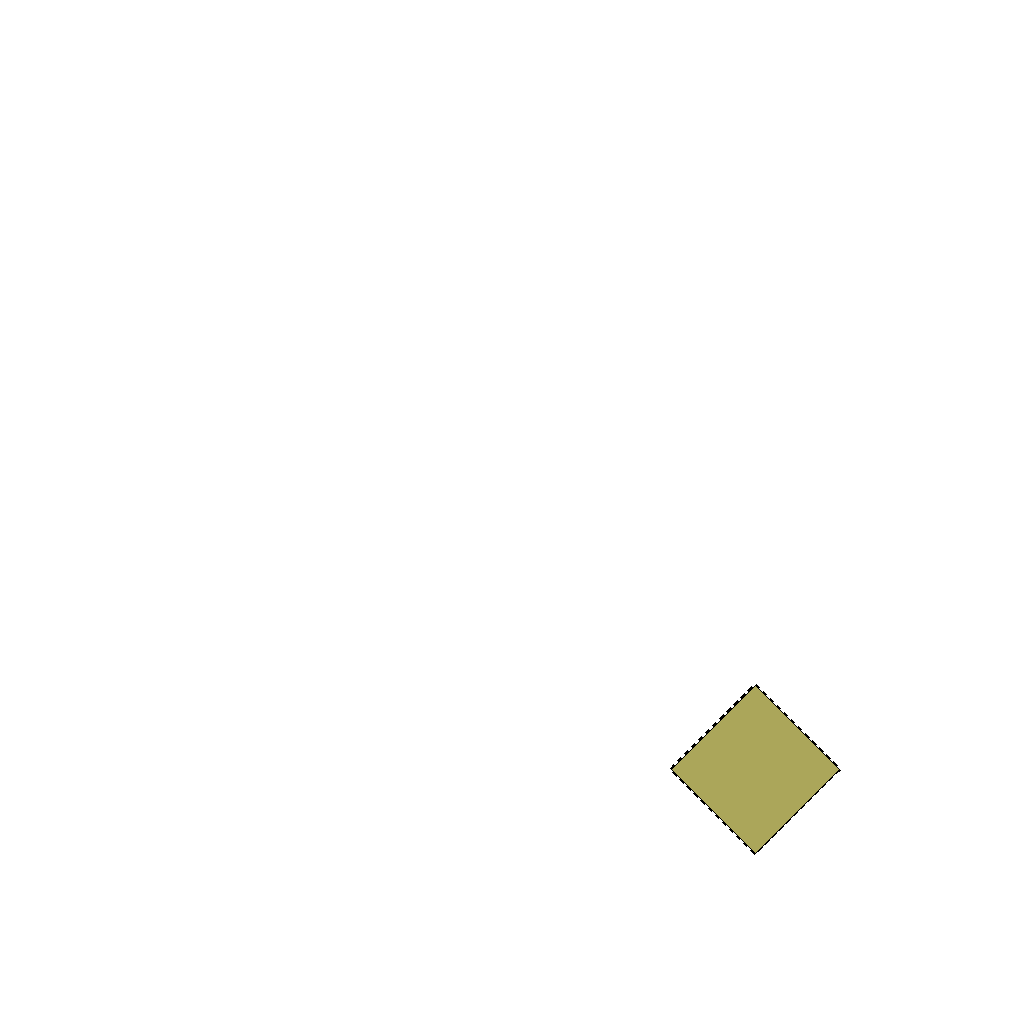
The scene contains a diamond object and a dashed target position (indicated by a dashed outline of the same shape). Keep the dashed target position unchanged. Move the diamond object to the dashed target position along the shortest path, ensuring it completely overlaps with the target.
First Frame
Last Frame
Video
reorder_objects
GitHub
Prompt
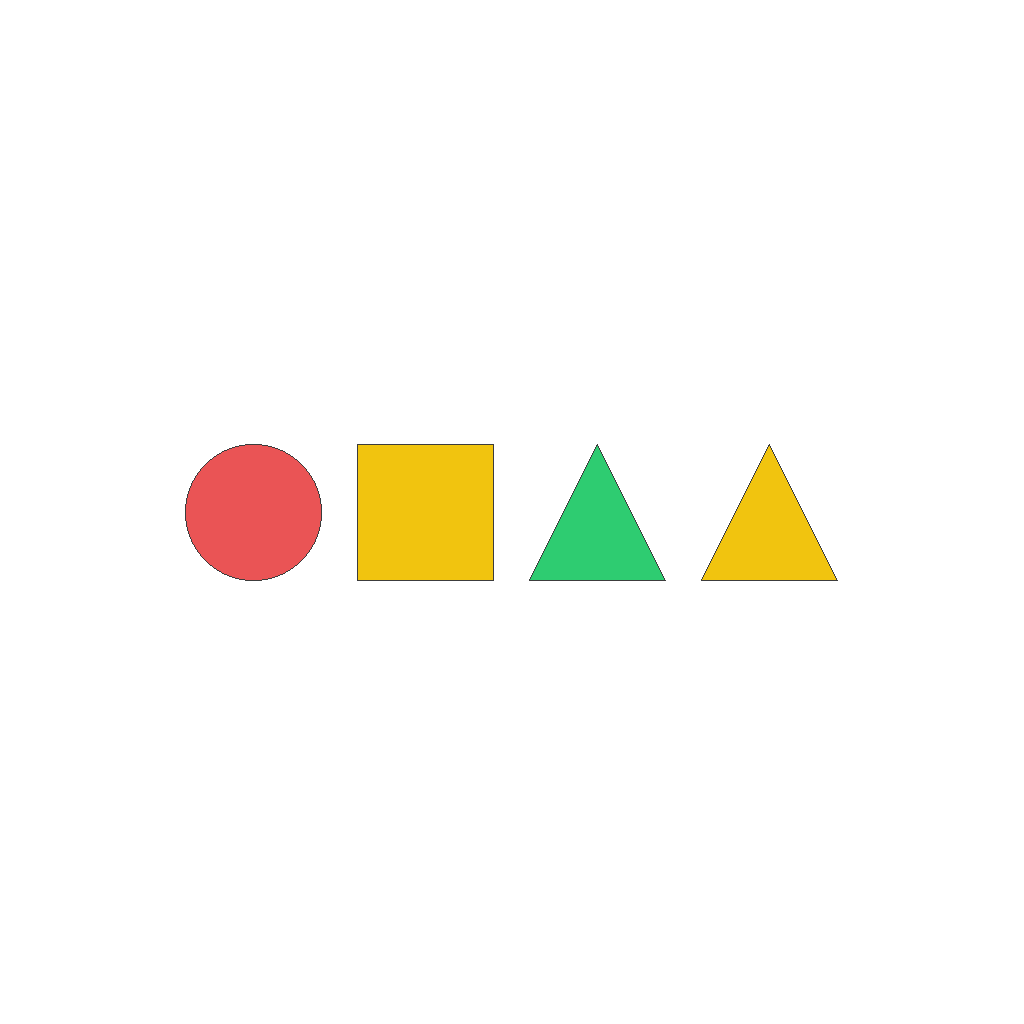
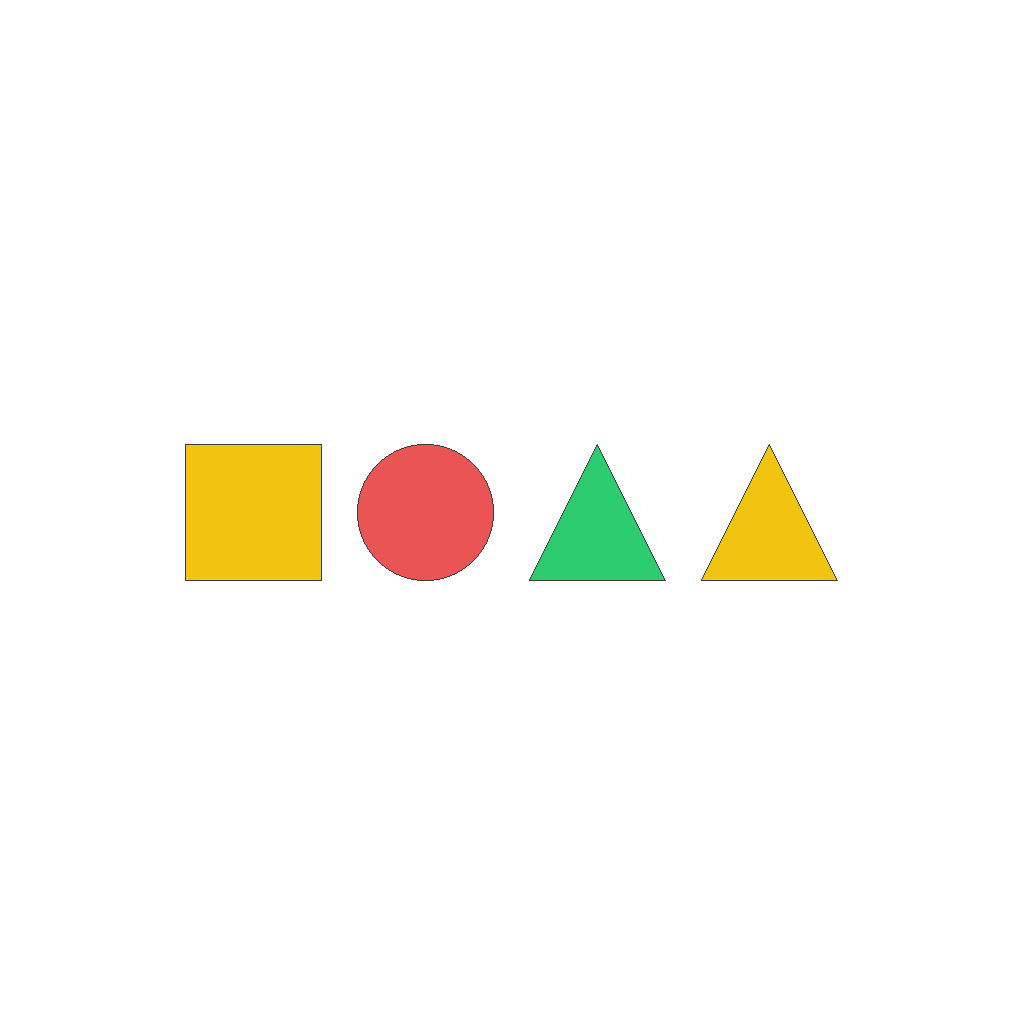
The scene contains multiple objects arranged in a horizontal line. Keep all other objects unchanged. Swap the positions of the 2nd and 1st objects from the left using shortest paths.
First Frame
Last Frame
Video
resize_object
GitHub
Prompt
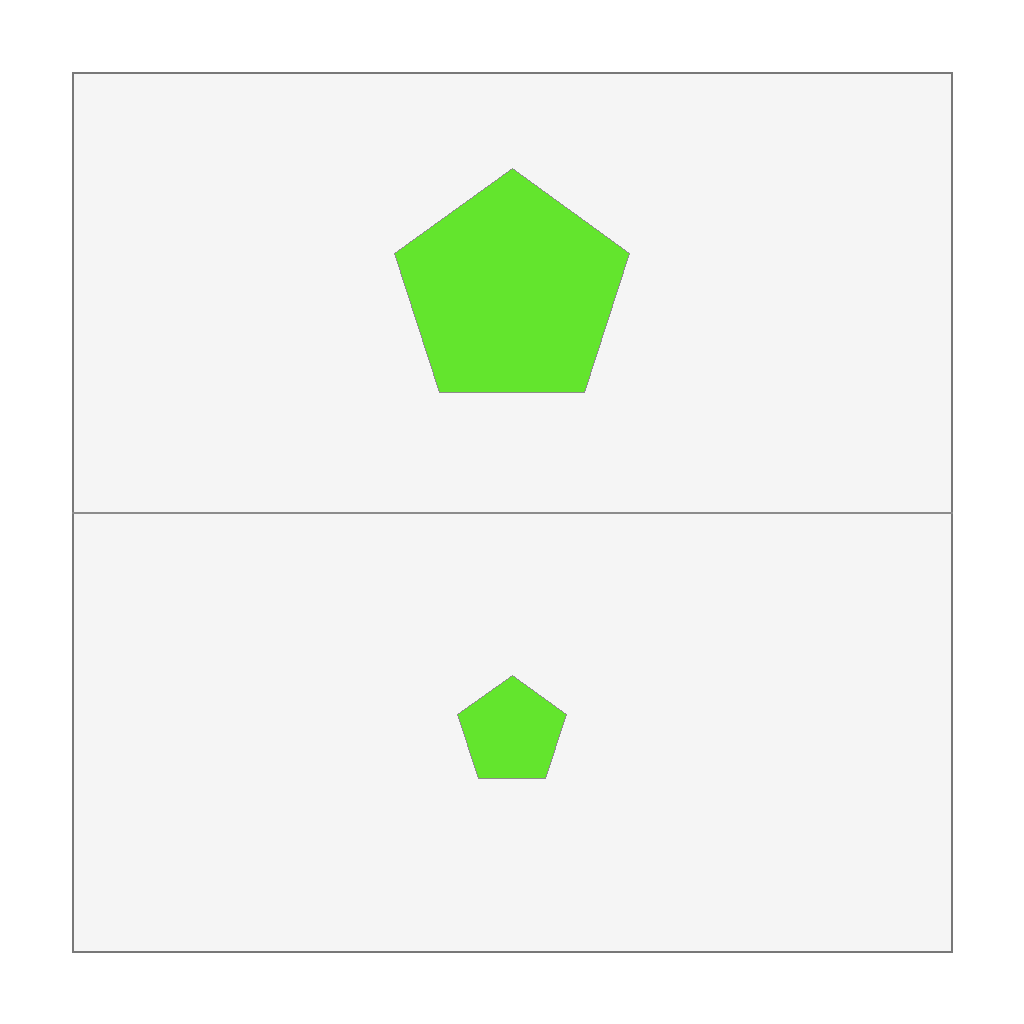
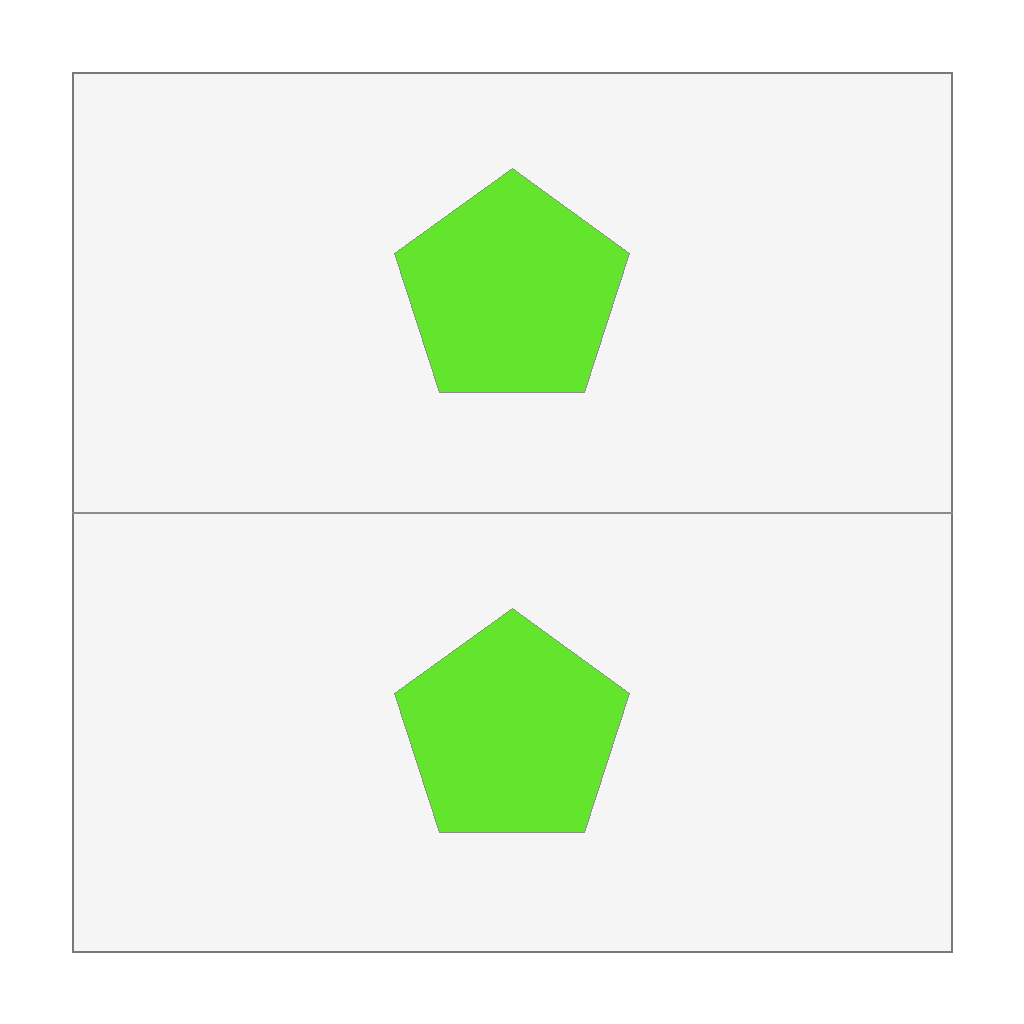
Resize the bottom object so its size matches the top reference object. Only change size.
First Frame
Last Frame
Video
track_object_movement
GitHub
Prompt
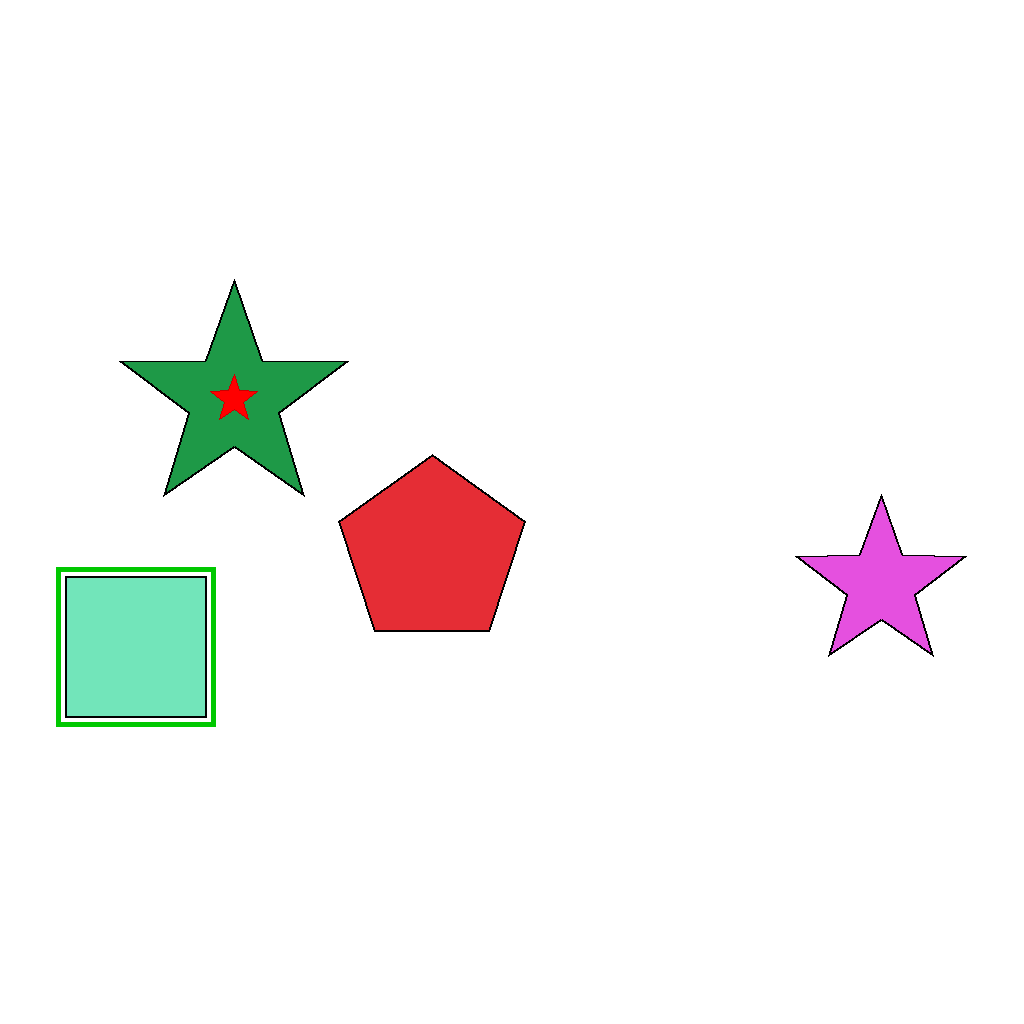
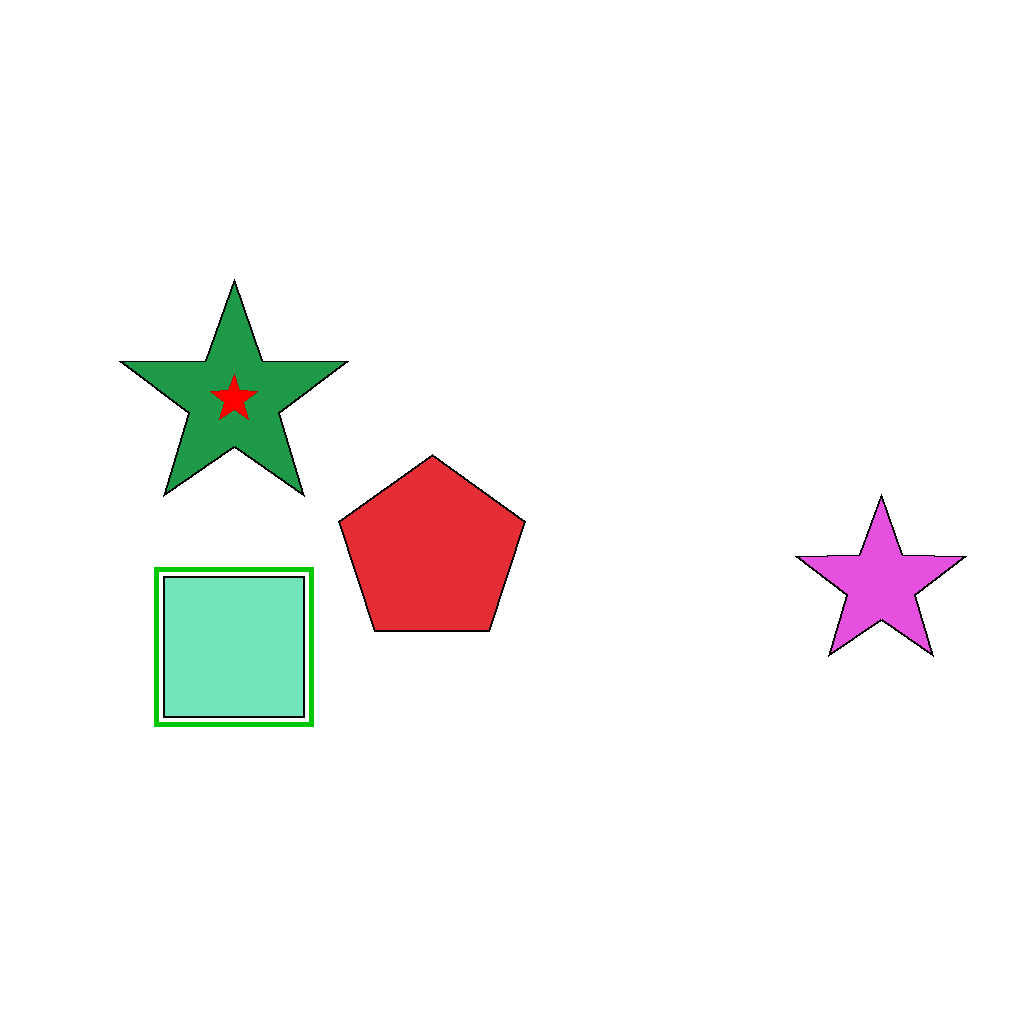
The object marked with a green border is the only object that moves. It moves horizontally to align directly below the object with a red star at its center. Track the movement with the green border as the object moves.
First Frame
Last Frame
Video
handle_object_reappearance
GitHub
Prompt
There is an object in the center. Move the object down off-screen, then return along the same path to the center.
First Frame

Last Frame

Video
multiple_occlusions_vertical
GitHub
Prompt
The scene shows 2 objects arranged in a horizontal line in the center of the frame, with a dark rectangular mask initially positioned above them. Move the mask vertically downward in a continuous motion until it leaves the frame. As it moves, the mask passes in front of the objects, temporarily blocking them from view.
First Frame

Last Frame

Video
separate_objects_no_spin
GitHub
Prompt
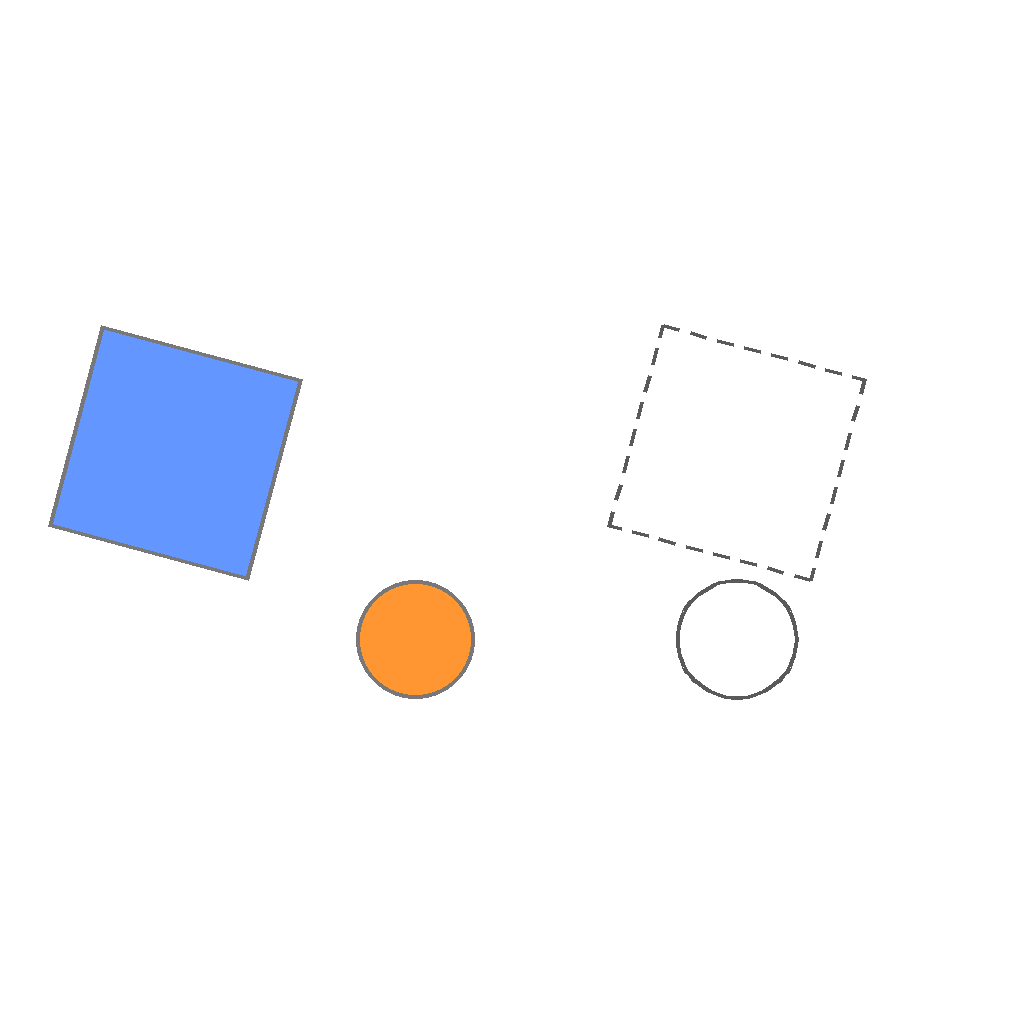
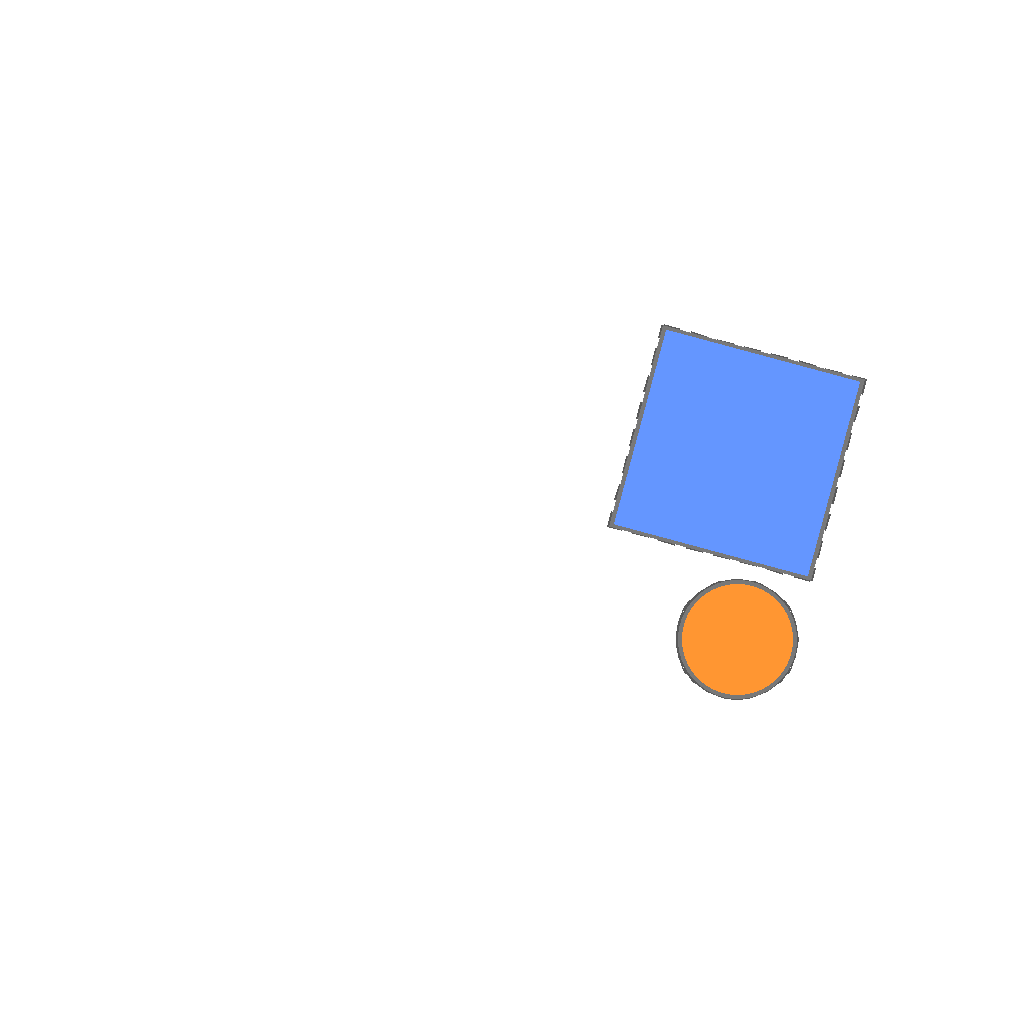
The scene shows 2 objects on the left side and dashed target outlines on the right side. The dashed target outlines remain completely stationary. Move each object horizontally to the right so that it aligns exactly with and fits within its corresponding dashed target outline.
First Frame
Last Frame
Video
seperate_object_spinning
GitHub
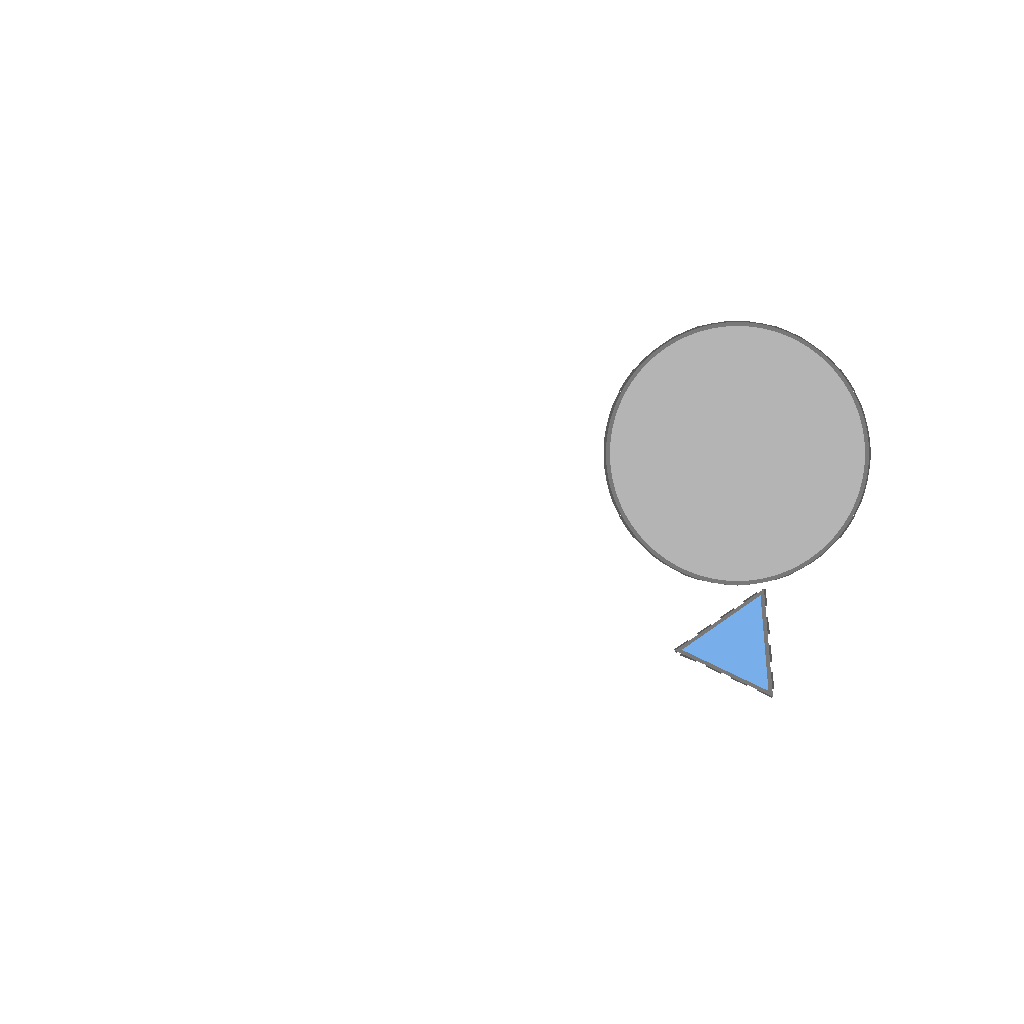
Prompt
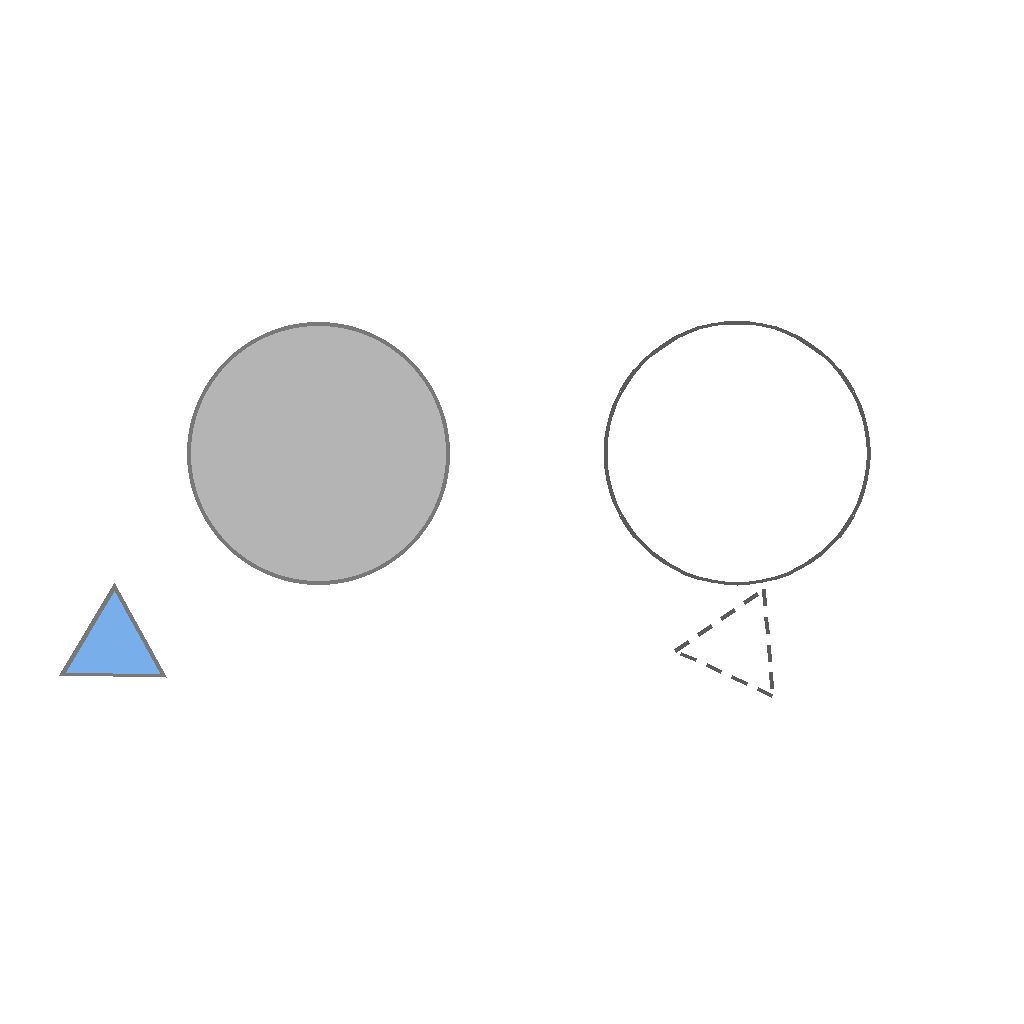
The scene shows 2 objects on the left side and dashed target outlines on the right side. The dashed target outlines remain completely stationary. For each object, first rotate it in place to match the orientation of its corresponding dashed target outline, then move it horizontally to the right so that it aligns exactly with and fits within its corresponding dashed target outline.
First Frame
Last Frame
Video
object_packing
GitHub
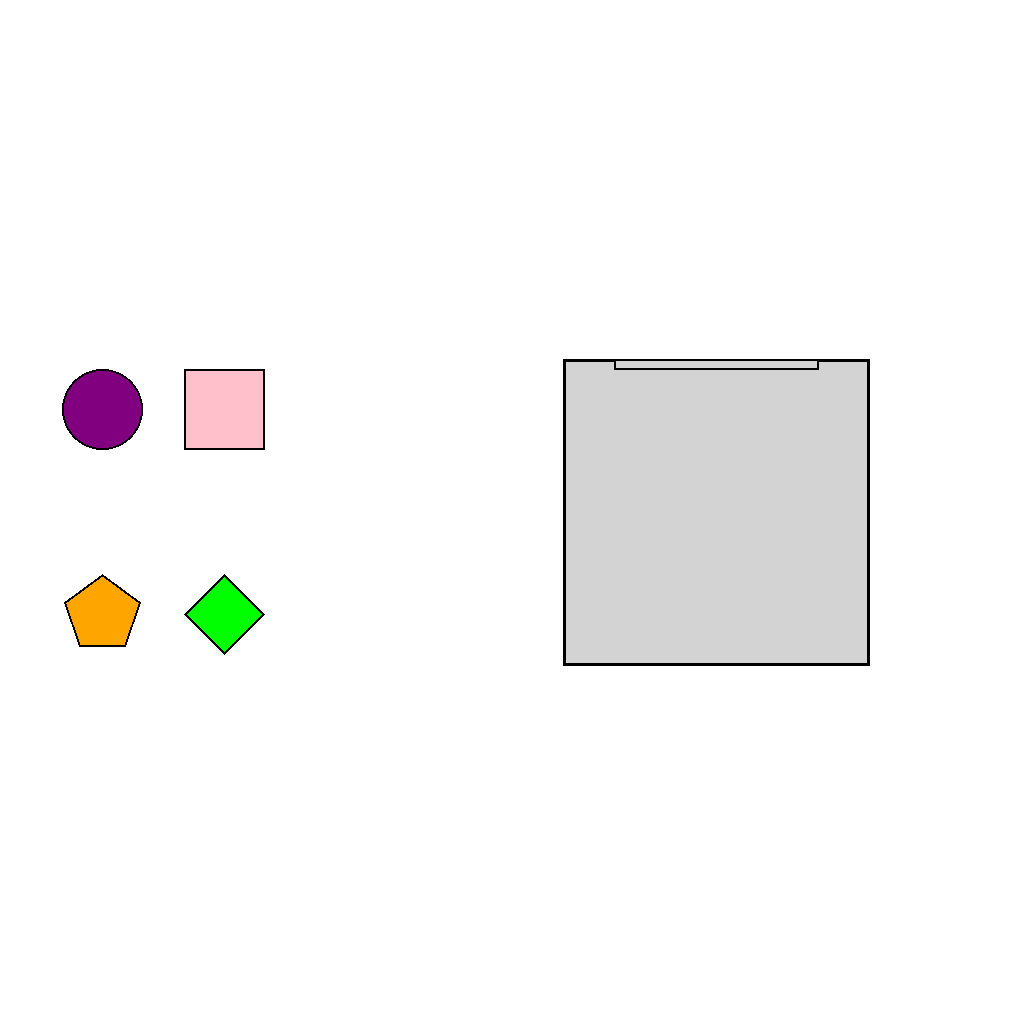
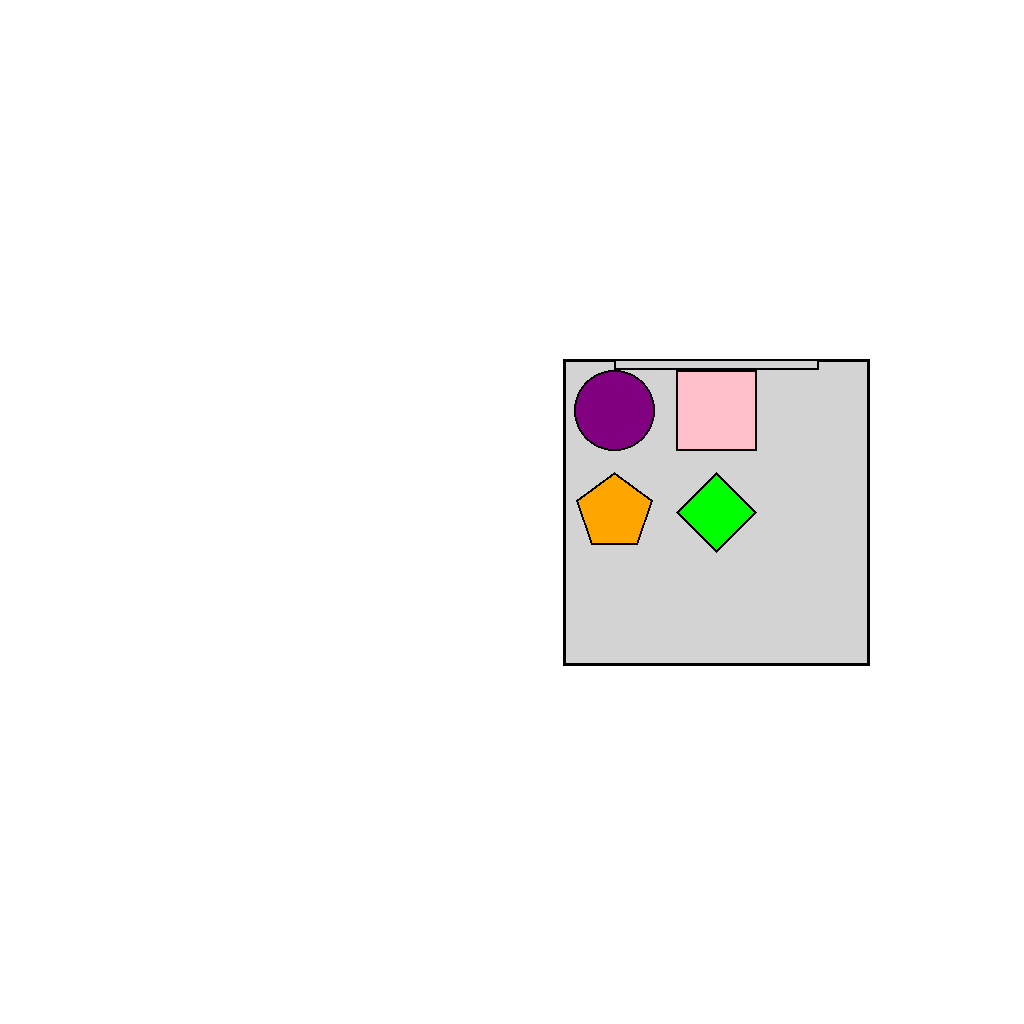
Prompt
The scene shows objects on the left side and a container on the right side. Place the objects into the container one by one in the color order: pink - green - orange - purple. Each object must be placed individually in the exact order specified, and all objects must end up inside the container.
First Frame
Last Frame
Video
multiple_occlusions_horizontal
GitHub
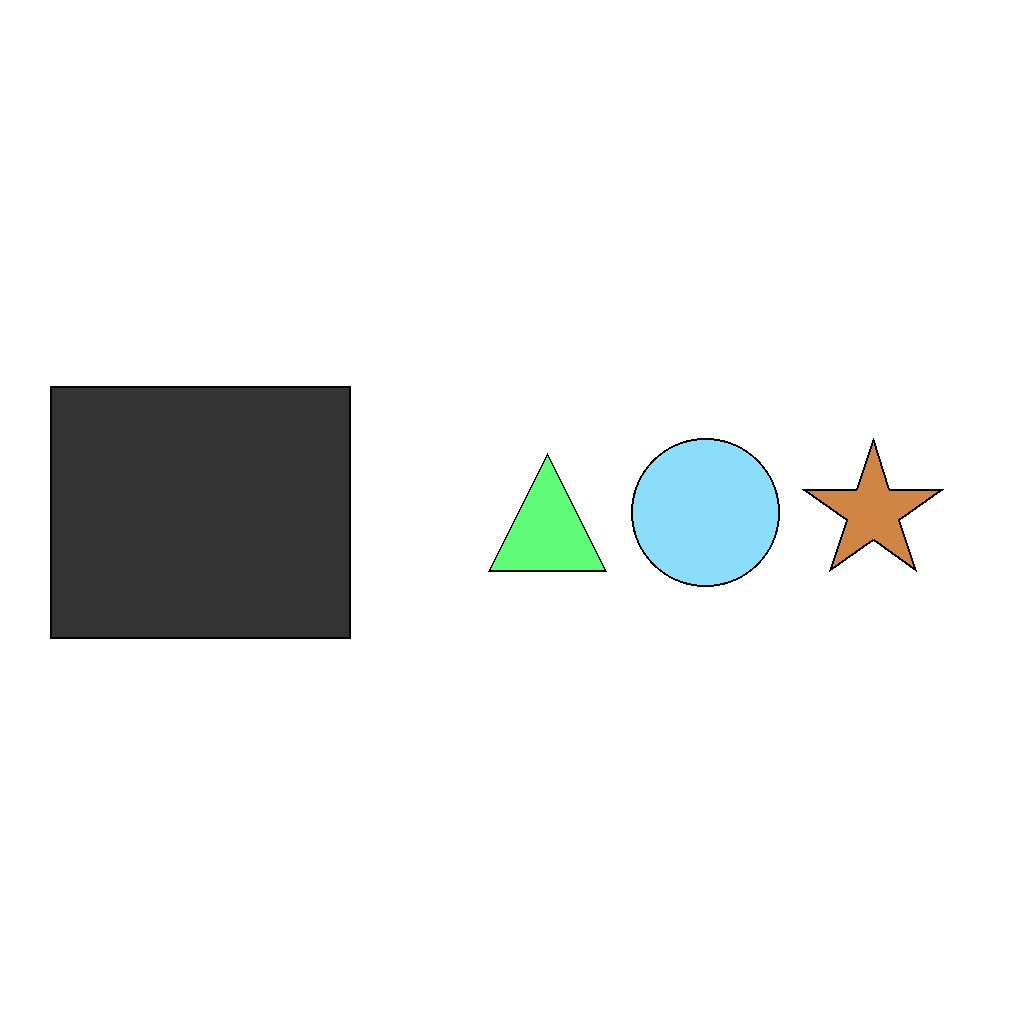
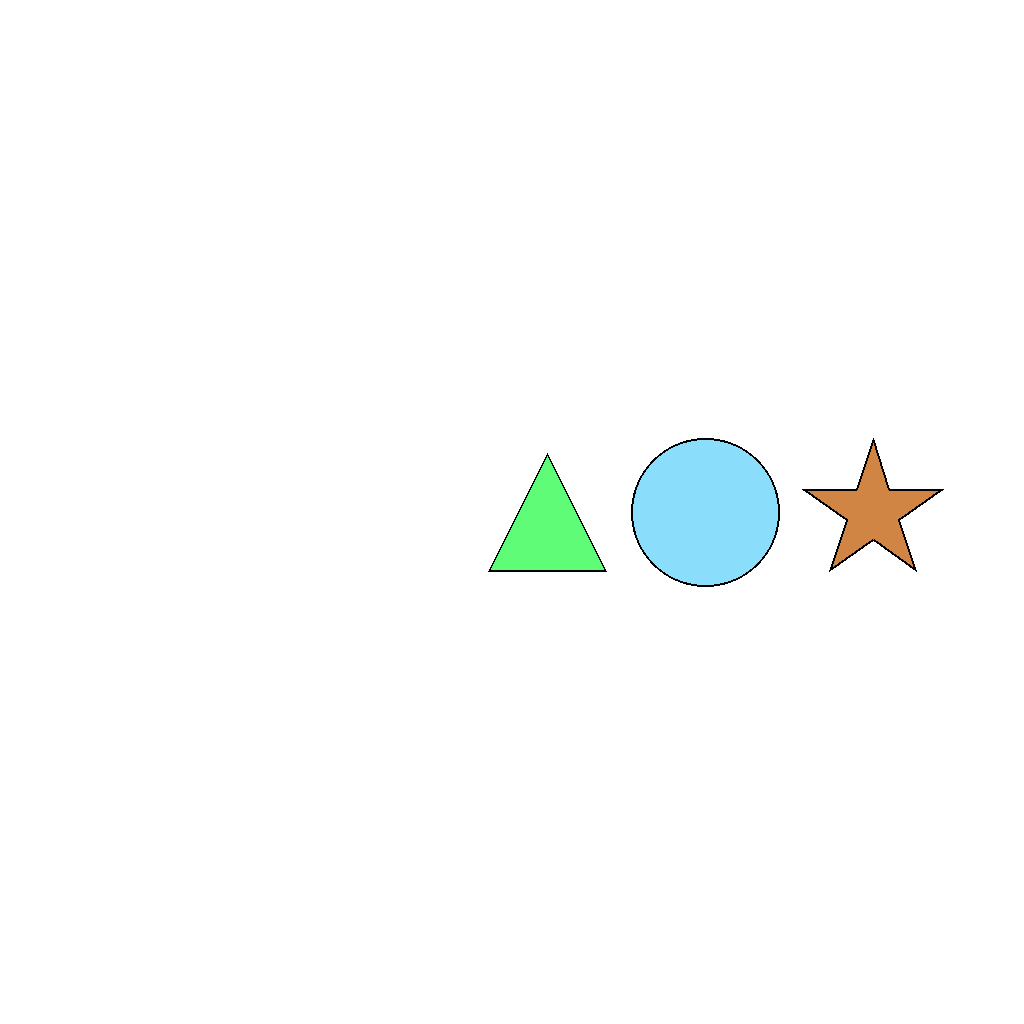
Prompt
The scene shows 3 objects arranged horizontally on the right side of the frame, with a dark rectangular mask initially positioned on the left side. Move the mask horizontally to the right in a continuous motion until it leaves the frame. As it moves, the mask passes in front of the objects, temporarily blocking them from view.
First Frame
Last Frame
Video
combined_objects_spinning
GitHub
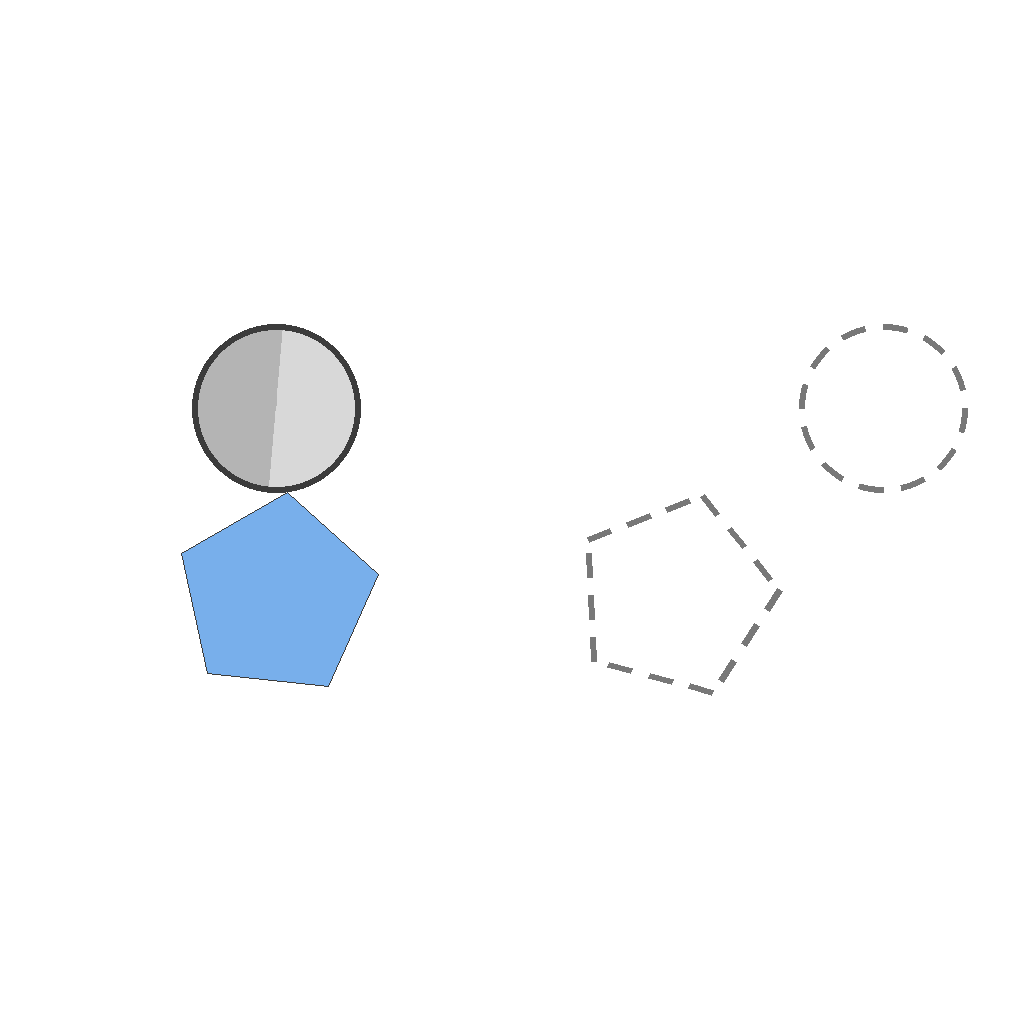
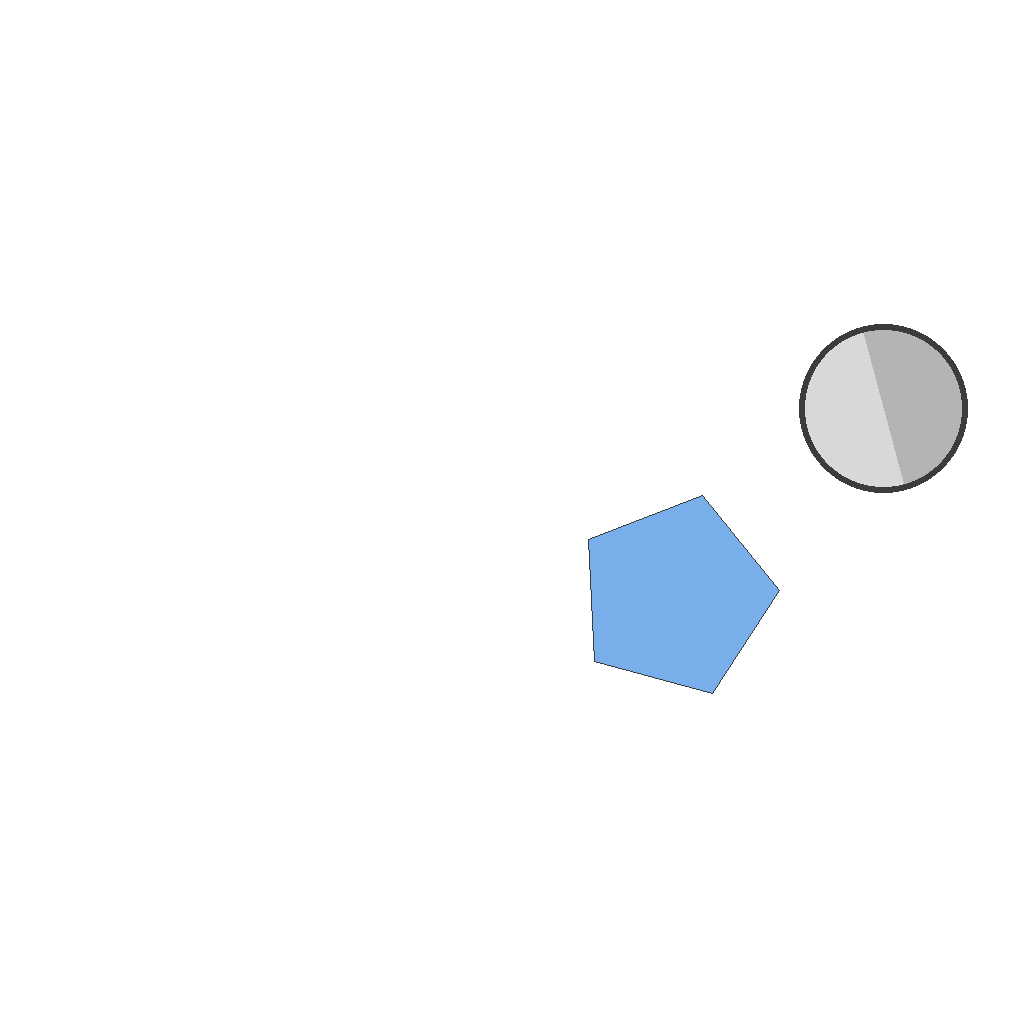
Prompt
The scene shows 2 objects on the left side and dashed target outlines on the right side. The dashed target outlines remain completely stationary. For each object, first rotate it in place to match the orientation of its corresponding dashed target outline, then move it horizontally to the right so that it aligns exactly with and fits within its corresponding dashed target outline.
First Frame
Last Frame
Video
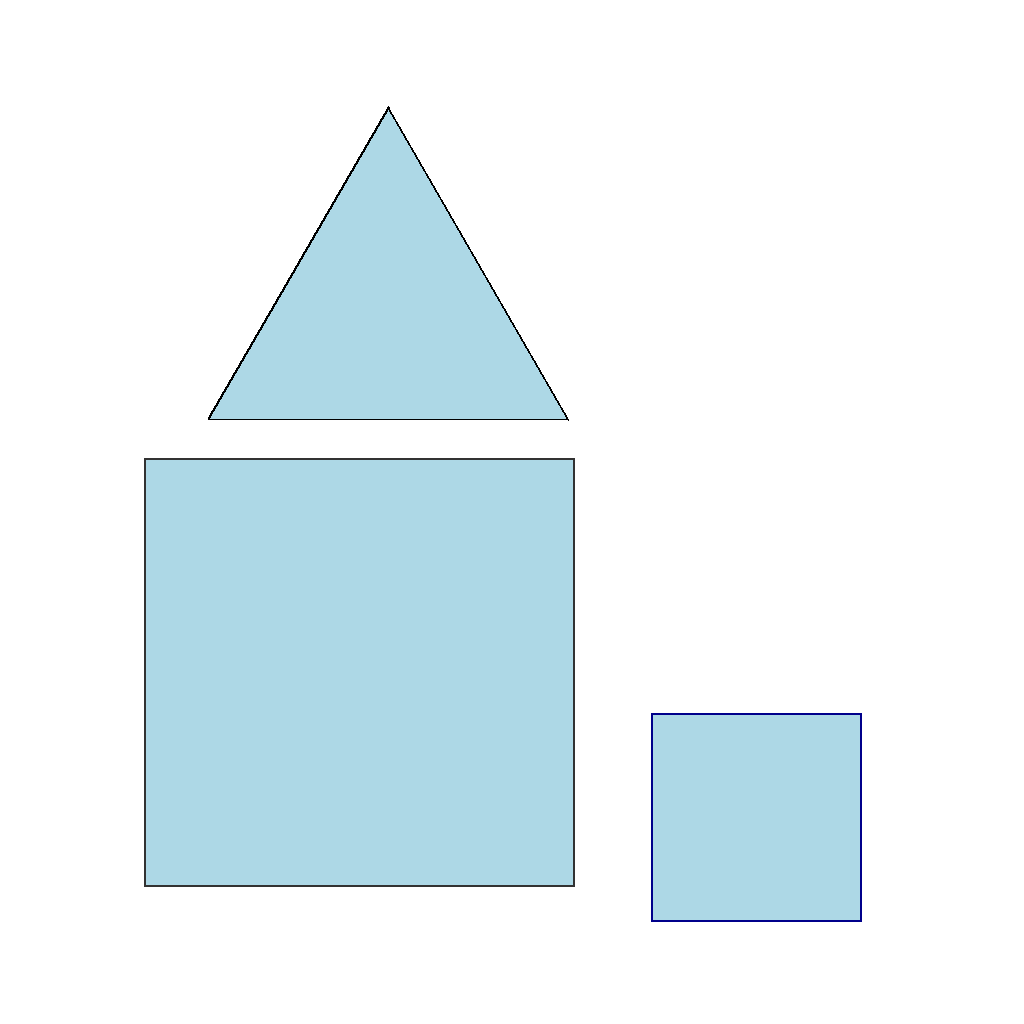
suppress_spurious_edges
GitHub
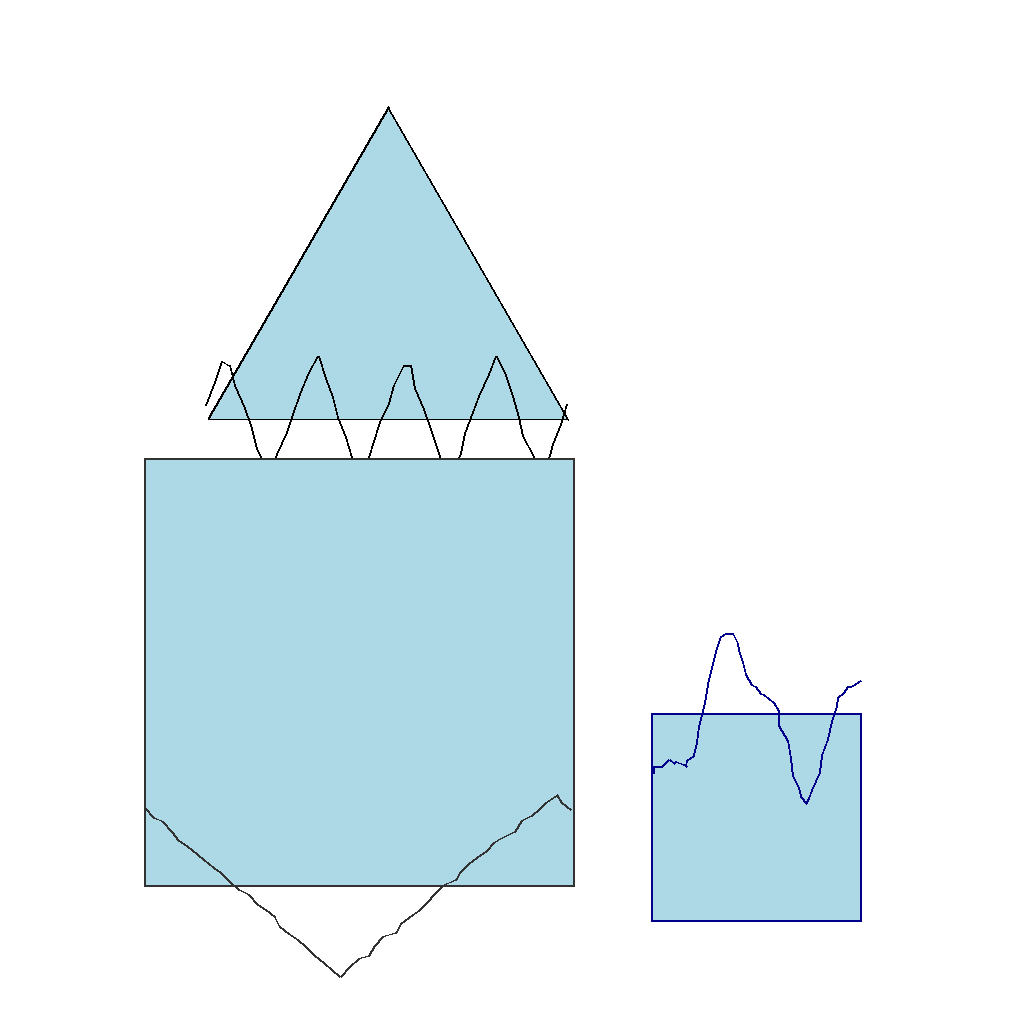
Prompt
The scene shows 3 geometric shapes. One straight edge of each shape has an irregular spurious spline curve drawn on top of it (a wavy or zigzag line that does not match the straight edge). First identify the spurious spline curve(s), then smoothly fade out the spline curve(s) while keeping the original straight edge(s) unchanged. Keep the shapes fixed and do not add any new lines. Show the complete removal process step by step.
First Frame
Last Frame
Video
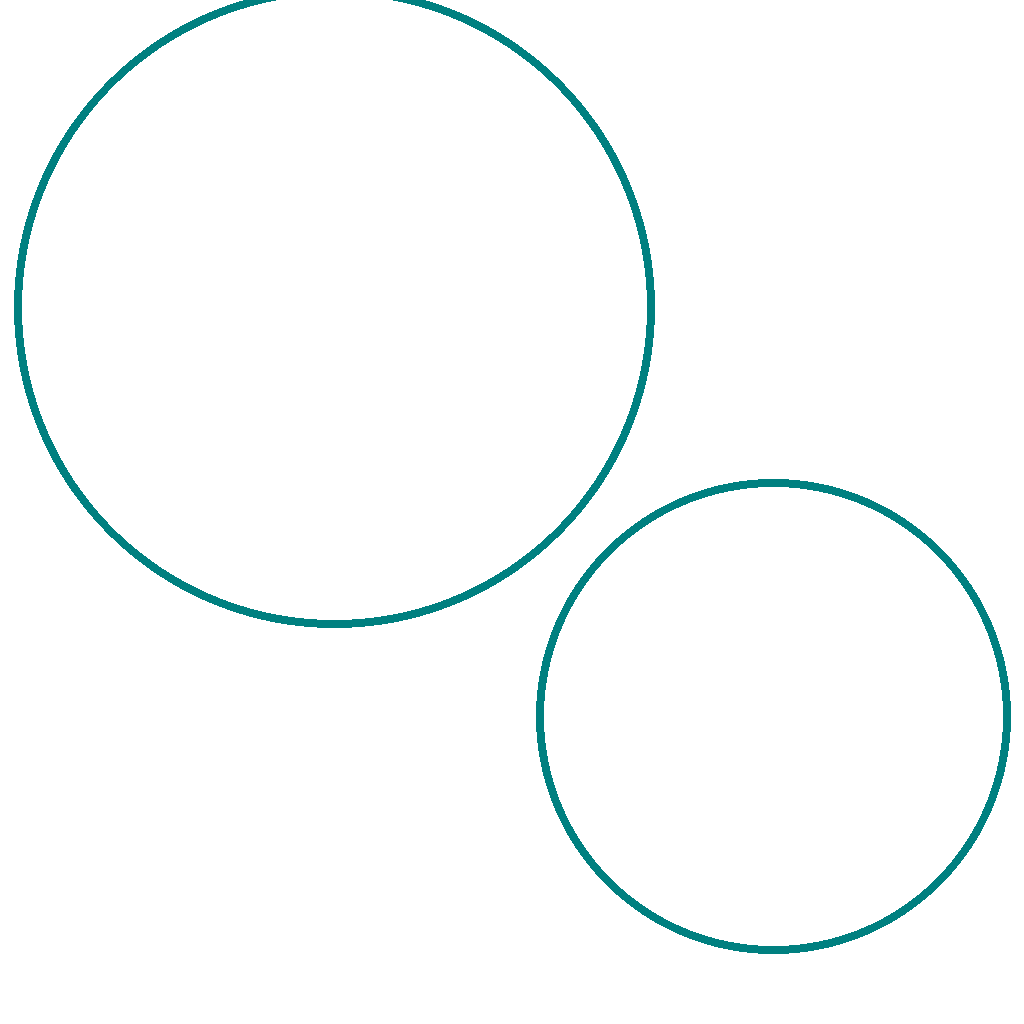
construct_concentric_ring
GitHub
Prompt
The scene shows two circles of the same color but different sizes at different positions.
Keep both circles unchanged in size and color. Only move their positions.
Move both circles until they share the same center point (concentric circles) exactly at the center of the image.
First Frame
Last Frame

Video
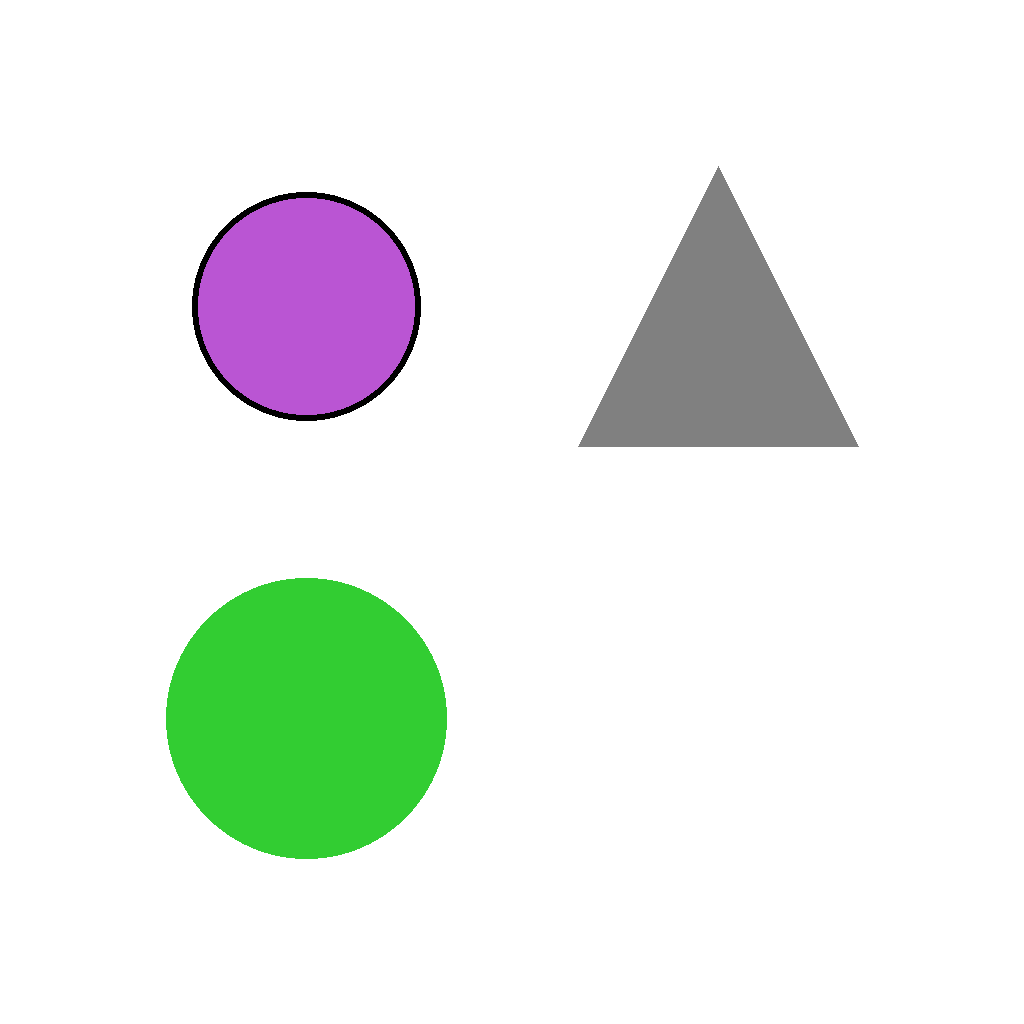
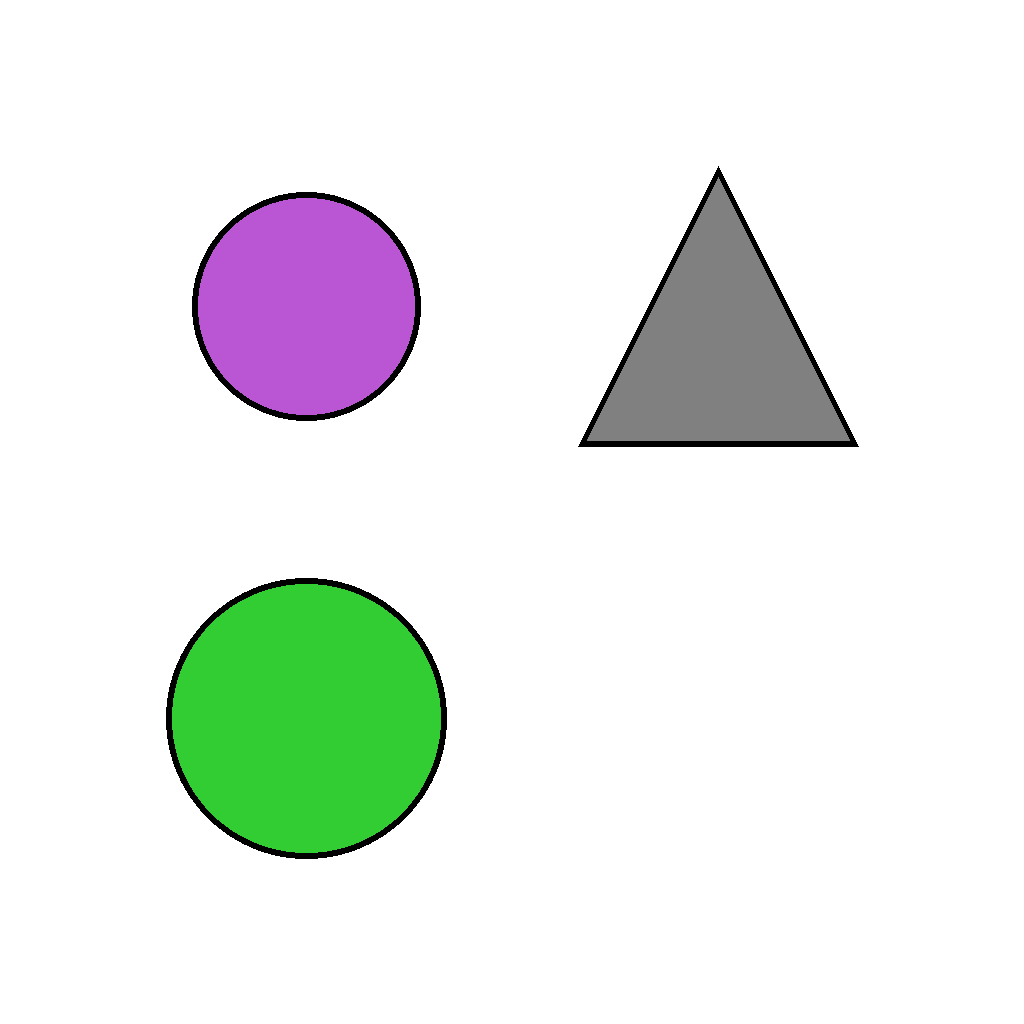
add_borders_to_unbordered_shapes
GitHub
Prompt
Several shapes are shown; some have black borders and some do not. Add a thin black border to every shape that does not already have one. Do not change anything else.
First Frame
Last Frame
Video
color_mixing
GitHub
Prompt
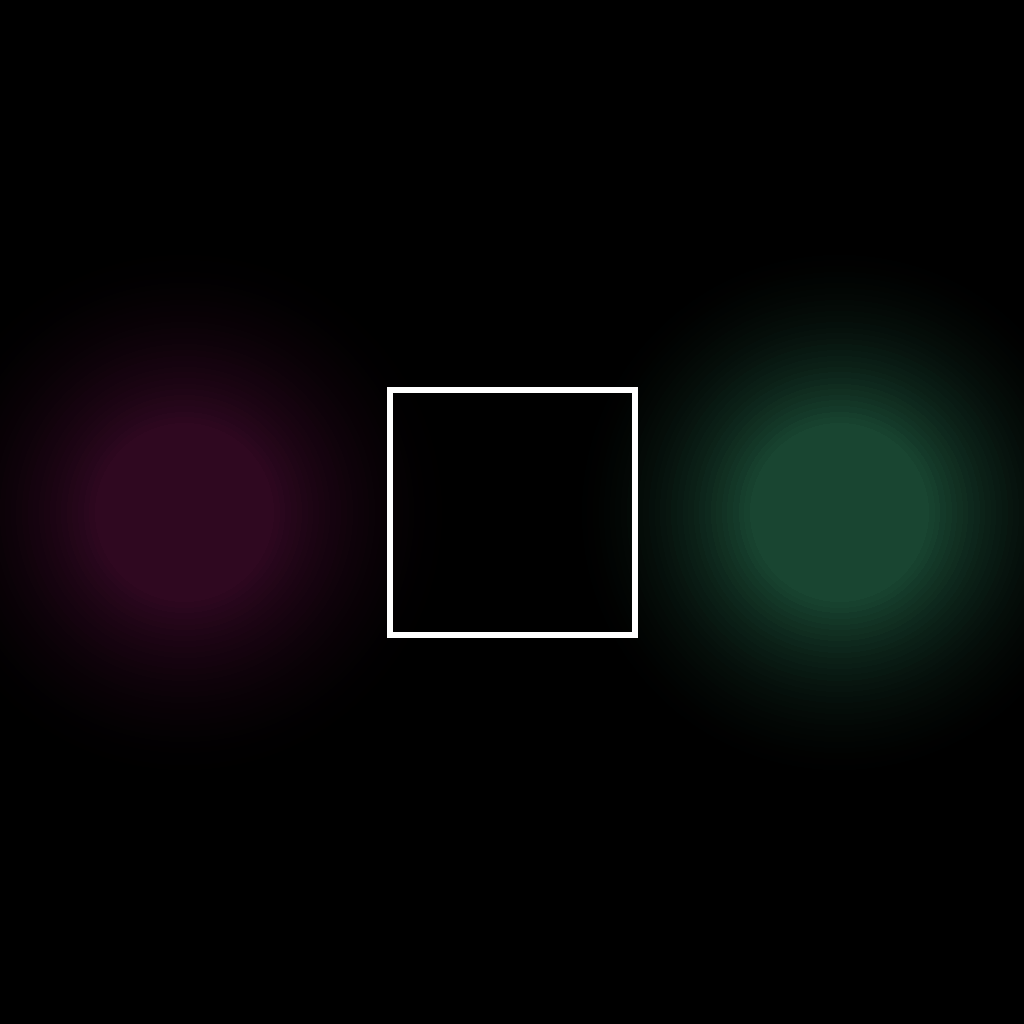
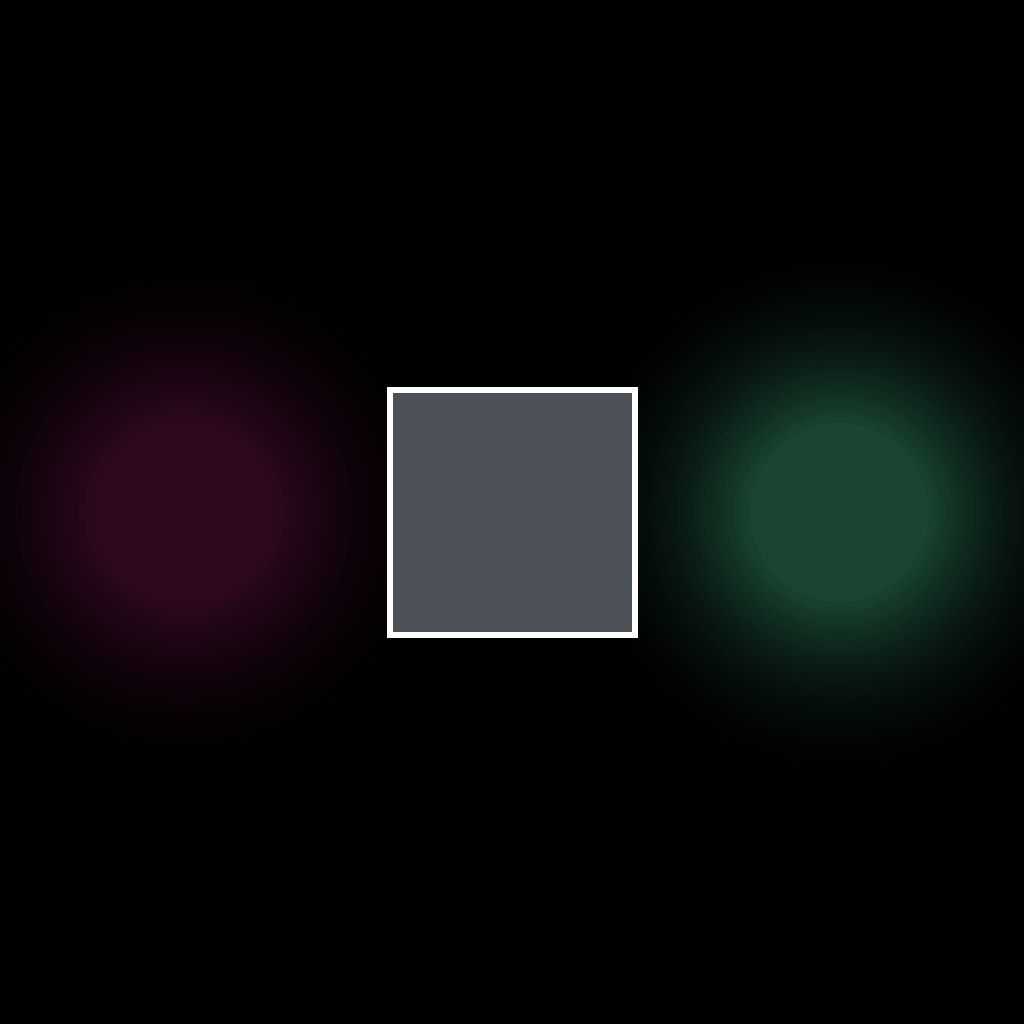
The scene has two colored light sources positioned on the left and right sides, and a mixing zone marked by a white rectangular border in the center. In additive color mixing (light mixing), when two lights overlap, their RGB components add together: result_R = min(color1_R + color2_R, 255), same for G and B, with each channel clamped to 255 maximum. First identify the RGB values of the left light (a black/dark light) and the right light (an RGB(26, 73, 52) colored light), then calculate the mixed color by adding their RGB components channel by channel. Fill the white-bordered mixing zone in the center with the resulting mixed color and show the full calculation process step by step.
First Frame
Last Frame
Video
pigment_color_mixing_subtractive
GitHub
Prompt
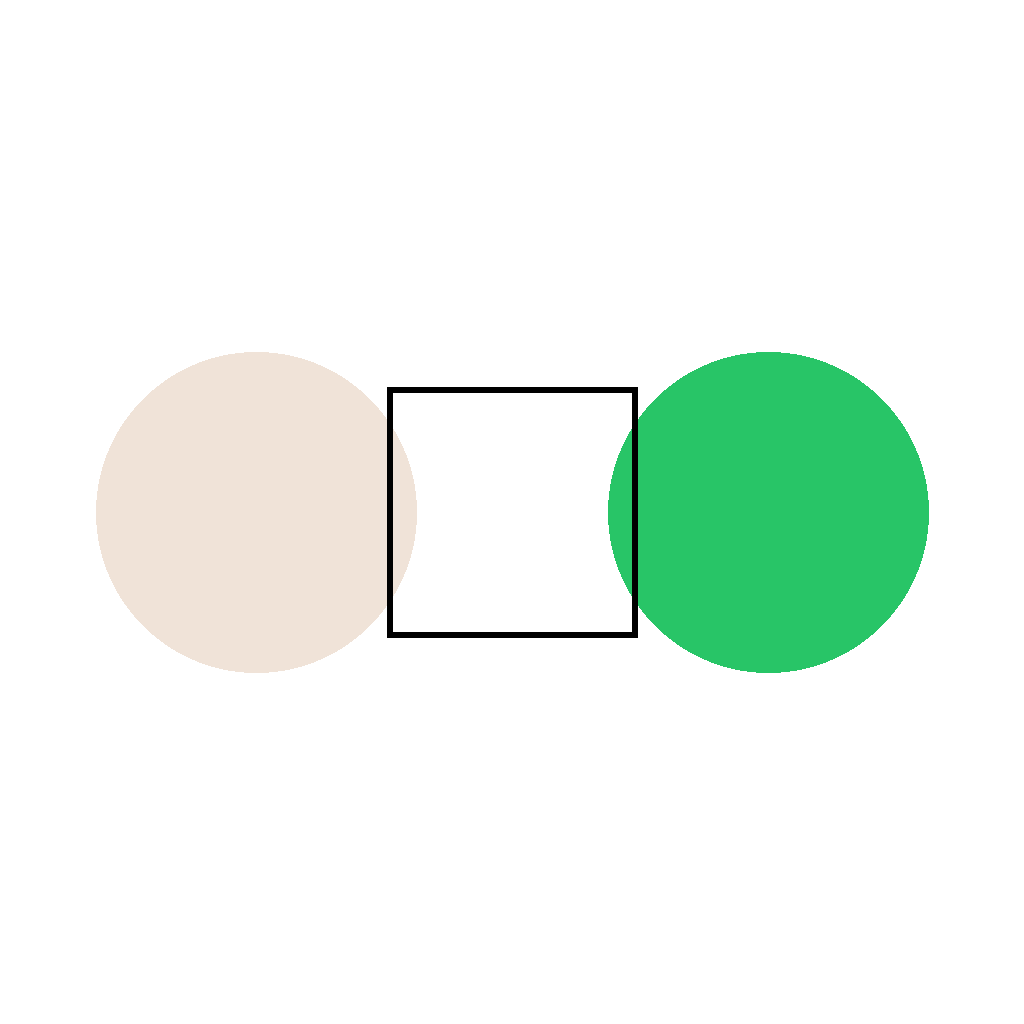
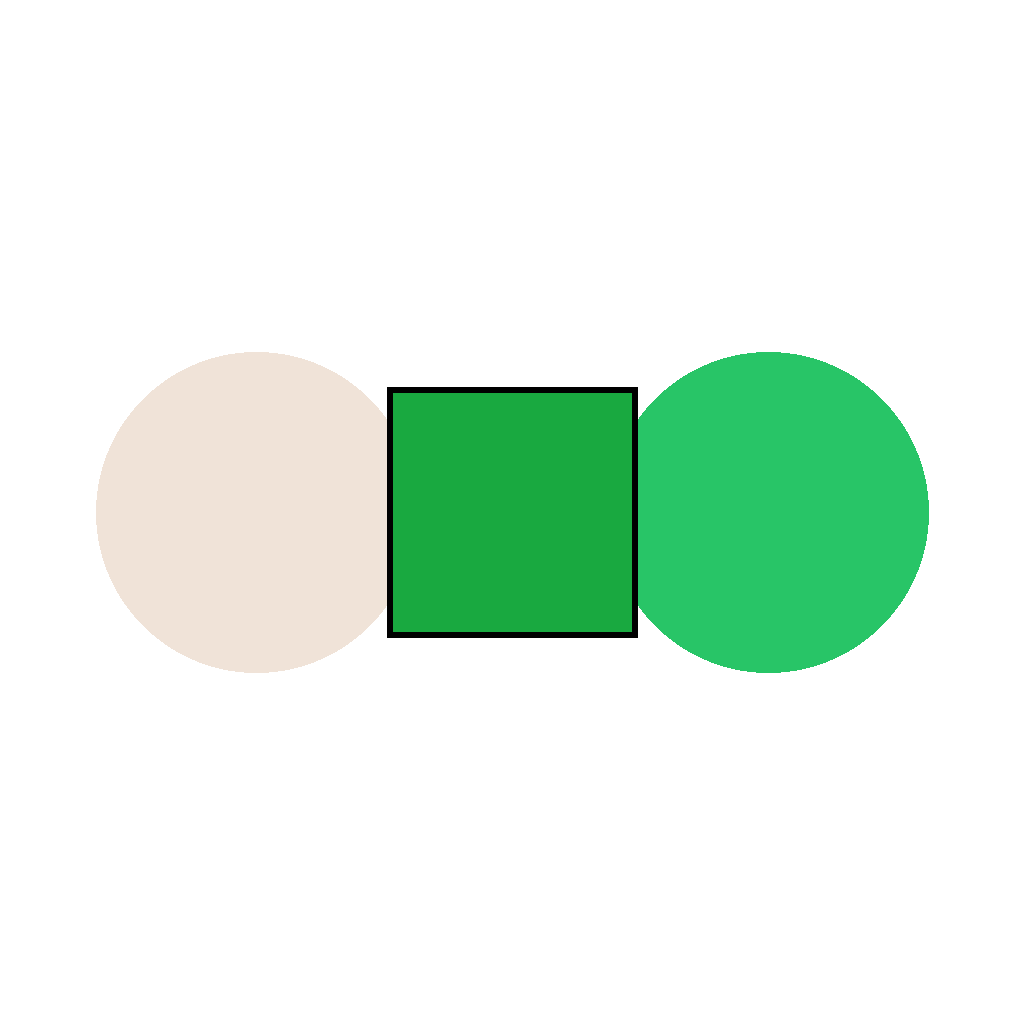
The scene has two pigment colors positioned on the left and right sides, and a mixing zone marked by a black rectangular border in the center. In subtractive color mixing (pigment/paint mixing), when two pigments combine, convert RGB to CMY, add CMY components, then convert back: convert RGB to CMY (CMY = 255 - RGB), mix in CMY space (result_CMY = min(CMY1 + CMY2, 255)), convert back to RGB (RGB = 255 - CMY_result). First identify the RGB values of the left pigment (a white/light pigment) and the right pigment (an RGB(40, 197, 103) colored pigment), then calculate the mixed color using the CMY conversion process. Fill the black-bordered mixing zone in the center with the resulting mixed color and show the full calculation process step by step.
First Frame
Last Frame
Video
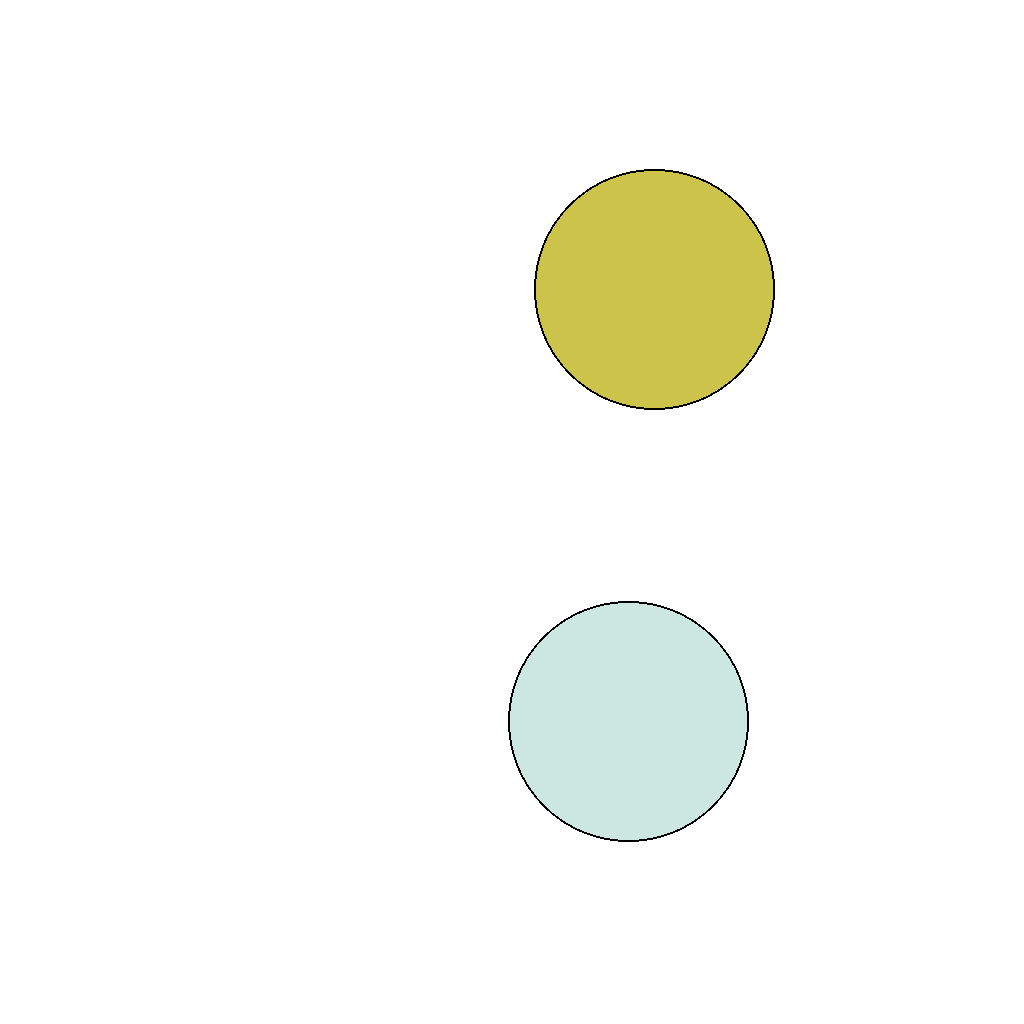
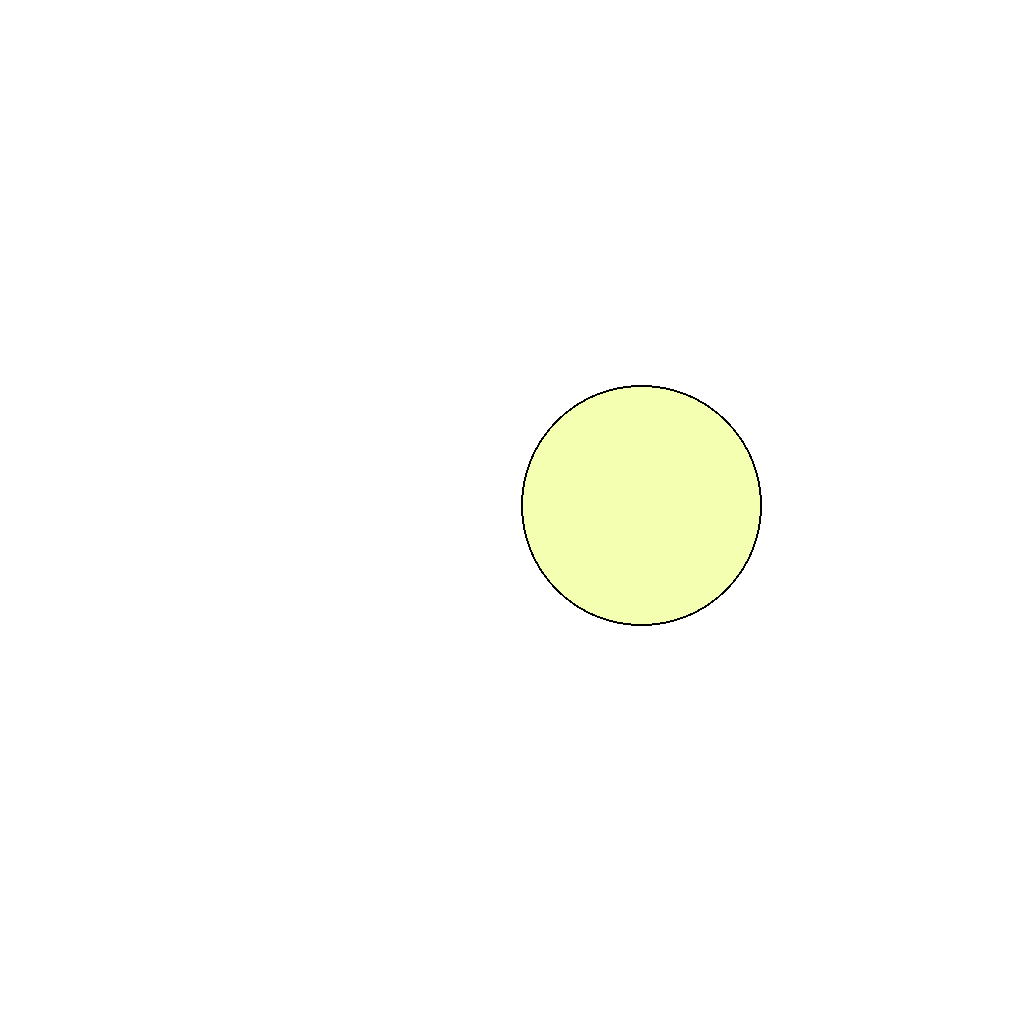
color_addition
GitHub
Prompt
Animate two circular balls with distinct colors moving toward each other at the same velocity until they completely merge. During overlap and in the final merged state, use additive color mixing to combine the original colors.
First Frame
Last Frame
Video
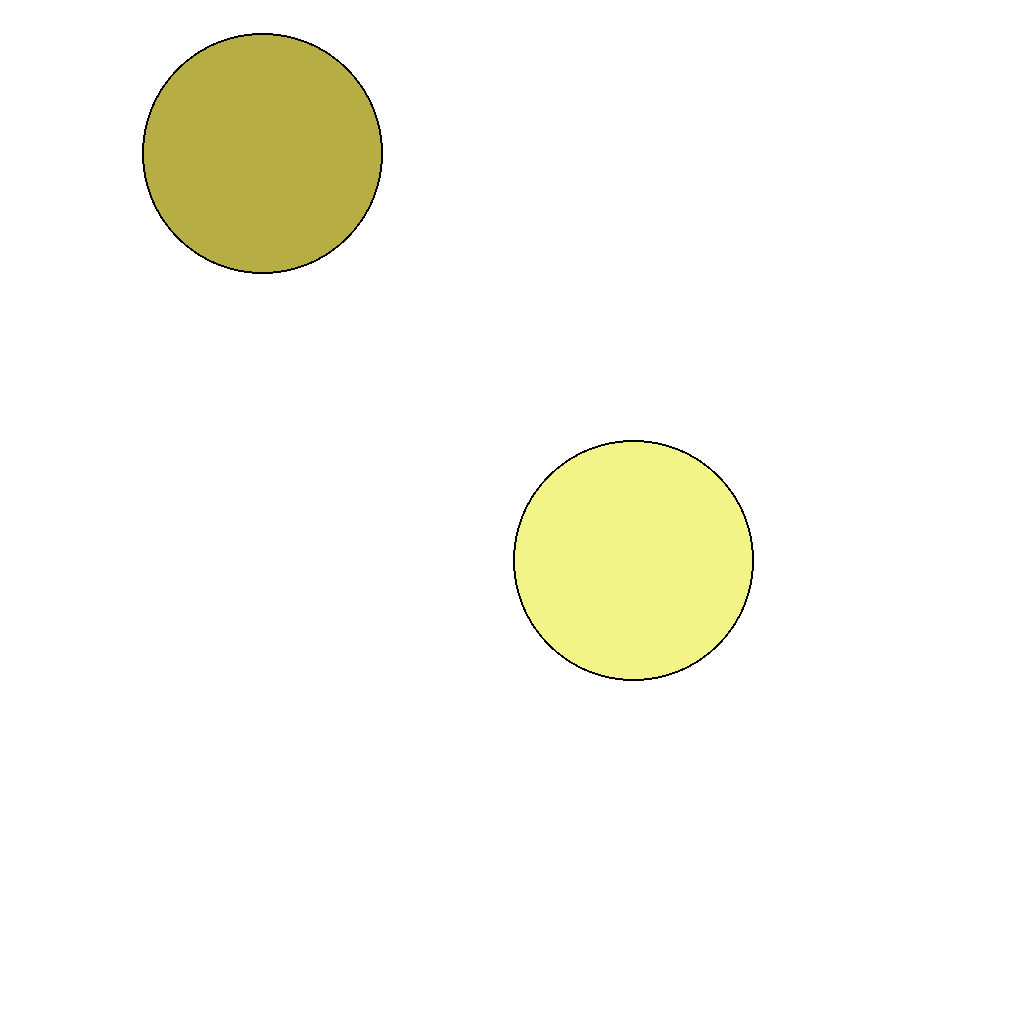
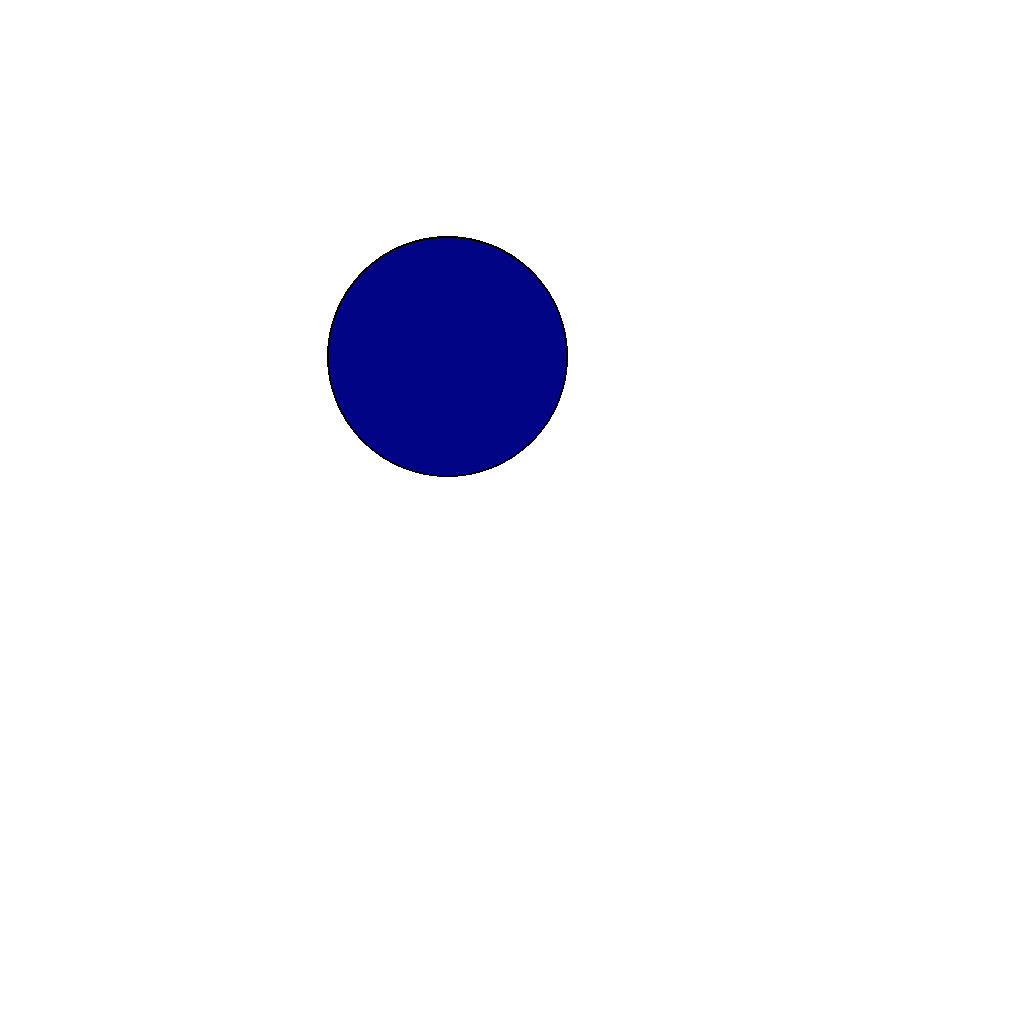
color_subtraction
GitHub
Prompt
Two colored balls start at different positions. Animate them moving toward each other at equal speeds until they merge. When overlapping, show subtractive color mixing in the overlap region. Stop when fully merged at the midpoint.
First Frame
Last Frame
Video
ball_eating
GitHub
Prompt
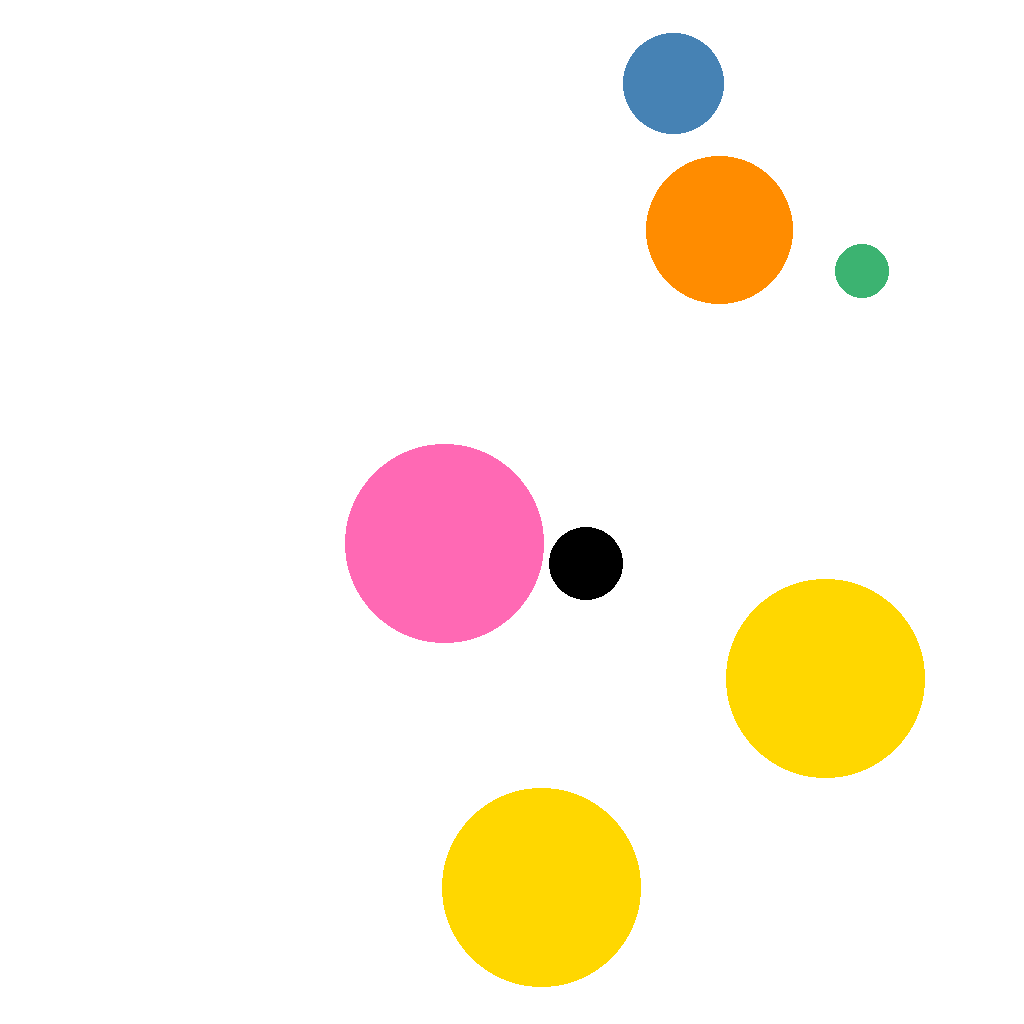
In the scene, there is a black ball and several colored balls of different sizes. The black ball can eat balls that are smaller than itself. After eating a ball, the black ball grows larger. Find the correct sequence to eat all colored balls step by step.
First Frame
Last Frame
Video
counting_object
GitHub
Prompt
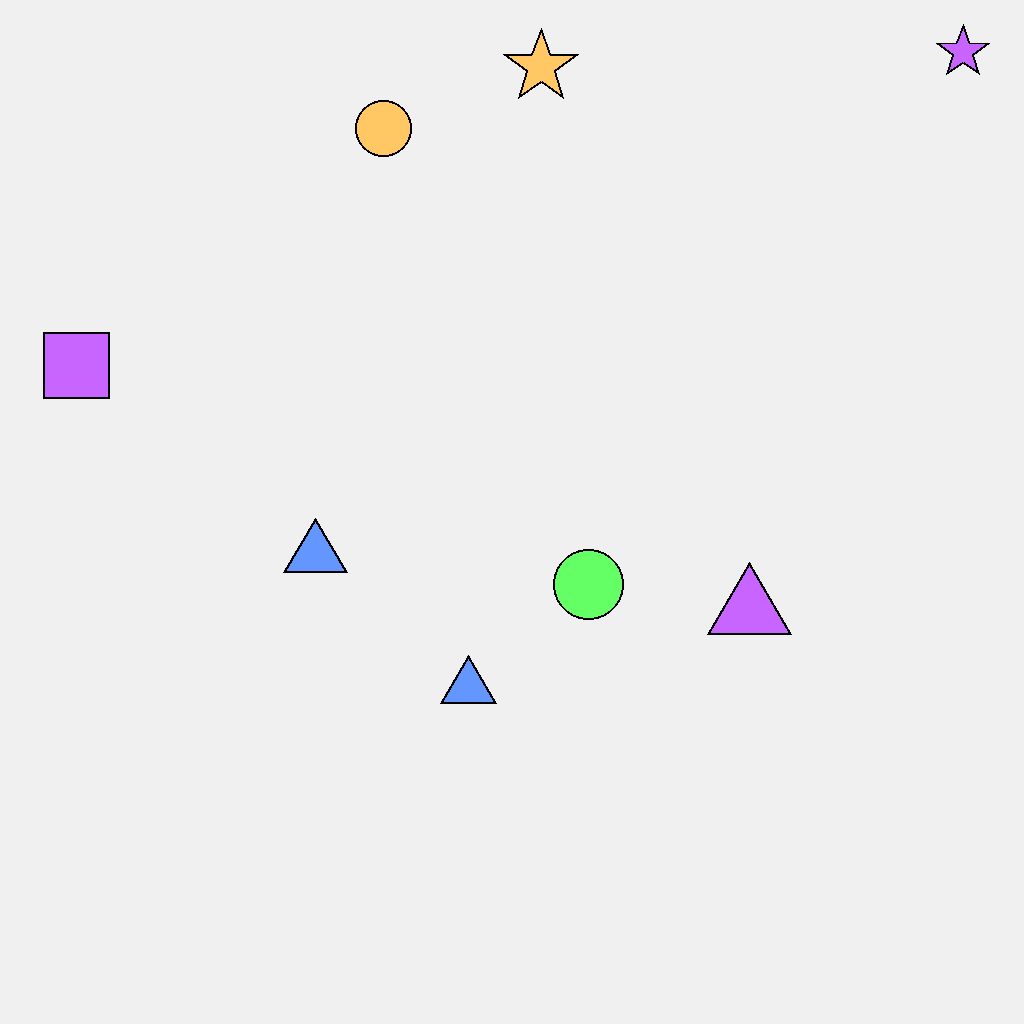
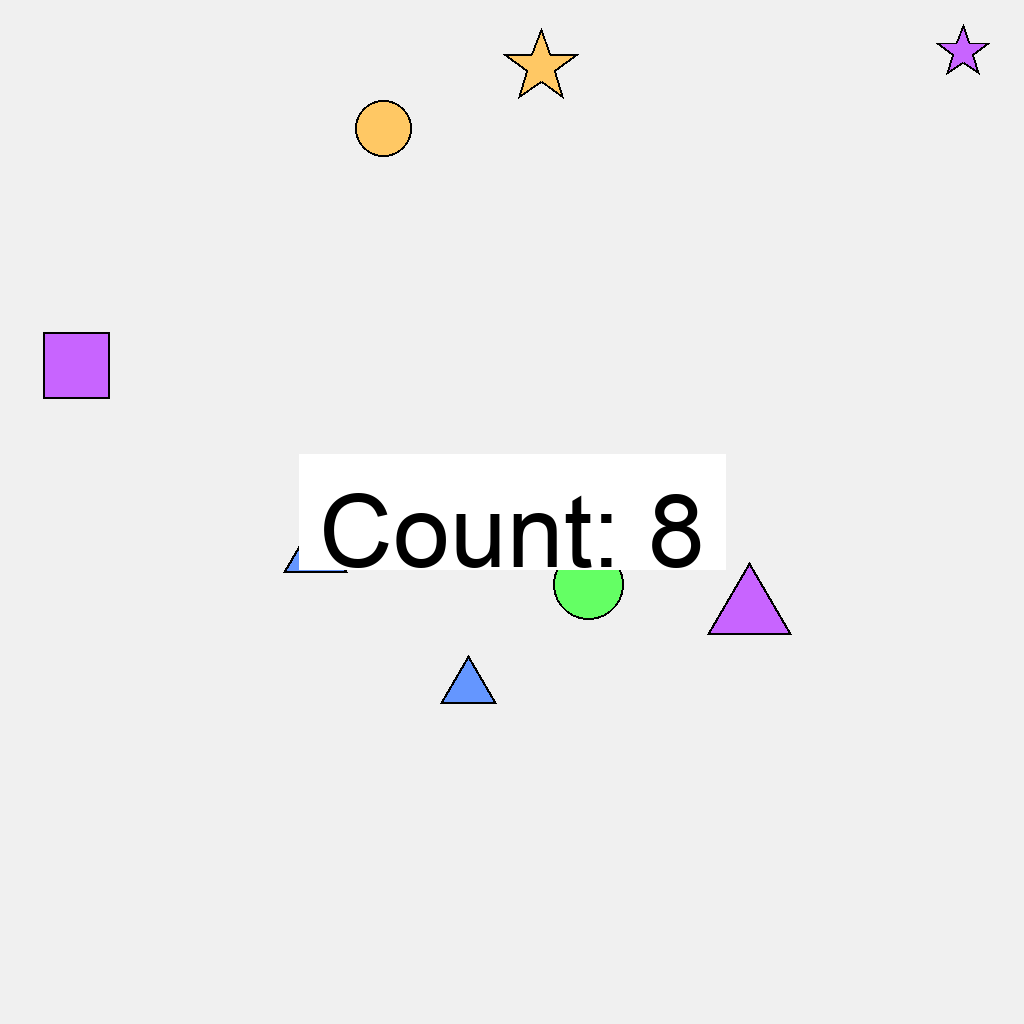
The scene displays various geometric objects scattered across the image. Each object is a filled shape with a black outline. Starting from any position in the image, systematically count all visible objects in the scene, regardless of their shape or color. Count each object exactly once, highlighting its border when counting that object, ensuring no object is missed or counted multiple times. After completing the count, display 'Count: N' in the center of the image, where N is the total number of objects found in the scene.
First Frame
Last Frame
Video
majority_color
GitHub
Prompt
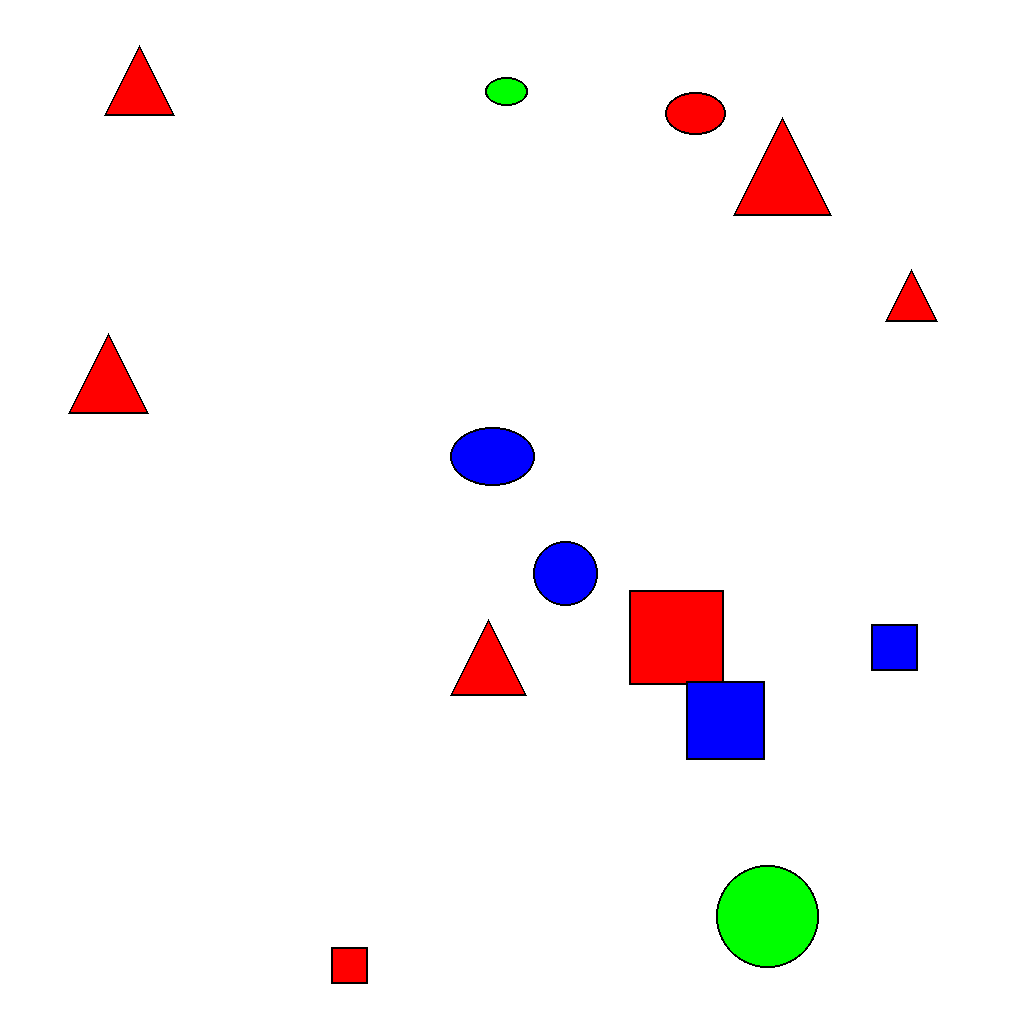
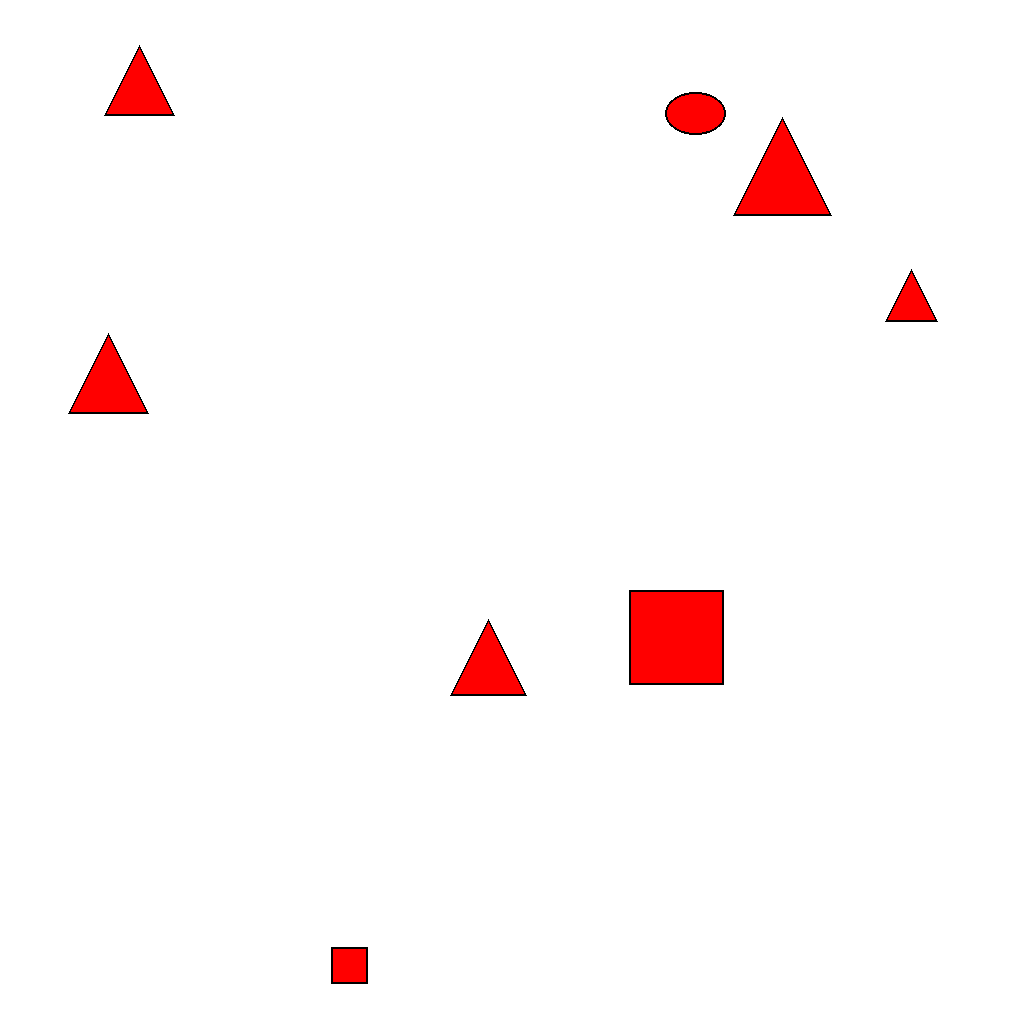
The image shows multiple colored objects. Count how many objects are of each color. Identify the majority color (the color with the most objects). Then make all objects of other colors vanish, while the majority color objects remain stationary.
First Frame
Last Frame
Video
animal_size_sorting
GitHub
Prompt
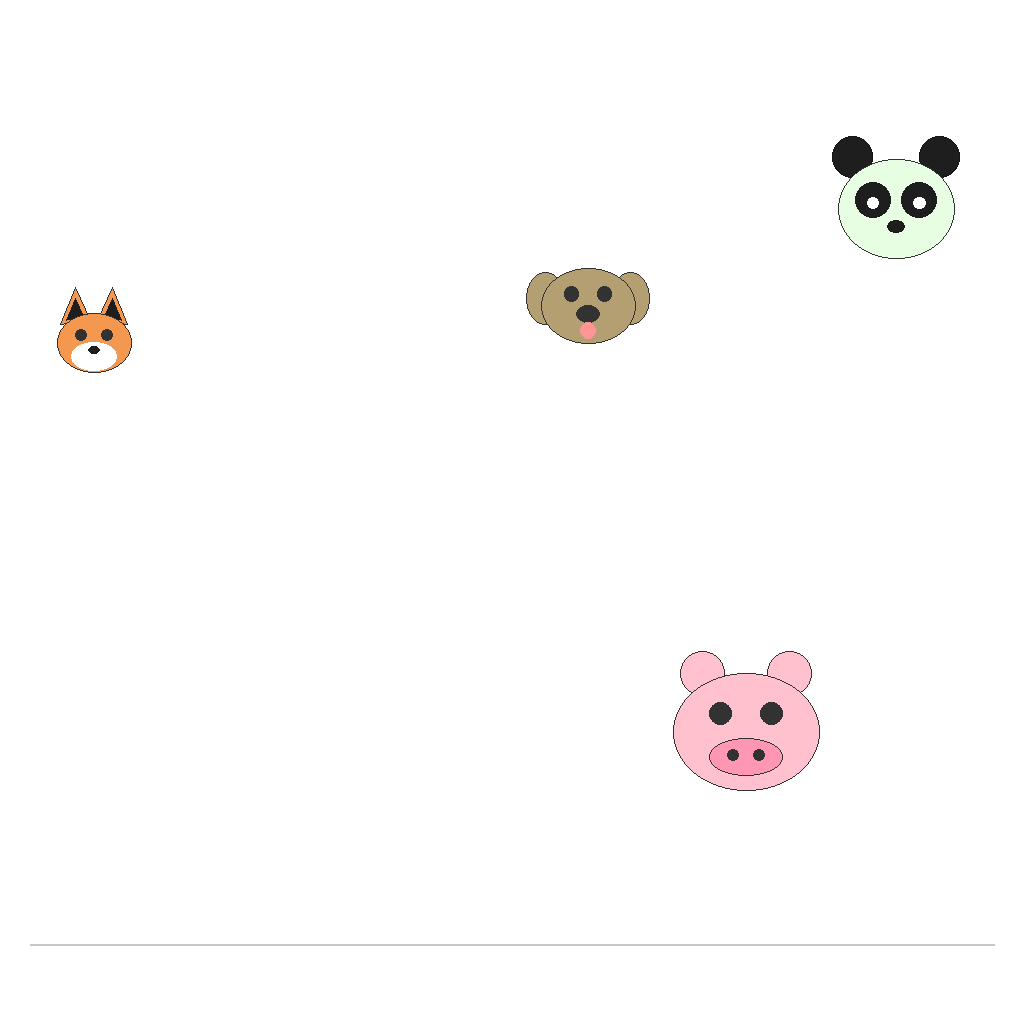
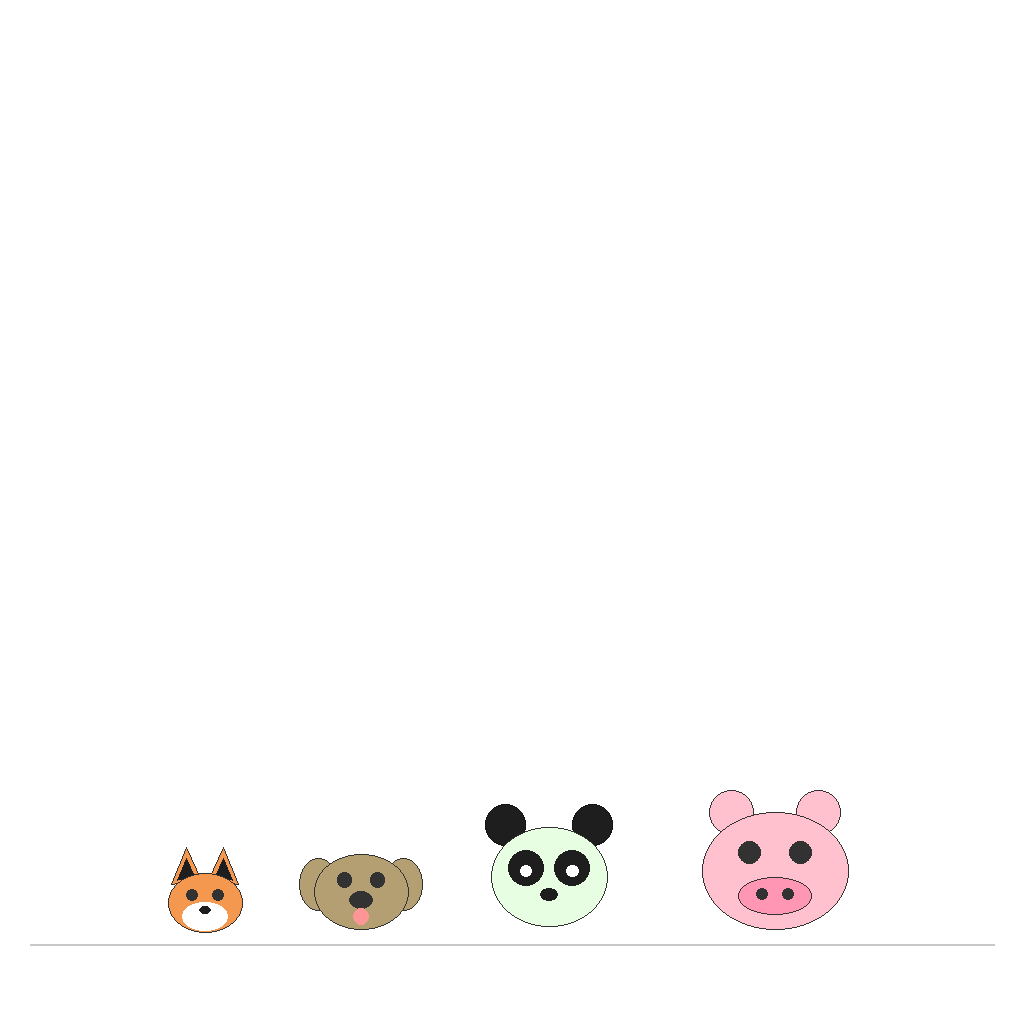
Animal faces of different sizes are scattered randomly on the canvas. Sort them by size from smallest to largest and align them horizontally at the bottom baseline.
First Frame
Last Frame
Video
stable_sort
GitHub
Prompt
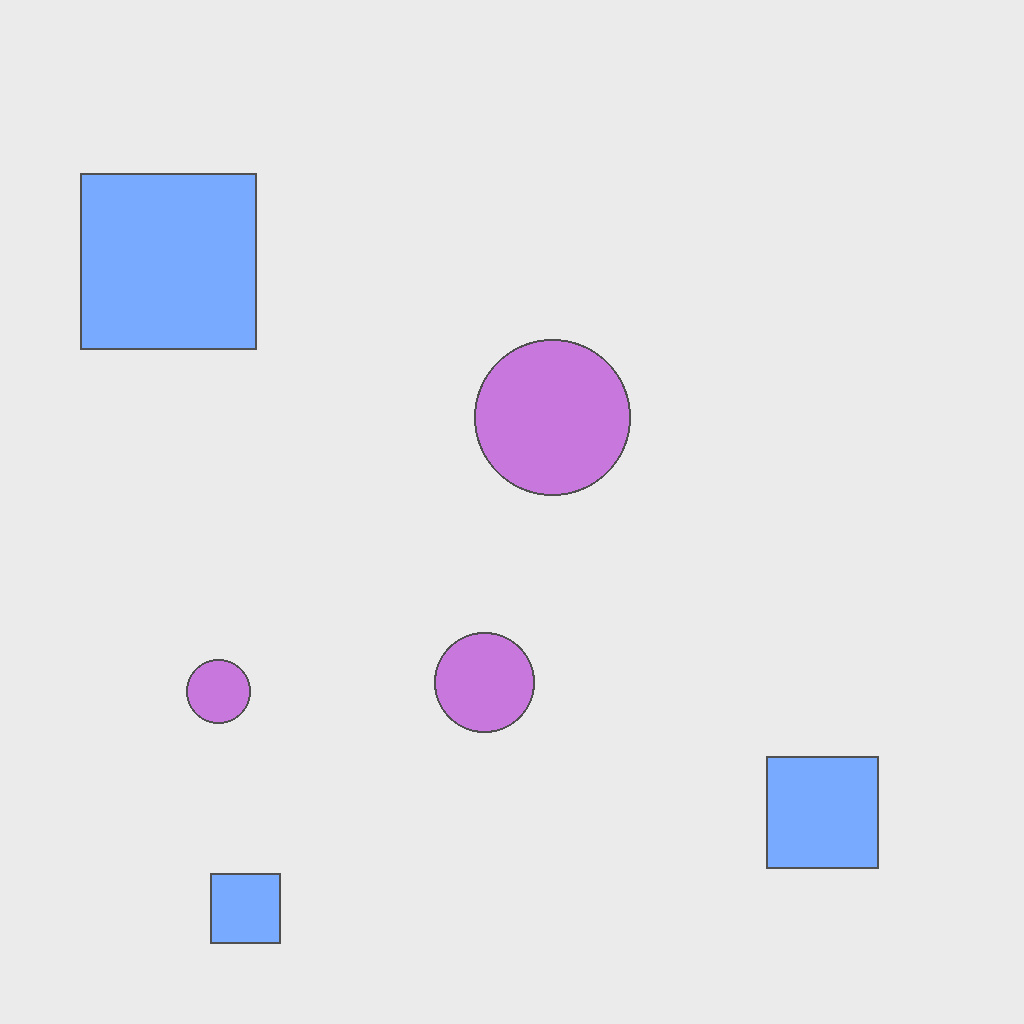
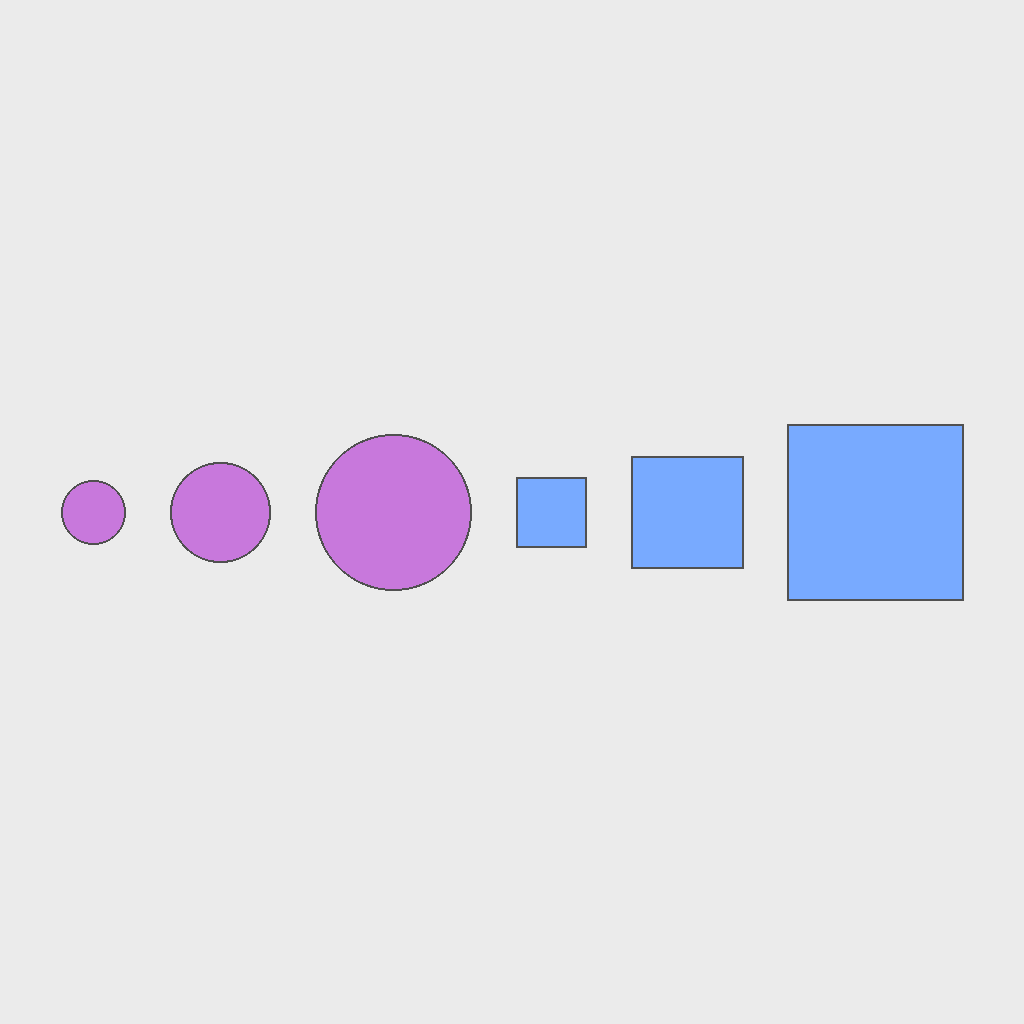
The scene contains two types of shapes, each type has three shapes of different sizes arranged randomly. Keep all shapes unchanged in appearance (type, size, and color). Only rearrange their positions: first group the shapes by type, then within each group, sort the shapes from smallest to largest (left to right), and arrange all shapes in a single horizontal line from left to right.
First Frame
Last Frame
Video
identify_objects
GitHub
Prompt
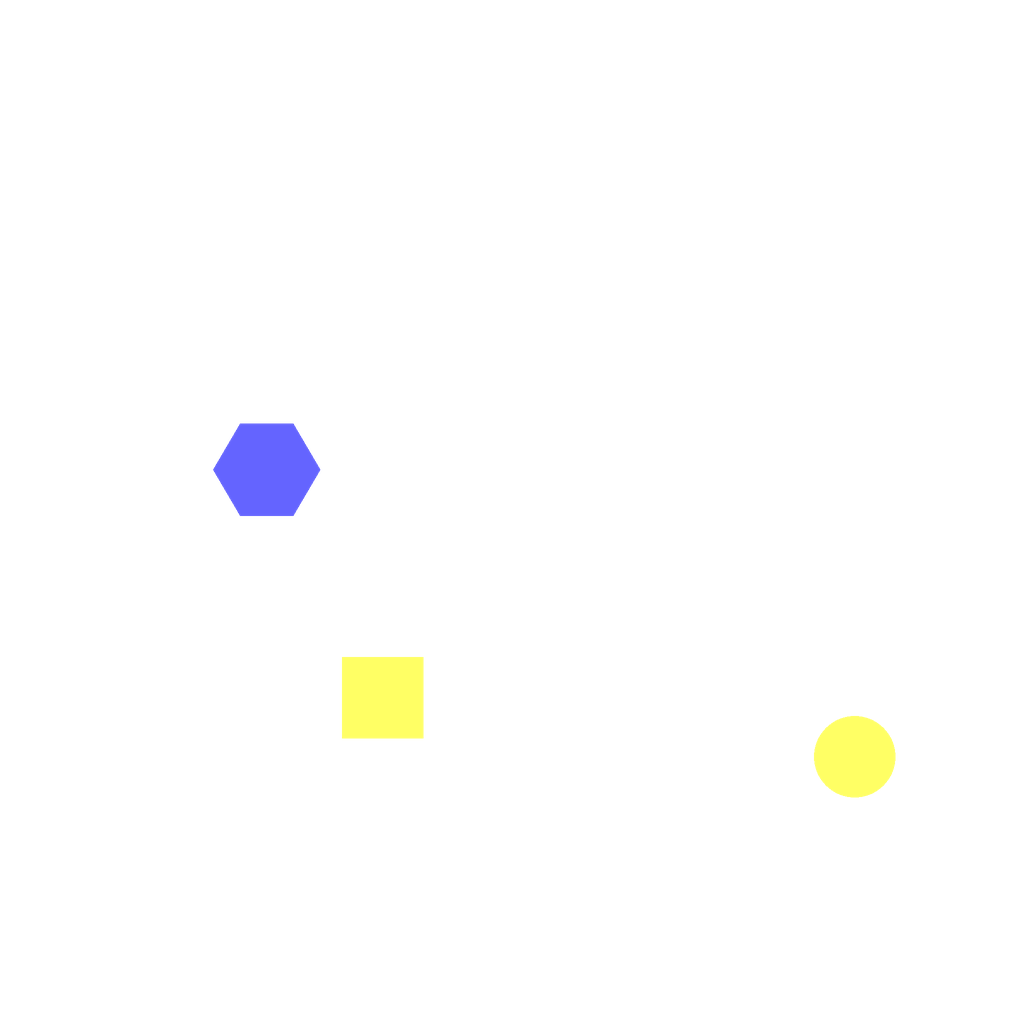
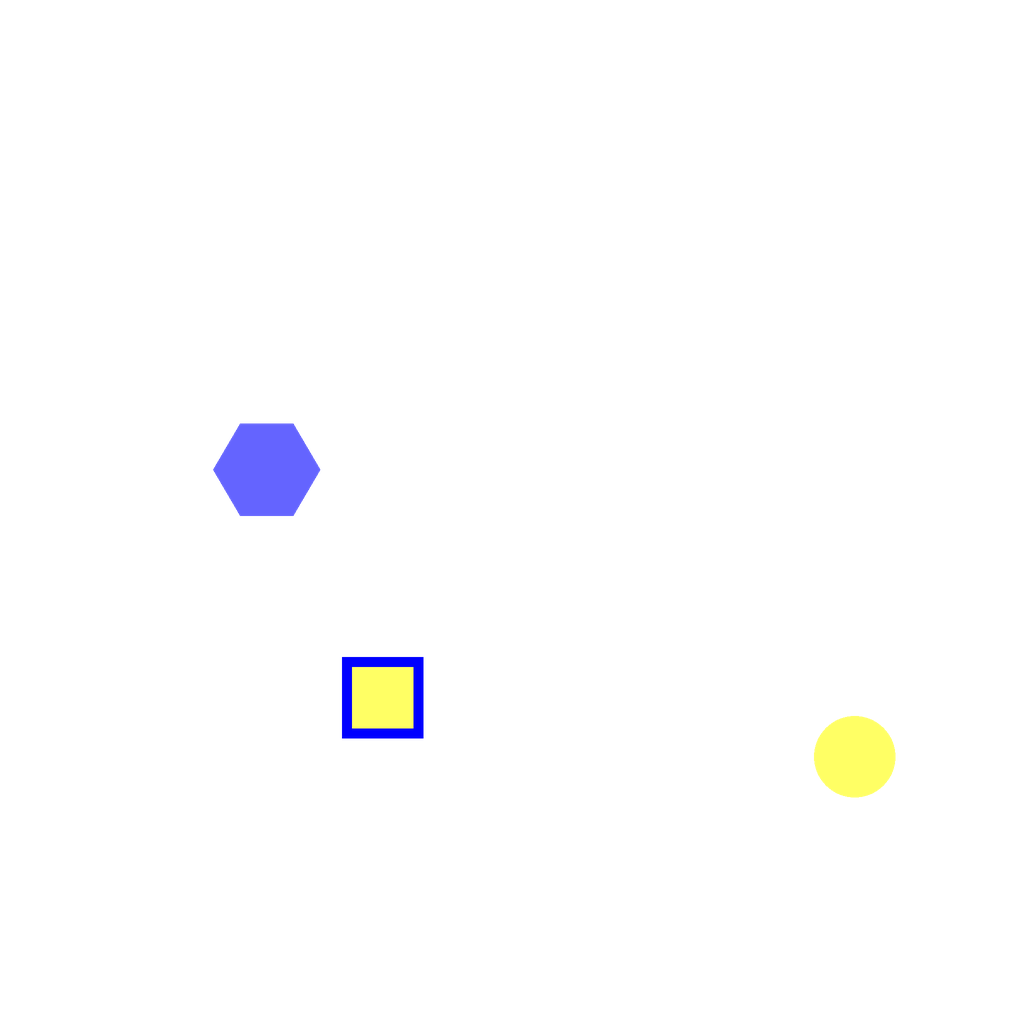
The scene contains multiple objects of different shapes and colors arranged randomly. Keep all objects unchanged in their shape, color, size, and position. Identify all yellow squares and mark them by adding a thick blue outline around each one.
First Frame
Last Frame
Video
multi_object_placement
GitHub
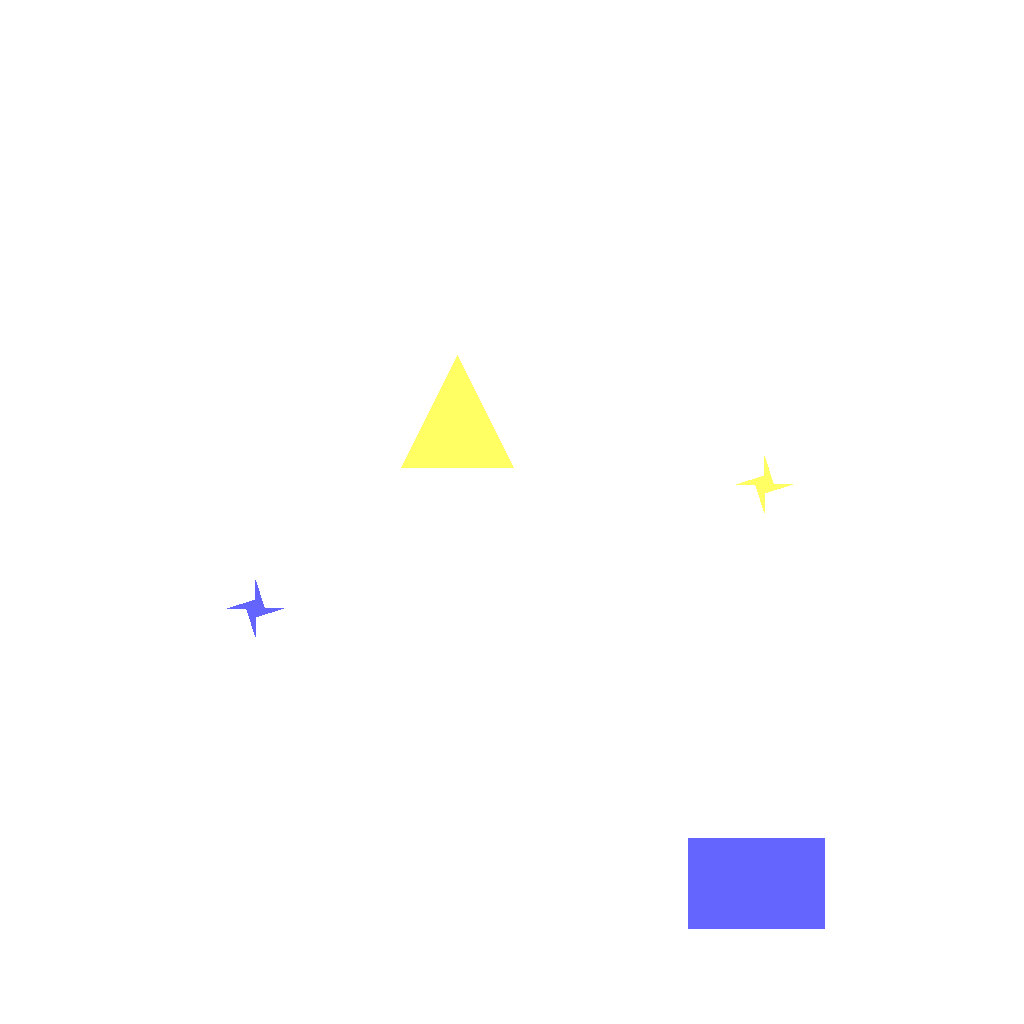
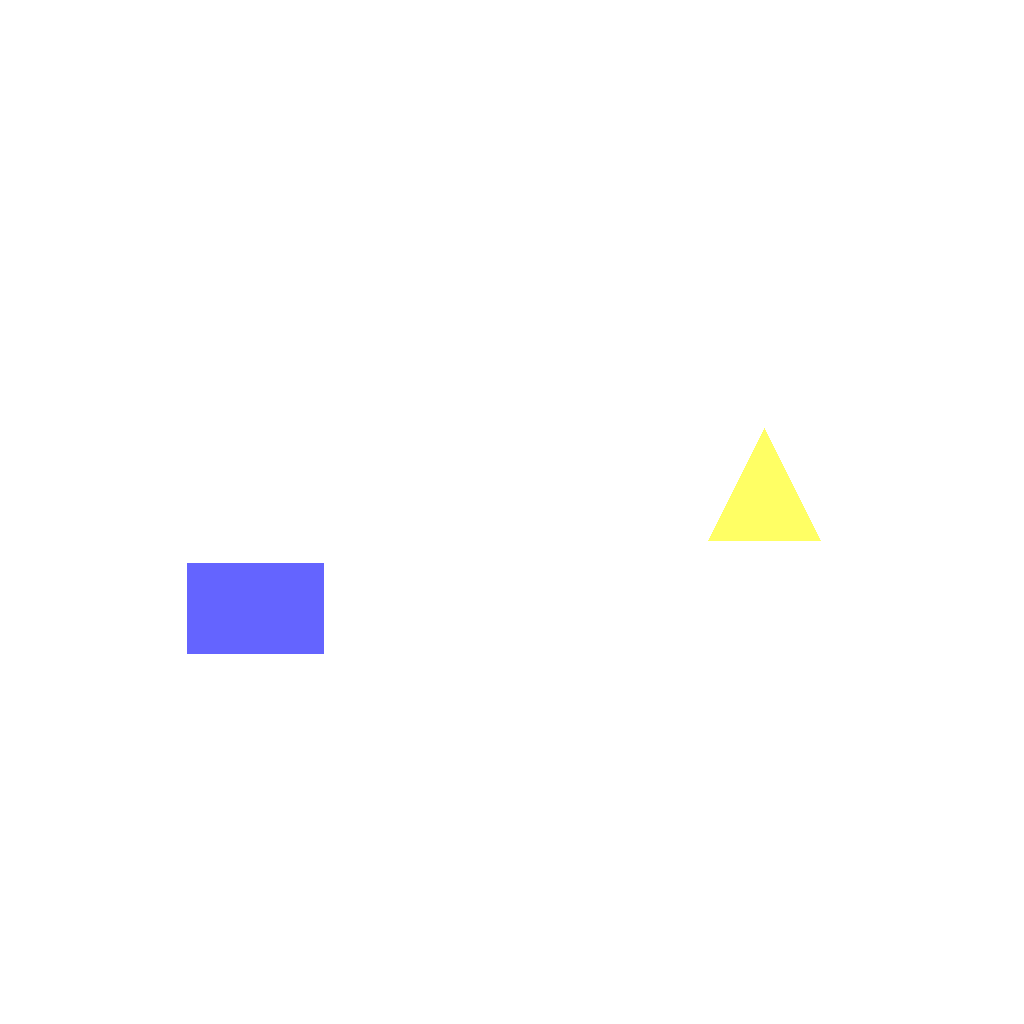
Prompt
The scene contains multiple colored objects and star markers. Keep all star markers unchanged in position. Move each colored object to the star marker with the same color using straight paths, aligning the center of each object with the center of its matching star marker.
First Frame
Last Frame
Video
identify_objects_in_region
GitHub
Prompt
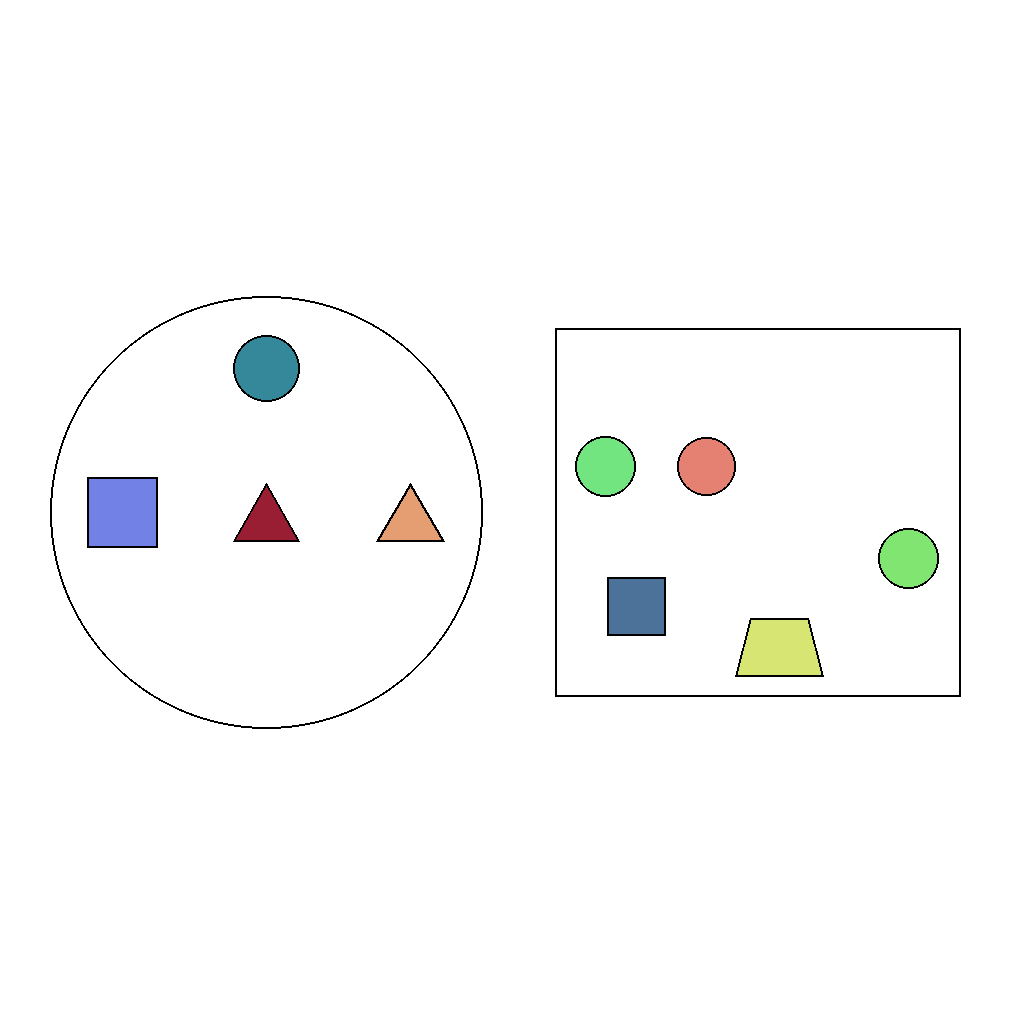
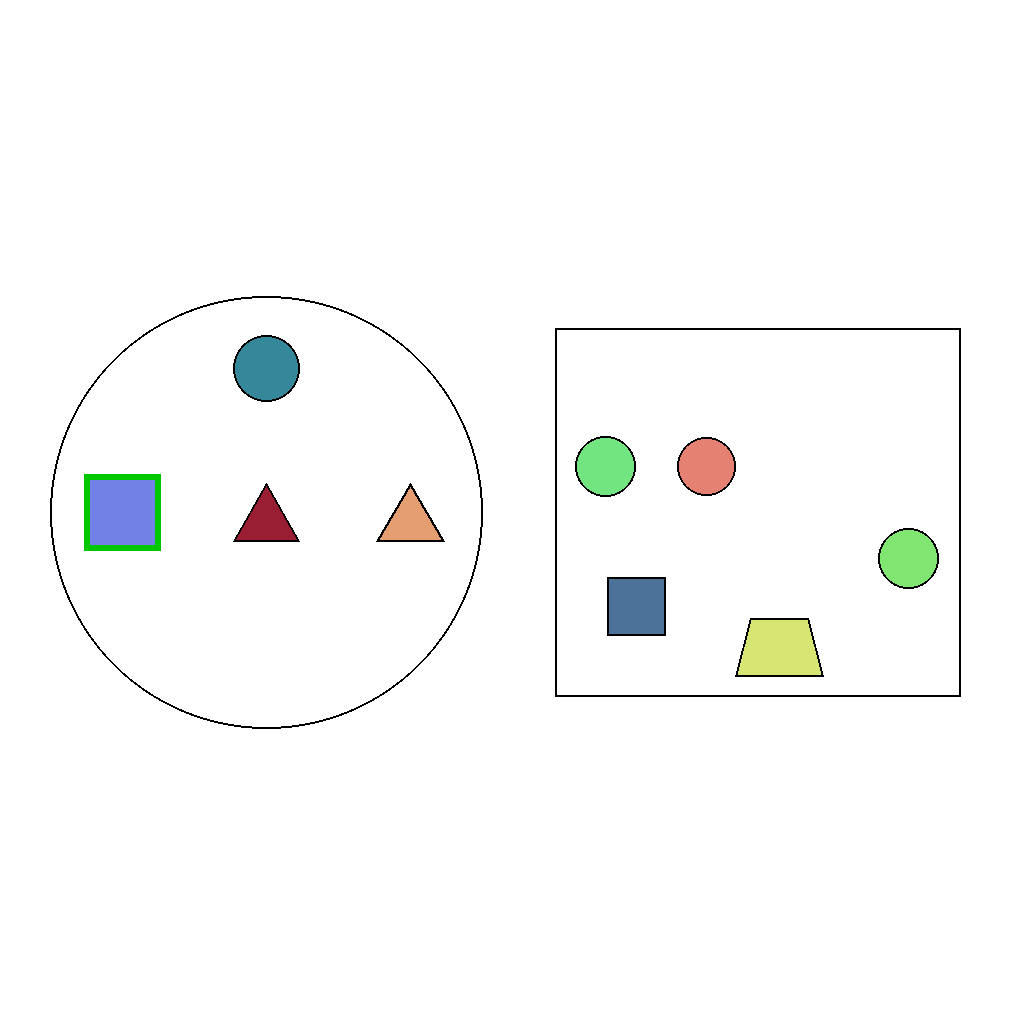
Outline all squares in the circular region with a green border. Only outline objects within that region.
First Frame
Last Frame
Video
sort_objects_by_rule
GitHub
Prompt
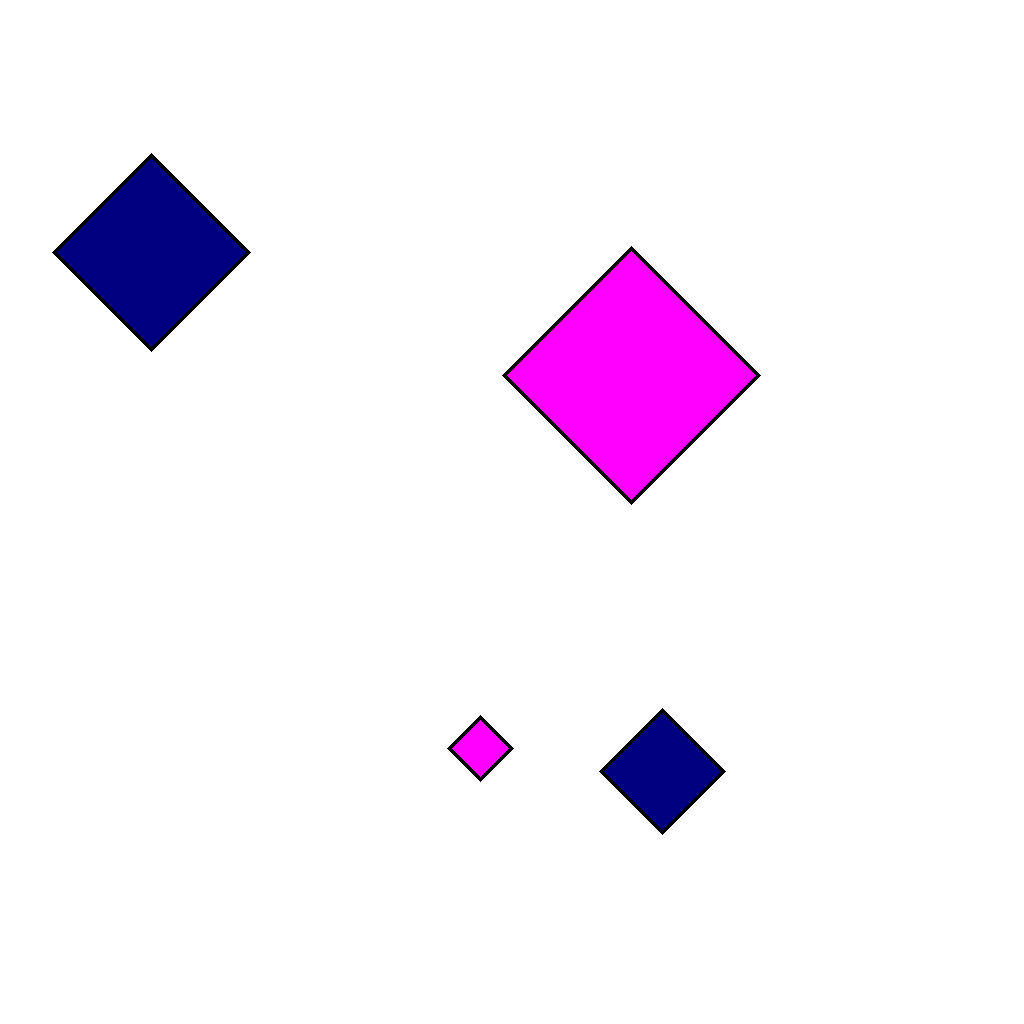
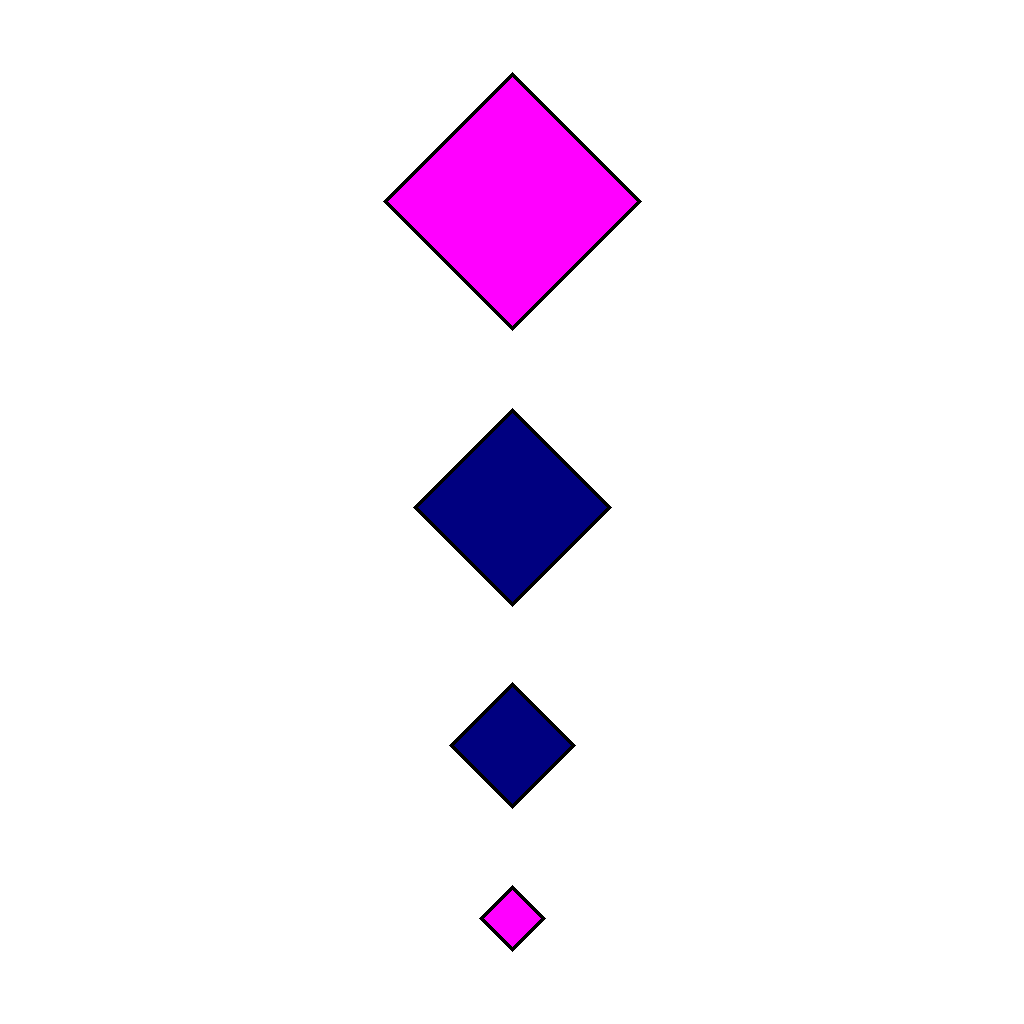
The scene shows 4 diamond objects of different sizes. Arrange the objects in a vertical column from top to bottom, largest to smallest.
First Frame
Last Frame
Video
attention_shift_same
GitHub
Prompt
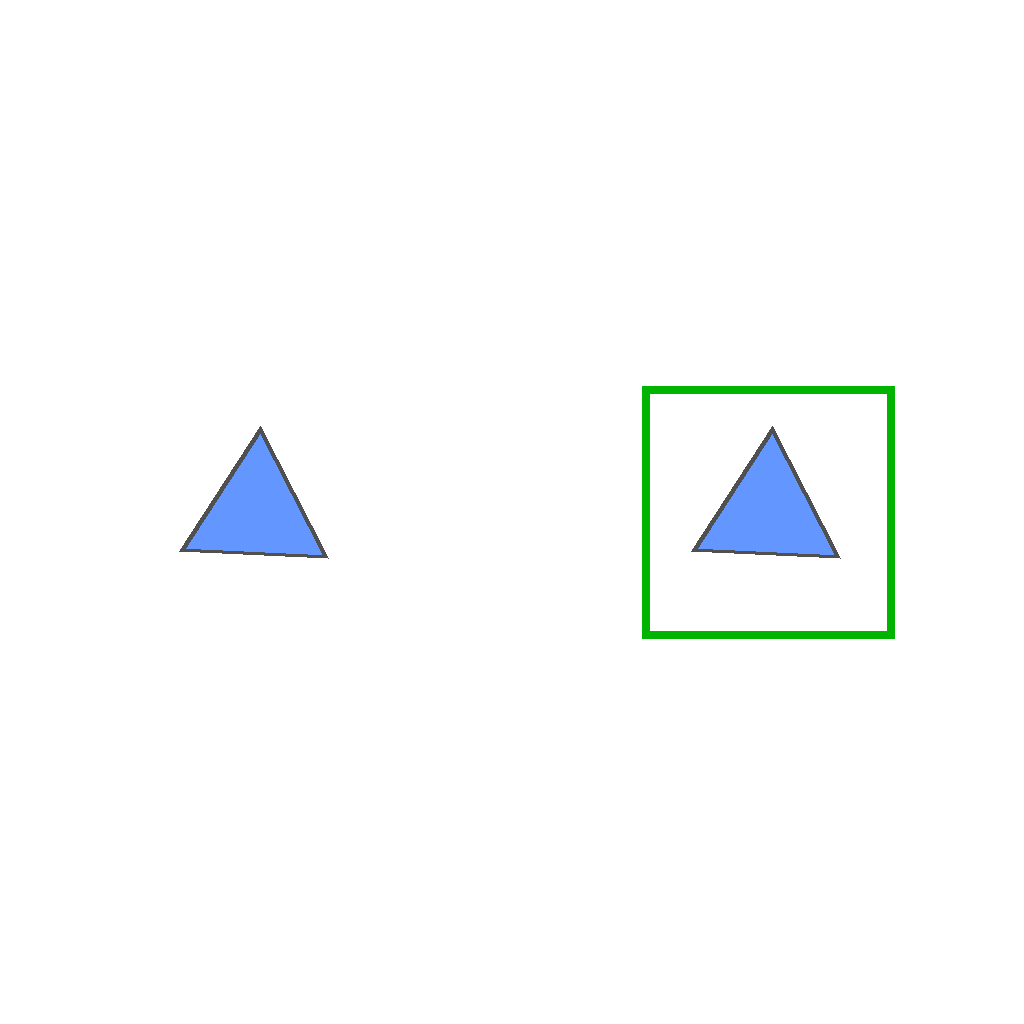
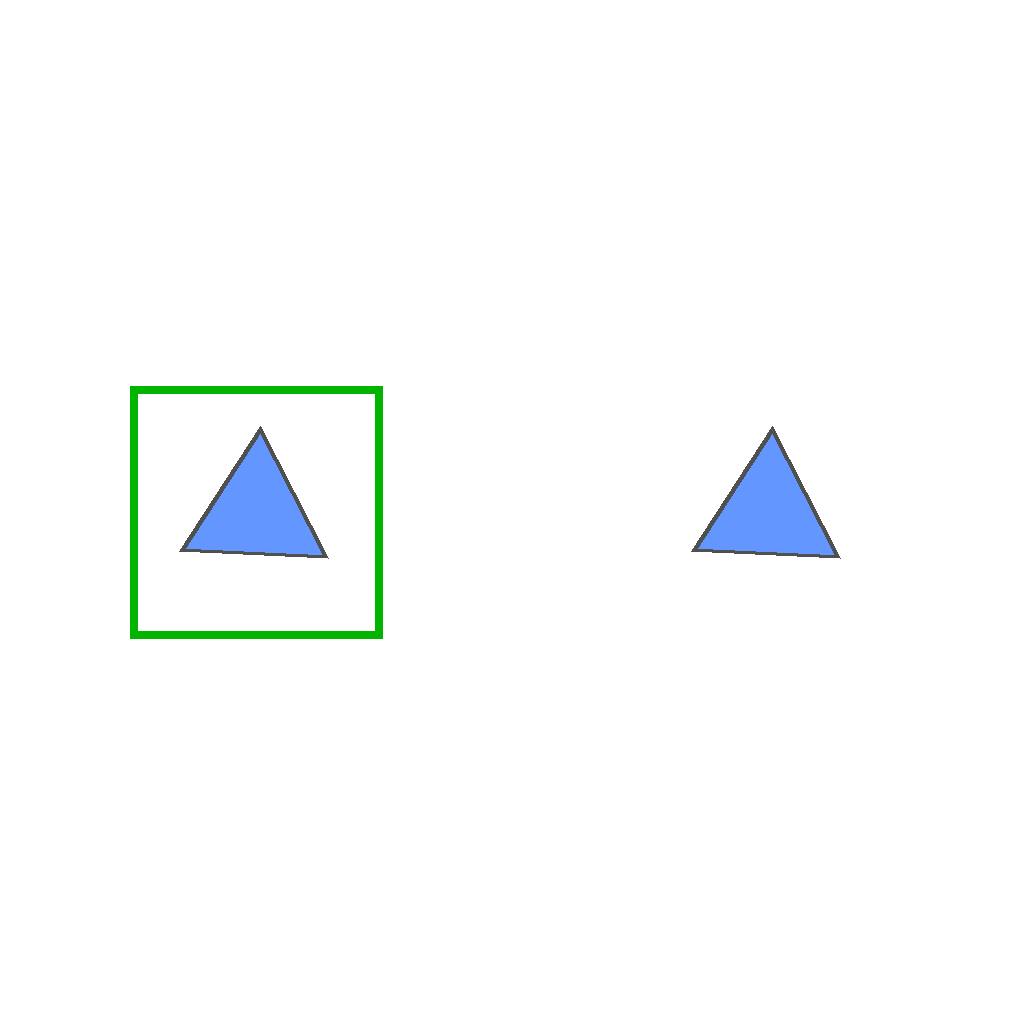
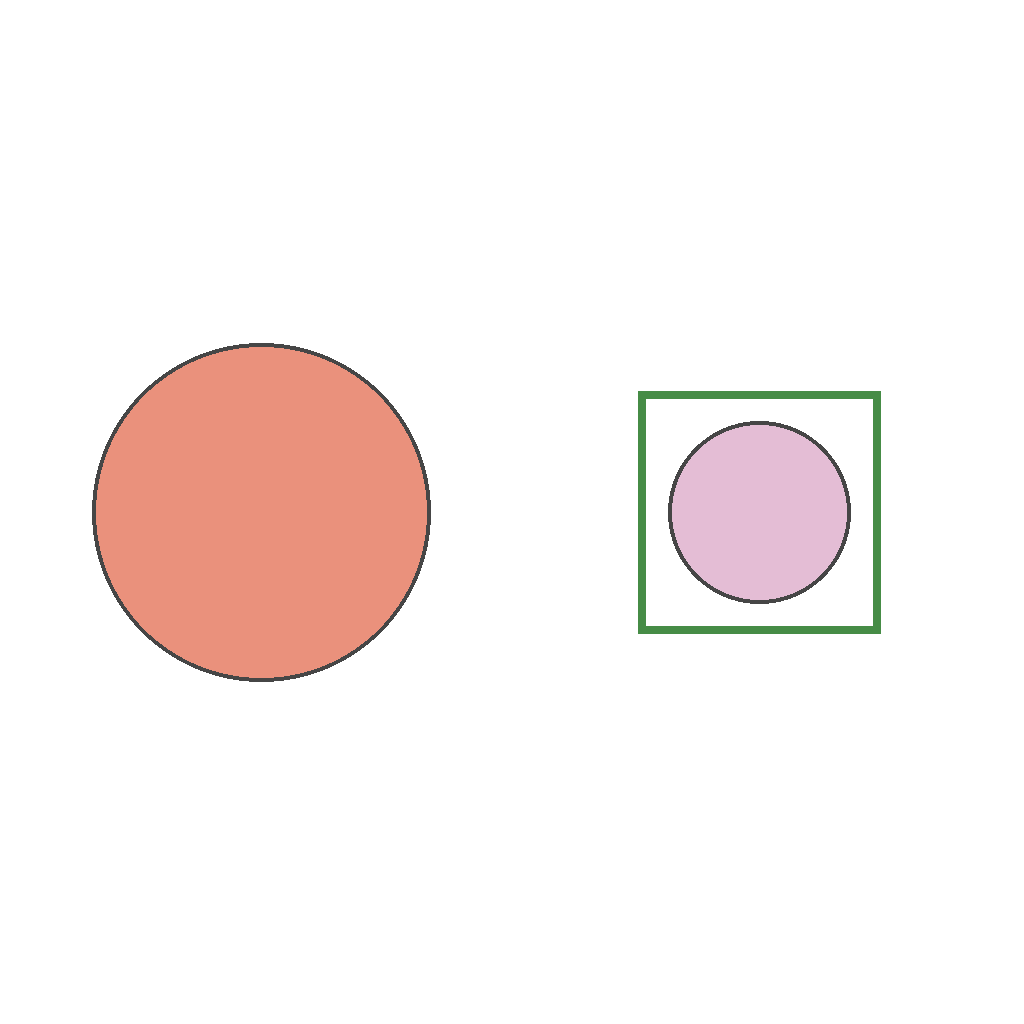
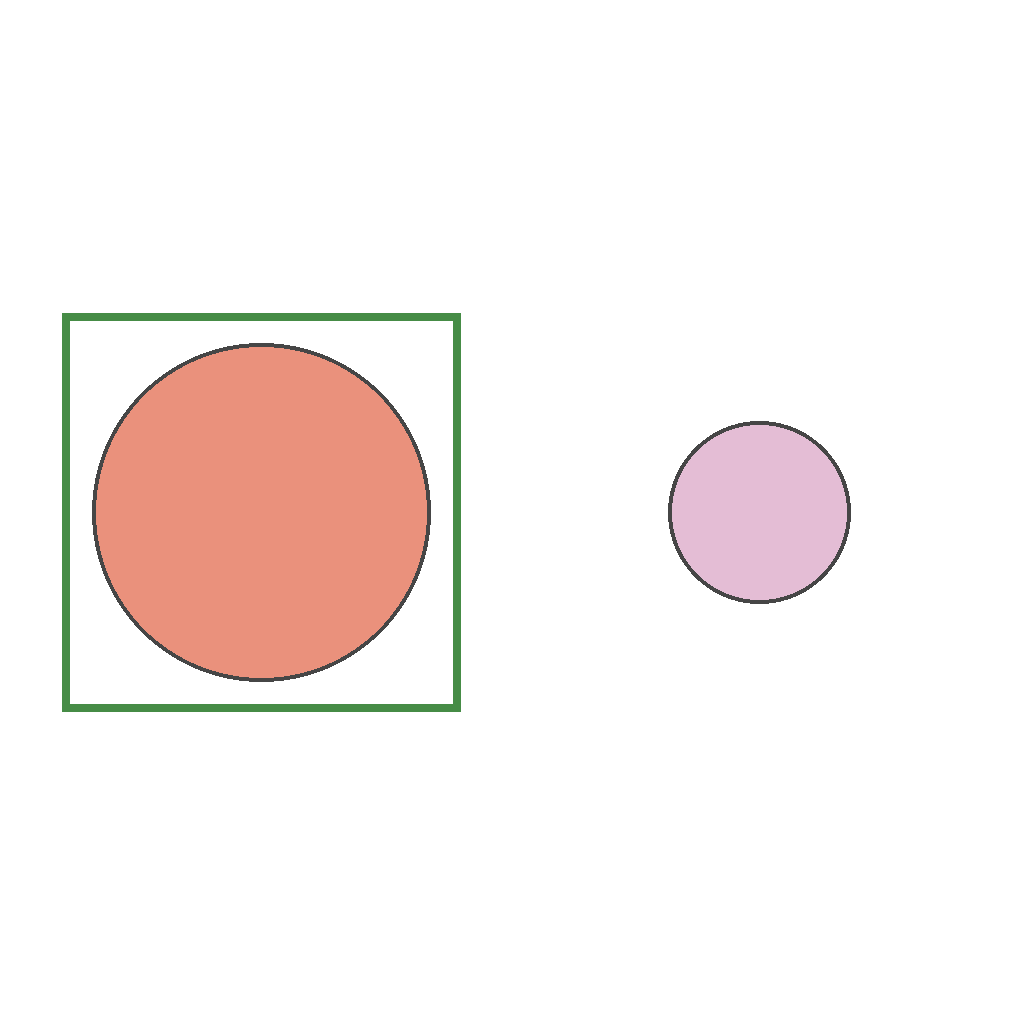
The scene shows two identical triangle objects, one on the left and one on the right, with a green attention box around the right object. The triangle objects remain stationary and unchanged throughout. Move the green attention box from the right object to the left object.
First Frame
Last Frame
Video
attention_shift_different
GitHub
Prompt
The scene shows two objects, one on the left and one on the right, with a green attention box around the right object. The objects remain stationary and unchanged throughout. Move the green attention box from the right object to the left object.
First Frame
Last Frame
Video
understand_scene_structure
GitHub
Prompt
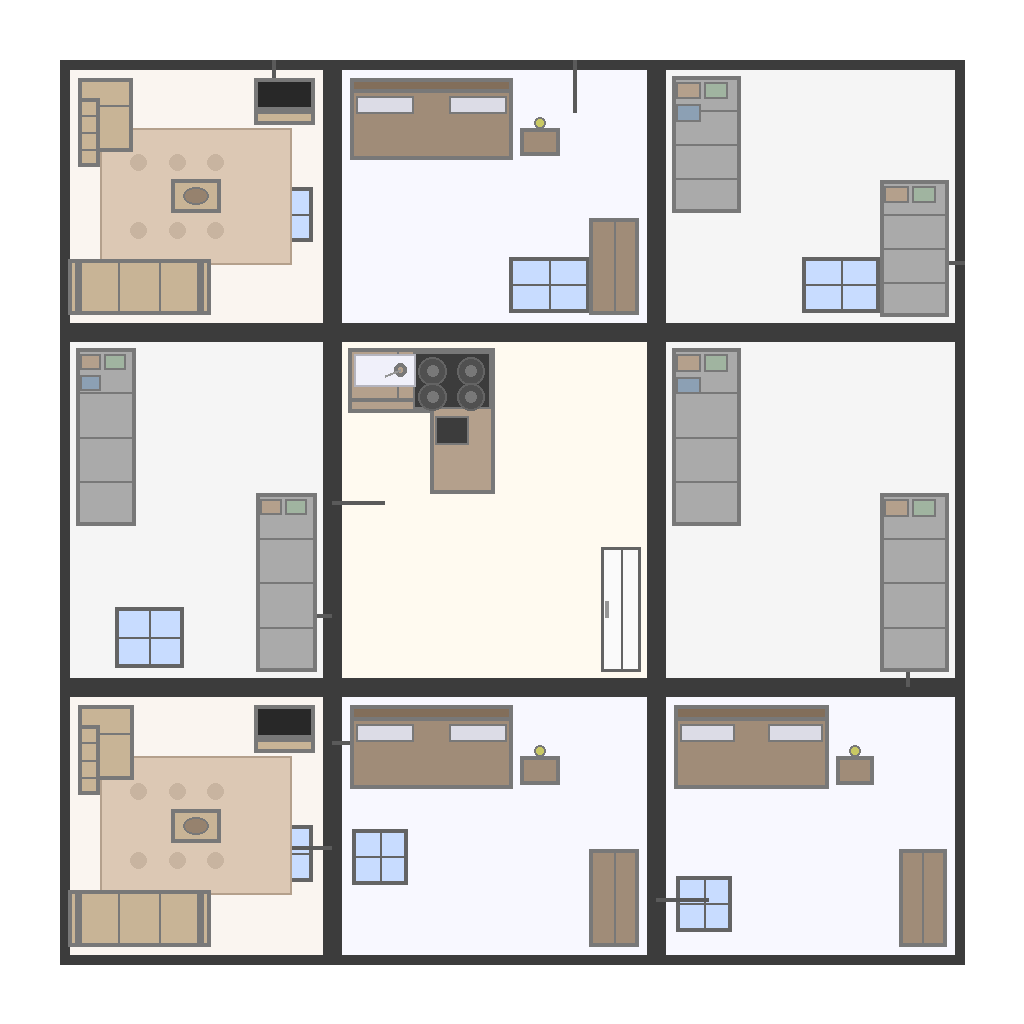
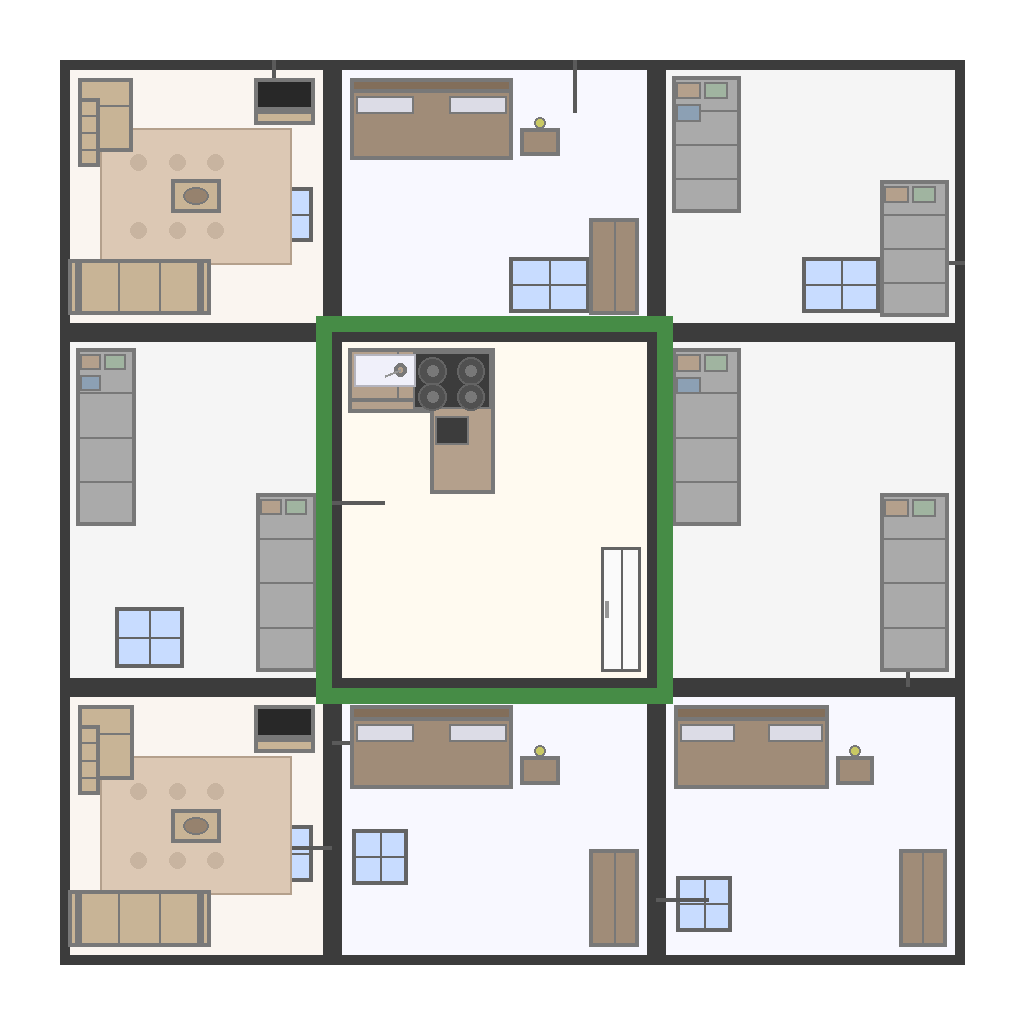
The scene shows a floorplan with multiple rooms. Identify the kitchen and draw a green rectangular box around it to highlight it.
First Frame
Last Frame
Video
connecting_color
GitHub
Prompt
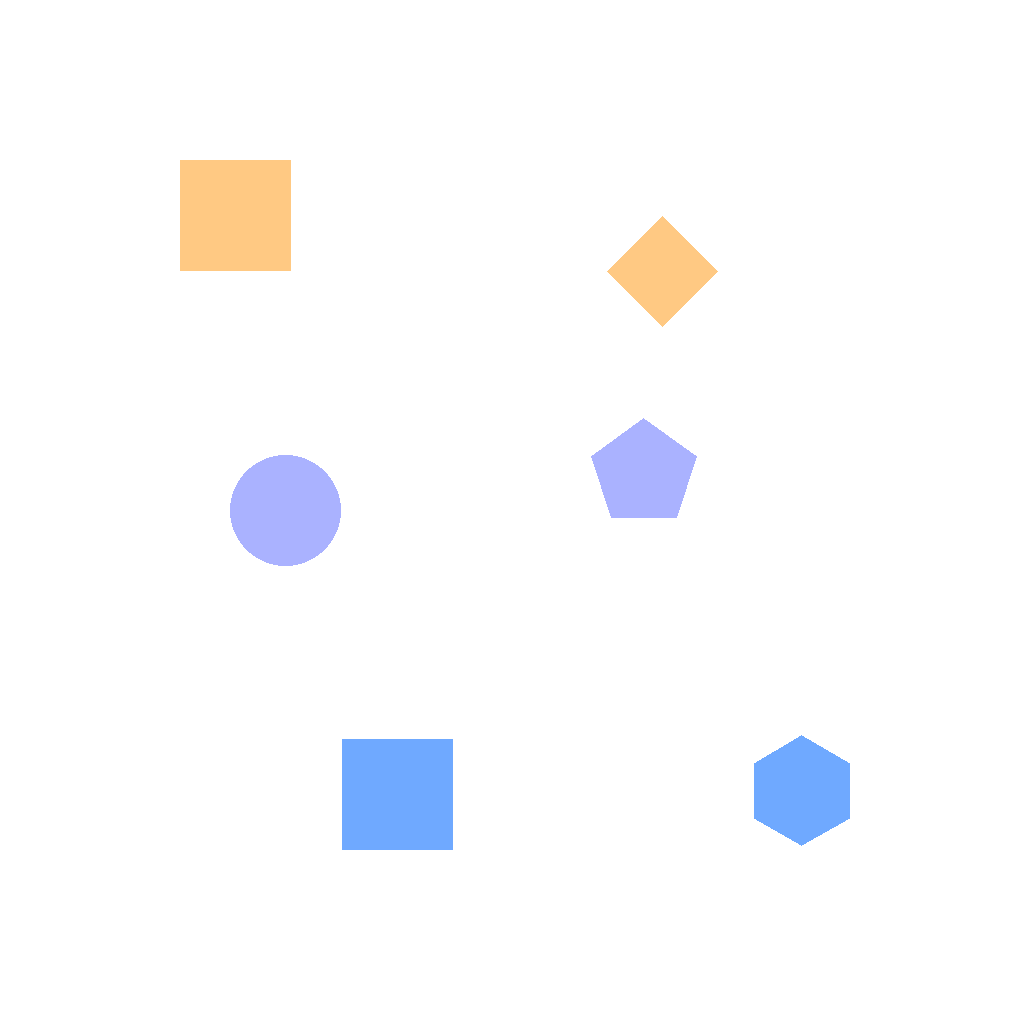
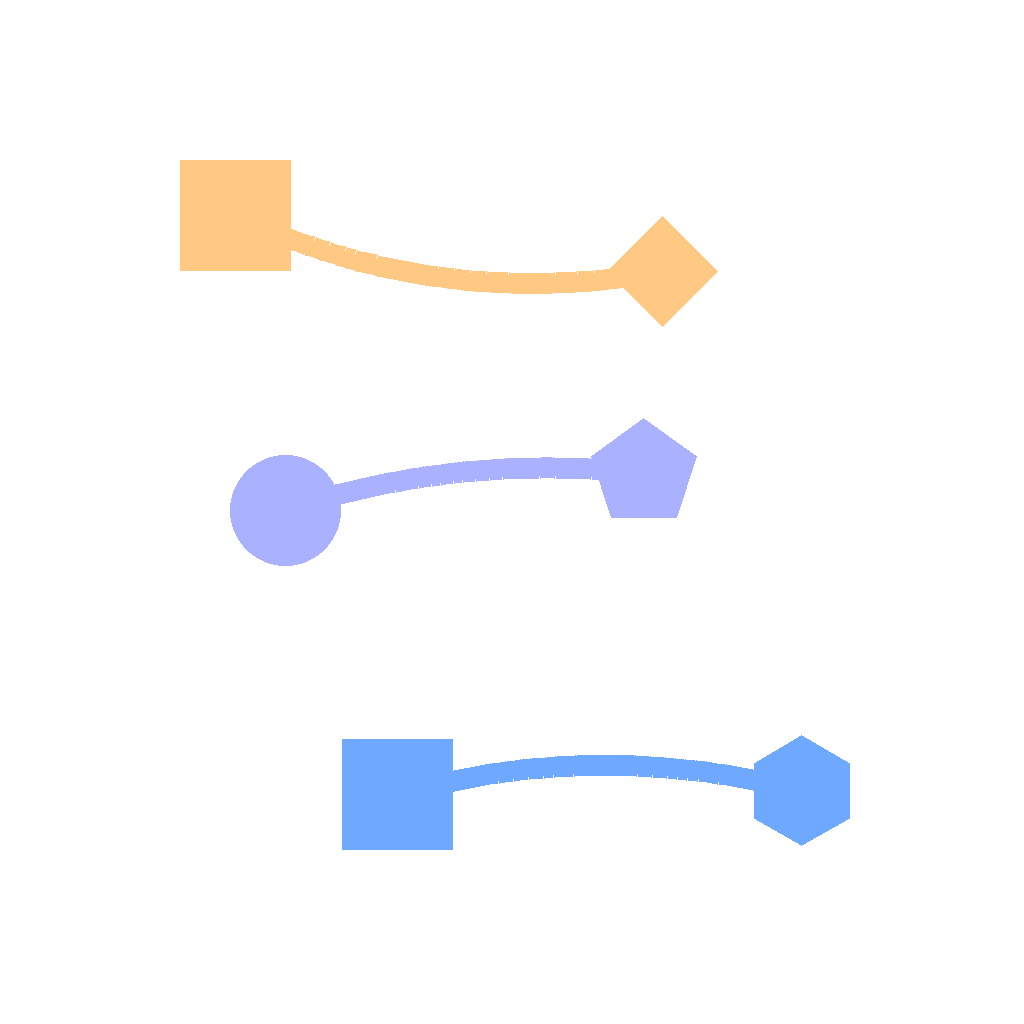
The scene shows colored shapes in 3 different colors. Each color appears exactly 2 times. First, for each color, draw one smooth curve connecting the leftmost and rightmost shapes of that color. Only connect shapes with the exact same color, and do not connect different colors. Keep the curves from crossing any shapes or other curves. Show the complete drawing process step by step.
First Frame
Last Frame
Video
find_fragment_for_gap_filling
GitHub
Prompt
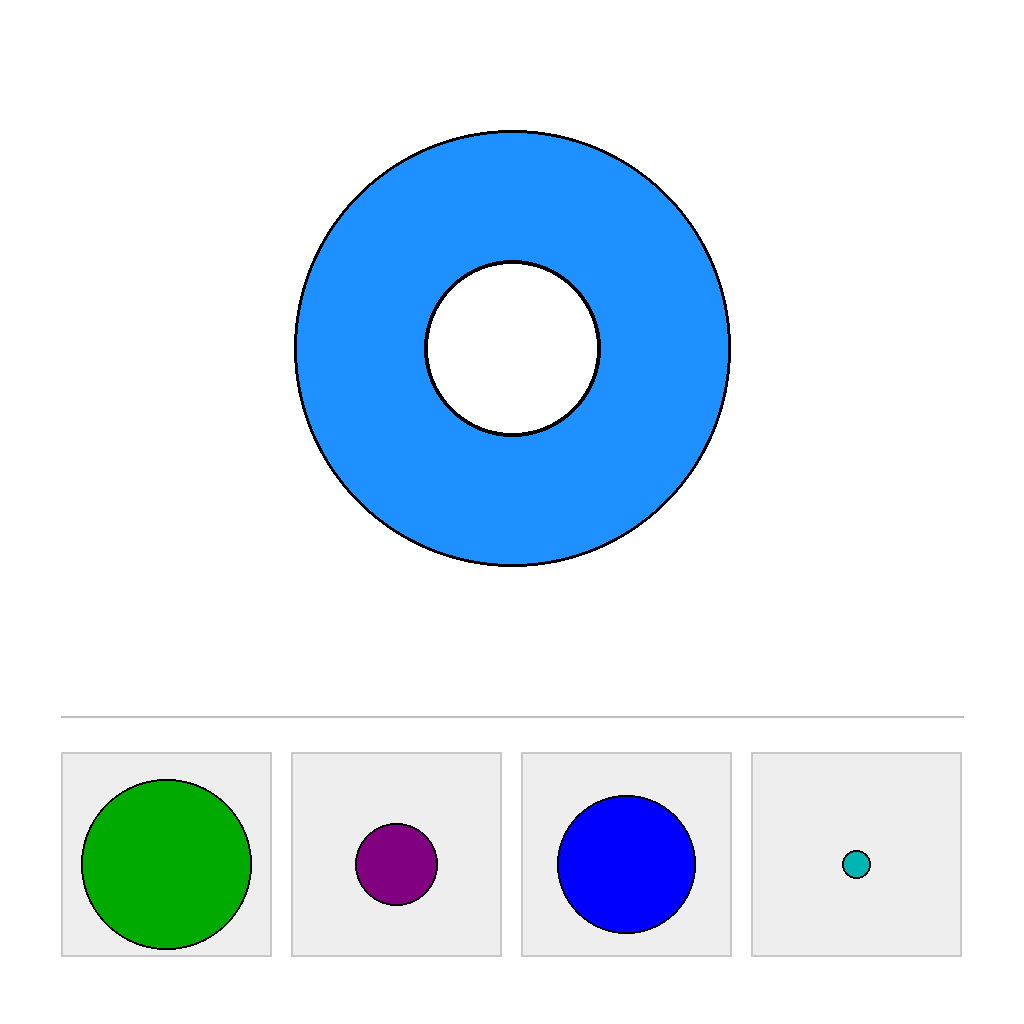
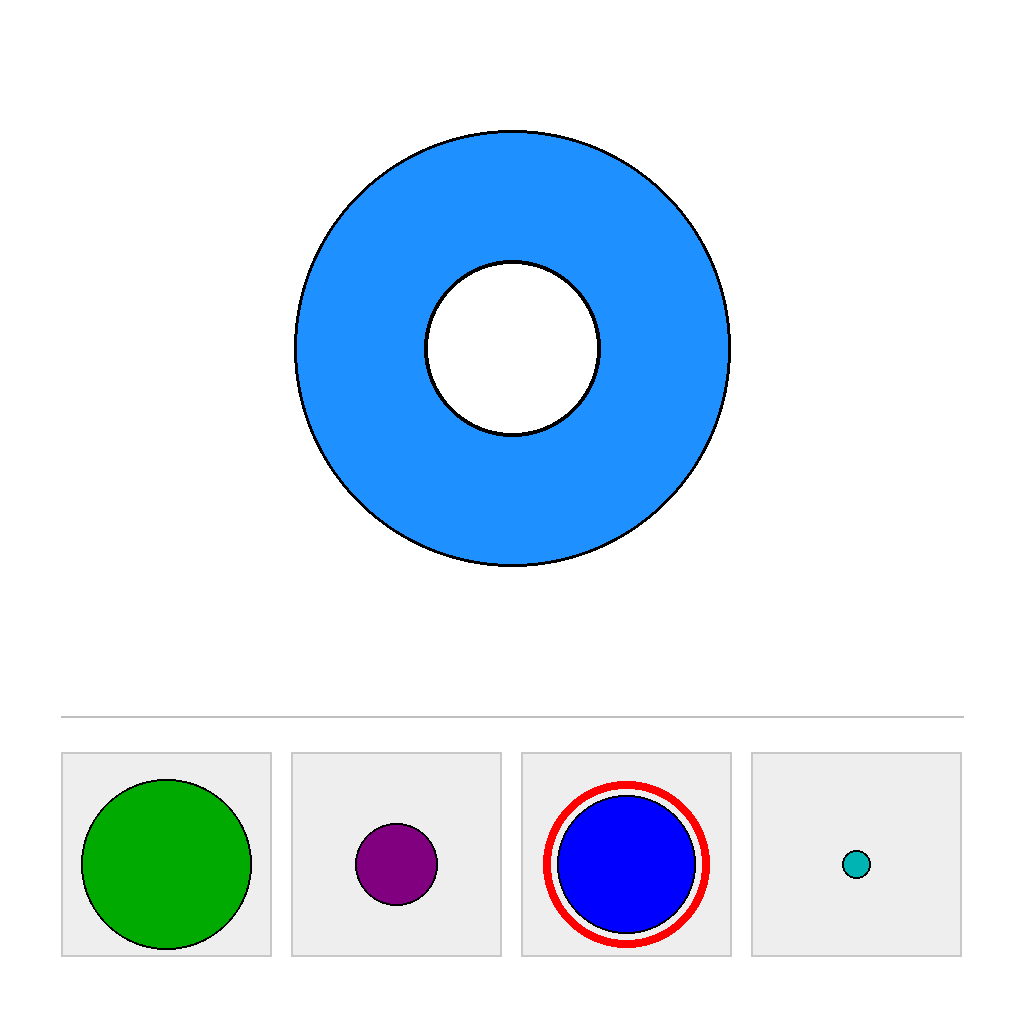
The scene has two separated areas: a top PUZZLE area and a bottom CHOICES area. In the PUZZLE area, the center shape has a missing cut-out outlined in black. In the CHOICES area, there are 4 candidate pieces of the same shape but different sizes. First compare the candidate sizes and determine which single option would fit the missing cut-out exactly (a perfect match in size). Do not use color as a clue. Then circle the correct option. Show the complete solution step by step.
First Frame
Last Frame
Video
locate_point_in_overlapping_area
GitHub
Prompt
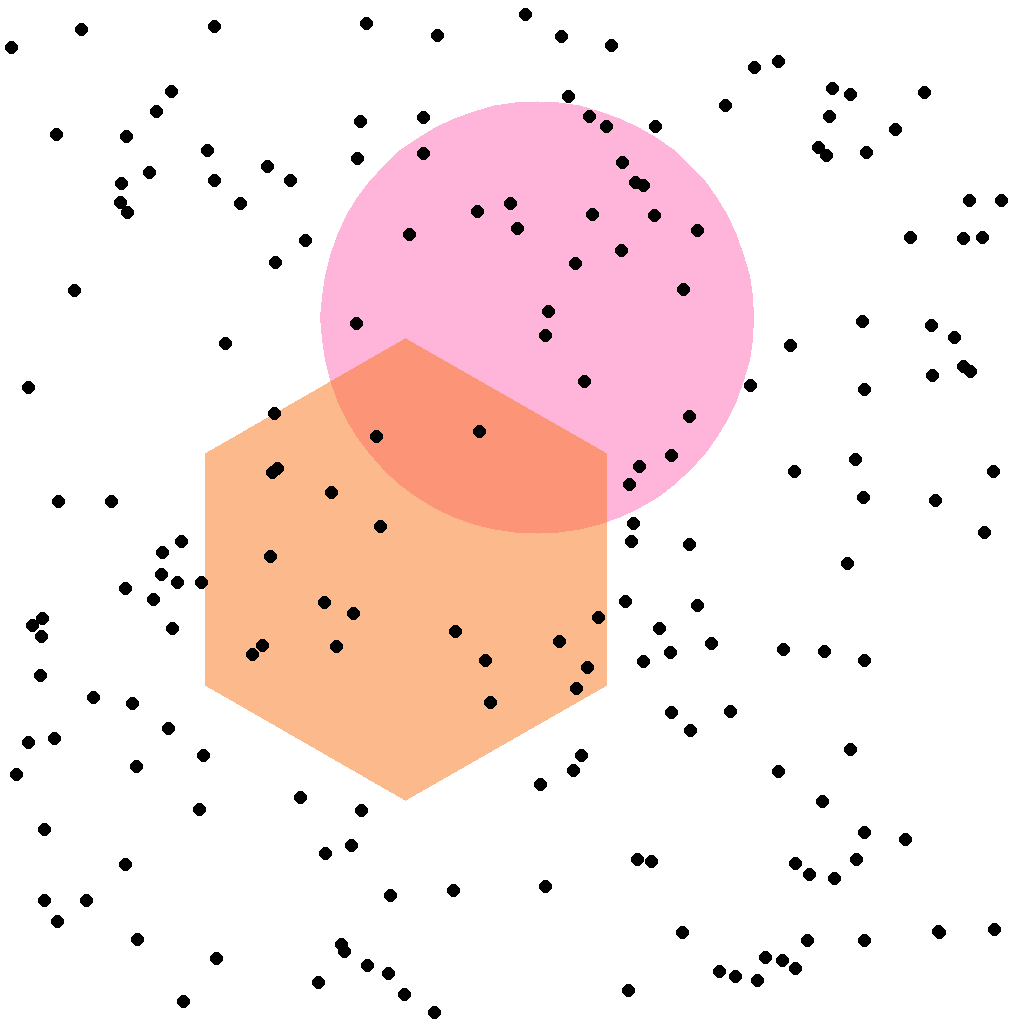
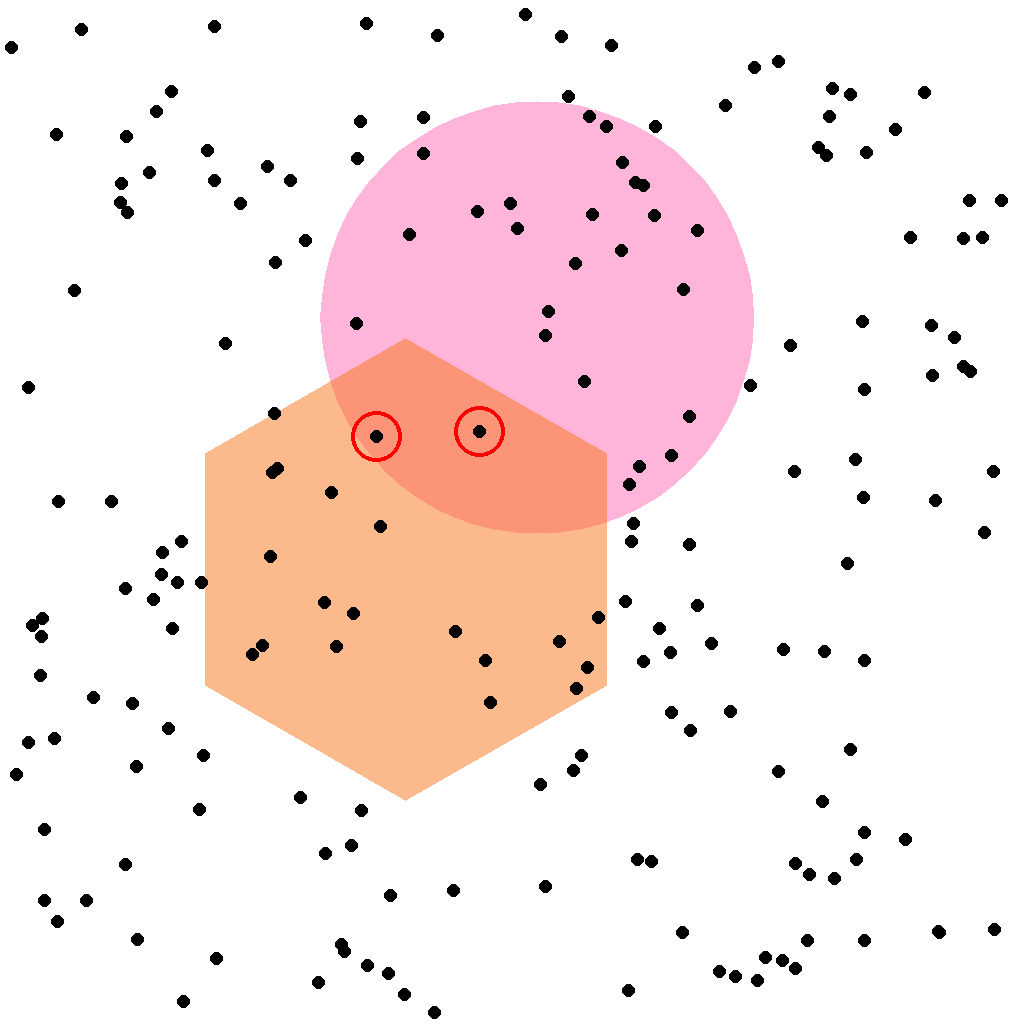
The scene shows two semi-transparent shapes that partially overlap. Several small points are scattered across the canvas. First identify the points that lie fully inside the overlapping region of the two shapes (not on the boundary), then circle all of those points. Show the complete solution step by step.
First Frame
Last Frame
Video
identify_figure_in_overlapping_area
GitHub
Prompt
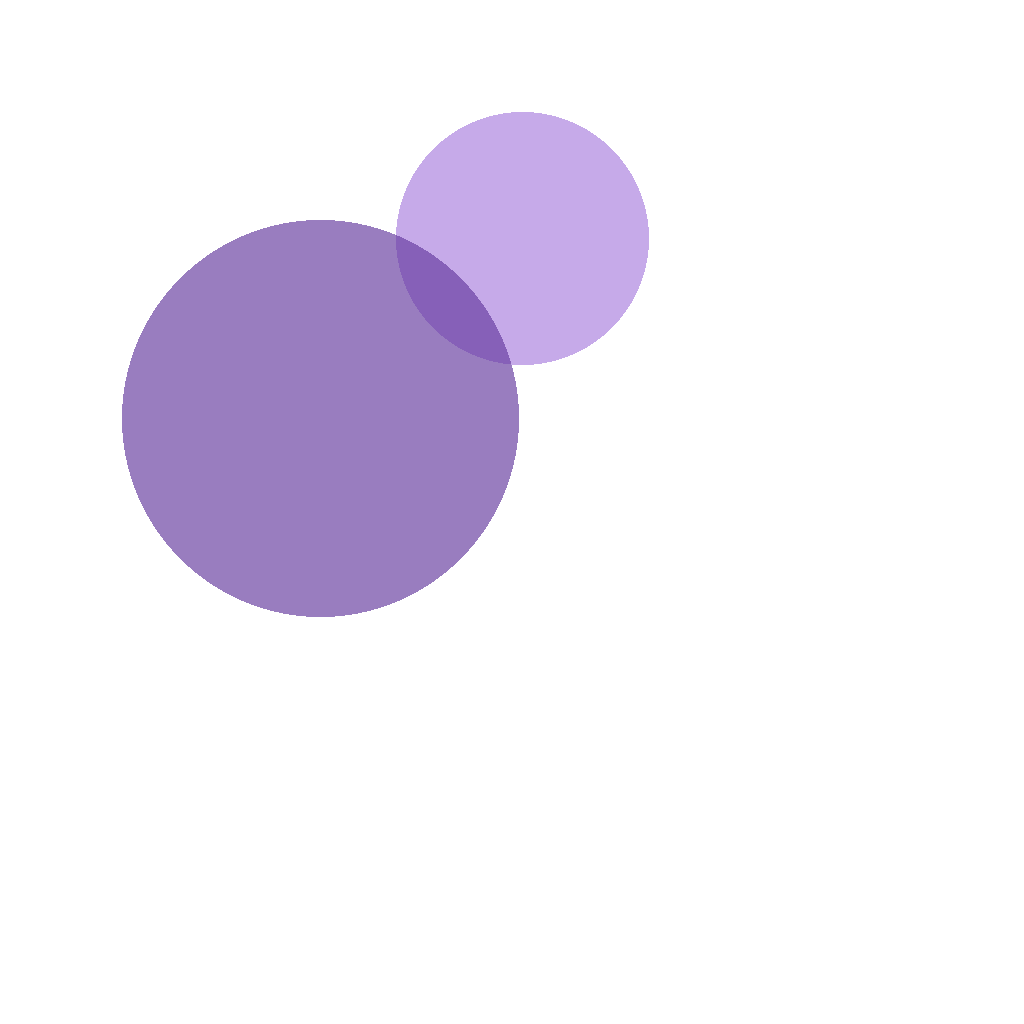
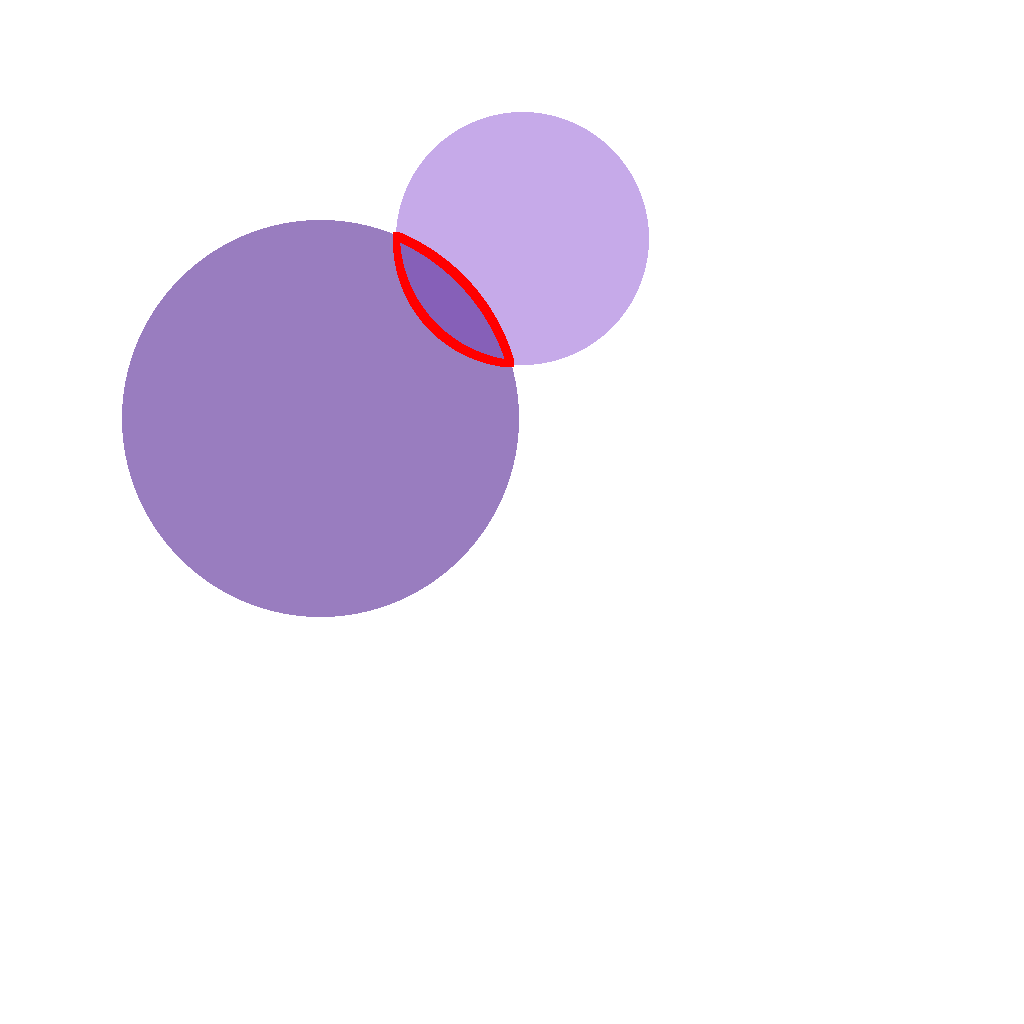
The scene shows two translucent shapes that partially overlap: a circle and a circle. First locate the region covered by both shapes (their intersection), then outline the exact boundary of that overlapping region with a red line. Show the complete outlining process step by step.
First Frame
Last Frame
Video
spot_unique_non_repeated_color
GitHub
Prompt
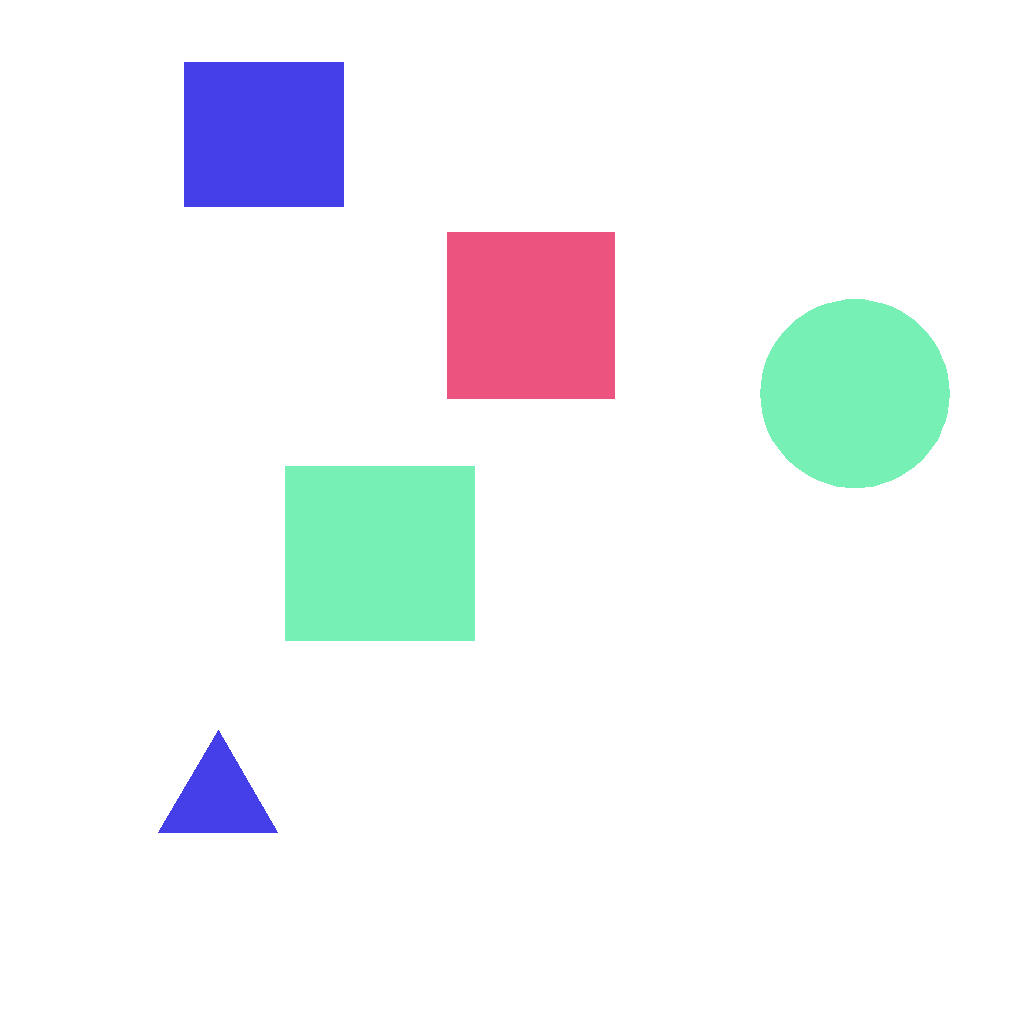
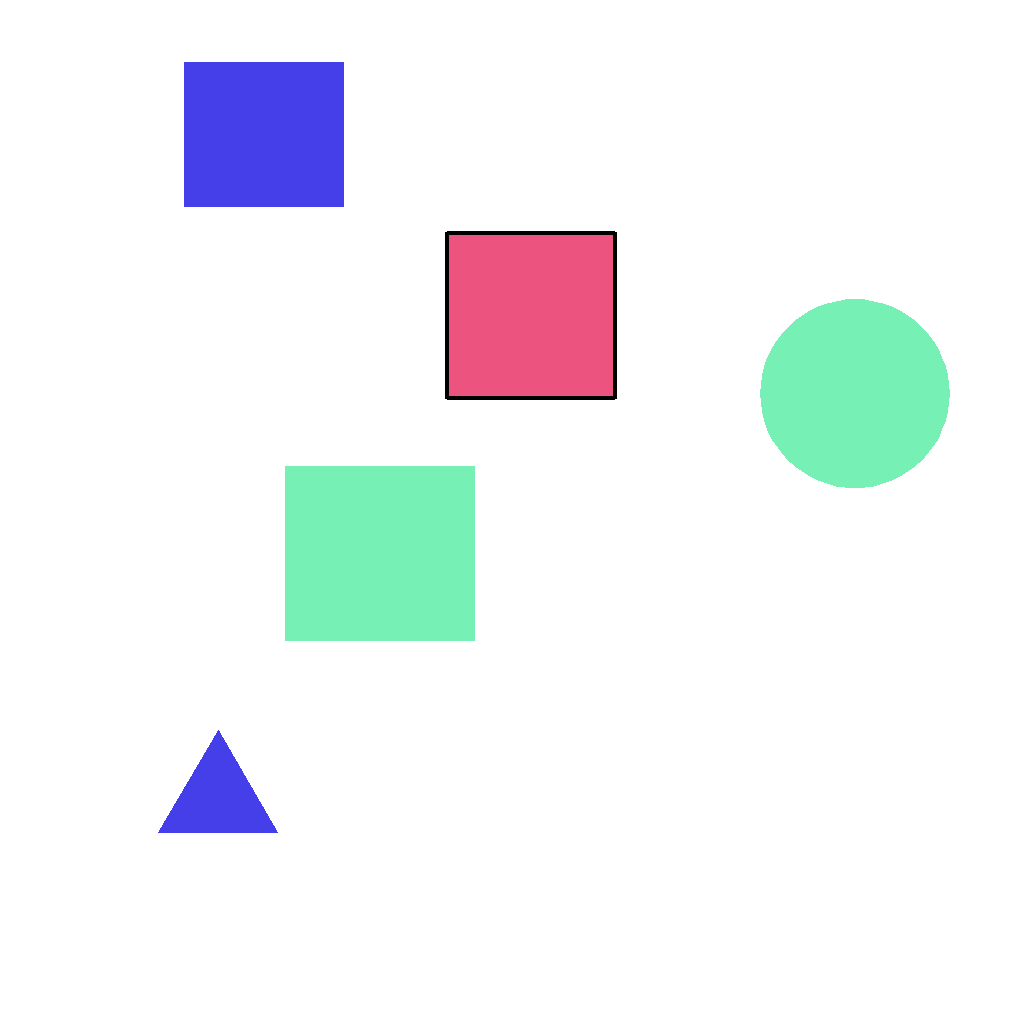
The scene shows 5 geometric shapes with different colors. Exactly one color appears only once, while every other color appears at least twice. First find the shape whose color is unique, then outline that entire shape with a black contour. Do not add any extra marks. Show the complete marking process step by step.
First Frame
Last Frame
Video
identify_polygon_with_most_sides
GitHub
Prompt
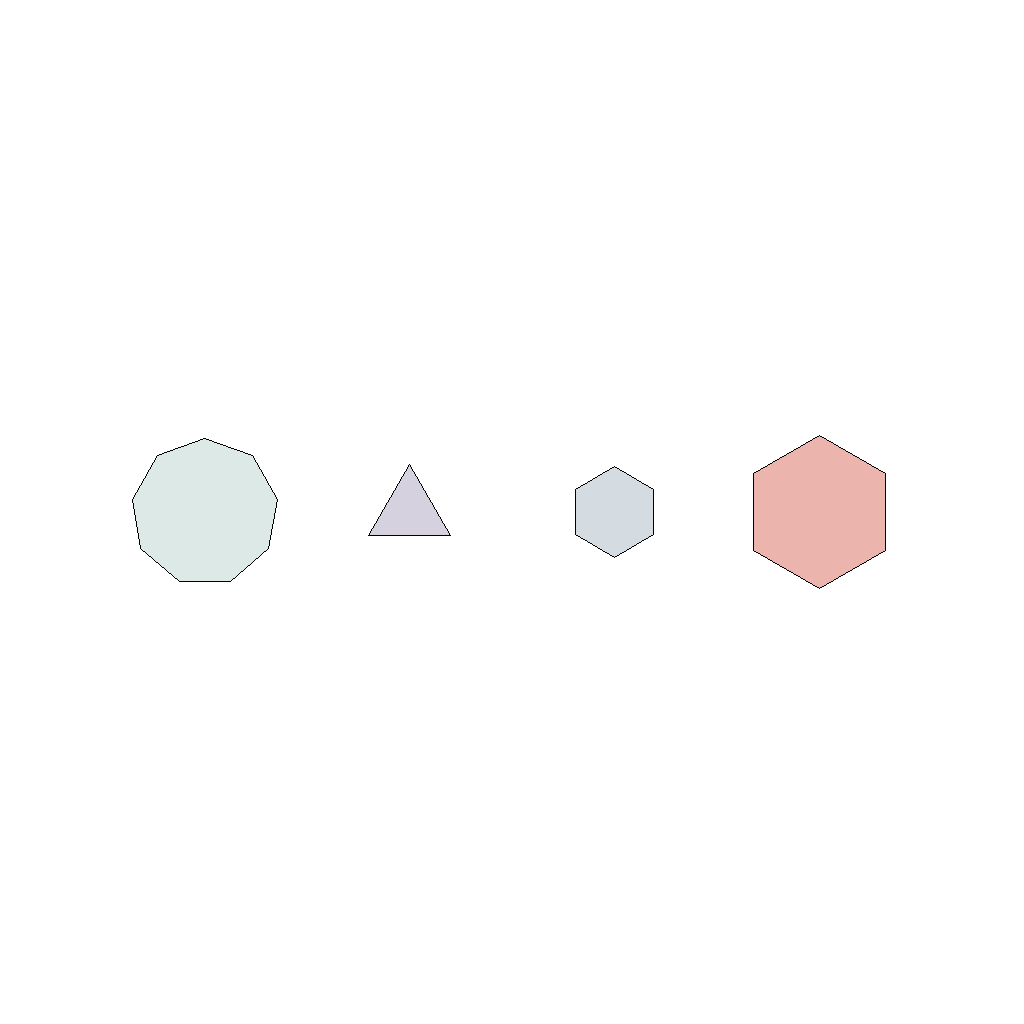
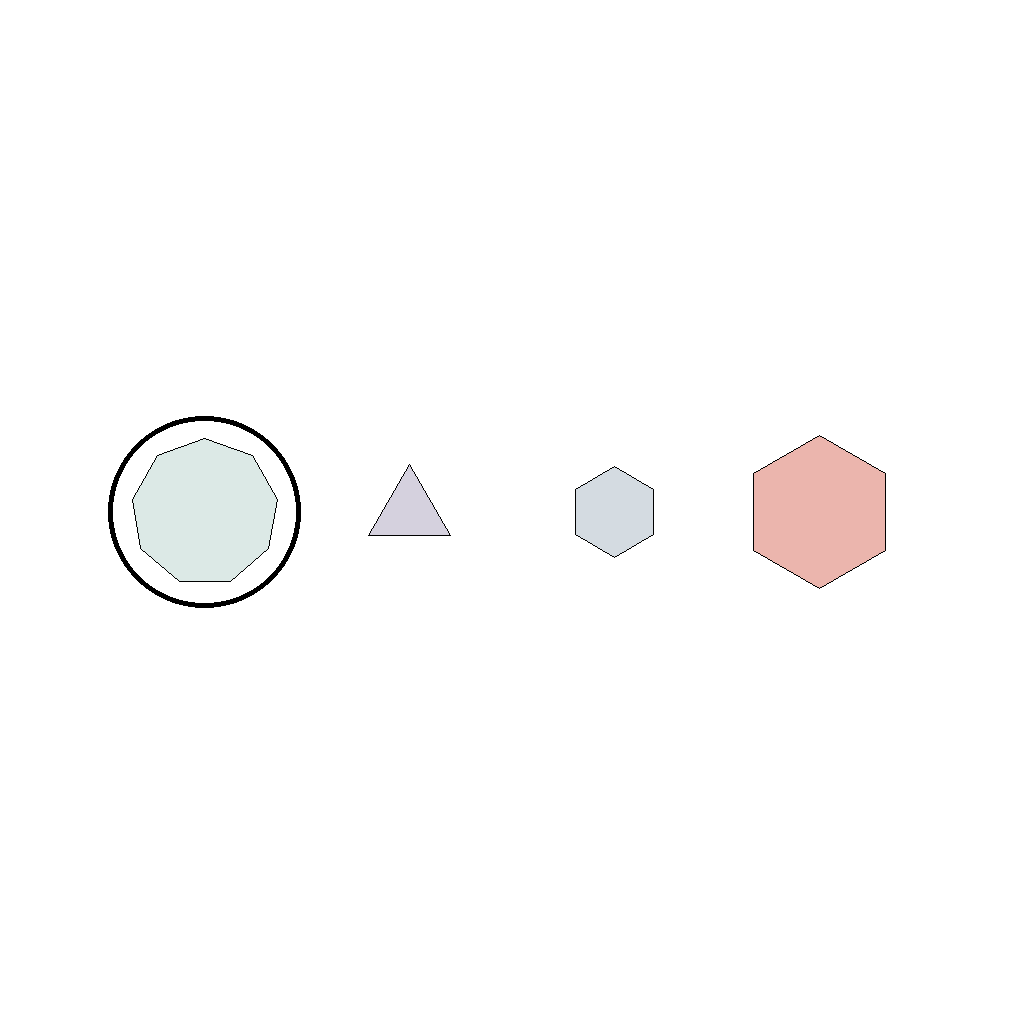
Circle the shape with the most sides among several shapes placed side by side.
First Frame
Last Frame
Video
select_box_with_most_dots
GitHub
Prompt
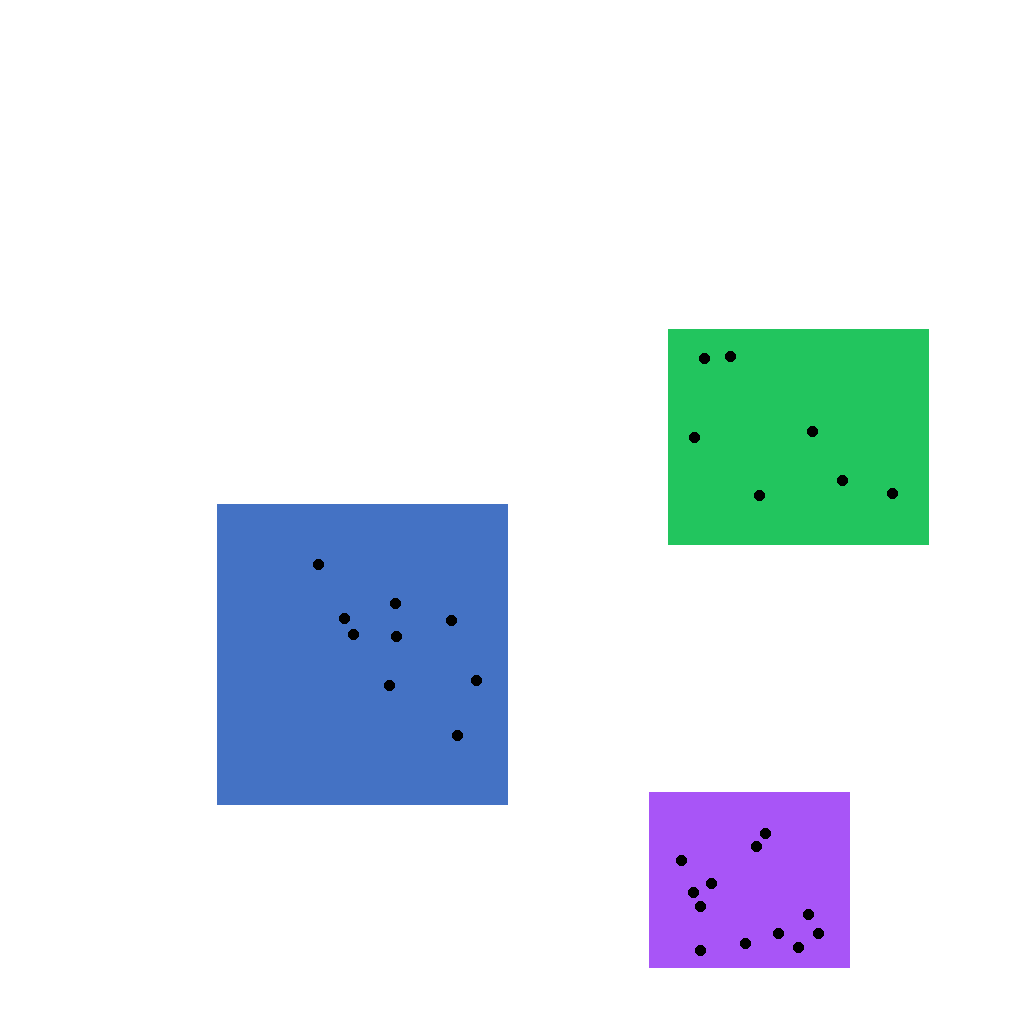
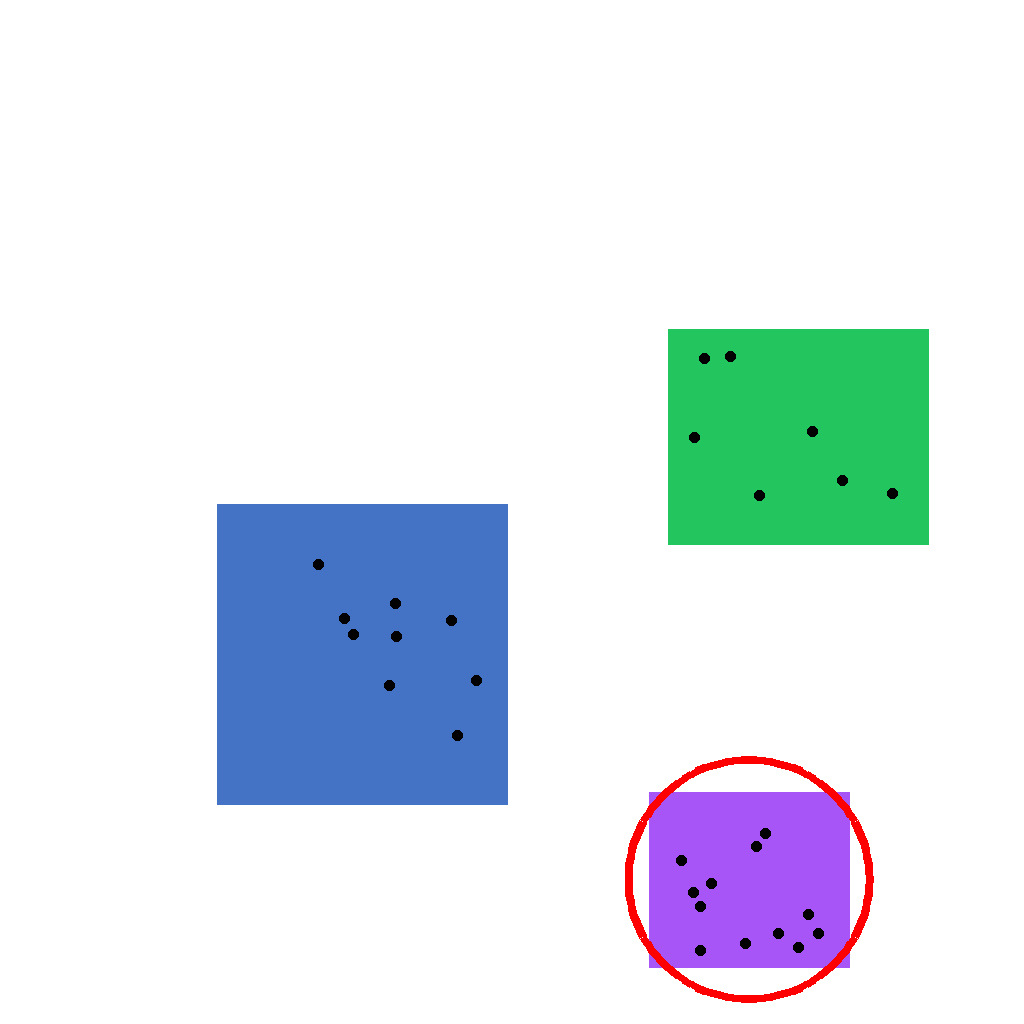
There are 3 rectangular boxes on the canvas, each containing some small dots. First count the dots in each box, then circle the single box with the most dots. Show the complete solution step by step.
First Frame
Last Frame
Video
circle_all_squares_from_mixed_shapes
GitHub
Prompt
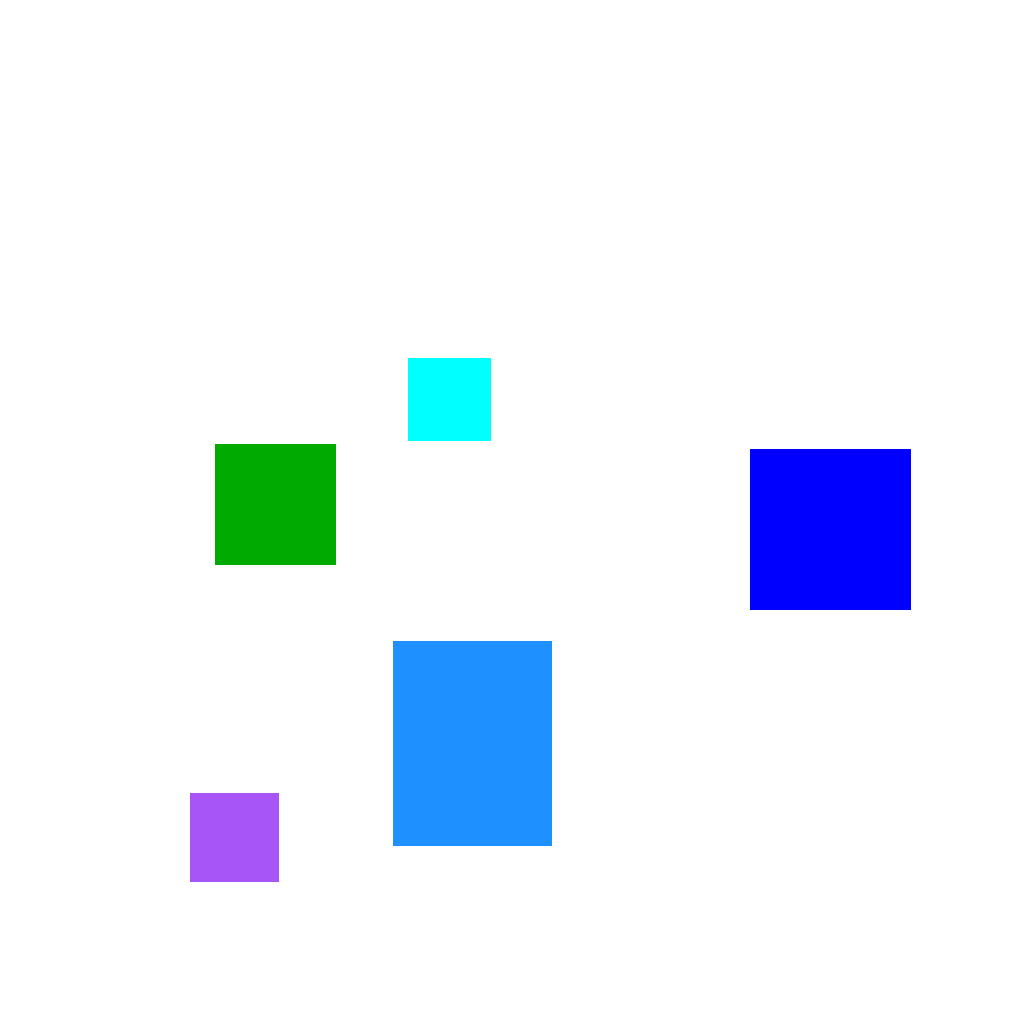
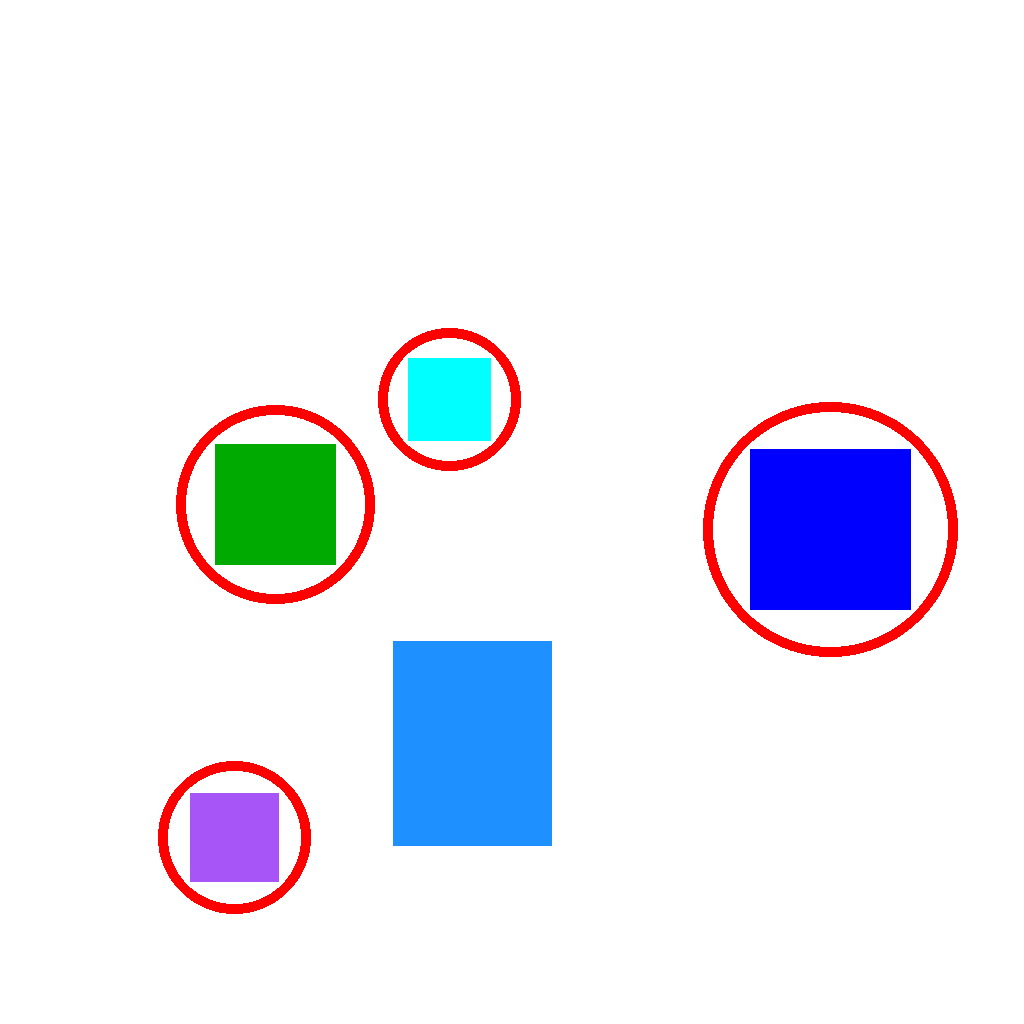
The scene shows 5 axis-aligned squares and rectangles. A square has equal width and height, while a rectangle does not. First identify all squares, then draw one red circle around each square. Do not circle any rectangles. Show the complete circling process step by step.
First Frame
Last Frame
Video
identify_unique_figure_in_uniform_set
GitHub
Prompt
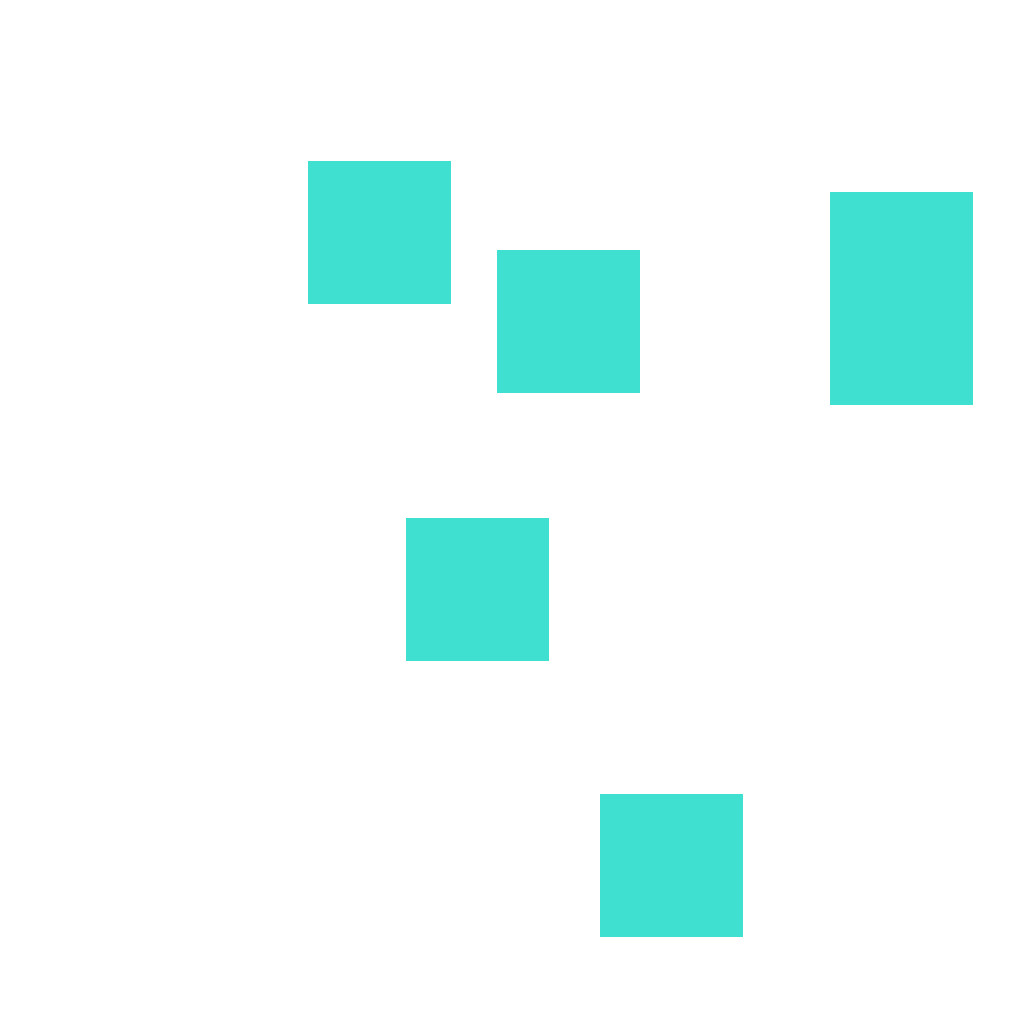
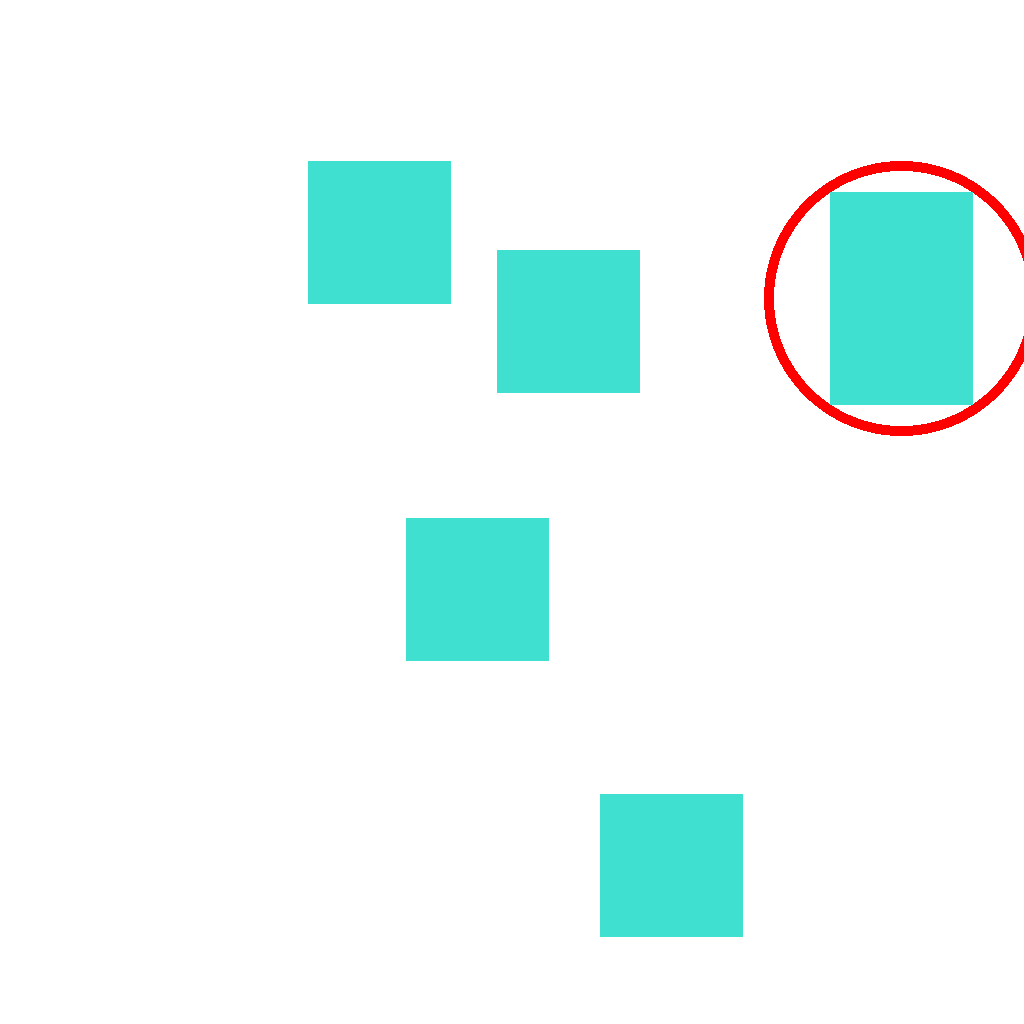
A set of shapes is shown on the canvas. Most shapes are the same type and size, and exactly one shape is different. First identify the single unique shape, then circle it. Show the complete solution step by step.
First Frame
Last Frame
Video
identify_all_hollow_points
GitHub
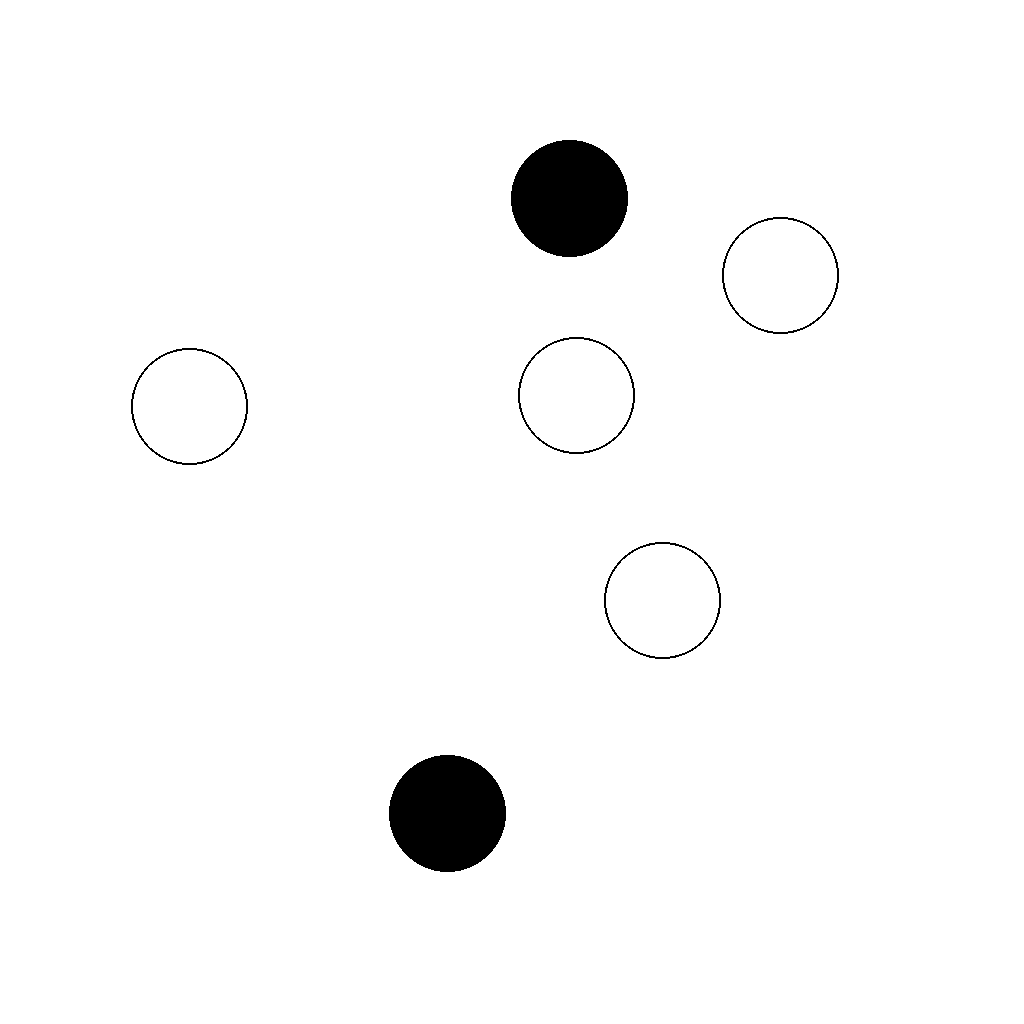
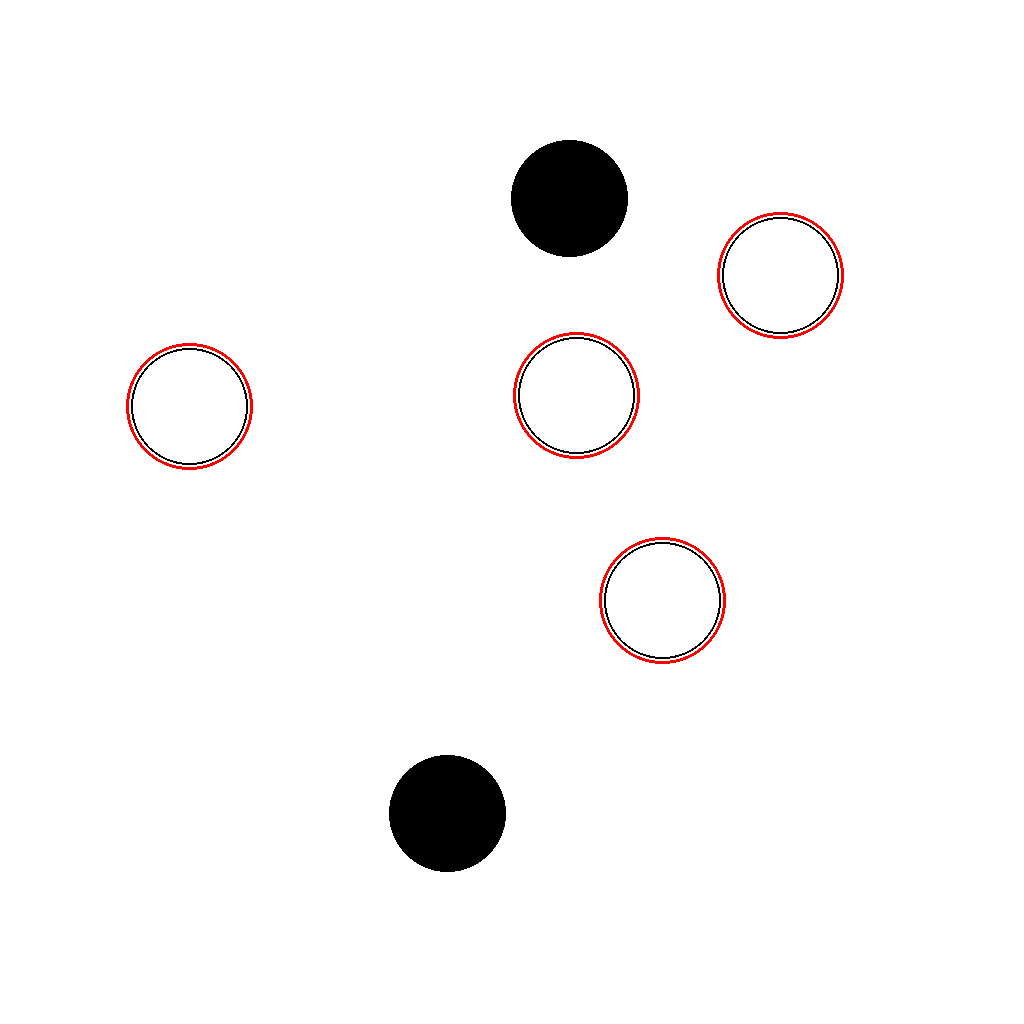
Prompt
The image contains multiple points, including solid filled circles and hollow outlined circles. First identify every hollow point (outlined and not filled), then circle each hollow point with a red ring. Show the complete solution step by step.
First Frame
Last Frame
Video
mark_second_largest_shape
GitHub
Prompt
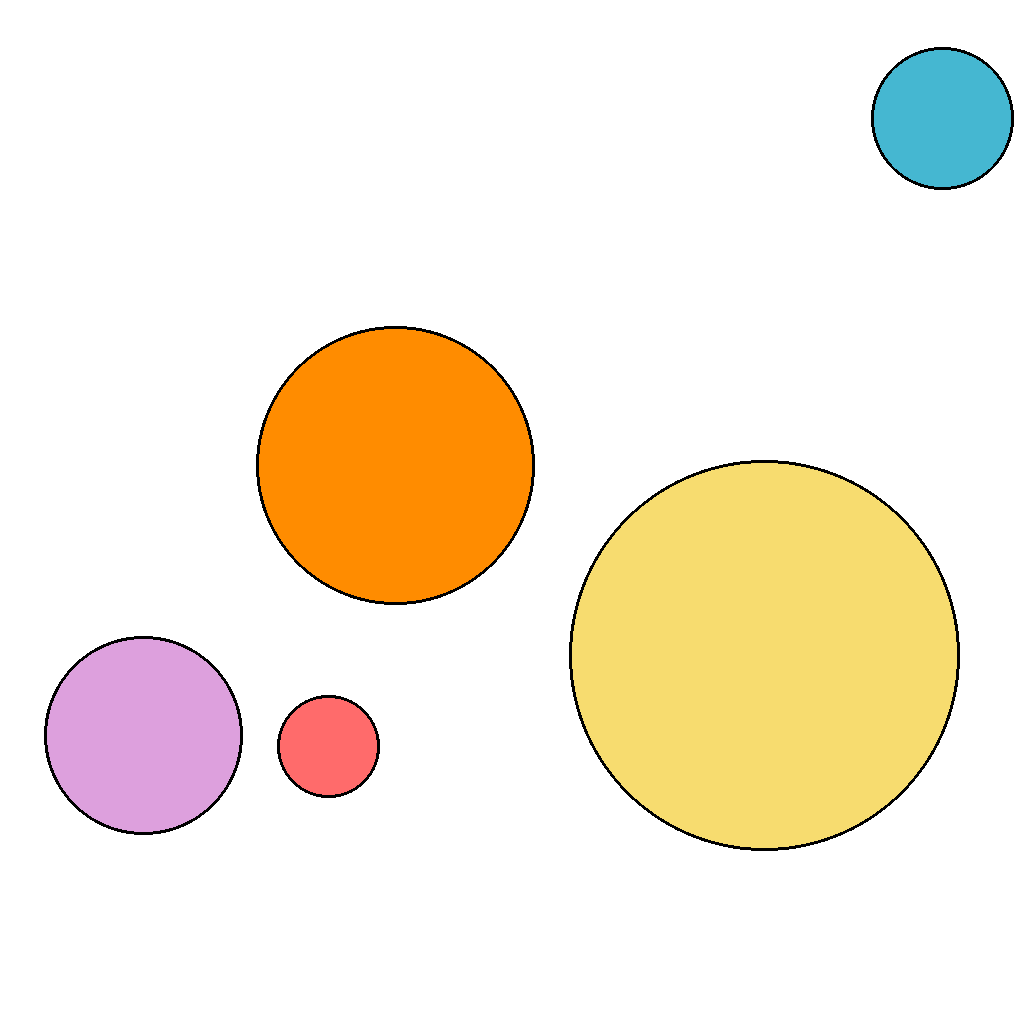
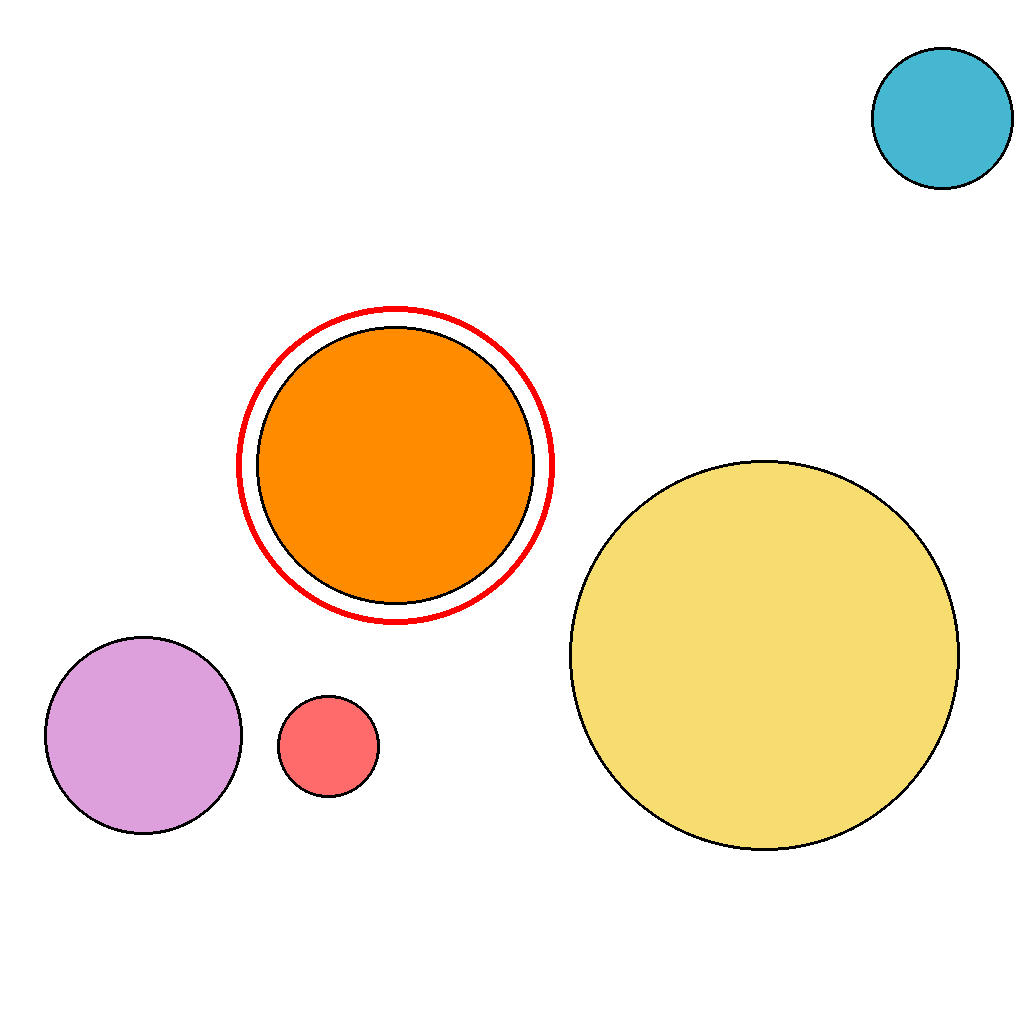
There are 5 circles on the screen, with different sizes.
Compare their sizes and find the second largest circle.
The second largest is the shape that would be in position 2 if you sort all shapes by size from largest to smallest.
Outline the second largest shape in red.
First Frame
Last Frame
Video
mark_tangent_point_after_motion
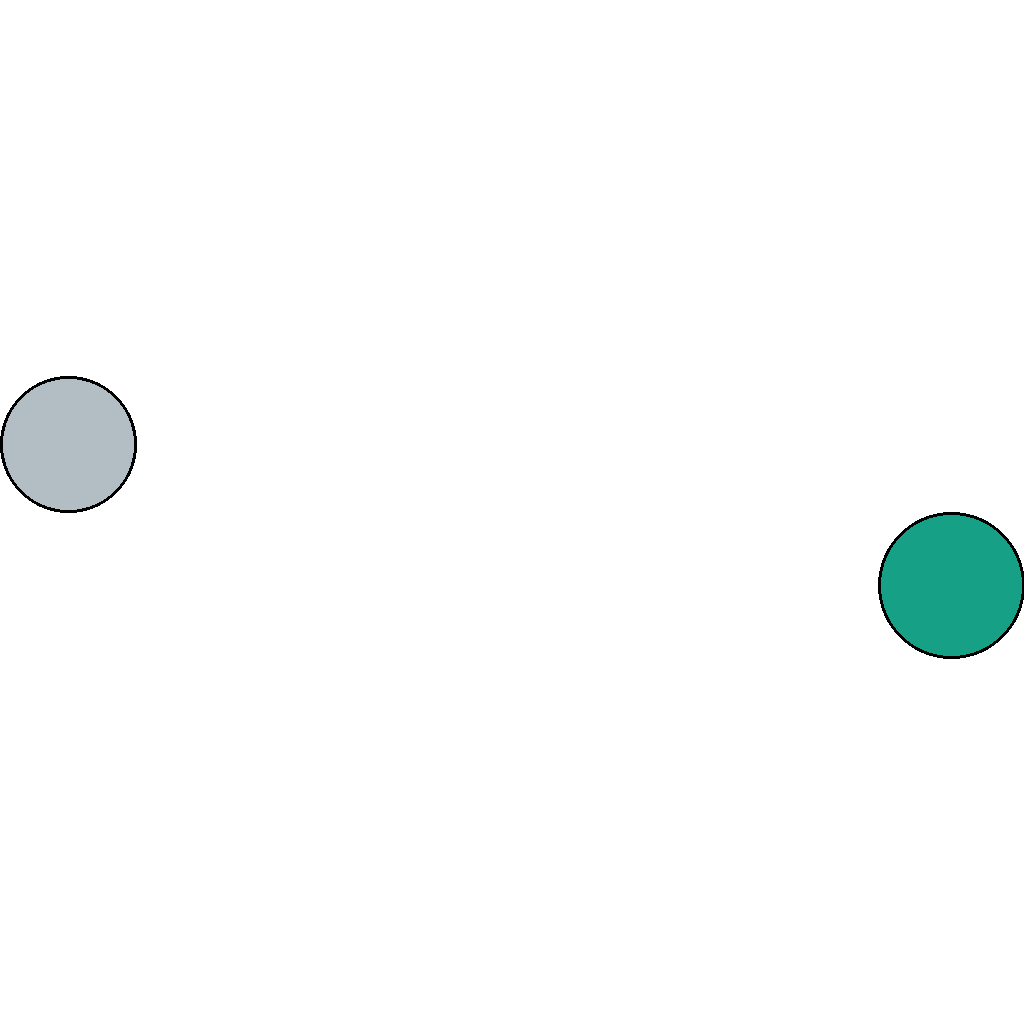
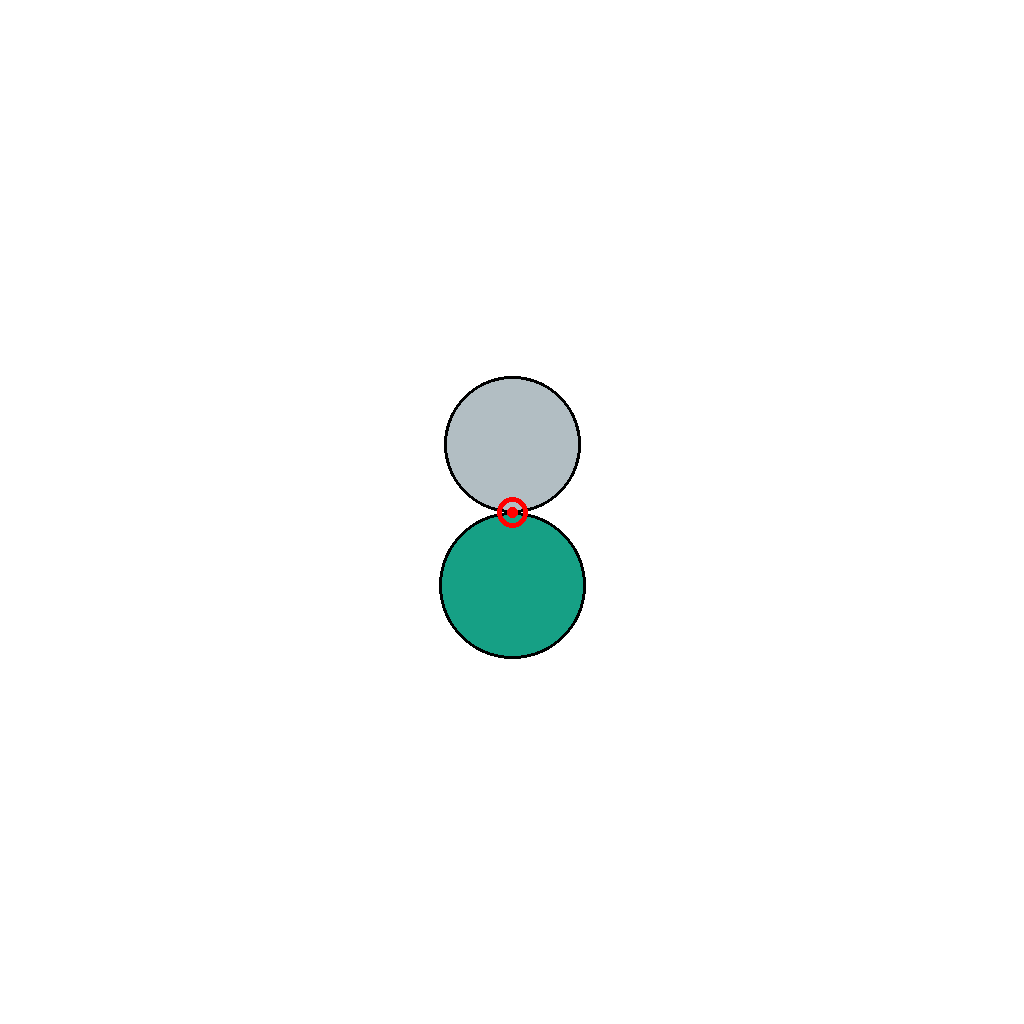
GitHub
Prompt
The scene shows two circles that move only horizontally toward each other (left-to-right and right-to-left) until they touch and stop. First locate the single tangent point where the two circle boundaries meet, then draw a red circle around that tangent point. Show the complete marking process step by step.
First Frame
Last Frame
Video
highlight_horizontal_lines
GitHub
Prompt
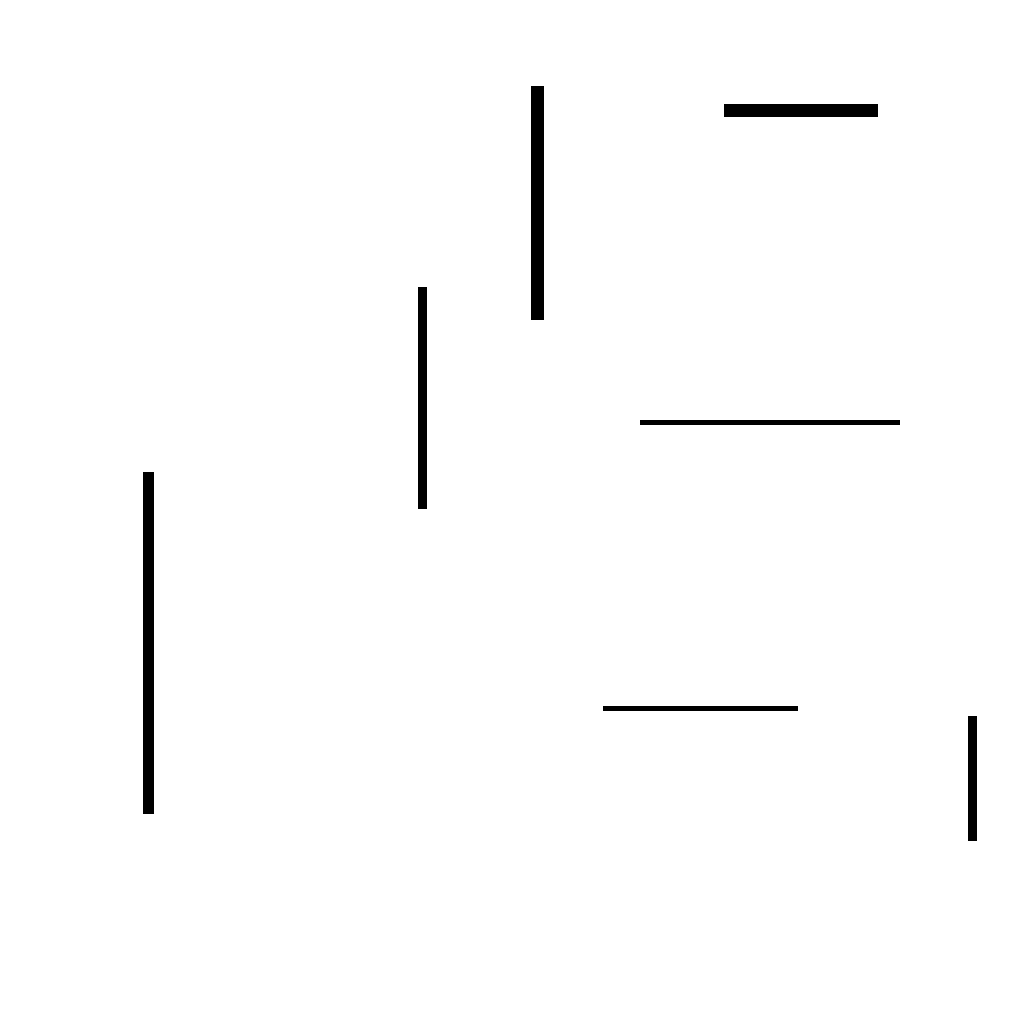
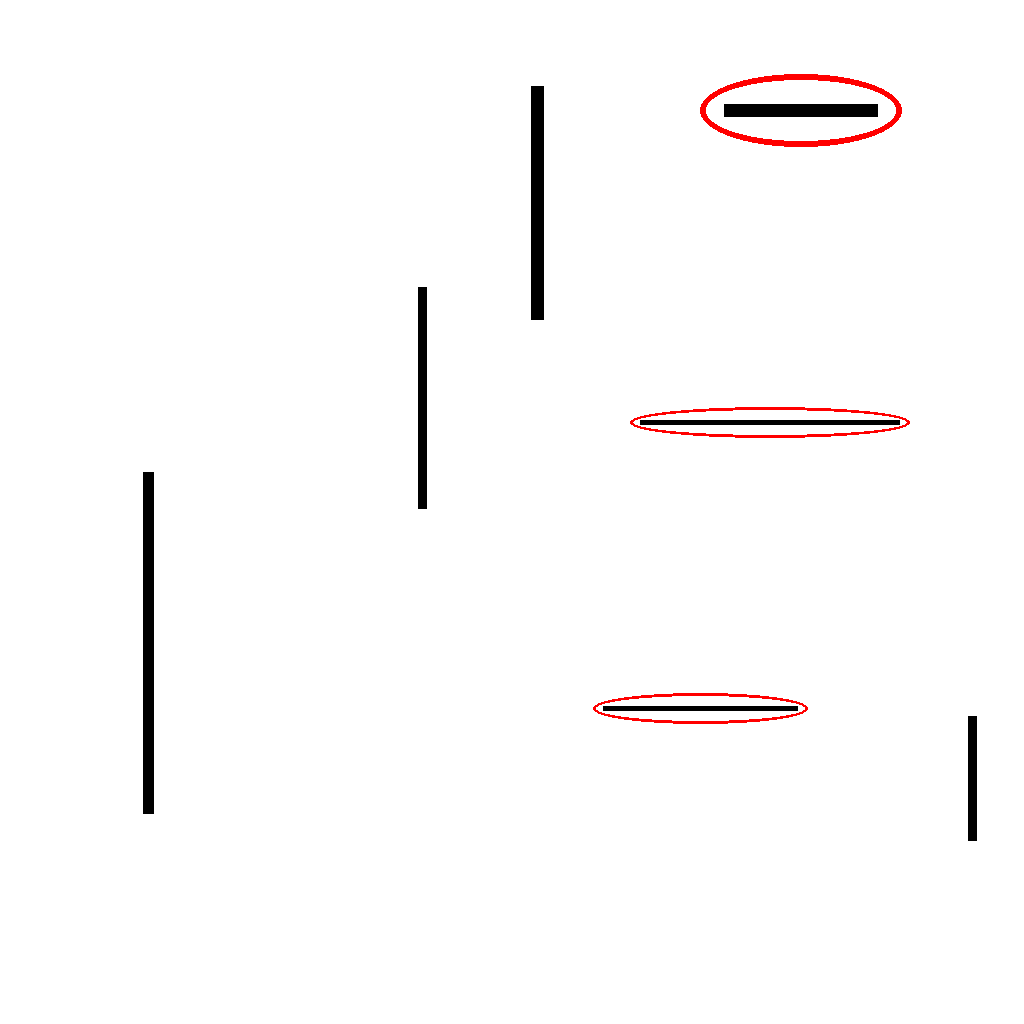
The image contains several straight lines, including horizontal and vertical lines.
Circle every horizontal line.
Do not circle any vertical line.
First Frame
Last Frame
Video
select_longest_polygon_side
GitHub
Prompt
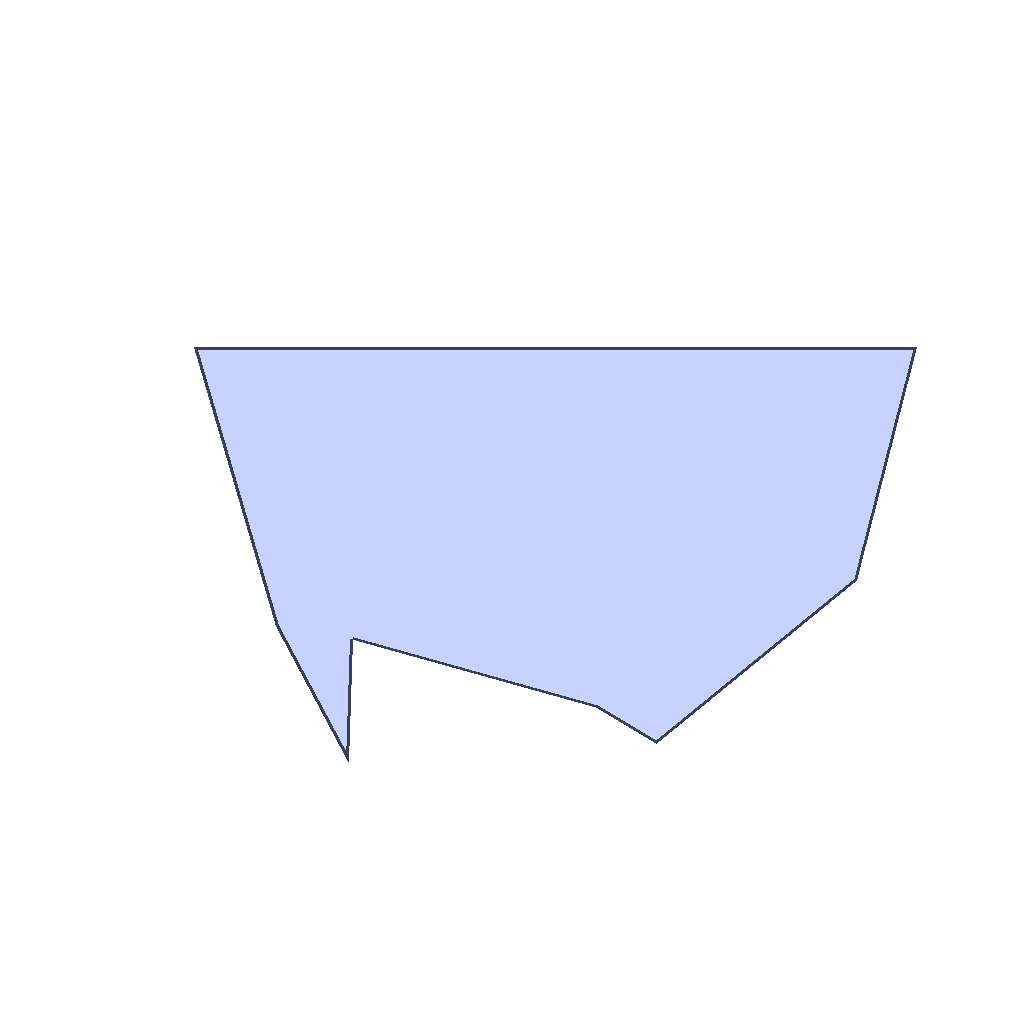
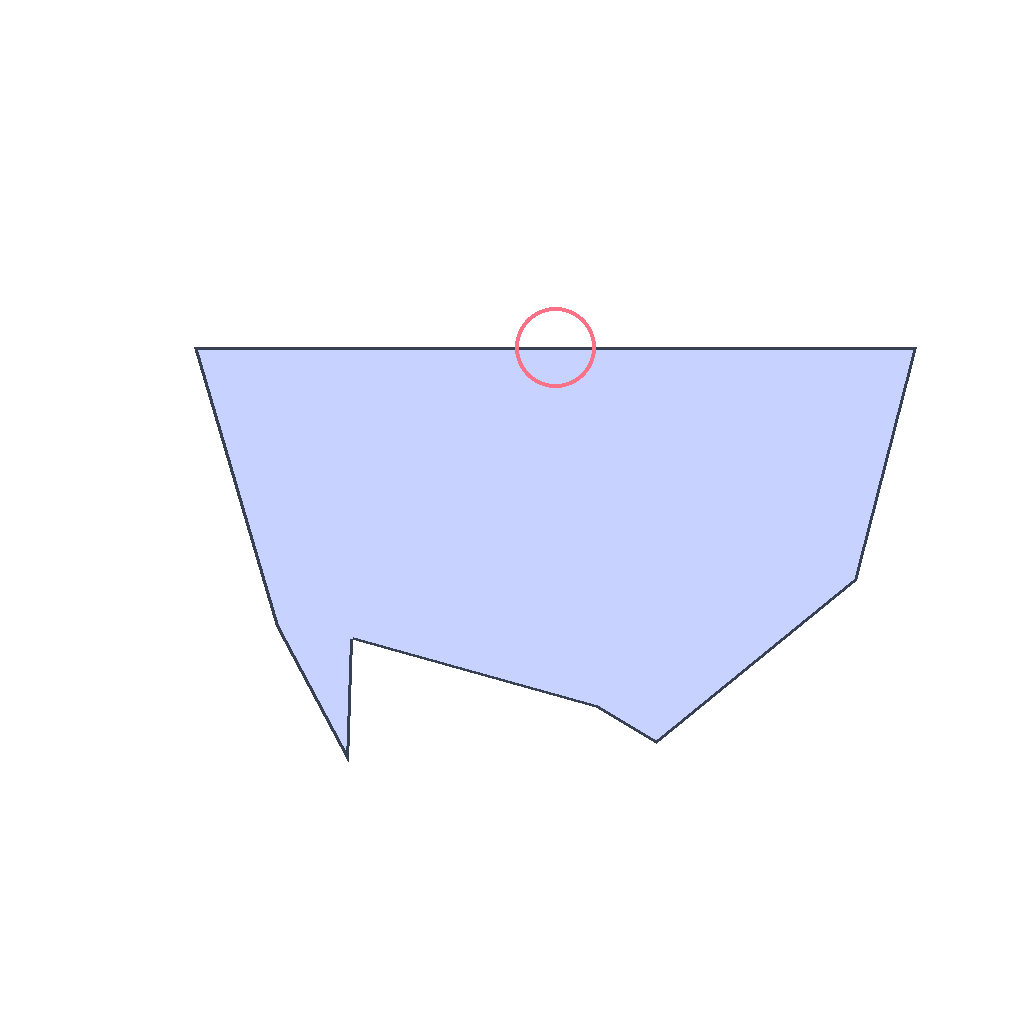
The image shows an irregular polygon with 8 sides. First compare the lengths of all polygon edges, then mark the single longest side by drawing a small circle at its midpoint. Do not change anything else. Show the complete solution step by step.
First Frame
Last Frame
Video
identify_nearest_to_square_rectangle
GitHub
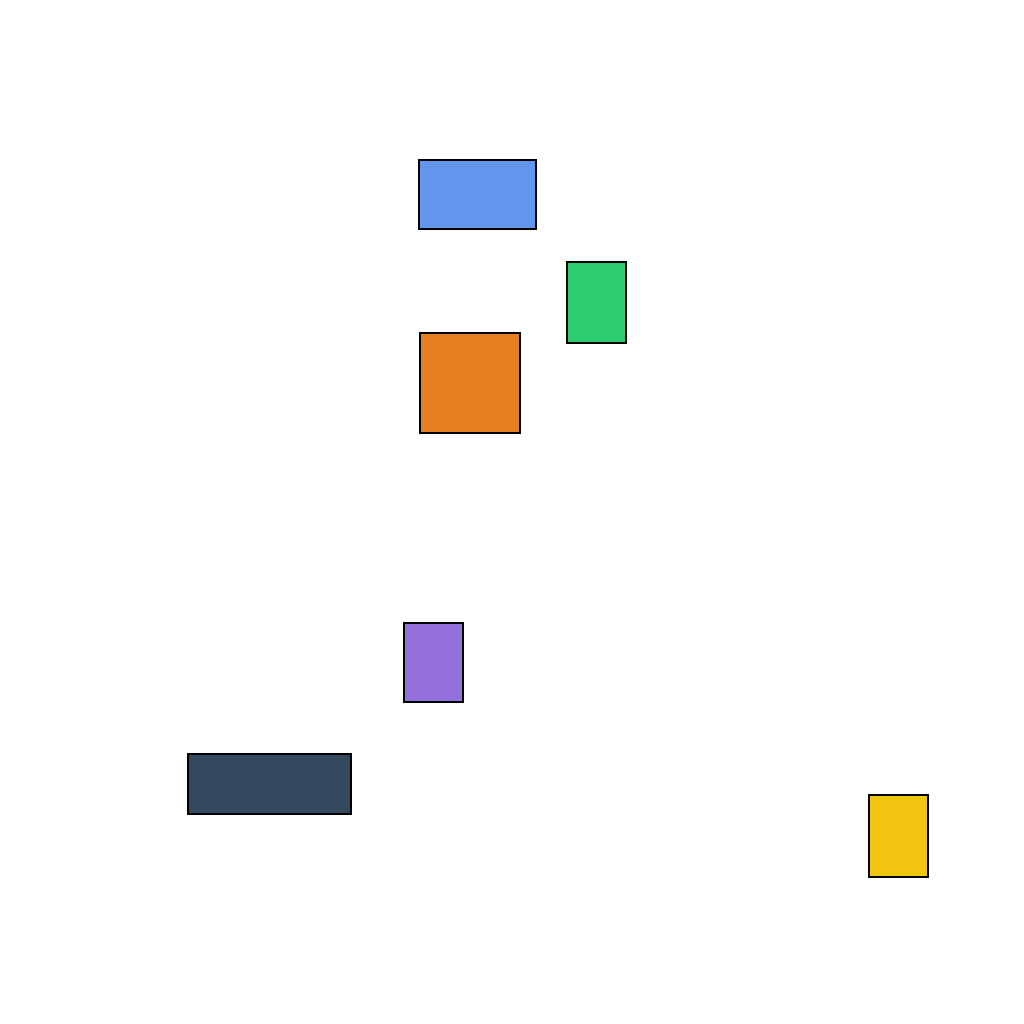
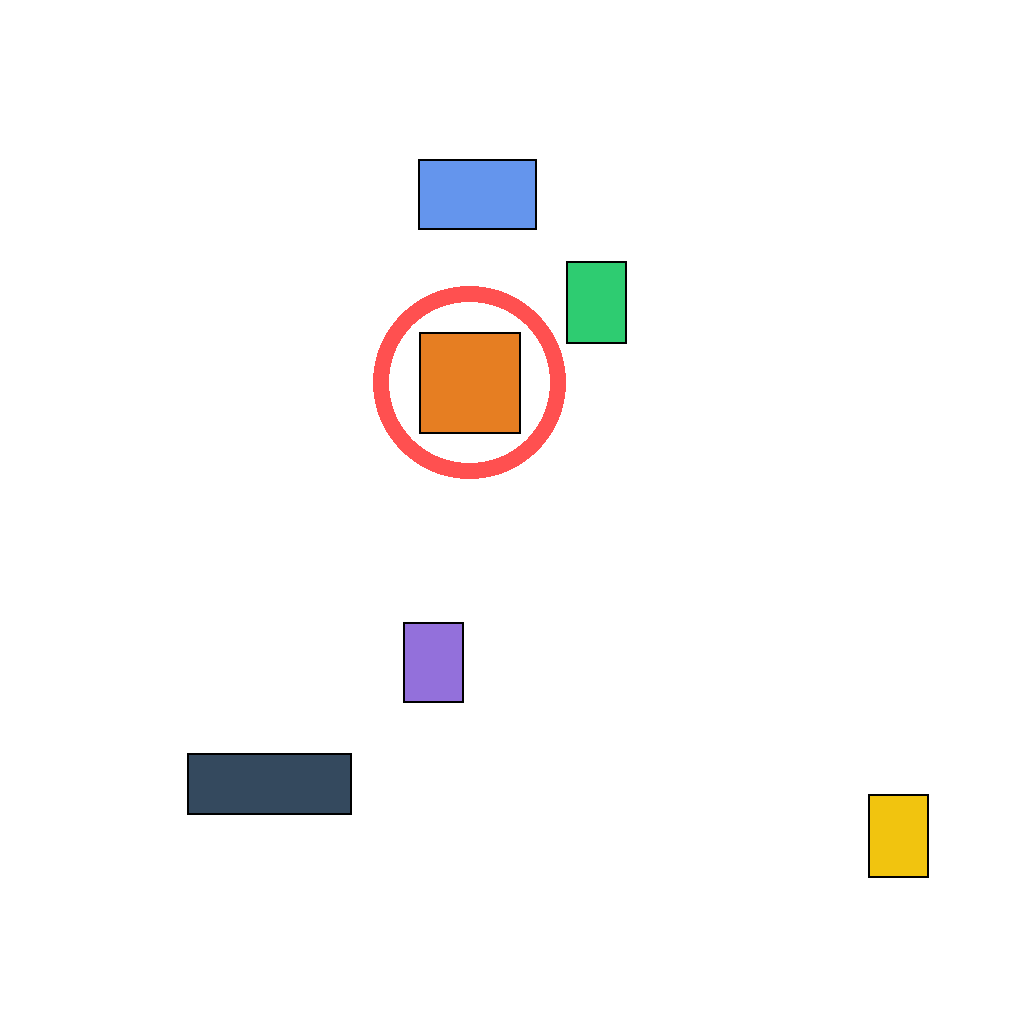
Prompt
The scene shows several axis-aligned rectangles with different widths and heights. First compare how close each rectangle is to a perfect square (width-to-height ratio closest to 1:1), then draw one red circle around the single rectangle that is closest to a square. Do not circle any other rectangles. Show the complete solution step by step.
First Frame
Last Frame
Video
locate_intersection_of_segments
GitHub
Prompt
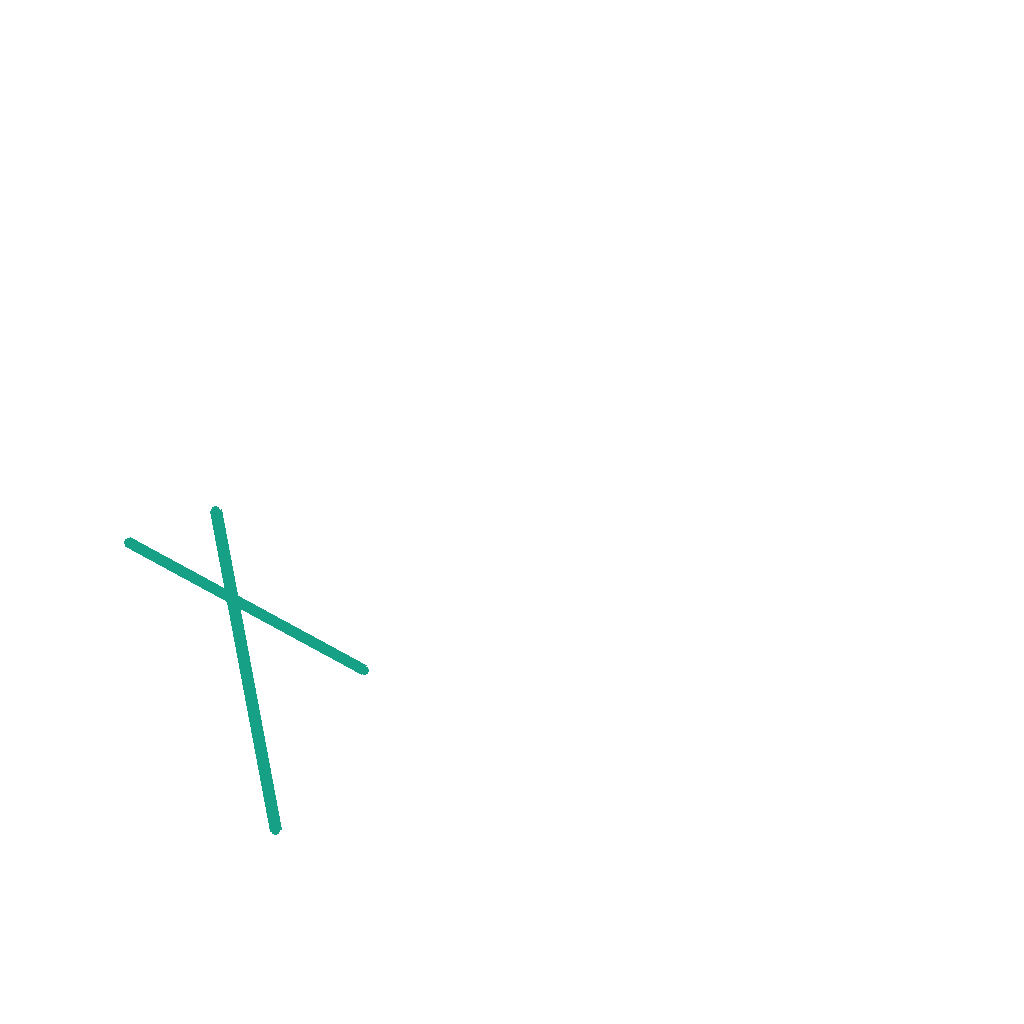
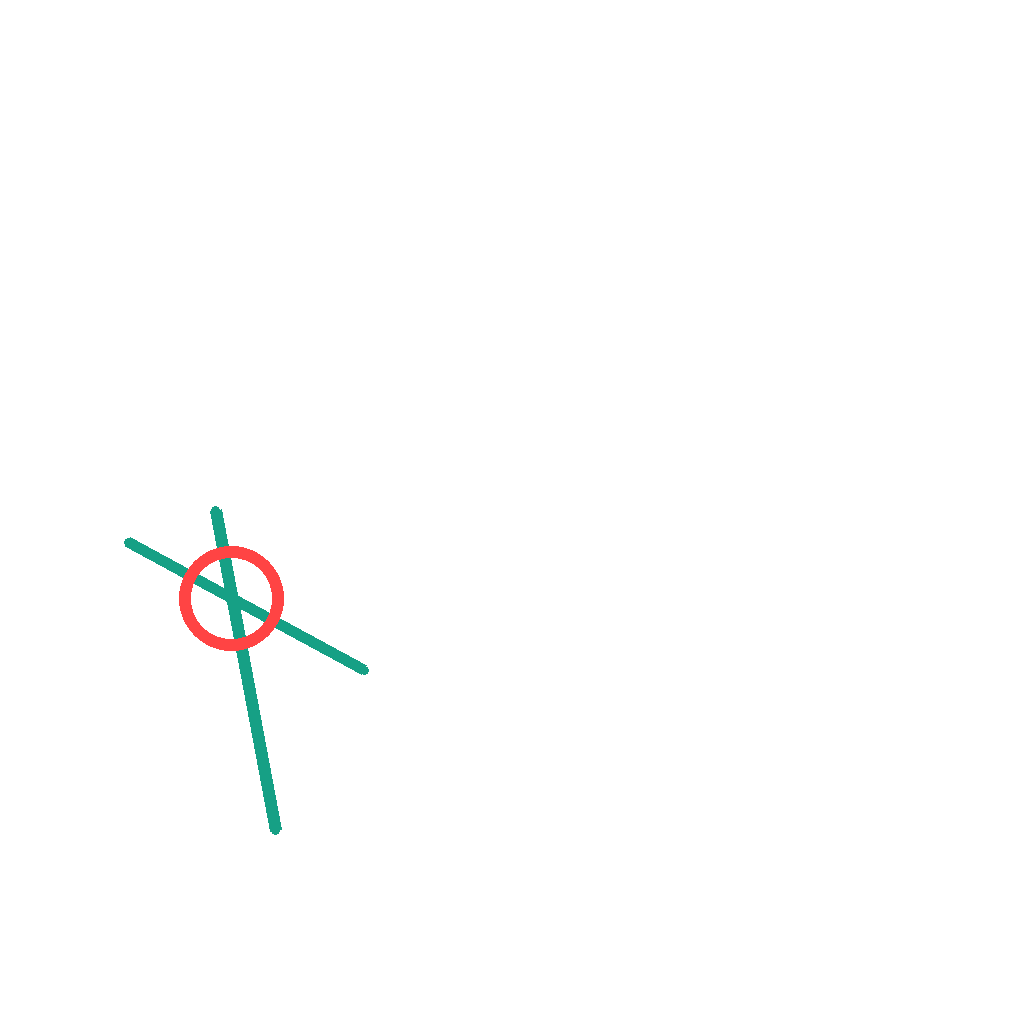
The scene shows two black line segments that intersect at exactly one point. First locate the single intersection point where the two segments cross, then draw one red circle around that intersection point. Do not circle any endpoints and do not add any extra lines. Show the complete marking process step by step.
First Frame
Last Frame
Video
arrange_circles_by_circumference
GitHub
Prompt
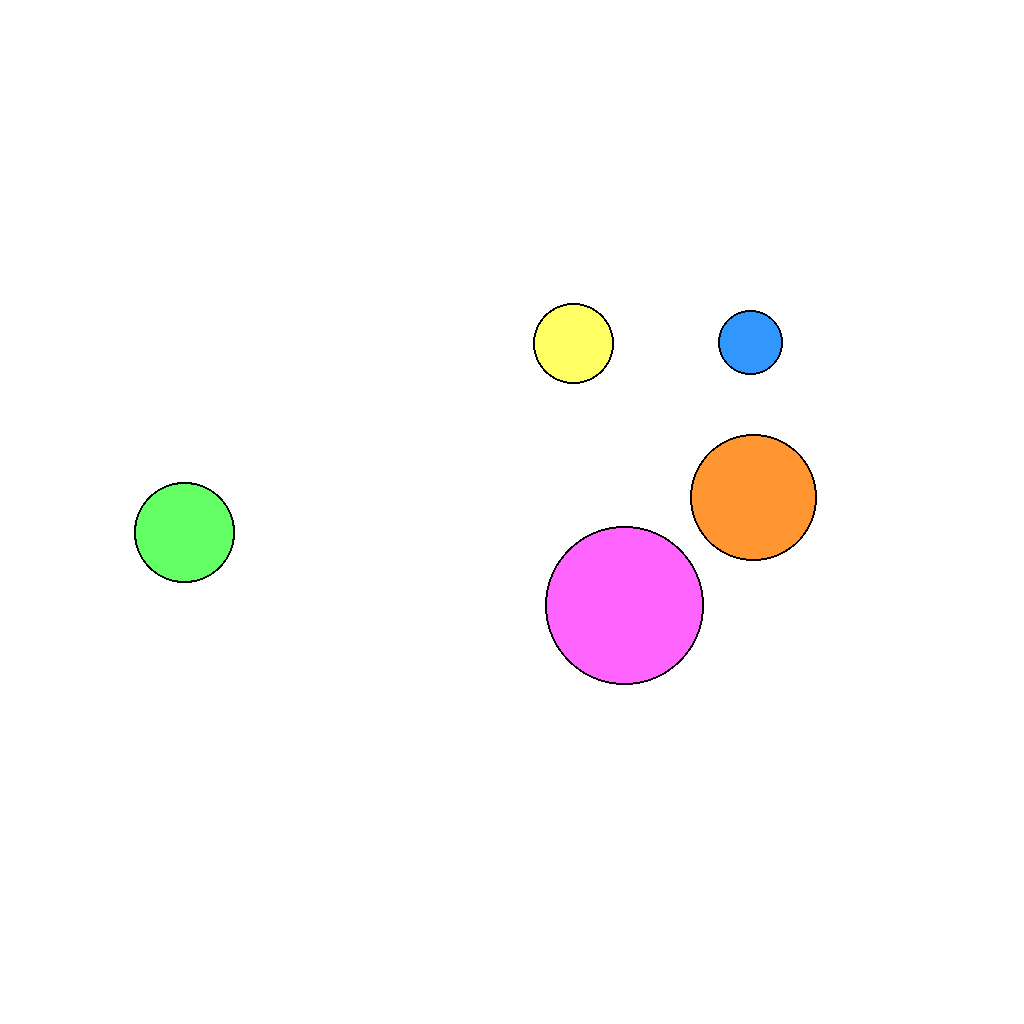
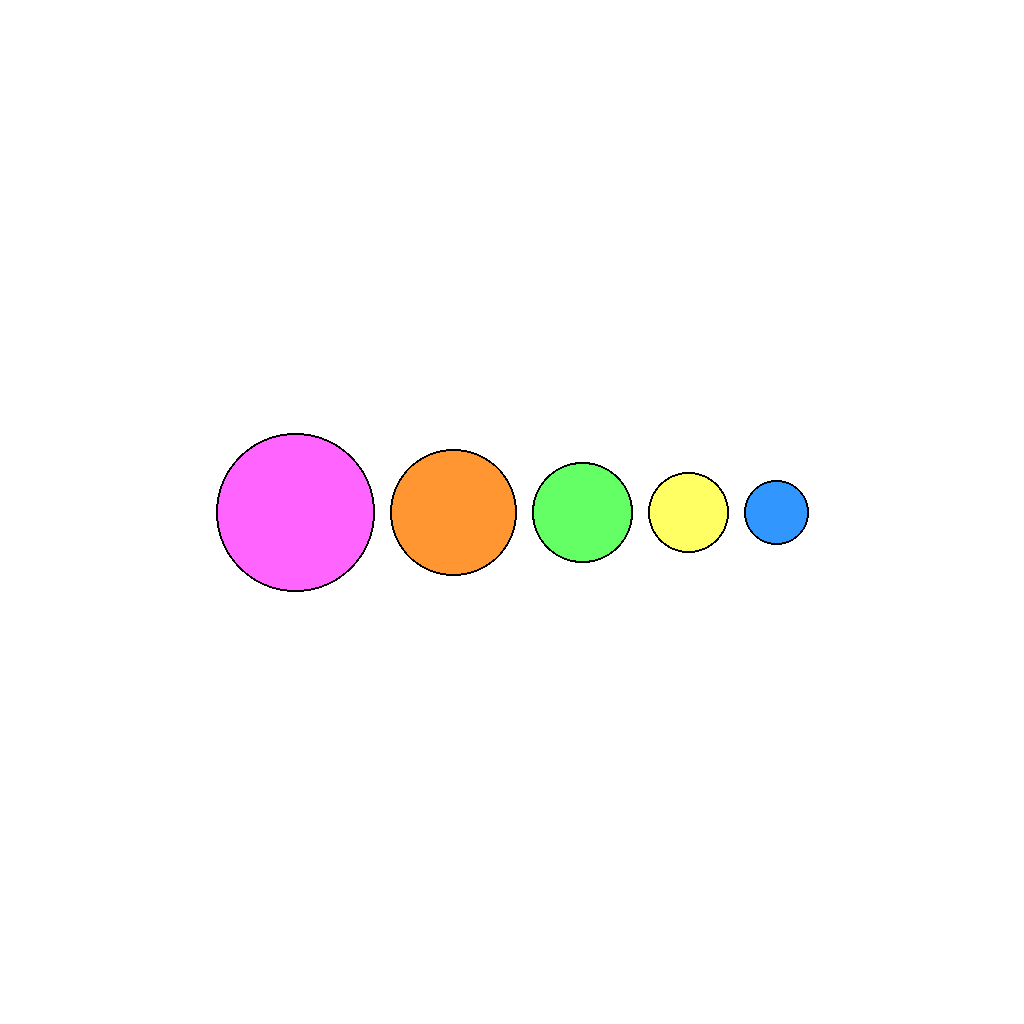
The scene shows 5 circles of different sizes and colors arranged randomly.
Keep every circle unchanged in size and color. Only rearrange their positions.
Align all circles on a single horizontal line. Center the entire row of circles in the image.
Sort them from left to right by circumference, from largest to smallest.
First Frame
Last Frame
Video
draw_midpoint_perpendicular_line
GitHub
Prompt
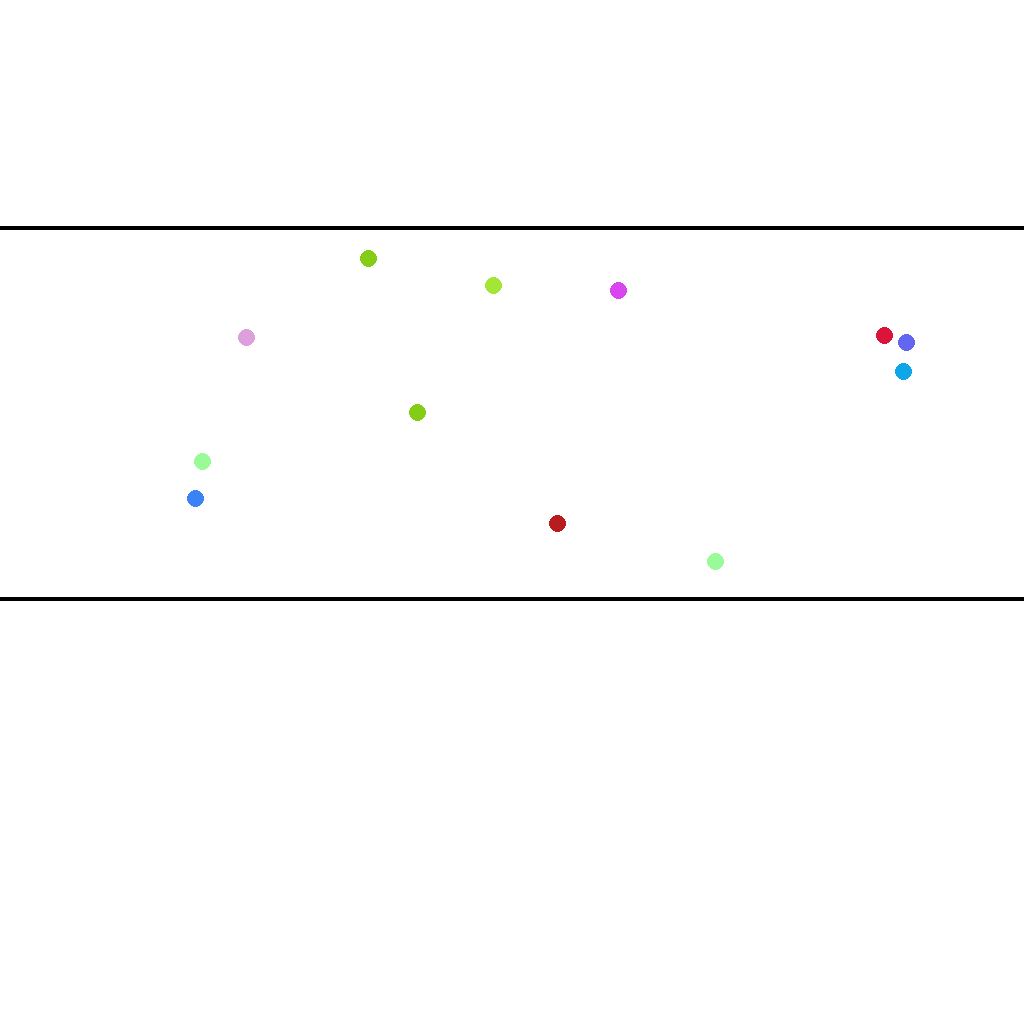
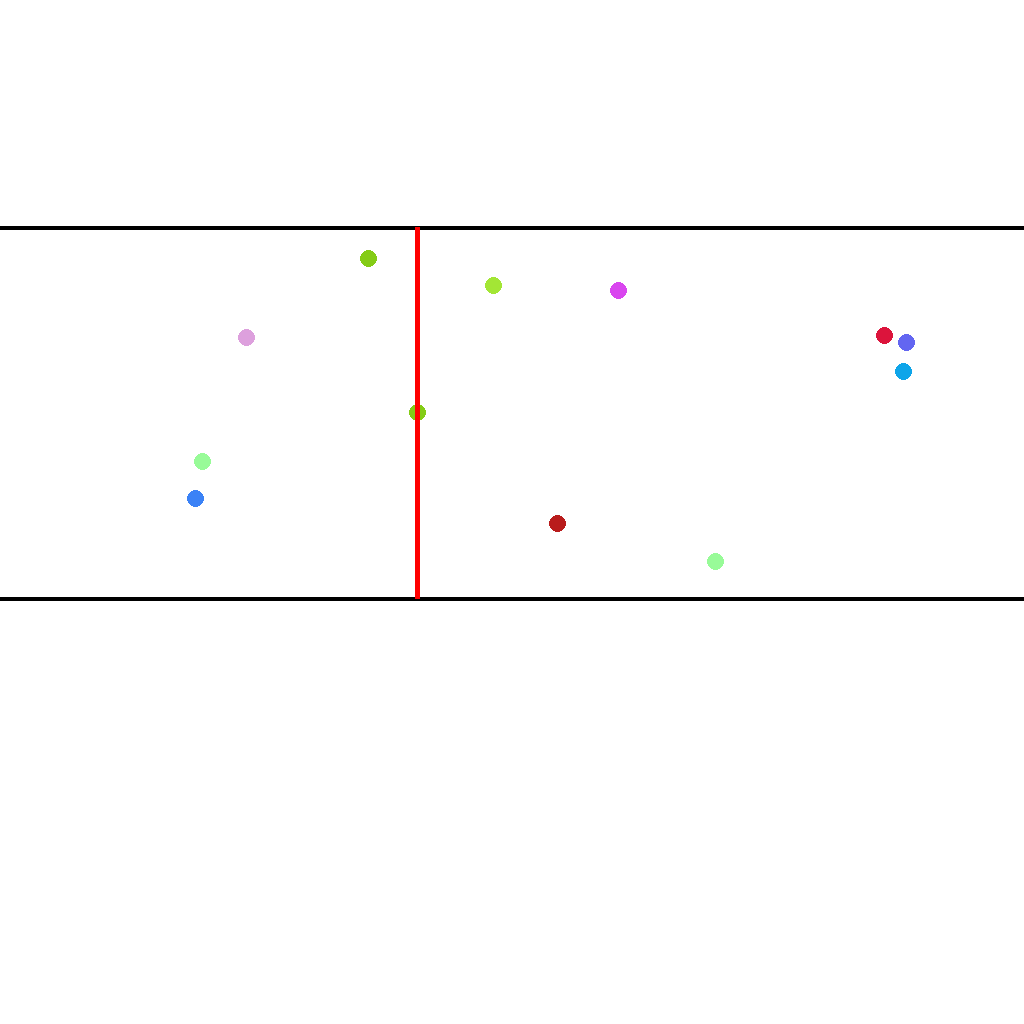
Draw a vertical red line through the middle point that is perpendicular to the horizontal parallel lines. The line should extend from the upper parallel line to the lower parallel line.
First Frame
Last Frame
Video
select_nearest_2_1_rectangle
GitHub
Prompt
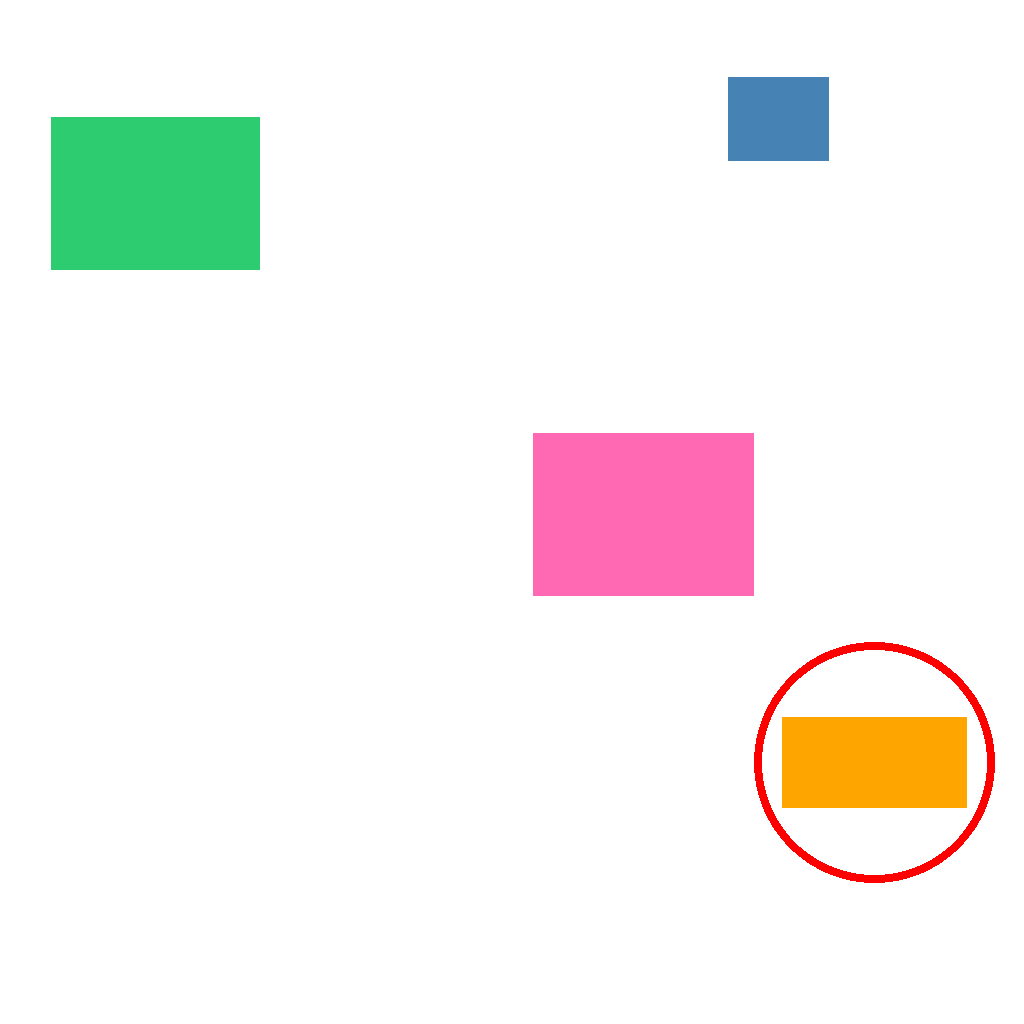
The scene shows several rectangles with different widths and heights. A rectangle matches a 2:1 aspect ratio if its longer side is about twice its shorter side, regardless of orientation. First compare all rectangles and determine which single rectangle is closest to a 2:1 aspect ratio, then draw one red circle around that rectangle. Do not circle any other rectangles. Show the complete solution step by step.
First Frame

Last Frame
Video
mark_right_angled_triangles
GitHub
Prompt
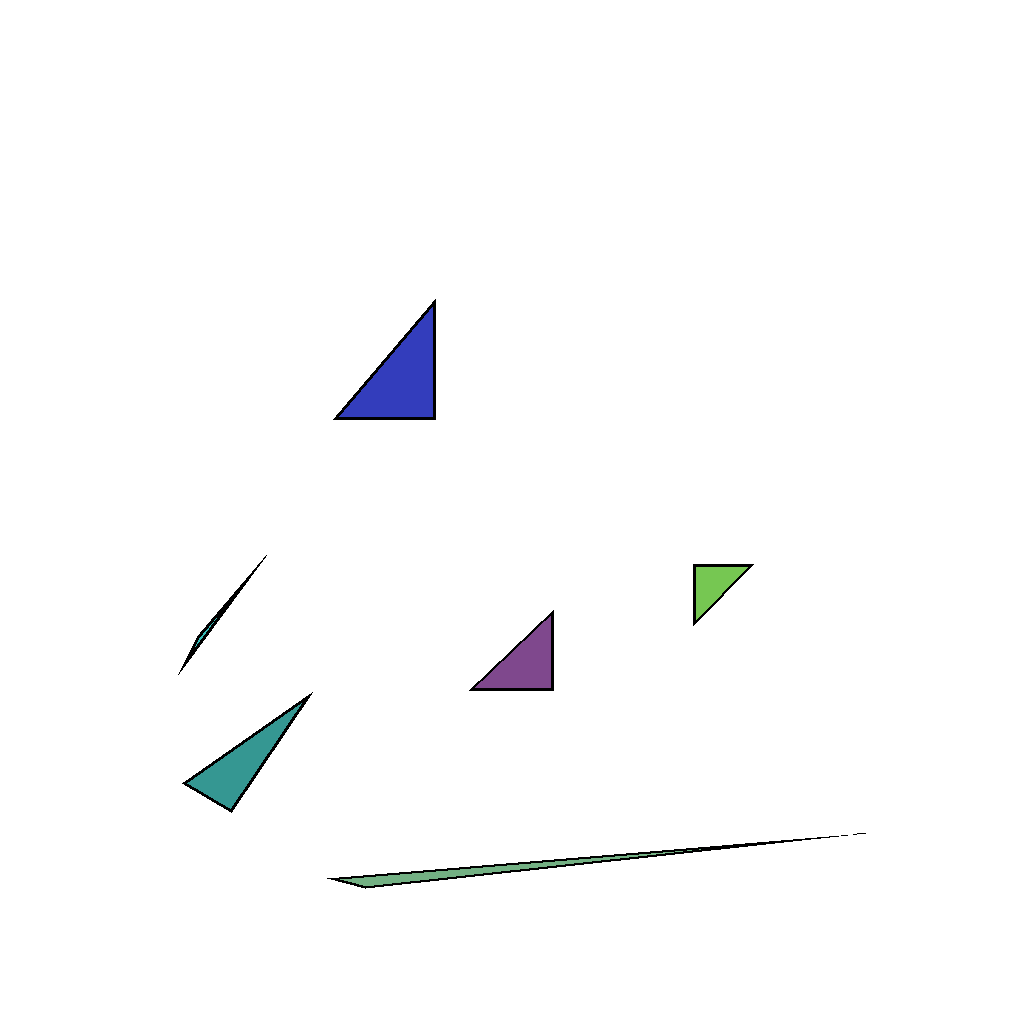
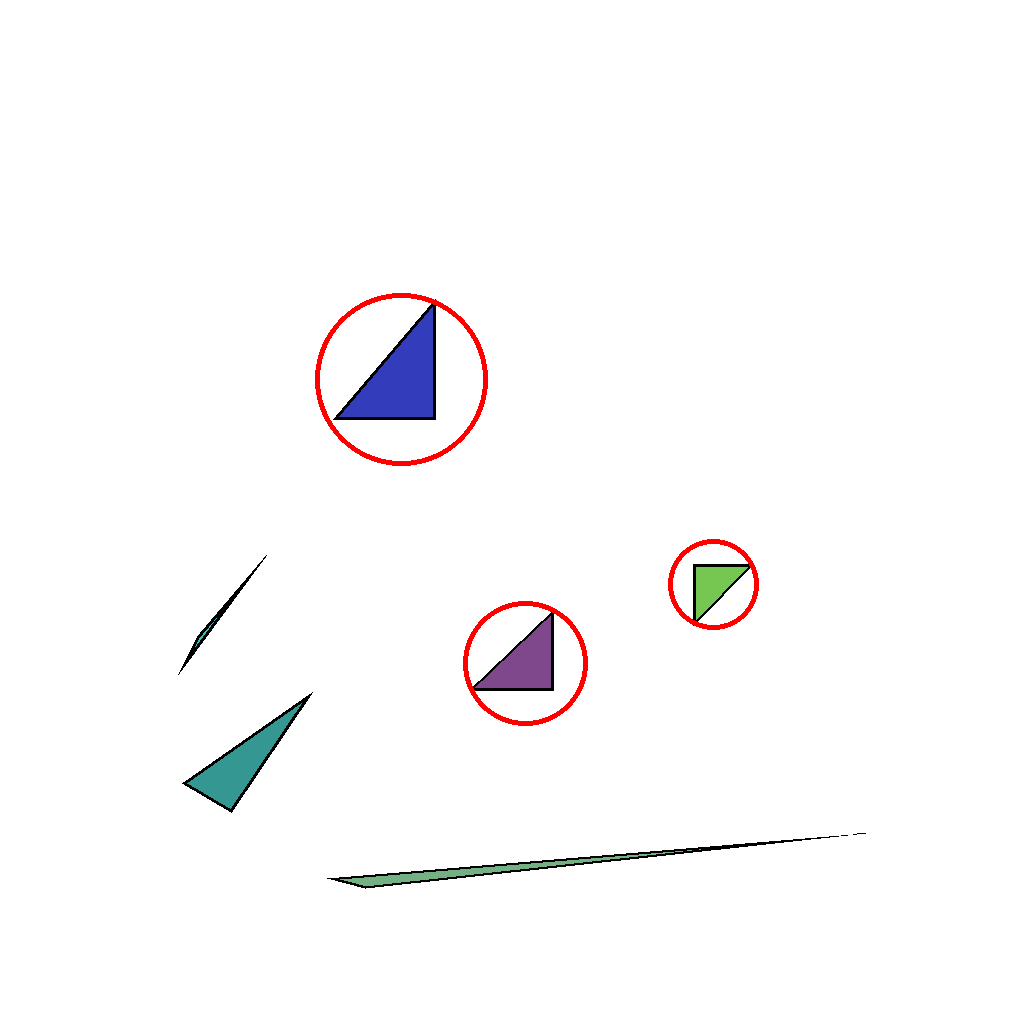
The scene shows multiple triangles on a white background. Identify every triangle that has a right angle (90°) and mark each one with a red circle; each circle must enclose only that right-angled triangle, not any other shape. Show the solution step by step.
First Frame
Last Frame
Video
locate_line_intersections
GitHub
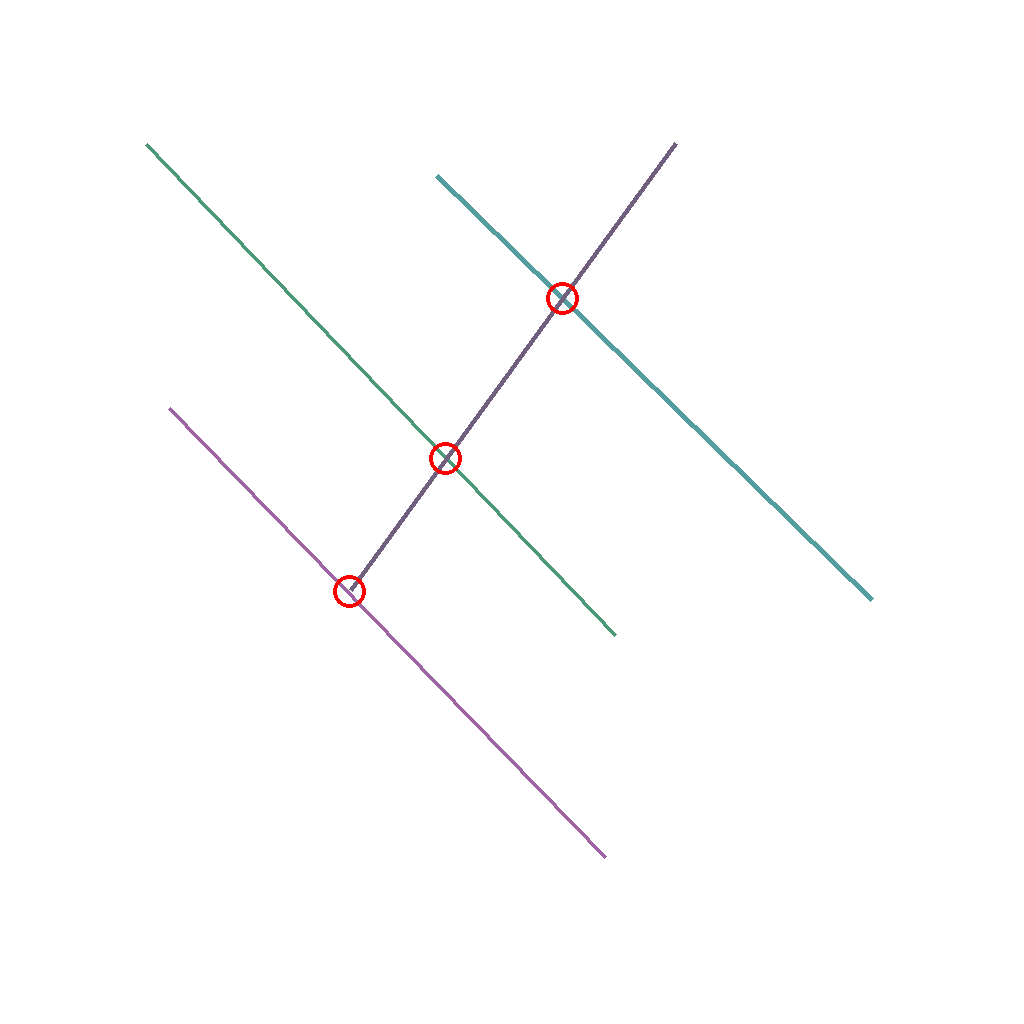
Prompt
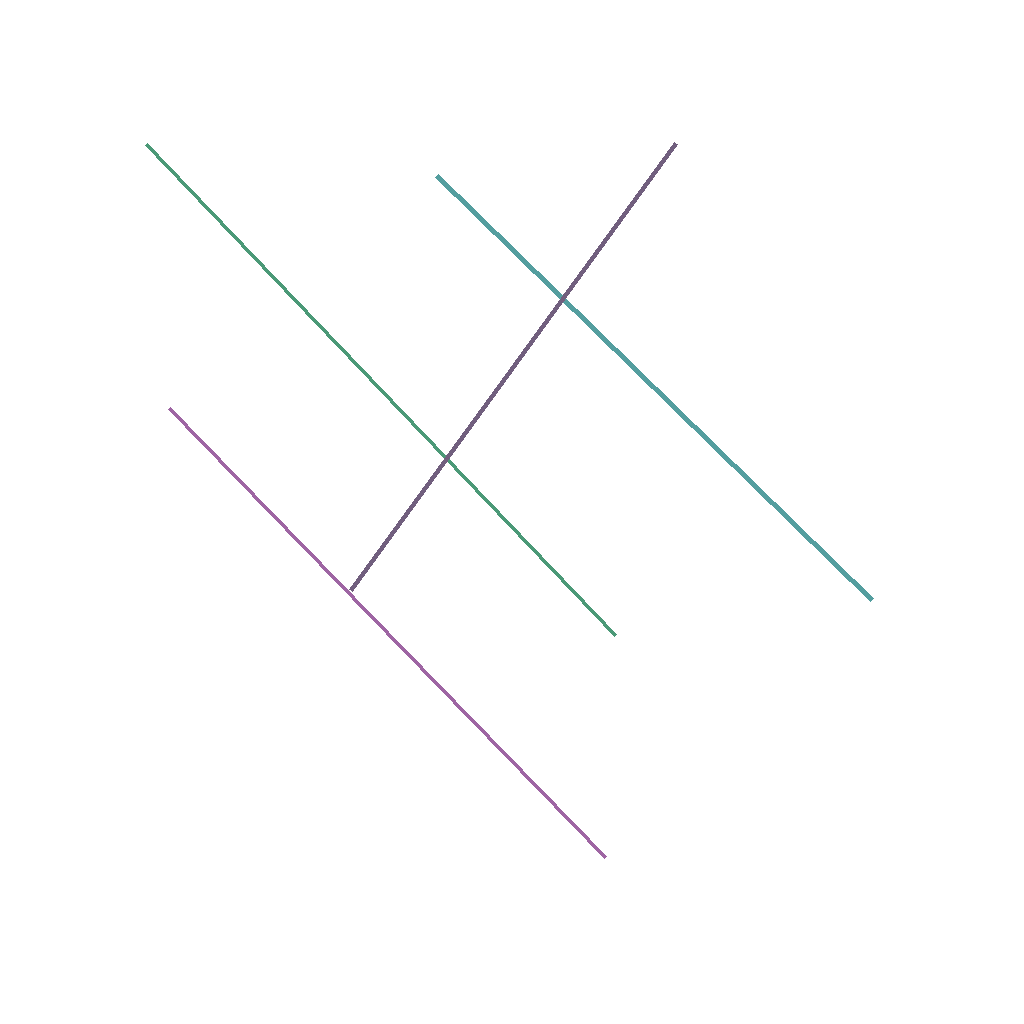
Circle all intersection points of the line segments with red circles.
First Frame
Last Frame
Video
mark_wave_peaks
GitHub
Prompt
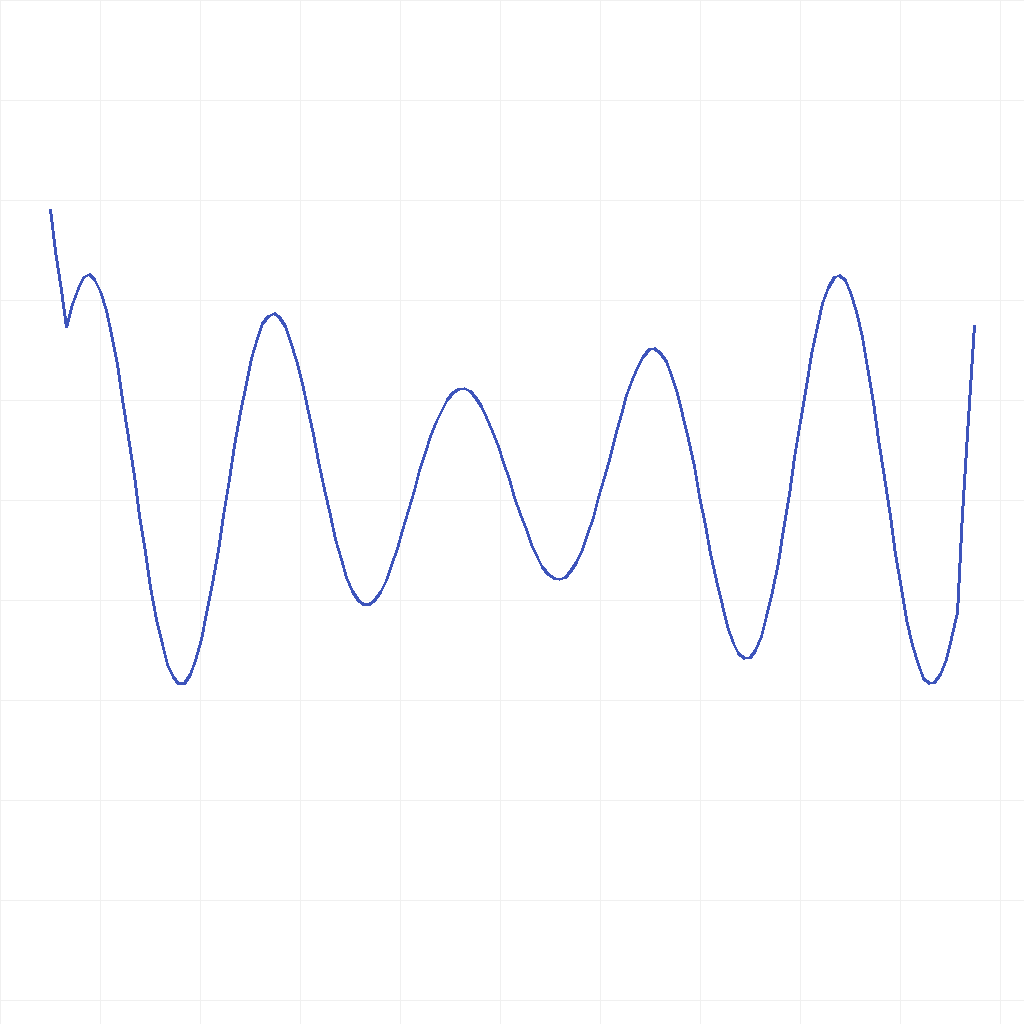
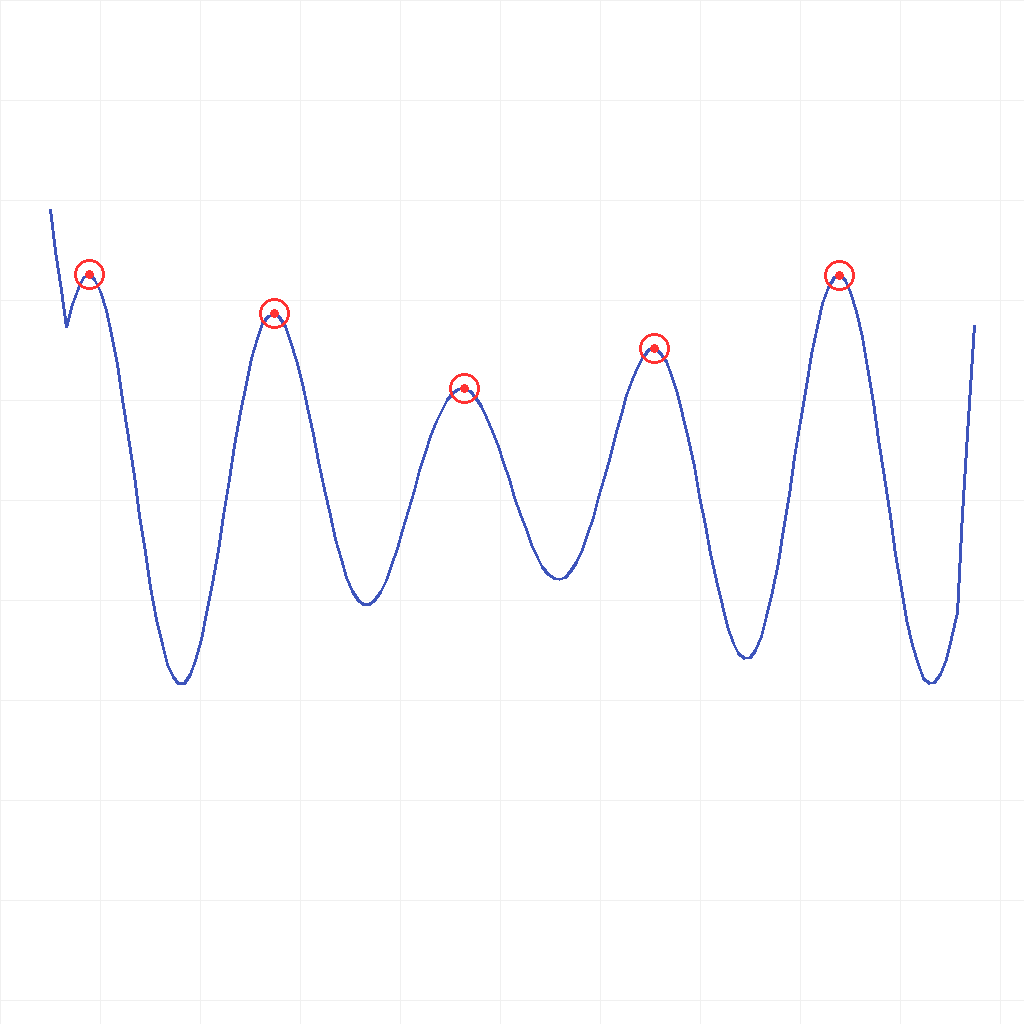
The scene shows a continuous wave on a white background. Find all peaks (local maxima: each point where the wave value is greater than both immediate neighbors). Circle each peak with a red hollow outline and a solid red dot at its center, from left to right one by one, and show the solution step by step.
First Frame
Last Frame
Video
identify_pentagons
GitHub
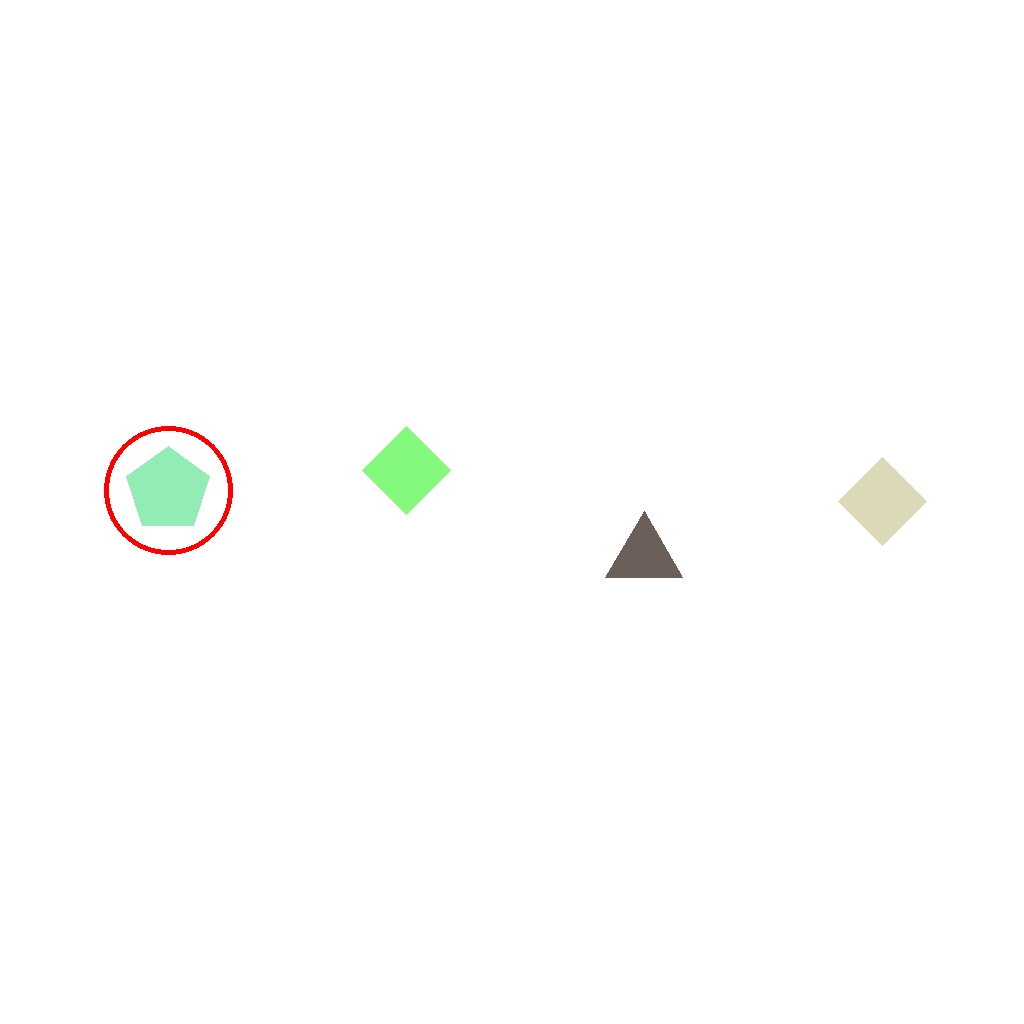
Prompt
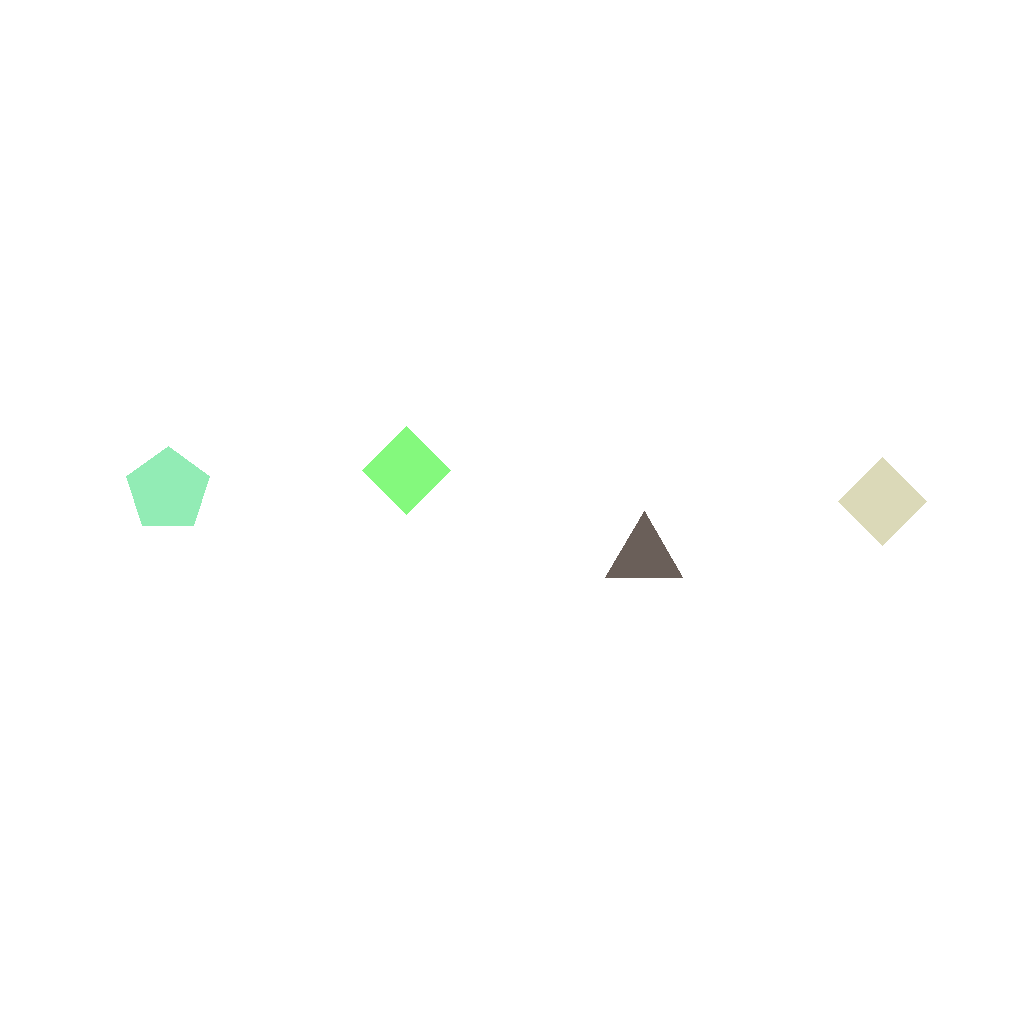
Multiple polygons are shown; exactly one of them is a pentagon (5 sides). Identify that pentagon and mark it with a red circle that expands from the inside out to encircle the shape. Do not change anything else.
First Frame
Last Frame
Video
find_incorrect_arrow_direction
GitHub
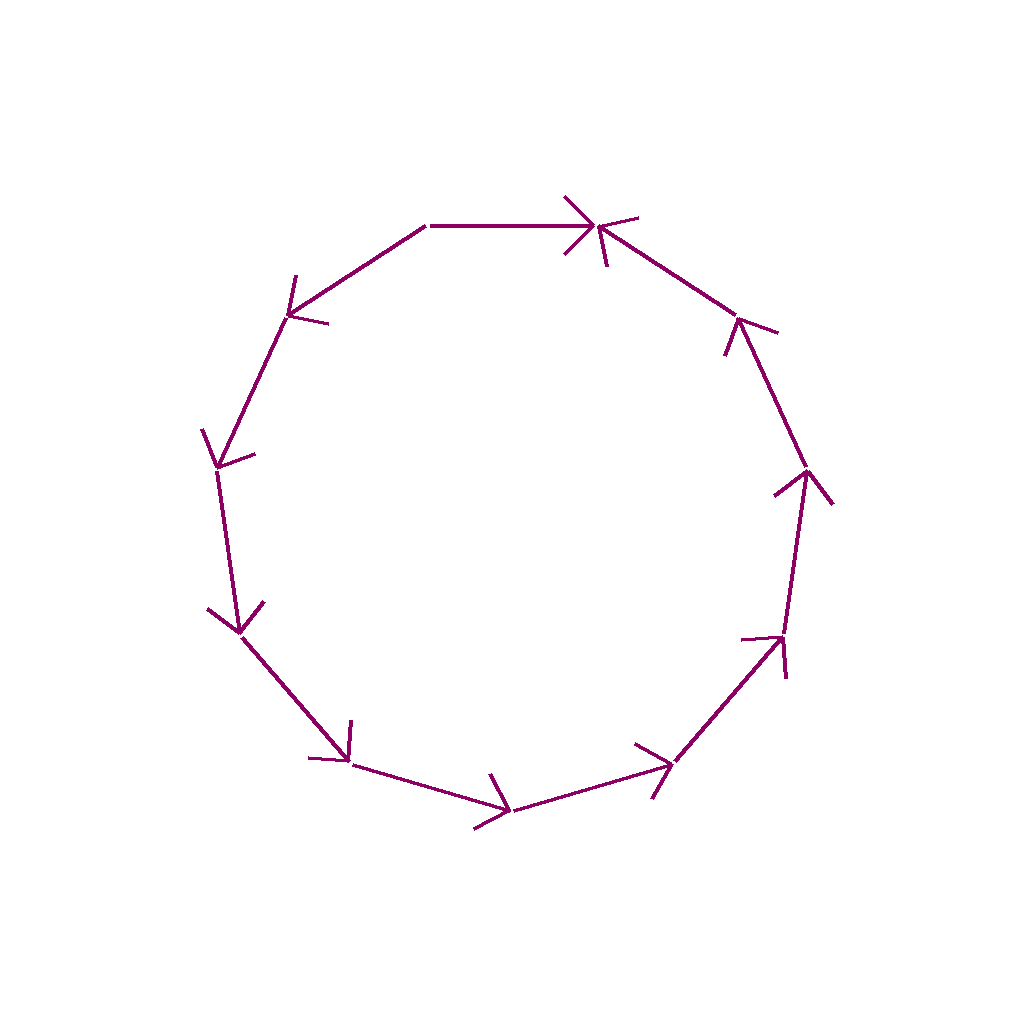
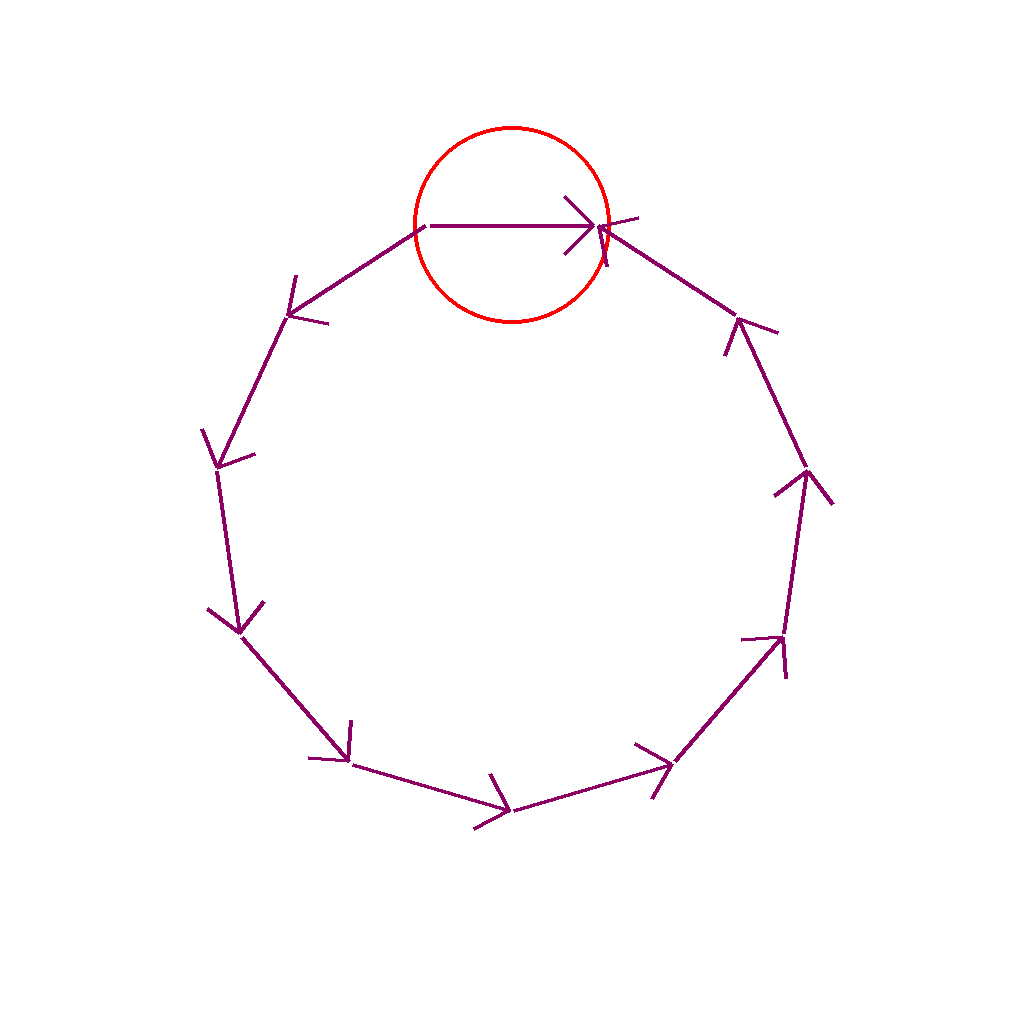
Prompt
Look at the arrows arranged in a circle on the screen. Please circle the arrow pointing in a different direction from the others.
First Frame
Last Frame
Video
identify_largest_angle_in_triangle
GitHub
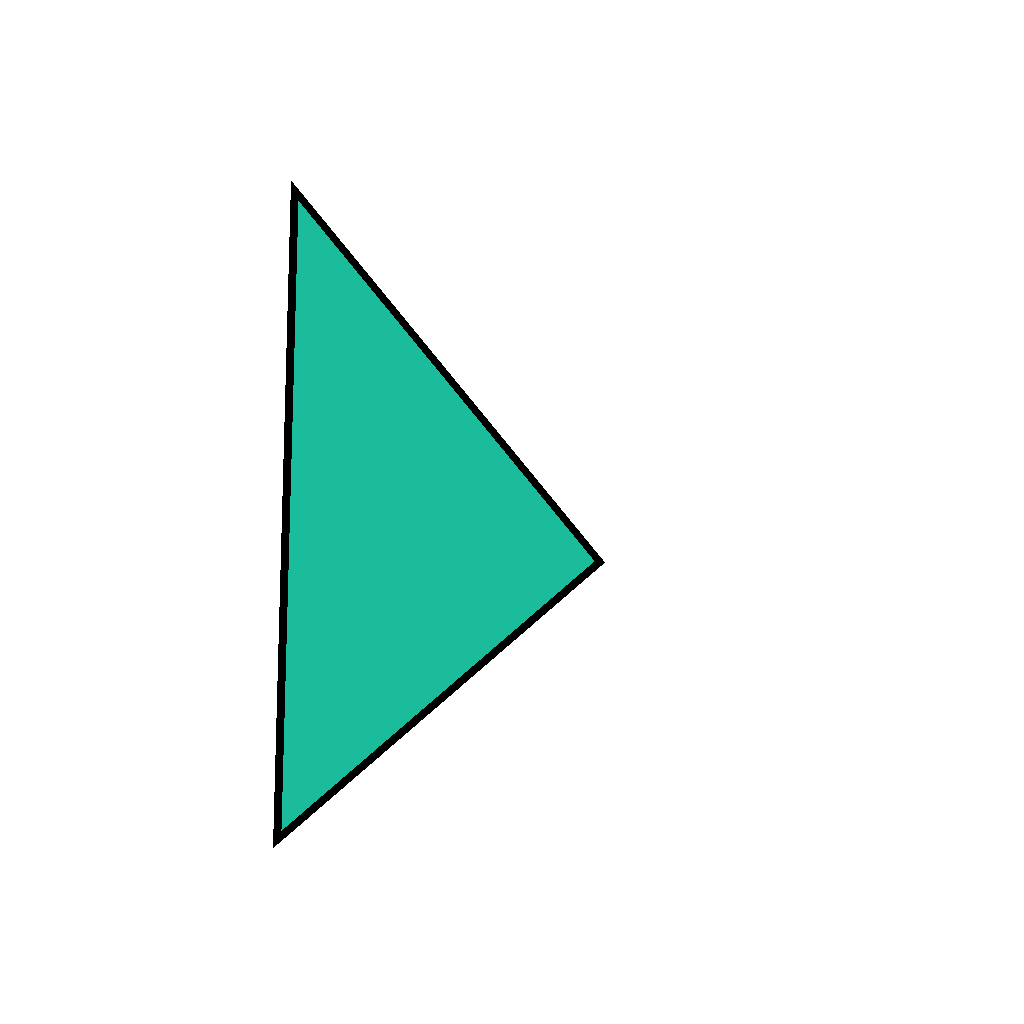
Prompt
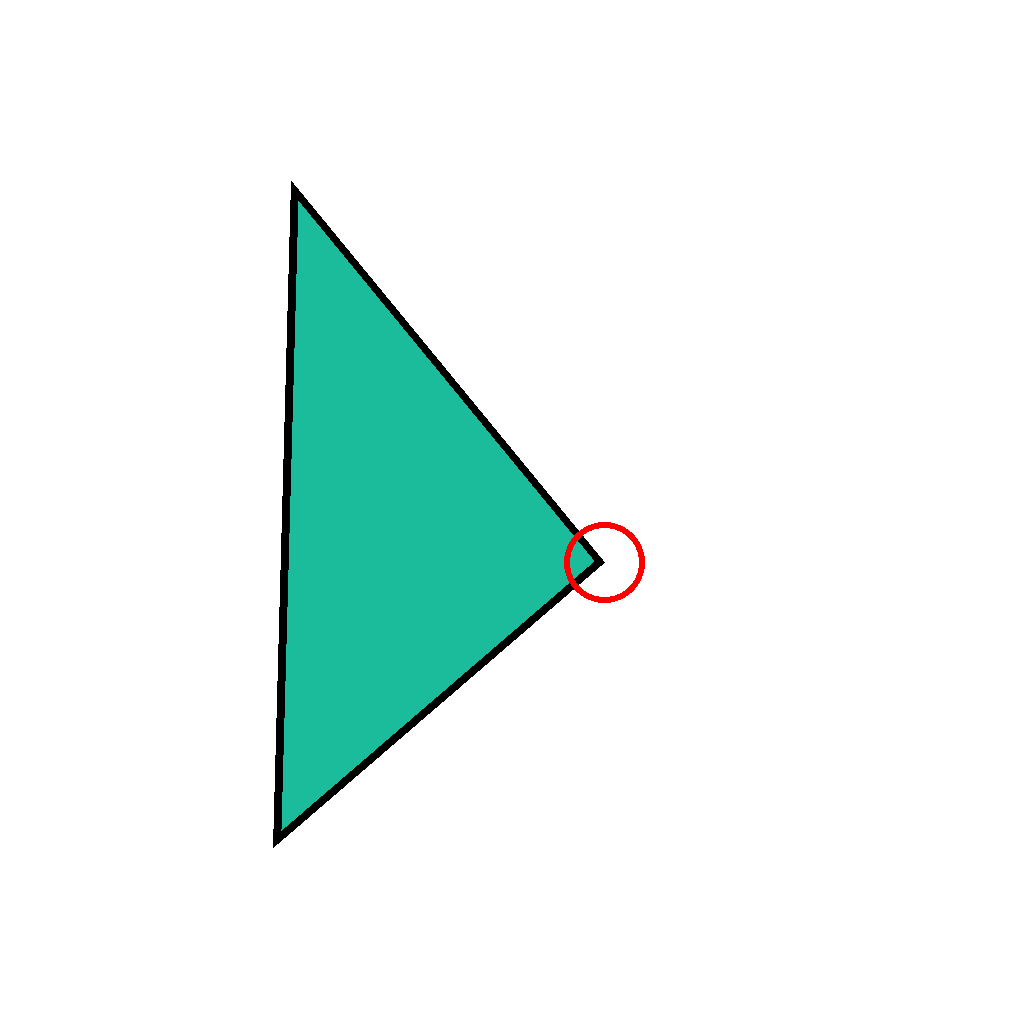
The scene shows a single triangle on a white background. Identify the vertex where the largest angle is located, then circle that vertex with a red circle. Show the solution step by step.
First Frame
Last Frame
Video
mark_tangent_point_of_circles
GitHub
Prompt
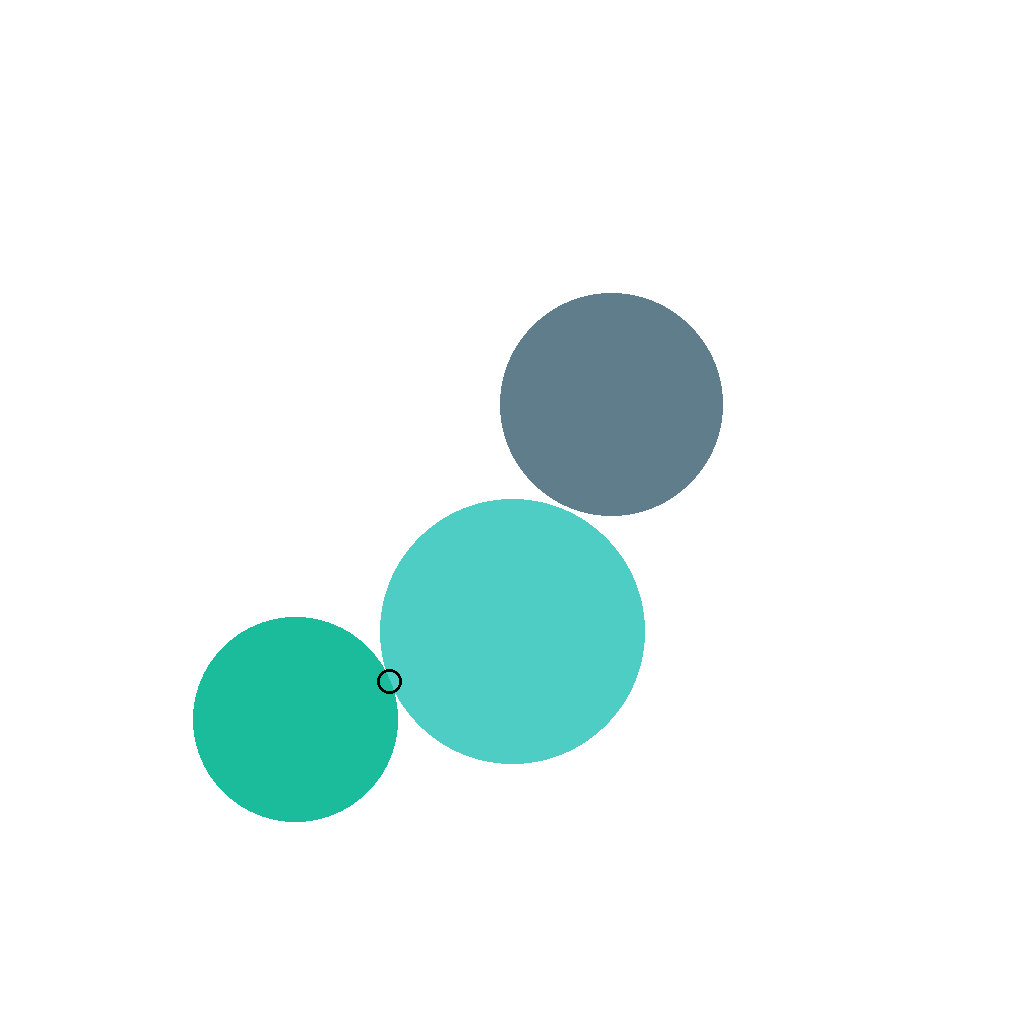
Look at the circles on the screen. Please circle the tangent point of the two circles that are touching.
First Frame

Last Frame
Video
highlight_horizontal_lines
GitHub
Prompt
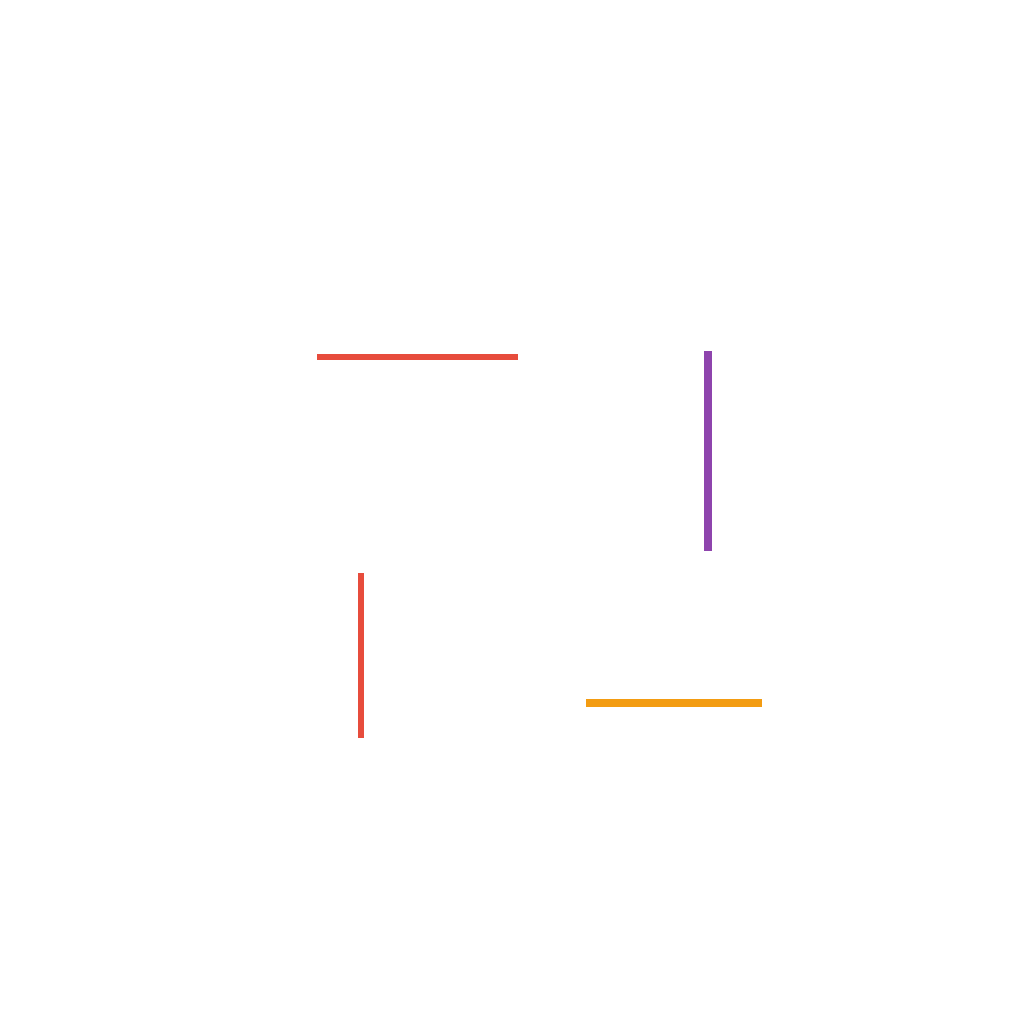
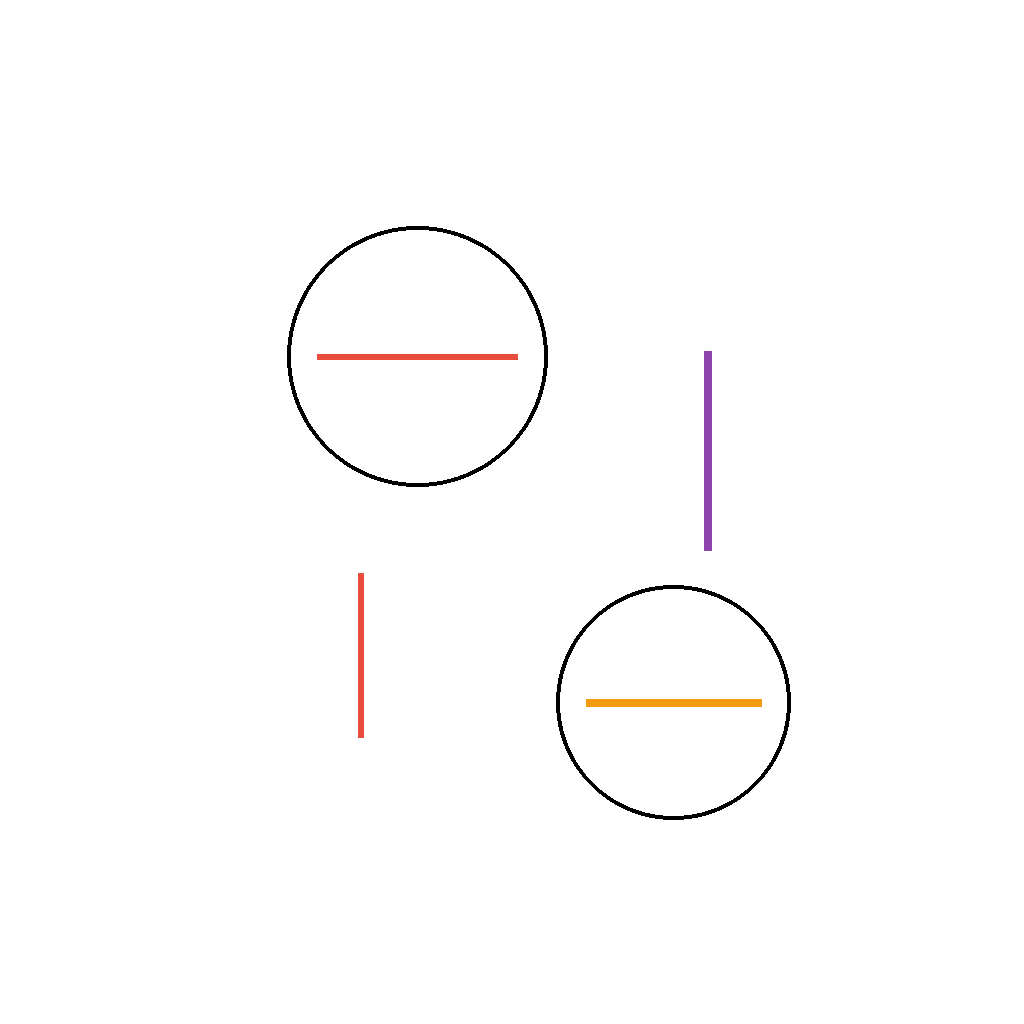
A set of lines is shown. Circle all horizontal lines. Do not change anything else.
First Frame
Last Frame
Video
mark_asymmetrical_shape
GitHub
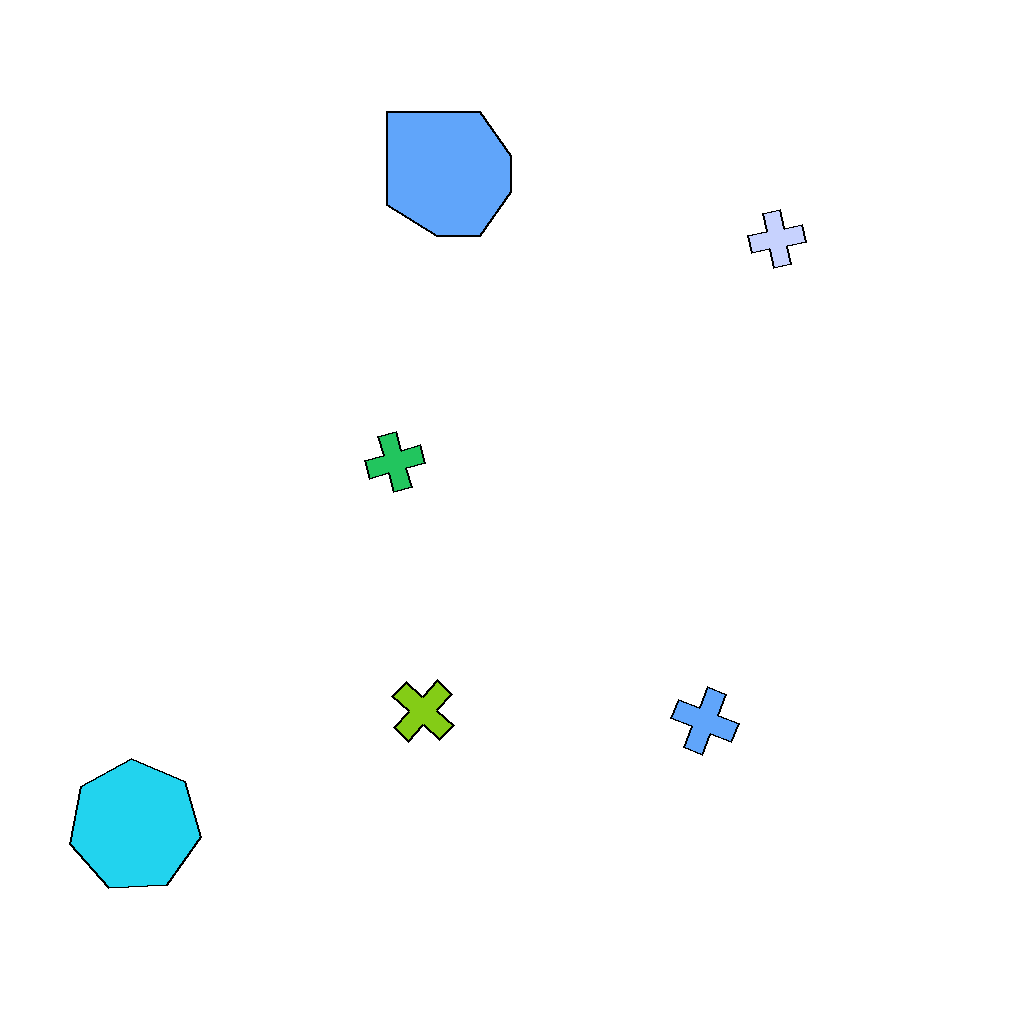
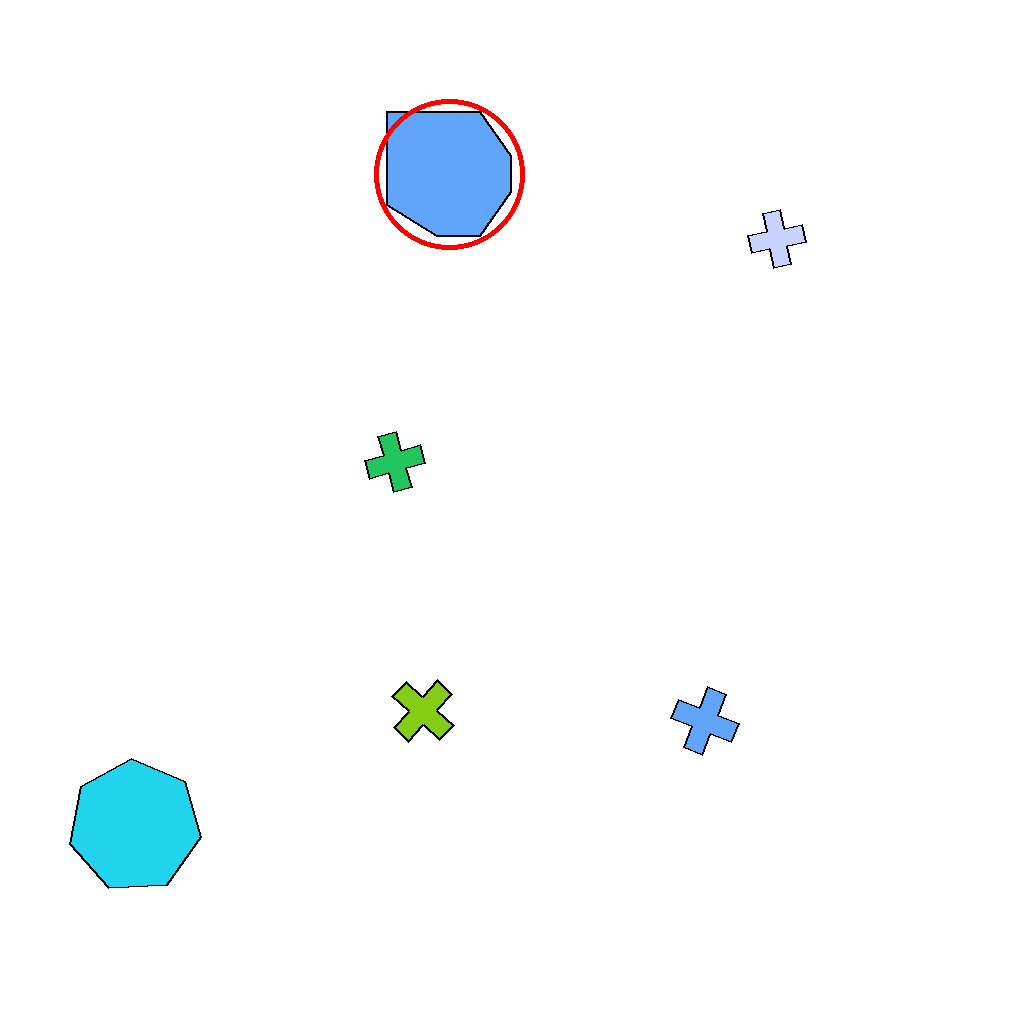
Prompt
Among the displayed shapes, exactly one is asymmetrical. Identify and circle that asymmetrical shape with a red circle. Do not change anything else.
First Frame
Last Frame
Video
color_triple_intersection_red
GitHub
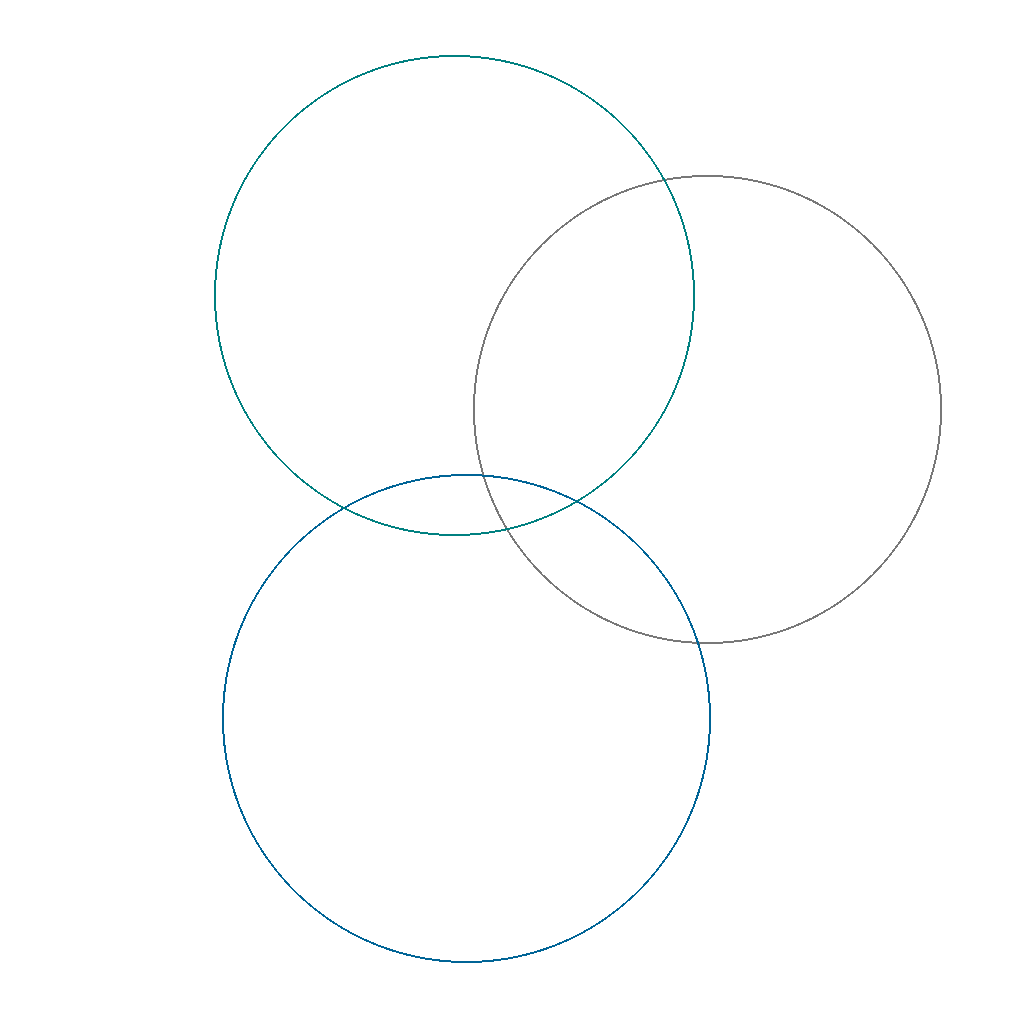
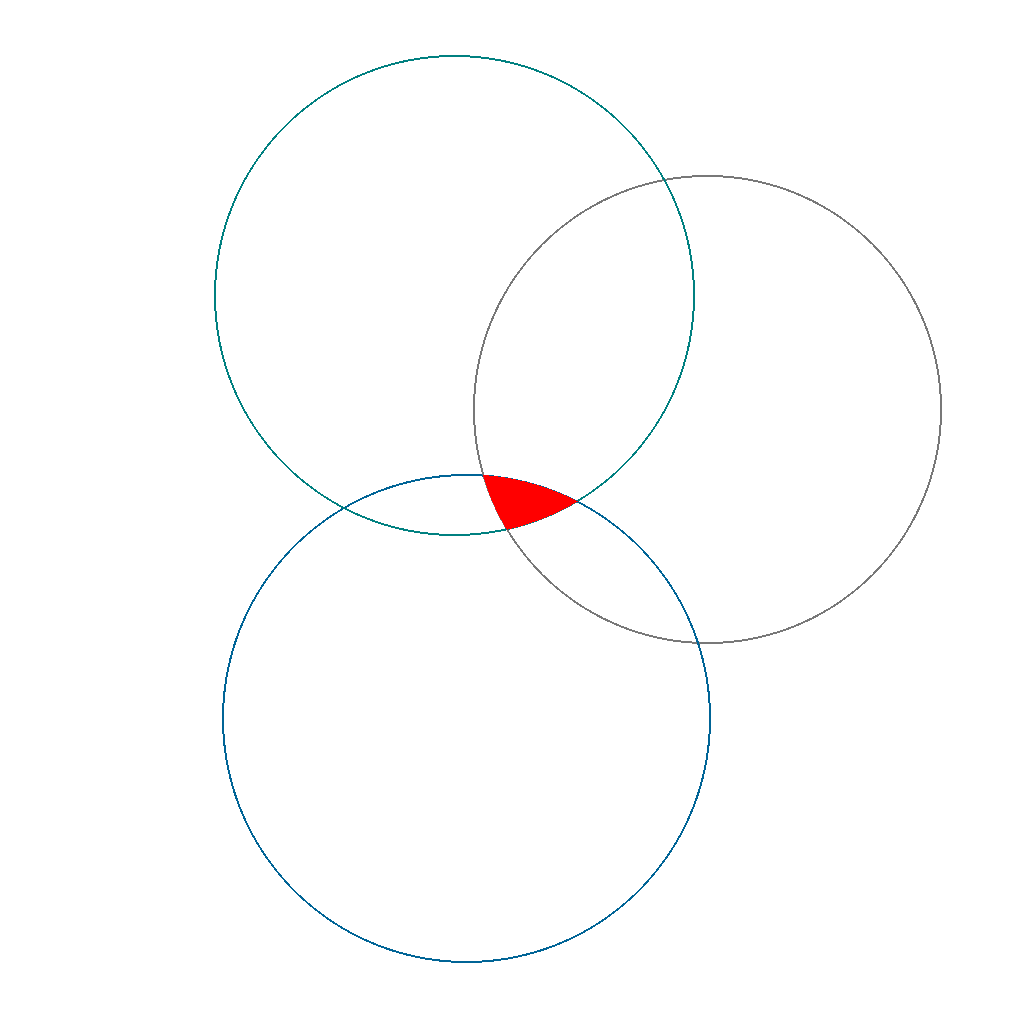
Prompt
A Venn diagram of circles is shown. Identify the region that lies in all three of the first three circles (triple intersection) and color that region red. Do not change anything else.
First Frame
Last Frame
Video
Showing 150 generators across 5 categories
VBVR-DataFactory
VBVR-DataFactory is a synthetic data spring for video reasoning, spanning an open-source GitHub org of parameterized generators and a cloud-native, serverless AWS pipeline for million-scale generation.
Current Options
You can generate datasets now using VBVR-DataFactory CLI:
# Clone VBVR-DataFactory
git clone https://github.com/Video-Reason/VBVR-DataFactory.git
cd VBVR-DataFactory

# Install and deploy
pip install -e ".[dev,cdk]"
cd deployment && cdk bootstrap && cdk deploy && cd ..

# Generate datasets
python scripts/submit.py --generator all --samples 10000

# Monitor and download
python scripts/monitor.py --watch
aws s3 sync s3://bucket/data/v1/ ./results/
150+ generators available for creating diverse reasoning tasks.
VBVR-Dataset
A large-scale video reasoning dataset spanning ~150 curated reasoning tasks and over one million video clips, organized across six cognitive pillars: abstraction, logic and symbols, spatiality, perception, physics, and transformation.
Quick Start
You can load and use VBVR-Dataset with HuggingFace datasets:
# Install datasets library
pip install datasets

# Load VBVR-Dataset
from datasets import load_dataset
dataset = load_dataset("Video-Reason/VBVR-Dataset")

# Access data
train_data = dataset["train"]
print(f"Dataset size: {len(train_data)} samples")
2,015,000 images and 1,007,500 video clips - approximately three orders of magnitude larger than existing datasets.